
 15
15presentation
College Essay Thesis Builder Slides
Build stronger academic arguments with a college essay thesis builder featuring guided examples, revision prompts, and editable PowerPoint and Google Slides.
Google SlidesPowerPoint
presentation · English
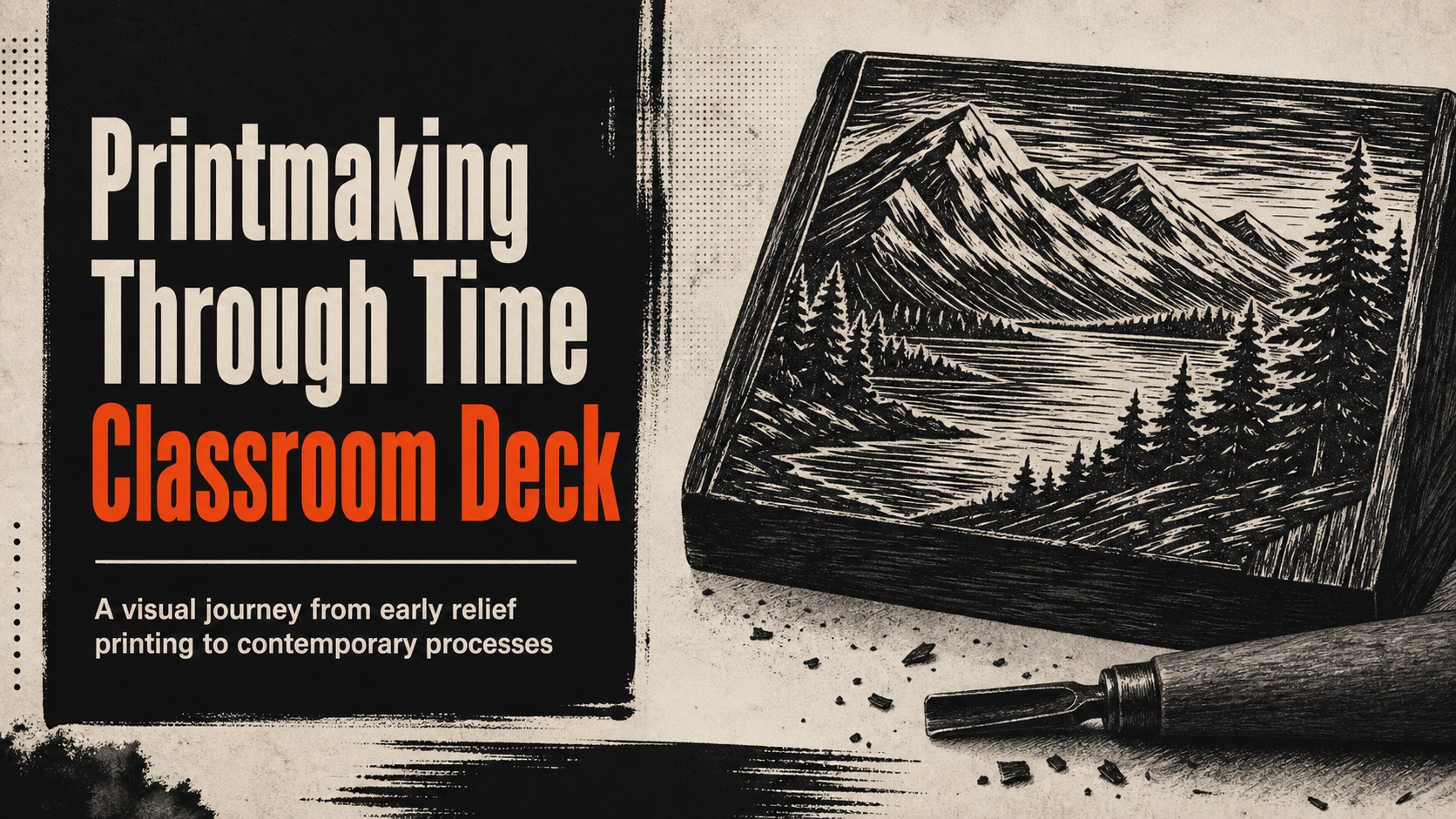
Turn art history into a visual journey with a printmaking history classroom deck for lessons on techniques, timelines, and influential works. Edit it free.
Design notes
Make the story of printmaking easier to follow with a printmaking history classroom deck built for visual teaching. Its bold black palette, rough-edged graphics, and illustrated details create an art-studio atmosphere while leaving room for clear explanations, images, and class prompts. Use it to connect historic methods with the artists and cultural moments that shaped them.
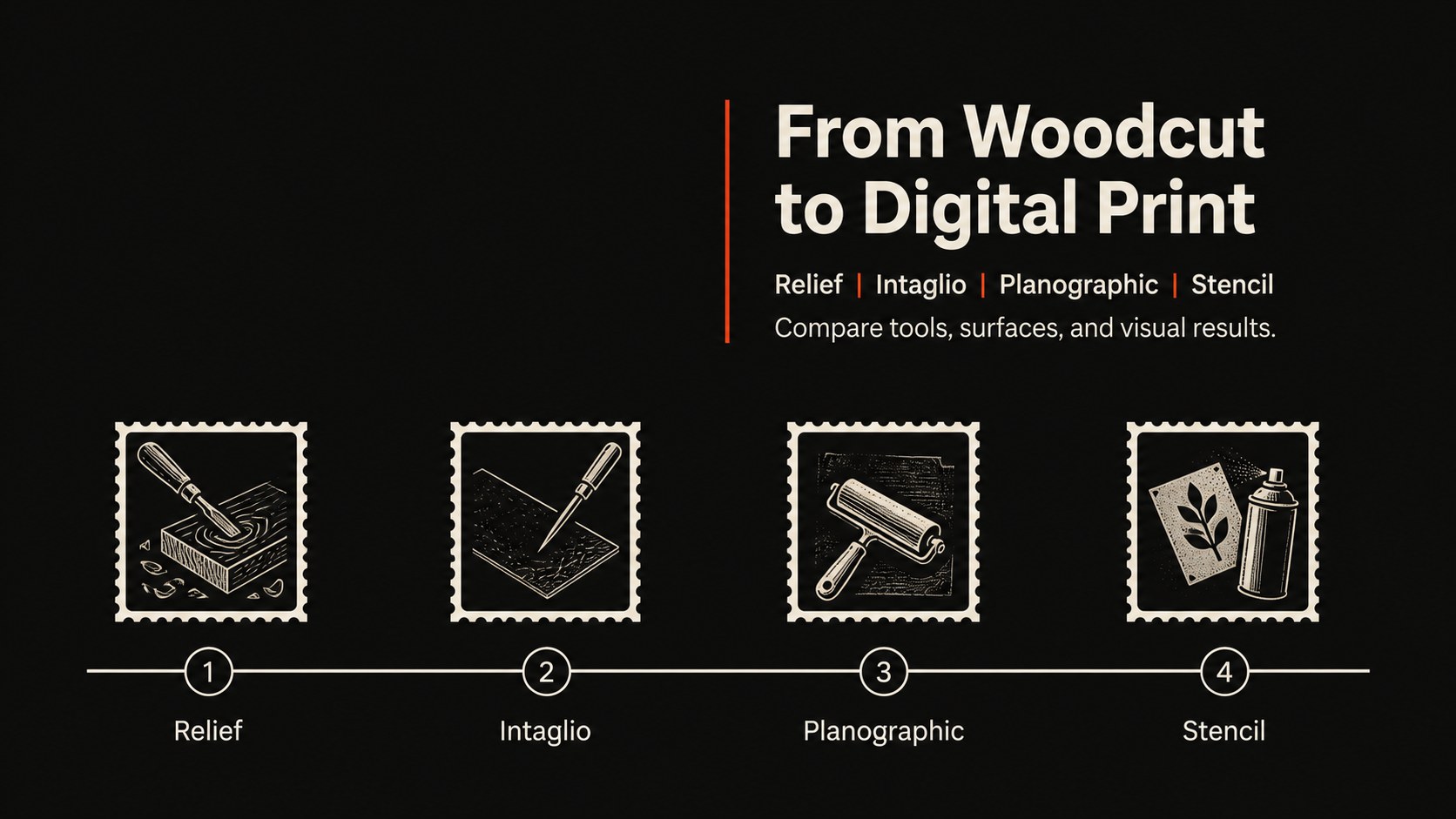
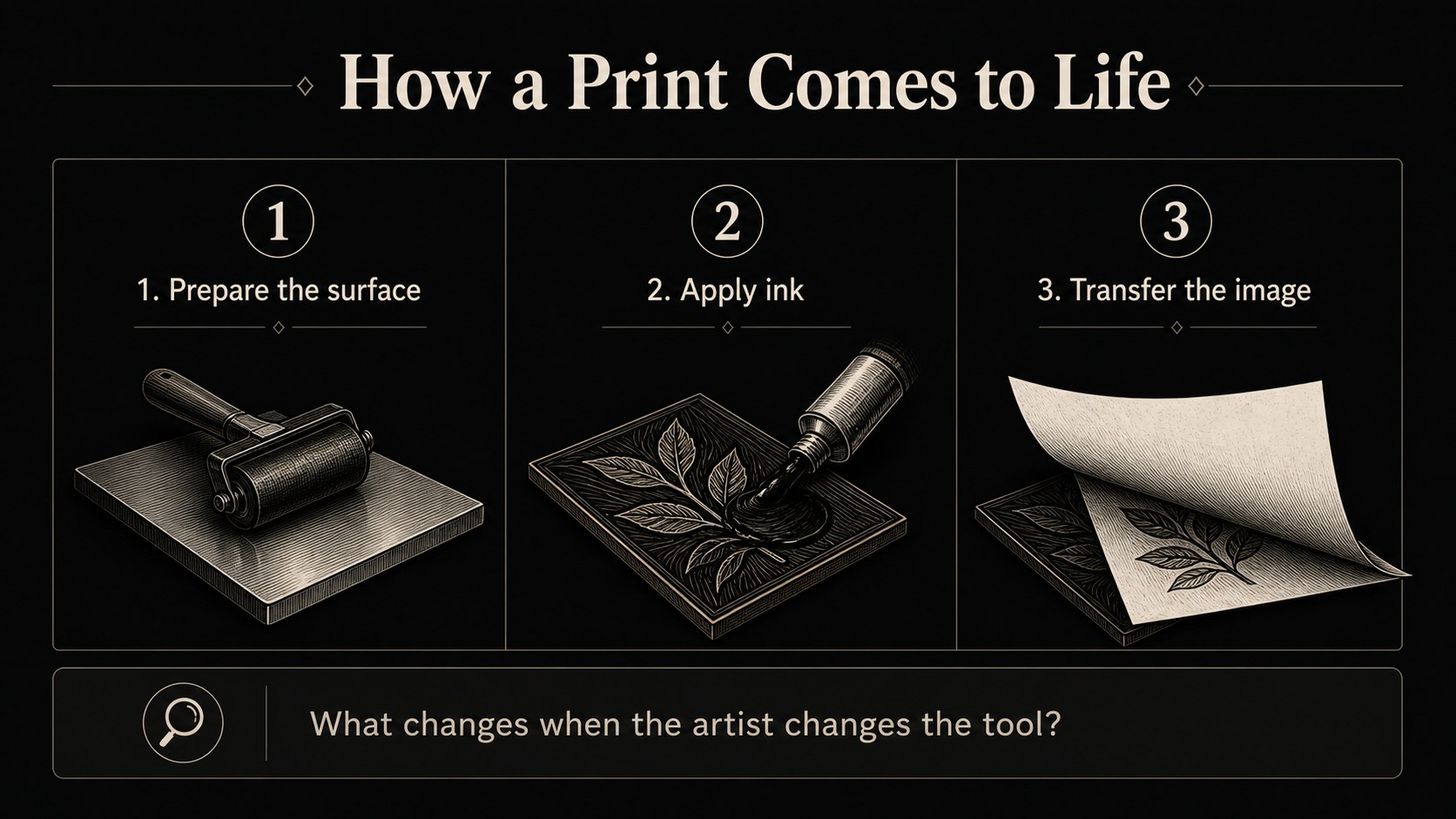
The presentation includes adaptable layouts for a printmaking techniques timeline, process comparisons, artwork analysis, key dates, and short knowledge checks. Add photographs of woodcuts, engravings, etchings, lithographs, screen prints, or digital work, then adjust the text to match the age and interests of your students. The structure also works well for a printmaking lesson sequence covering tools, materials, steps, and visual outcomes.
Designed for art teachers, museum educators, workshop leaders, and students preparing an art history presentation for students, the deck can support a full class lecture or a compact project introduction. Edit it, Google Slides, or PowerPoint, and customize fonts, charts, illustrations, transitions, and speaker notes without changing the expressive monochrome style.
Perfect for: middle school art history lesson; high school printmaking unit; museum education workshop; artist technique comparison; studio project introduction.
Frequently asked questions
Can I edit this printmaking history classroom deck? Yes. Open the template to change text, images, colors, fonts, layouts, and speaker notes with drag-and-drop controls.
Practical details
Yes. Open the template to change text, images, colors, fonts, layouts, and speaker notes with drag-and-drop controls.
Yes, the deck is designed for, Google Slides, and PowerPoint. Export or open the presentation in your preferred platform and revise the content there.
You can simplify the vocabulary, replace examples, and adjust the number of historical details for younger learners. Older students can use the comparison and analysis layouts for deeper discussion.
Use the layouts to explain relief, intaglio, planographic, stencil, and digital methods, along with tools, materials, artists, and historical context. The timeline and process sections can also support a practical studio assignment.
Keep exploring
15Build stronger academic arguments with a college essay thesis builder featuring guided examples, revision prompts, and editable PowerPoint and Google Slides.
 15
15Build an engaging World UFO Day session with this flying saucer history lesson deck, featuring retro green-and-brown slides for PowerPoint and Google Slides.
 14
14Plan a memorable Lunar New Year campaign with the 2036 Dragon Year Celebration Theme, featuring bold red-and-yellow slides for lessons and events.
 15
15Build a thoughtful classroom discussion with this interfaith awareness lesson deck, featuring editable blue-and-white slides for PowerPoint and Google Slides.
 15
15Use this environmental awareness lesson deck to teach climate action through illustrated activities, discussion prompts, and ready-to-edit visuals.
 15
15Build playful lessons and party stories with a kid-friendly zombie celebration theme in purple, green and pastel blue for PowerPoint and Google Slides.
 15
15Build eerie lessons, campaigns, and story pitches with an undead survival scenario theme featuring editable slides for PowerPoint and Google Slides.
 16
16Turn environmental research into a clear story with a Watercolor Ecology Presentation Theme for PowerPoint and Google Slides in calming green and blue.