
 15
15presentation
College Essay Thesis Builder Slides
Build stronger academic arguments with a college essay thesis builder featuring guided examples, revision prompts, and editable PowerPoint and Google Slides.
Google SlidesPowerPoint
presentation · English
Make gratitude personal with Printable Thanksgiving Appreciation Notes, an editable orange watercolor set for family tables, classrooms, and holiday hosts.



Design notes
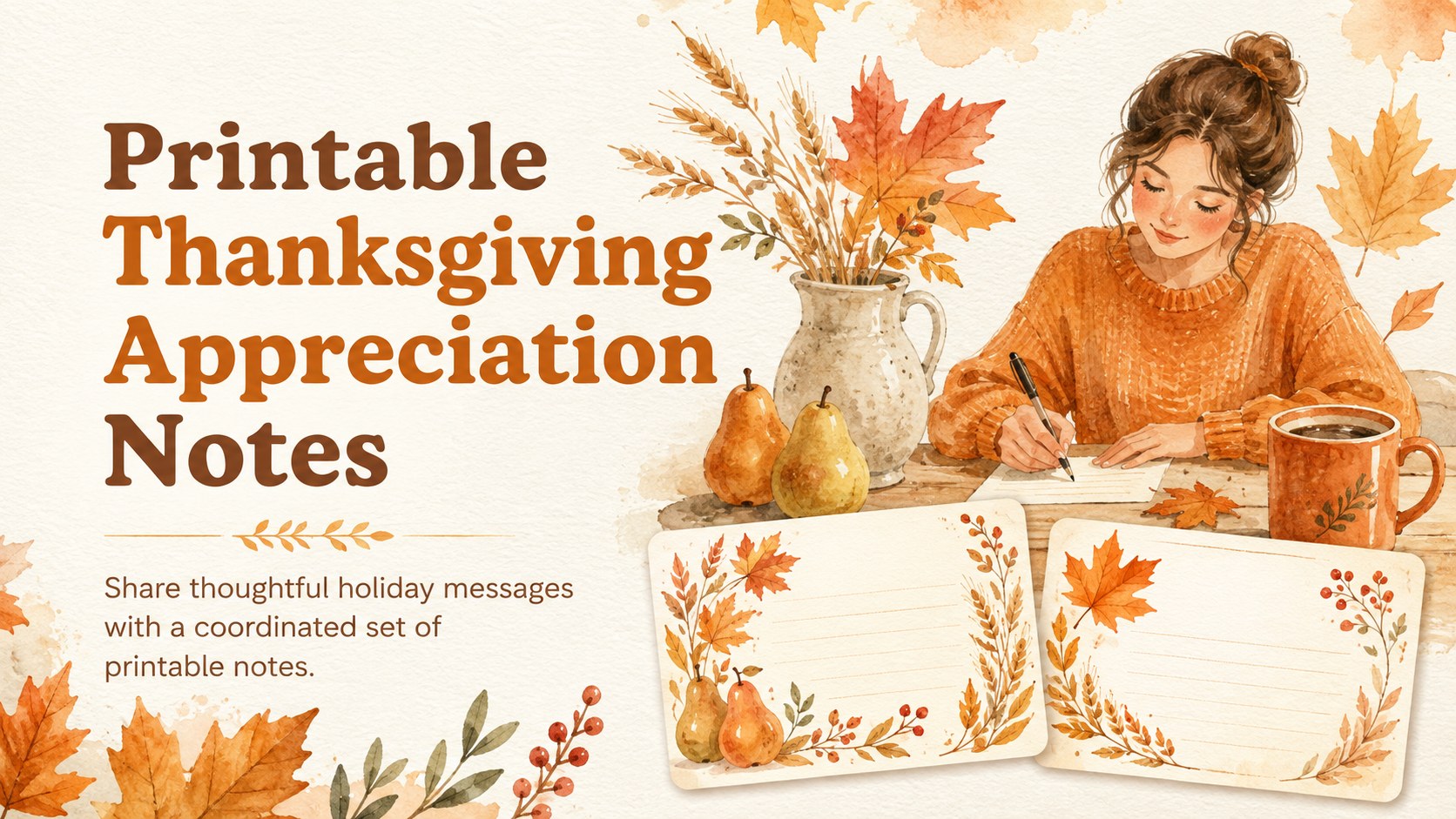
Printable Thanksgiving Appreciation Notes make it easy to recognize the people who bring warmth, generosity, and meaning to your celebration. The cheerful orange palette, hand-painted details, and playful seasonal illustrations create a welcoming look without making your message feel overly formal. Personalize the wording in PowerPoint or Google Slides, then present the notes digitally or prepare them for printing.
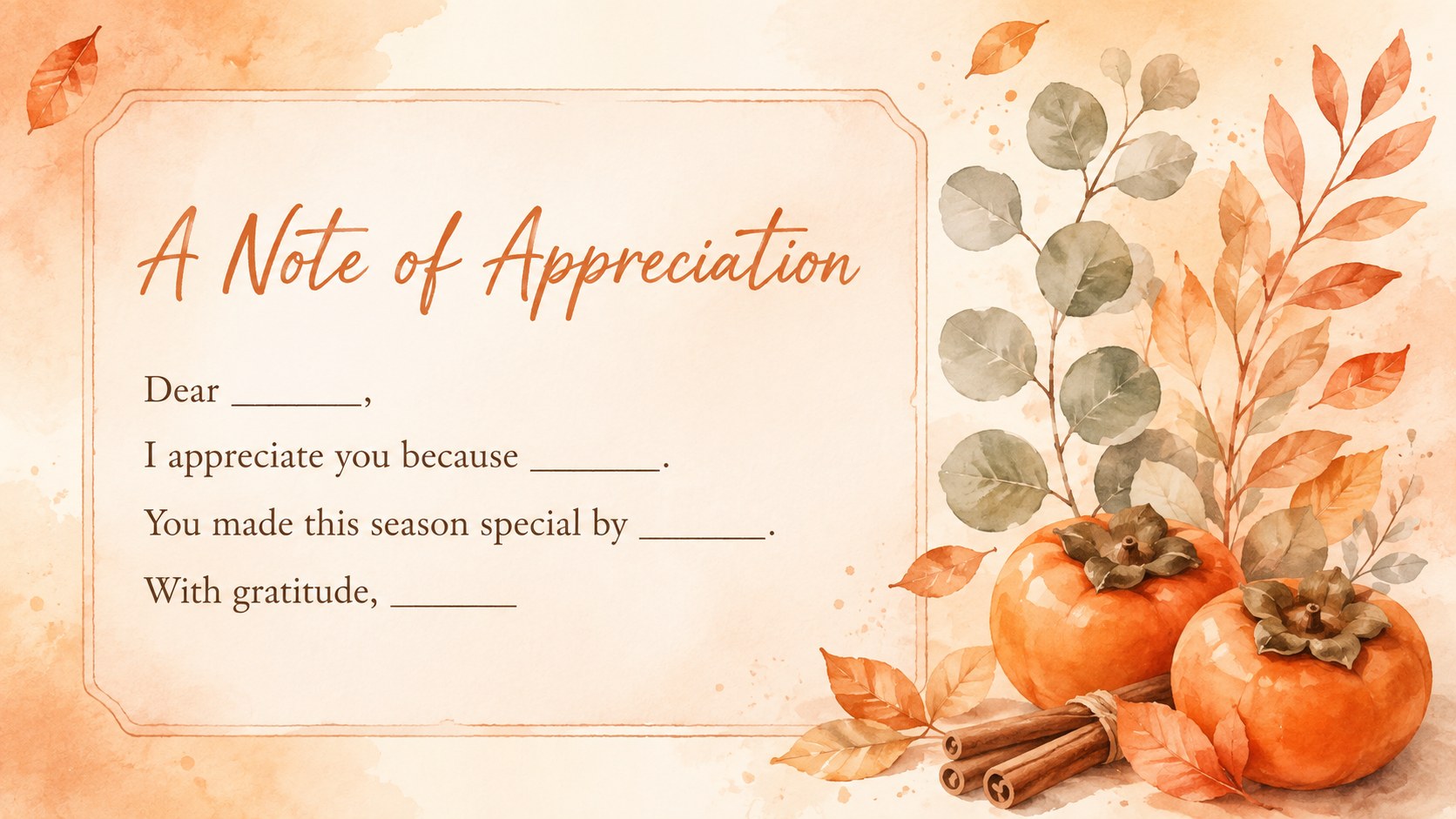
The collection includes five coordinated layouts with space for a recipient, a short gratitude message, and a personal sign-off. Use the ready-made examples as family Thanksgiving gratitude cards, adapt them into classroom Thanksgiving appreciation notes, or create individual messages for dinner guests and hosts. Each layout can be updated with your preferred text, fonts, colors, shapes, and images. Built-in presentation tools also let you add subtle transitions when sharing the notes on screen.
This set is suited to families preparing place-setting surprises, teachers organizing seasonal activities, community groups thanking volunteers, and hosts sending messages after a gathering. The orange watercolor gratitude note slides maintain one consistent visual system while offering enough variation for every recipient to receive a distinct design. Export finished notes in a suitable format for printing, attach them to a digital message, or display them as part of a Thanksgiving presentation.
Perfect for: Thanksgiving dinner place settings; family gratitude messages; classroom appreciation activity; volunteer thank-you notes; host appreciation cards.
Frequently asked questions
Can I edit the wording on every appreciation note? Yes. Open the template in PowerPoint or Google Slides to replace the recipient name, message, and sign-off on each design. You can also adjust fonts, colors, and decorative elements.
Practical details
Yes. Open the template in PowerPoint or Google Slides to replace the recipient name, message, and sign-off on each design. You can also adjust fonts, colors, and decorative elements.
Yes. Customize the layouts first, then export them to PDF or another print-ready format supported by your presentation software. Review printer scaling and paper settings before producing the final copies.
The template is designed for Microsoft PowerPoint and Google Slides. Some font rendering or spacing may vary slightly between platforms, so check each finished note before sharing or printing.
Duplicate any layout and tailor its message to a relative, student, guest, host, or volunteer. Recolor small accents or swap seasonal illustrations while keeping the orange watercolor design consistent.
Keep exploring
15Build stronger academic arguments with a college essay thesis builder featuring guided examples, revision prompts, and editable PowerPoint and Google Slides.
 15
15Build an engaging World UFO Day session with this flying saucer history lesson deck, featuring retro green-and-brown slides for PowerPoint and Google Slides.
 14
14Plan a memorable Lunar New Year campaign with the 2036 Dragon Year Celebration Theme, featuring bold red-and-yellow slides for lessons and events.
 15
15Build a thoughtful classroom discussion with this interfaith awareness lesson deck, featuring editable blue-and-white slides for PowerPoint and Google Slides.
 15
15Use this environmental awareness lesson deck to teach climate action through illustrated activities, discussion prompts, and ready-to-edit visuals.
 15
15Build playful lessons and party stories with a kid-friendly zombie celebration theme in purple, green and pastel blue for PowerPoint and Google Slides.
 15
15Build eerie lessons, campaigns, and story pitches with an undead survival scenario theme featuring editable slides for PowerPoint and Google Slides.
 16
16Turn environmental research into a clear story with a Watercolor Ecology Presentation Theme for PowerPoint and Google Slides in calming green and blue.