
 15
15presentation
College Essay Thesis Builder Slides
Build stronger academic arguments with a college essay thesis builder featuring guided examples, revision prompts, and editable PowerPoint and Google Slides.
Google SlidesPowerPoint
presentation · English
Printable storybook coloring pages turn reading time into creative play with 15 editable black-and-white activities for PowerPoint and Google Slides.
Design notes
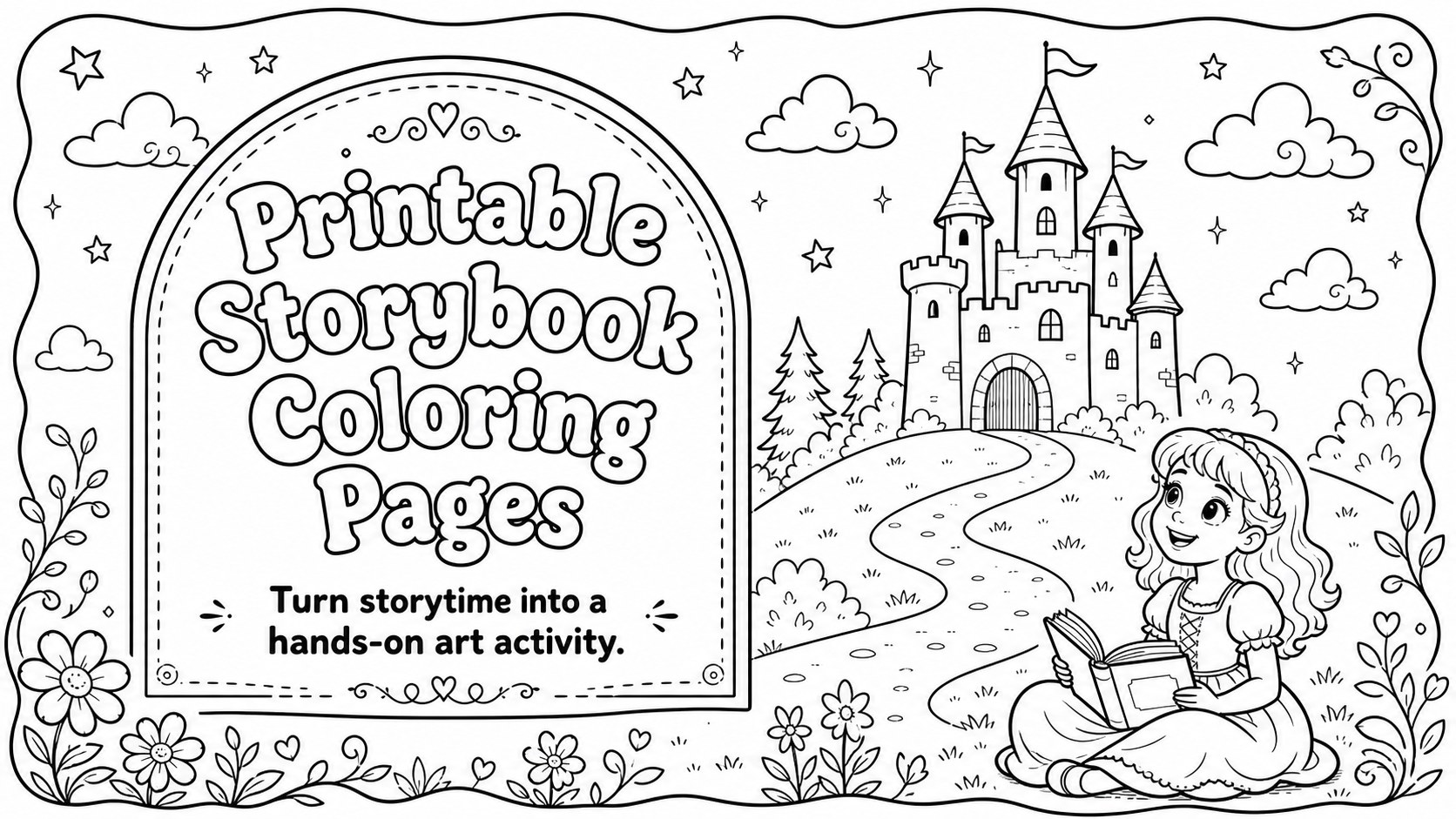
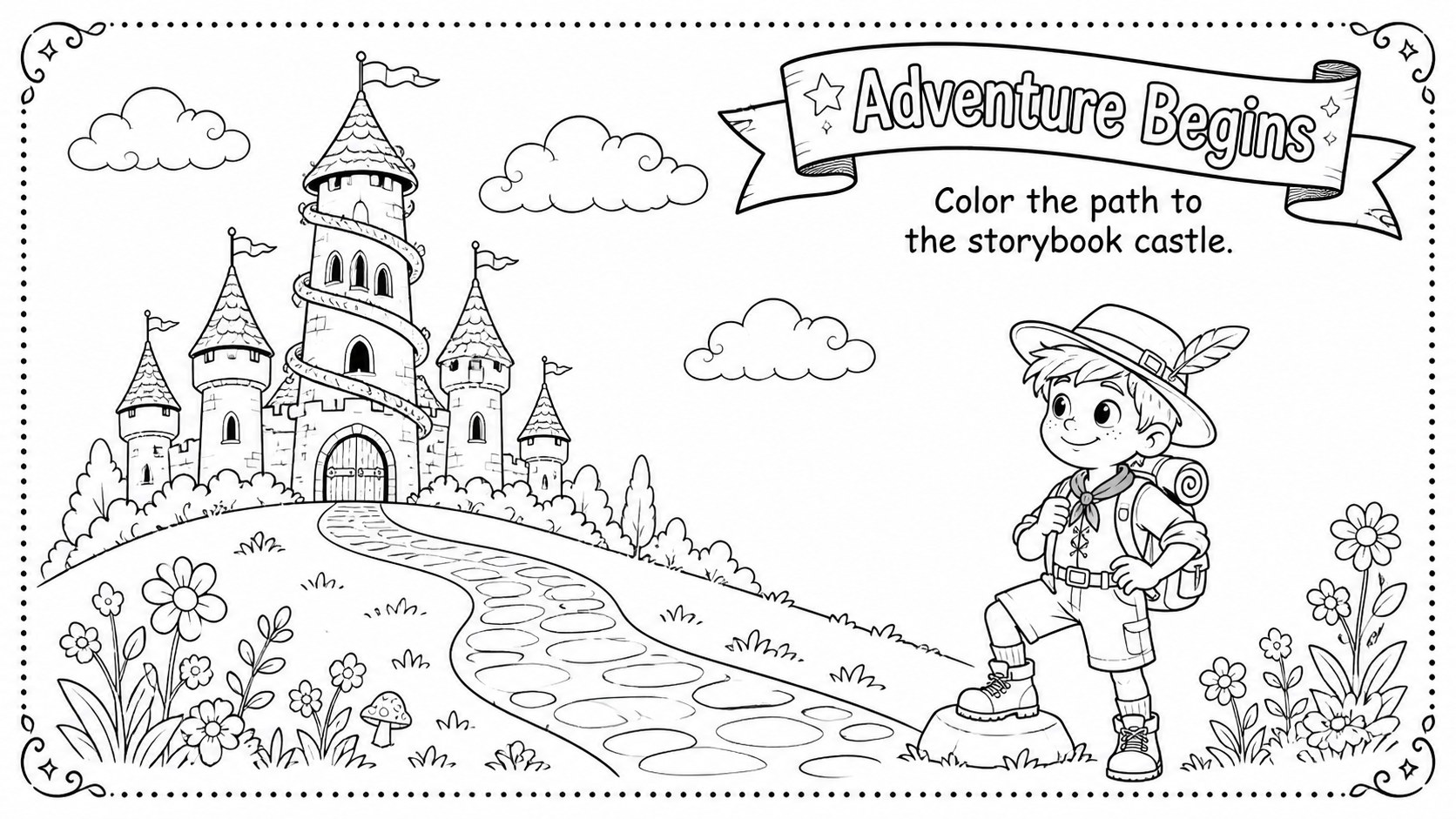
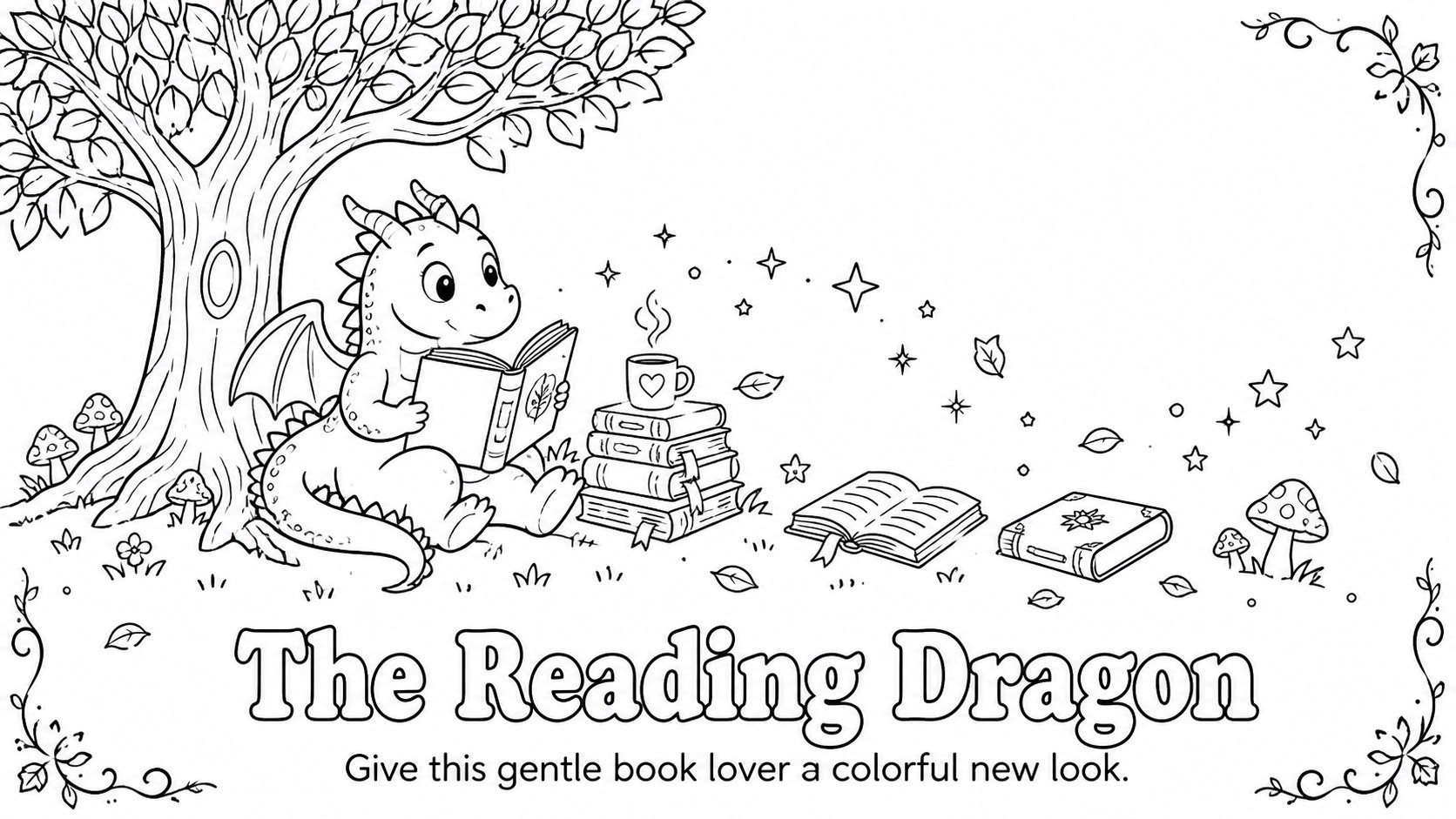
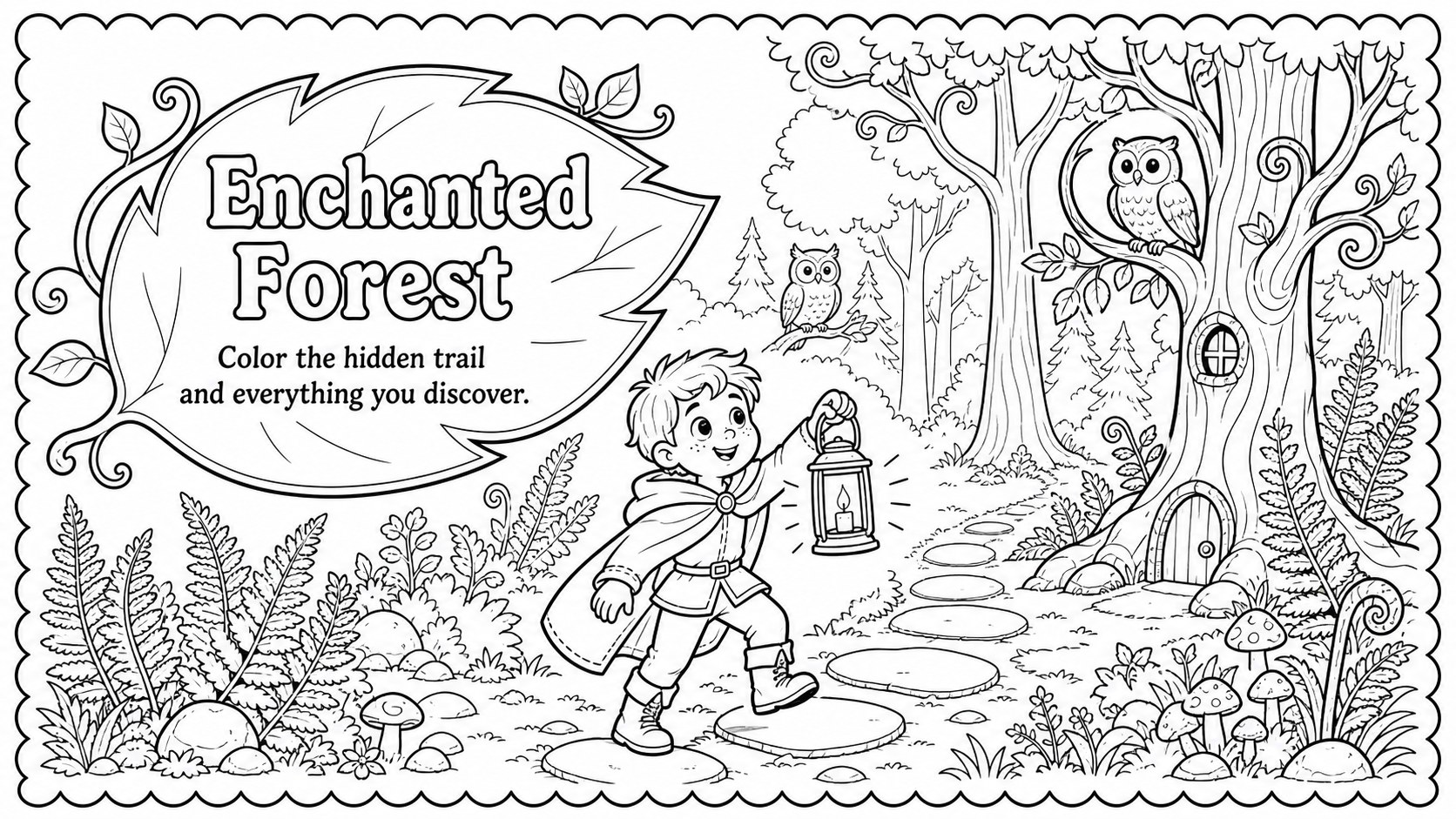
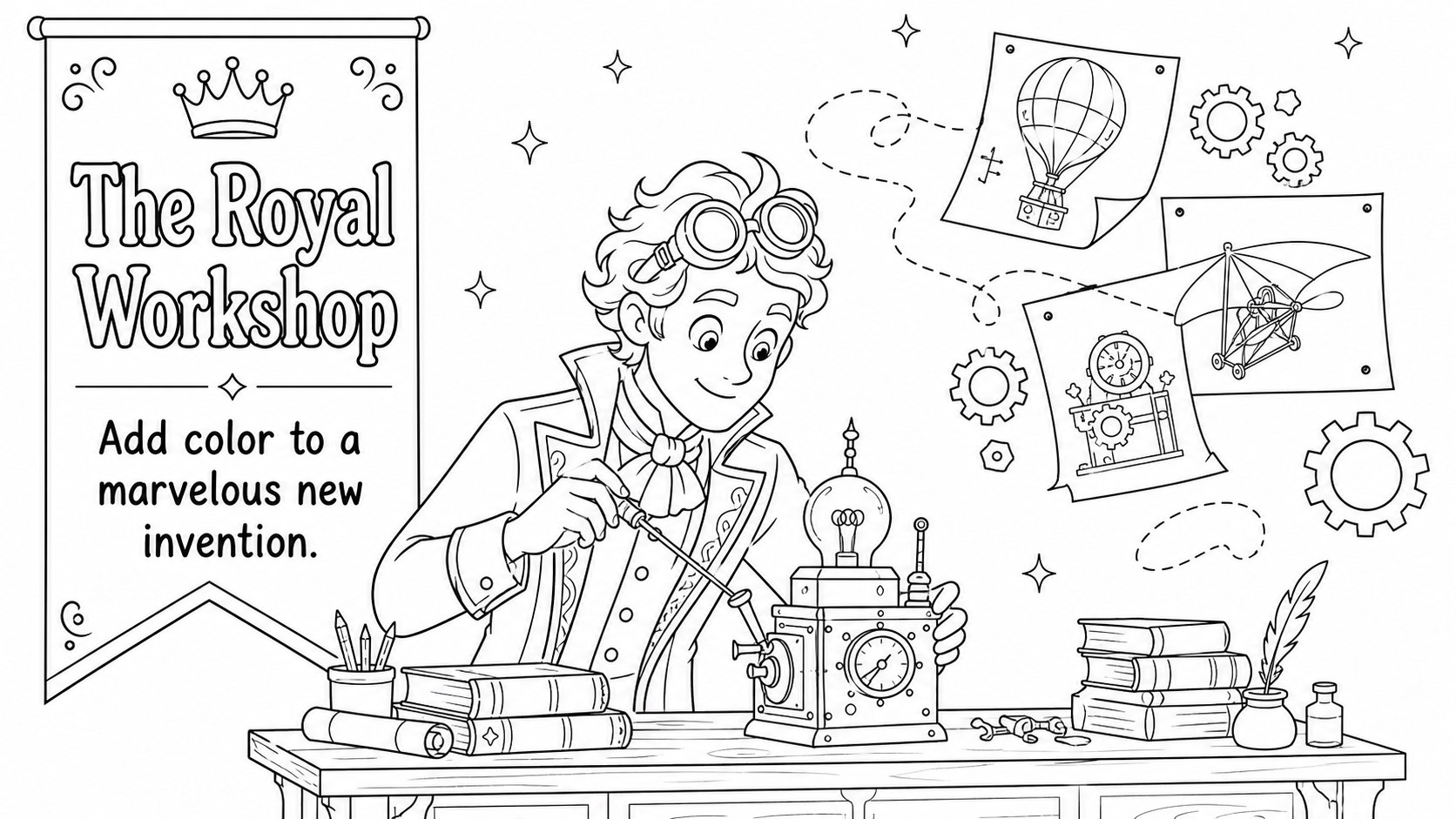
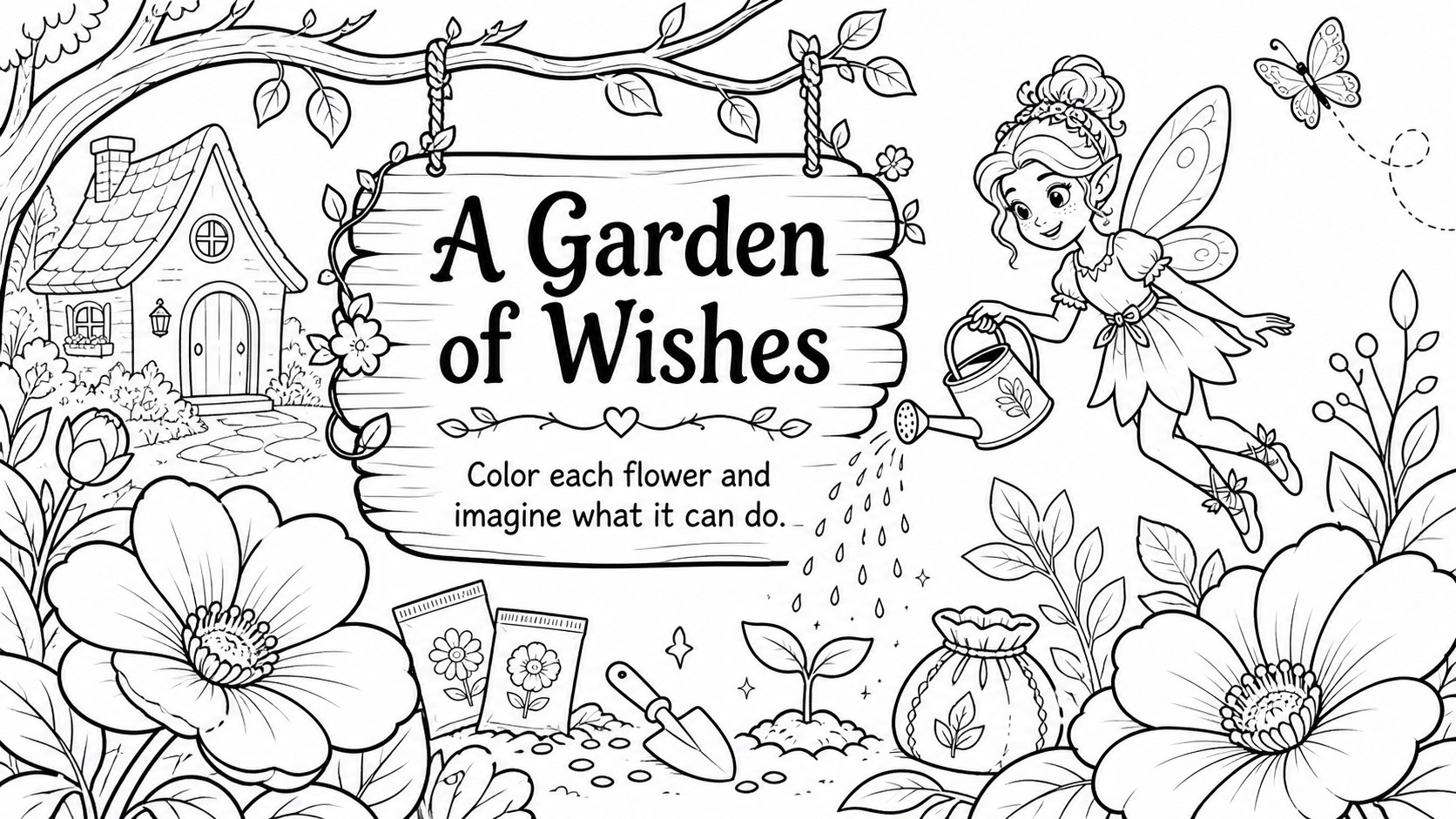
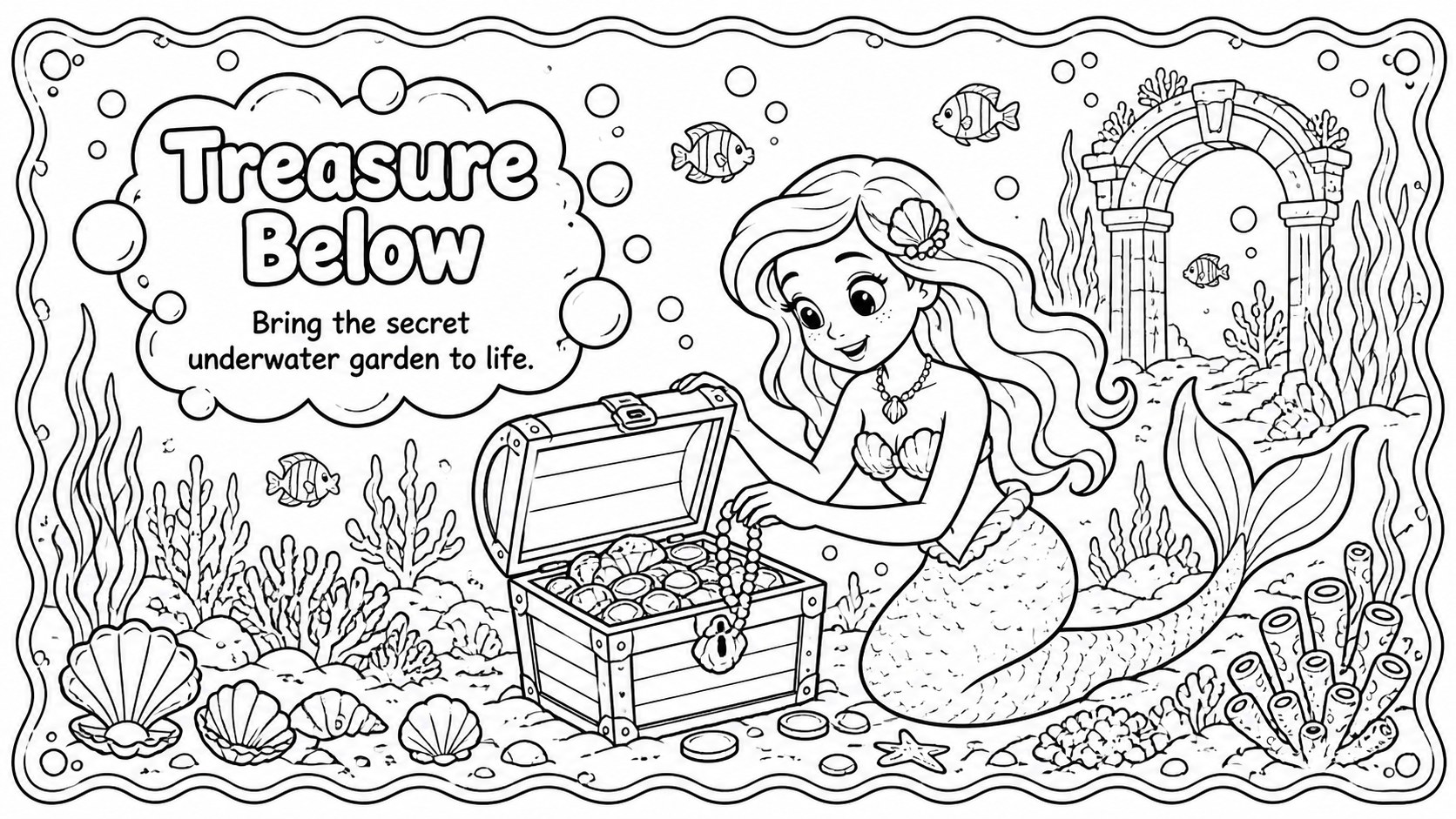
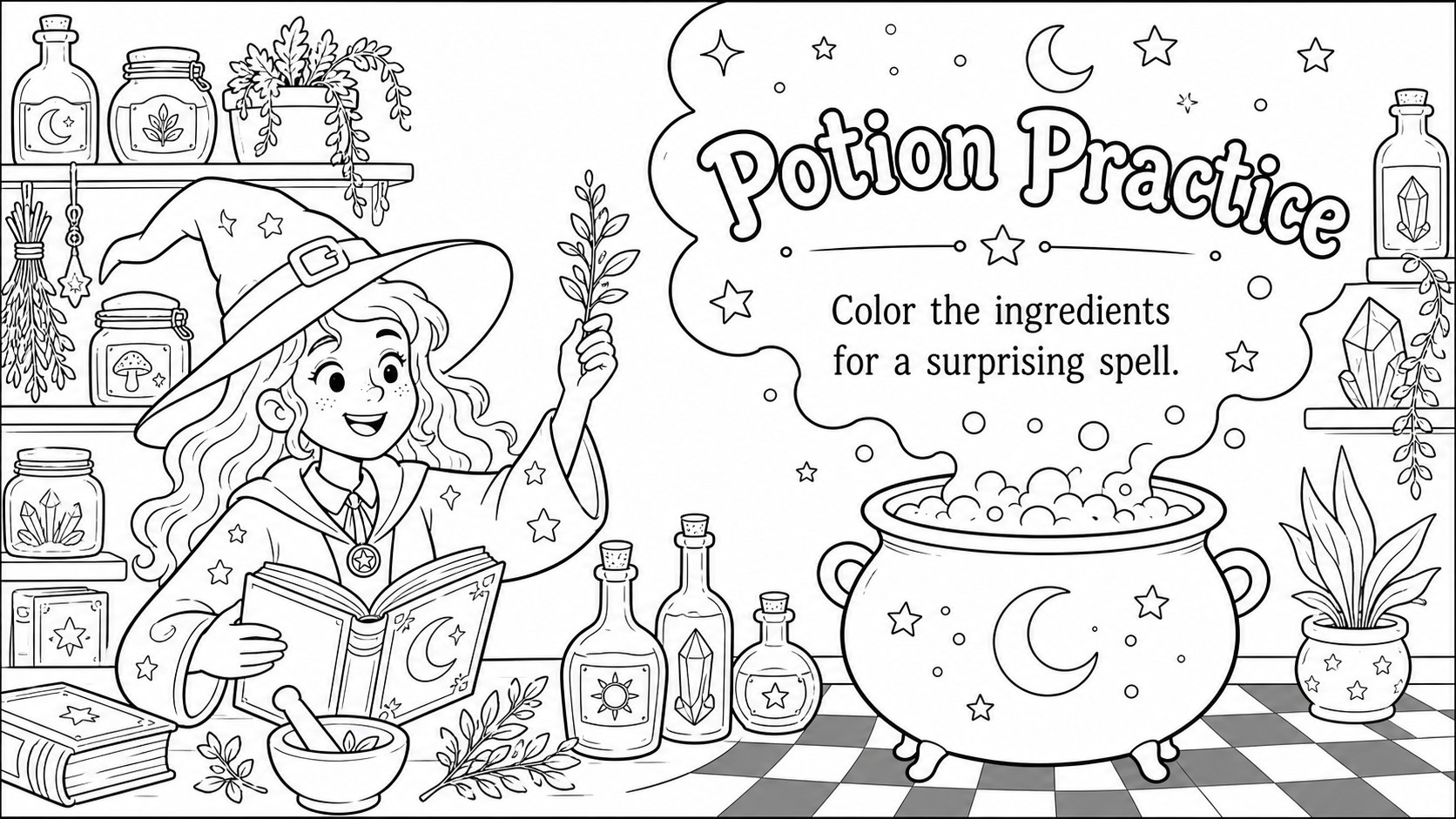
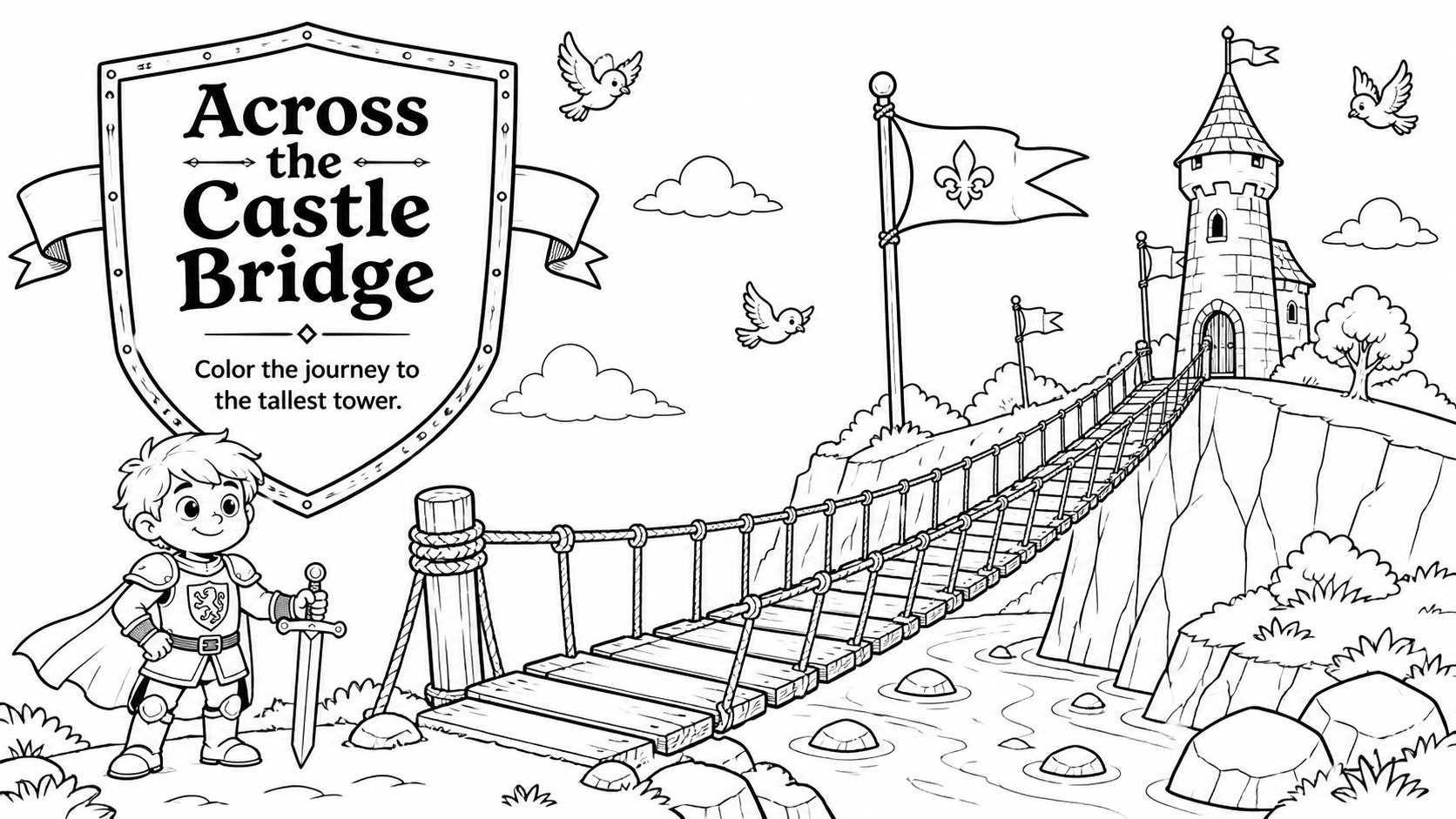
Printable storybook coloring pages bring imaginative reading and creative art together in one classroom-ready collection. Children can add color to original castles, enchanted forests, friendly creatures, magical objects, and adventurous story scenes while developing fine motor skills and visual confidence. The clean black-and-white illustration style leaves plenty of open space for crayons, pencils, or markers.
Inside are 15 editable pages designed for easy presenting or A4 printing. Use the illustrated cover to introduce the activity, then choose from fantasy coloring sheets for kids, castle scenes, character pages, story prompts, and a final page where learners can invent their own ending. Short titles and simple prompts help emerging readers engage with each scene without making the activity feel like a formal assignment.
This collection works especially well for elementary teachers, kindergarten educators, librarians, homeschool families, and children's activity coordinators. It can support a storybook art lesson, a quiet-time station, an early finisher task, or a creative follow-up to read-aloud sessions. Every page can be customized in PowerPoint or Google Slides, allowing educators to adjust instructions, replace illustrations, or add class-specific prompts. Print the editable fairy tale coloring pages individually, assemble them into a booklet, or display them during a guided coloring activity.
Perfect for: classroom storytime activity; elementary art lesson; library reading program; kindergarten quiet-time station; homeschool creativity session; printable coloring booklet.
Frequently asked questions
Can I edit the coloring pages before printing? Yes. Open the file in PowerPoint or Google Slides to change headings, instructions, page order, or illustration placement. You can also add a class name or create new story prompts.
Practical details
Yes. Open the file in PowerPoint or Google Slides to change headings, instructions, page order, or illustration placement. You can also add a class name or create new story prompts.
Yes. The activity layouts can be printed as individual A4 pages or combined into a classroom booklet. Check your printer settings and select the fit-to-page option if needed.
The template is compatible with PowerPoint and Google Slides. Both platforms let you present the pages digitally, customize their content, and export printable copies.
The simple prompts and open coloring areas are best suited to kindergarten and elementary learners. Teachers can simplify or expand the wording to match different reading levels.
Keep exploring
15Build stronger academic arguments with a college essay thesis builder featuring guided examples, revision prompts, and editable PowerPoint and Google Slides.
 15
15Build an engaging World UFO Day session with this flying saucer history lesson deck, featuring retro green-and-brown slides for PowerPoint and Google Slides.
 14
14Plan a memorable Lunar New Year campaign with the 2036 Dragon Year Celebration Theme, featuring bold red-and-yellow slides for lessons and events.
 15
15Build a thoughtful classroom discussion with this interfaith awareness lesson deck, featuring editable blue-and-white slides for PowerPoint and Google Slides.
 15
15Use this environmental awareness lesson deck to teach climate action through illustrated activities, discussion prompts, and ready-to-edit visuals.
 15
15Build playful lessons and party stories with a kid-friendly zombie celebration theme in purple, green and pastel blue for PowerPoint and Google Slides.
 15
15Build eerie lessons, campaigns, and story pitches with an undead survival scenario theme featuring editable slides for PowerPoint and Google Slides.
 16
16Turn environmental research into a clear story with a Watercolor Ecology Presentation Theme for PowerPoint and Google Slides in calming green and blue.