
 15
15presentation
College Essay Thesis Builder Slides
Build stronger academic arguments with a college essay thesis builder featuring guided examples, revision prompts, and editable PowerPoint and Google Slides.
Google SlidesPowerPoint
presentation · English
Turn assessment notes into a clear, parent-ready summary with Primary School Progress Report Slides in a modern blue, green, and red minimalist style.
Design notes
Primary School Progress Report Slides help educators turn classroom observations, assessment results, and learning goals into an organized update for families. The modern minimalist design combines blue, green, and red accents with generous spacing, making detailed information easy to review without losing a friendly primary-school feel. Use the deck as an editable primary school progress report or adapt it for term-end summaries and individual learner reviews.
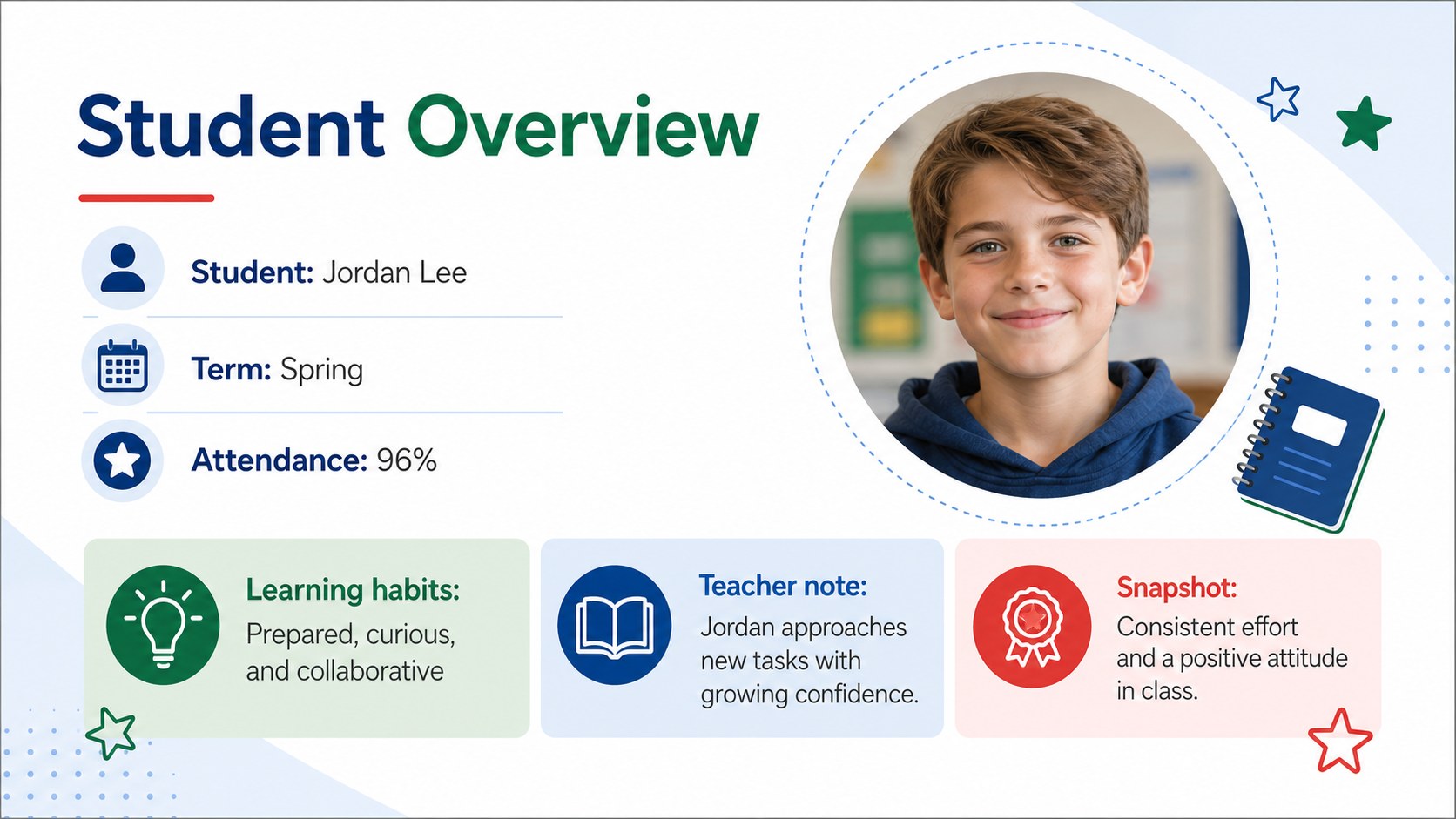
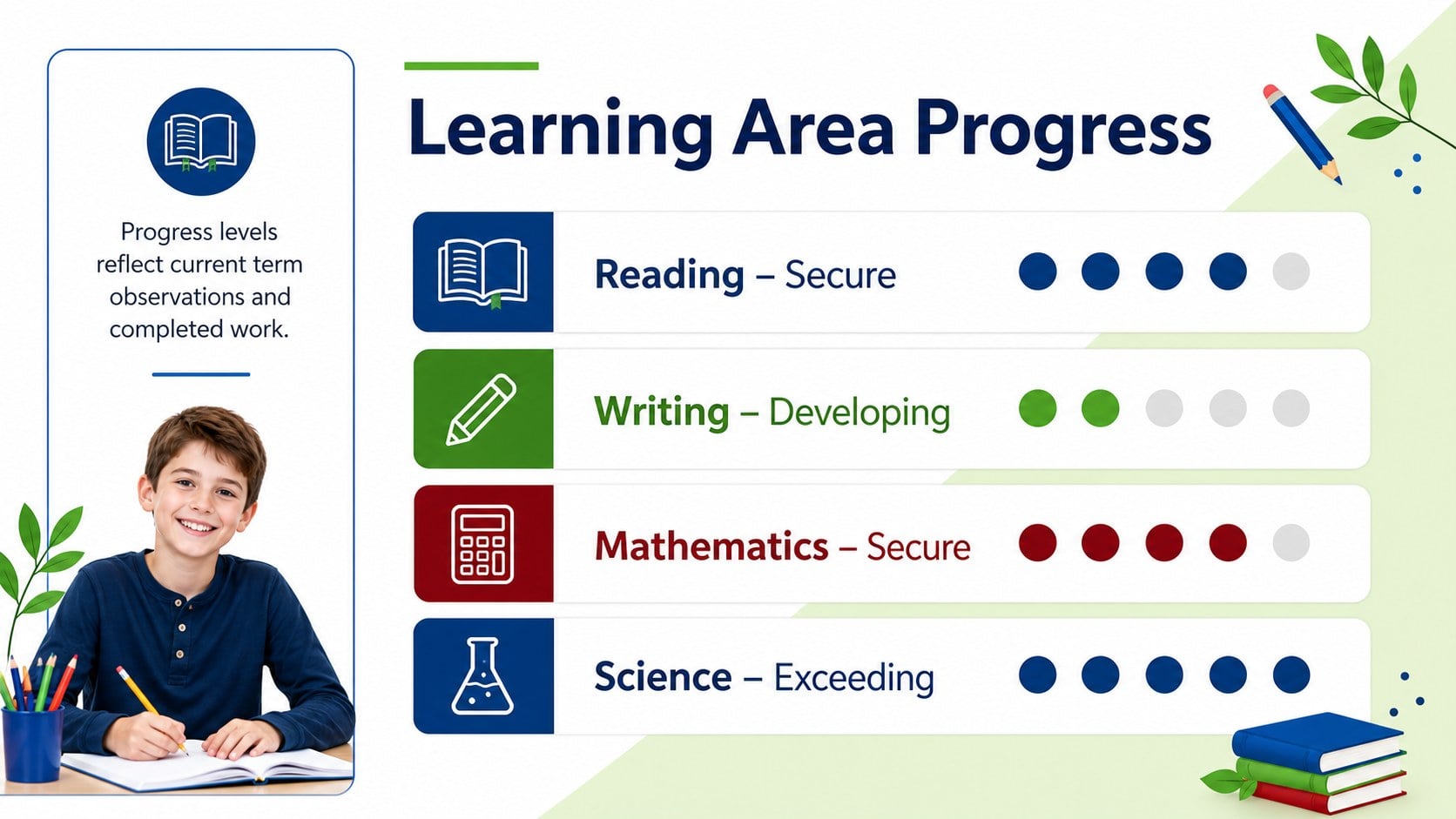
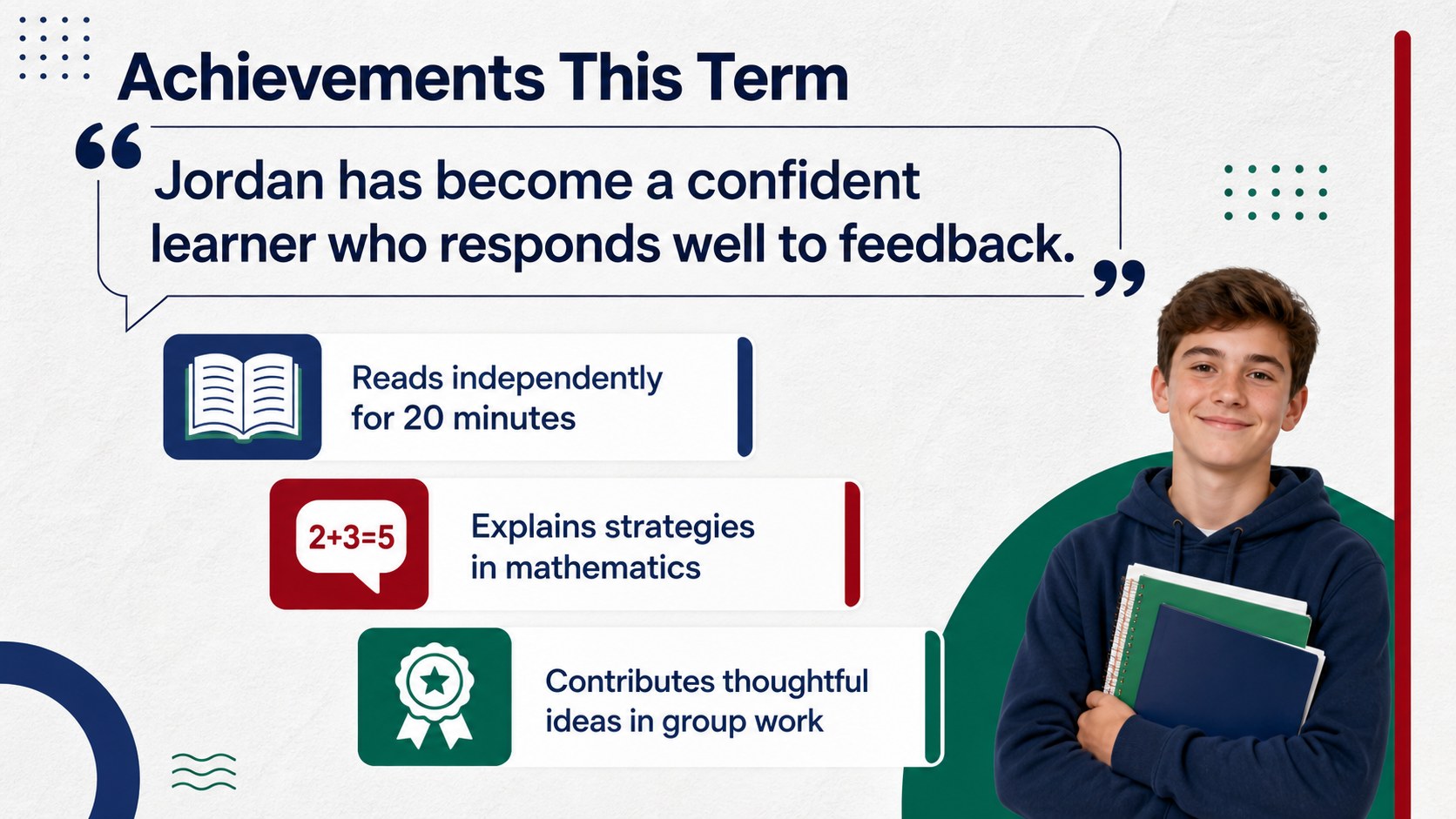
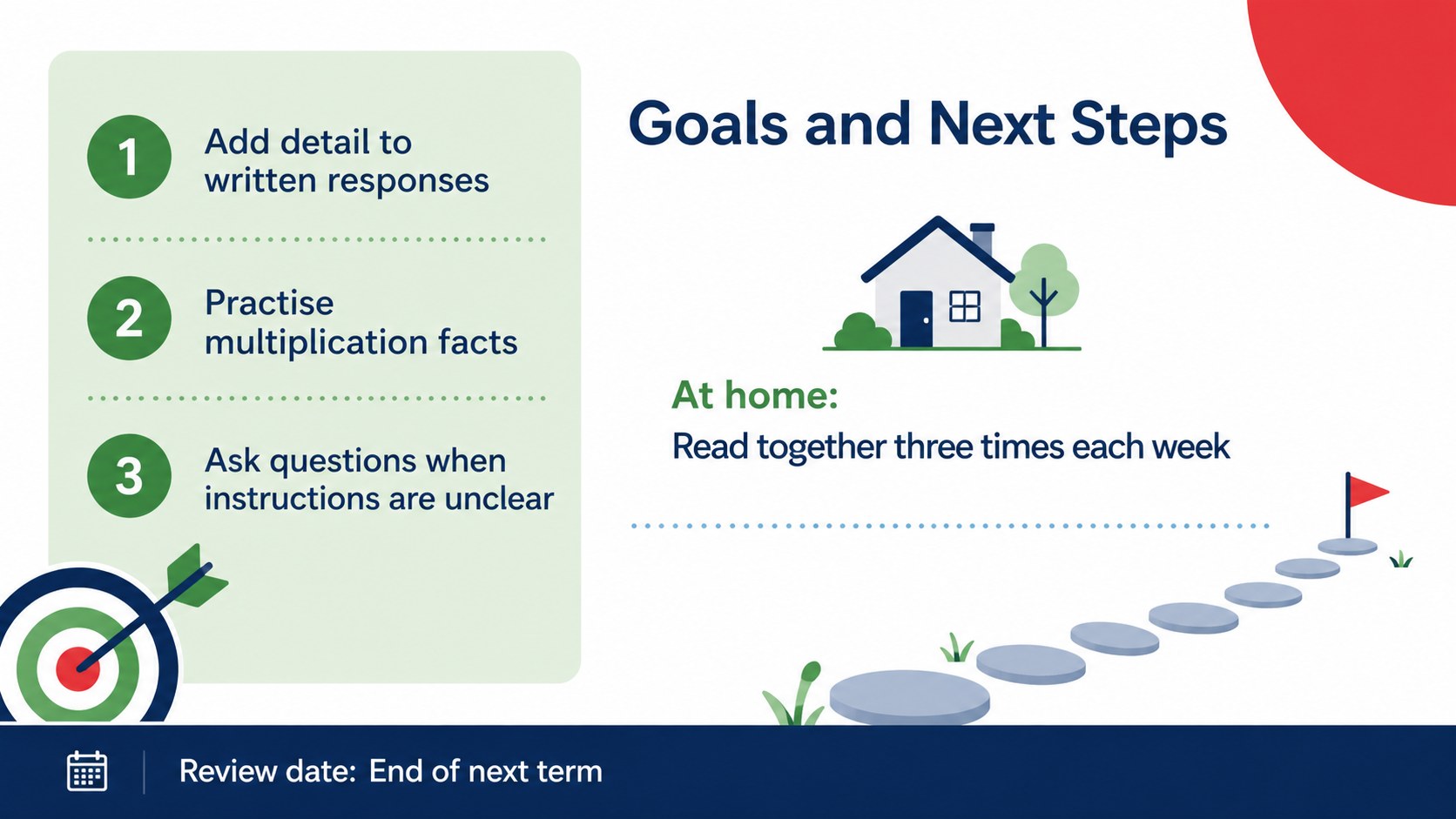
The five-slide layout includes a welcoming cover, student profile overview, subject-by-subject assessment, achievement highlights, and an action-focused next-steps page. Flexible text areas support grades, teacher comments, attendance notes, learning habits, and measurable goals. Visual indicators can be adjusted to show skill development or performance levels, while the restrained layout keeps the focus on each pupil's progress. It also works well as a parent teacher conference report slides resource when educators need a concise visual guide for discussion.
Designed for elementary teachers, tutors, school coordinators, and learning support teams, this student achievement summary presentation can be edited in PowerPoint or Google Slides. Change the wording, colors, assessment labels, and progress markers to match your curriculum or school reporting system. The slides are suitable for screen presentation, digital sharing, or export as a printable family report.
Perfect for: term-end pupil assessment; parent-teacher conference; individual learning review; student support meeting; academic progress update.
Frequently asked questions
Can I edit these progress report slides in PowerPoint? Yes. All headings, comments, performance markers, and colors can be edited in PowerPoint to match your grading system and school terminology.
Practical details
Yes. All headings, comments, performance markers, and colors can be edited in PowerPoint to match your grading system and school terminology.
Yes. Upload the presentation to Google Drive and open it in Google Slides to edit, present, or share it with colleagues.
Yes. Replace the subject labels, assessment language, and learning goals to suit different primary grade levels, tutoring programs, or support plans.
Yes. Present them during a meeting or export the finished report as a PDF for digital distribution or printing. Review any personal student information before sharing.
Keep exploring
15Build stronger academic arguments with a college essay thesis builder featuring guided examples, revision prompts, and editable PowerPoint and Google Slides.
 15
15Build an engaging World UFO Day session with this flying saucer history lesson deck, featuring retro green-and-brown slides for PowerPoint and Google Slides.
 14
14Plan a memorable Lunar New Year campaign with the 2036 Dragon Year Celebration Theme, featuring bold red-and-yellow slides for lessons and events.
 15
15Build a thoughtful classroom discussion with this interfaith awareness lesson deck, featuring editable blue-and-white slides for PowerPoint and Google Slides.
 15
15Use this environmental awareness lesson deck to teach climate action through illustrated activities, discussion prompts, and ready-to-edit visuals.
 15
15Build playful lessons and party stories with a kid-friendly zombie celebration theme in purple, green and pastel blue for PowerPoint and Google Slides.
 15
15Build eerie lessons, campaigns, and story pitches with an undead survival scenario theme featuring editable slides for PowerPoint and Google Slides.
 16
16Turn environmental research into a clear story with a Watercolor Ecology Presentation Theme for PowerPoint and Google Slides in calming green and blue.