
 15
15presentation
College Essay Thesis Builder Slides
Build stronger academic arguments with a college essay thesis builder featuring guided examples, revision prompts, and editable PowerPoint and Google Slides.
Google SlidesPowerPoint
document · English
Organize daily instruction with a Primary Classroom Teaching Planner featuring editable green, purple, and orange slides for PowerPoint and Google Slides.

Design notes
The Primary Classroom Teaching Planner gives elementary educators a clear, colorful framework for preparing focused lessons. Its green, purple, and orange geometric design keeps information easy to scan while adding energy to everyday planning. Use the editable elementary lesson planning slides to map out instruction, communicate expectations, and keep each class session moving with purpose.
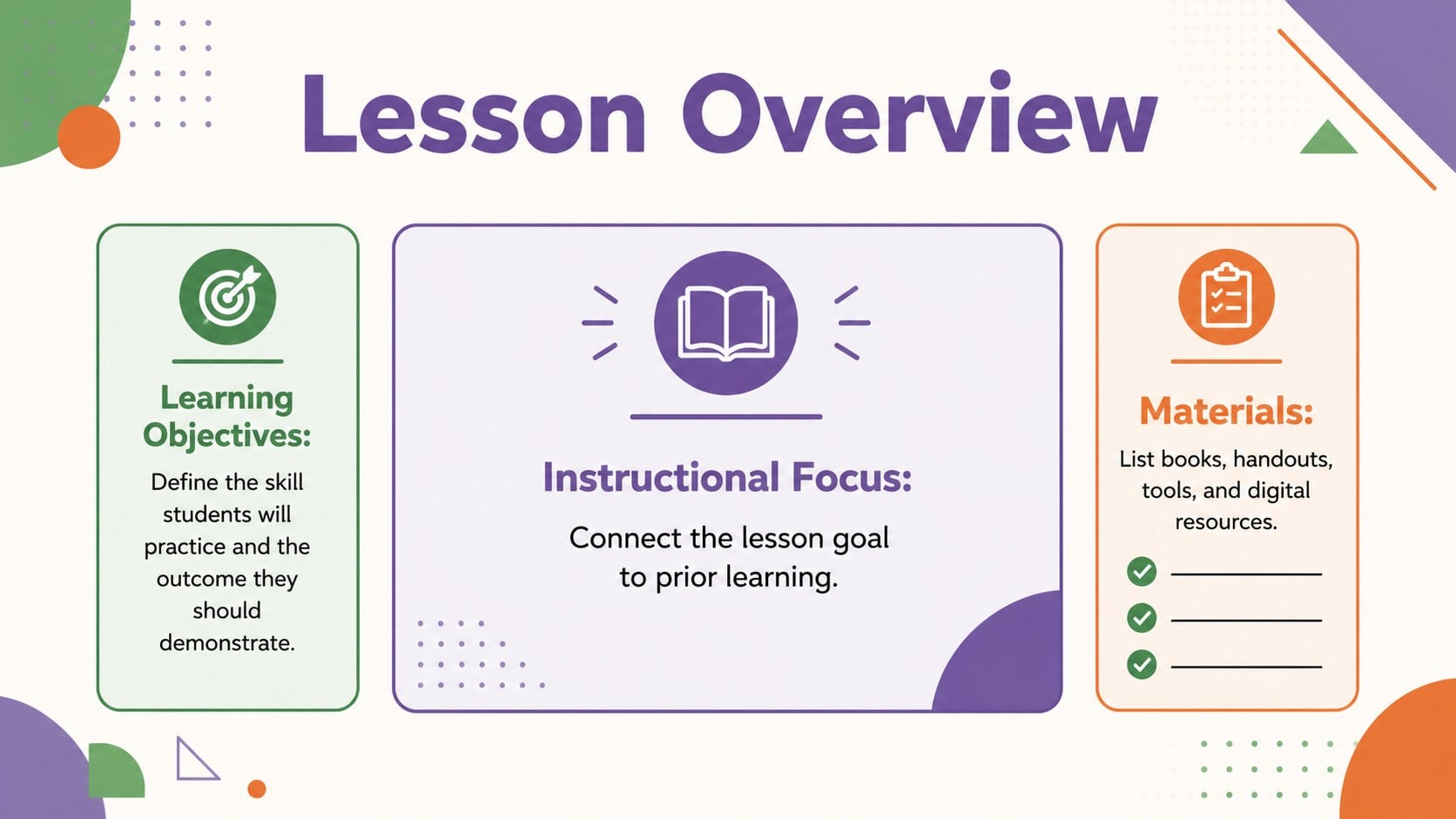
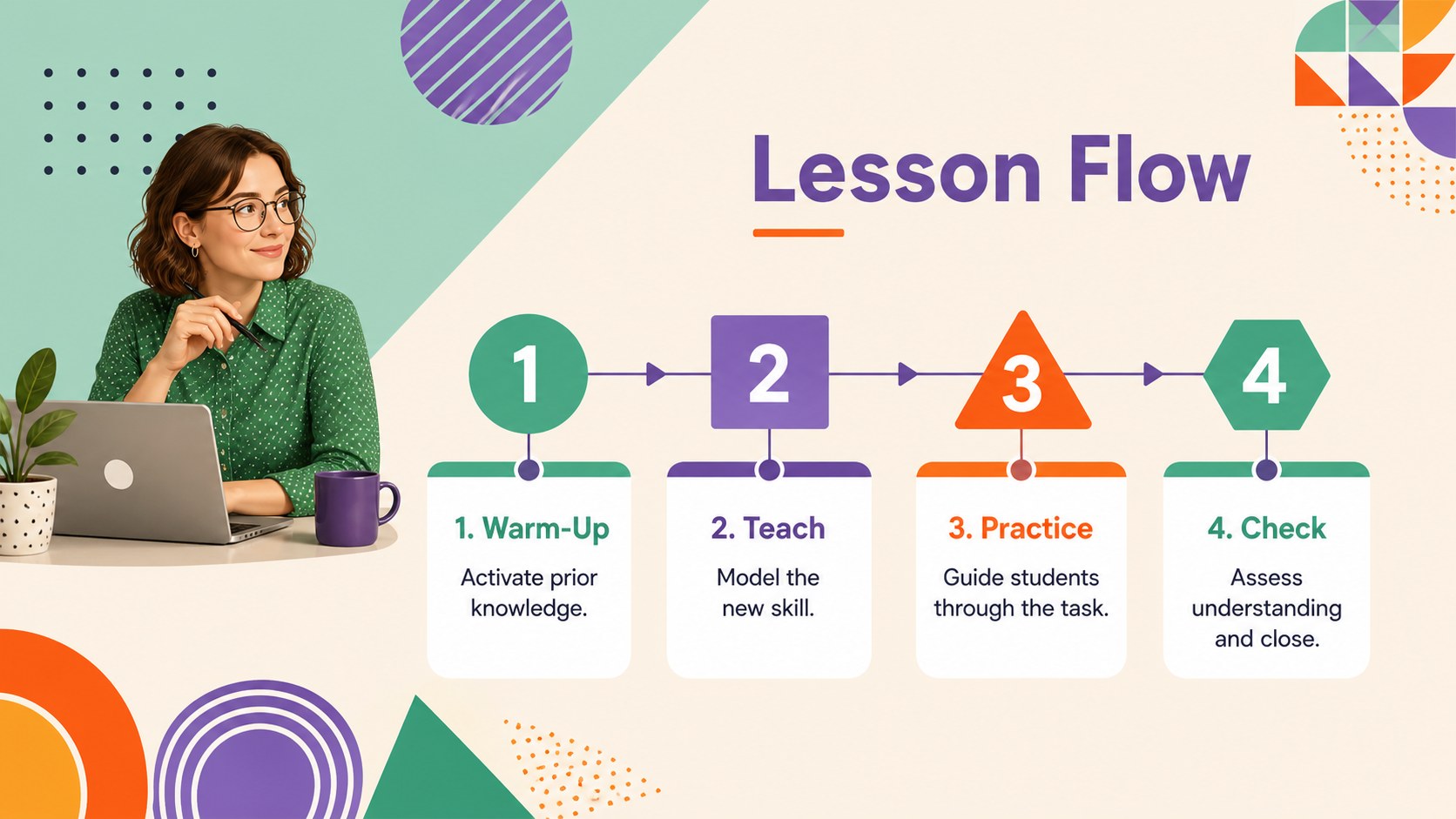
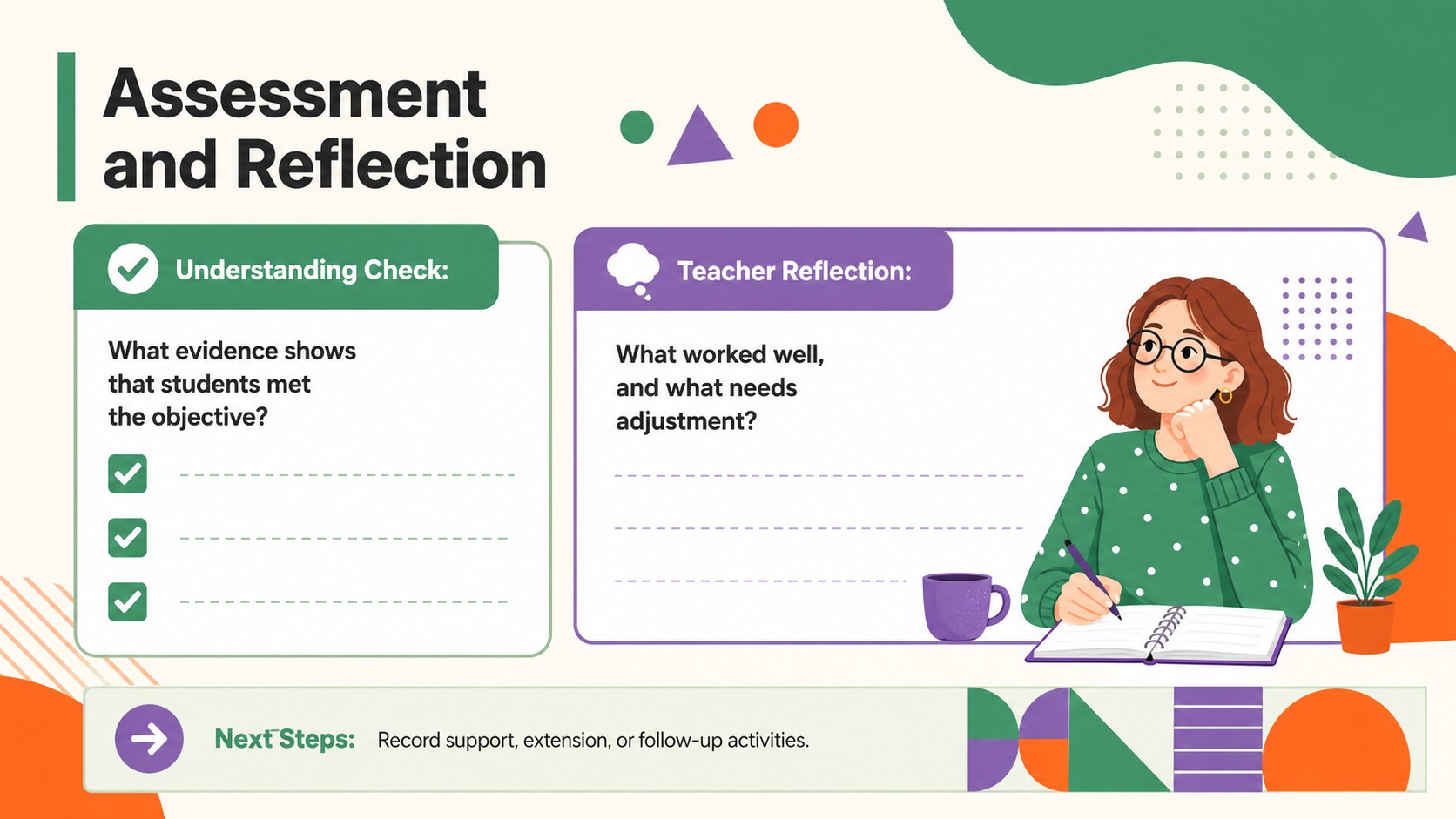
Inside, you will find structured layouts for learning objectives, required materials, opening activities, guided instruction, independent practice, assessment, and teacher notes. A lesson-flow timeline supports step-by-step scheduling, while reflection prompts make it easier to record what worked and what should change next time. Every layout can be adapted in PowerPoint or Google Slides, allowing you to revise colors, fonts, text, shapes, and section labels for different subjects or classroom routines.
This primary school lesson plan deck is designed for elementary teachers, substitute teachers, tutors, teaching assistants, and education students. It works well for daily instruction, weekly planning meetings, observed lessons, intervention sessions, and cross-curricular units. Whether you are building a detailed daily teaching plan presentation or creating a reusable planning system for the term, the template provides enough structure to save time without limiting your teaching style.
Perfect for: daily classroom lesson preparation; weekly primary teaching plans; substitute teacher instructions; observed lesson planning; small-group intervention sessions; cross-curricular unit organization.
Frequently asked questions
Can I edit every section of the teaching planner? Yes. You can replace the sample wording, rename sections, move geometric elements, and adjust fonts or colors to match your classroom needs.
Practical details
Yes. You can replace the sample wording, rename sections, move geometric elements, and adjust fonts or colors to match your classroom needs.
The template is designed for Microsoft PowerPoint and Google Slides. Both platforms support editing, presenting, duplicating layouts, and exporting the finished plan.
Yes. Duplicate the layouts and customize the objectives, materials, activities, timing, and assessment fields for literacy, mathematics, science, social studies, or arts instruction.
Yes. Use individual slides for detailed daily lessons or duplicate and condense them into a weekly overview. The lesson-flow and reflection layouts can support either planning method.
Keep exploring
15Build stronger academic arguments with a college essay thesis builder featuring guided examples, revision prompts, and editable PowerPoint and Google Slides.
 15
15Build an engaging World UFO Day session with this flying saucer history lesson deck, featuring retro green-and-brown slides for PowerPoint and Google Slides.
 14
14Plan a memorable Lunar New Year campaign with the 2036 Dragon Year Celebration Theme, featuring bold red-and-yellow slides for lessons and events.
 15
15Build a thoughtful classroom discussion with this interfaith awareness lesson deck, featuring editable blue-and-white slides for PowerPoint and Google Slides.
 15
15Use this environmental awareness lesson deck to teach climate action through illustrated activities, discussion prompts, and ready-to-edit visuals.
 15
15Build playful lessons and party stories with a kid-friendly zombie celebration theme in purple, green and pastel blue for PowerPoint and Google Slides.
 15
15Build eerie lessons, campaigns, and story pitches with an undead survival scenario theme featuring editable slides for PowerPoint and Google Slides.
 16
16Turn environmental research into a clear story with a Watercolor Ecology Presentation Theme for PowerPoint and Google Slides in calming green and blue.