
 15
15presentation
College Essay Thesis Builder Slides
Build stronger academic arguments with a college essay thesis builder featuring guided examples, revision prompts, and editable PowerPoint and Google Slides.
Google SlidesPowerPoint
presentation · English
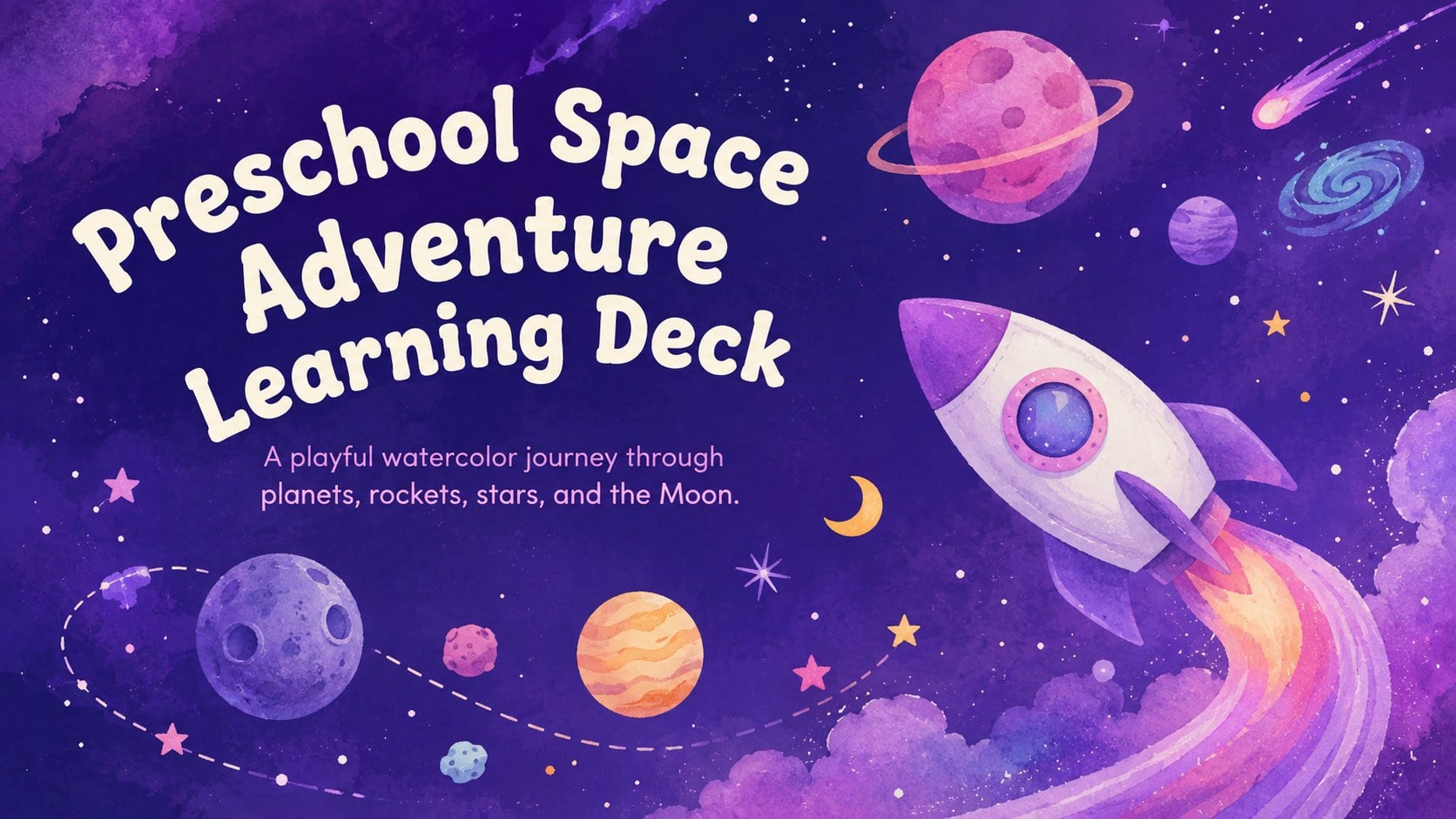
Turn science time into a playful voyage with our Preschool Space Adventure Learning Deck, featuring editable purple watercolor slides for young learners.
Design notes
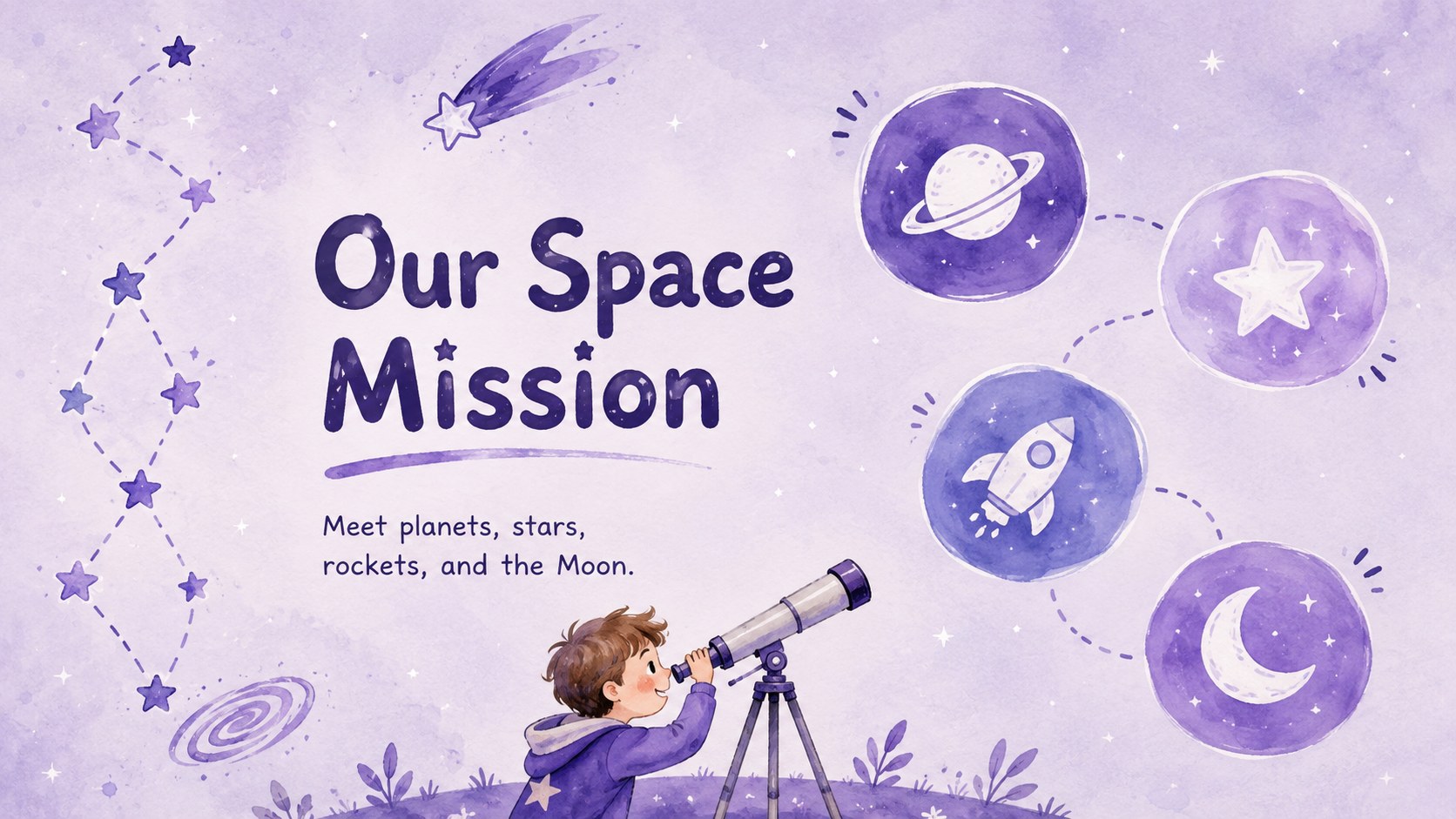
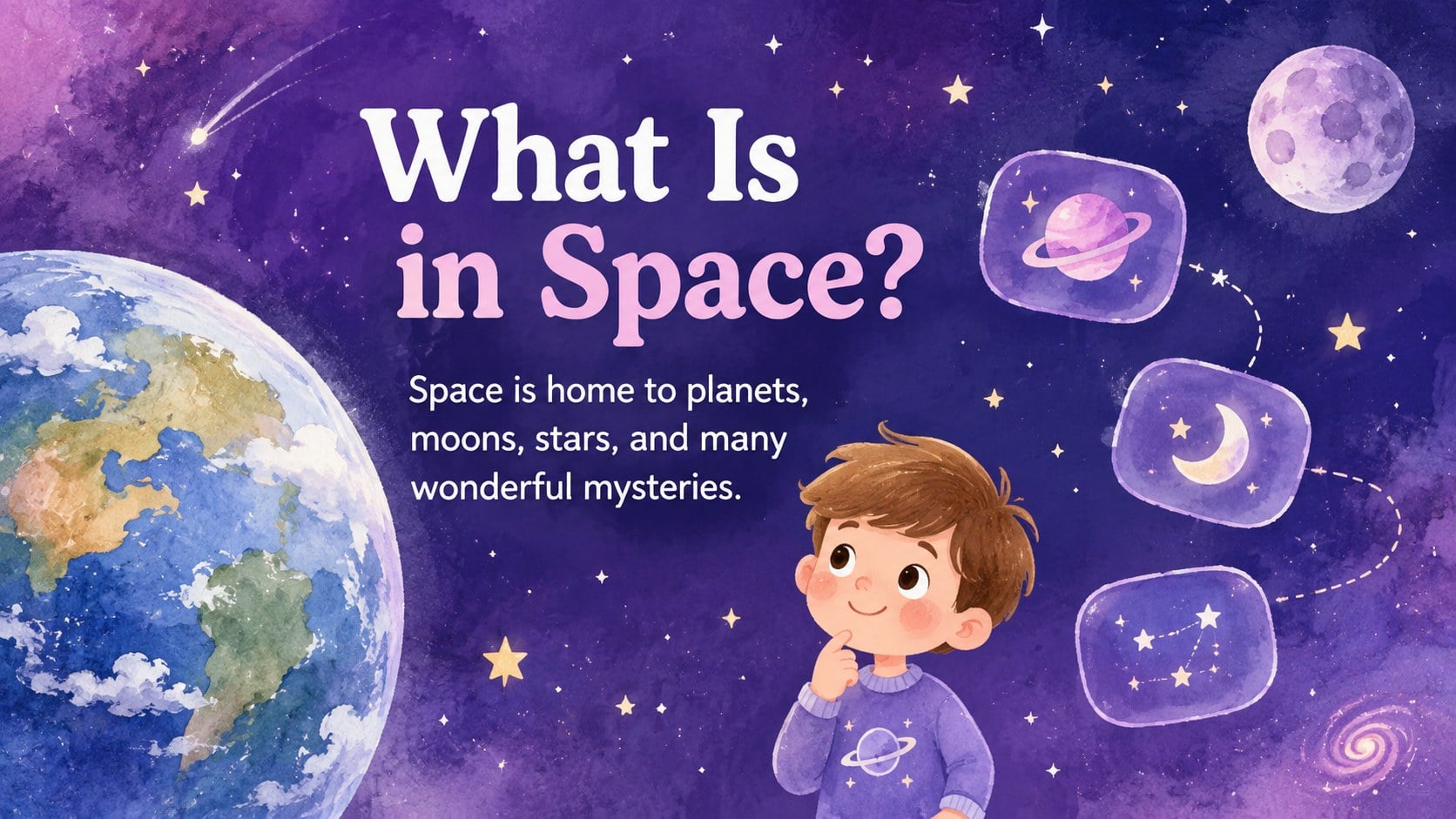
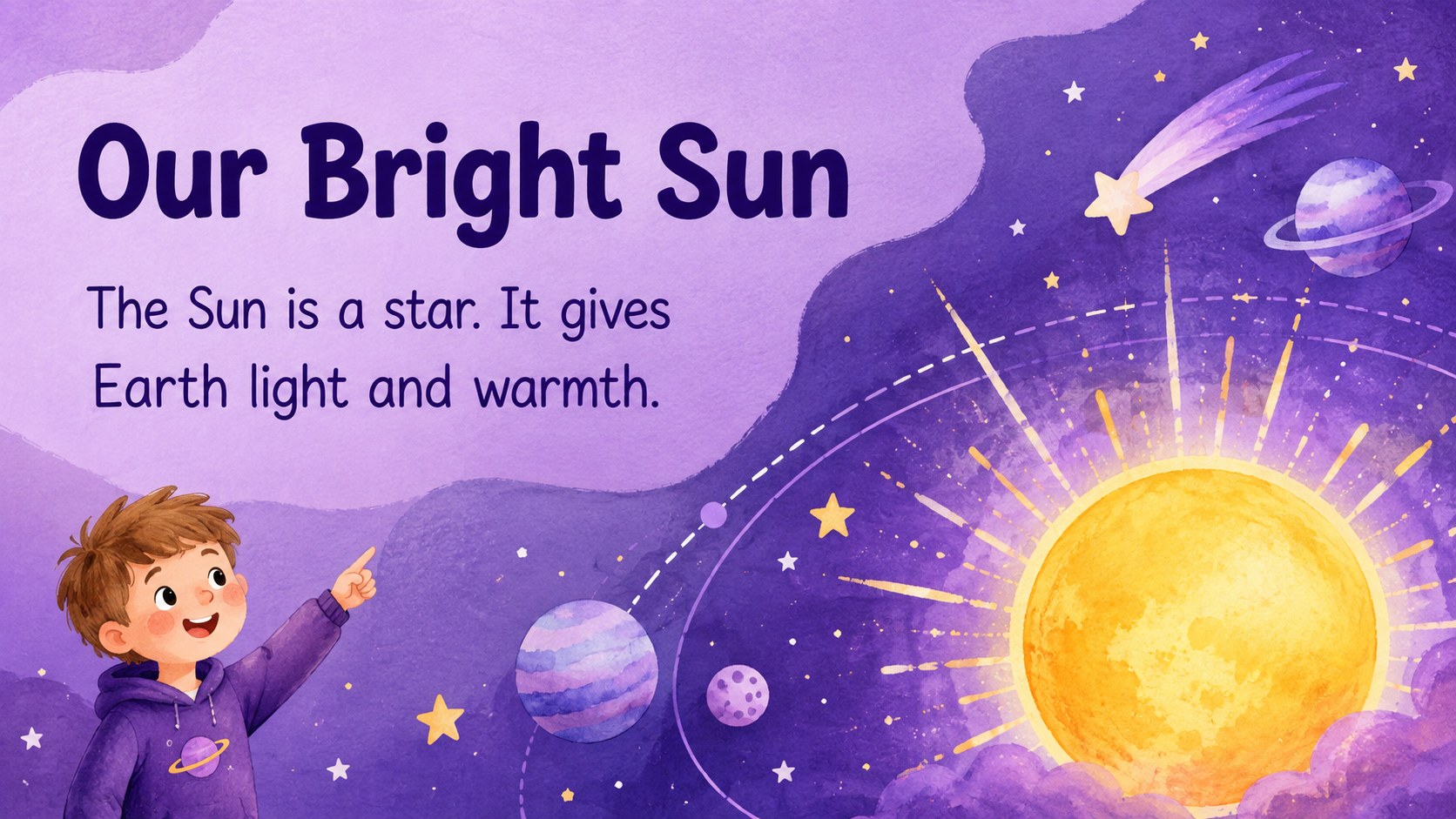
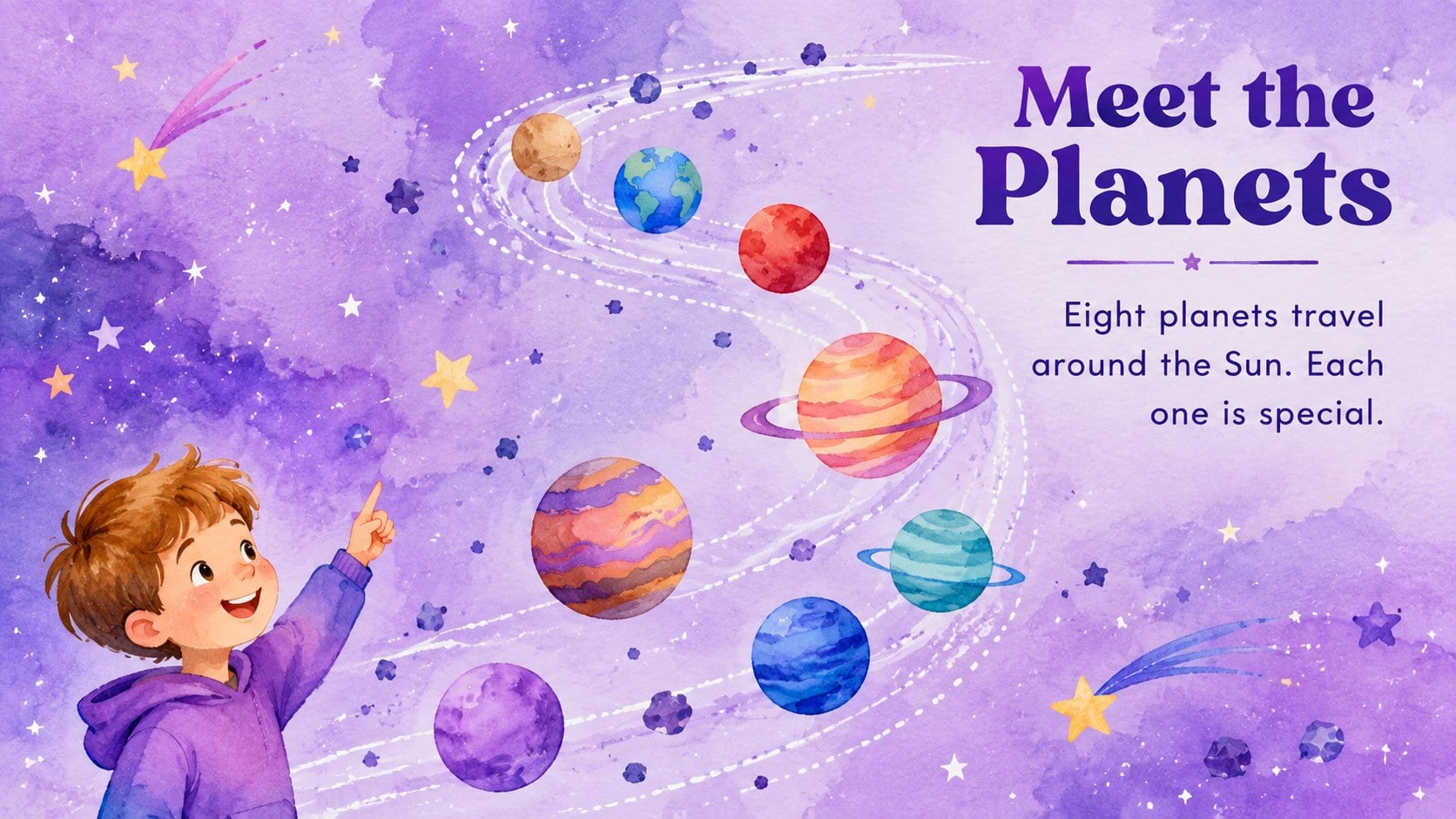
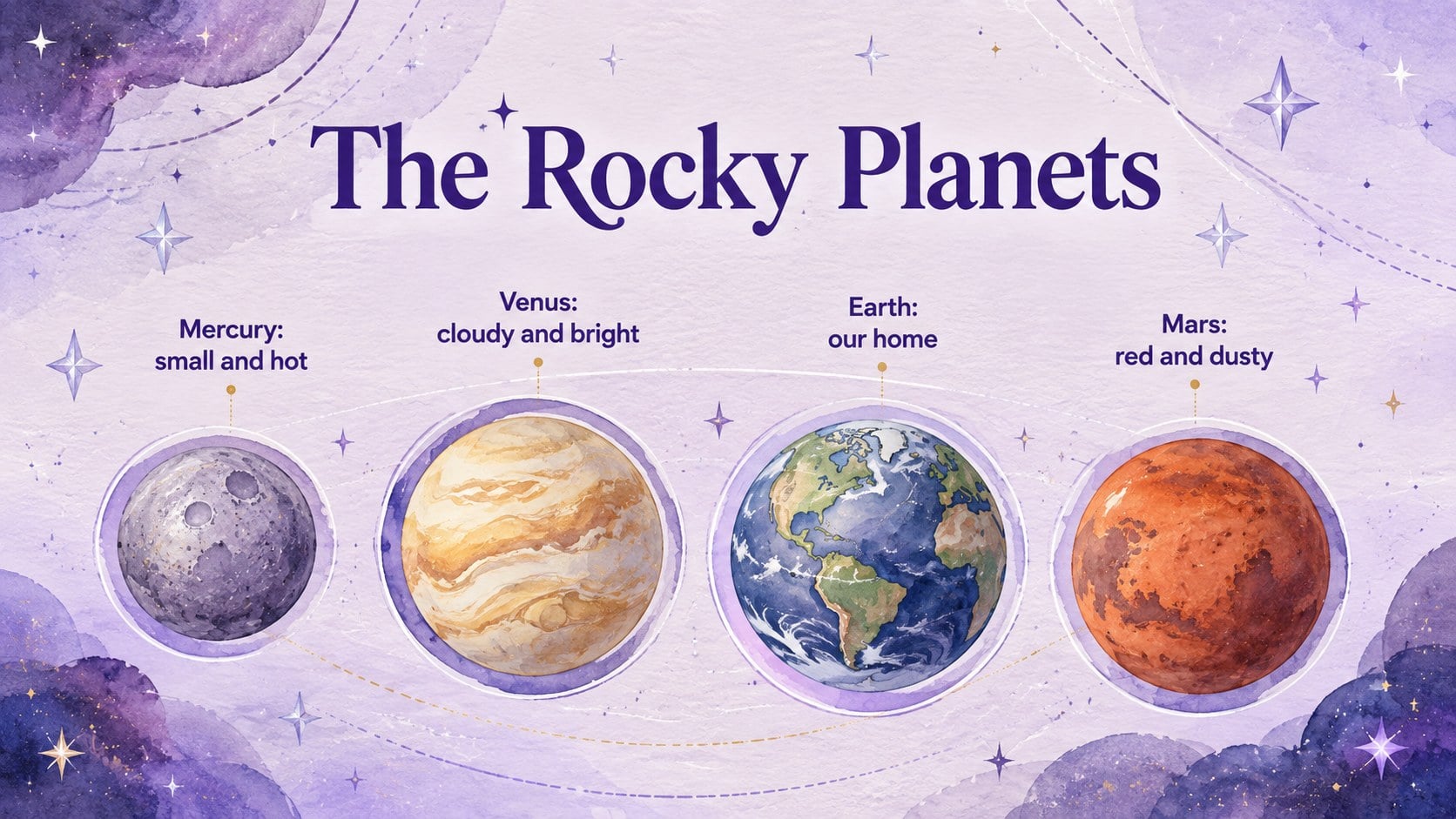
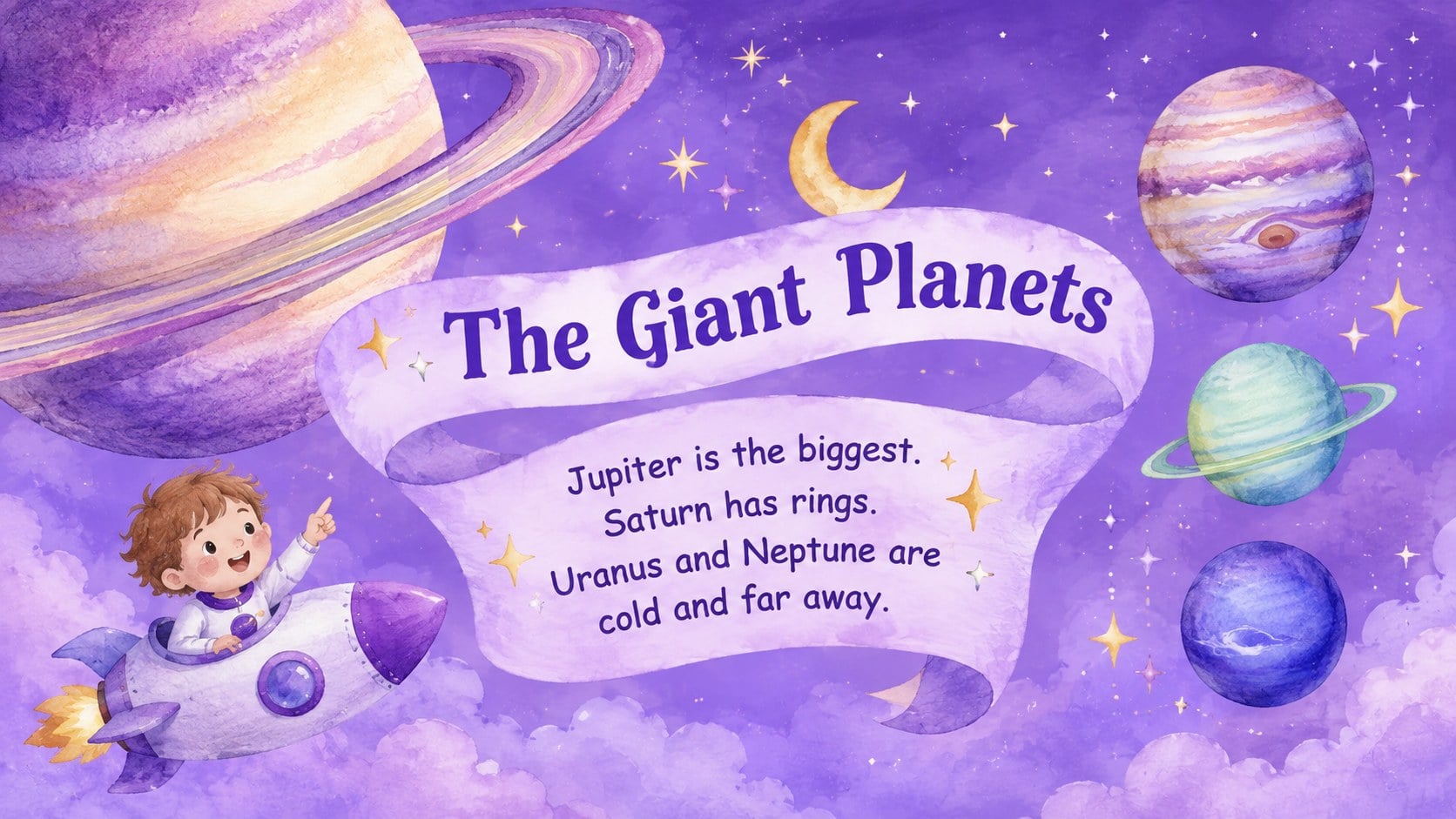
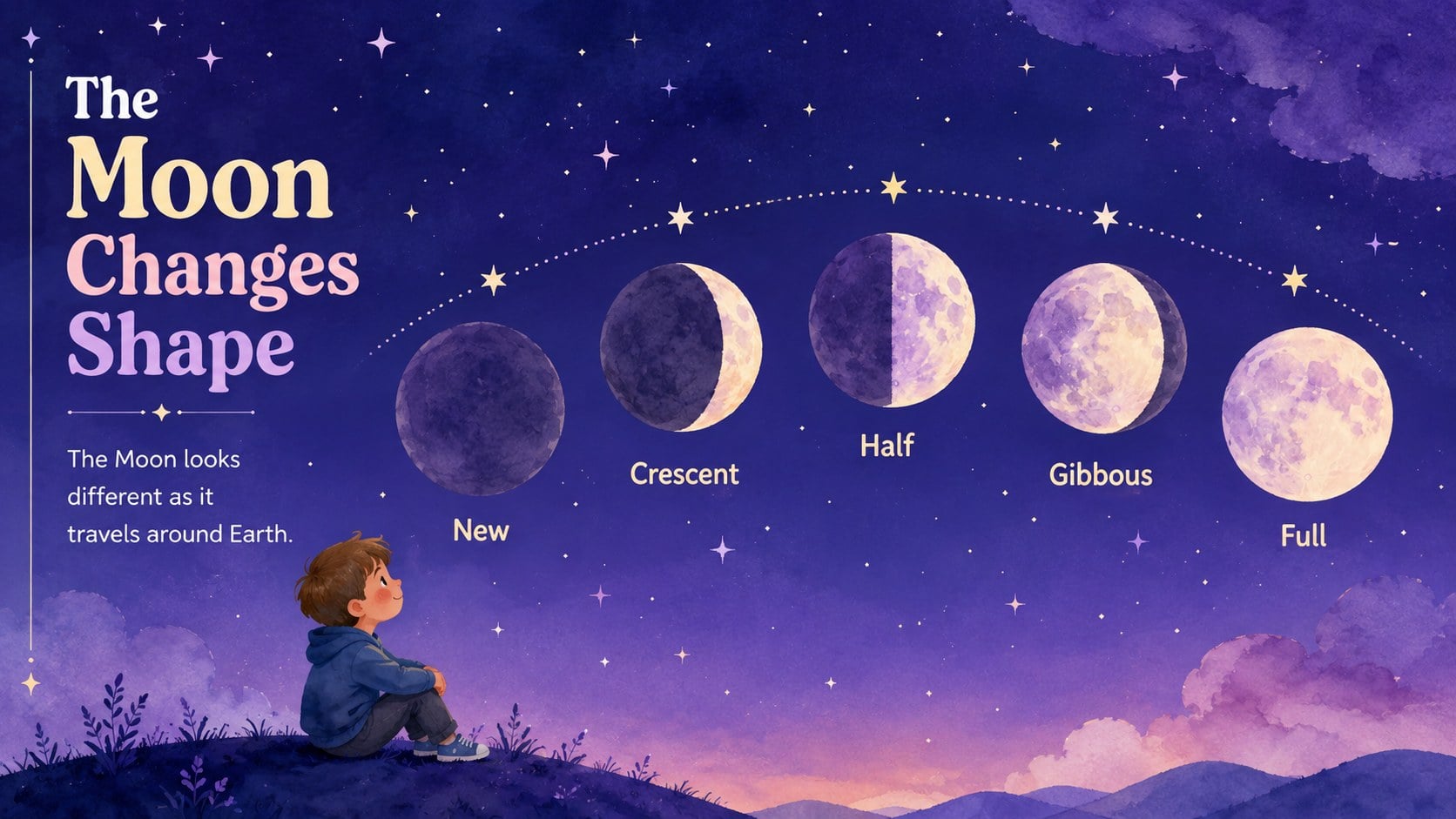
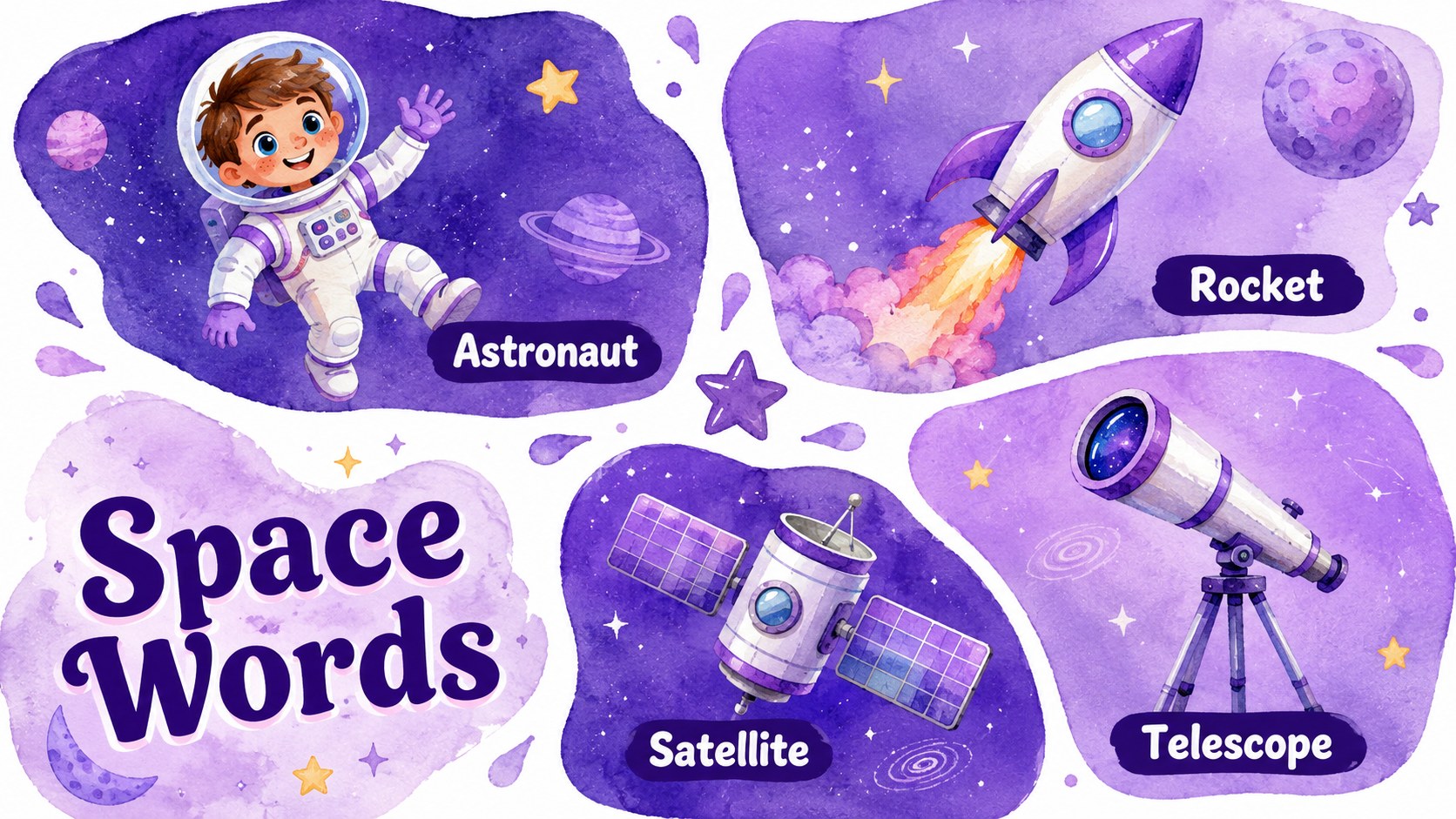
Turn an early science lesson into an imaginative trip beyond Earth with the Preschool Space Adventure Learning Deck. Soft purple tones, cheerful watercolor illustrations, and child-friendly layouts create a welcoming visual experience without distracting from the lesson. Use the deck to introduce planets, stars, rockets, astronauts, and the Moon through short explanations that suit young attention spans.
Inside, you will find more than 25 editable slide layouts for stories, picture-based questions, vocabulary, matching activities, simple comparisons, class discussions, and lesson recaps. The varied designs make this a practical preschool space lesson presentation as well as a flexible watercolor astronomy template for recurring classroom use. Teachers can replace the sample wording, move illustrations, adjust colors, and add their own images or learning prompts.
This deck is designed for preschool teachers, early-years educators, homeschool families, library presenters, and science event coordinators. It works especially well for circle time, a space-themed classroom unit, an introductory astronomy lesson, or a young learners solar system activity. Open and customize the slides in PowerPoint or Google Slides, then present them on a classroom screen or share them for guided learning at home. The friendly illustrated style keeps complex ideas approachable while giving educators enough structure to build a coherent, memorable lesson.
Perfect for: preschool astronomy lesson; space-themed circle time; solar system vocabulary activity; homeschool science unit; library space story session.
Frequently asked questions
Which presentation platforms support this deck? The template is designed for PowerPoint and Google Slides. Layouts, text, colors, and illustrations can be edited in either platform.
Practical details
The template is designed for PowerPoint and Google Slides. Layouts, text, colors, and illustrations can be edited in either platform.
Yes. Shorten or expand the sample text, replace vocabulary, and adjust activity difficulty to match your learners' ages and abilities.
Yes. You can update background colors, fonts, illustrations, and decorative elements while keeping the existing slide structure.
Yes. The slide set supports matching, picture questions, vocabulary practice, simple comparisons, discussion prompts, and end-of-lesson review.
Keep exploring
15Build stronger academic arguments with a college essay thesis builder featuring guided examples, revision prompts, and editable PowerPoint and Google Slides.
 15
15Build an engaging World UFO Day session with this flying saucer history lesson deck, featuring retro green-and-brown slides for PowerPoint and Google Slides.
 14
14Plan a memorable Lunar New Year campaign with the 2036 Dragon Year Celebration Theme, featuring bold red-and-yellow slides for lessons and events.
 15
15Build a thoughtful classroom discussion with this interfaith awareness lesson deck, featuring editable blue-and-white slides for PowerPoint and Google Slides.
 15
15Use this environmental awareness lesson deck to teach climate action through illustrated activities, discussion prompts, and ready-to-edit visuals.
 15
15Build playful lessons and party stories with a kid-friendly zombie celebration theme in purple, green and pastel blue for PowerPoint and Google Slides.
 15
15Build eerie lessons, campaigns, and story pitches with an undead survival scenario theme featuring editable slides for PowerPoint and Google Slides.
 16
16Turn environmental research into a clear story with a Watercolor Ecology Presentation Theme for PowerPoint and Google Slides in calming green and blue.