
 15
15presentation
College Essay Thesis Builder Slides
Build stronger academic arguments with a college essay thesis builder featuring guided examples, revision prompts, and editable PowerPoint and Google Slides.
Google SlidesPowerPoint
spreadsheet · English
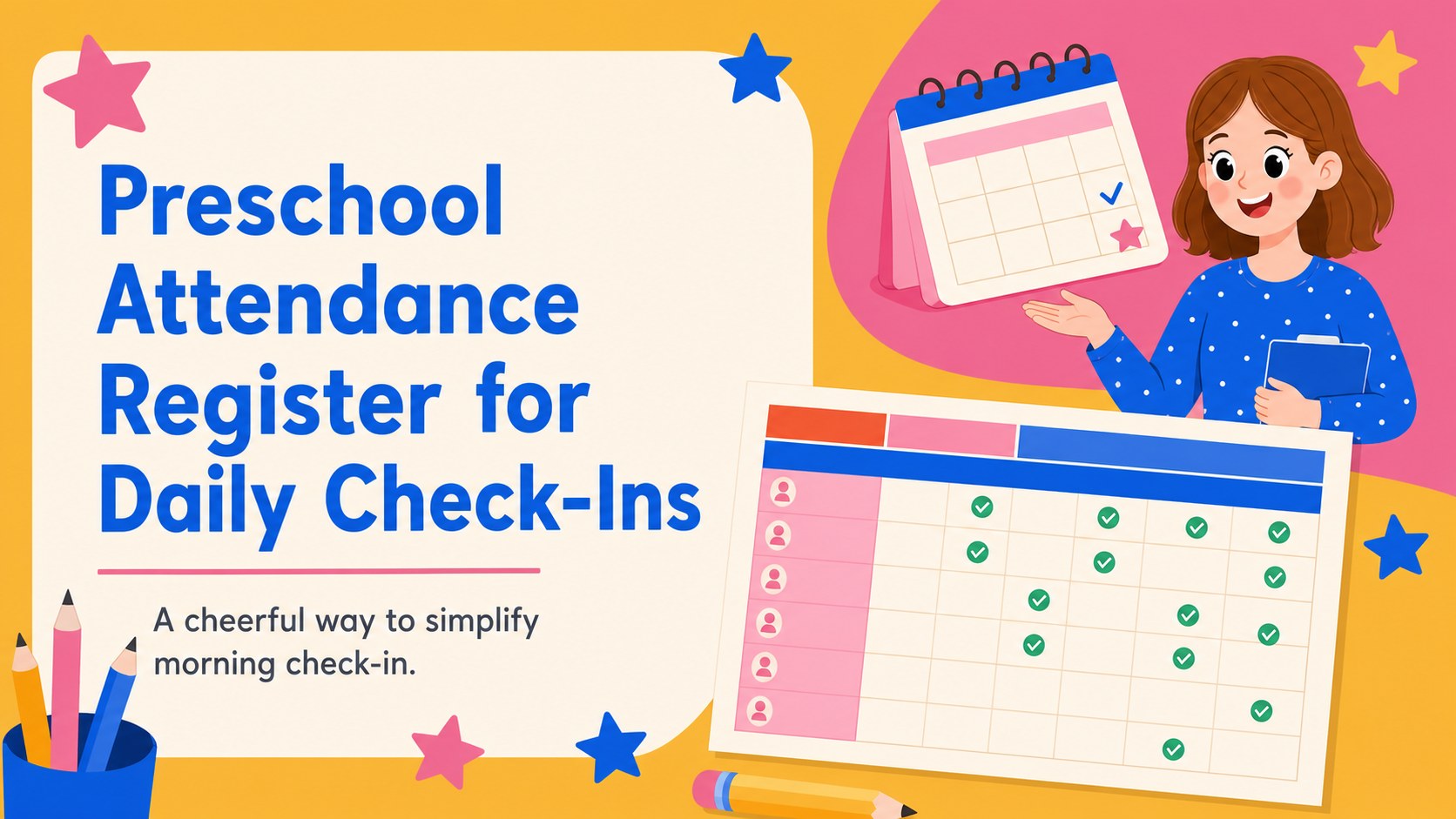
Organize classroom arrivals with a preschool attendance register for daily check-ins, quick status updates, and clear records in Google Sheets or Excel.
Design notes
Make morning routines easier with this preschool attendance register, created for teachers, daycare staff, and early-learning teams who need a clear view of who has arrived. Its cheerful palette of pink, blue, orange, and beige brings a friendly classroom feel while keeping daily records simple to scan.
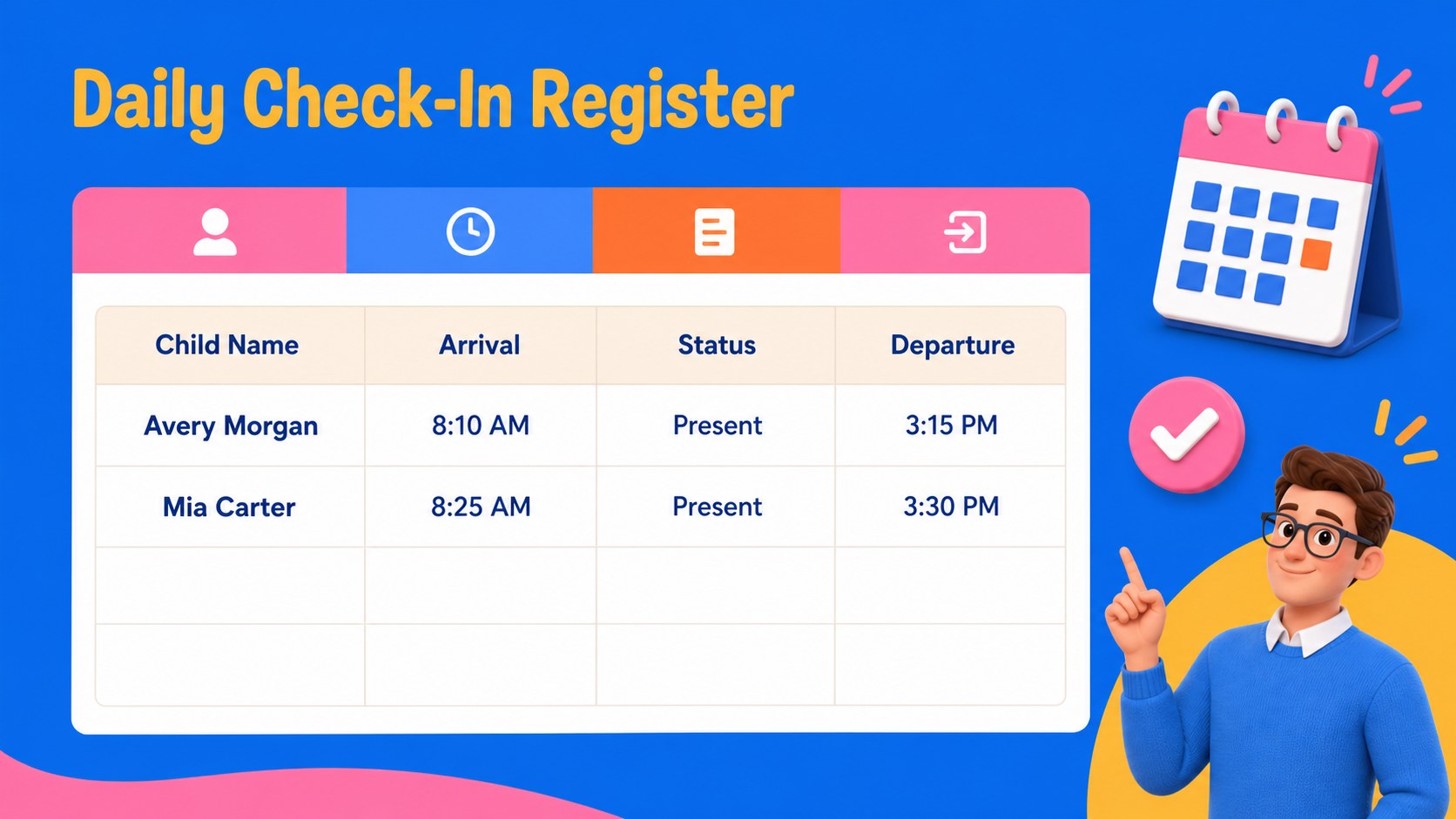
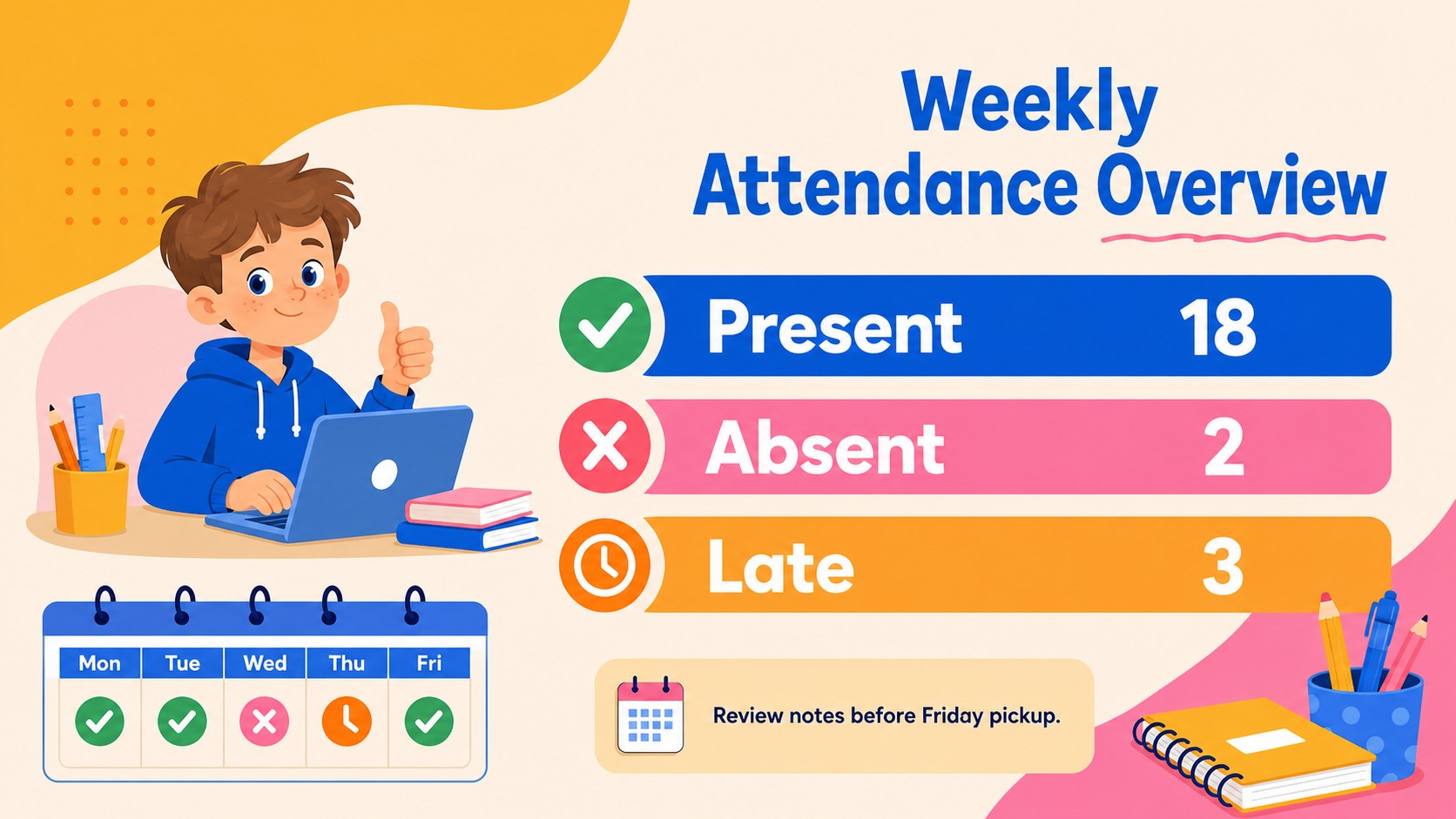
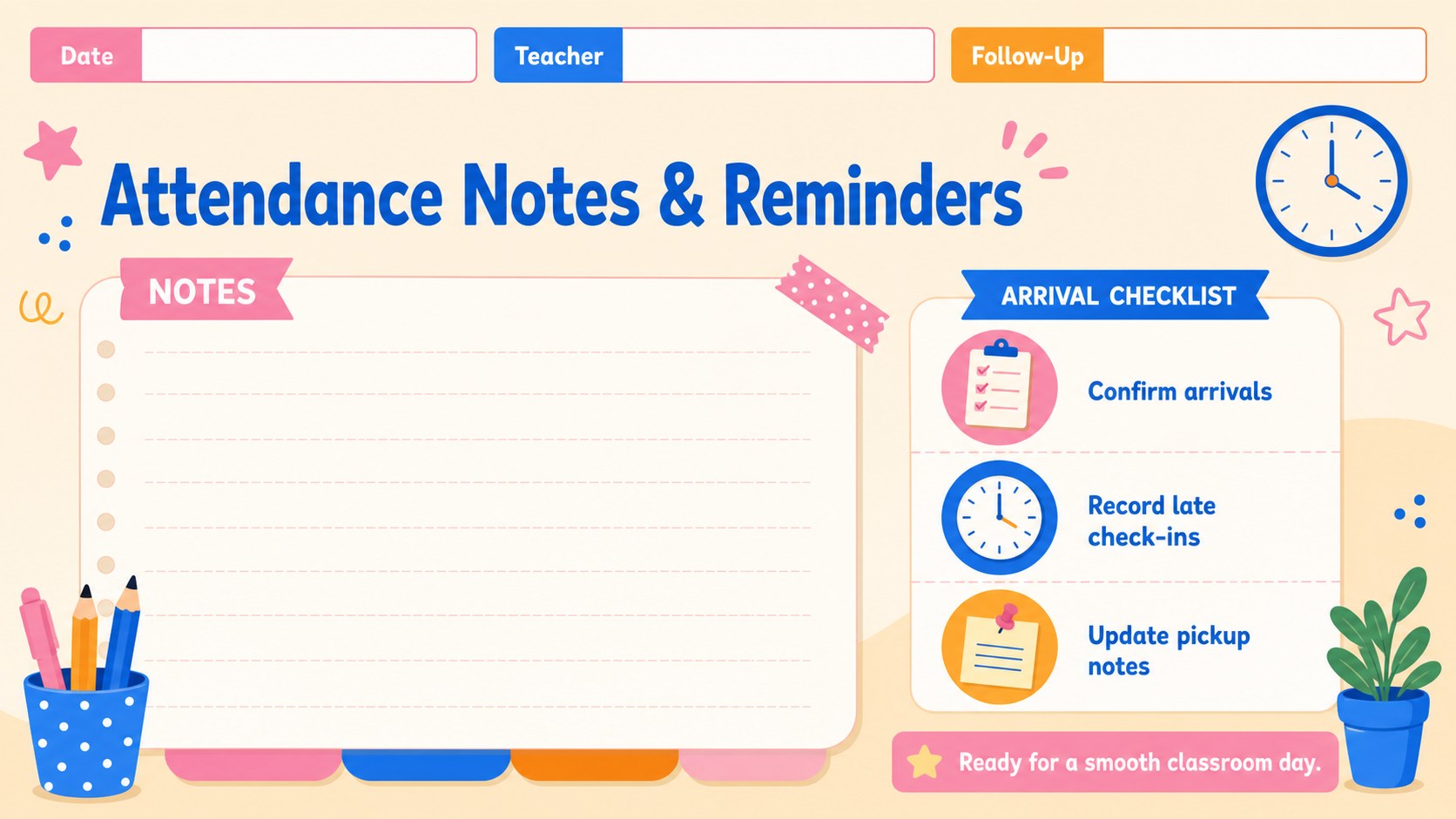
Inside, you’ll find a flexible daily child check-in sheet with space for names, dates, arrival status, departure notes, and follow-up details. Use the main register for everyday tracking, then adapt the supporting layouts for weekly summaries, classroom reminders, or family communication. The clean grid structure works well for small groups, mixed-age rooms, and busy preschool settings.
Edit the file in Google Sheets or Excel, or use the included presentation layouts in PowerPoint and Google Slides when you need to share attendance information with colleagues or administrators. Adjust headings, colors, labels, and rows to match your procedures. This classroom attendance record is useful for teachers, assistants, coordinators, and program directors who want a dependable way to document attendance without losing the playful character of an early-learning environment.
Perfect for: preschool morning arrivals; daycare departure tracking; weekly classroom record review; mixed-age learning groups; attendance handoff between teachers.
Frequently asked questions
Can I edit the register in Google Sheets or Excel? Yes. The spreadsheet layout is suitable for both Google Sheets and Excel. You can change names, dates, status labels, columns, and notes to match your attendance process.
Practical details
Yes. The spreadsheet layout is suitable for both Google Sheets and Excel. You can change names, dates, status labels, columns, and notes to match your attendance process.
Yes. The presentation version works in PowerPoint and Google Slides for staff briefings, attendance summaries, or classroom planning. Replace sample text and adjust the layout before sharing.
You can update the pink, blue, orange, and beige palette, modify headings, and add your own classroom or program name. Keep the row structure intact if you want the register to remain easy to scan.
Yes. Add separate arrival and departure fields, attendance statuses, or pickup notes to support your routine. The layout can be expanded with additional rows for larger groups.
Keep exploring
15Build stronger academic arguments with a college essay thesis builder featuring guided examples, revision prompts, and editable PowerPoint and Google Slides.
 15
15Build an engaging World UFO Day session with this flying saucer history lesson deck, featuring retro green-and-brown slides for PowerPoint and Google Slides.
 14
14Plan a memorable Lunar New Year campaign with the 2036 Dragon Year Celebration Theme, featuring bold red-and-yellow slides for lessons and events.
 15
15Build a thoughtful classroom discussion with this interfaith awareness lesson deck, featuring editable blue-and-white slides for PowerPoint and Google Slides.
 15
15Use this environmental awareness lesson deck to teach climate action through illustrated activities, discussion prompts, and ready-to-edit visuals.
 15
15Build playful lessons and party stories with a kid-friendly zombie celebration theme in purple, green and pastel blue for PowerPoint and Google Slides.
 15
15Build eerie lessons, campaigns, and story pitches with an undead survival scenario theme featuring editable slides for PowerPoint and Google Slides.
 16
16Turn environmental research into a clear story with a Watercolor Ecology Presentation Theme for PowerPoint and Google Slides in calming green and blue.