
 15
15presentation
College Essay Thesis Builder Slides
Build stronger academic arguments with a college essay thesis builder featuring guided examples, revision prompts, and editable PowerPoint and Google Slides.
Google SlidesPowerPoint
presentation · English
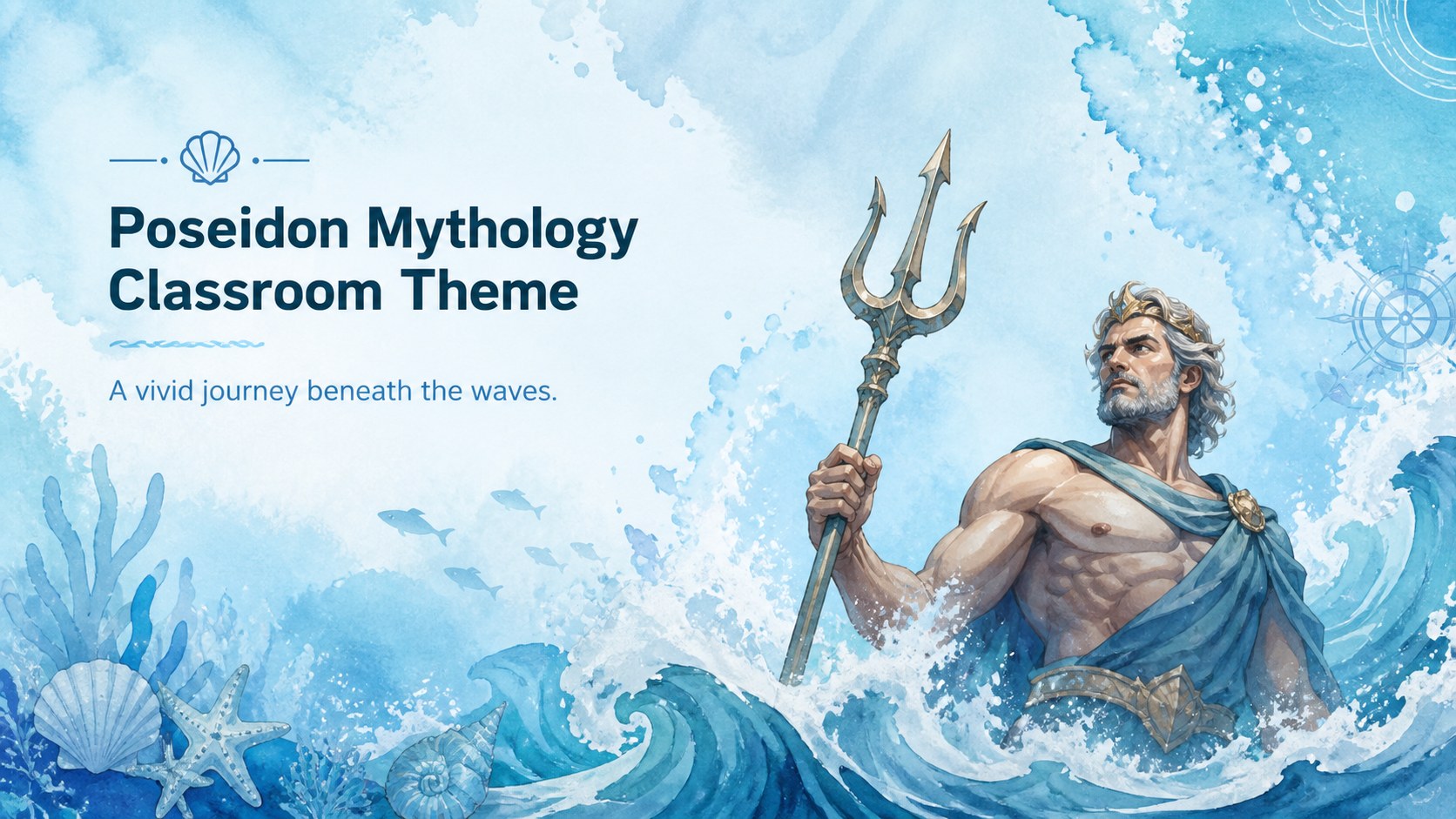
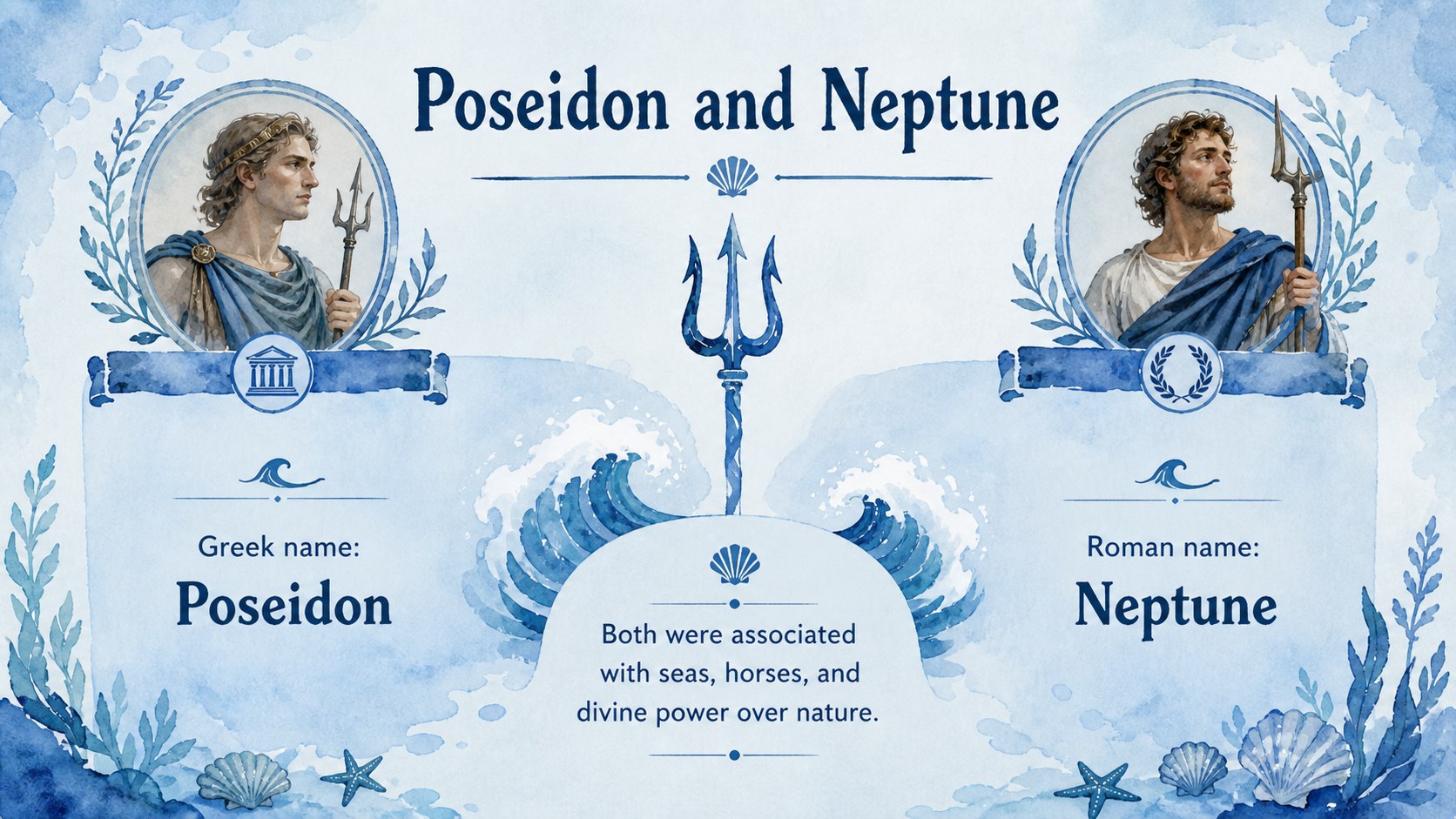
Bring sea legends to life with a Poseidon mythology classroom theme featuring blue watercolor artwork, editable layouts, and student-ready visuals.
Design notes
Build an immersive mythology lesson with this Poseidon mythology classroom theme, designed around expressive watercolor artwork and a calming ocean-blue palette. The friendly illustrated style gives educators an inviting way to introduce the ruler of the sea without losing the drama of storms, earthquakes, rivalries, and legendary adventures.
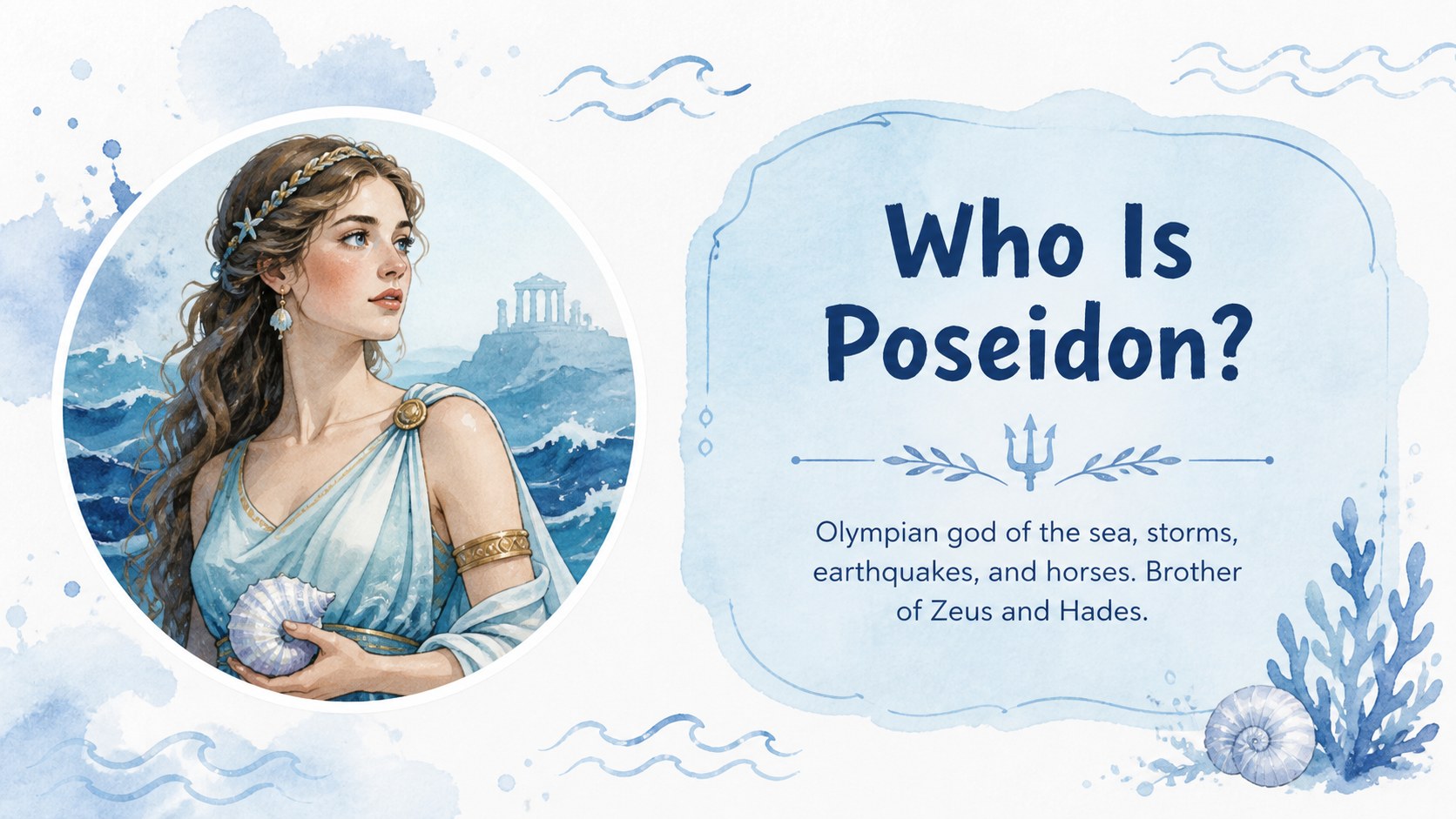
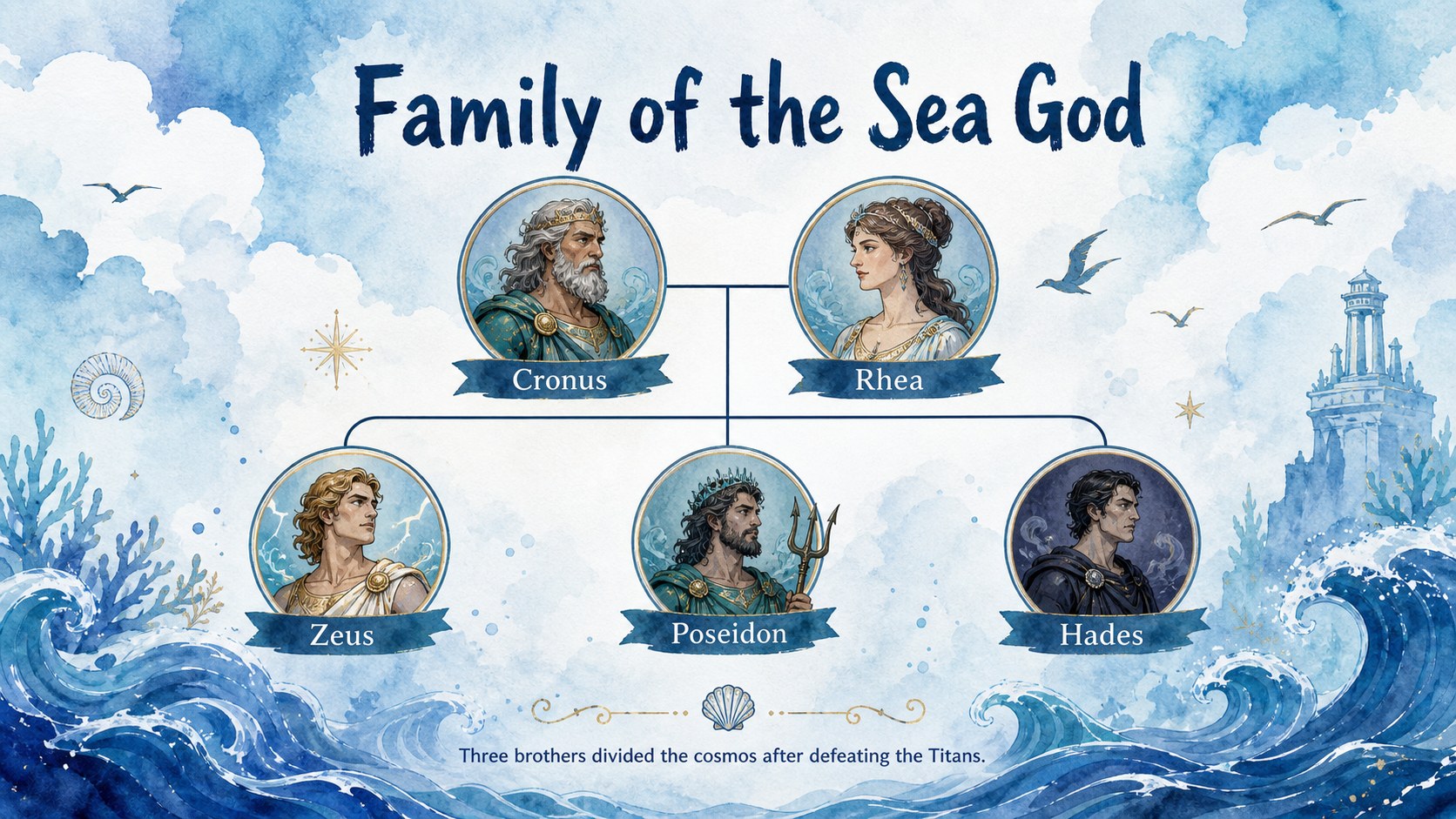
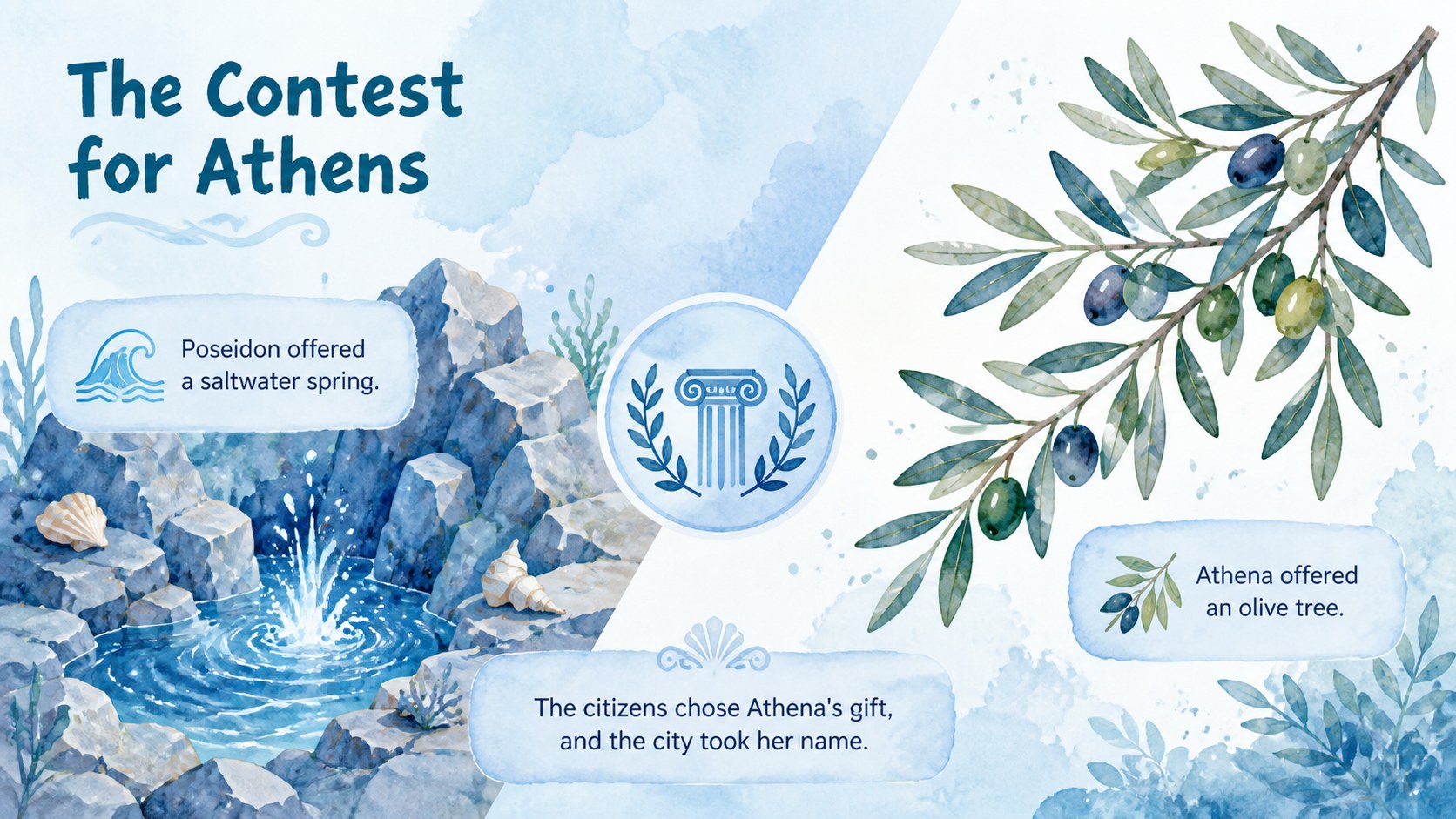
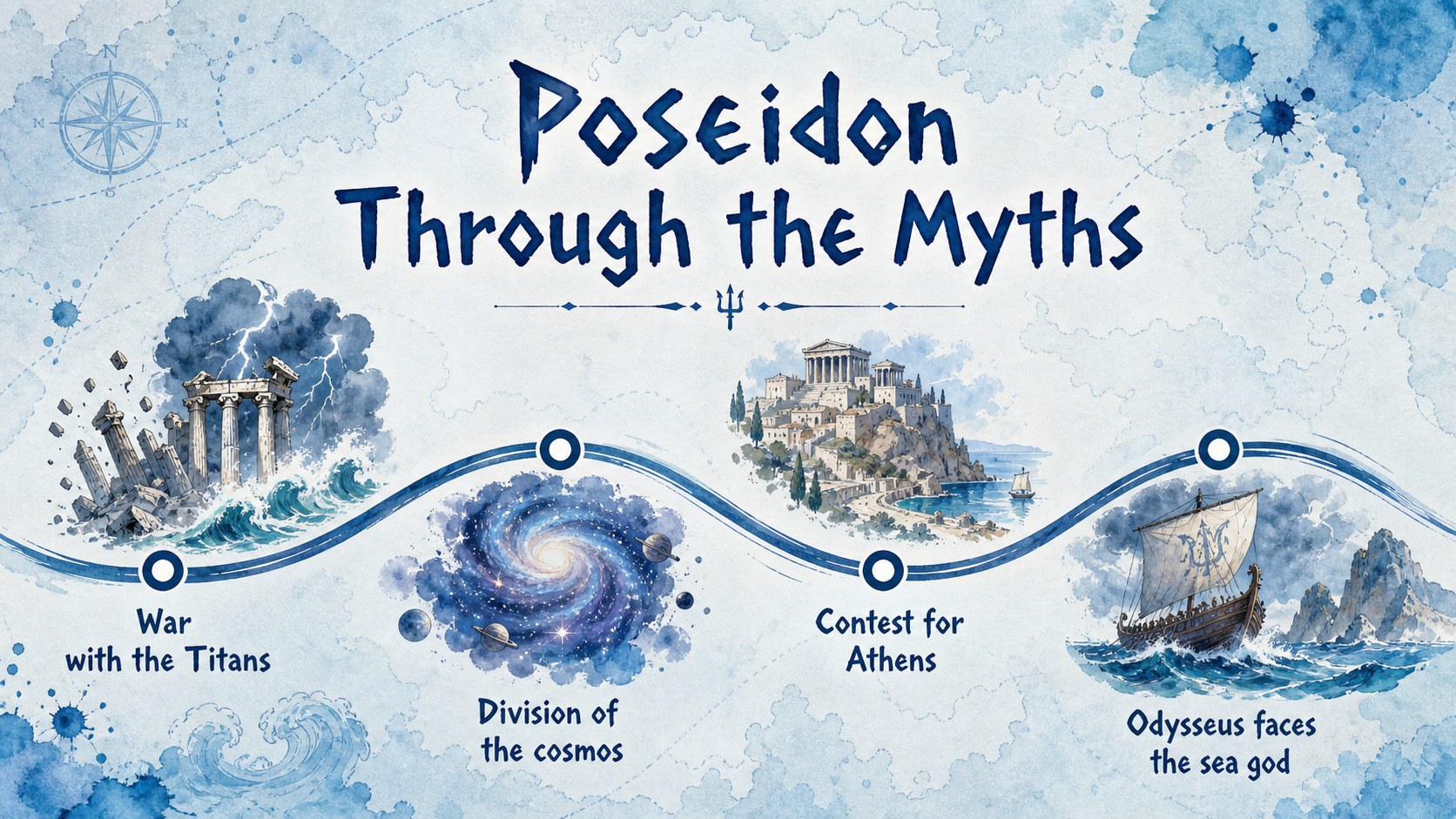
The deck includes layouts for Poseidon's identity, family connections, divine realm, famous symbols, key myths, Roman counterpart, vocabulary, discussion prompts, and knowledge checks. Use the editable diagrams and timelines to organize complex relationships or turn the material into Poseidon lesson slides for middle school learners. Every page can be adapted with your own text, images, classroom questions, and learning objectives.
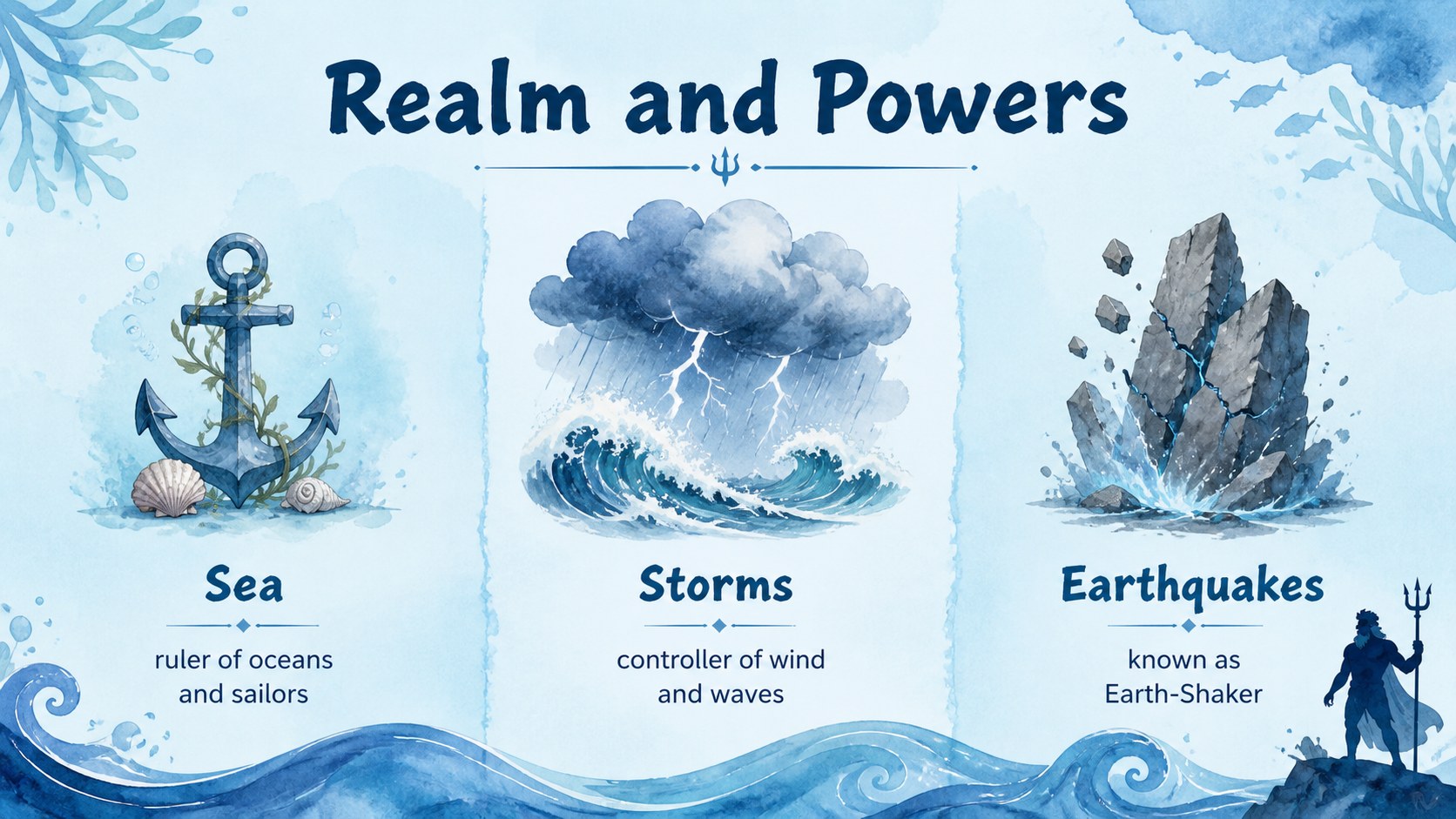
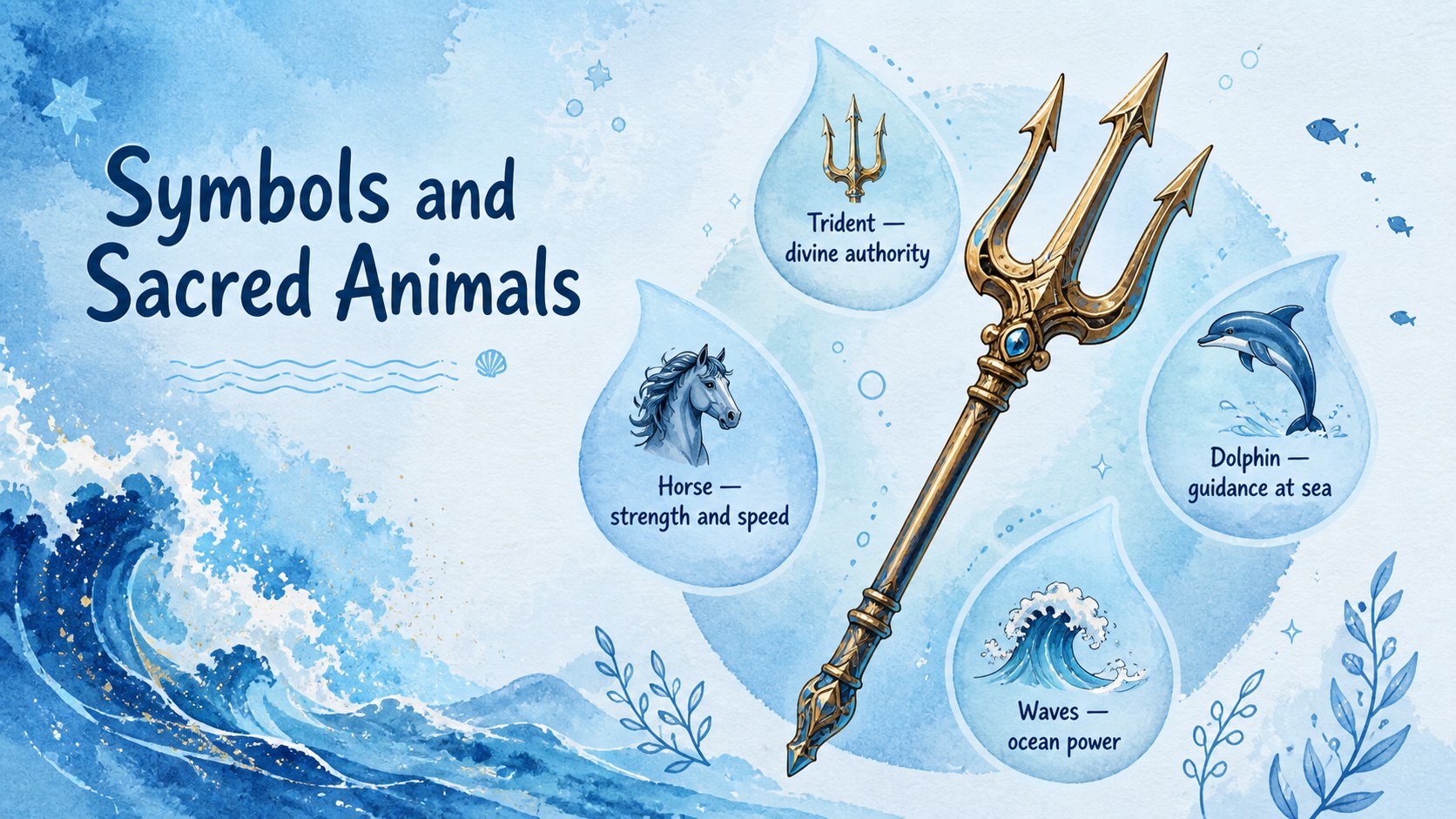
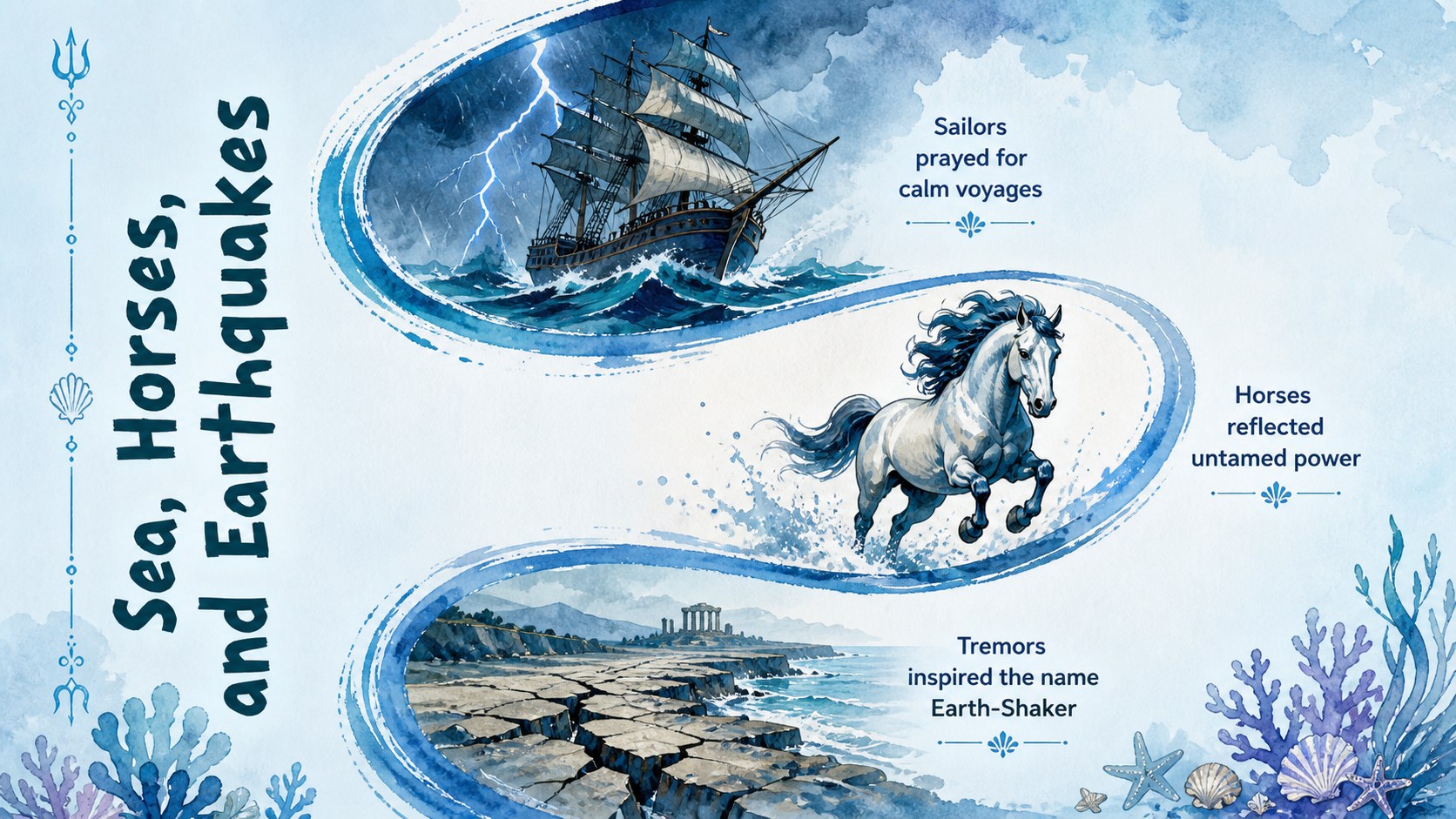
This ancient Greek sea god presentation works well for history classes, literature units, mythology clubs, homeschool activities, and interdisciplinary lessons about oceans in ancient culture. A dedicated Poseidon symbols and myths lesson can focus on the trident, horses, dolphins, storms, and earthquakes while encouraging students to interpret what each symbol represented.
The 16:9 slides are ready to customize in PowerPoint and Google Slides. Adjust colors, typography, illustrations, and page order to match your curriculum, then present in class or share the finished deck as a study resource.
Perfect for: middle school mythology lesson; ancient Greece history class; literature unit introduction; homeschool mythology activity; Poseidon symbols review; classroom knowledge quiz.
Frequently asked questions
Practical details
Yes. Open the presentation in PowerPoint to change the wording, reorder slides, replace illustrations, and adjust the blue watercolor palette. You can also add speaker notes, transitions, and classroom activities.
Yes. Upload the presentation to Google Drive and open it with Google Slides for browser-based editing. Review font choices and element placement after importing to ensure everything displays as intended.
Yes. Simplify the mythology summaries and vocabulary for younger learners, or add primary-source excerpts and interpretation questions for older students. All lesson text and activity prompts are editable.
Replace visual elements with your own classroom-safe images and recolor editable shapes to fit your course materials. Maintain strong text contrast when changing the soft blue backgrounds.
Keep exploring
15Build stronger academic arguments with a college essay thesis builder featuring guided examples, revision prompts, and editable PowerPoint and Google Slides.
 15
15Build an engaging World UFO Day session with this flying saucer history lesson deck, featuring retro green-and-brown slides for PowerPoint and Google Slides.
 14
14Plan a memorable Lunar New Year campaign with the 2036 Dragon Year Celebration Theme, featuring bold red-and-yellow slides for lessons and events.
 15
15Build a thoughtful classroom discussion with this interfaith awareness lesson deck, featuring editable blue-and-white slides for PowerPoint and Google Slides.
 15
15Use this environmental awareness lesson deck to teach climate action through illustrated activities, discussion prompts, and ready-to-edit visuals.
 15
15Build playful lessons and party stories with a kid-friendly zombie celebration theme in purple, green and pastel blue for PowerPoint and Google Slides.
 15
15Build eerie lessons, campaigns, and story pitches with an undead survival scenario theme featuring editable slides for PowerPoint and Google Slides.
 16
16Turn environmental research into a clear story with a Watercolor Ecology Presentation Theme for PowerPoint and Google Slides in calming green and blue.