
 15
15presentation
College Essay Thesis Builder Slides
Build stronger academic arguments with a college essay thesis builder featuring guided examples, revision prompts, and editable PowerPoint and Google Slides.
Google SlidesPowerPoint
presentation · English
Publish a pop art summer course newsletter with bold green and pink layouts for class schedules, program highlights, registration details, and updates.


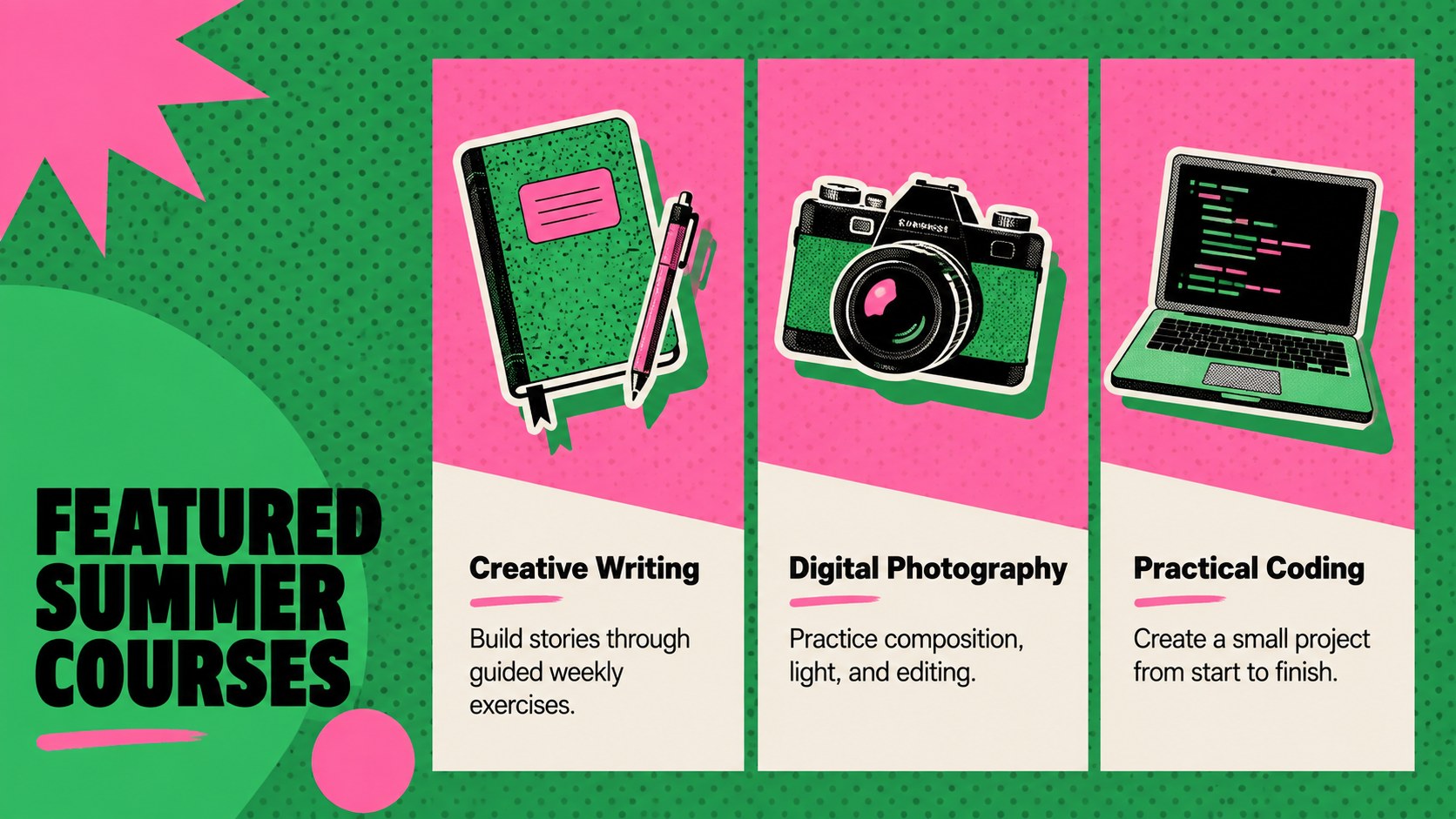
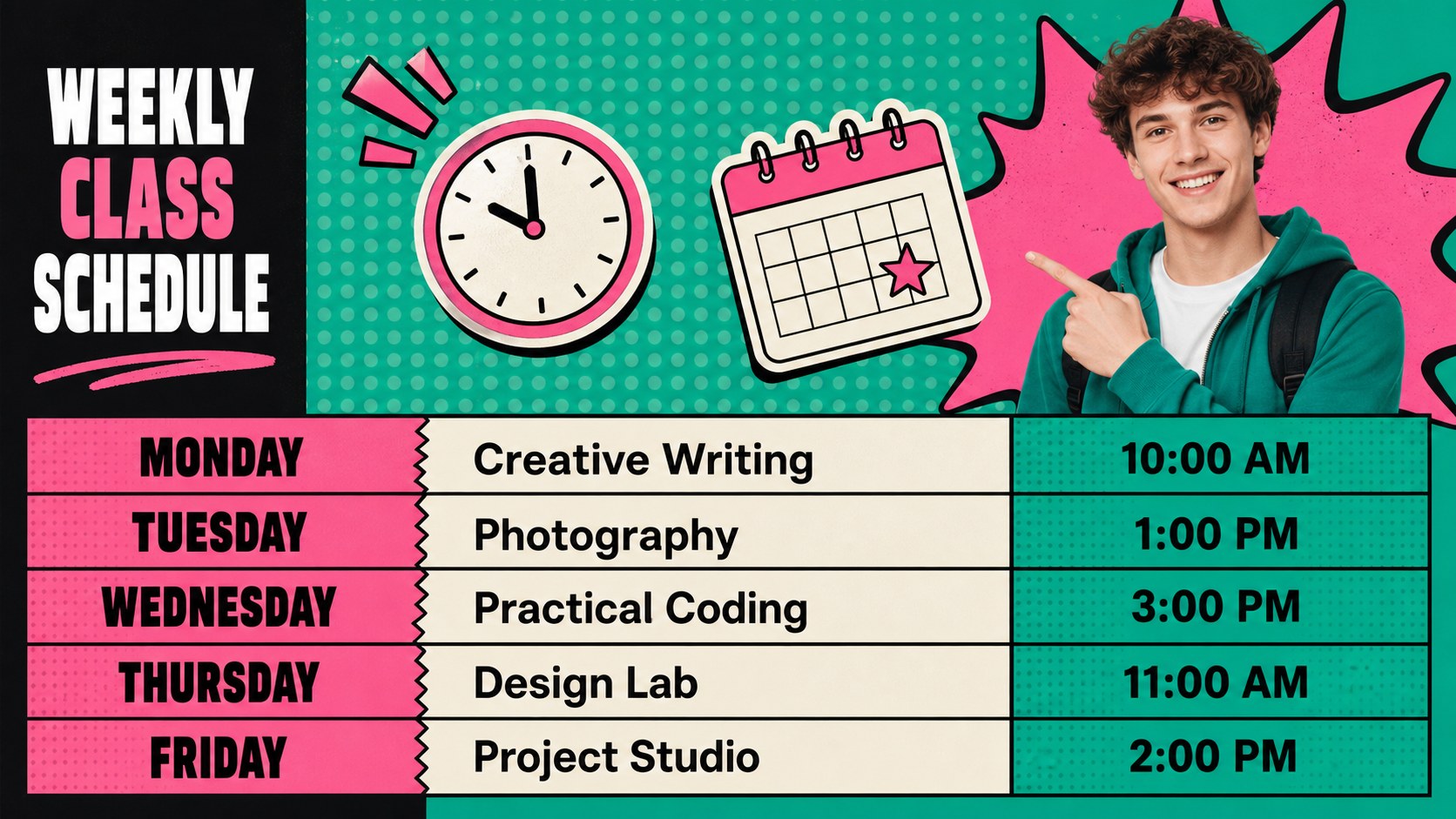
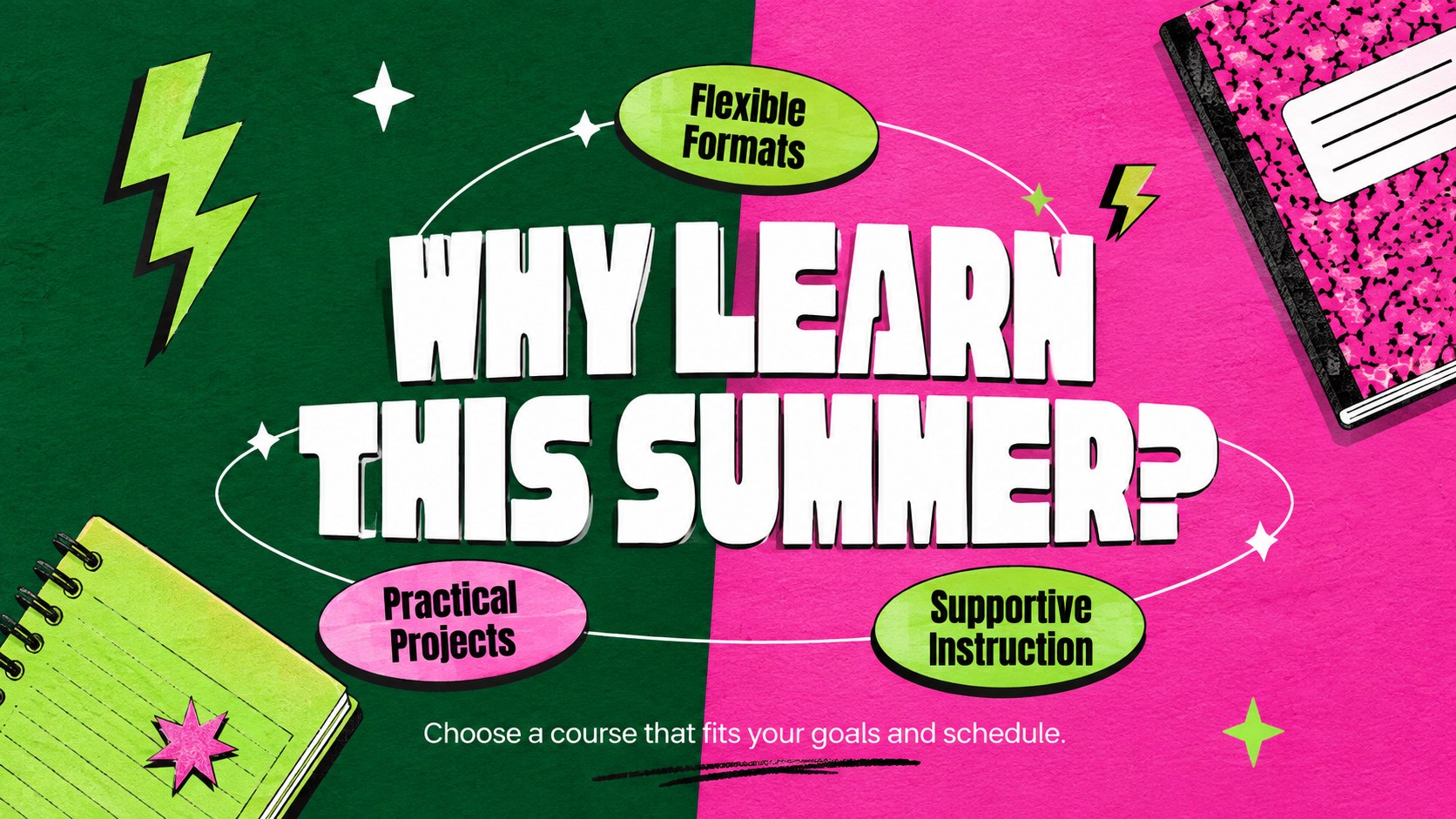


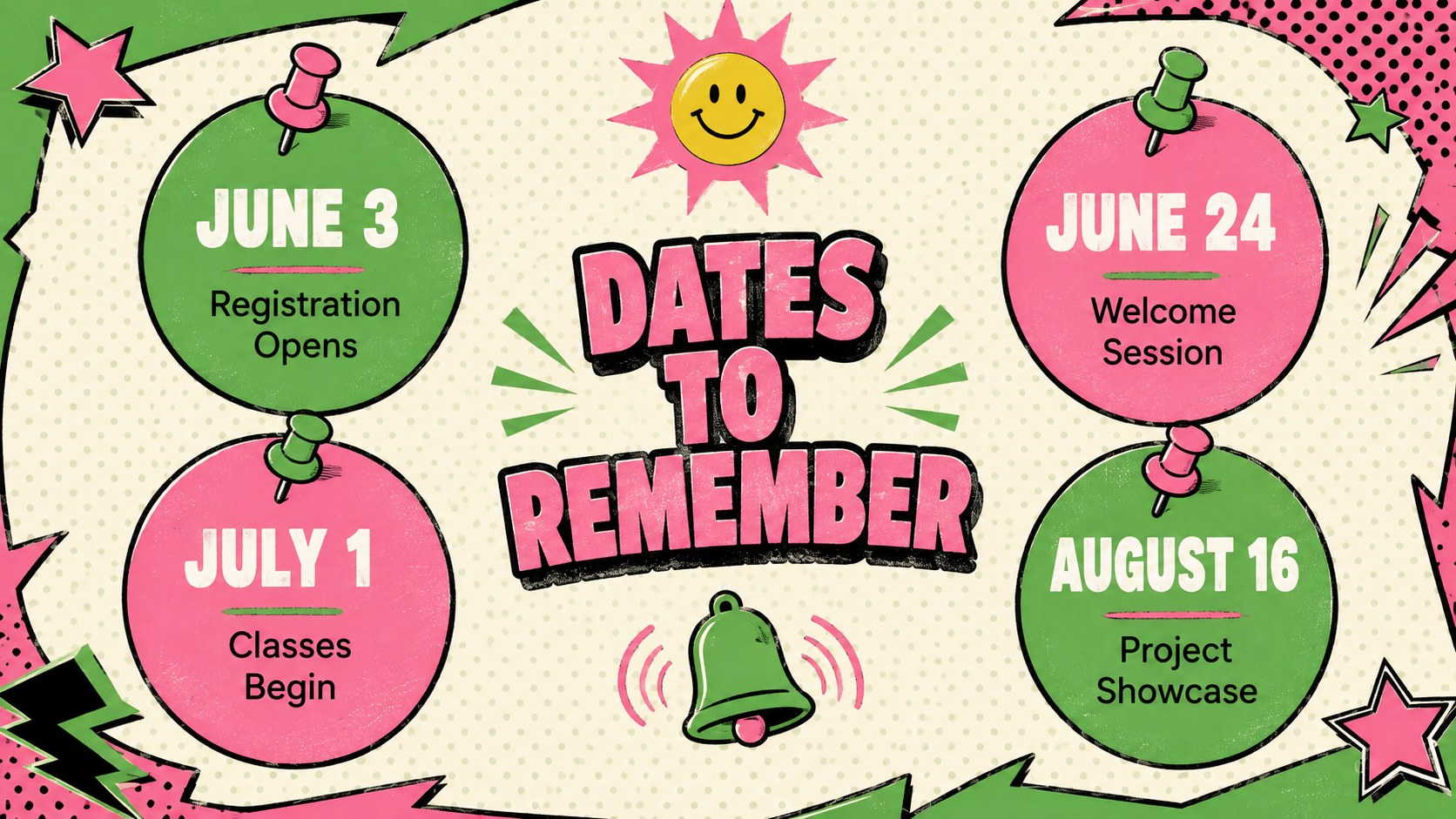

Design notes
Bring energy to seasonal communications with this pop art summer course newsletter for PowerPoint and Google Slides. Bold green and pink colors, playful shapes, and highly visible typography help important dates and enrollment messages stand out without making the information difficult to scan.
The deck includes 15 ready-to-edit layouts for course introductions, weekly schedules, instructor profiles, program benefits, registration steps, event reminders, testimonials, and contact information. Use it as a summer program announcement presentation or adapt its structured pages into a seasonal course schedule template. Charts, timelines, image spaces, and concise text sections give you flexible ways to organize both promotional and practical details.
Designed for schools, training providers, community centers, universities, and workplace learning teams, these slides suit youth programs, professional workshops, continuing education, and creative classes. They also work well as community workshop promotion slides for email updates, orientation sessions, digital noticeboards, or live presentations. Replace the sample wording, adjust the palette, insert your own photos, and reorganize sections directly in PowerPoint or Google Slides. The 16:9 format is ready for widescreen displays, virtual meetings, and PDF distribution.
Perfect for: summer course announcement; community workshop promotion; continuing education update; student enrollment briefing; seasonal training schedule.
Frequently asked questions
Can I edit this newsletter in PowerPoint? Yes. Open the PPTX file in PowerPoint to change the text, colors, images, shapes, and slide order. You can also duplicate layouts to add more course announcements.
Practical details
Yes. Open the PPTX file in PowerPoint to change the text, colors, images, shapes, and slide order. You can also duplicate layouts to add more course announcements.
Yes. Upload the presentation to Google Drive and open it with Google Slides for browser-based editing. Review font substitutions and image placement after importing.
Replace the sample course details and photos, then apply your organization’s colors and preferred fonts. Keep the high-contrast pop art accents around key dates and registration calls to action.
Yes. The layouts can be adapted for workshops, camps, orientation events, training sessions, or continuing education updates. Rename the sections and adjust seasonal graphics to match your program.
Keep exploring
15Build stronger academic arguments with a college essay thesis builder featuring guided examples, revision prompts, and editable PowerPoint and Google Slides.
 15
15Build an engaging World UFO Day session with this flying saucer history lesson deck, featuring retro green-and-brown slides for PowerPoint and Google Slides.
 14
14Plan a memorable Lunar New Year campaign with the 2036 Dragon Year Celebration Theme, featuring bold red-and-yellow slides for lessons and events.
 15
15Build a thoughtful classroom discussion with this interfaith awareness lesson deck, featuring editable blue-and-white slides for PowerPoint and Google Slides.
 15
15Use this environmental awareness lesson deck to teach climate action through illustrated activities, discussion prompts, and ready-to-edit visuals.
 15
15Build playful lessons and party stories with a kid-friendly zombie celebration theme in purple, green and pastel blue for PowerPoint and Google Slides.
 15
15Build eerie lessons, campaigns, and story pitches with an undead survival scenario theme featuring editable slides for PowerPoint and Google Slides.
 16
16Turn environmental research into a clear story with a Watercolor Ecology Presentation Theme for PowerPoint and Google Slides in calming green and blue.