
 15
15presentation
College Essay Thesis Builder Slides
Build stronger academic arguments with a college essay thesis builder featuring guided examples, revision prompts, and editable PowerPoint and Google Slides.
Google SlidesPowerPoint
presentation · English
Run a polished online session with this pop art academic webinar theme, featuring bold retro geometry, editable agendas, speaker pages, and certificates.




Design notes
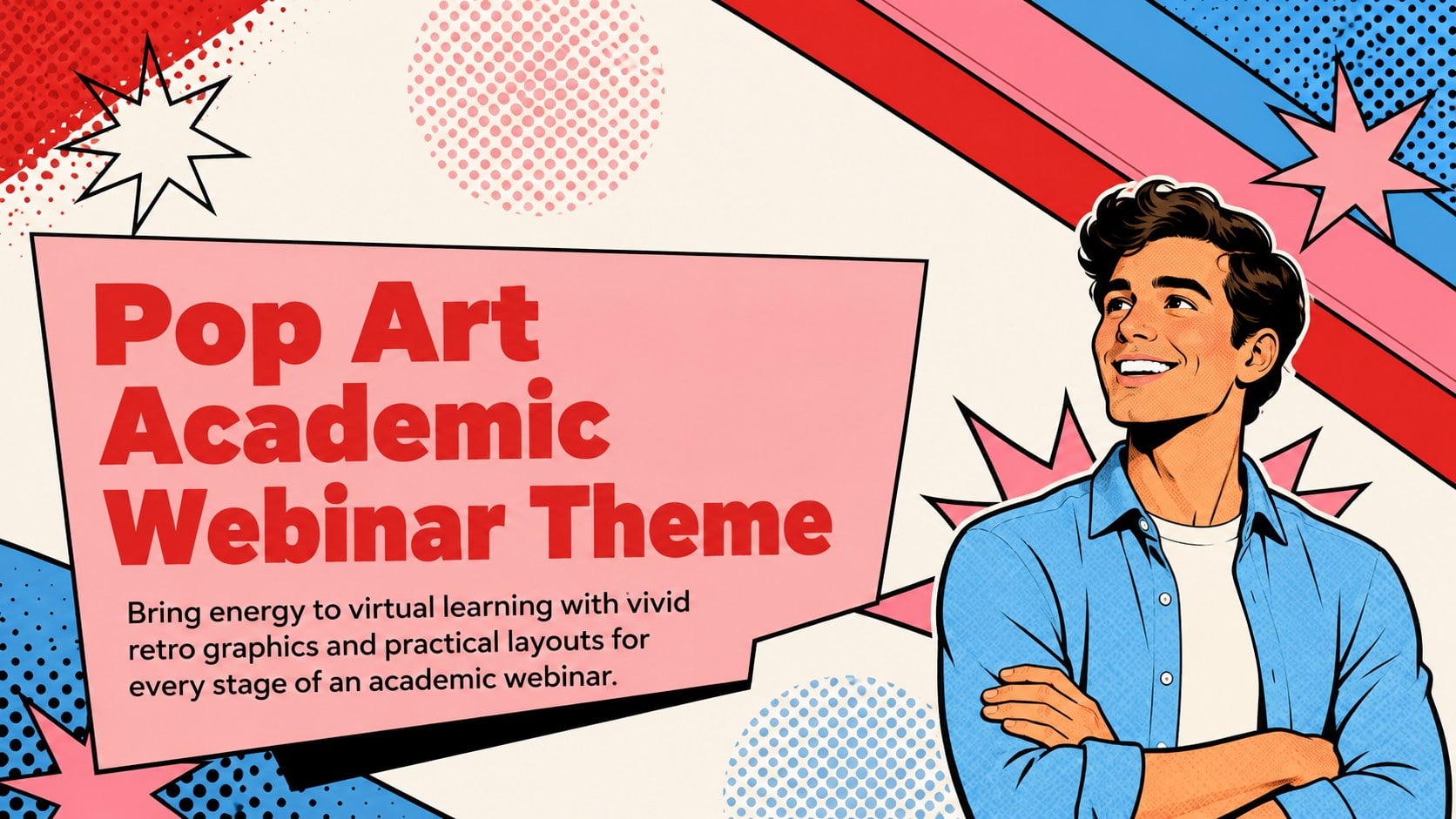
Turn an online lecture, faculty seminar, or student workshop into a memorable event with this pop art academic webinar theme. Bold pink, red, and blue shapes give the deck a lively retro character, while clean typography keeps schedules, speaker details, and educational content easy to follow. Every layout can be adapted in PowerPoint or Google Slides.
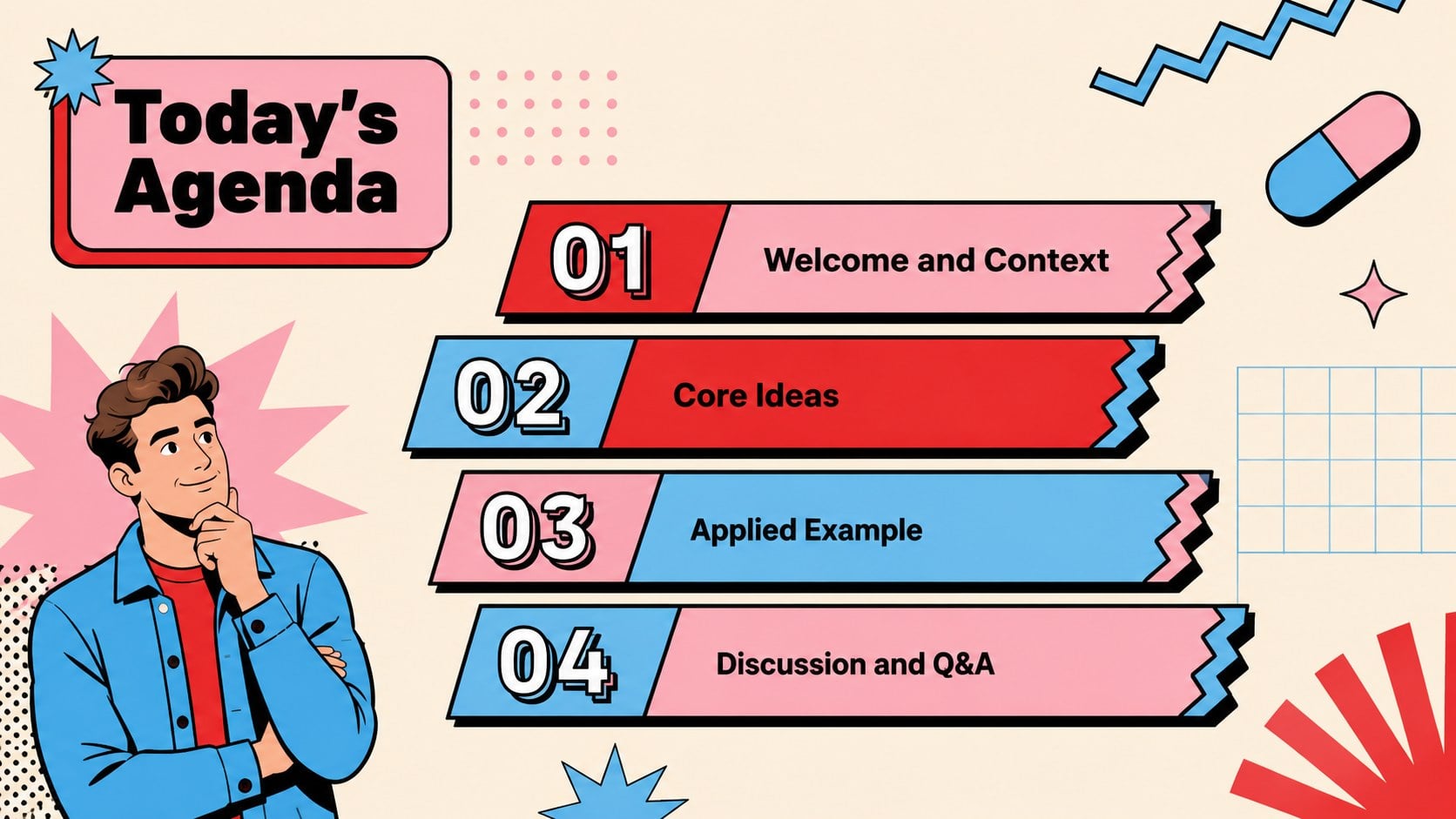
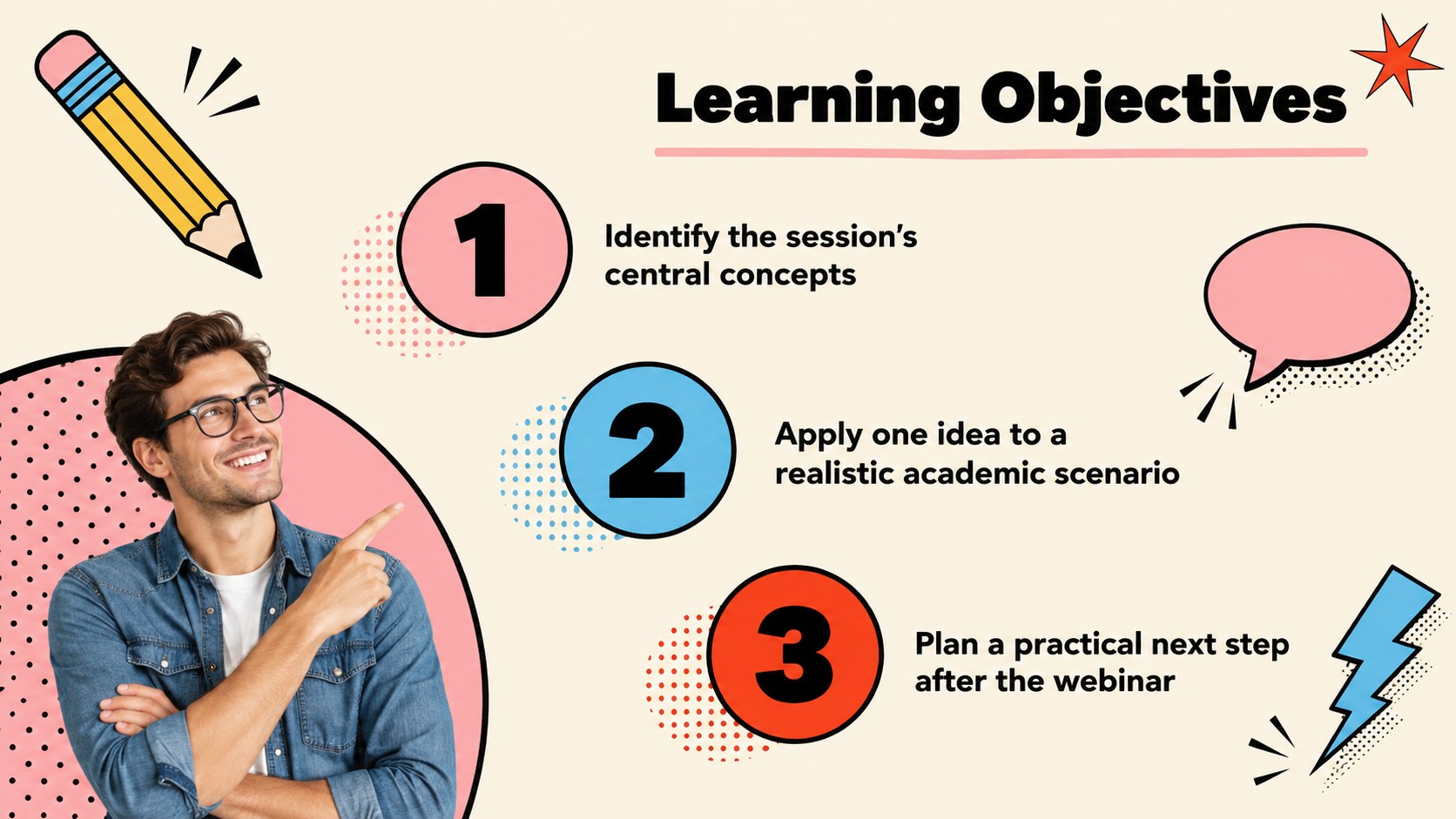
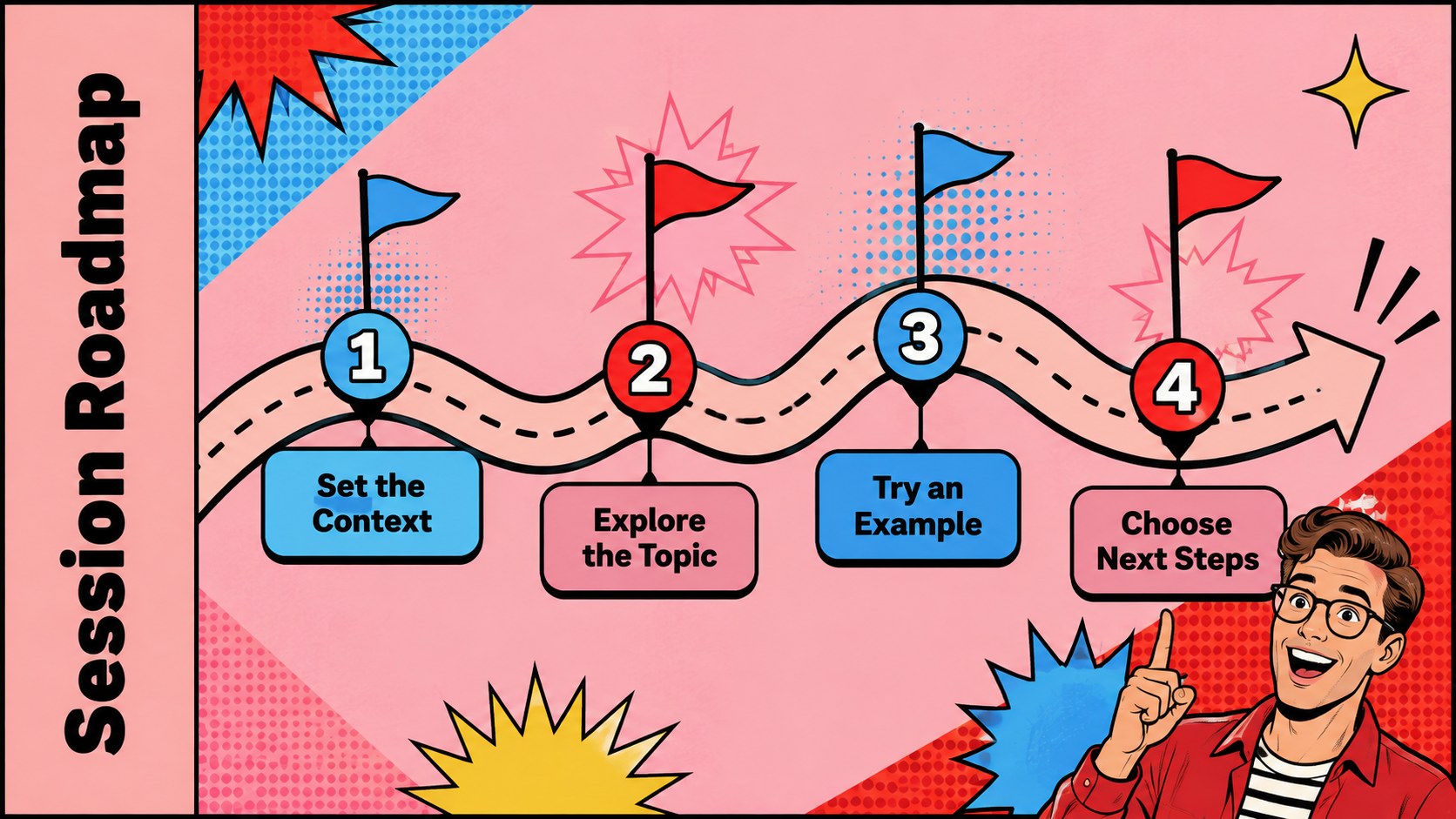
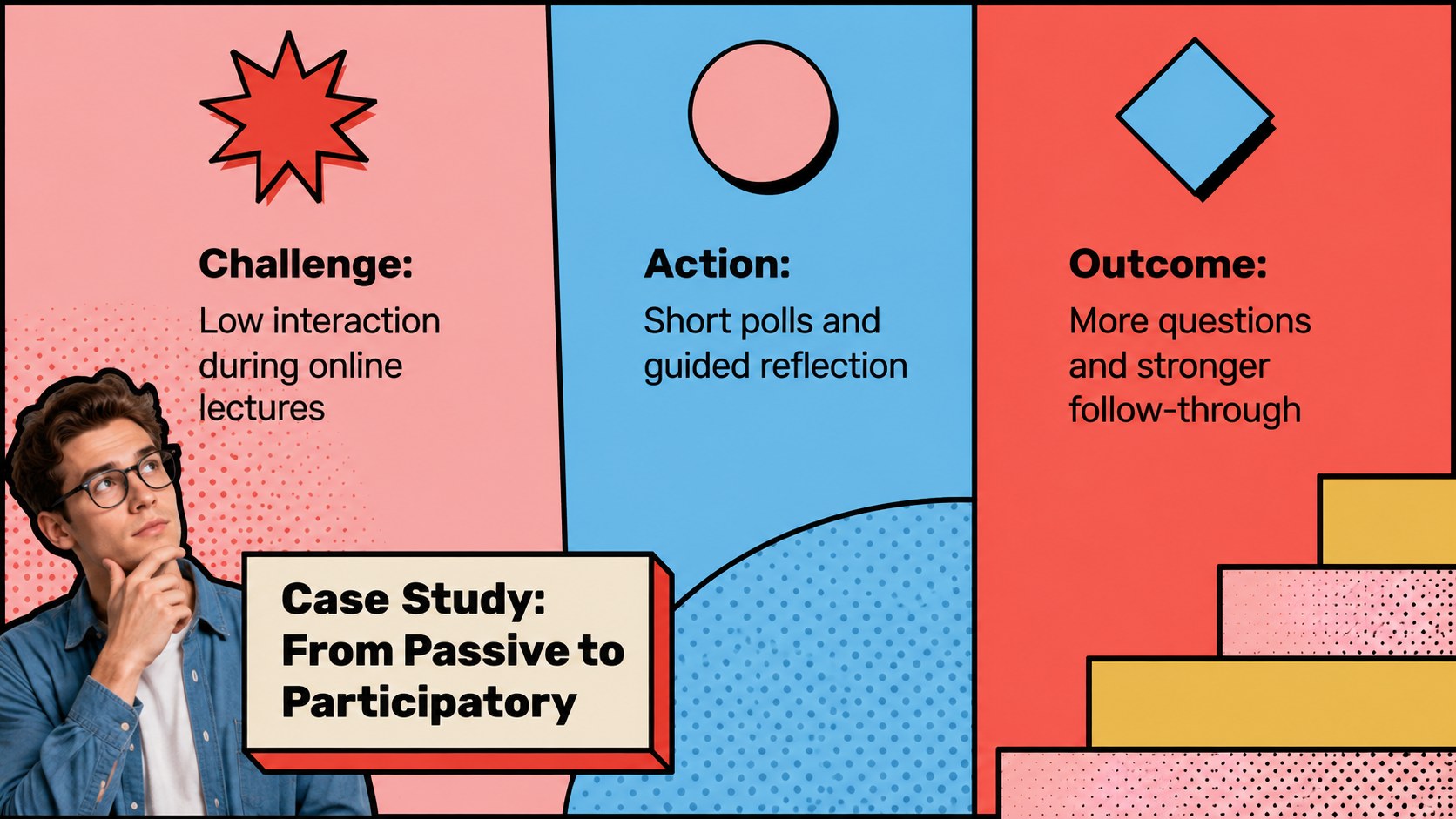
The collection includes a webinar cover, welcome message, agenda, speaker profile, learning objectives, concept explanations, session timeline, audience poll, case study, data summary, discussion prompts, resource list, Q&A page, closing screen, and an editable attendance certificate. Together, these layouts create a colorful university webinar presentation that works from registration through final recognition. Geometric frames and flexible content areas also make it a useful retro virtual seminar slide deck for recurring event series.
This design is intended for university instructors, school administrators, academic departments, training coordinators, guest lecturers, and education marketers. Use it for faculty development, online course events, research talks, orientation sessions, professional learning, or student enrichment programs. Presenters can replace the sample wording, adjust the palette, insert photos, edit charts, and add institutional details without disturbing the visual system. The included editable academic webinar certificate provides a coordinated way to recognize attendance or participation after the session.
Perfect for: university guest lecture; faculty development webinar; student enrichment workshop; academic research seminar; online course orientation; professional learning event.
Frequently asked questions
Can I edit the webinar certificate? Yes. The recipient name, event title, date, presenter details, and signature areas can all be changed. You can also add your institution's approved logo after opening the template.
Practical details
Yes. The recipient name, event title, date, presenter details, and signature areas can all be changed. You can also add your institution's approved logo after opening the template.
The theme is designed for Microsoft PowerPoint and Google Slides. Layouts, text, colors, and common presentation elements remain editable on both platforms.
Yes. Replace the pink, red, and blue palette with your institution's brand colors while retaining the geometric pop art styling. For best readability, preserve strong contrast between text and backgrounds.
Yes. Its agenda, speaker, lesson, discussion, resource, and closing layouts support both formats. The slides can also be exported as a PDF handout for attendees.
Keep exploring
15Build stronger academic arguments with a college essay thesis builder featuring guided examples, revision prompts, and editable PowerPoint and Google Slides.
 15
15Build an engaging World UFO Day session with this flying saucer history lesson deck, featuring retro green-and-brown slides for PowerPoint and Google Slides.
 14
14Plan a memorable Lunar New Year campaign with the 2036 Dragon Year Celebration Theme, featuring bold red-and-yellow slides for lessons and events.
 15
15Build a thoughtful classroom discussion with this interfaith awareness lesson deck, featuring editable blue-and-white slides for PowerPoint and Google Slides.
 15
15Use this environmental awareness lesson deck to teach climate action through illustrated activities, discussion prompts, and ready-to-edit visuals.
 15
15Build playful lessons and party stories with a kid-friendly zombie celebration theme in purple, green and pastel blue for PowerPoint and Google Slides.
 15
15Build eerie lessons, campaigns, and story pitches with an undead survival scenario theme featuring editable slides for PowerPoint and Google Slides.
 16
16Turn environmental research into a clear story with a Watercolor Ecology Presentation Theme for PowerPoint and Google Slides in calming green and blue.