
 15
15presentation
College Essay Thesis Builder Slides
Build stronger academic arguments with a college essay thesis builder featuring guided examples, revision prompts, and editable PowerPoint and Google Slides.
Google SlidesPowerPoint
presentation · English
Teach clear water rules with a classroom-ready pool safety visual guide featuring editable blue-and-yellow infographics for PowerPoint and Google Slides.

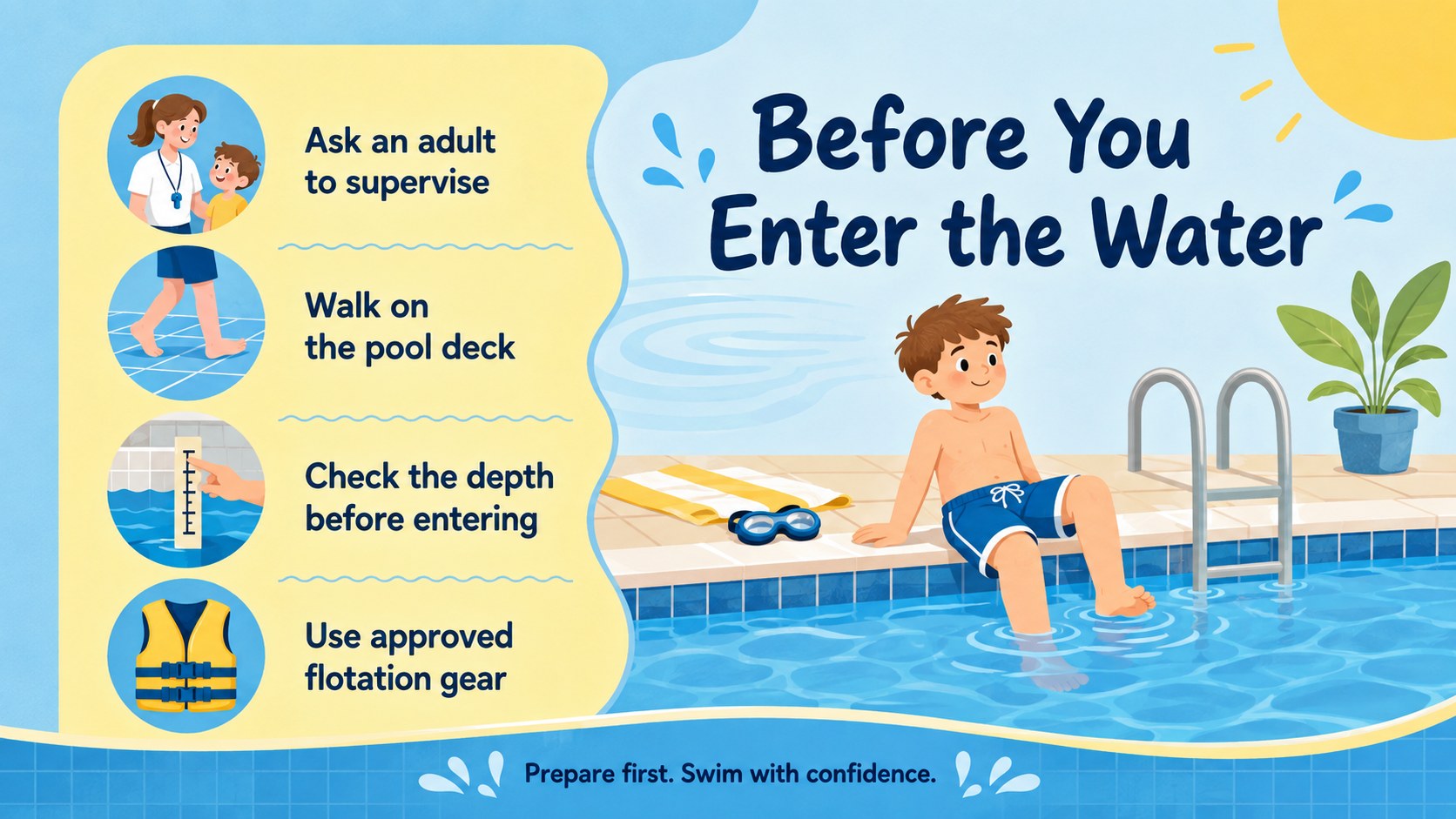
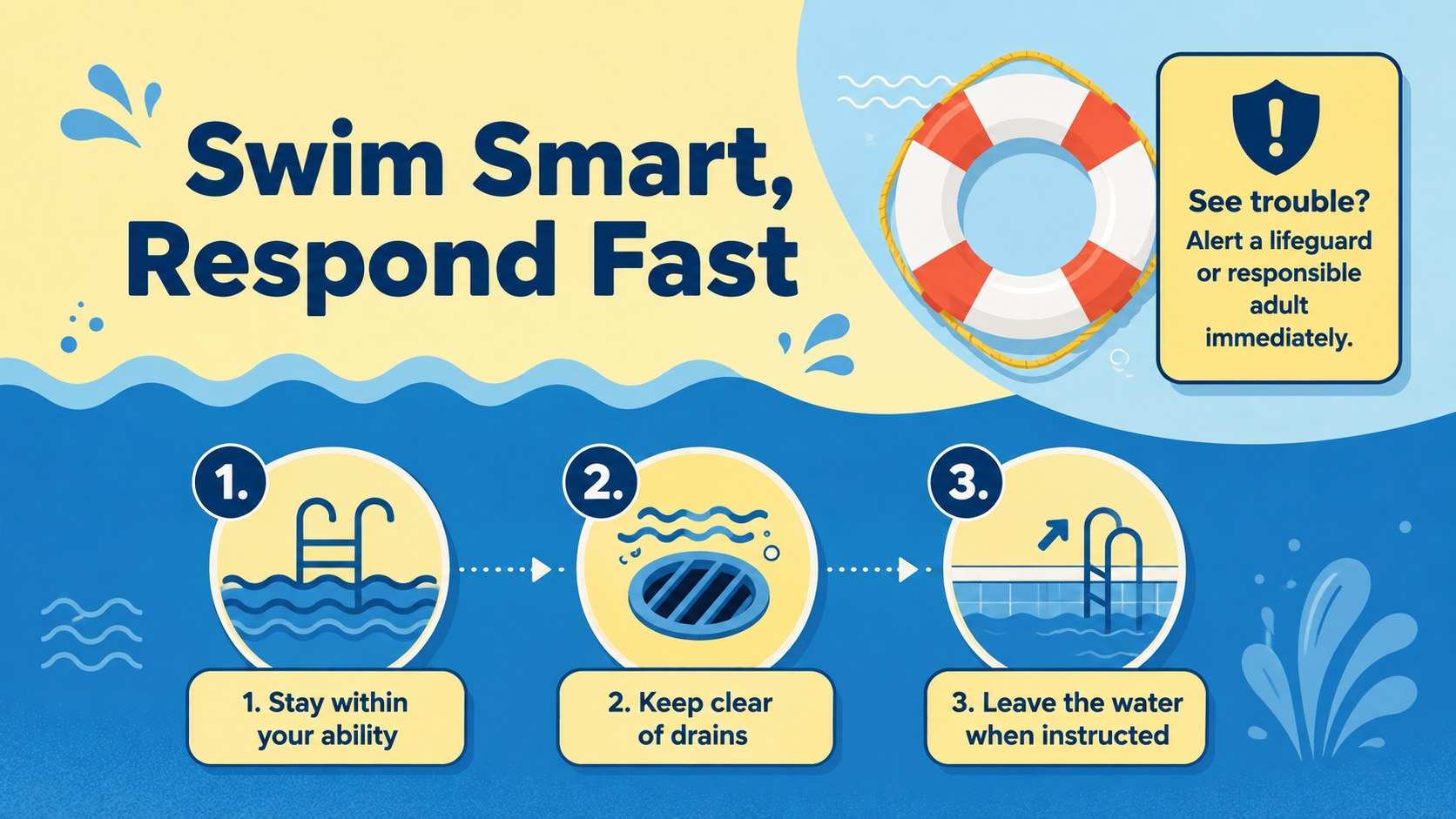
Design notes
The pool safety visual guide turns important precautions into clear, memorable graphics that audiences can understand at a glance. Its bright blue-and-yellow palette, friendly illustrations, and straightforward messaging create an approachable resource for discussing safe behavior around pools and other supervised swimming areas.
Inside, you will find layouts for water safety rules for kids, pre-swim checks, responsible poolside behavior, supervision reminders, and simple emergency guidance. Use the editable pool safety presentation to replace sample wording, adjust colors, add local contact details, or highlight rules for a particular venue. Visual callouts and compact text areas help keep each message focused without making the slides feel crowded.
This template works well for teachers, swim instructors, recreation teams, lifeguards, parents, and community organizations. It can support a classroom lesson, beginner swimming course, summer camp briefing, or community pool safety infographic campaign. Every slide can be customized in PowerPoint or Google Slides, making it practical for both live presentations and digital sharing. The cohesive illustration style also helps presenters communicate serious guidance in a calm, age-appropriate way while preserving a cheerful aquatic atmosphere.
Perfect for: school water safety lesson; beginner swimming class; community pool orientation; summer camp safety briefing; lifeguard awareness session.
Frequently asked questions
Can I edit the safety rules and illustrations? Yes. You can replace the sample rules, revise headings, recolor shapes, and reposition visual elements to match your facility or lesson plan. Illustrations can also be resized or substituted.
Practical details
Yes. You can replace the sample rules, revise headings, recolor shapes, and reposition visual elements to match your facility or lesson plan. Illustrations can also be resized or substituted.
The template is designed for PowerPoint and Google Slides. Both platforms support editing the text, colors, layout elements, and speaker notes.
Yes. Shorten the wording, use larger type, and focus each slide on one simple action for an early-years audience. The illustrated format is suitable for visual classroom instruction.
Yes. Add venue-specific supervision requirements, emergency contacts, depth restrictions, or equipment policies. Review the finished material against your local safety procedures before presenting it.
Keep exploring
15Build stronger academic arguments with a college essay thesis builder featuring guided examples, revision prompts, and editable PowerPoint and Google Slides.
 15
15Build an engaging World UFO Day session with this flying saucer history lesson deck, featuring retro green-and-brown slides for PowerPoint and Google Slides.
 14
14Plan a memorable Lunar New Year campaign with the 2036 Dragon Year Celebration Theme, featuring bold red-and-yellow slides for lessons and events.
 15
15Build a thoughtful classroom discussion with this interfaith awareness lesson deck, featuring editable blue-and-white slides for PowerPoint and Google Slides.
 15
15Use this environmental awareness lesson deck to teach climate action through illustrated activities, discussion prompts, and ready-to-edit visuals.
 15
15Build playful lessons and party stories with a kid-friendly zombie celebration theme in purple, green and pastel blue for PowerPoint and Google Slides.
 15
15Build eerie lessons, campaigns, and story pitches with an undead survival scenario theme featuring editable slides for PowerPoint and Google Slides.
 16
16Turn environmental research into a clear story with a Watercolor Ecology Presentation Theme for PowerPoint and Google Slides in calming green and blue.