
 15
15presentation
College Essay Thesis Builder Slides
Build stronger academic arguments with a college essay thesis builder featuring guided examples, revision prompts, and editable PowerPoint and Google Slides.
Google SlidesPowerPoint
presentation · English
Use Political Beliefs Comparison Posters to frame clear civics lessons with editable black-and-white visuals for PowerPoint and Google Slides classrooms.
Design notes
Political Beliefs Comparison Posters give educators a clear visual framework for introducing ideology, policy priorities, and contrasting views of government. The playful black-and-white design keeps complex concepts approachable while leaving plenty of room for examples, definitions, and student observations. Edit every layout in PowerPoint or Google Slides to match your curriculum and preferred terminology.
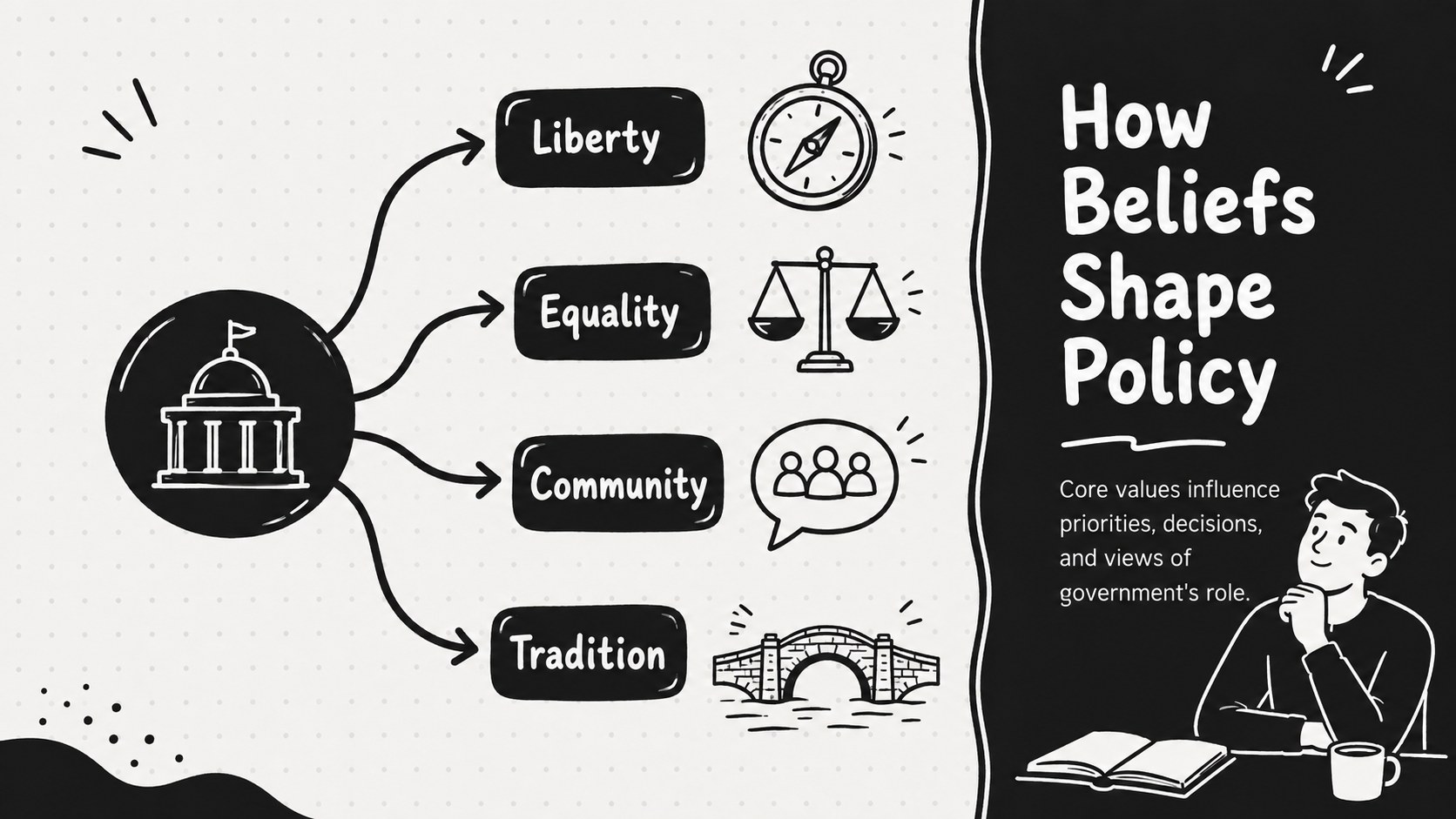
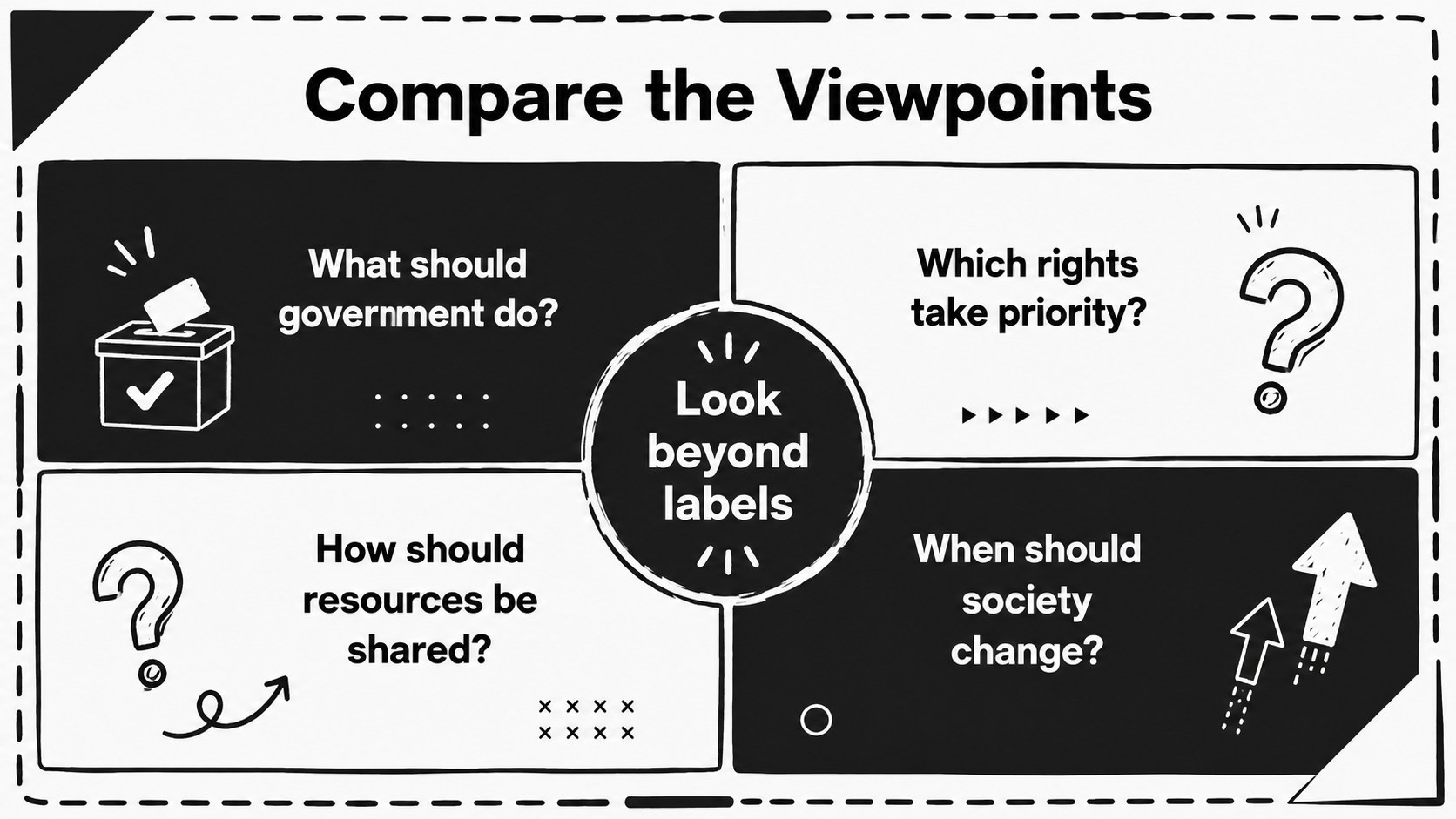
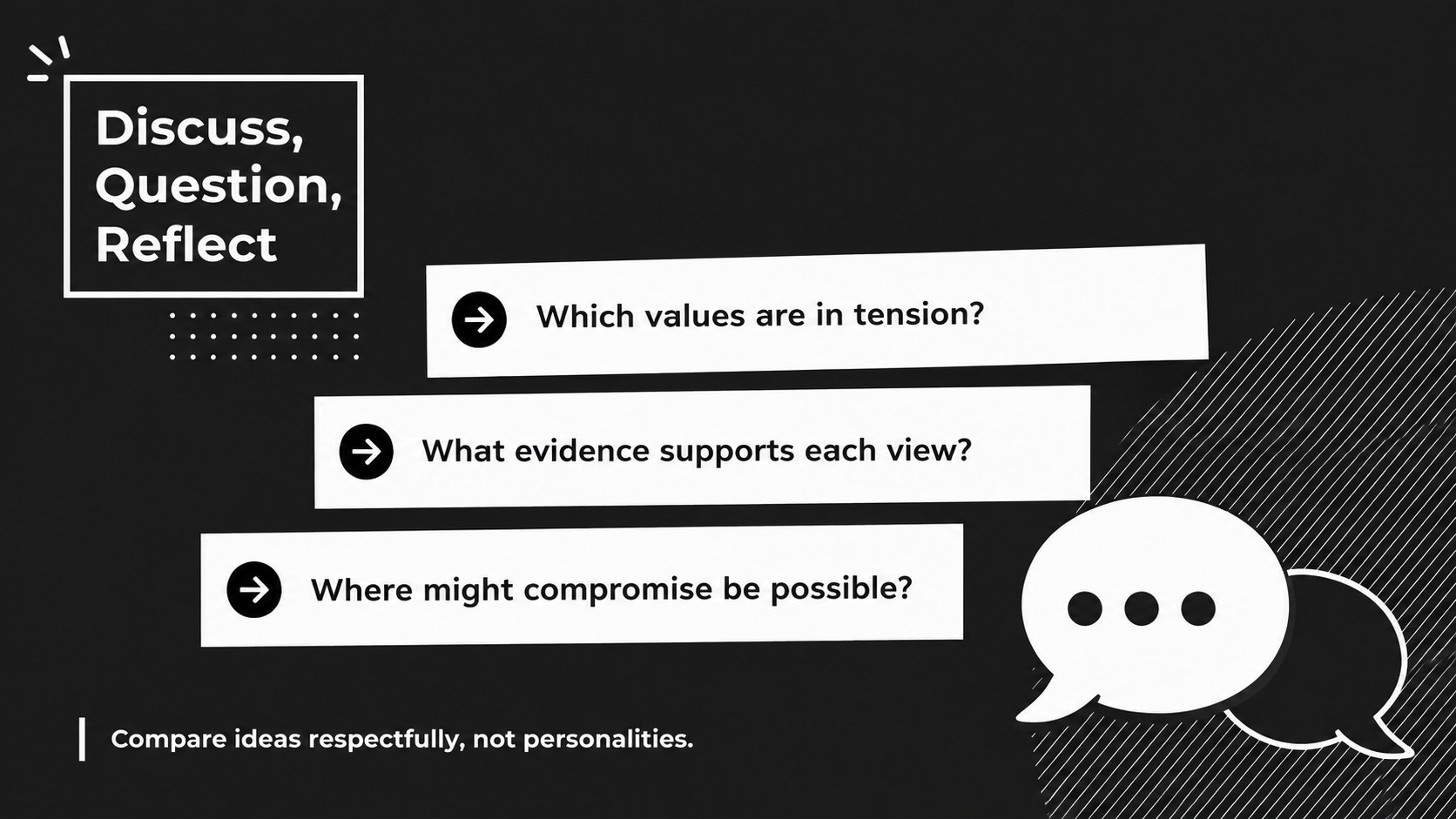
The set includes four coordinated layouts: an introductory cover, a guide to how beliefs influence policy, a structured comparison framework, and a discussion prompt page. Use them as a political spectrum classroom poster series, present them one at a time during instruction, or adapt them into printable reference materials. Minimal typography, hand-drawn accents, simple diagrams, and high-contrast sections make the information easy to scan without distracting from the lesson.
These posters are designed for secondary civics teachers, social studies departments, debate coaches, and introductory political science courses. They work especially well when students need to compare political ideologies without reducing the topic to party labels. Add local examples, historical movements, policy case studies, or class-generated definitions to create political belief systems teaching resources suited to your learners. The layouts can also support civics ideology discussion prompts, small-group analysis, revision activities, and classroom displays.
Perfect for: secondary civics lesson; political spectrum comparison; classroom debate preparation; social studies wall display; ideology review activity.
Frequently asked questions
Can I edit these posters in PowerPoint and Google Slides? Yes. All text, shapes, labels, and graphic elements can be edited in PowerPoint or Google Slides. You can replace the sample concepts with the terminology used in your curriculum.
Practical details
Yes. All text, shapes, labels, and graphic elements can be edited in PowerPoint or Google Slides. You can replace the sample concepts with the terminology used in your curriculum.
Yes. Change the headings to focus on government, economics, rights, social policy, tradition, reform, or another classroom framework. You can also duplicate sections when your lesson covers more viewpoints.
The high-contrast black-and-white styling is printer-friendly, although the slides use a 16:9 presentation format. Adjust the page size or export individual slides as PDFs when preparing physical classroom displays.
Yes. Apply one accent color to headings, dividers, or comparison markers while retaining the monochrome foundation. Consistent accent use will preserve the clean minimalist appearance.
Keep exploring
15Build stronger academic arguments with a college essay thesis builder featuring guided examples, revision prompts, and editable PowerPoint and Google Slides.
 15
15Build an engaging World UFO Day session with this flying saucer history lesson deck, featuring retro green-and-brown slides for PowerPoint and Google Slides.
 14
14Plan a memorable Lunar New Year campaign with the 2036 Dragon Year Celebration Theme, featuring bold red-and-yellow slides for lessons and events.
 15
15Build a thoughtful classroom discussion with this interfaith awareness lesson deck, featuring editable blue-and-white slides for PowerPoint and Google Slides.
 15
15Use this environmental awareness lesson deck to teach climate action through illustrated activities, discussion prompts, and ready-to-edit visuals.
 15
15Build playful lessons and party stories with a kid-friendly zombie celebration theme in purple, green and pastel blue for PowerPoint and Google Slides.
 15
15Build eerie lessons, campaigns, and story pitches with an undead survival scenario theme featuring editable slides for PowerPoint and Google Slides.
 16
16Turn environmental research into a clear story with a Watercolor Ecology Presentation Theme for PowerPoint and Google Slides in calming green and blue.