
 15
15presentation
College Essay Thesis Builder Slides
Build stronger academic arguments with a college essay thesis builder featuring guided examples, revision prompts, and editable PowerPoint and Google Slides.
Google SlidesPowerPoint
presentation · English
Lead a polished online session with this digital marketing webinar deck, featuring editable blue layouts for creators in PowerPoint and Google Slides.




Design notes
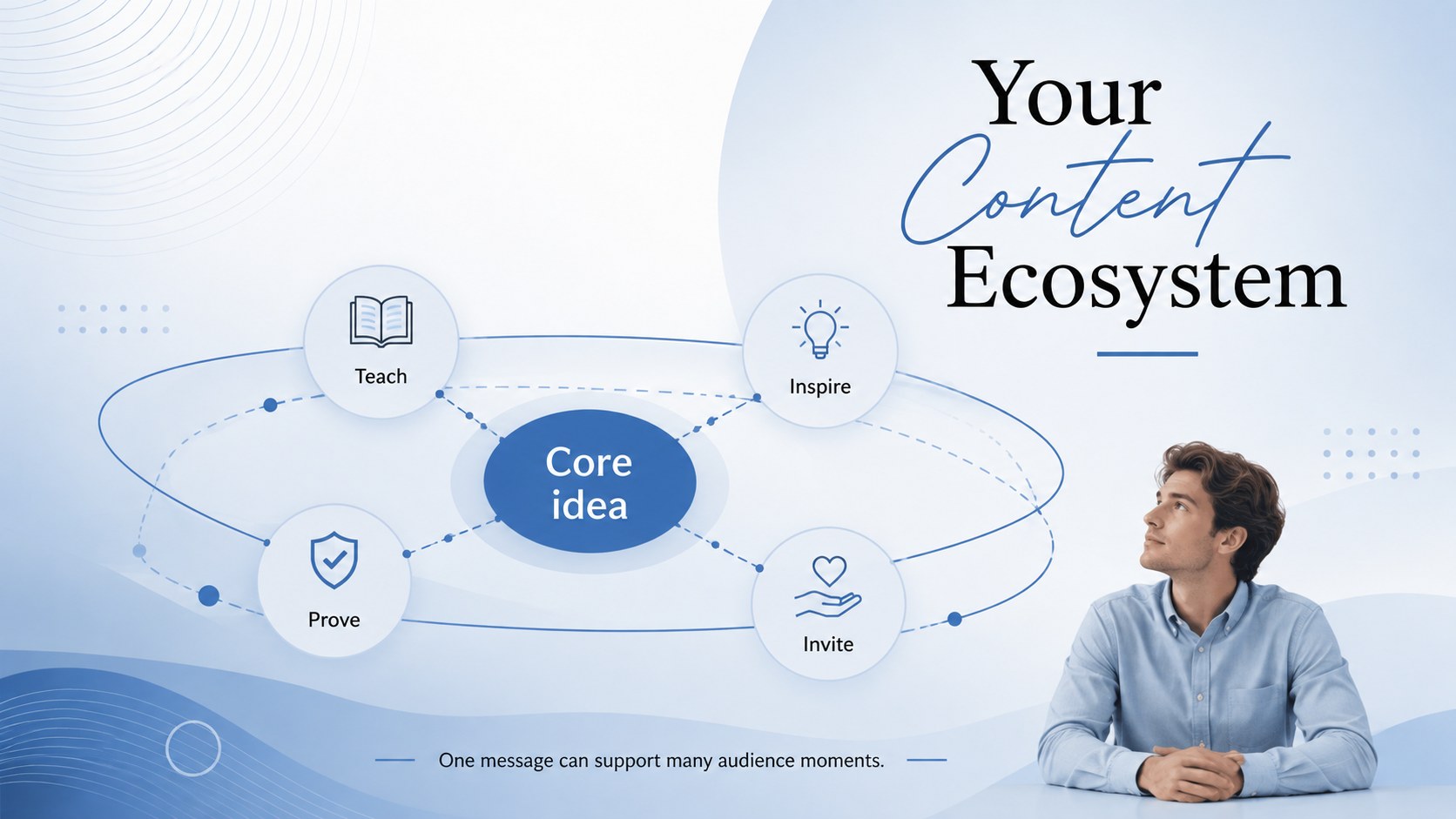
Bring structure and visual polish to your next online session with this digital marketing webinar deck. Its airy layouts, sophisticated blue gradients, refined typography, and restrained graphic details create a credible setting for teaching strategy, sharing channel insights, or guiding a live workshop. Every slide keeps information clear without losing the elegant, modern character of the design.
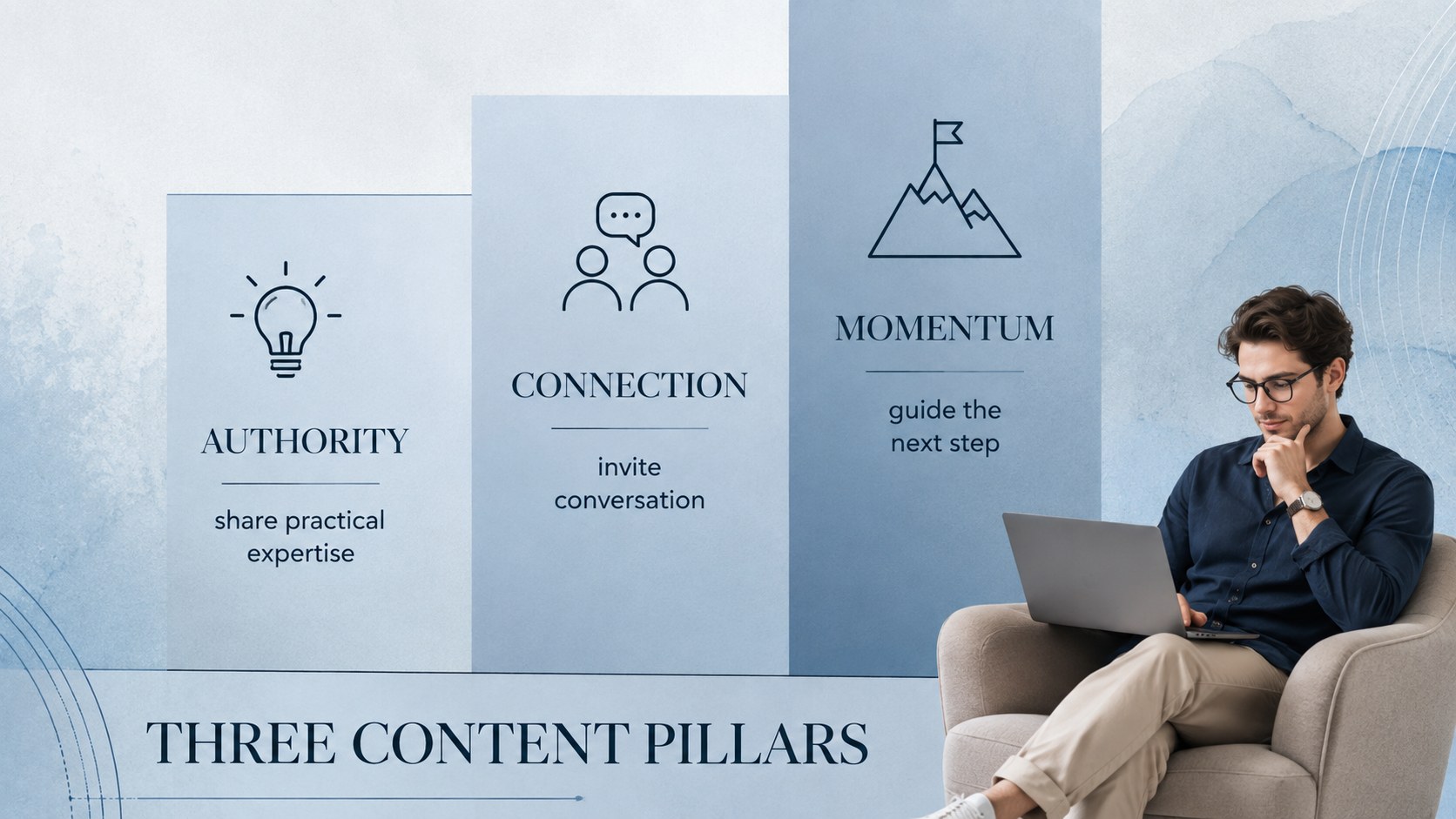
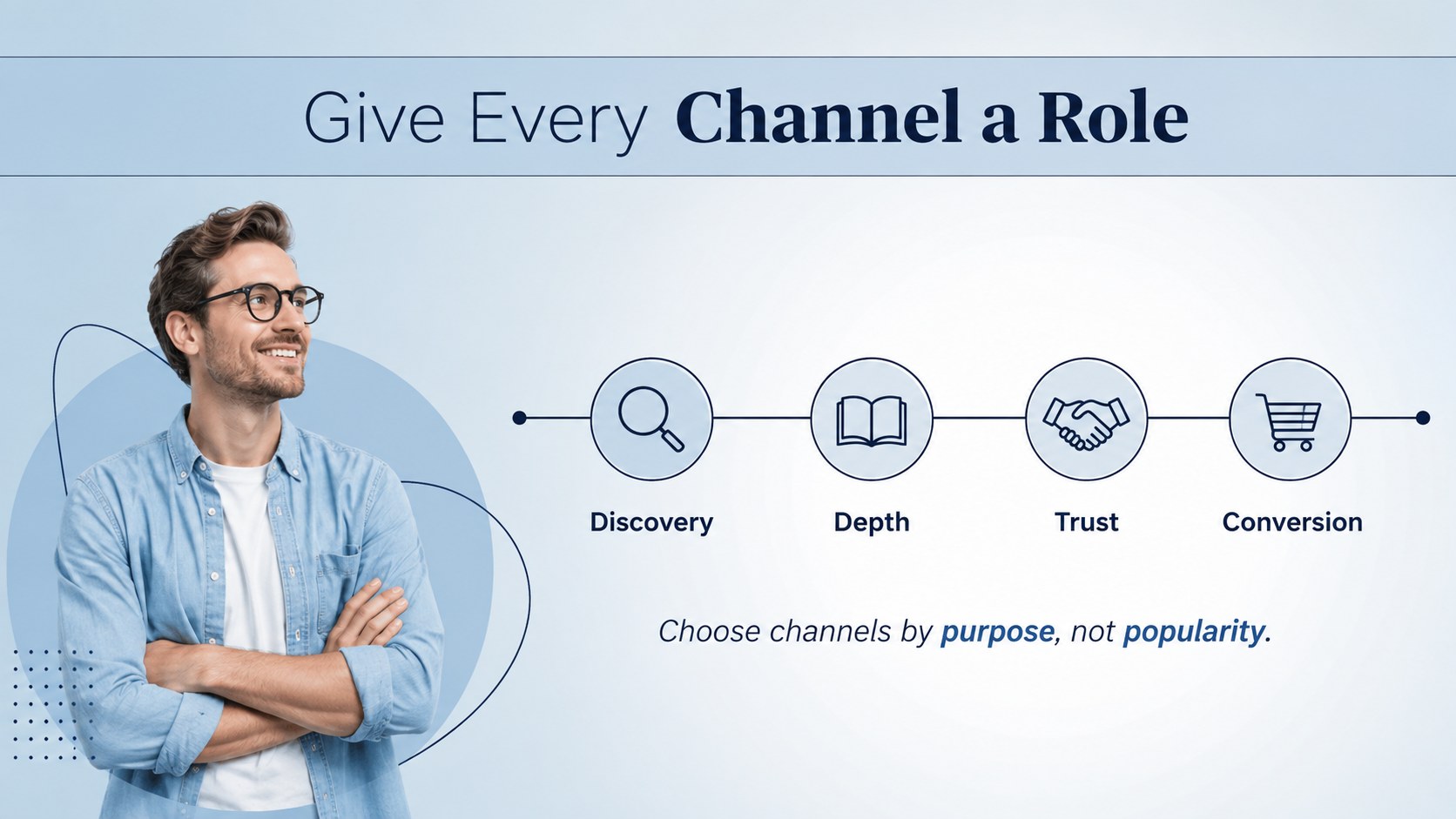
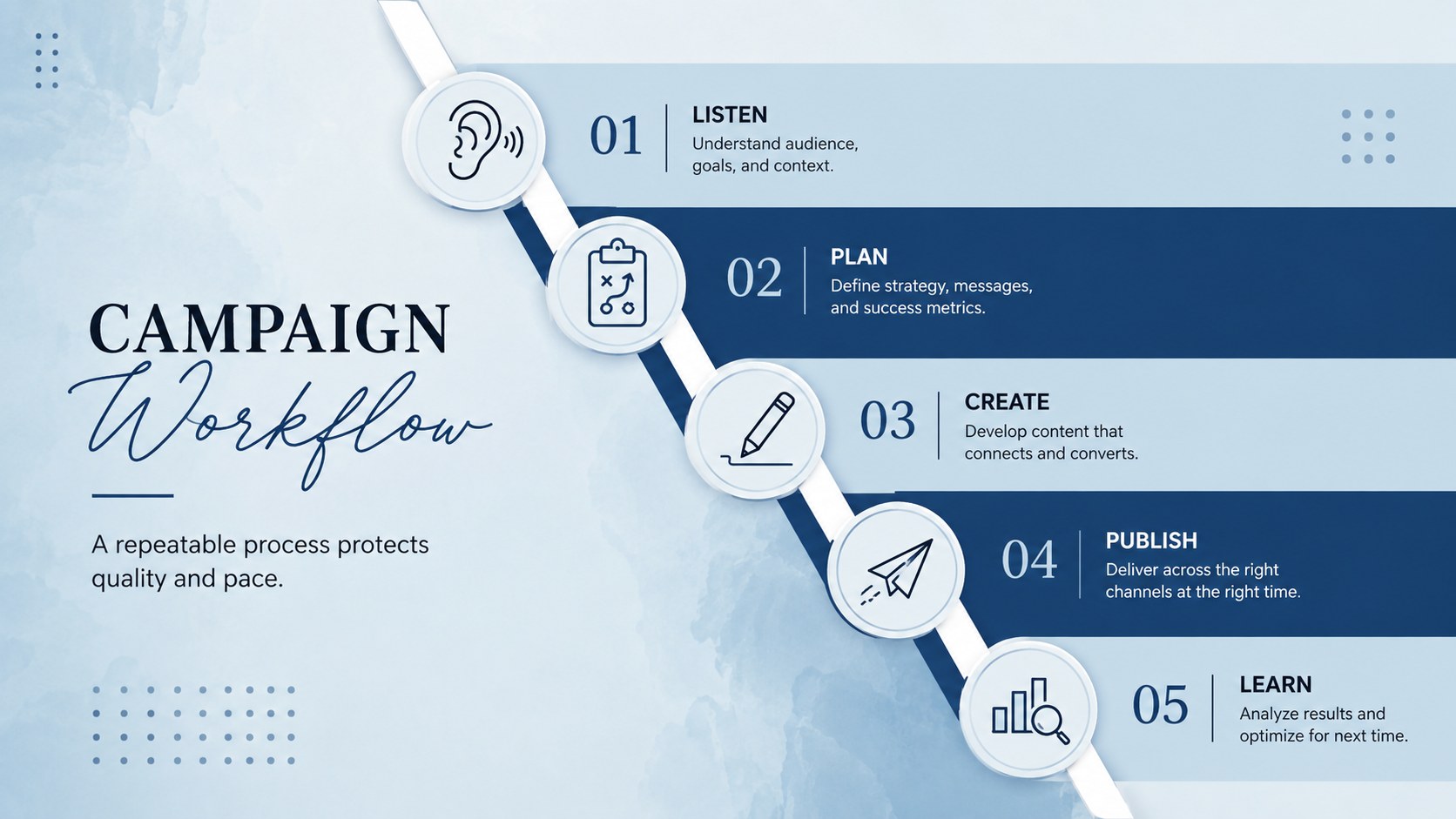
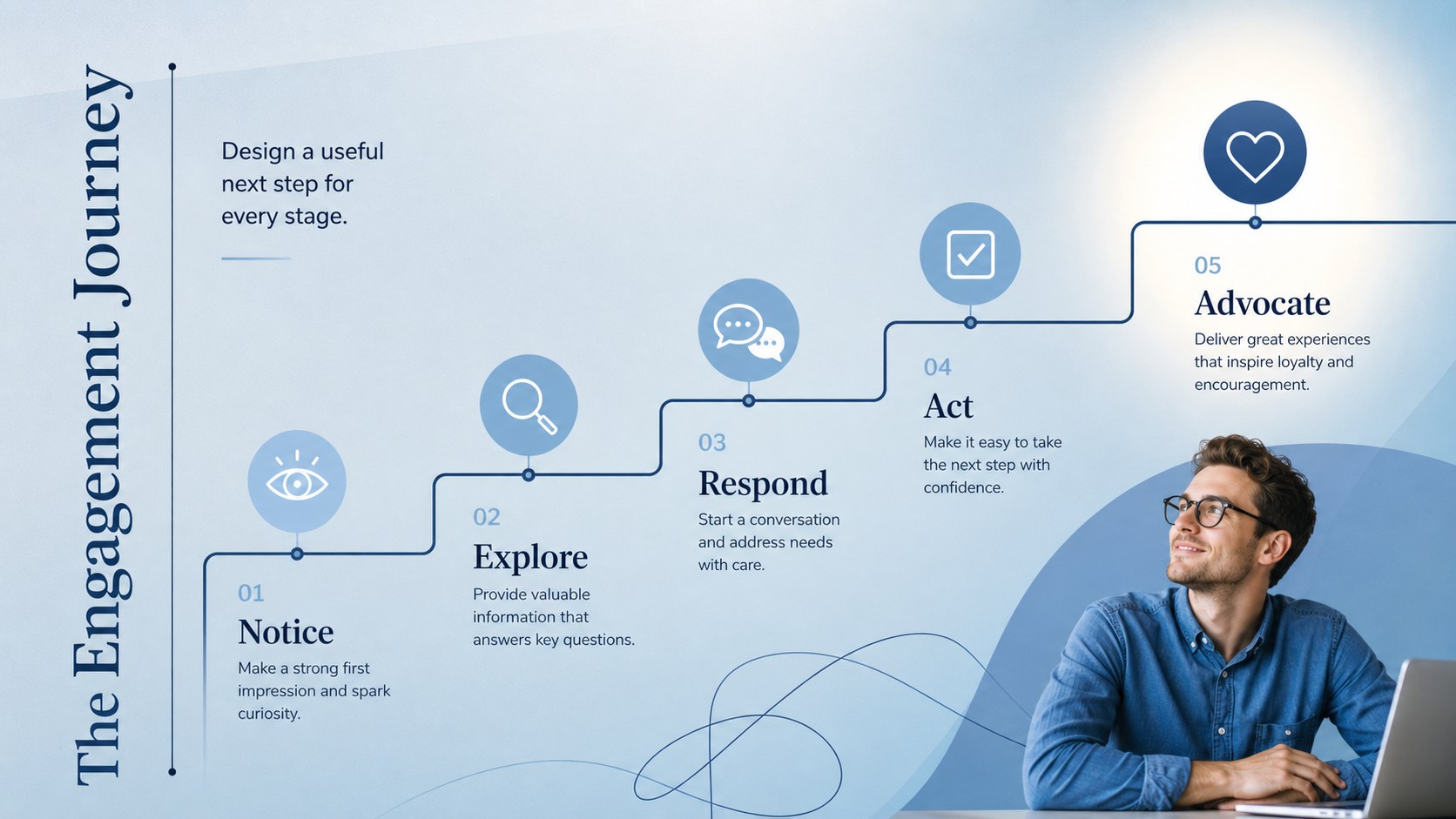
The deck includes layouts for session goals, an editable webinar agenda template, audience profiles, content pillars, channel planning, campaign workflows, engagement stages, performance metrics, interactive exercises, and a 30-day action plan. Dedicated poll, recap, and discussion slides help presenters maintain participation from the opening welcome through the final questions. Use the included online audience engagement slides to turn passive viewing into a more purposeful learning experience.
This creator economy workshop template suits marketing professionals, independent creators, educators, consultants, students, and community managers. Adapt it for a digital marketing masterclass, social channel seminar, personal brand workshop, or internal training event. Replace the sample copy, adjust charts and colors, add your own images, and reorganize sections in PowerPoint or Google Slides. The consistent visual system makes customization straightforward while preserving a cohesive, presentation-ready result.
Perfect for: digital marketing masterclass; creator strategy workshop; social channel training; personal brand webinar; community manager seminar; online marketing course.
Frequently asked questions
Which presentation platforms support this deck? The deck is designed for PowerPoint and Google Slides. Layouts, text, colors, and visual elements can be edited in either platform.
Practical details
The deck is designed for PowerPoint and Google Slides. Layouts, text, colors, and visual elements can be edited in either platform.
Yes, all sample headings, talking points, activities, and data labels are intended to be customized. You can shorten, expand, duplicate, or reorder slides to match your session plan.
Change the theme colors to match your organization or personal brand while retaining the clean layout structure. You can also replace images, adjust fonts, and restyle charts without rebuilding the deck.
Yes, the sequence supports live webinars, virtual classes, and prerecorded lessons. Agenda, poll, exercise, recap, and discussion layouts help organize different presentation formats.
Keep exploring
15Build stronger academic arguments with a college essay thesis builder featuring guided examples, revision prompts, and editable PowerPoint and Google Slides.
 15
15Build an engaging World UFO Day session with this flying saucer history lesson deck, featuring retro green-and-brown slides for PowerPoint and Google Slides.
 14
14Plan a memorable Lunar New Year campaign with the 2036 Dragon Year Celebration Theme, featuring bold red-and-yellow slides for lessons and events.
 15
15Build a thoughtful classroom discussion with this interfaith awareness lesson deck, featuring editable blue-and-white slides for PowerPoint and Google Slides.
 15
15Use this environmental awareness lesson deck to teach climate action through illustrated activities, discussion prompts, and ready-to-edit visuals.
 15
15Build playful lessons and party stories with a kid-friendly zombie celebration theme in purple, green and pastel blue for PowerPoint and Google Slides.
 15
15Build eerie lessons, campaigns, and story pitches with an undead survival scenario theme featuring editable slides for PowerPoint and Google Slides.
 16
16Turn environmental research into a clear story with a Watercolor Ecology Presentation Theme for PowerPoint and Google Slides in calming green and blue.