
 15
15presentation
College Essay Thesis Builder Slides
Build stronger academic arguments with a college essay thesis builder featuring guided examples, revision prompts, and editable PowerPoint and Google Slides.
Google SlidesPowerPoint
presentation · English
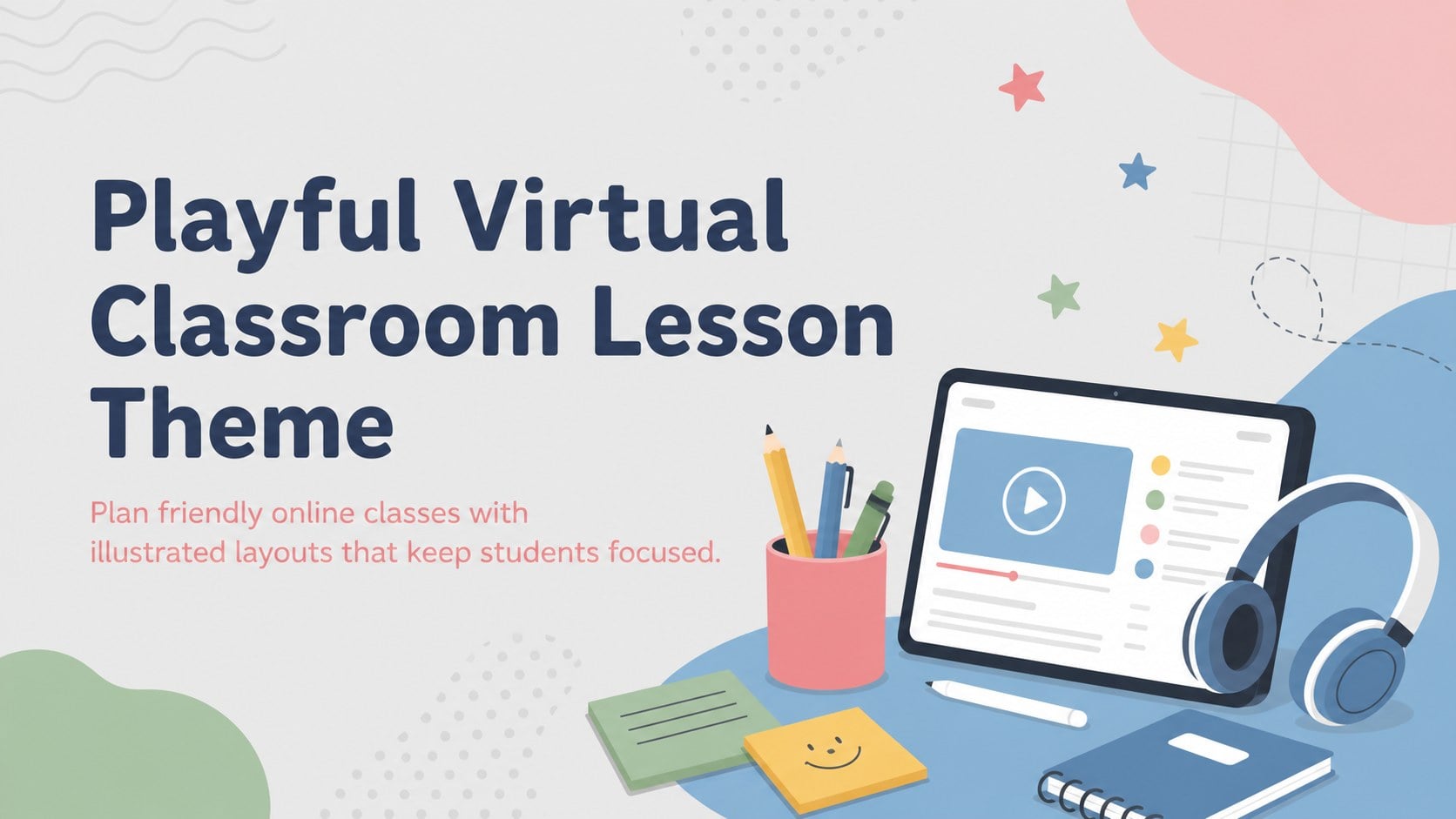
Create welcoming online lessons with a virtual classroom lesson theme featuring playful illustrations, flexible layouts, and a soft multicolor palette.
Design notes
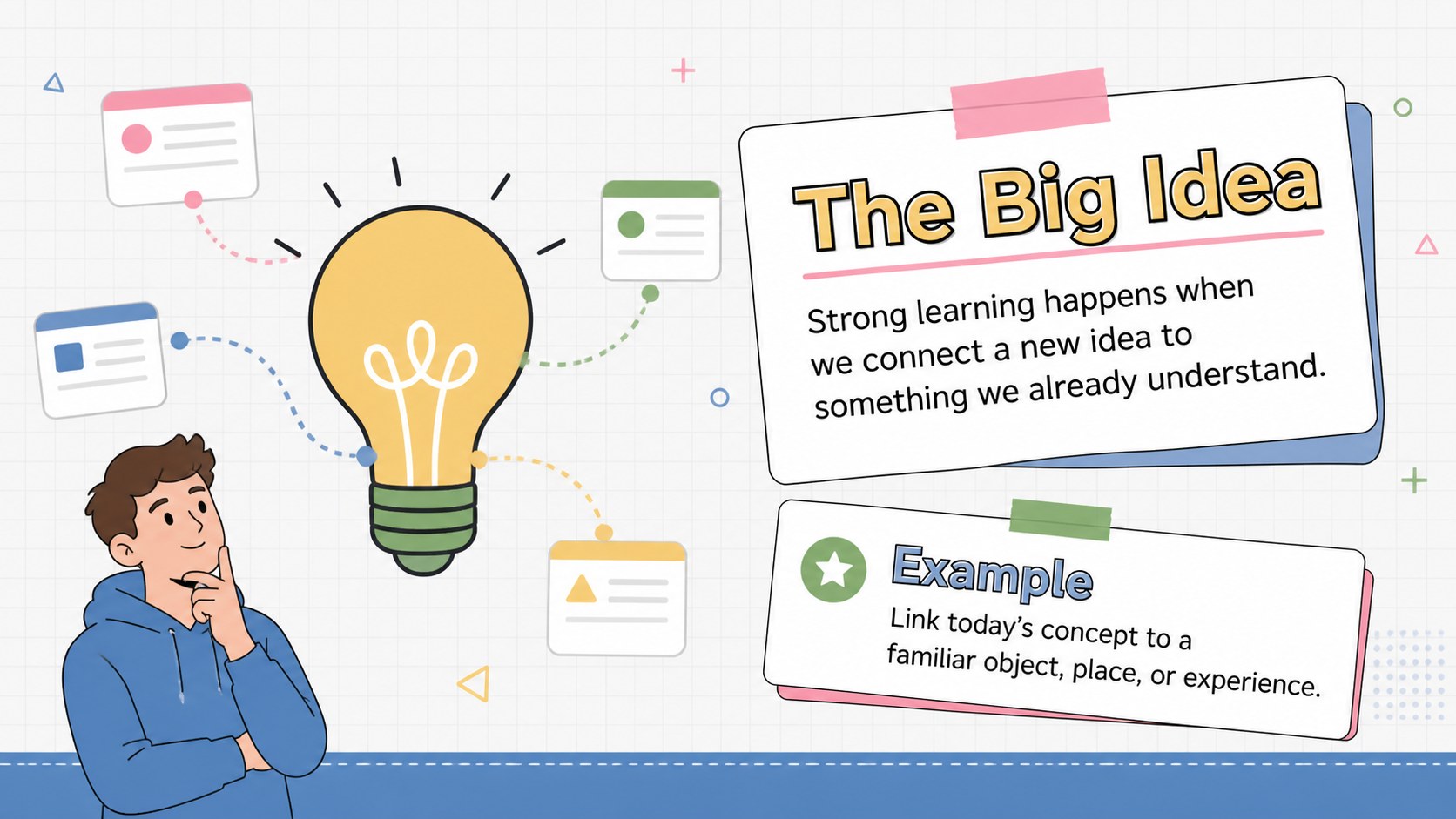
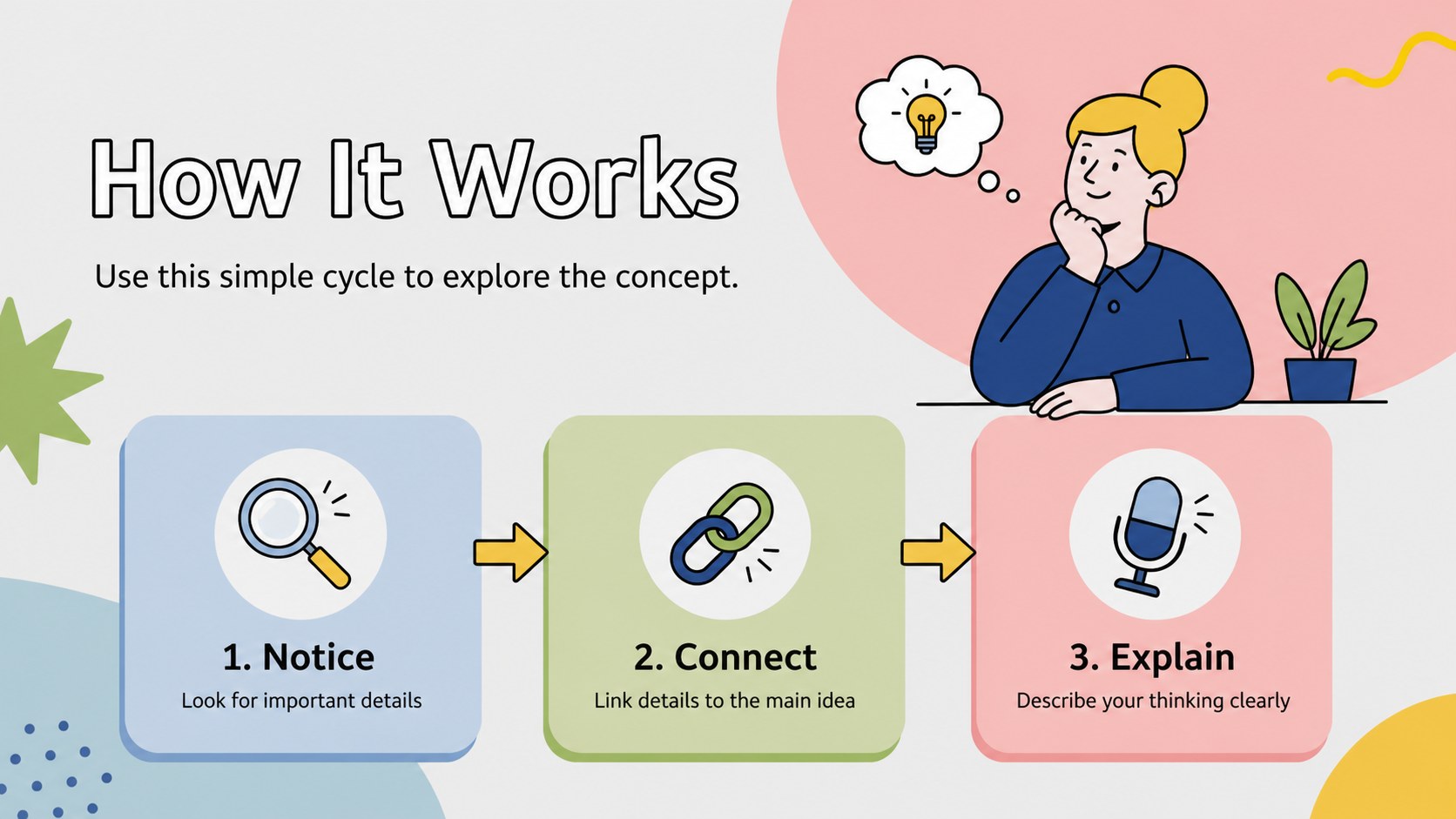
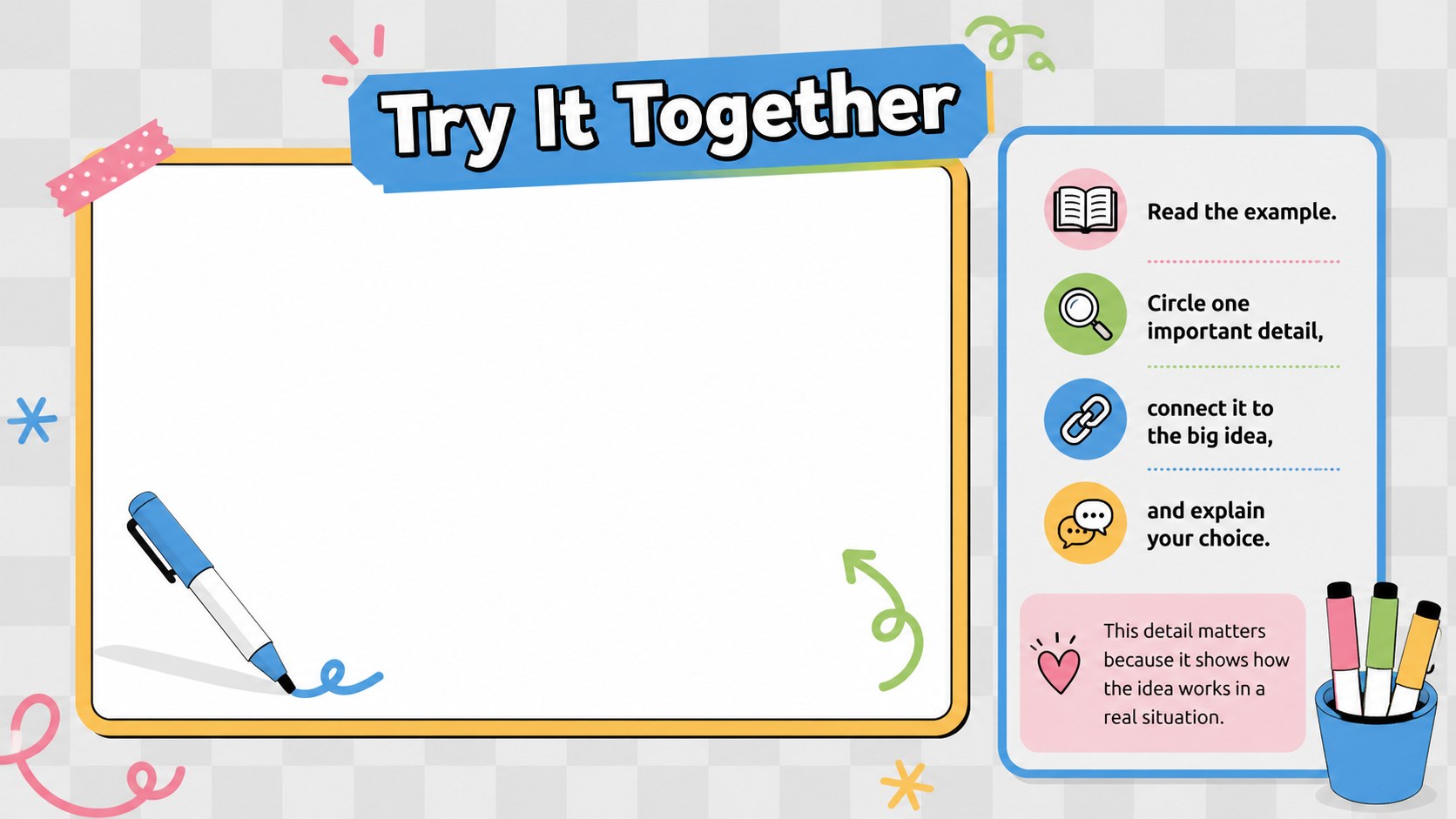
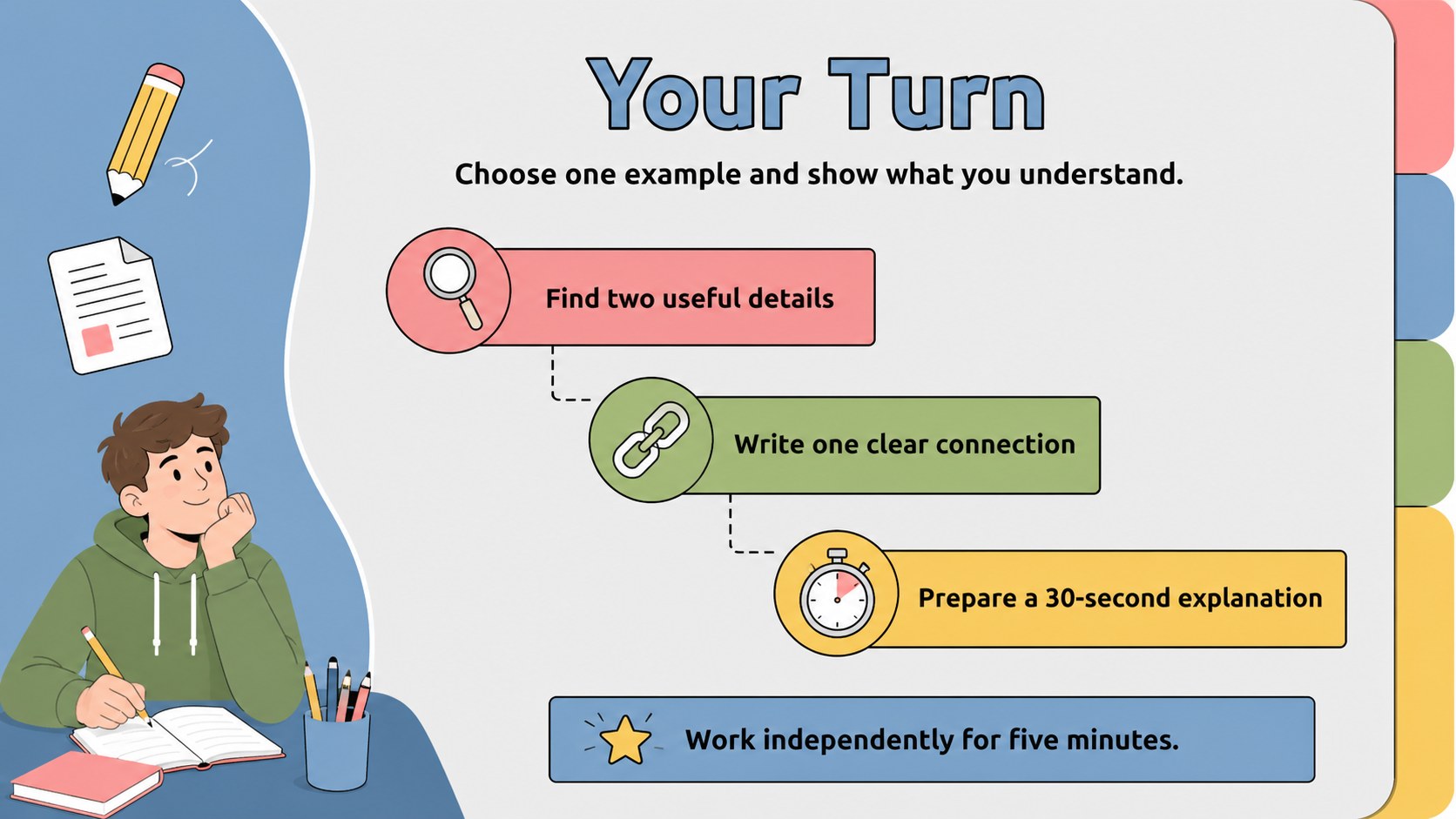
Turn screen-based teaching into a warm, organized experience with this playful virtual classroom lesson theme. Soft grey backgrounds, cheerful blue, pink, green, and yellow accents, and original classroom-inspired illustrations create an inviting setting without distracting from the lesson. These online lesson slides for teachers work equally well for live instruction, recorded modules, or blended learning.
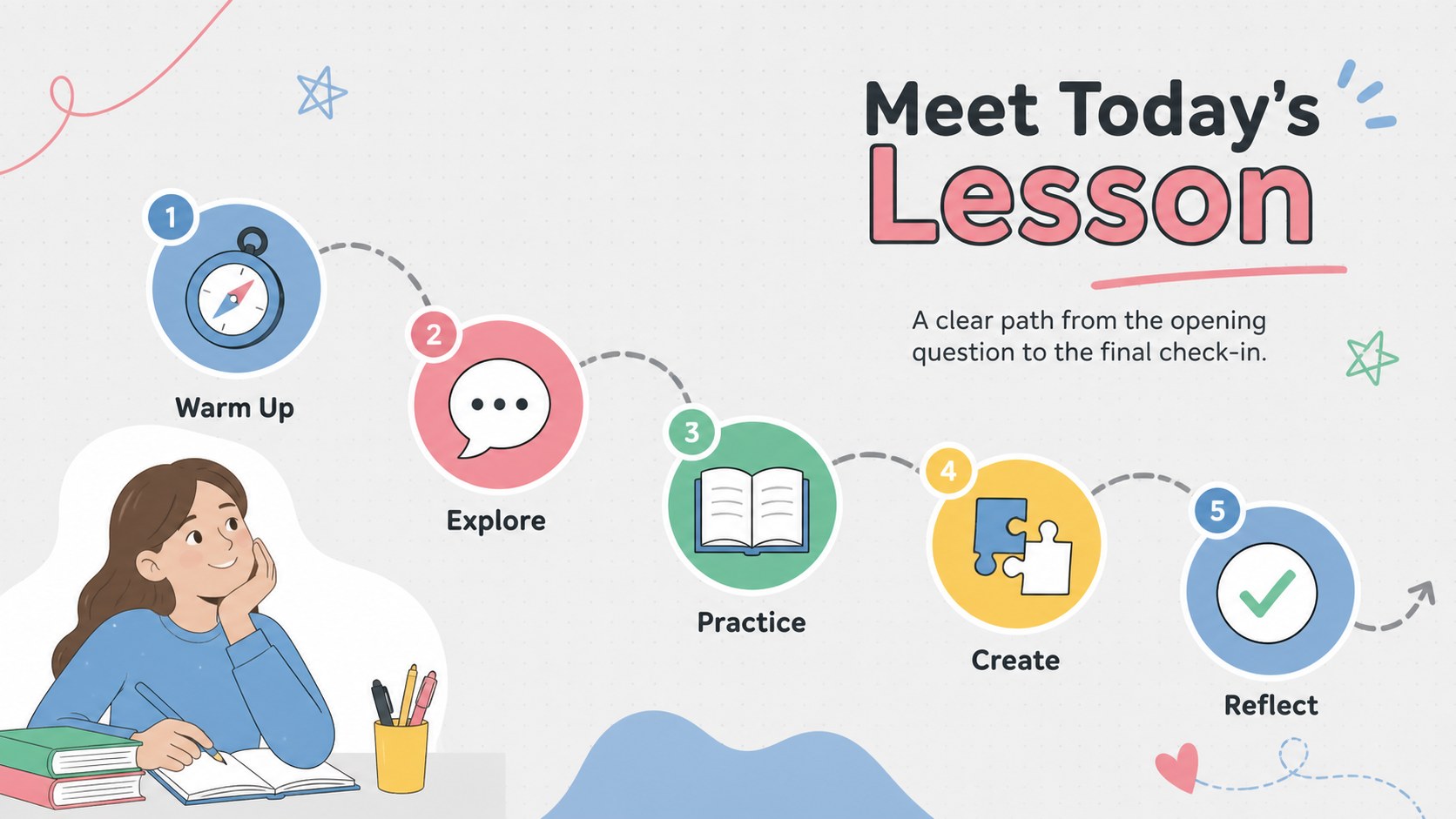
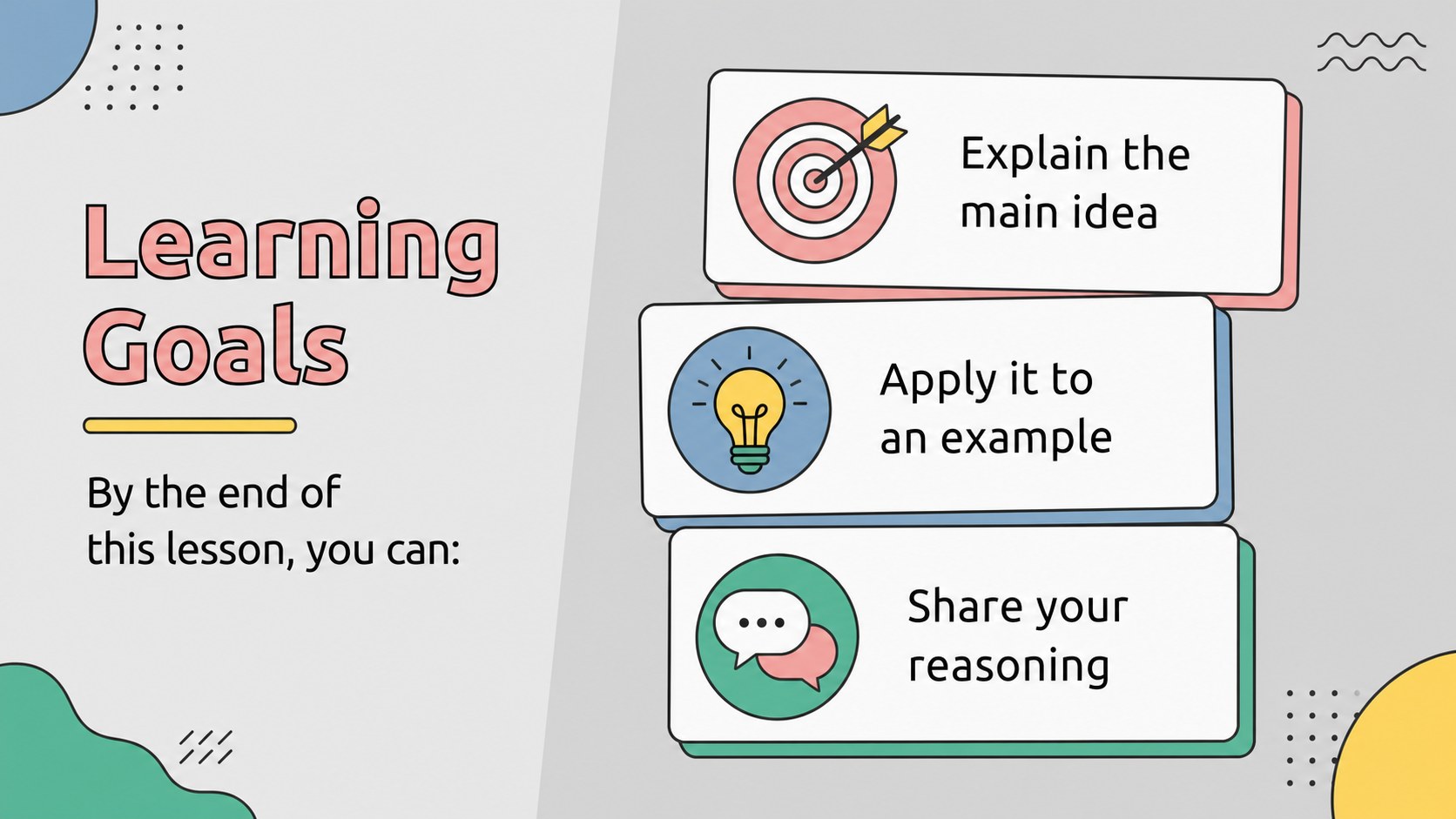
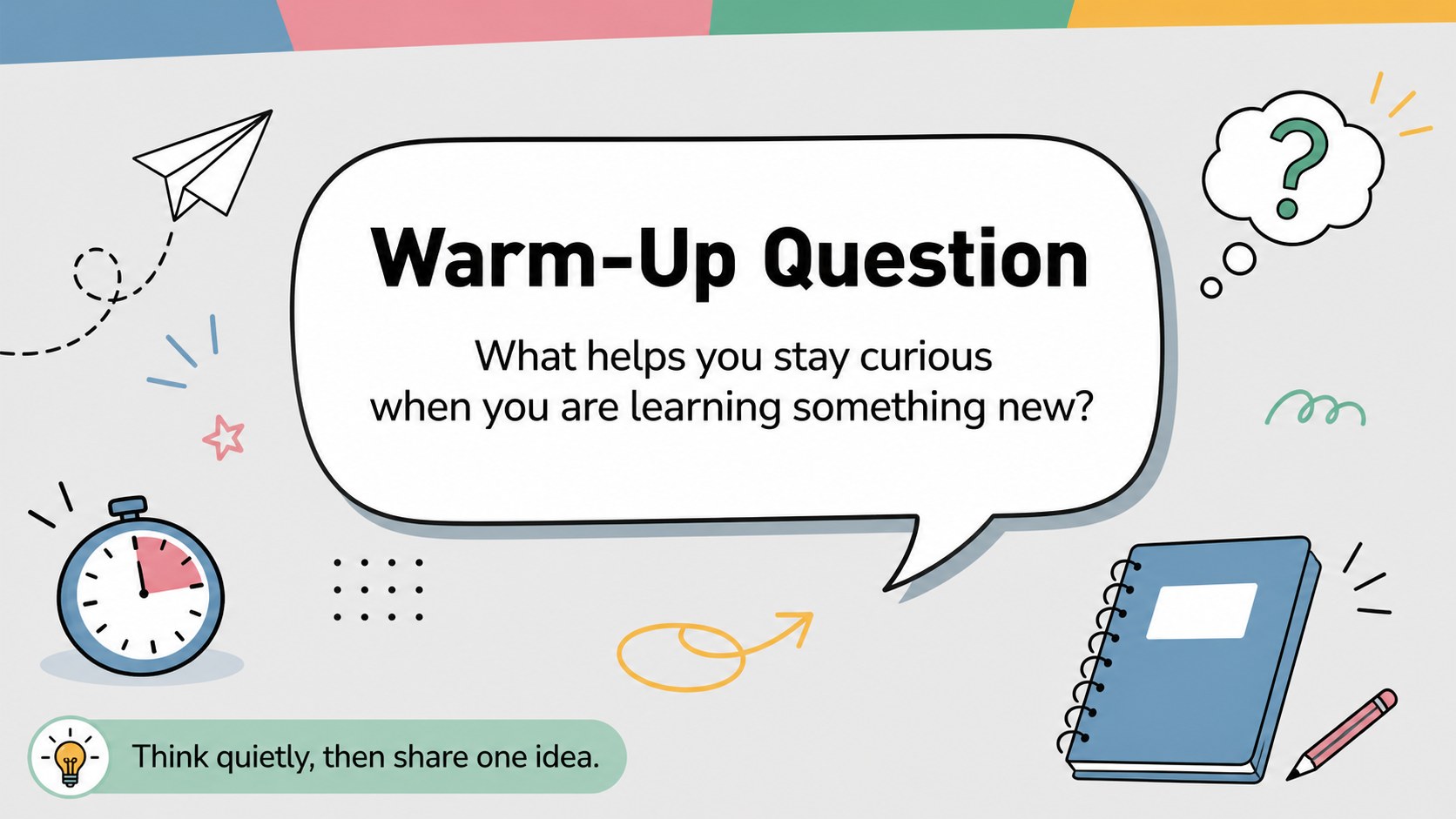
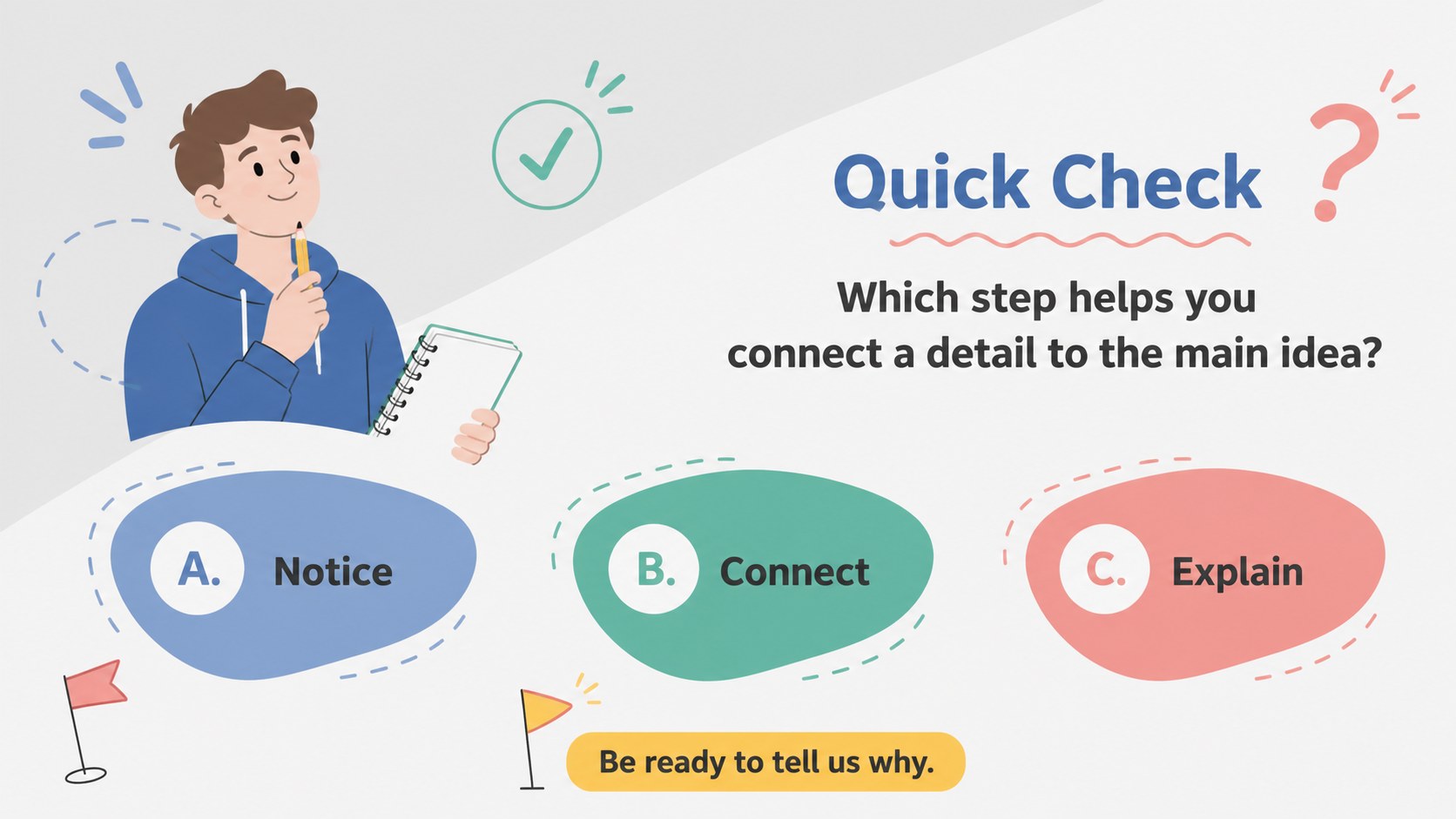
The deck includes layouts for learning goals, warm-up questions, key concepts, guided practice, independent tasks, class polls, project timelines, resource lists, and progress summaries. More than 25 editable slide designs give you room to combine short explanations, images, icons, diagrams, and simple data displays. Adjust the fonts, colors, and page structure in PowerPoint or Google Slides to suit your subject and grade level.
Designed for teachers, tutors, instructional designers, and student presenters, this student engagement lesson deck supports elementary and middle school classes, training sessions, homework reviews, and virtual workshops. Use it as a complete illustrated remote learning PowerPoint or select individual layouts for quick classroom updates. Its approachable visual style helps complex information feel manageable while maintaining a clear, consistent flow from the opening activity to the final review.
Perfect for: live virtual classroom lesson; blended learning activity; student project briefing; online tutoring session; weekly class progress review.
Frequently asked questions
Can I edit this template in PowerPoint and Google Slides? Yes. All slide text, colors, fonts, illustrations, and layout elements can be adjusted in PowerPoint or Google Slides. Some fonts may be substituted automatically if they are not installed on your device.
Practical details
Yes. All slide text, colors, fonts, illustrations, and layout elements can be adjusted in PowerPoint or Google Slides. Some fonts may be substituted automatically if they are not installed on your device.
Replace the sample lesson text, swap in subject-related images or icons, and reorder the layouts to match your teaching sequence. The flexible structure works for language arts, science, mathematics, social studies, and general classroom activities.
Yes. It provides formats for warm-ups, guided practice, independent work, quick checks, polls, project steps, and reflection. Duplicate any activity slide when you need additional exercises.
Yes. The grey base and blue, pink, green, and yellow accents are fully customizable. You can apply school colors or a subject-specific palette while keeping the illustrated visual system consistent.
Keep exploring
15Build stronger academic arguments with a college essay thesis builder featuring guided examples, revision prompts, and editable PowerPoint and Google Slides.
 15
15Build an engaging World UFO Day session with this flying saucer history lesson deck, featuring retro green-and-brown slides for PowerPoint and Google Slides.
 14
14Plan a memorable Lunar New Year campaign with the 2036 Dragon Year Celebration Theme, featuring bold red-and-yellow slides for lessons and events.
 15
15Build a thoughtful classroom discussion with this interfaith awareness lesson deck, featuring editable blue-and-white slides for PowerPoint and Google Slides.
 15
15Use this environmental awareness lesson deck to teach climate action through illustrated activities, discussion prompts, and ready-to-edit visuals.
 15
15Build playful lessons and party stories with a kid-friendly zombie celebration theme in purple, green and pastel blue for PowerPoint and Google Slides.
 15
15Build eerie lessons, campaigns, and story pitches with an undead survival scenario theme featuring editable slides for PowerPoint and Google Slides.
 16
16Turn environmental research into a clear story with a Watercolor Ecology Presentation Theme for PowerPoint and Google Slides in calming green and blue.