
 15
15presentation
College Essay Thesis Builder Slides
Build stronger academic arguments with a college essay thesis builder featuring guided examples, revision prompts, and editable PowerPoint and Google Slides.
Google SlidesPowerPoint
presentation · English
Brighten online lessons with a Playful Virtual Classroom Backdrop Deck, featuring editable orange-and-yellow scenes for PowerPoint and Google Slides.
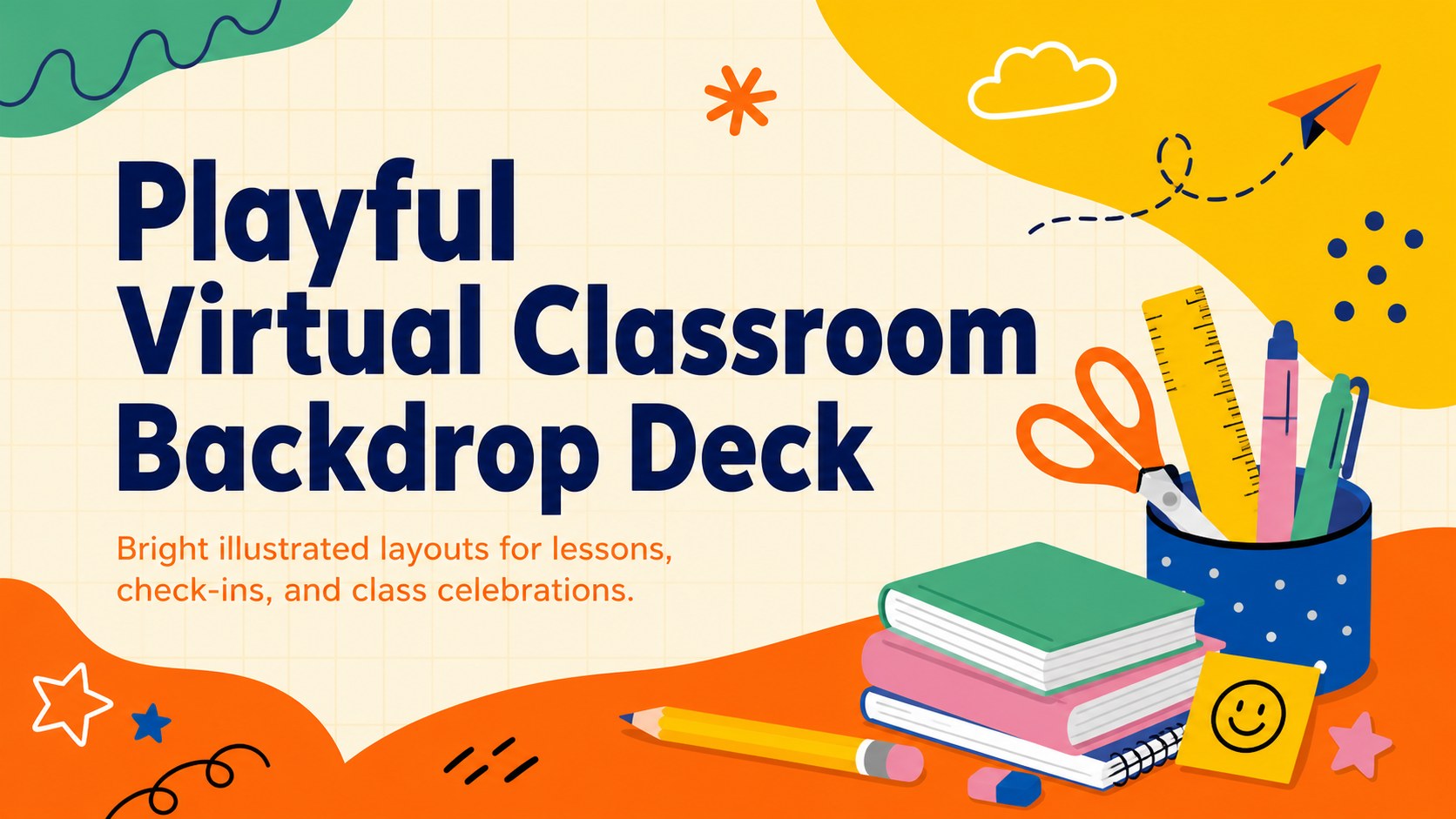

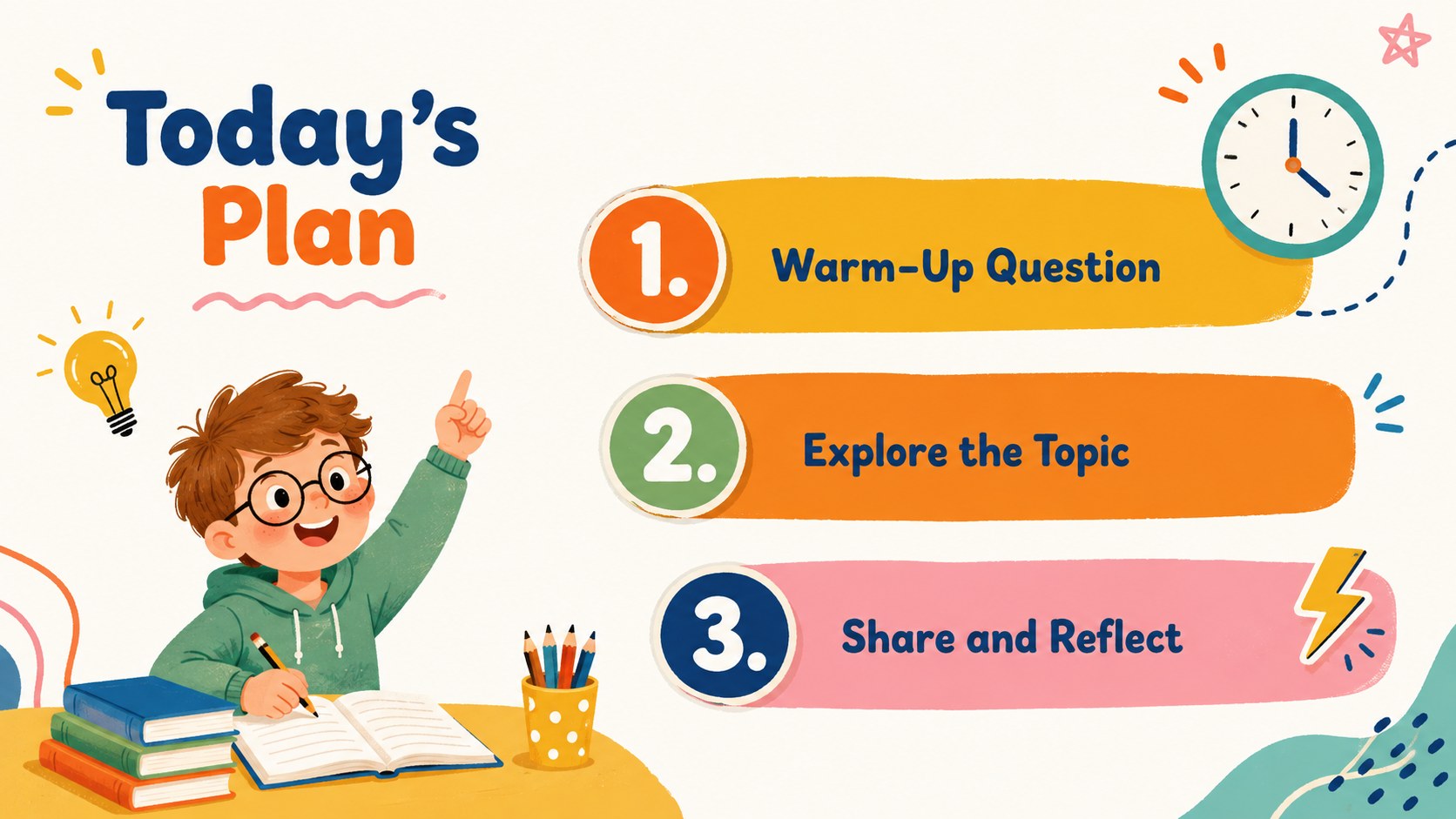
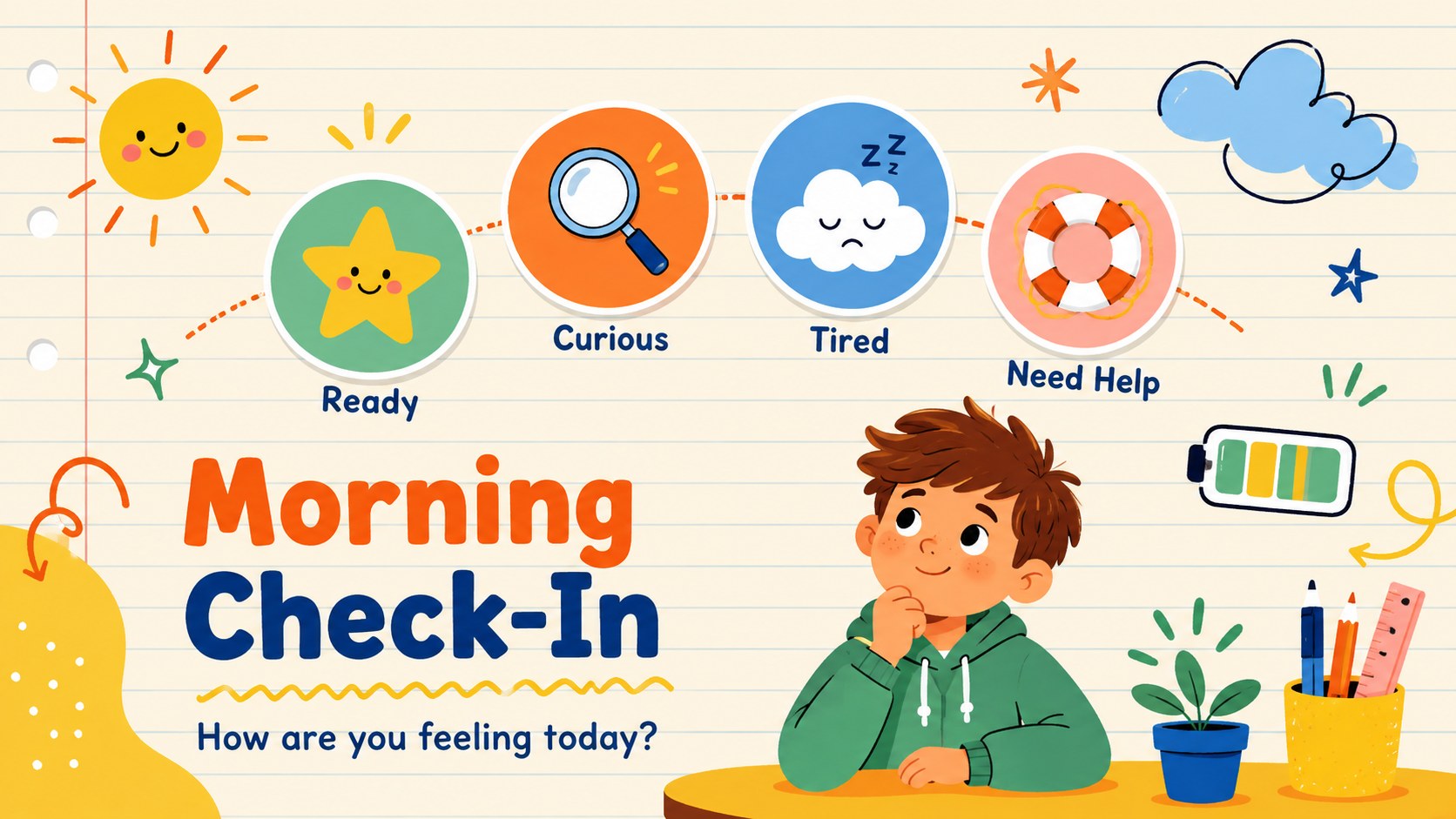
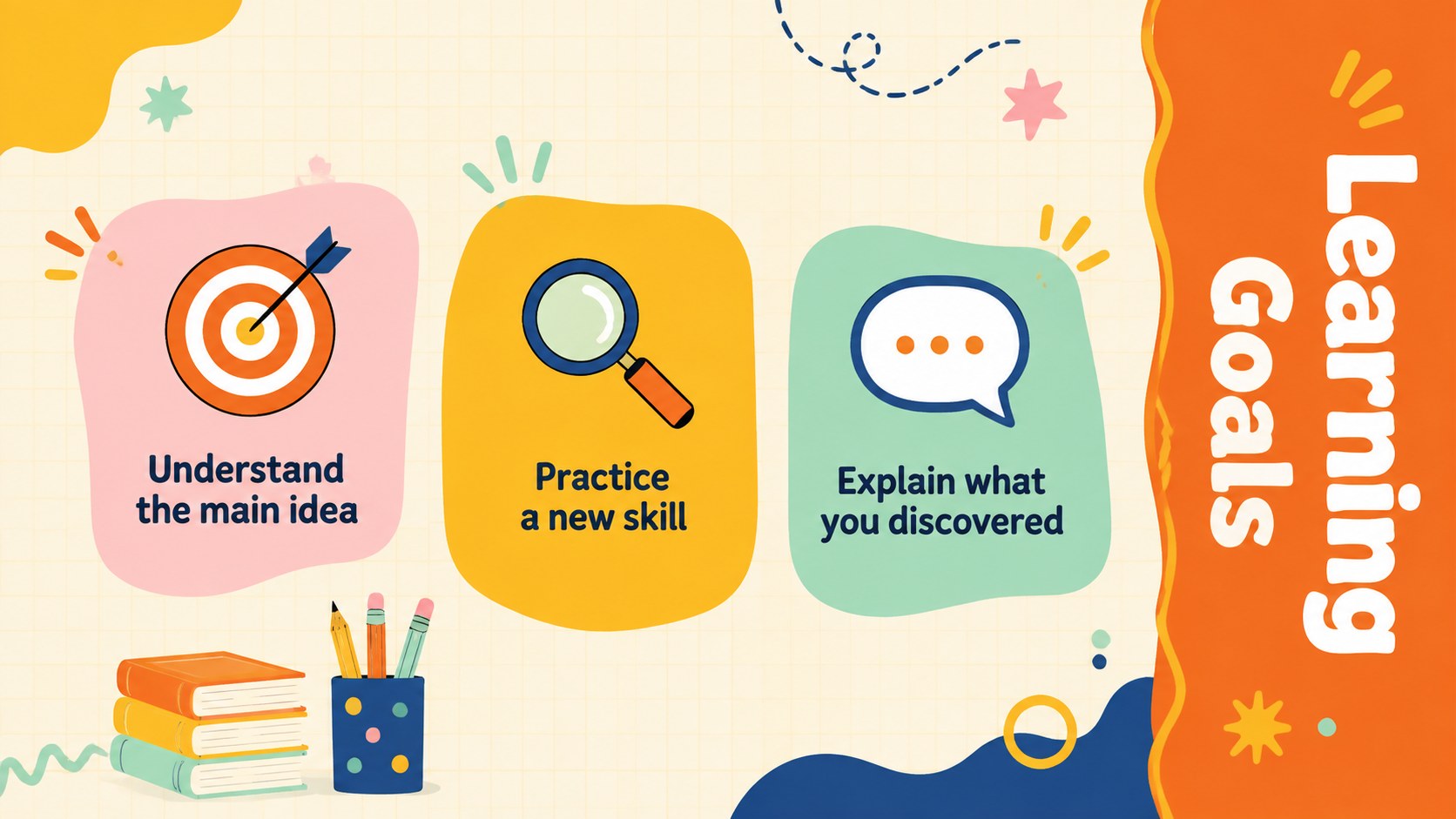
Design notes
Built as a playful virtual classroom backdrop deck, this cheerful template gives online sessions a warm, energetic setting without distracting from the lesson. Orange and yellow accents, friendly doodles, notebook-inspired details, and spacious text areas create an inviting look for students while keeping information easy to follow.
Inside, you will find coordinated layouts for welcome messages, daily agendas, learning goals, class notes, group activities, quick questions, progress updates, breaks, and closing screens. Use the editable remote teaching backdrop deck as a complete presentation or select individual scenes for announcements and live sessions. The orange and yellow classroom slide theme can be personalized with your own headings, schedules, illustrations, and school colors in PowerPoint or Google Slides.
The layouts are suited to elementary and high school educators, tutors, workshop leaders, student clubs, and youth-focused marketing or training teams. They also work well as kid friendly video lesson visuals for virtual homerooms, homework support, creative workshops, and online celebrations. Adjust the text, move the decorative elements, and add class-specific images to create a consistent digital learning environment.
Perfect for: virtual classroom welcome; online lesson presentation; student morning check-in; remote tutoring session; youth workshop agenda; digital class celebration.
Frequently asked questions
Can I edit the classroom illustrations and text? Yes. You can replace the wording, reposition design elements, change colors, and add your own images or icons. The layouts are designed to remain clear when adapted for different subjects and age groups.
Practical details
Yes. You can replace the wording, reposition design elements, change colors, and add your own images or icons. The layouts are designed to remain clear when adapted for different subjects and age groups.
The deck is designed for PowerPoint and Google Slides. Fonts, spacing, and visual effects may vary slightly between the two platforms, so review the slides before presenting.
Yes. Choose a layout with open space, add your class name or message, and display it during an online lesson. You can also export a finished slide as an image when your meeting setup supports custom backgrounds.
Reduce the number of doodles, use shorter headings, and replace playful illustrations with subject-specific icons. Keeping the orange and yellow palette will preserve the template's upbeat visual identity.
Keep exploring
15Build stronger academic arguments with a college essay thesis builder featuring guided examples, revision prompts, and editable PowerPoint and Google Slides.
 15
15Build an engaging World UFO Day session with this flying saucer history lesson deck, featuring retro green-and-brown slides for PowerPoint and Google Slides.
 14
14Plan a memorable Lunar New Year campaign with the 2036 Dragon Year Celebration Theme, featuring bold red-and-yellow slides for lessons and events.
 15
15Build a thoughtful classroom discussion with this interfaith awareness lesson deck, featuring editable blue-and-white slides for PowerPoint and Google Slides.
 15
15Use this environmental awareness lesson deck to teach climate action through illustrated activities, discussion prompts, and ready-to-edit visuals.
 15
15Build playful lessons and party stories with a kid-friendly zombie celebration theme in purple, green and pastel blue for PowerPoint and Google Slides.
 15
15Build eerie lessons, campaigns, and story pitches with an undead survival scenario theme featuring editable slides for PowerPoint and Google Slides.
 16
16Turn environmental research into a clear story with a Watercolor Ecology Presentation Theme for PowerPoint and Google Slides in calming green and blue.