
 15
15presentation
College Essay Thesis Builder Slides
Build stronger academic arguments with a college essay thesis builder featuring guided examples, revision prompts, and editable PowerPoint and Google Slides.
Google SlidesPowerPoint
presentation · English
Build a memorable application with a playful student CV presentation, packed with colorful layouts for editing in PowerPoint and Google Slides.

Design notes
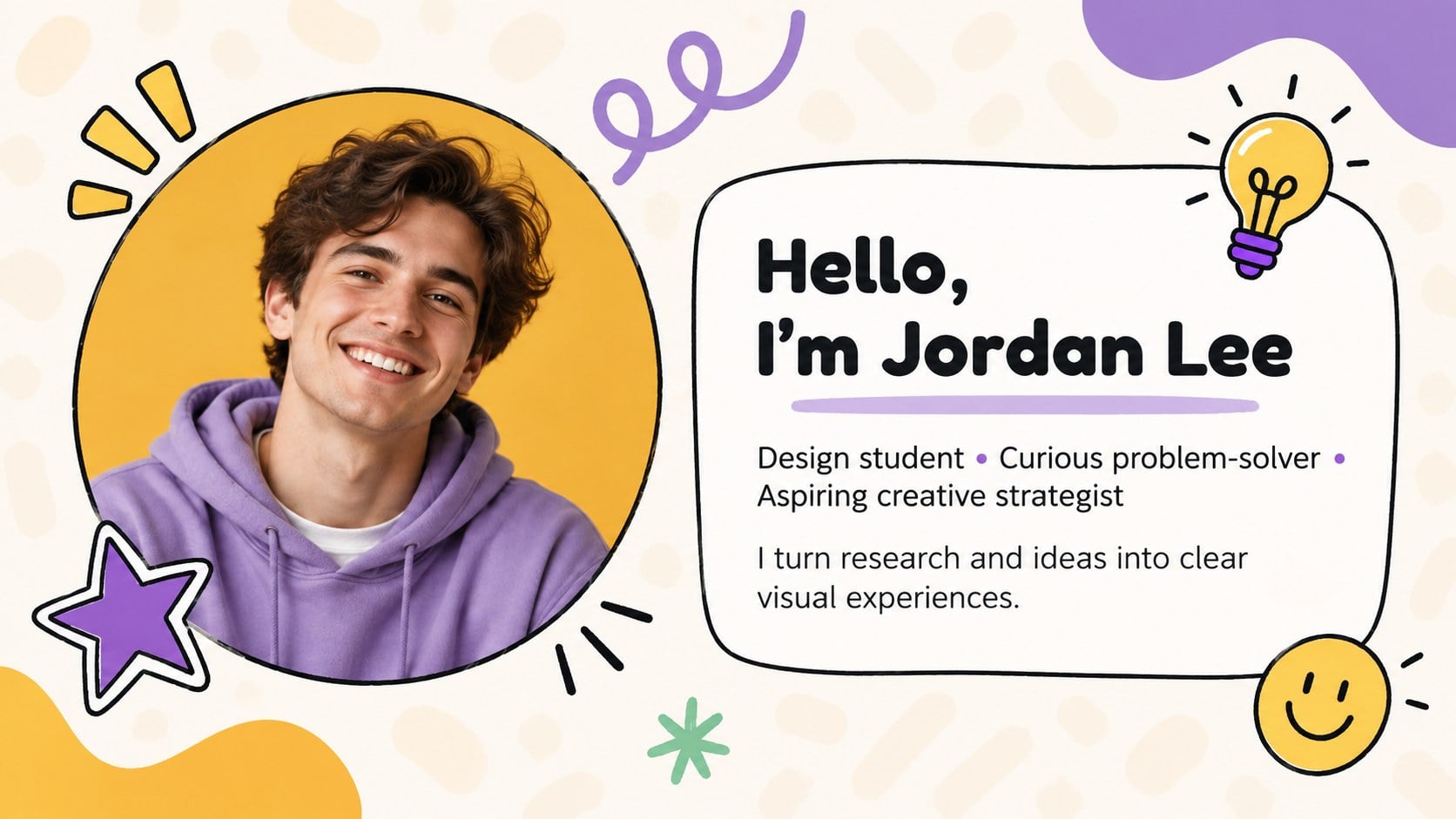
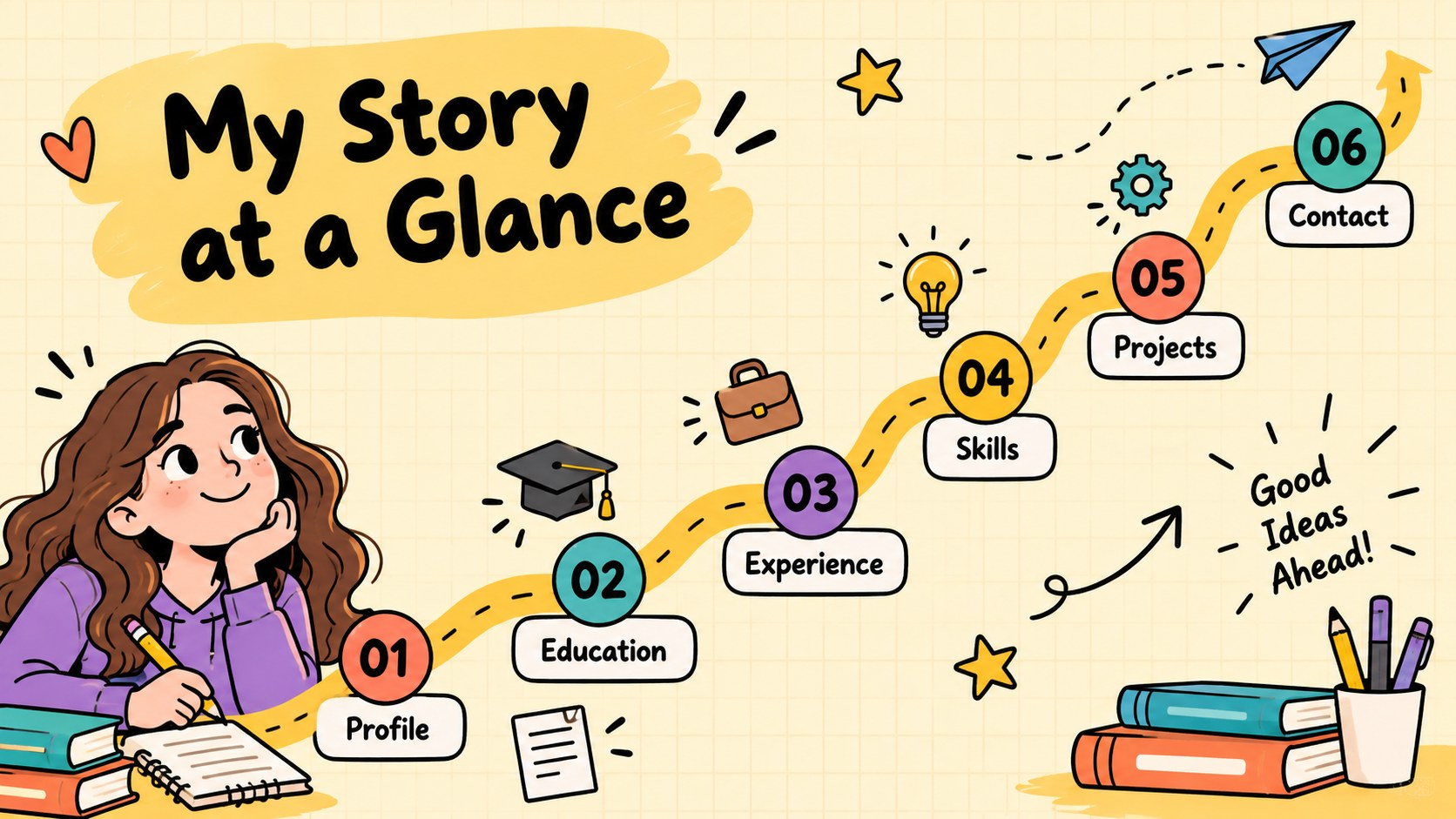
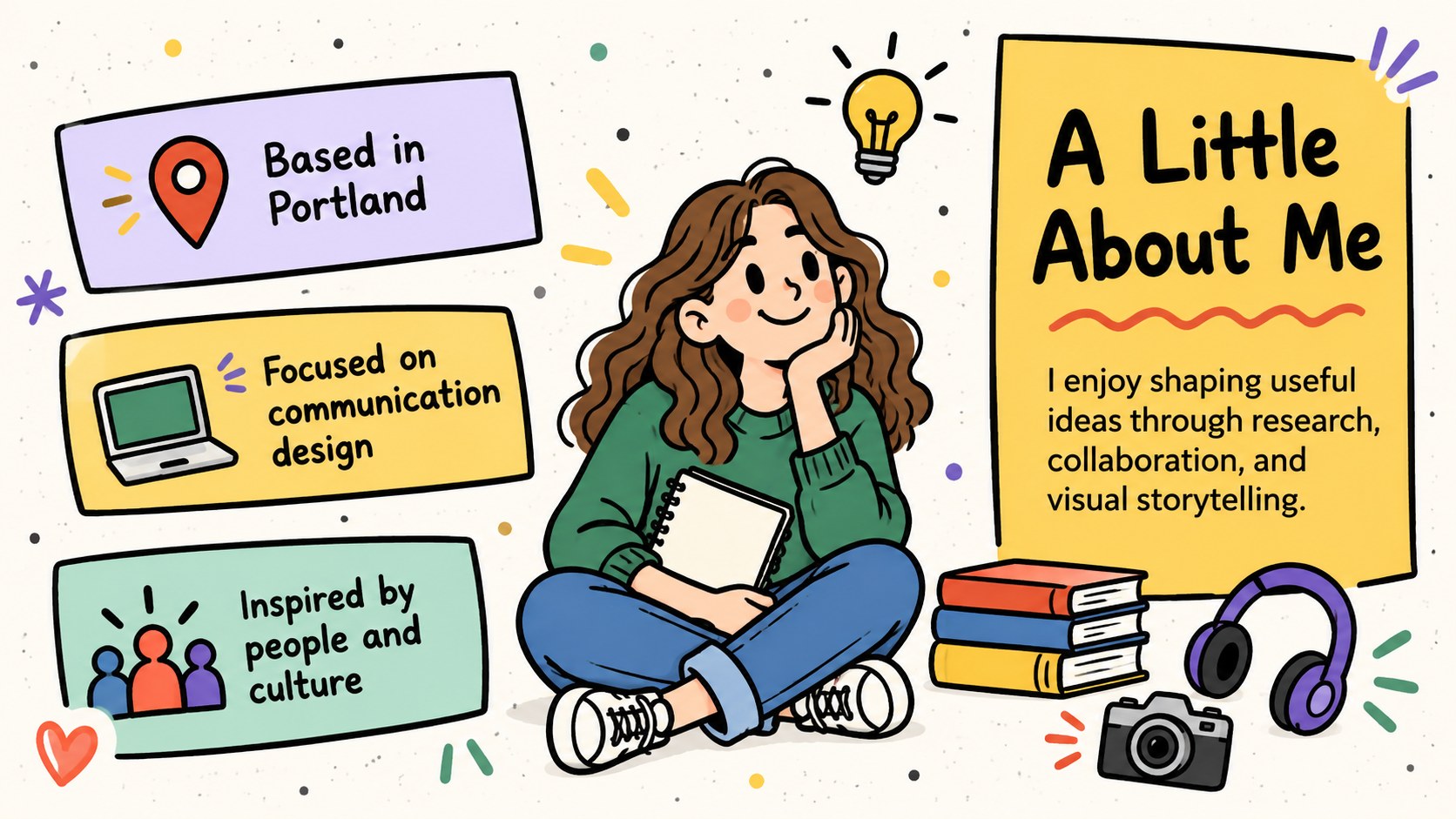
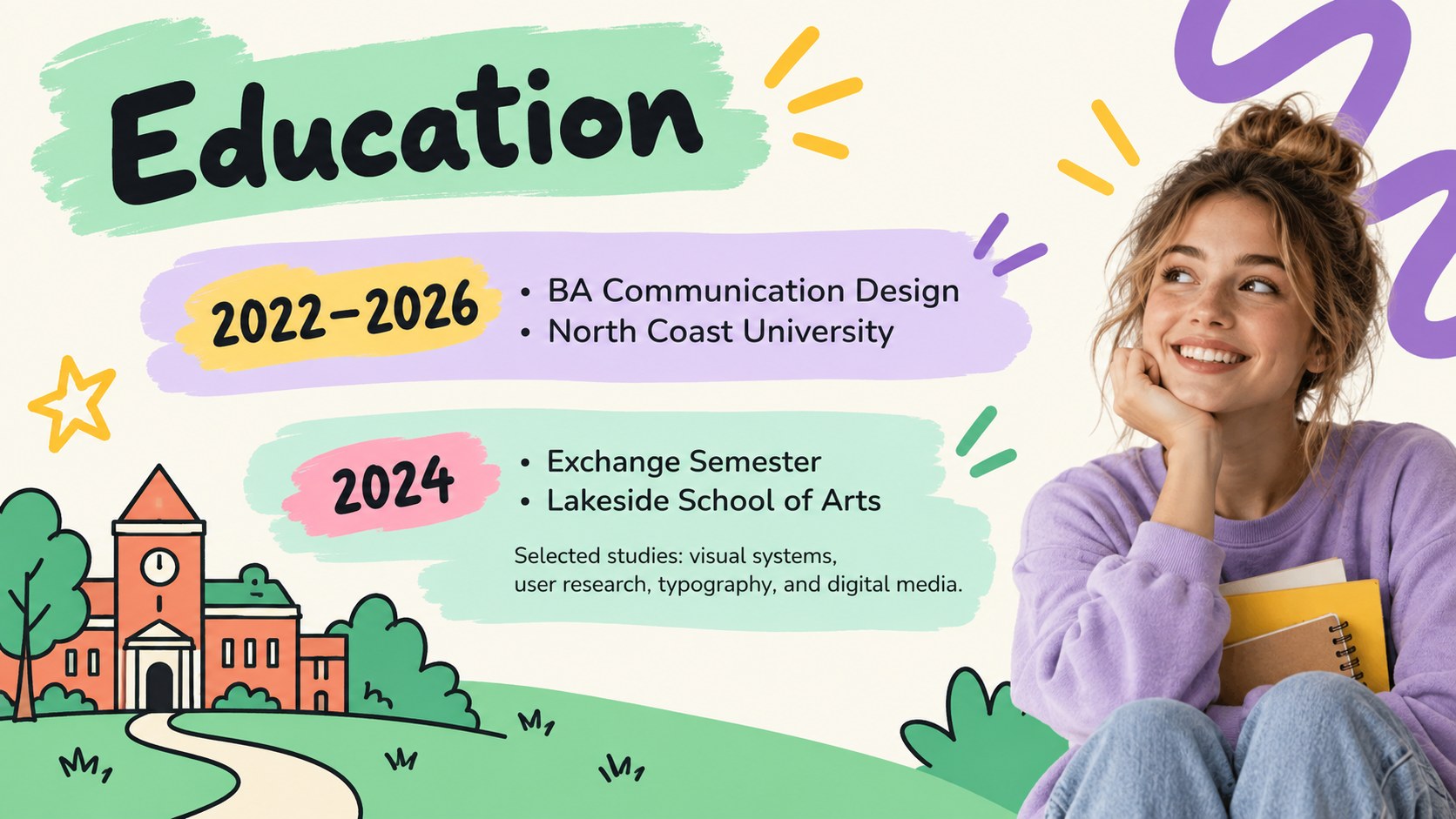
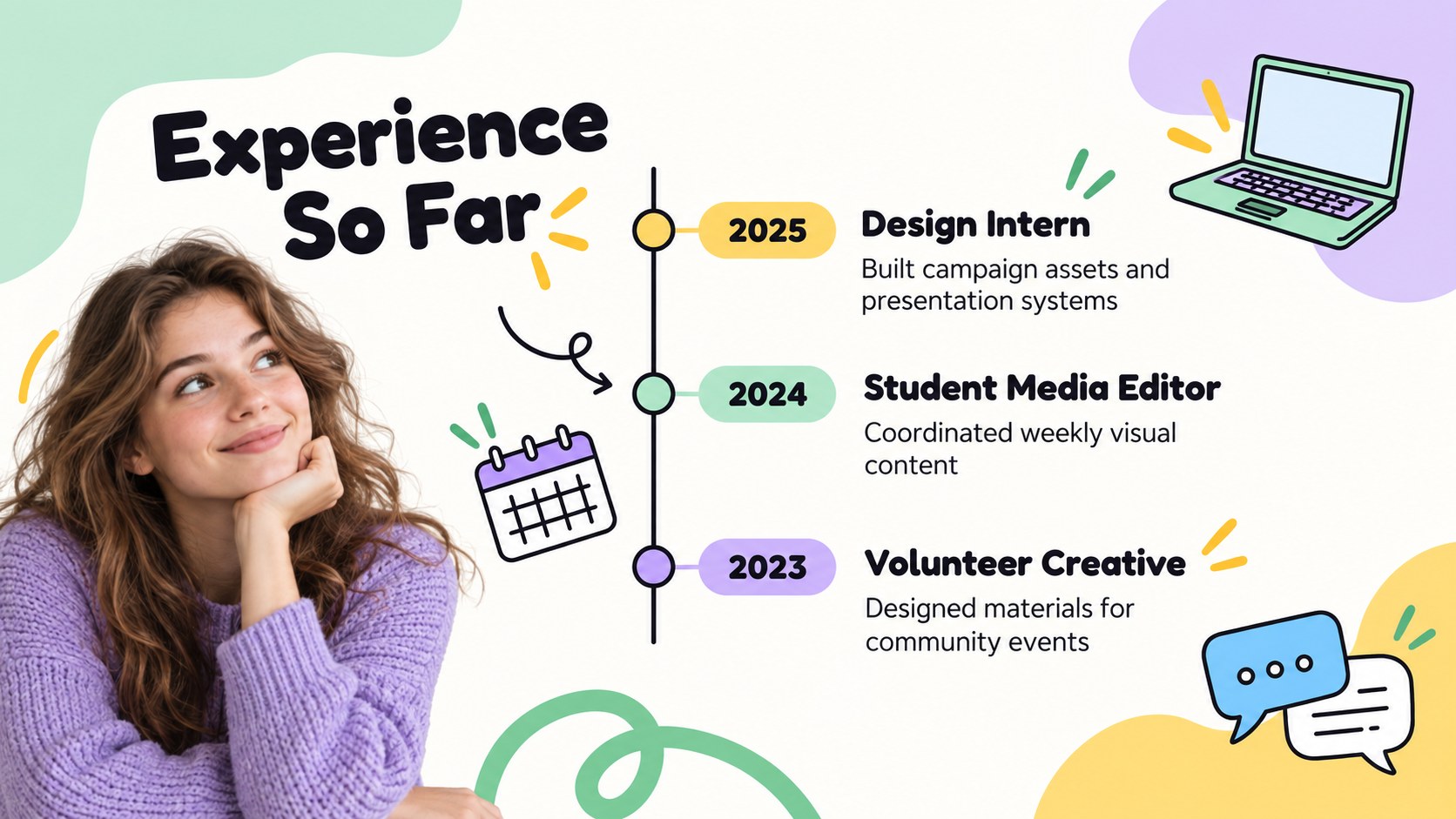
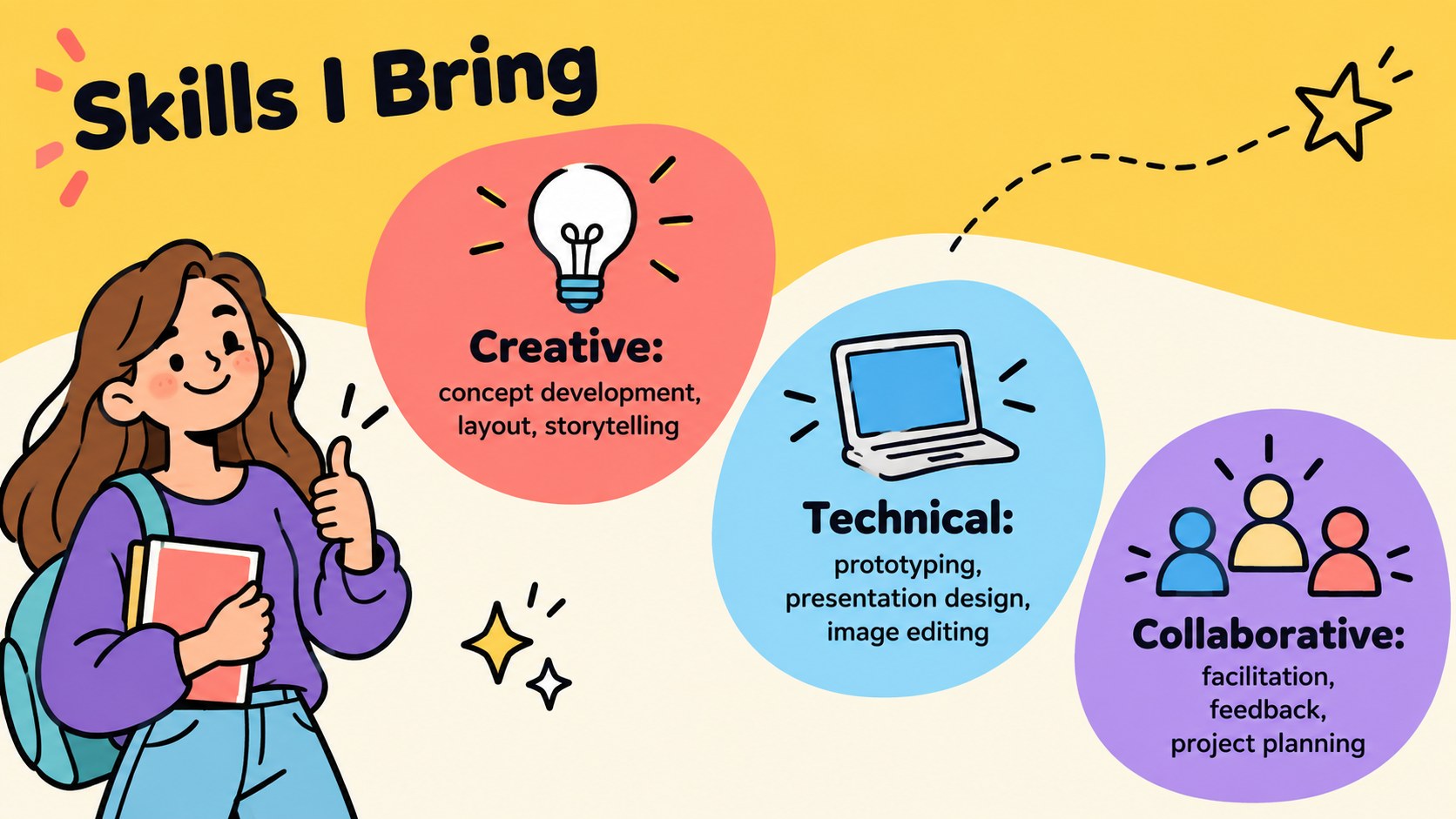
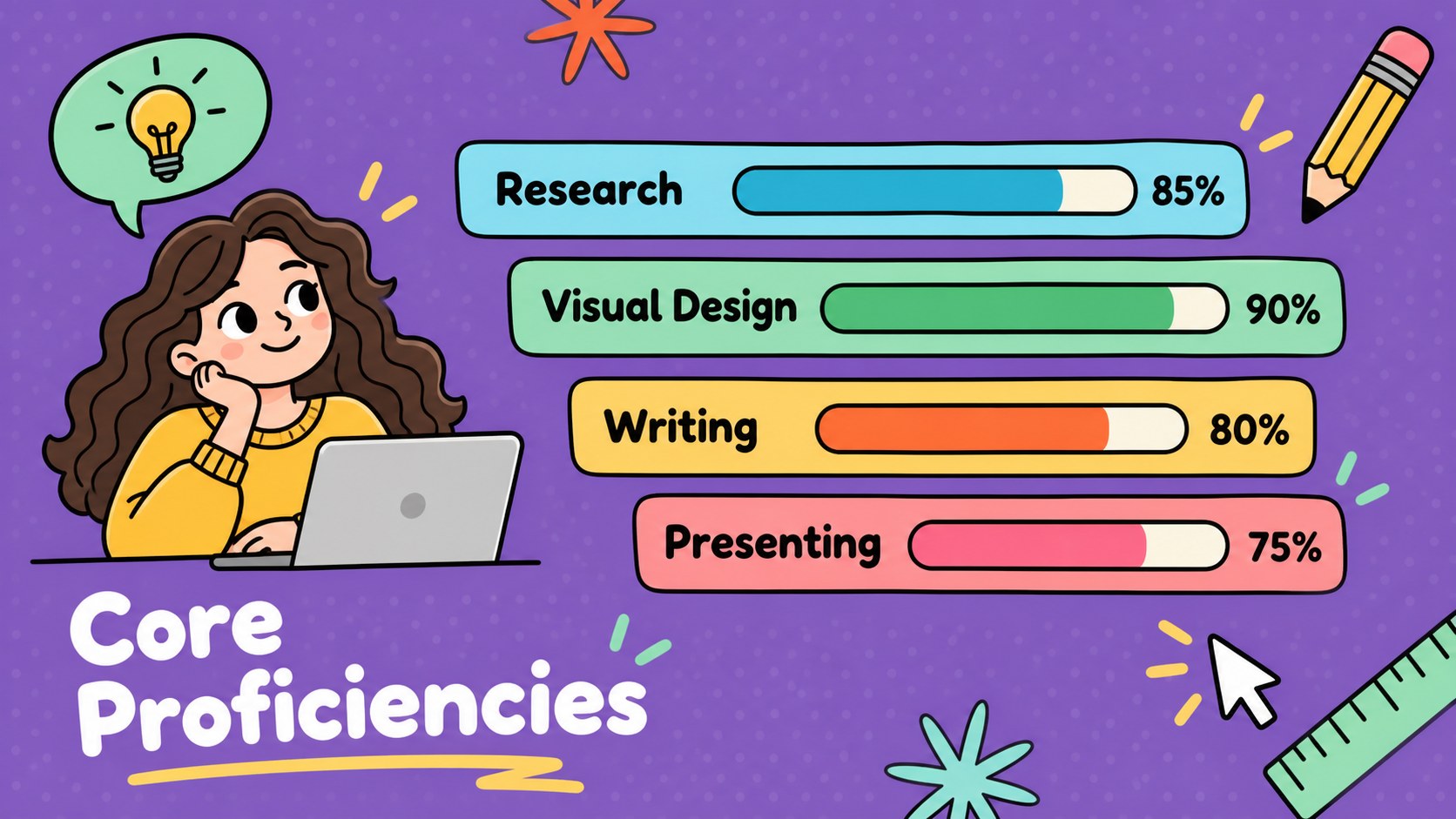
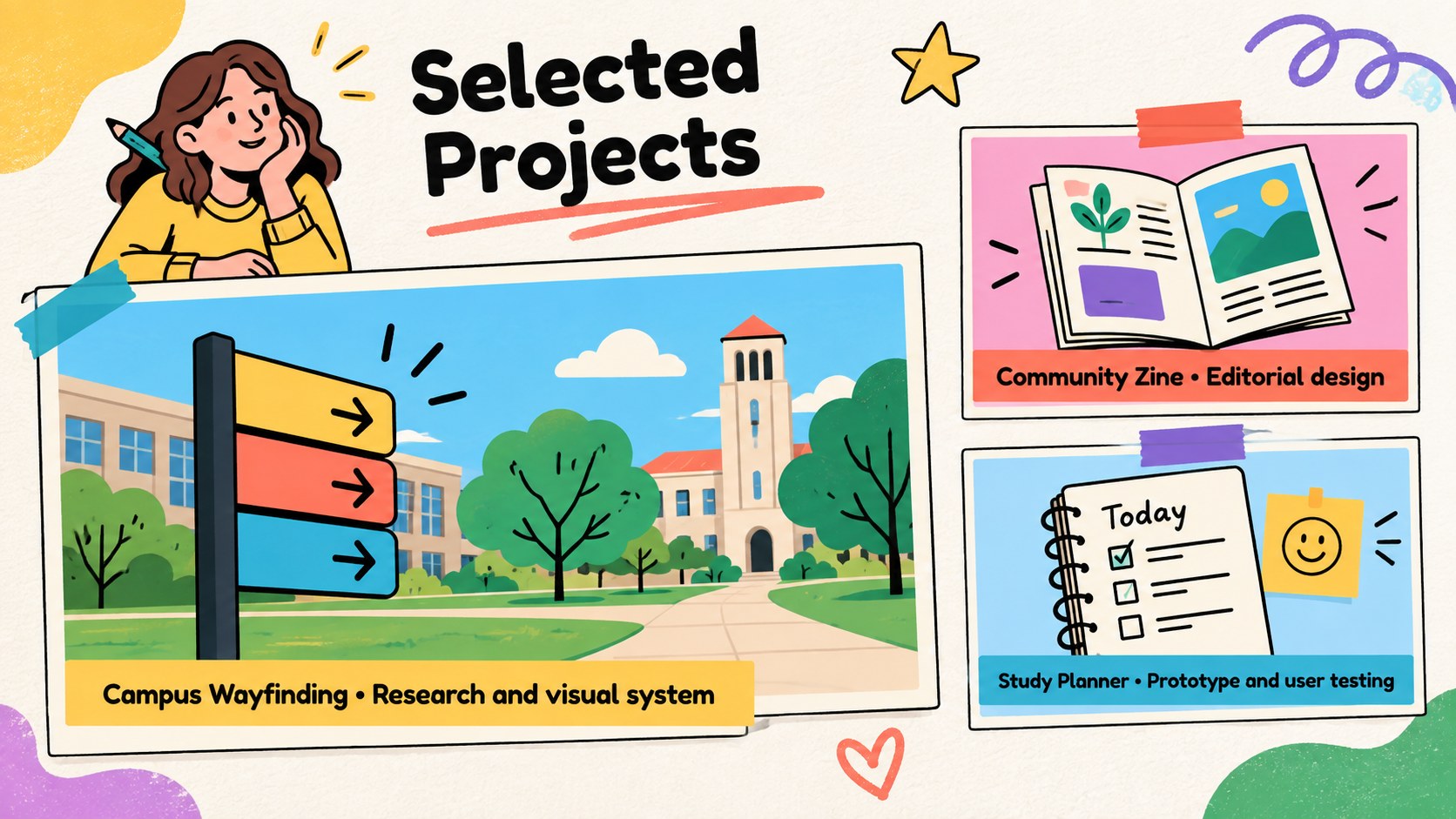
This playful student CV presentation turns qualifications into an engaging visual story. Colorful doodles, friendly typography, and energetic layouts help candidates express their personality without losing sight of essential career details. Edit every page in PowerPoint or Google Slides to create a polished introduction for applications, interviews, classes, or networking events.
The deck includes layouts for a personal profile, education, work experience, technical abilities, soft skills, achievements, project highlights, career milestones, references, and contact information. Charts, timelines, progress indicators, image frames, and icon-based sections make it easy to organize details and emphasize strengths. Replace the sample wording, adjust colors, add photographs, and rearrange sections to build a colorful student CV presentation that feels genuinely personal.
Designed as both a graduate portfolio presentation template and an illustrated job application slide deck, this resource suits university students, recent graduates, interns, career changers, and creative professionals. It can also support classroom introductions, scholarship interviews, internship reviews, and personal branding workshops. The playful visual approach is especially useful for candidates who want an approachable alternative to a conventional document while retaining a clear, professional structure.
Perfect for: graduate job application; internship interview introduction; student portfolio review; scholarship interview; career workshop activity; personal branding presentation.
Frequently asked questions
Which platforms can I use to edit this presentation? The slides are designed for PowerPoint and Google Slides. Text, colors, images, icons, and layout elements can be edited in either platform.
Practical details
The slides are designed for PowerPoint and Google Slides. Text, colors, images, icons, and layout elements can be edited in either platform.
Yes. Replace every placeholder with your education, experience, projects, skills, references, and contact details, then remove any sections you do not need.
Add your own photographs, choose accent colors that match your personal brand, and replace the sample icons with symbols related to your field. Keep the main typography and spacing consistent for a cohesive result.
Yes. Students and recent graduates can emphasize coursework, volunteer roles, extracurricular activities, certifications, personal projects, and transferable skills instead of formal employment.
Keep exploring
15Build stronger academic arguments with a college essay thesis builder featuring guided examples, revision prompts, and editable PowerPoint and Google Slides.
 15
15Build an engaging World UFO Day session with this flying saucer history lesson deck, featuring retro green-and-brown slides for PowerPoint and Google Slides.
 14
14Plan a memorable Lunar New Year campaign with the 2036 Dragon Year Celebration Theme, featuring bold red-and-yellow slides for lessons and events.
 15
15Build a thoughtful classroom discussion with this interfaith awareness lesson deck, featuring editable blue-and-white slides for PowerPoint and Google Slides.
 15
15Use this environmental awareness lesson deck to teach climate action through illustrated activities, discussion prompts, and ready-to-edit visuals.
 15
15Build playful lessons and party stories with a kid-friendly zombie celebration theme in purple, green and pastel blue for PowerPoint and Google Slides.
 15
15Build eerie lessons, campaigns, and story pitches with an undead survival scenario theme featuring editable slides for PowerPoint and Google Slides.
 16
16Turn environmental research into a clear story with a Watercolor Ecology Presentation Theme for PowerPoint and Google Slides in calming green and blue.