
 15
15presentation
College Essay Thesis Builder Slides
Build stronger academic arguments with a college essay thesis builder featuring guided examples, revision prompts, and editable PowerPoint and Google Slides.
Google SlidesPowerPoint
presentation · English
Create cheerful lessons, event plans, and seasonal stories with this playful snowy season presentation theme, ready for PowerPoint and Google Slides.


Design notes
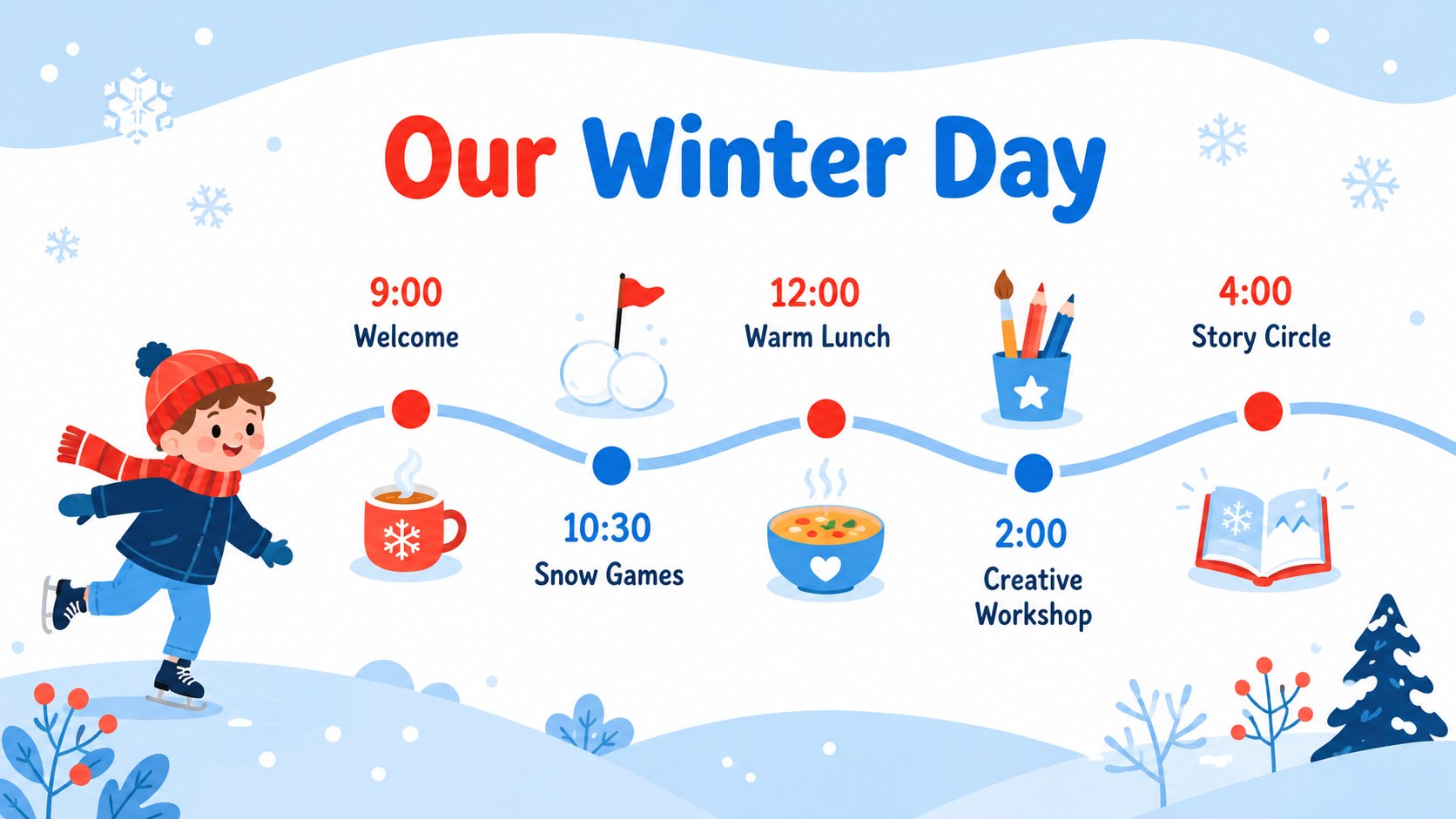
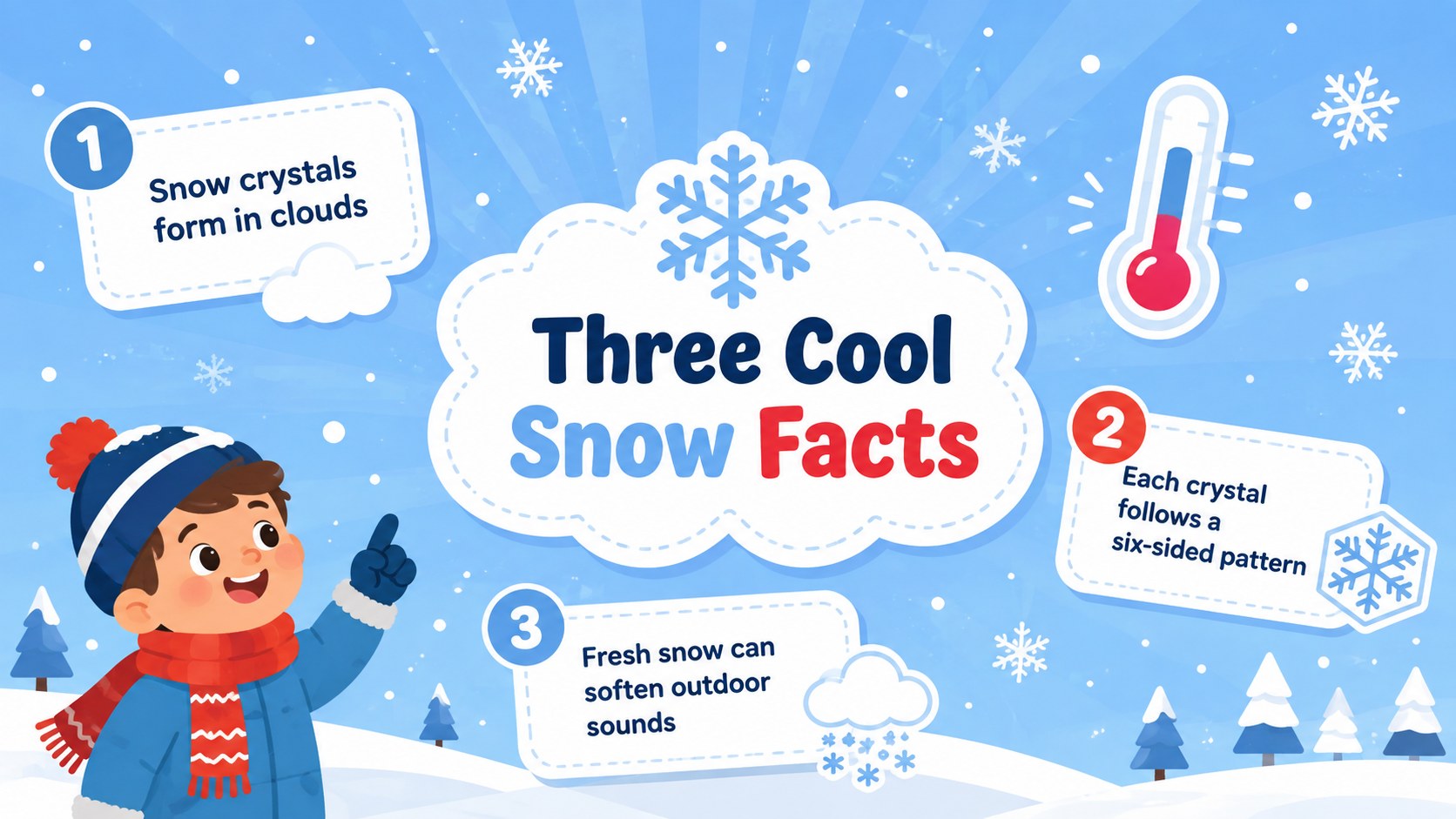
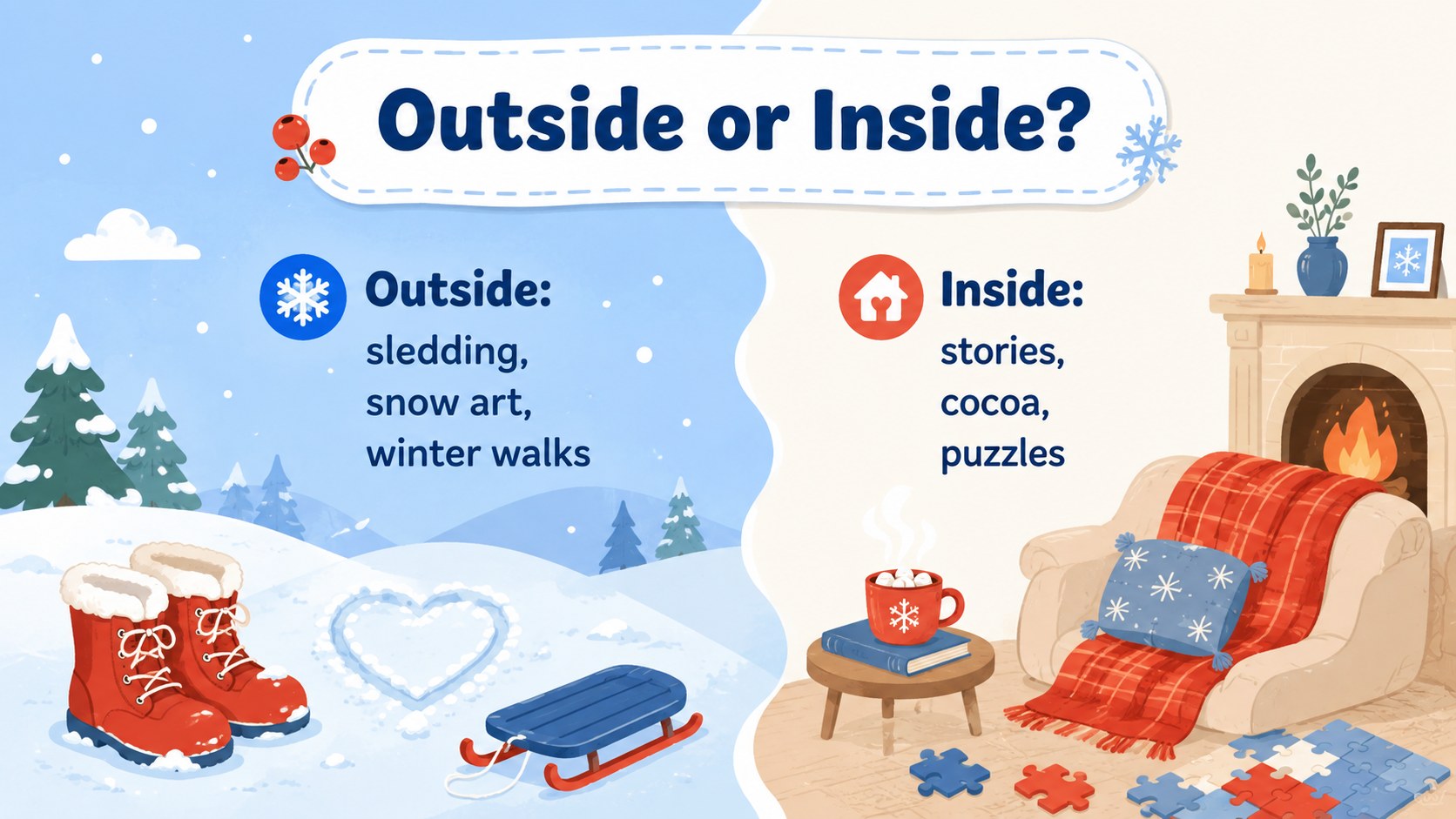
Bring warmth and personality to cold-weather topics with this playful snowy season presentation theme. Pastel blue backgrounds, lively red accents, friendly illustrations, and soft snow-inspired details create an upbeat setting without making information difficult to scan. Every layout can be edited in PowerPoint or Google Slides to suit your message, audience, and preferred visual balance.
The deck includes more than 25 coordinated layouts for introductions, agendas, seasonal facts, schedules, activity lists, photo stories, comparisons, timelines, and closing messages. Use the included icon and element pages to refresh individual sections, or personalize the theme with your own images, fonts, and colors. Clear placeholders make it simple to add, remove, duplicate, and rearrange content. Finished slides can also be exported as PDF or image files for sharing and printing.
Teachers can adapt it as a snow day classroom presentation, while families and community organizers can build a family winter festival slideshow around games, food, performances, or announcements. It also works as an illustrated winter event deck for workplace gatherings, student projects, seasonal recaps, and children's storytelling. The colorful, kid-friendly style keeps younger audiences engaged, while the structured layouts provide enough flexibility for professional or personal use.
Perfect for: winter classroom lesson; family snow day activities; seasonal event planning; children's winter story; holiday-free office gathering; community festival recap.
Frequently asked questions
Can I edit this theme in PowerPoint and Google Slides? Yes. The layouts, text, colors, and image placeholders are editable in both PowerPoint and Google Slides. Some font rendering or element positioning may vary slightly between the two platforms.
Practical details
Yes. The layouts, text, colors, and image placeholders are editable in both PowerPoint and Google Slides. Some font rendering or element positioning may vary slightly between the two platforms.
Select individual shapes, backgrounds, and decorative elements to apply a new color palette or resize them. You can also replace the included illustrations with your own icons, photos, or winter artwork.
Yes. Its colorful illustrations, readable content areas, and activity-focused layouts work well for elementary lessons and family presentations. Educators can simplify or expand the text for different age groups.
Yes. PowerPoint and Google Slides support common sharing and export options, including PDF and image formats. Available options depend on the platform and account settings you use.
Keep exploring
15Build stronger academic arguments with a college essay thesis builder featuring guided examples, revision prompts, and editable PowerPoint and Google Slides.
 15
15Build an engaging World UFO Day session with this flying saucer history lesson deck, featuring retro green-and-brown slides for PowerPoint and Google Slides.
 14
14Plan a memorable Lunar New Year campaign with the 2036 Dragon Year Celebration Theme, featuring bold red-and-yellow slides for lessons and events.
 15
15Build a thoughtful classroom discussion with this interfaith awareness lesson deck, featuring editable blue-and-white slides for PowerPoint and Google Slides.
 15
15Use this environmental awareness lesson deck to teach climate action through illustrated activities, discussion prompts, and ready-to-edit visuals.
 15
15Build playful lessons and party stories with a kid-friendly zombie celebration theme in purple, green and pastel blue for PowerPoint and Google Slides.
 15
15Build eerie lessons, campaigns, and story pitches with an undead survival scenario theme featuring editable slides for PowerPoint and Google Slides.
 16
16Turn environmental research into a clear story with a Watercolor Ecology Presentation Theme for PowerPoint and Google Slides in calming green and blue.