
 15
15presentation
College Essay Thesis Builder Slides
Build stronger academic arguments with a college essay thesis builder featuring guided examples, revision prompts, and editable PowerPoint and Google Slides.
Google SlidesPowerPoint
presentation · English
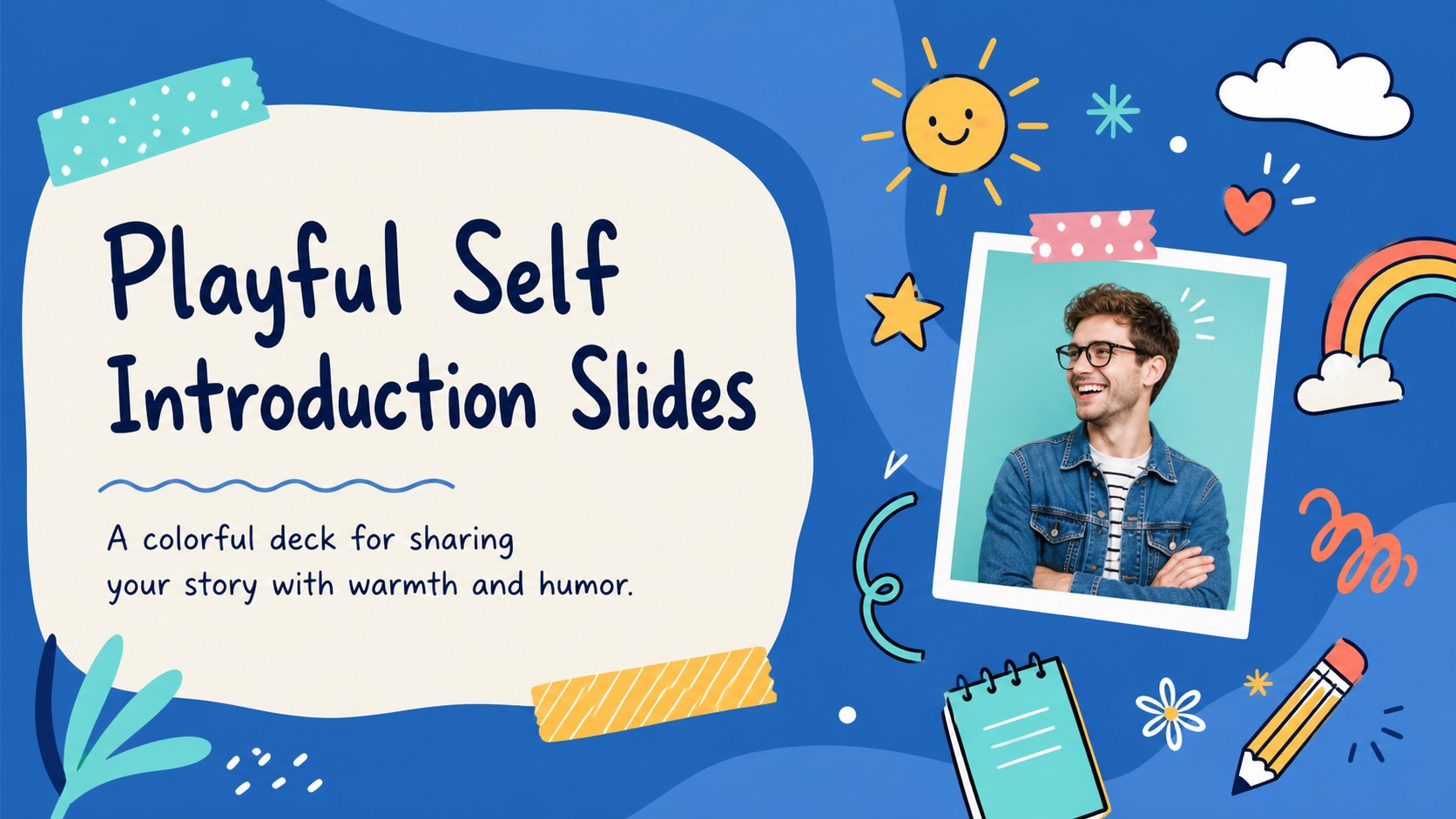
Turn introductions into a lively visual story with playful self introduction slides featuring colorful doodles, flexible layouts, and personal prompts.


Design notes
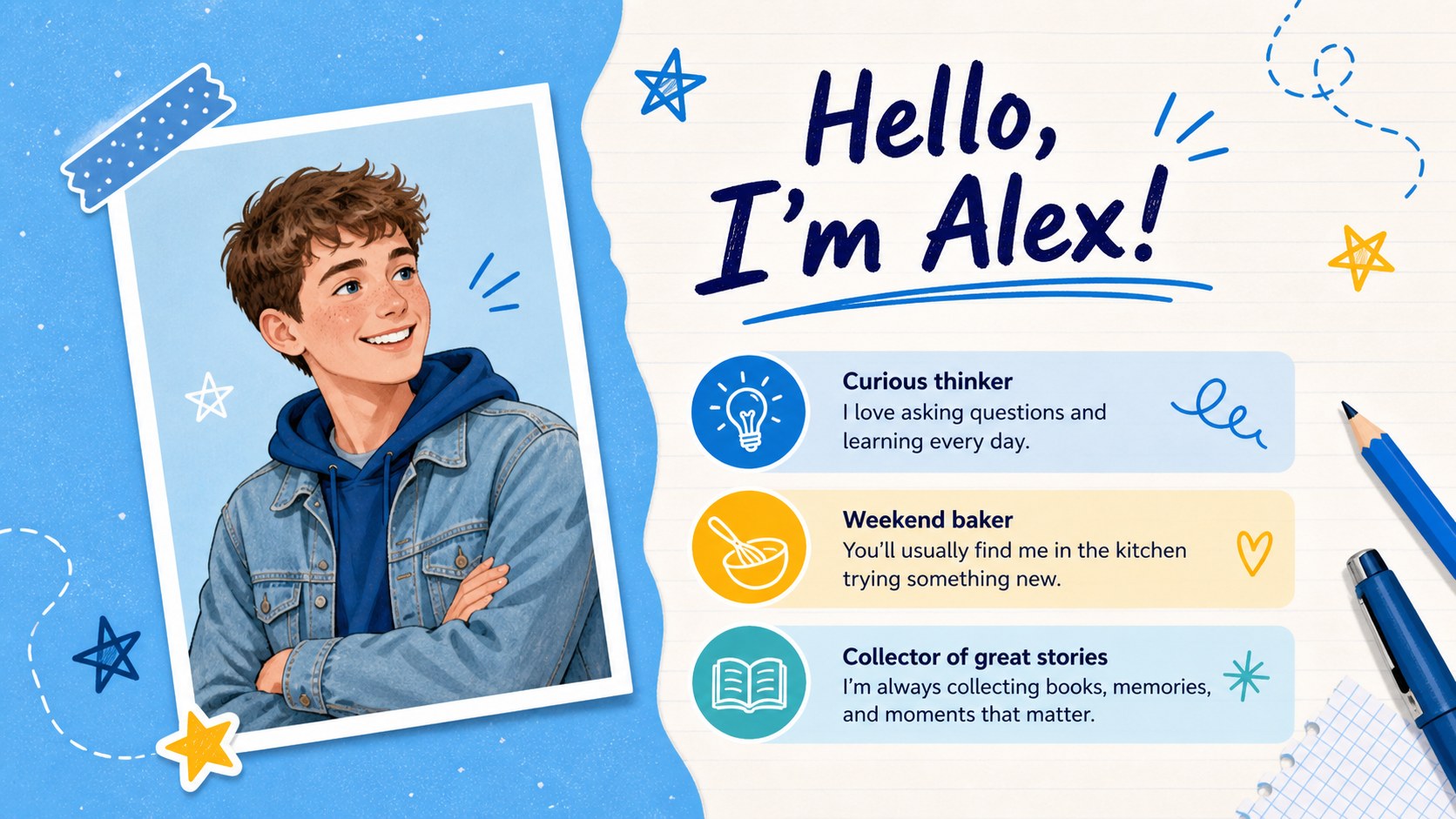
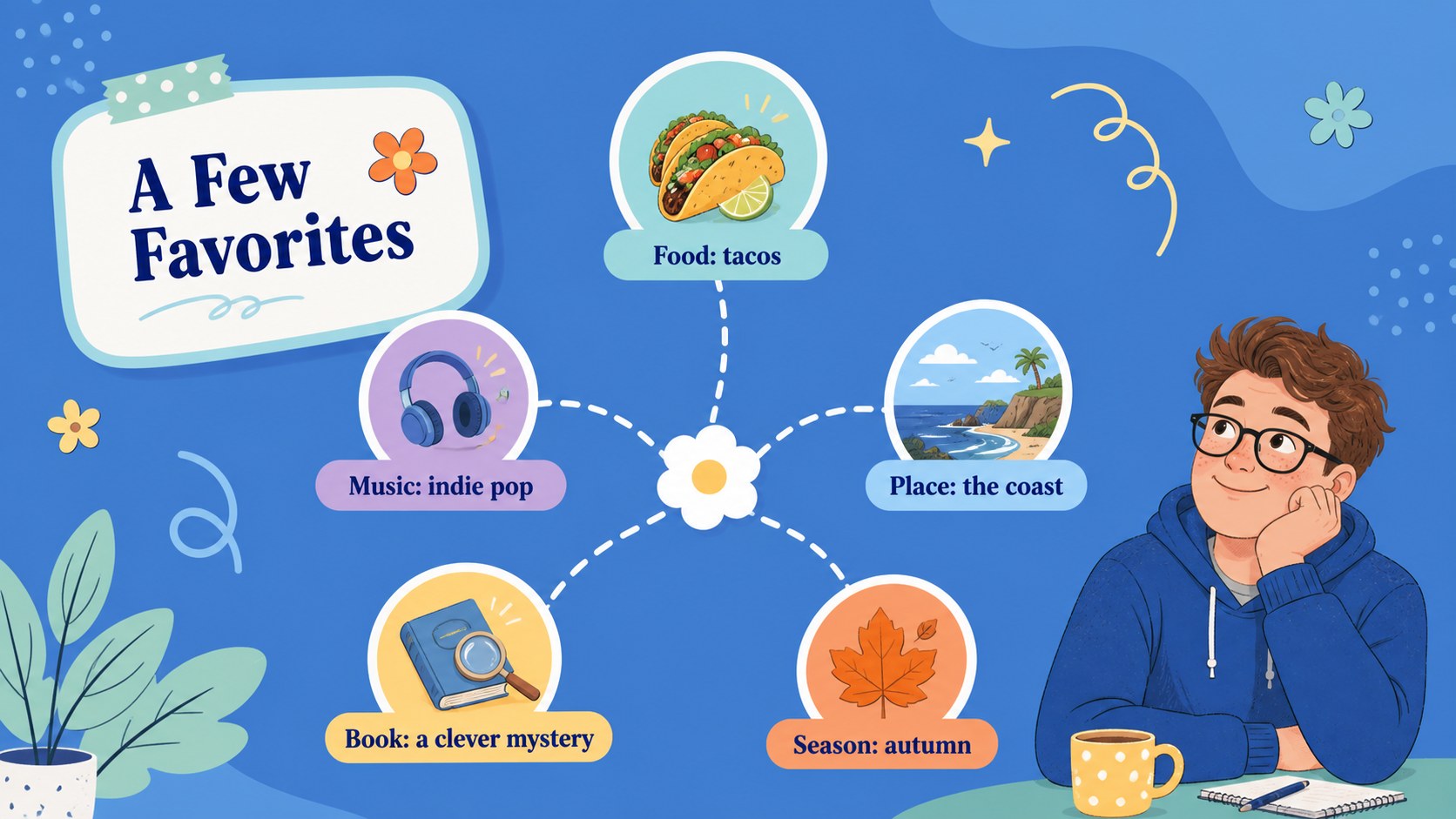
Playful self introduction slides turn a standard personal profile into a bright, approachable story. Designed with cheerful blue accents, colorful doodles, casual typography, and spacious layouts, this template helps speakers introduce themselves without sounding overly formal. Edit every page in PowerPoint or Google Slides to create a presentation that feels personal, clear, and engaging.
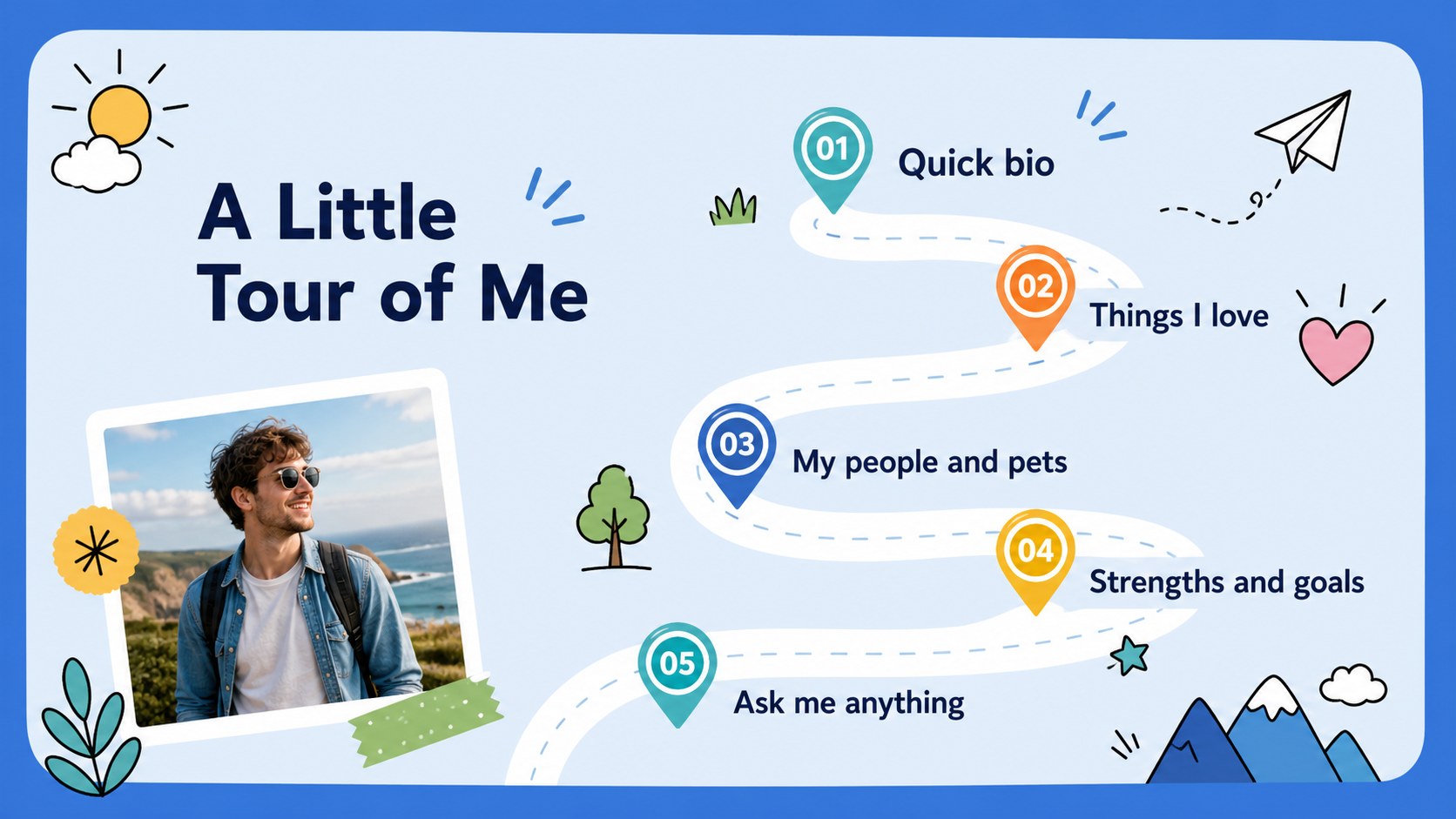
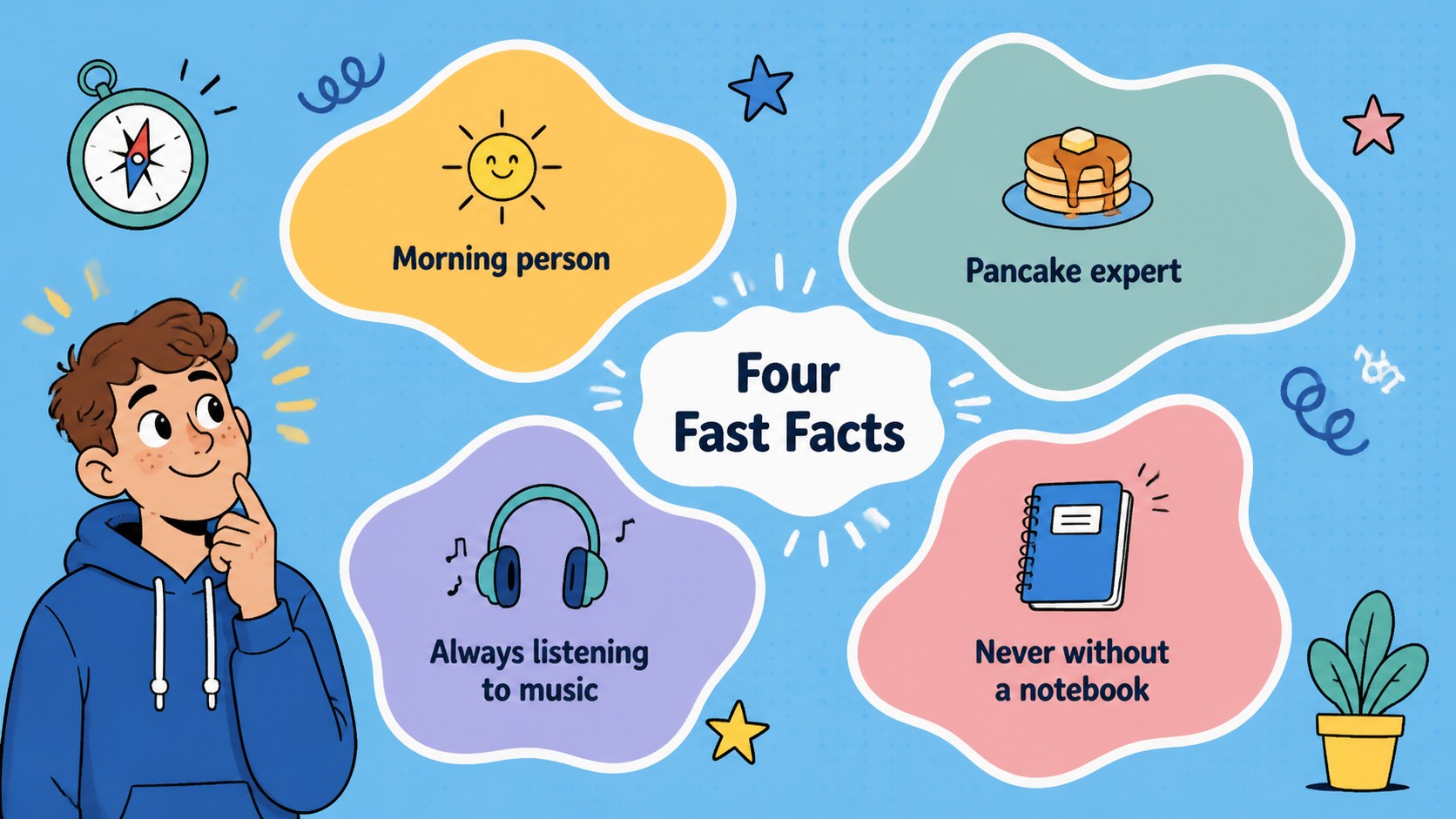
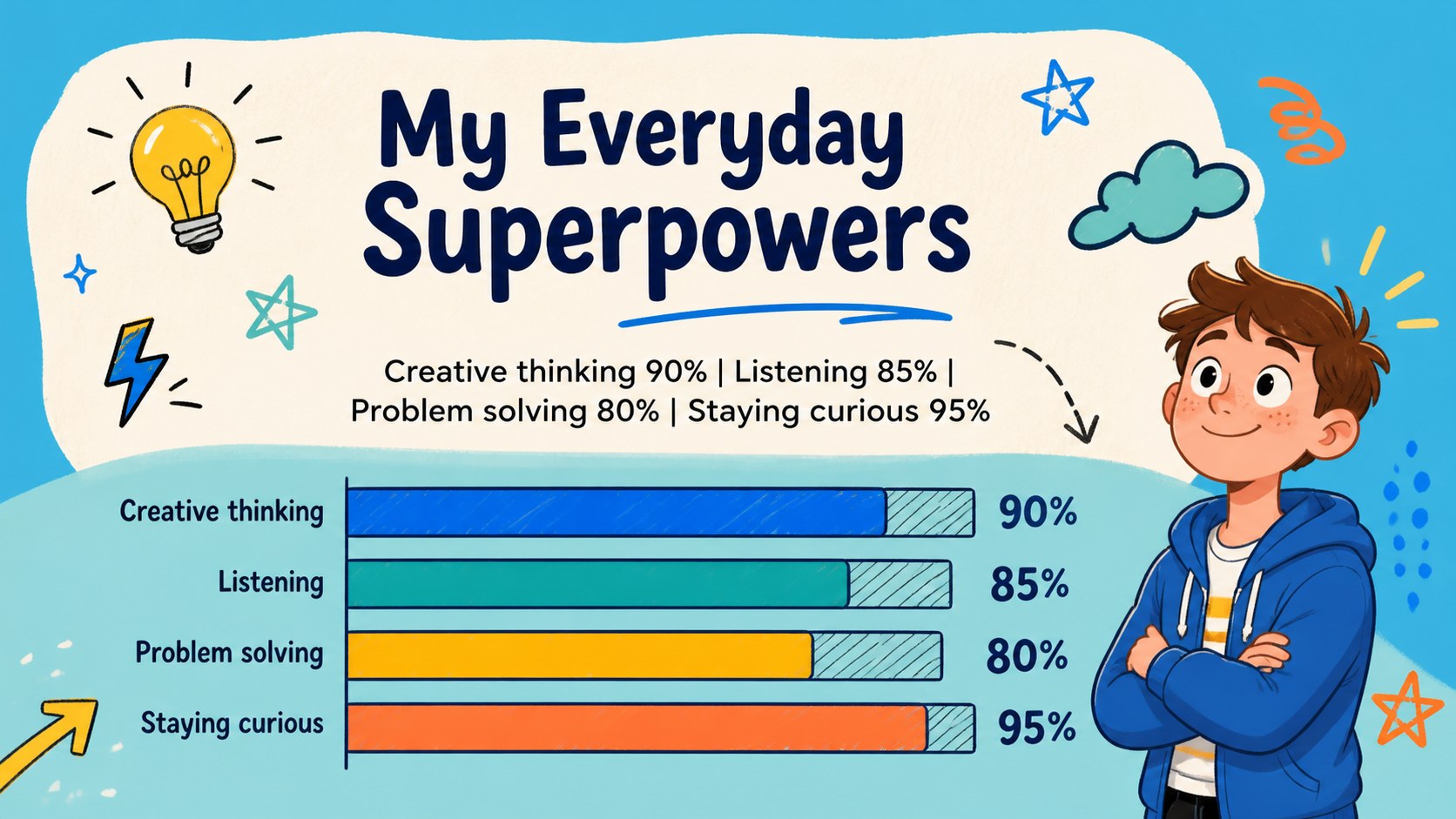
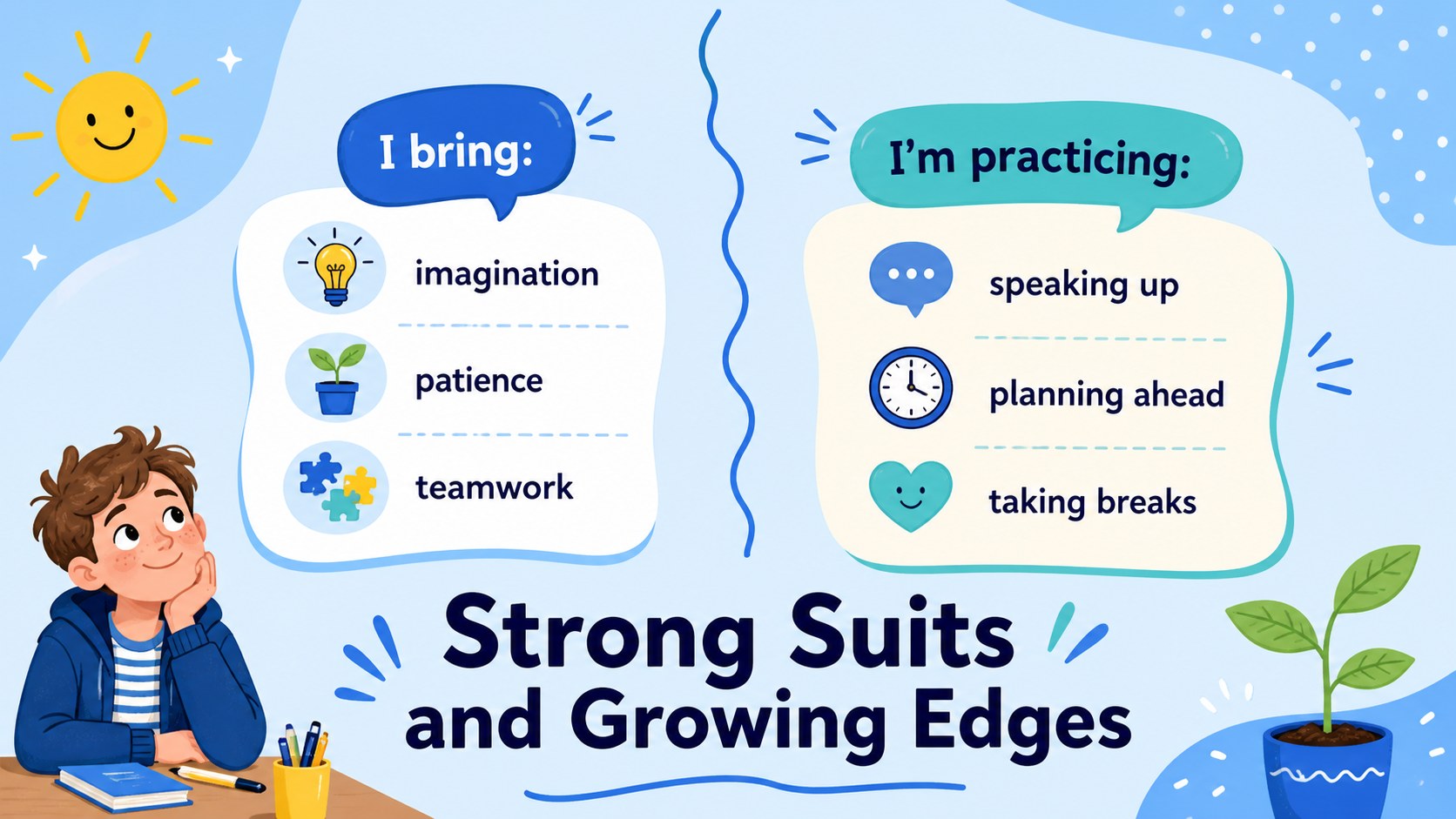
The deck includes layouts for a quick biography, fun facts, favorite activities, family and pets, personal strengths, goals, memorable moments, and a simple life timeline. Photo frames, quote pages, comparison layouts, charts, and visual lists provide plenty of ways to organize your ideas. An opening agenda and closing question slide make the template suitable for longer talks as well as quick introductions.
Use it as a creative about me presentation for the classroom, a student self introduction PowerPoint for the first week of school, or a fun personal profile Google Slides deck for a club, workshop, or team meeting. Teachers can adapt the prompts for icebreakers, while students, speakers, and new employees can replace the sample wording with their own stories. Add photos, adjust the colors, reorder sections, and choose only the layouts that suit your audience.
Perfect for: first-day classroom introduction; student personal profile; new employee team welcome; club member icebreaker; workshop speaker introduction.
Frequently asked questions
Can I edit these slides in PowerPoint and Google Slides? Yes. The template is designed for both PowerPoint and Google Slides, with editable text, colors, images, and layout elements. Some fonts may be substituted automatically if they are not installed on your device.
Practical details
Yes. The template is designed for both PowerPoint and Google Slides, with editable text, colors, images, and layout elements. Some fonts may be substituted automatically if they are not installed on your device.
Replace the sample facts with details that fit your story, then remove any sections you do not need. You can also duplicate useful layouts and reorder the slides to match the length of your introduction.
Yes. Insert personal photos into the prepared image areas or replace decorative graphics with your own visuals. Crop and resize each image within PowerPoint or Google Slides to keep the layout balanced.
Yes. The friendly design works well for students, teachers, workshop participants, and newly hired employees. For professional settings, keep the playful visual style while adjusting the prompts to focus on experience, interests, and team goals.
Keep exploring
15Build stronger academic arguments with a college essay thesis builder featuring guided examples, revision prompts, and editable PowerPoint and Google Slides.
 15
15Build an engaging World UFO Day session with this flying saucer history lesson deck, featuring retro green-and-brown slides for PowerPoint and Google Slides.
 14
14Plan a memorable Lunar New Year campaign with the 2036 Dragon Year Celebration Theme, featuring bold red-and-yellow slides for lessons and events.
 15
15Build a thoughtful classroom discussion with this interfaith awareness lesson deck, featuring editable blue-and-white slides for PowerPoint and Google Slides.
 15
15Use this environmental awareness lesson deck to teach climate action through illustrated activities, discussion prompts, and ready-to-edit visuals.
 15
15Build playful lessons and party stories with a kid-friendly zombie celebration theme in purple, green and pastel blue for PowerPoint and Google Slides.
 15
15Build eerie lessons, campaigns, and story pitches with an undead survival scenario theme featuring editable slides for PowerPoint and Google Slides.
 16
16Turn environmental research into a clear story with a Watercolor Ecology Presentation Theme for PowerPoint and Google Slides in calming green and blue.