
 15
15presentation
College Essay Thesis Builder Slides
Build stronger academic arguments with a college essay thesis builder featuring guided examples, revision prompts, and editable PowerPoint and Google Slides.
Google SlidesPowerPoint
presentation · English
Build a playful science classroom deck for PowerPoint and Google Slides, with hand-drawn blue-and-white visuals for lessons, labs, and student projects.
Design notes
Make complex science topics easier to explore with a playful classroom deck built around friendly illustrations, clear layouts, and flexible blue-and-white visuals. Hand-drawn laboratory icons, simple diagrams, and open spaces for explanations help teachers turn technical material into an approachable learning experience. Adjust the blue accents, replace the illustrations, and add your own examples to match a lesson, workshop, or research presentation.
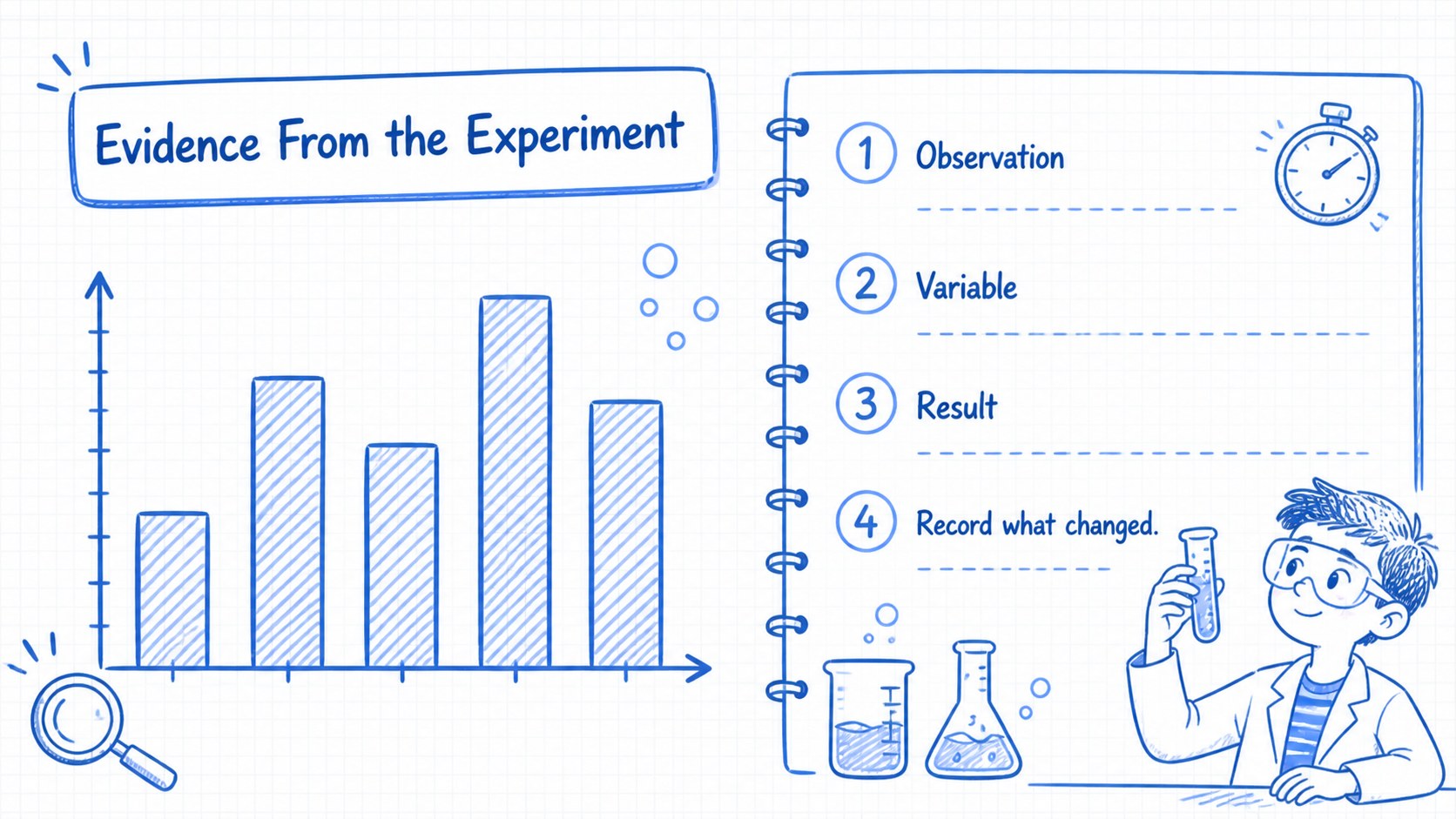
Inside, you will find 25 editable 16:9 slides for lesson introductions, topic breakdowns, experiment instructions, process diagrams, comparison tables, timelines, data summaries, and closing discussion prompts. The layouts support a science lesson presentation template workflow while keeping enough visual variety for longer teaching sessions. Use the chart and diagram slides for an interactive lab report presentation, or adapt the visual system for a STEM education presentation design that feels structured without becoming formal or dull.
This deck is suited to teachers, lecturers, tutors, museum educators, and students presenting research or class projects. It works for biology, physics, chemistry, environmental science, and general STEM subjects. Edit the text, icons, colors, and diagrams in PowerPoint or Google Slides, then export or share the finished presentation in the format your audience needs.
Perfect for: middle school science lesson; university lab report; student research project; STEM workshop; museum education session.
Frequently asked questions
Can I edit this deck in PowerPoint and Google Slides? Yes. The template is designed for both PowerPoint and Google Slides. You can revise text, move objects, change colors, and replace illustrations in either platform.
Practical details
Yes. The template is designed for both PowerPoint and Google Slides. You can revise text, move objects, change colors, and replace illustrations in either platform.
Yes. The blue accents and white backgrounds can be adjusted to match your school, department, or project identity. Keep the contrast strong so diagrams and classroom notes remain easy to read.
The layouts work well for biology, physics, chemistry, environmental science, and broad STEM lessons. Diagram, timeline, comparison, and data slides can be adapted to both teaching content and student projects.
Yes. Students can use the editable layouts for experiment summaries, research findings, and project presentations. The friendly visual language helps make technical information approachable without removing academic structure.
Keep exploring
15Build stronger academic arguments with a college essay thesis builder featuring guided examples, revision prompts, and editable PowerPoint and Google Slides.
 15
15Build an engaging World UFO Day session with this flying saucer history lesson deck, featuring retro green-and-brown slides for PowerPoint and Google Slides.
 14
14Plan a memorable Lunar New Year campaign with the 2036 Dragon Year Celebration Theme, featuring bold red-and-yellow slides for lessons and events.
 15
15Build a thoughtful classroom discussion with this interfaith awareness lesson deck, featuring editable blue-and-white slides for PowerPoint and Google Slides.
 15
15Use this environmental awareness lesson deck to teach climate action through illustrated activities, discussion prompts, and ready-to-edit visuals.
 15
15Build playful lessons and party stories with a kid-friendly zombie celebration theme in purple, green and pastel blue for PowerPoint and Google Slides.
 15
15Build eerie lessons, campaigns, and story pitches with an undead survival scenario theme featuring editable slides for PowerPoint and Google Slides.
 16
16Turn environmental research into a clear story with a Watercolor Ecology Presentation Theme for PowerPoint and Google Slides in calming green and blue.