
 15
15presentation
College Essay Thesis Builder Slides
Build stronger academic arguments with a college essay thesis builder featuring guided examples, revision prompts, and editable PowerPoint and Google Slides.
Google SlidesPowerPoint
presentation · English
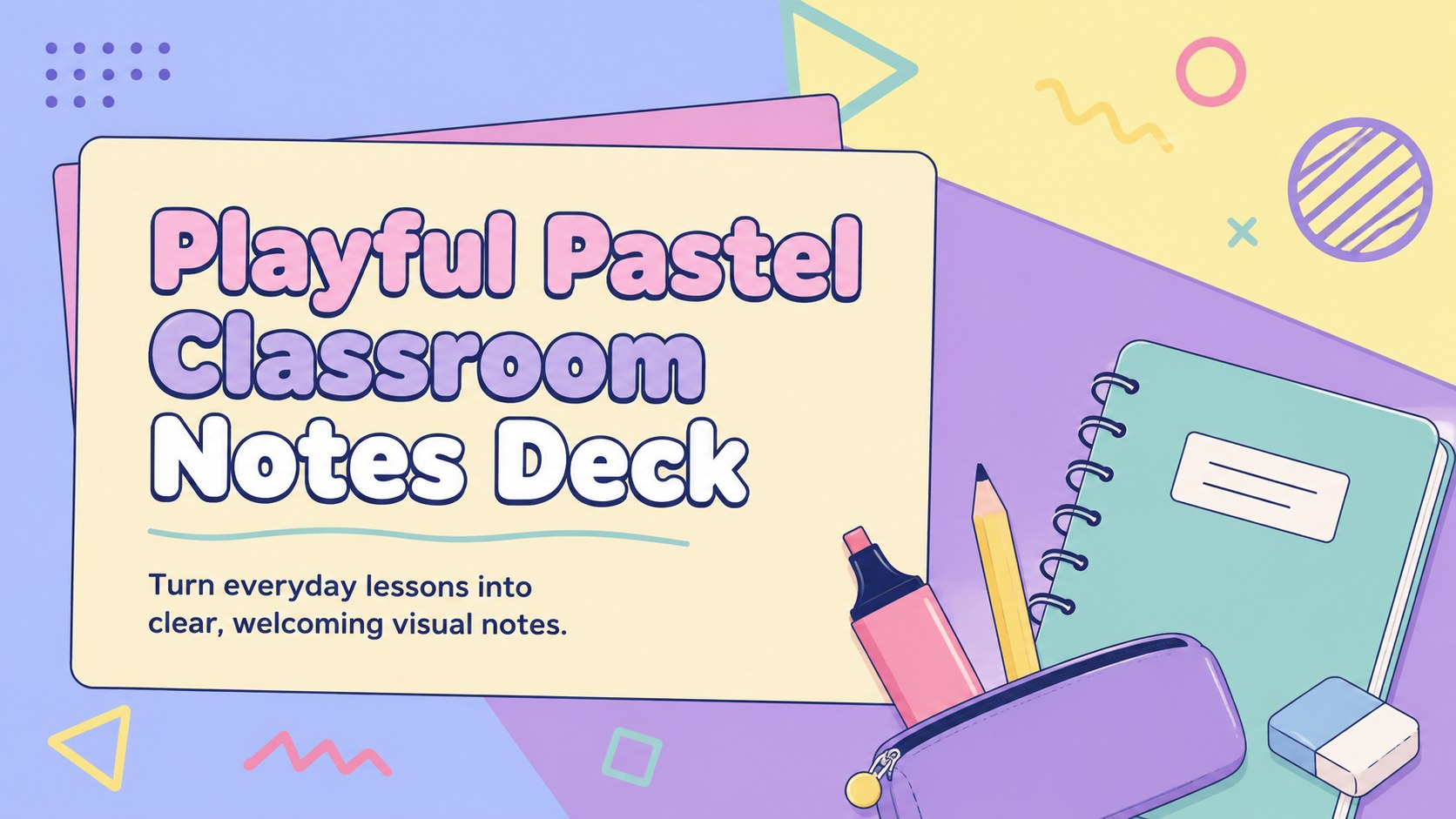
Build clearer lessons with a Playful Pastel Classroom Notes Deck for PowerPoint and Google Slides, packed with flexible layouts for teachers and students.
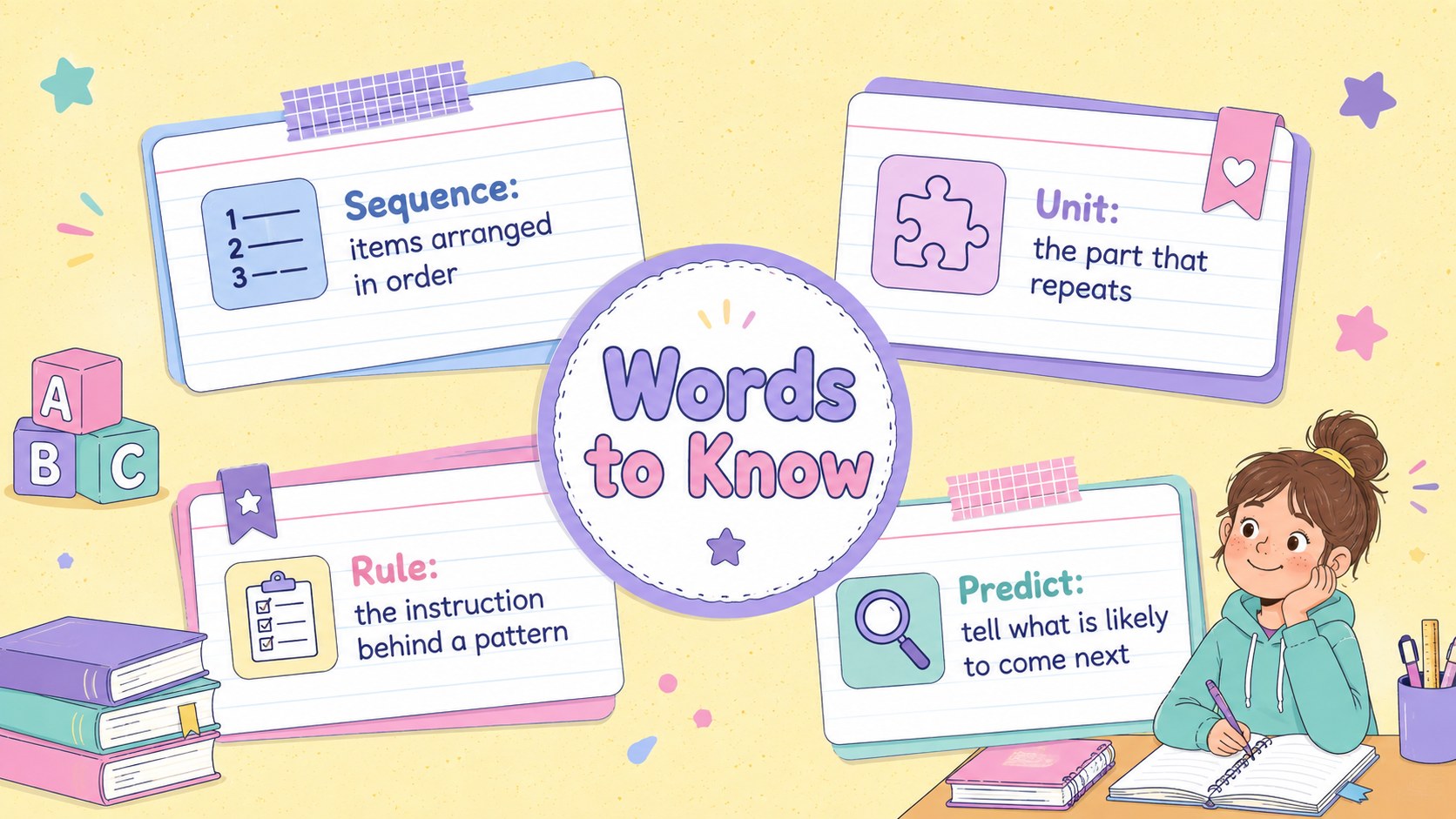
Design notes
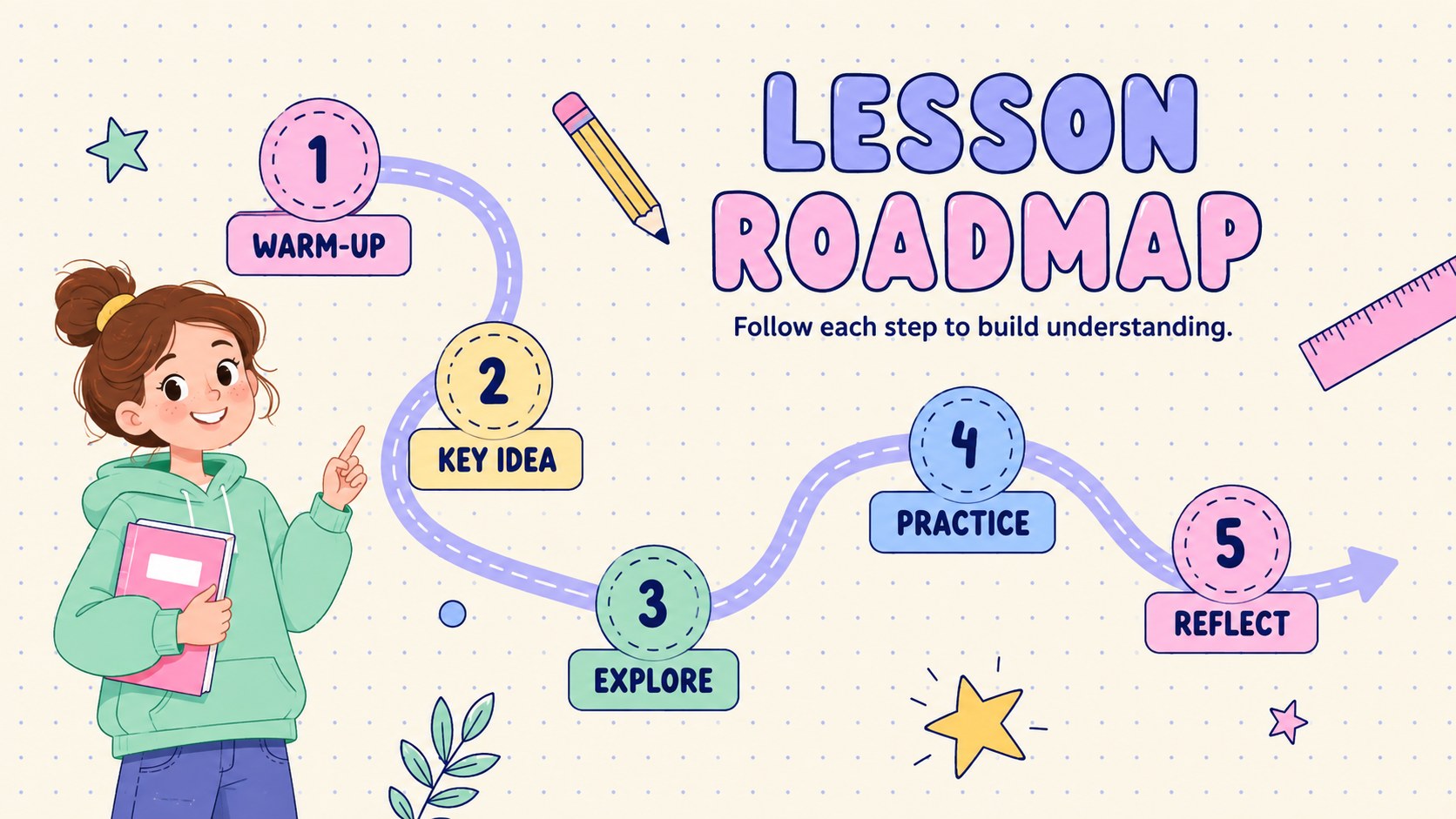
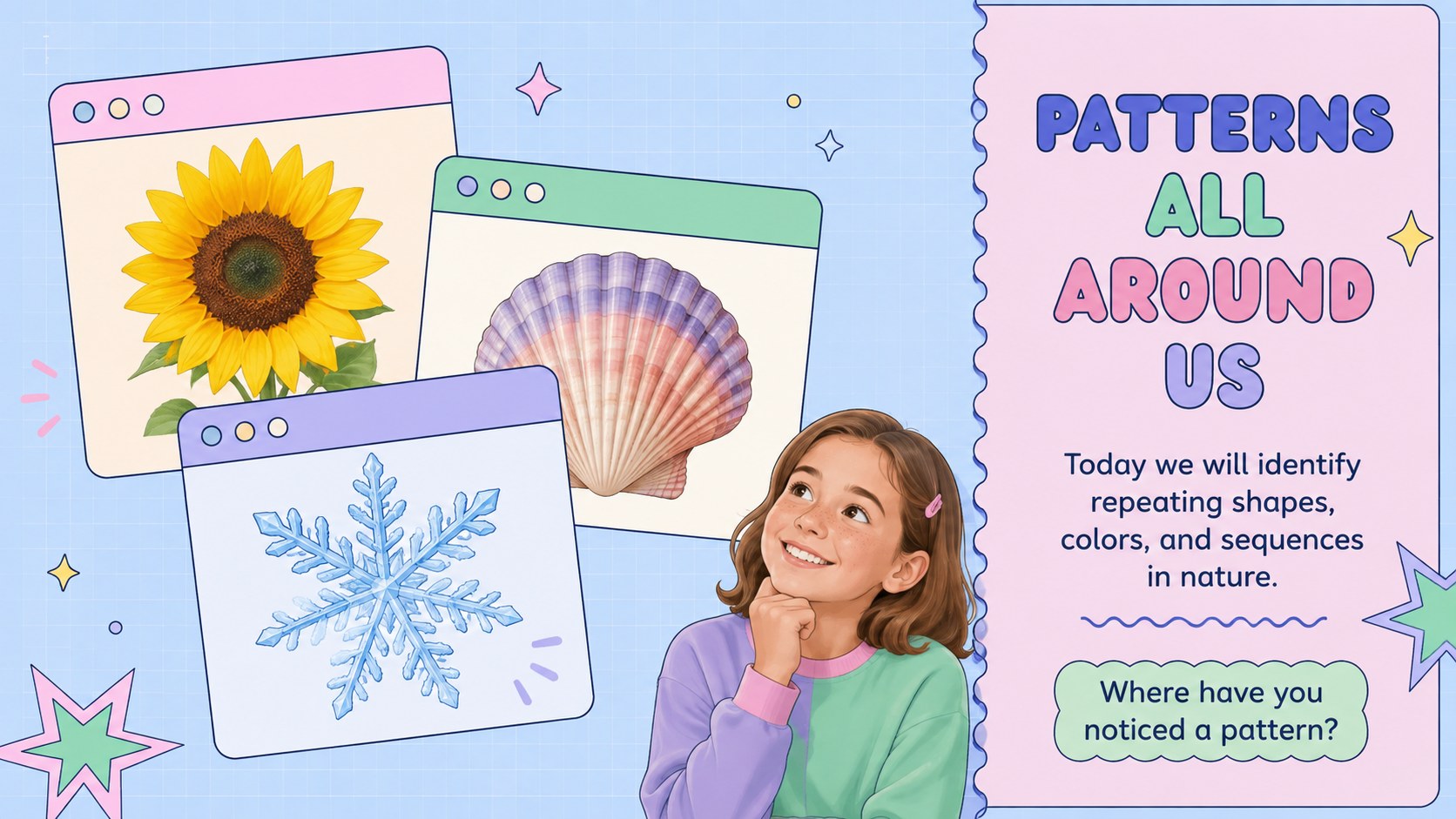
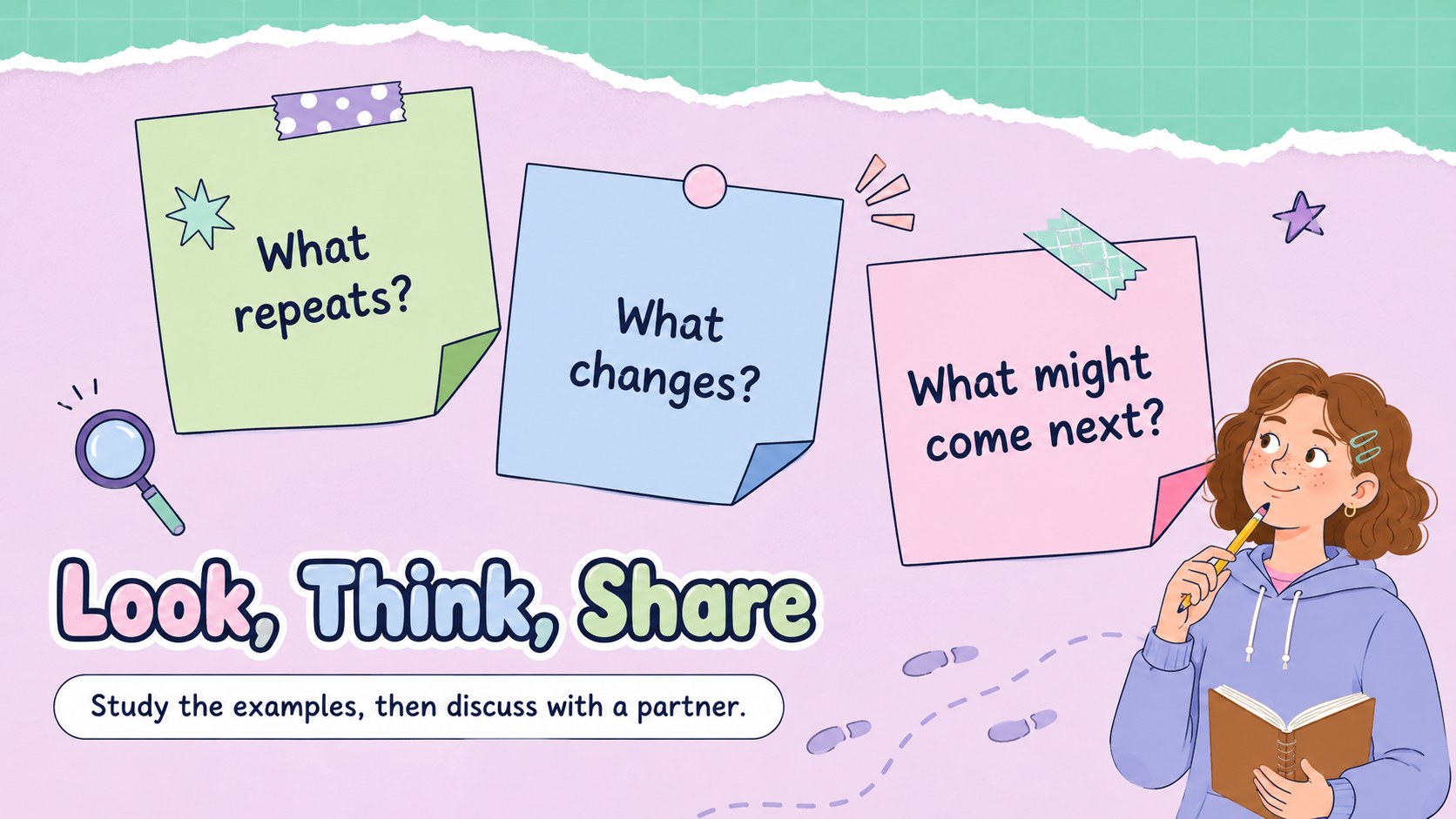
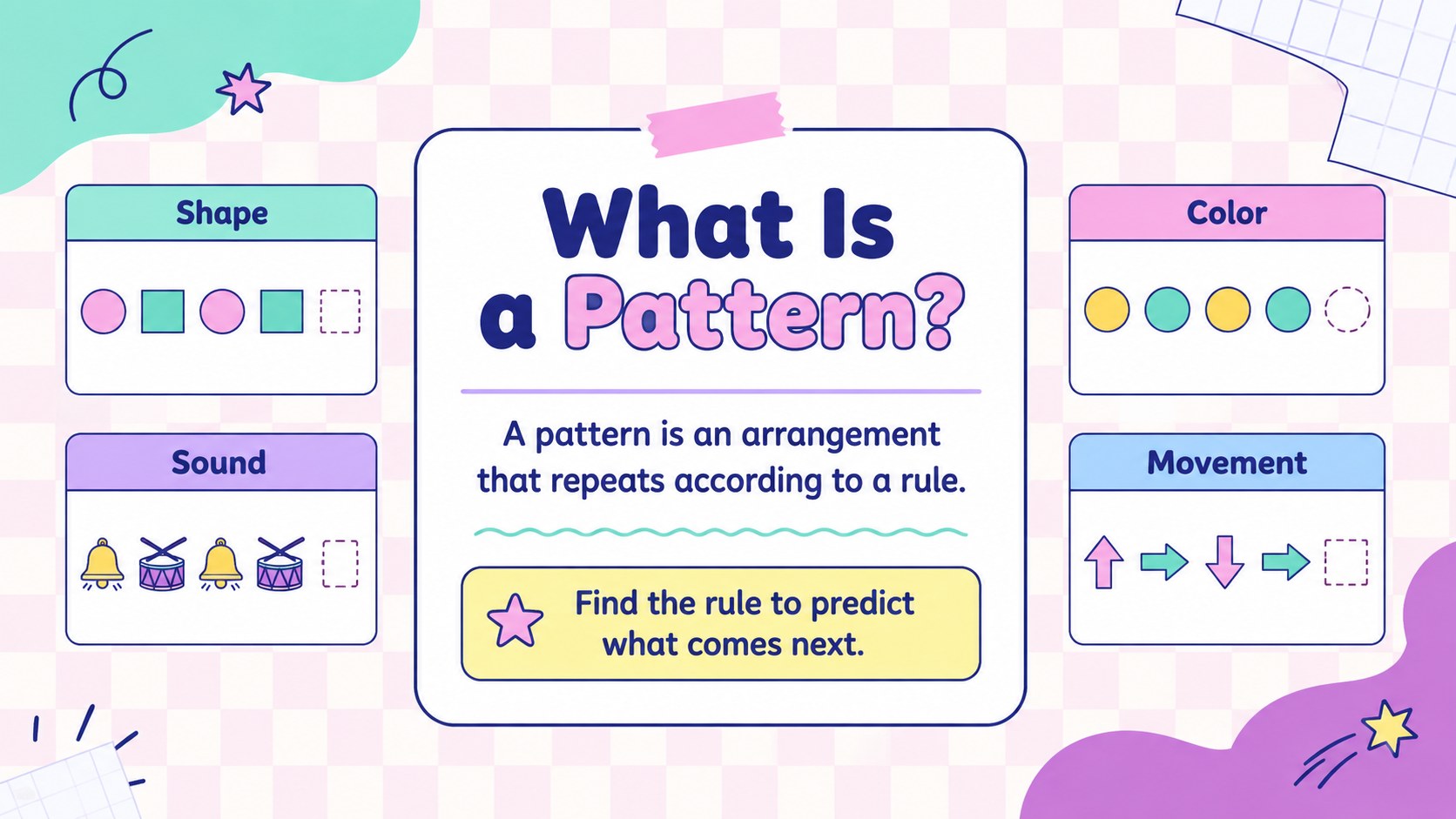
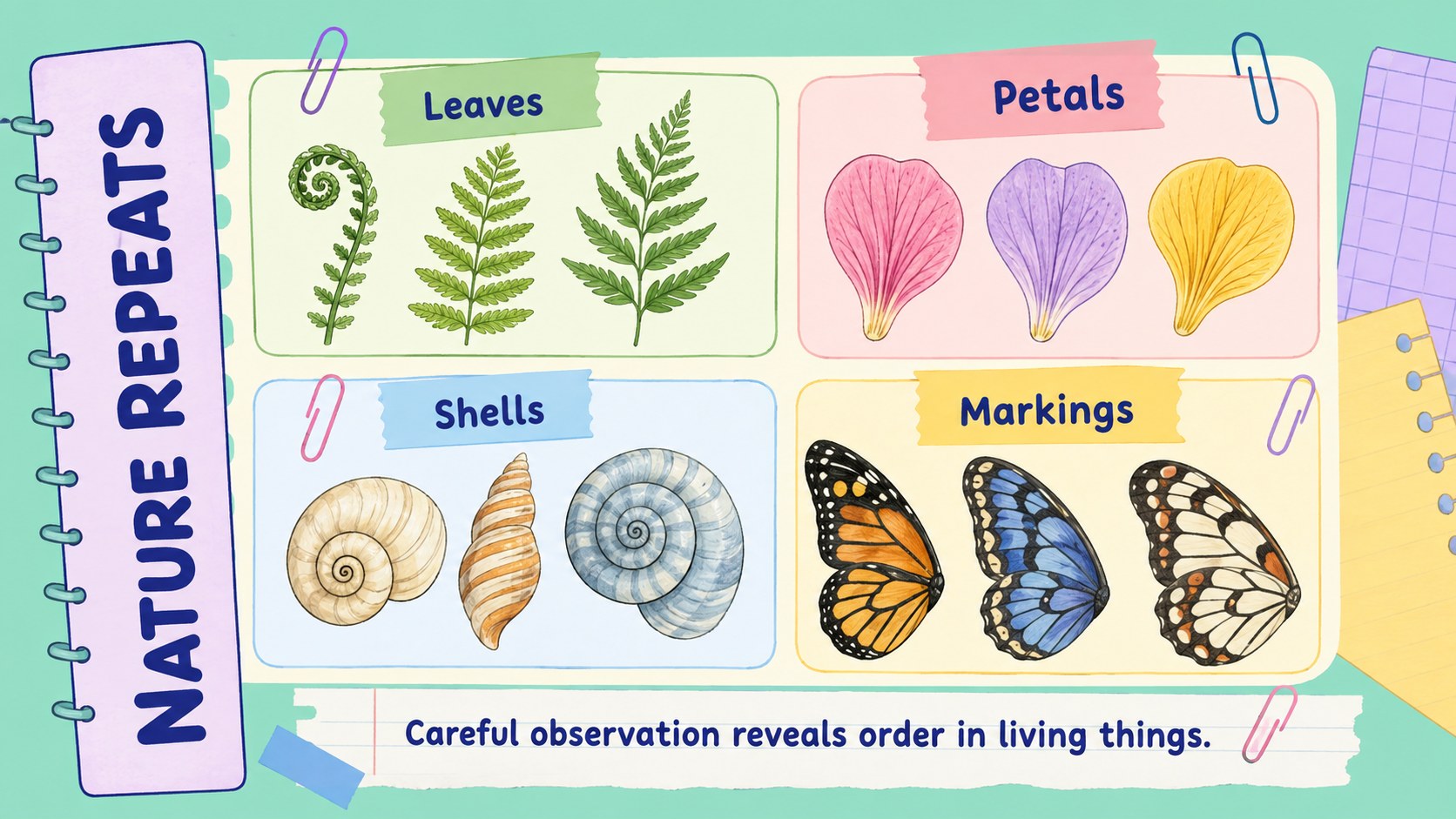
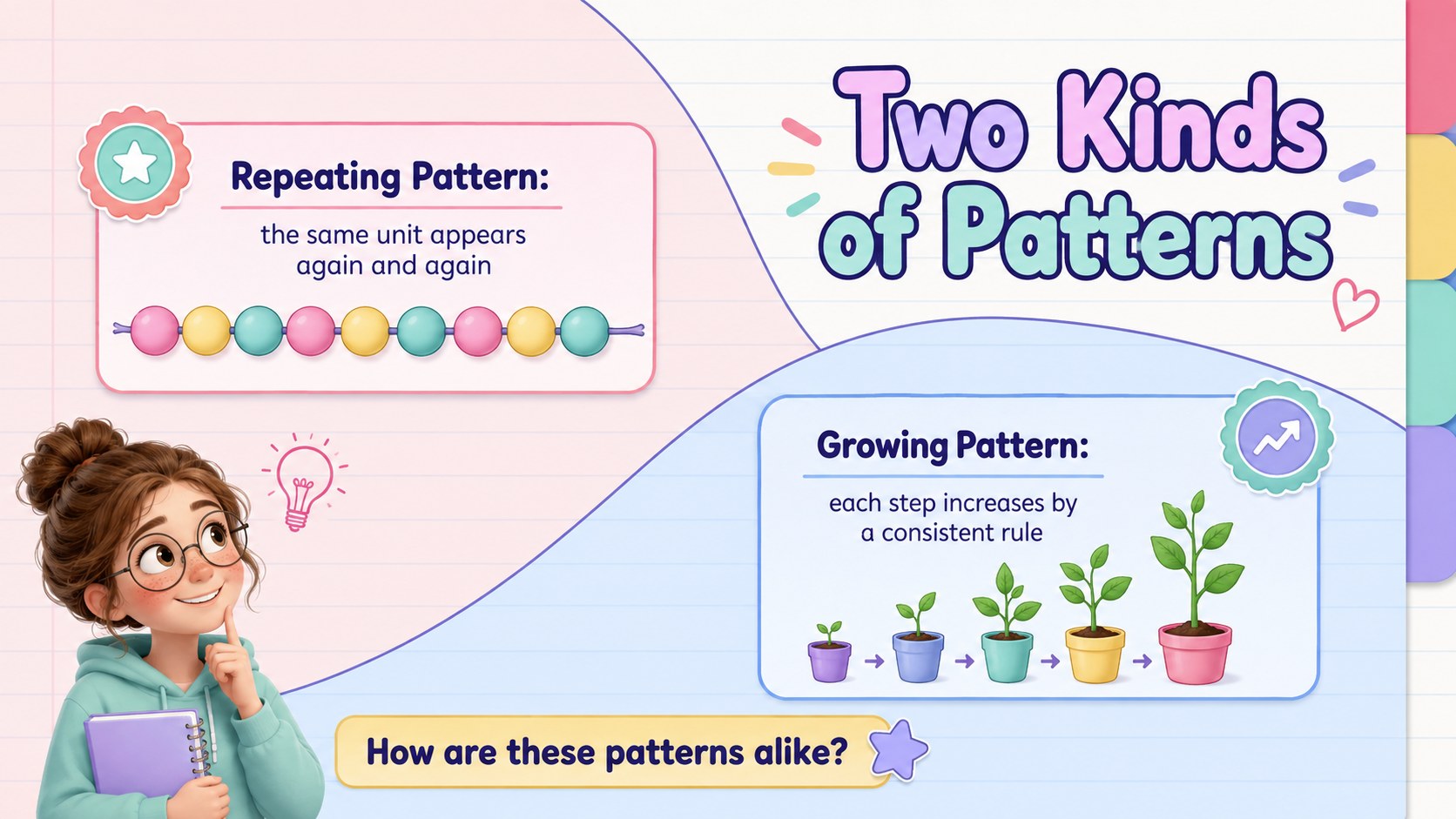
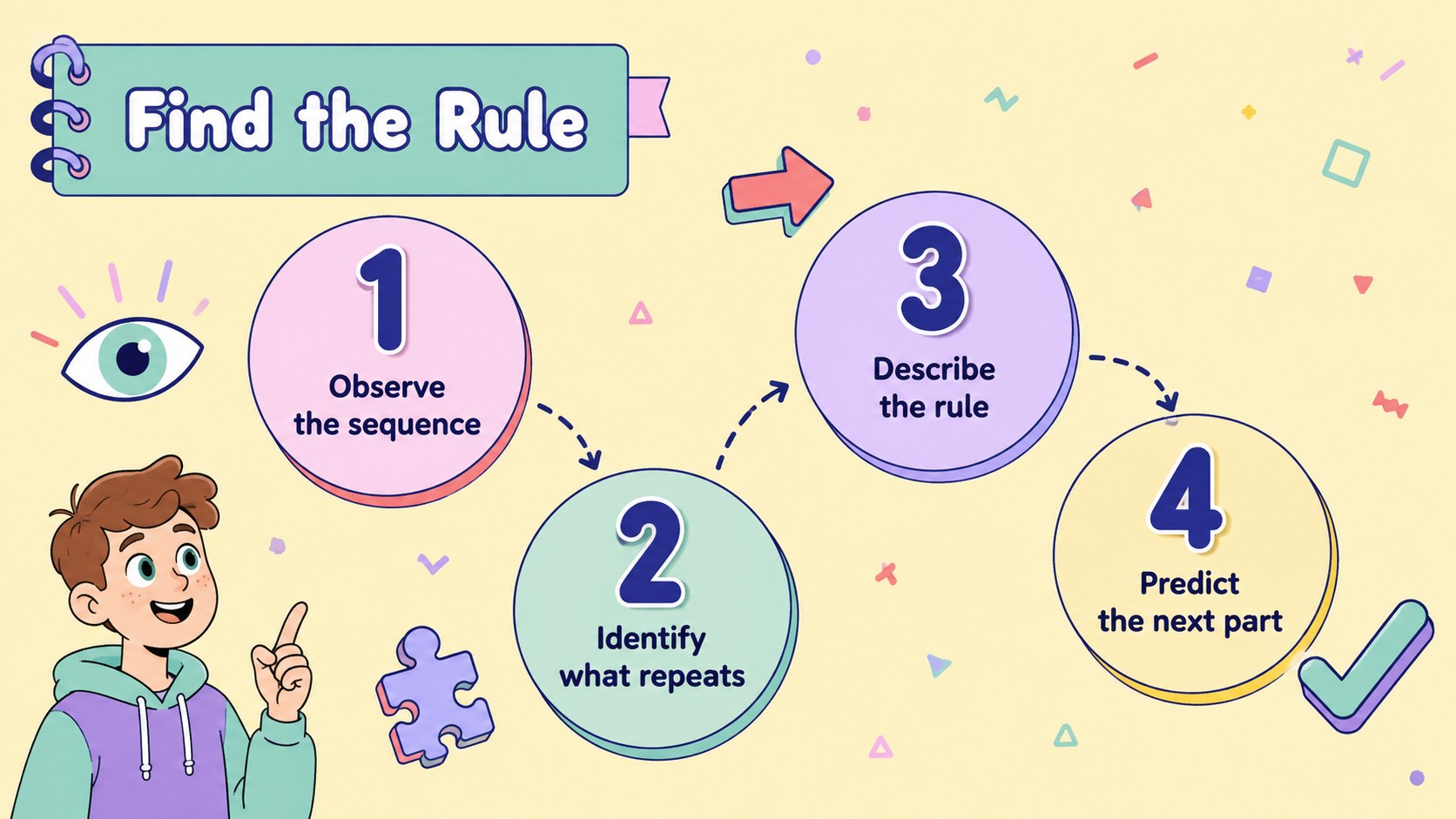
The Playful Pastel Classroom Notes Deck turns lesson material into an inviting visual experience without sacrificing structure. Soft colors, cheerful geometric accents, and notebook-inspired details help teachers present information clearly while keeping younger learners interested. Edit every page in PowerPoint or Google Slides to match a subject, grade level, or classroom routine.
Inside, you will find adaptable layouts for lesson goals, topic introductions, vocabulary, comparisons, diagrams, guided questions, assignments, and reflection prompts. The flexible classroom lesson slides also include space for images, simple data displays, timelines, and step-by-step explanations. Use the pastel notebook presentation as a complete lesson or select individual pages to support an existing unit. Fonts, colors, illustrations, and text can all be adjusted for your classroom.
This deck is designed for elementary and middle school teachers, tutors, homeschool educators, and students preparing class projects. It works especially well as a colorful teacher presentation for science observations, reading notes, creative writing, social studies, and daily review. The balanced layouts make complex ideas easier to scan, while the playful visual system keeps worksheets and lecture content feeling connected. Whether you are introducing a new concept, leading group practice, or assigning an exit ticket, the deck provides a consistent foundation for an organized and engaging lesson.
Perfect for: elementary science lesson; middle school topic review; guided classroom notes; student project presentation; homeschool unit introduction; end-of-lesson reflection.
Frequently asked questions
Can I edit this deck in PowerPoint and Google Slides? Yes. The layouts, text, colors, and visual elements can be edited in both PowerPoint and Google Slides. Some font spacing may vary slightly between platforms, so review the deck after importing it.
Practical details
Yes. The layouts, text, colors, and visual elements can be edited in both PowerPoint and Google Slides. Some font spacing may vary slightly between platforms, so review the deck after importing it.
Yes. Replace the theme colors with school colors, subject-based shades, or a higher-contrast palette. Apply the changes consistently across headings, shapes, backgrounds, and diagrams.
The friendly notebook style is especially suitable for elementary and middle school learners. Teachers can simplify the text for younger classes or use the structured layouts for more detailed upper-grade notes.
Yes. Copy any vocabulary, comparison, activity, timeline, or reflection layout into another PowerPoint or Google Slides lesson. Check the destination theme afterward to ensure fonts and colors remain consistent.
Keep exploring
15Build stronger academic arguments with a college essay thesis builder featuring guided examples, revision prompts, and editable PowerPoint and Google Slides.
 15
15Build an engaging World UFO Day session with this flying saucer history lesson deck, featuring retro green-and-brown slides for PowerPoint and Google Slides.
 14
14Plan a memorable Lunar New Year campaign with the 2036 Dragon Year Celebration Theme, featuring bold red-and-yellow slides for lessons and events.
 15
15Build a thoughtful classroom discussion with this interfaith awareness lesson deck, featuring editable blue-and-white slides for PowerPoint and Google Slides.
 15
15Use this environmental awareness lesson deck to teach climate action through illustrated activities, discussion prompts, and ready-to-edit visuals.
 15
15Build playful lessons and party stories with a kid-friendly zombie celebration theme in purple, green and pastel blue for PowerPoint and Google Slides.
 15
15Build eerie lessons, campaigns, and story pitches with an undead survival scenario theme featuring editable slides for PowerPoint and Google Slides.
 16
16Turn environmental research into a clear story with a Watercolor Ecology Presentation Theme for PowerPoint and Google Slides in calming green and blue.