
 15
15presentation
College Essay Thesis Builder Slides
Build stronger academic arguments with a college essay thesis builder featuring guided examples, revision prompts, and editable PowerPoint and Google Slides.
Google SlidesPowerPoint
presentation · English
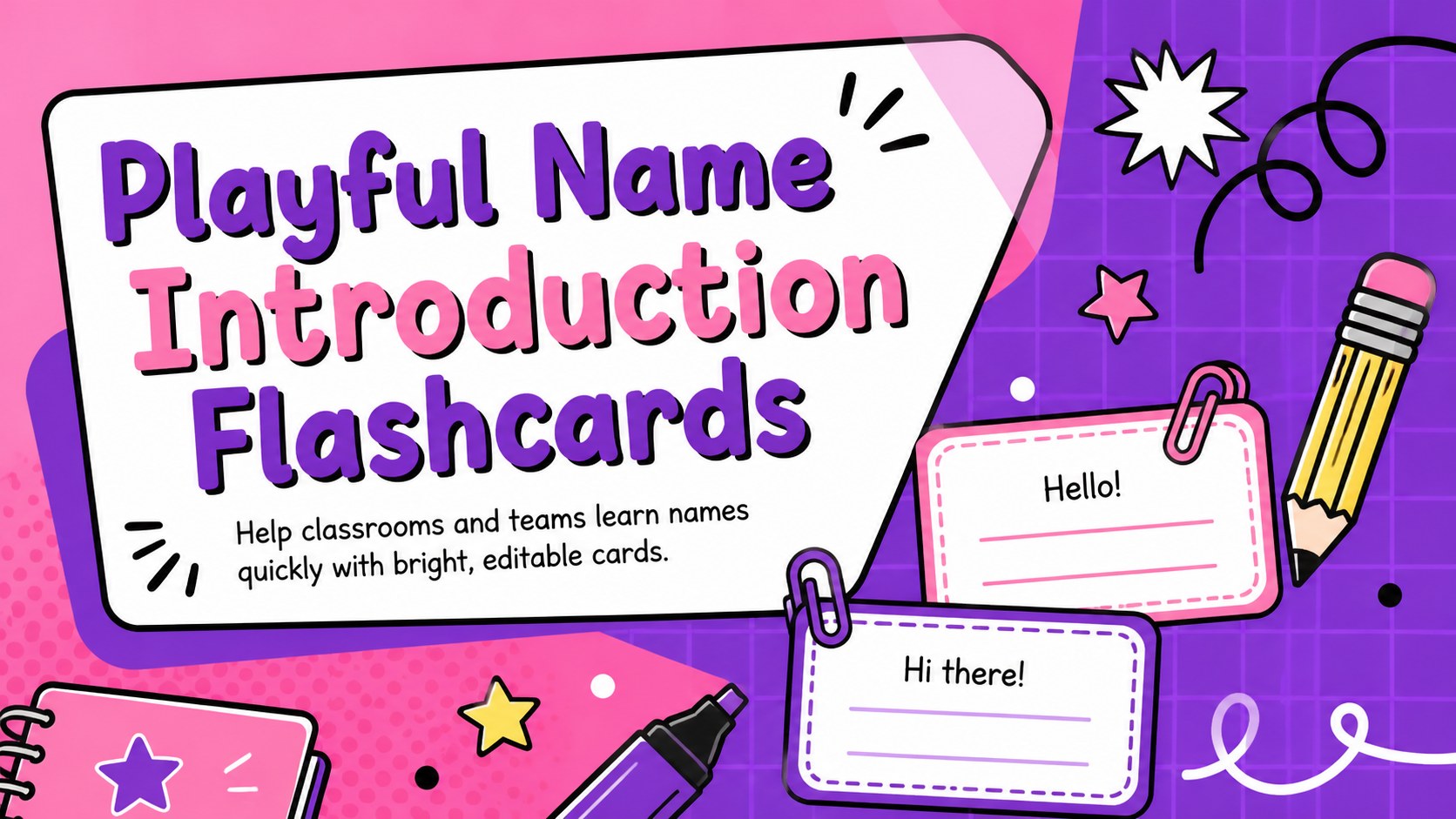
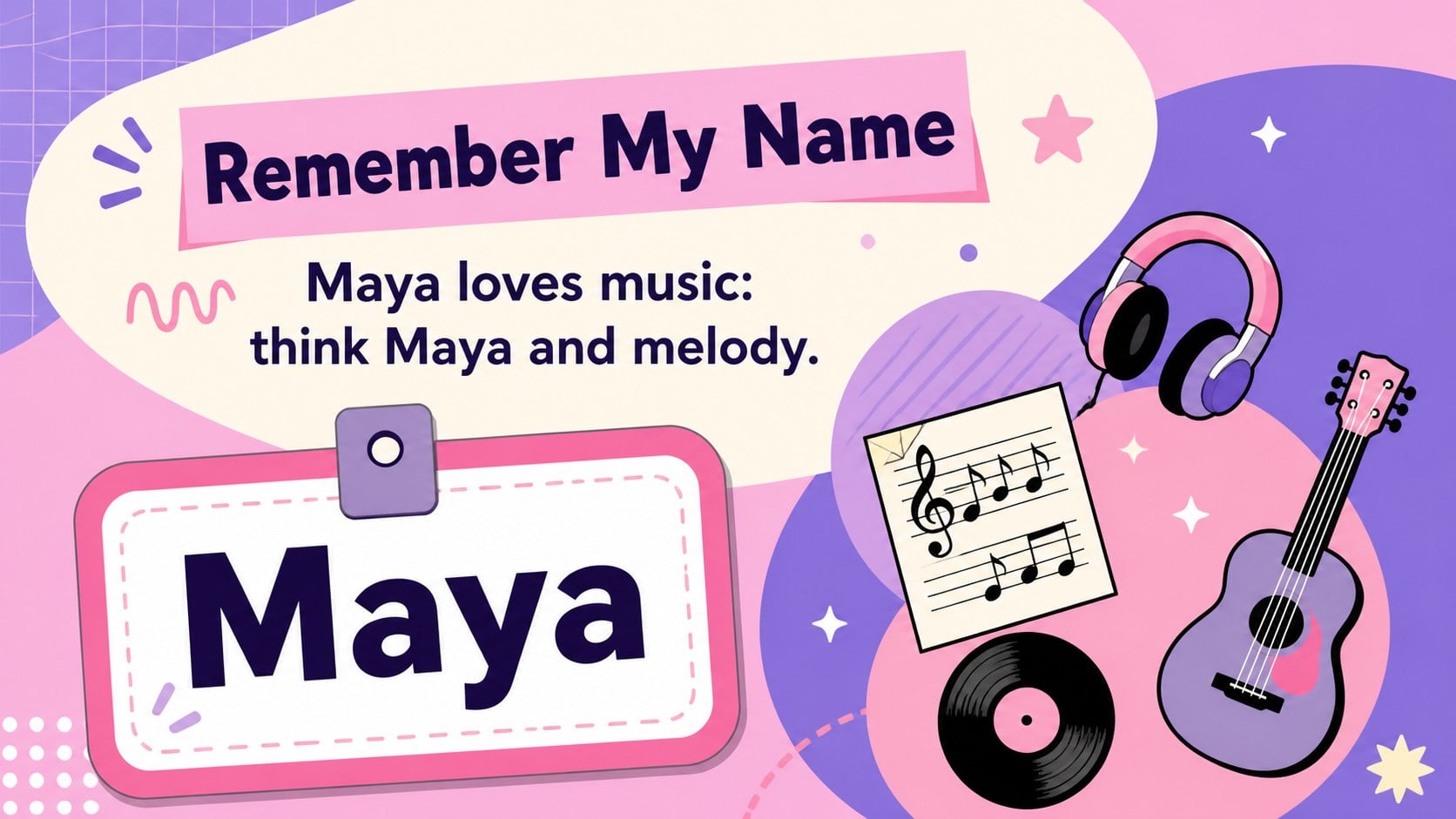
Make introductions easier with playful name introduction flashcards, featuring editable pink-and-purple slides for classrooms, clubs, and team welcomes.
Design notes
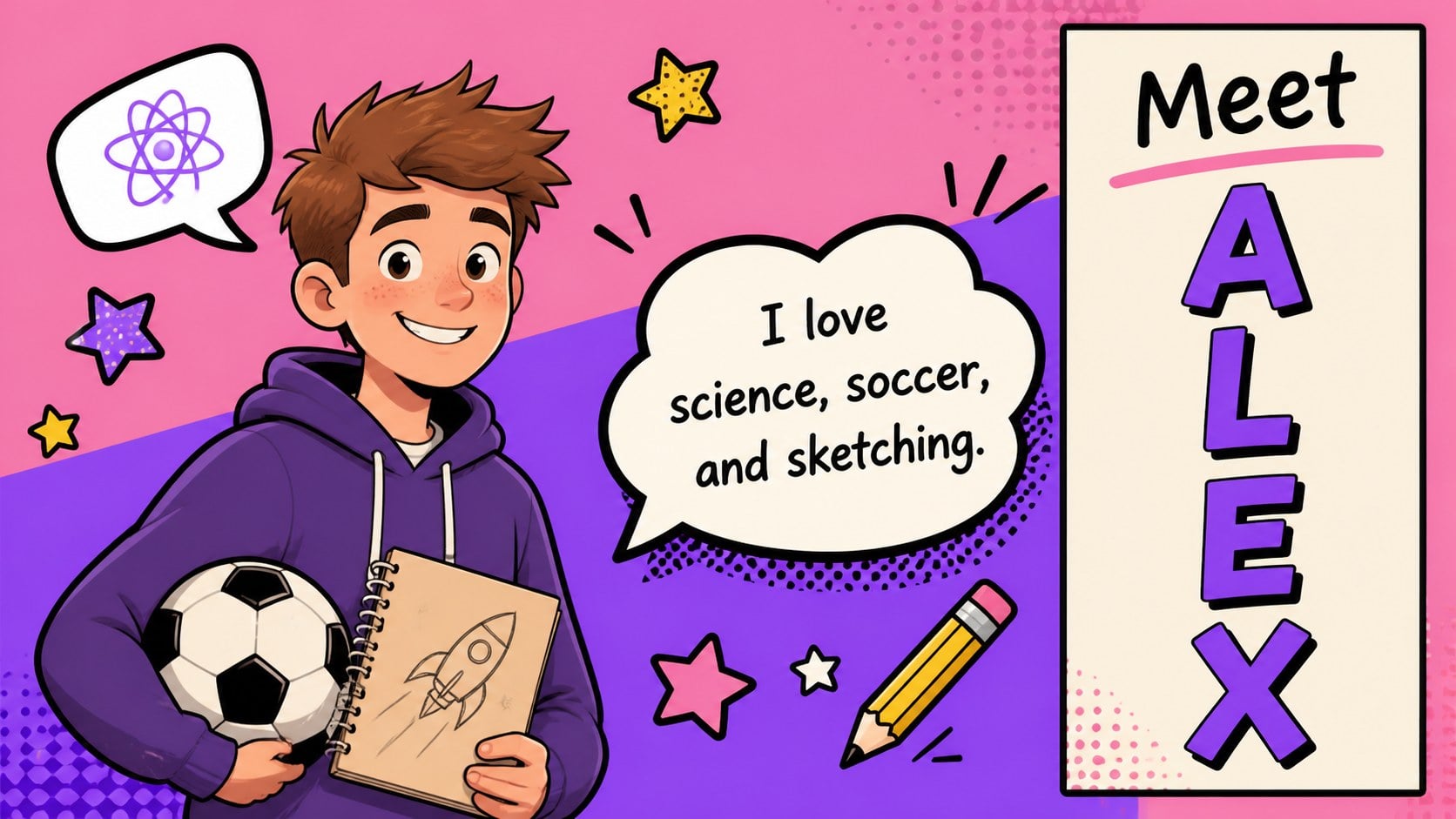
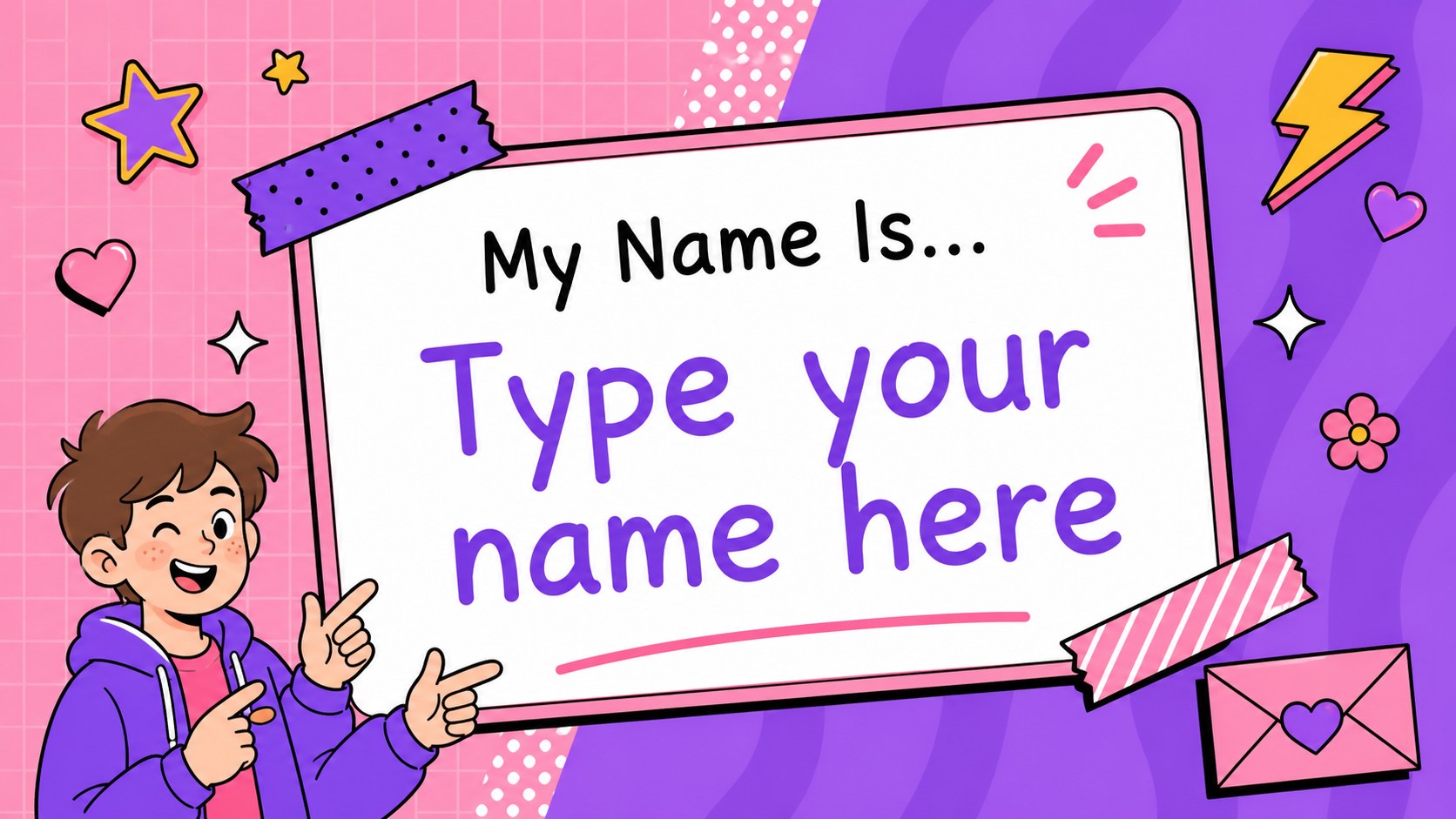
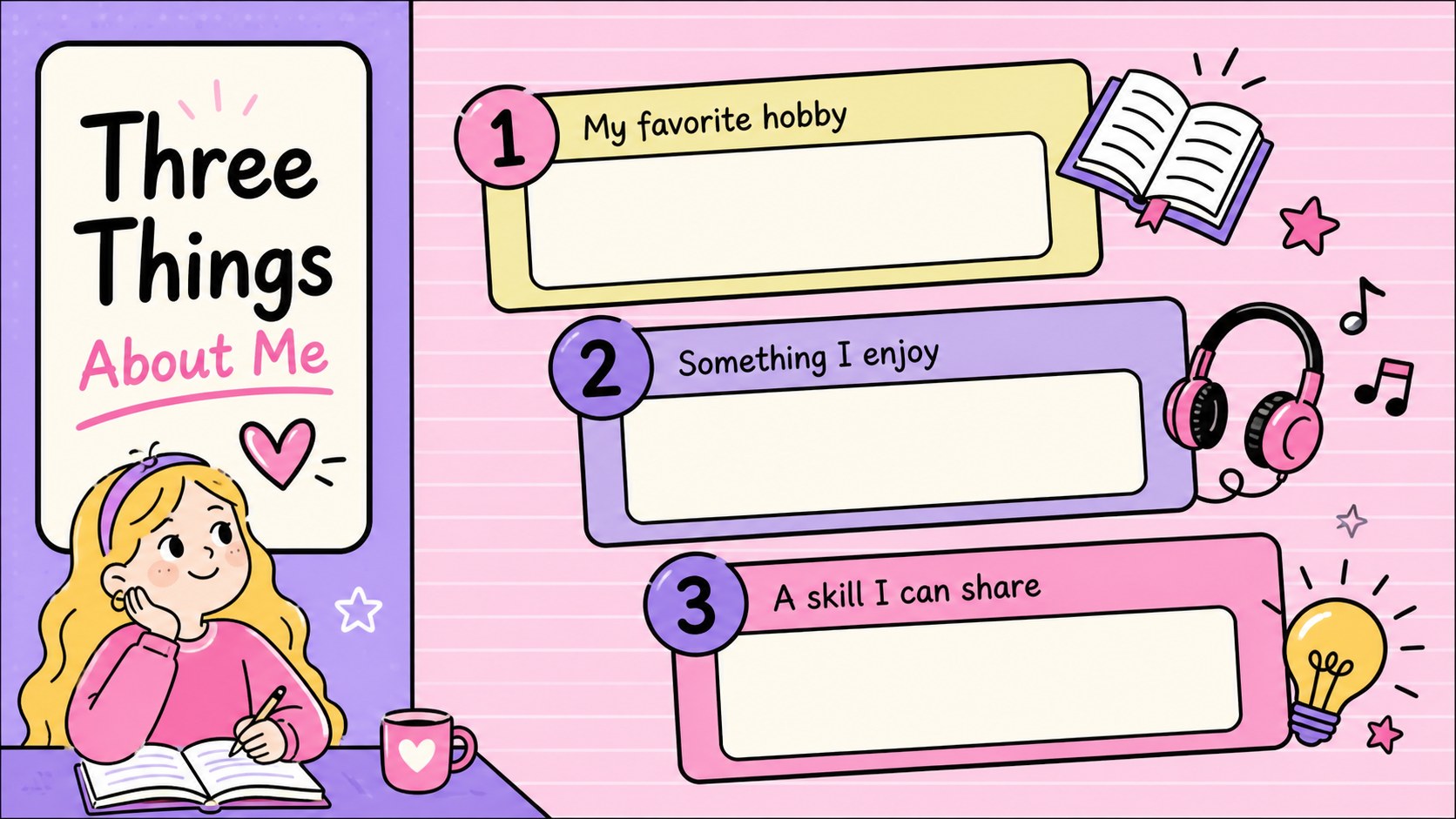
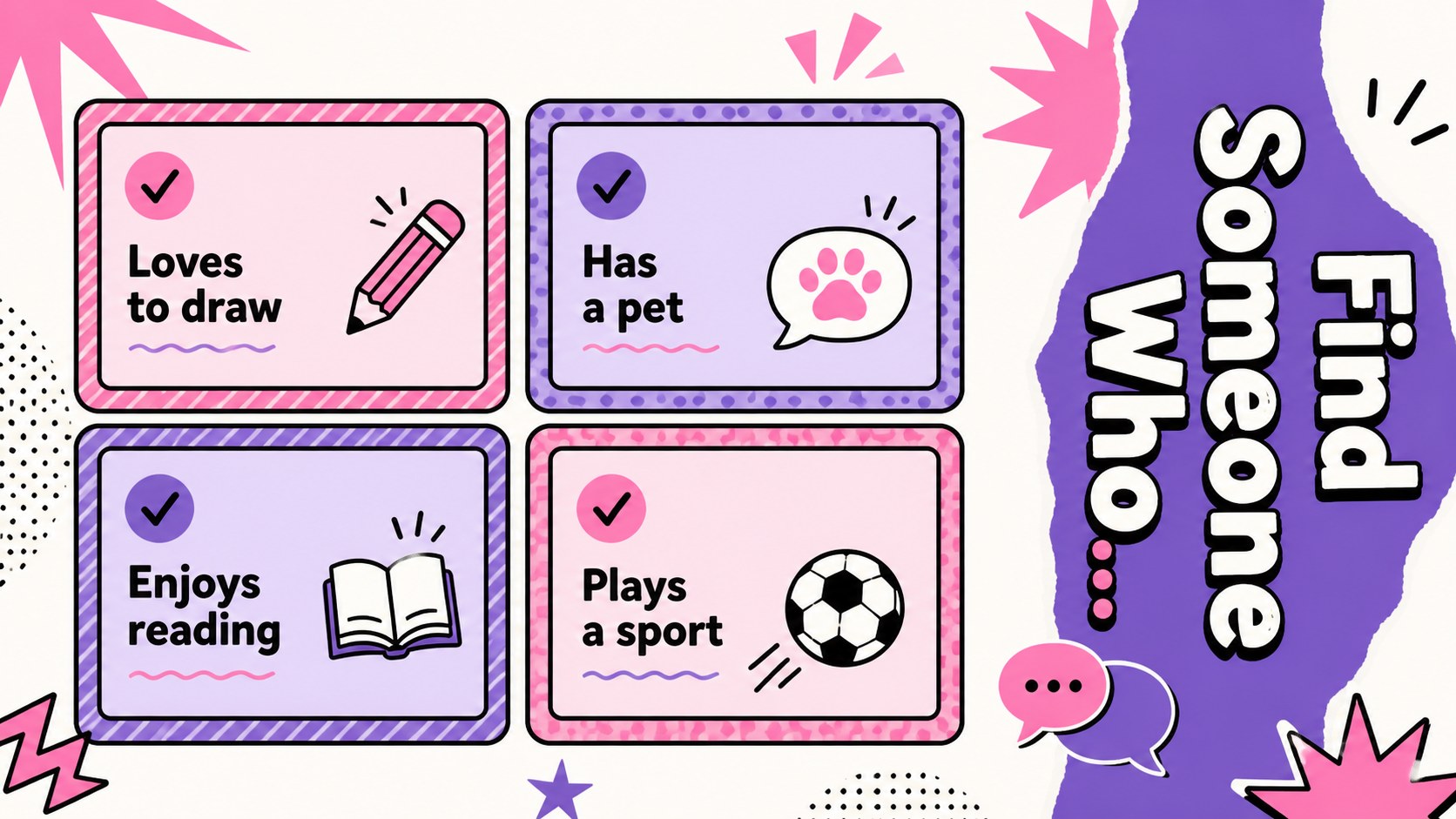
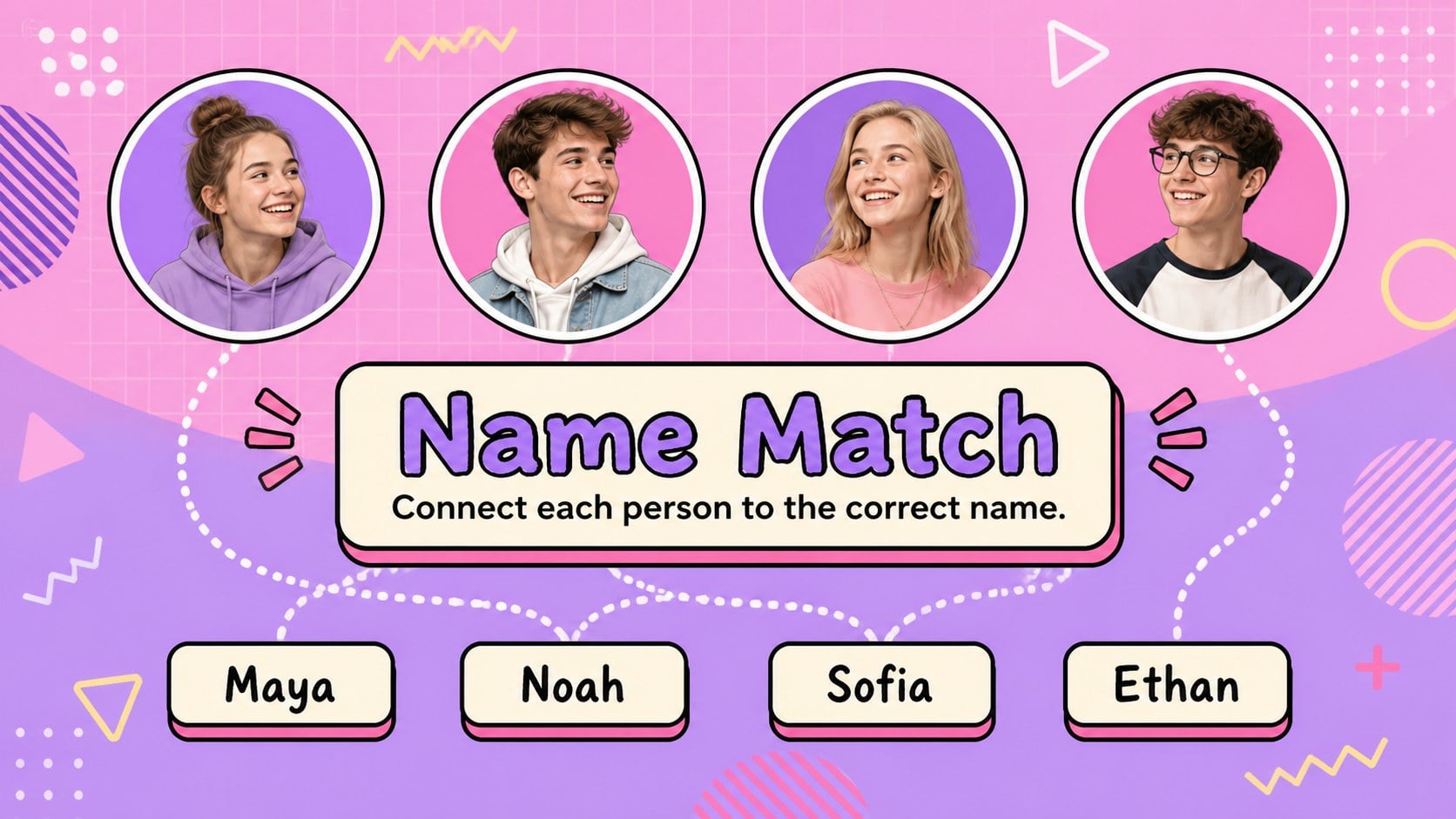
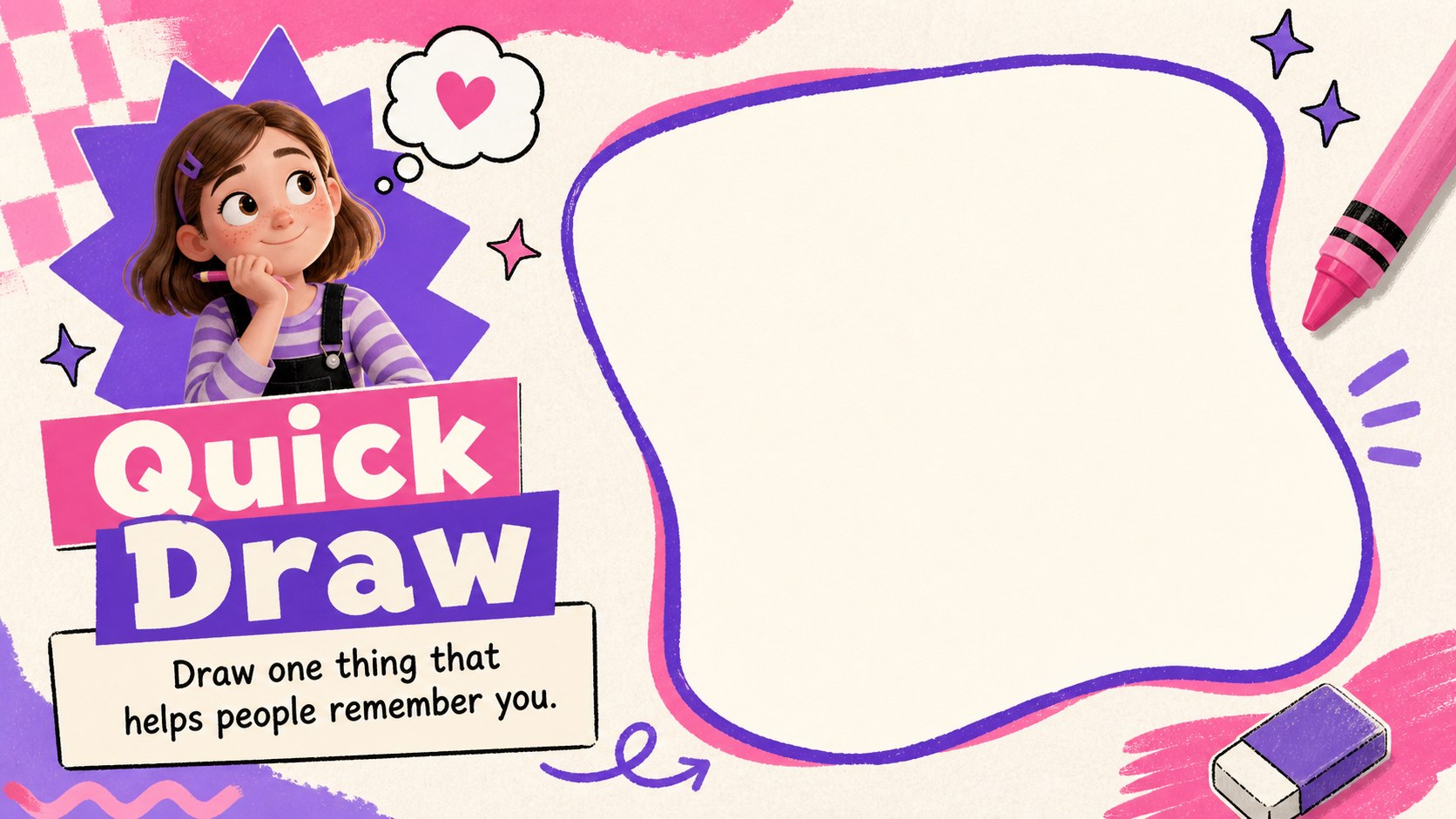
Playful name introduction flashcards turn first meetings into lively, low-pressure conversations. Designed with cheerful illustrations, hand-drawn details, and a vivid pink-and-purple palette, this presentation helps participants introduce themselves while giving everyone memorable visual cues. Use the slides as individual name cards, projected conversation starters, or prompts for a group activity in PowerPoint or Google Slides.
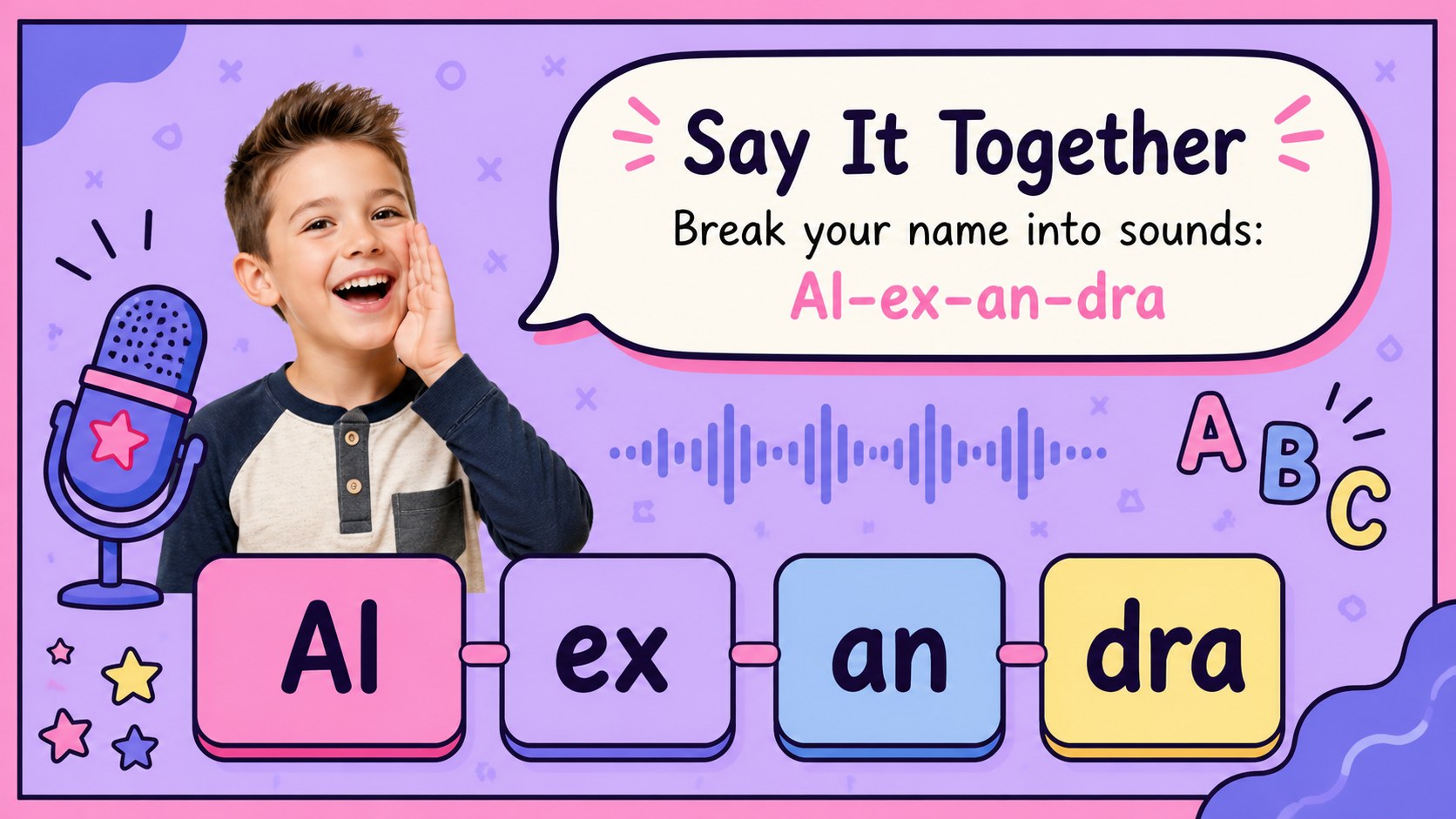
The deck includes layouts for names, pronunciation guides, personal interests, quick facts, memory challenges, partner activities, and friendly quizzes. Educators can adapt the editable classroom name cards for younger learners, while facilitators can use the team introduction icebreaker slides during workshops, club meetings, or staff orientations. Text, colors, images, and prompts can be adjusted to suit the age and setting of your group.
These slides work especially well for the first day of school, after-school programs, youth events, community groups, and new employee welcome sessions. The playful pop-art style keeps attention on the activity without making introductions feel formal. Present the cards digitally, print selected layouts as table signs, or invite participants to complete their own card before sharing it with the room.
Perfect for: first-day classroom introductions; new employee orientation; youth club icebreaker; workshop participant welcome; student name memory game.
Frequently asked questions
Can I edit every name card? Yes. Replace the sample names, interests, pronunciation notes, and activity prompts with your own content, then adjust the colors or illustrations to match your group.
Practical details
Yes. Replace the sample names, interests, pronunciation notes, and activity prompts with your own content, then adjust the colors or illustrations to match your group.
The template is designed for PowerPoint and Google Slides. Both platforms support editing, presenting, and duplicating cards for additional participants.
Yes. Export selected slides as PDF files or print them directly, using one slide per page for signs or multiple slides per page for smaller activity cards.
Swap the child-focused prompts for job roles, professional interests, project experience, or conversation starters. You can retain the energetic visual style while simplifying decorative elements for workplace sessions.
Keep exploring
15Build stronger academic arguments with a college essay thesis builder featuring guided examples, revision prompts, and editable PowerPoint and Google Slides.
 15
15Build an engaging World UFO Day session with this flying saucer history lesson deck, featuring retro green-and-brown slides for PowerPoint and Google Slides.
 14
14Plan a memorable Lunar New Year campaign with the 2036 Dragon Year Celebration Theme, featuring bold red-and-yellow slides for lessons and events.
 15
15Build a thoughtful classroom discussion with this interfaith awareness lesson deck, featuring editable blue-and-white slides for PowerPoint and Google Slides.
 15
15Use this environmental awareness lesson deck to teach climate action through illustrated activities, discussion prompts, and ready-to-edit visuals.
 15
15Build playful lessons and party stories with a kid-friendly zombie celebration theme in purple, green and pastel blue for PowerPoint and Google Slides.
 15
15Build eerie lessons, campaigns, and story pitches with an undead survival scenario theme featuring editable slides for PowerPoint and Google Slides.
 16
16Turn environmental research into a clear story with a Watercolor Ecology Presentation Theme for PowerPoint and Google Slides in calming green and blue.