
 15
15presentation
College Essay Thesis Builder Slides
Build stronger academic arguments with a college essay thesis builder featuring guided examples, revision prompts, and editable PowerPoint and Google Slides.
Google SlidesPowerPoint
presentation · English
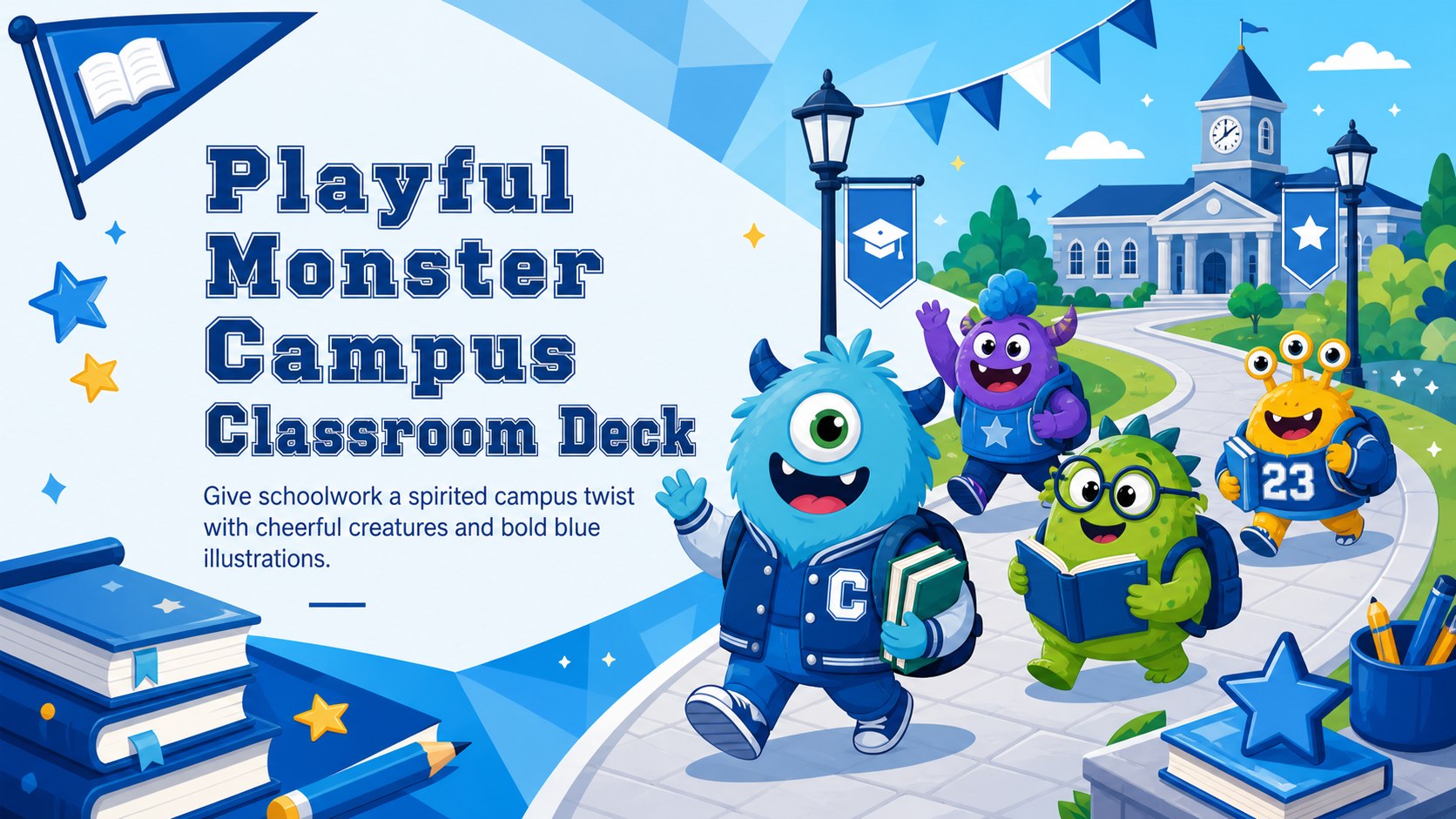
Turn class reports into a lively story with a playful monster campus classroom deck featuring editable blue layouts for PowerPoint and Google Slides.
Design notes
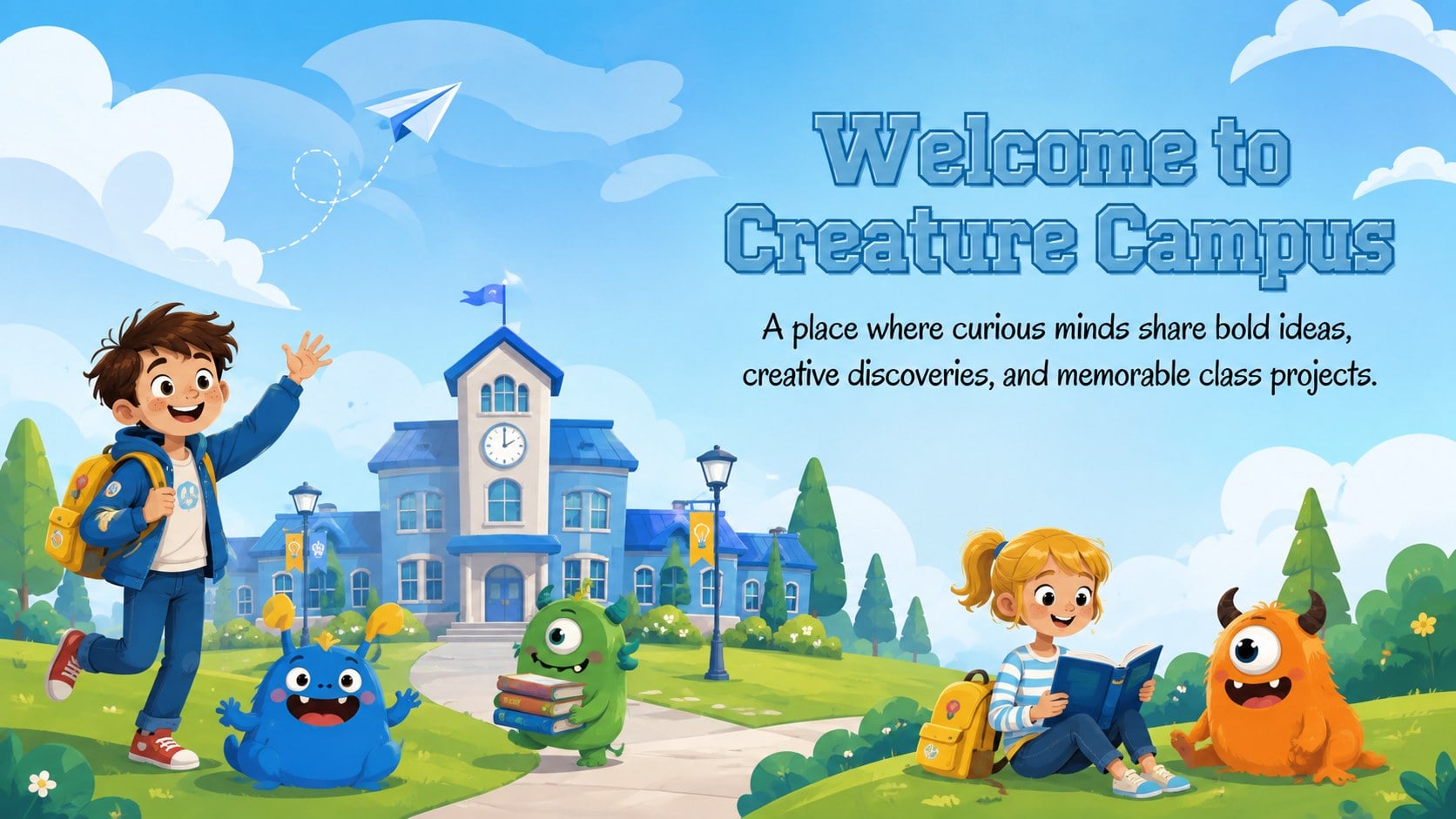
Bring imagination to the classroom with a playful monster campus classroom deck designed for reports, group assignments, club updates, and graduation activities. Its upbeat blue palette, expressive original creatures, and illustrated academic settings help students organize ideas without making their work feel overly formal.
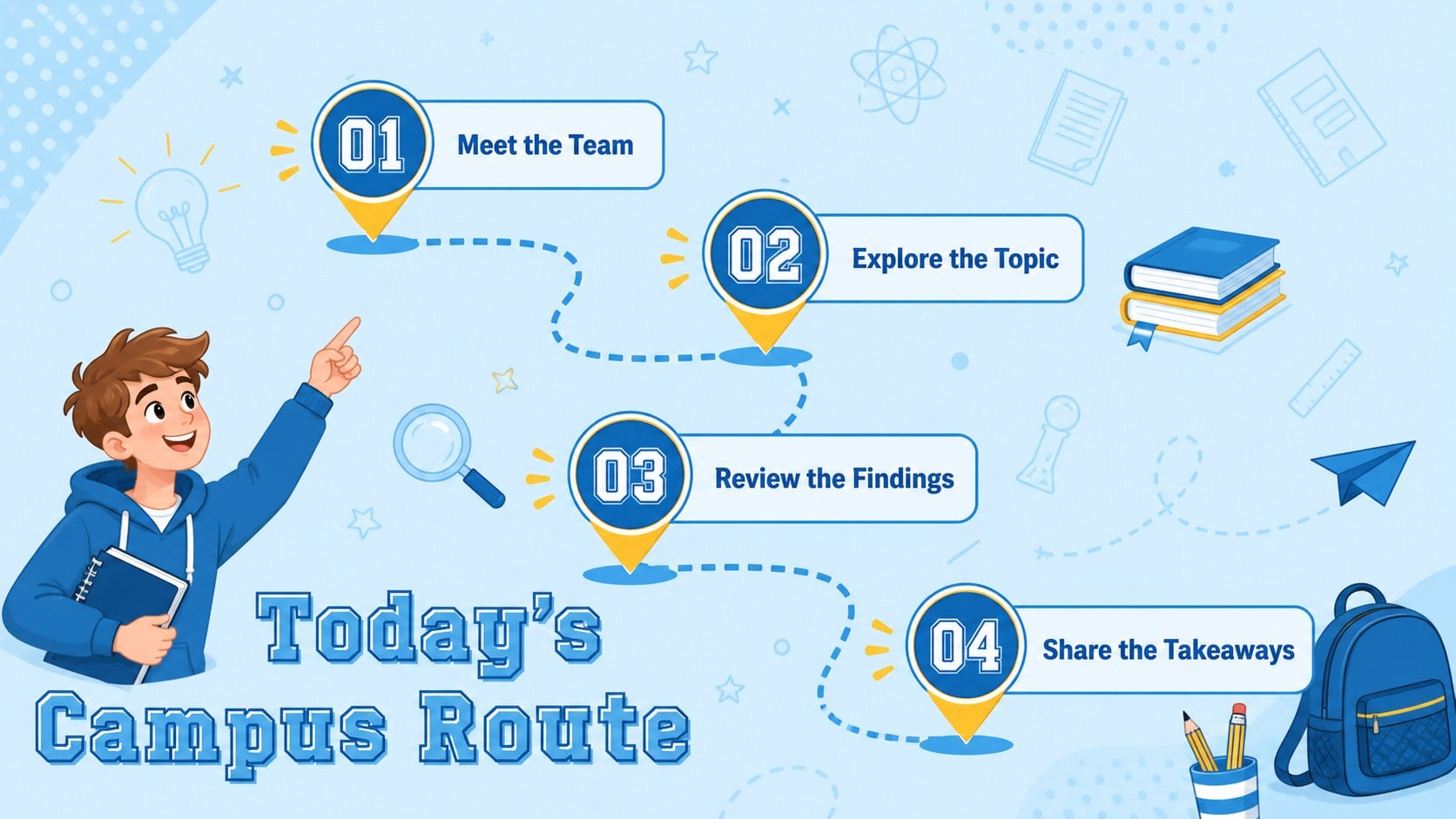
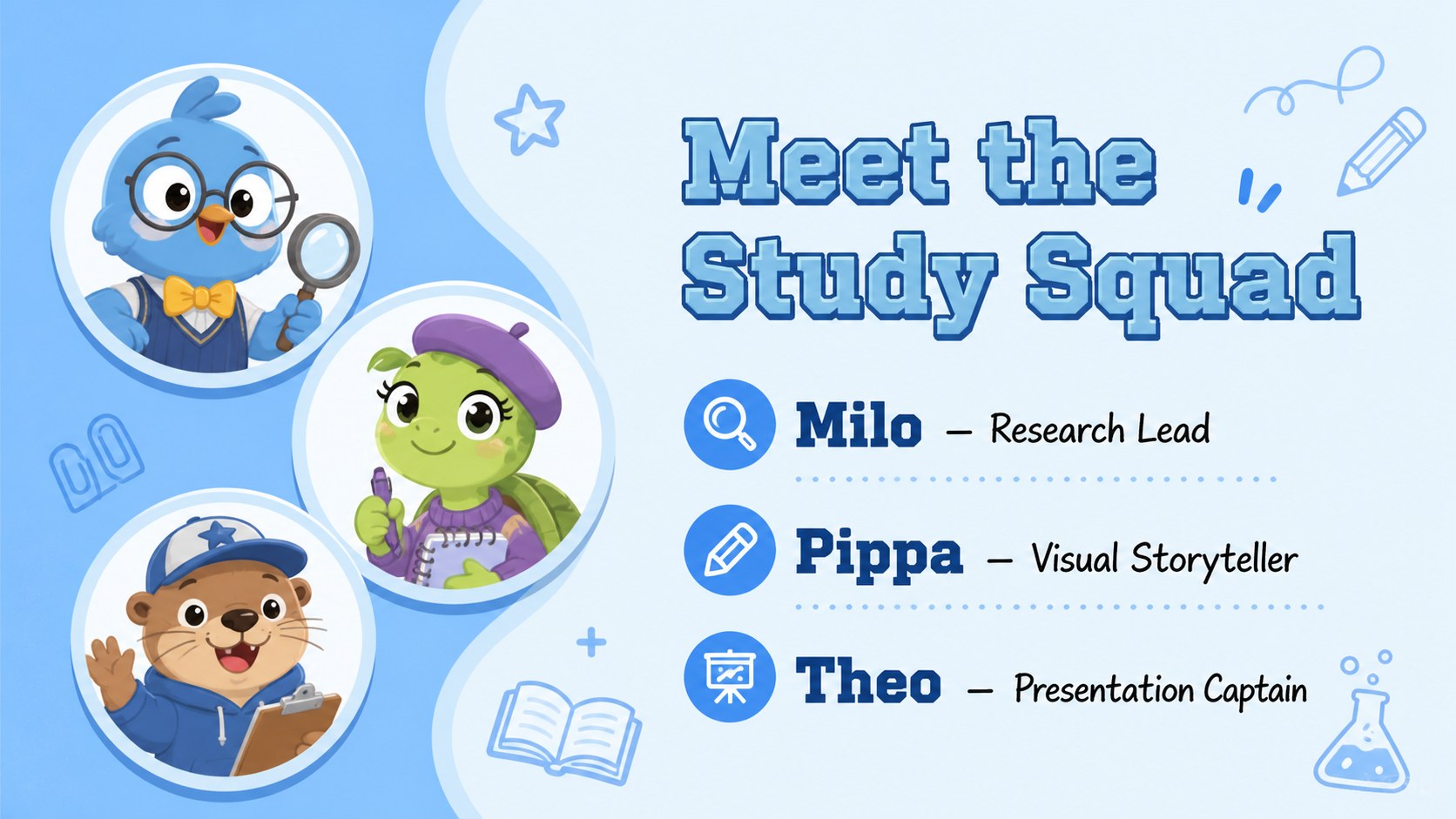
This blue monster school presentation template includes 15 ready-to-use 16:9 layouts for introductions, agendas, team profiles, topic summaries, research notes, charts, timelines, conclusions, and closing messages. Every slide can be adapted with new text, colors, images, diagrams, and classroom data. Clear content areas balance the lively artwork, giving young presenters enough structure to explain a subject confidently while keeping classmates interested.
Use the illustrated classroom project deck for book reports, science investigations, campus event recaps, creative writing, or collaborative assignments. It also works as a monster graduation PowerPoint template for celebrating milestones, sharing student memories, or presenting end-of-term achievements. The friendly visual language is especially suitable for elementary, middle school, and early high school audiences.
Open and edit the presentation in PowerPoint or Google Slides. Teachers can simplify layouts for guided lessons, while students can personalize the creatures, headings, and examples to match their topic. The result is a cohesive educational deck that feels playful, organized, and ready for the classroom.
Perfect for: student class report; group project presentation; science investigation recap; school club update; graduation celebration; campus event summary.
Frequently asked questions
Practical details
Yes. The layouts, text, colors, and visual elements are editable in both PowerPoint and Google Slides, although minor font substitutions may occur between platforms.
Replace character artwork with your own original illustrations or approved graphics, then adjust colors to suit your class or project. Keep the blue palette as the main visual anchor for a consistent deck.
Yes. The friendly creatures and clear layouts suit elementary and middle school presentations, while older students can simplify the illustrations for a more restrained academic look.
Yes. Use the prepared content areas for charts, images, timelines, and short data summaries. Resize or duplicate slides as needed while preserving the 16:9 format.
Keep exploring
15Build stronger academic arguments with a college essay thesis builder featuring guided examples, revision prompts, and editable PowerPoint and Google Slides.
 15
15Build an engaging World UFO Day session with this flying saucer history lesson deck, featuring retro green-and-brown slides for PowerPoint and Google Slides.
 14
14Plan a memorable Lunar New Year campaign with the 2036 Dragon Year Celebration Theme, featuring bold red-and-yellow slides for lessons and events.
 15
15Build a thoughtful classroom discussion with this interfaith awareness lesson deck, featuring editable blue-and-white slides for PowerPoint and Google Slides.
 15
15Use this environmental awareness lesson deck to teach climate action through illustrated activities, discussion prompts, and ready-to-edit visuals.
 15
15Build playful lessons and party stories with a kid-friendly zombie celebration theme in purple, green and pastel blue for PowerPoint and Google Slides.
 15
15Build eerie lessons, campaigns, and story pitches with an undead survival scenario theme featuring editable slides for PowerPoint and Google Slides.
 16
16Turn environmental research into a clear story with a Watercolor Ecology Presentation Theme for PowerPoint and Google Slides in calming green and blue.