
 15
15presentation
College Essay Thesis Builder Slides
Build stronger academic arguments with a college essay thesis builder featuring guided examples, revision prompts, and editable PowerPoint and Google Slides.
Google SlidesPowerPoint
presentation · English
Bring energy to lessons with a Playful Memphis Classroom Theme, offering editable pastel layouts for activities and projects in PowerPoint and Google Slides.
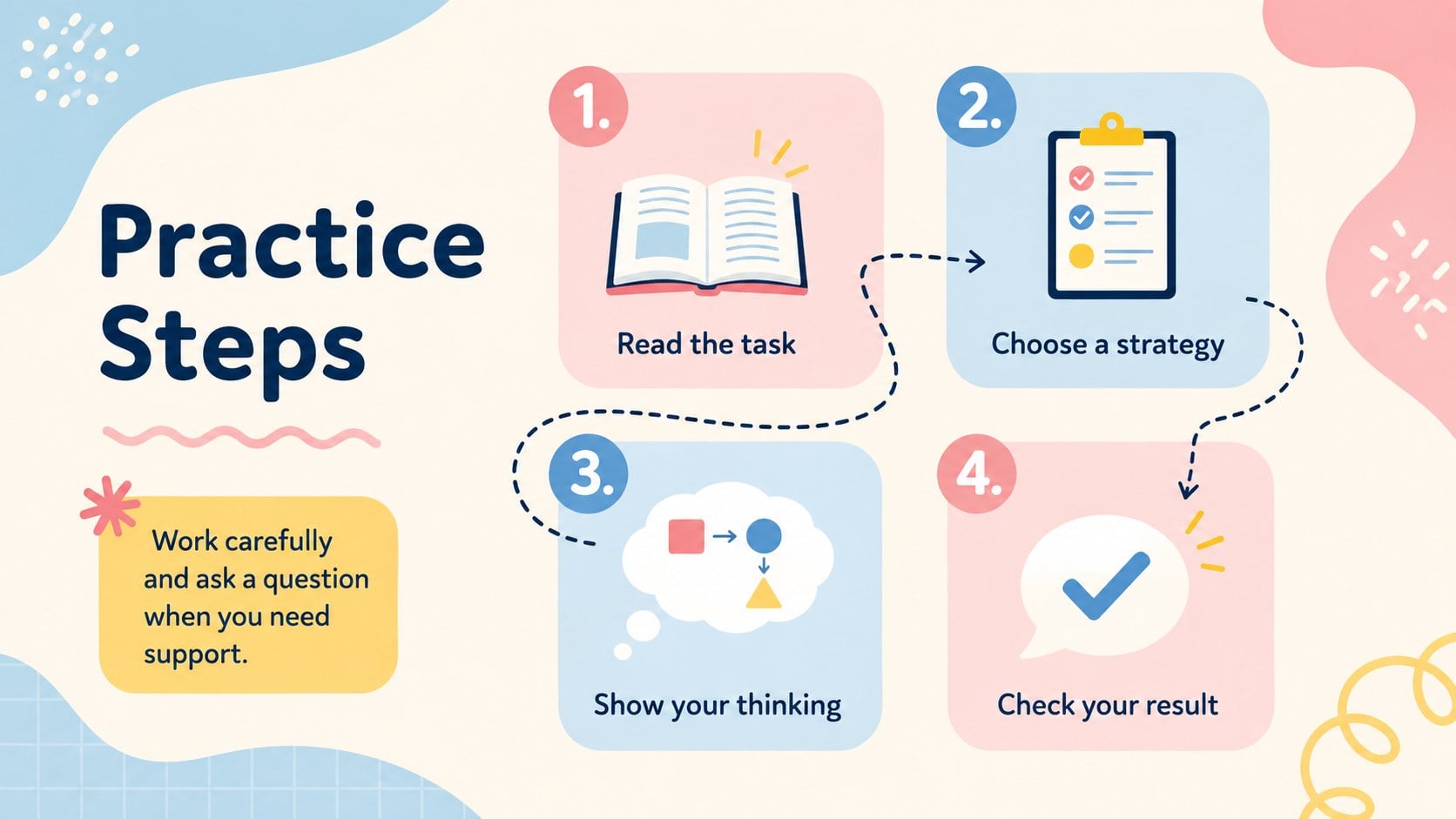
Design notes
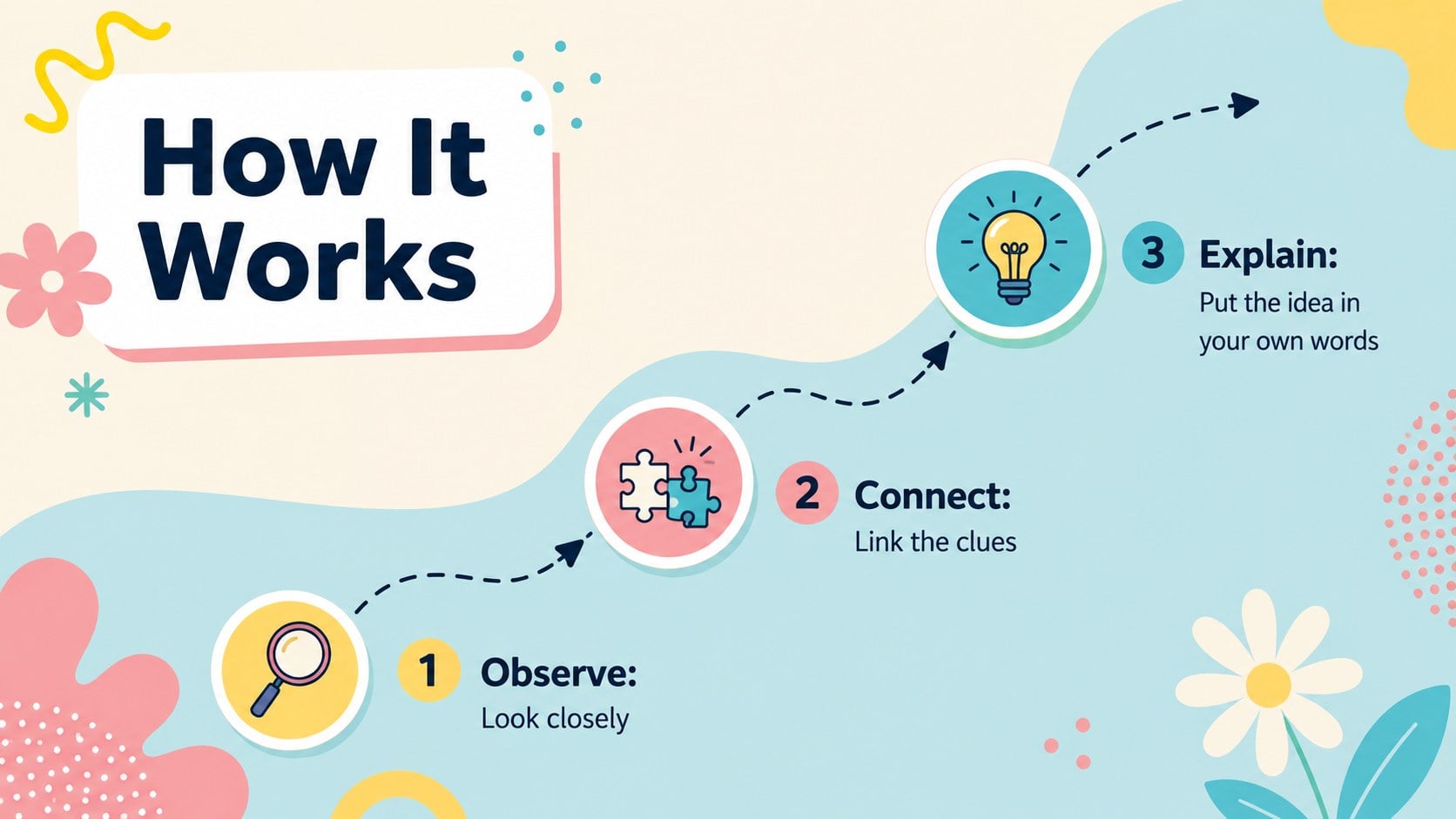
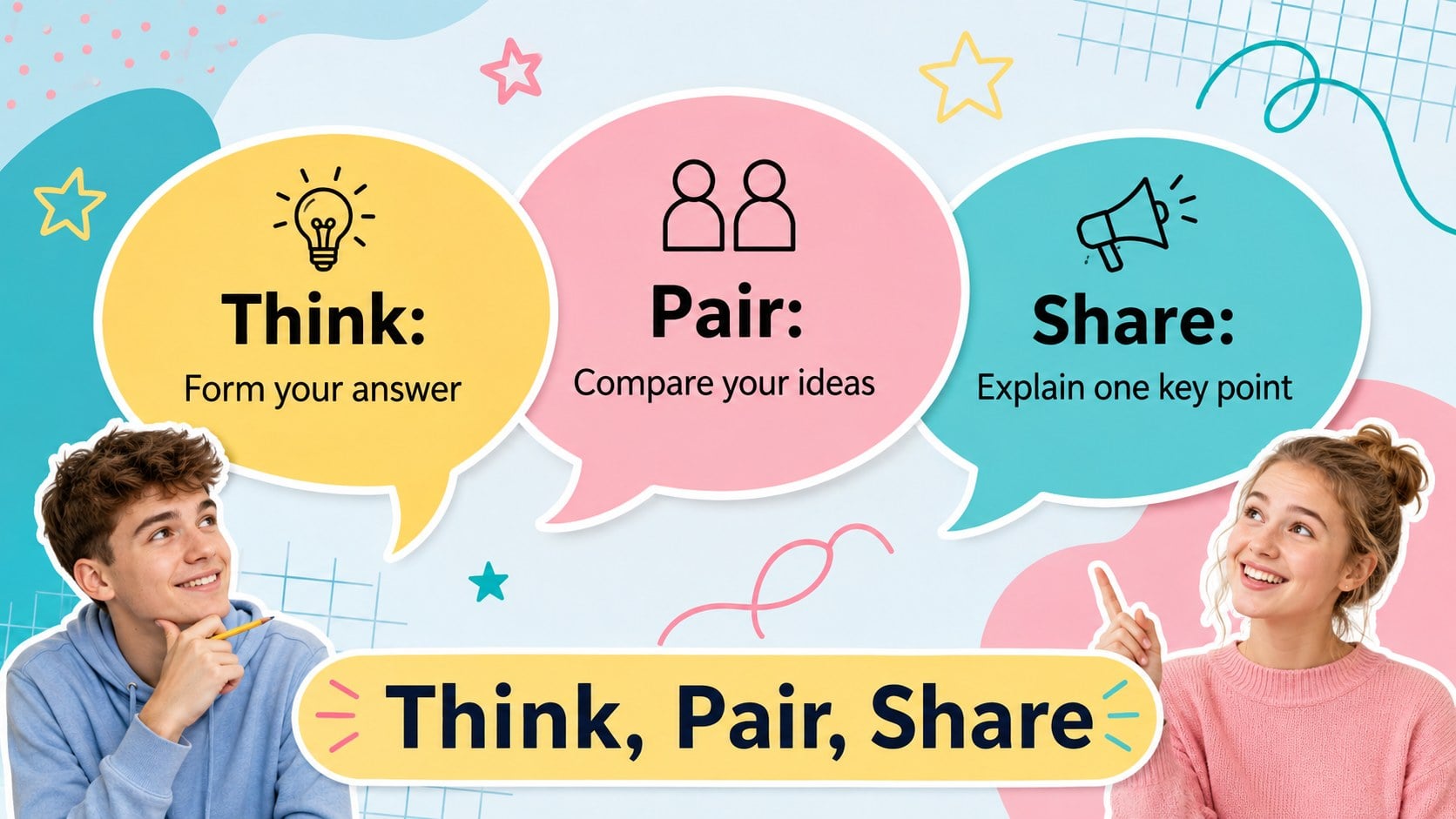
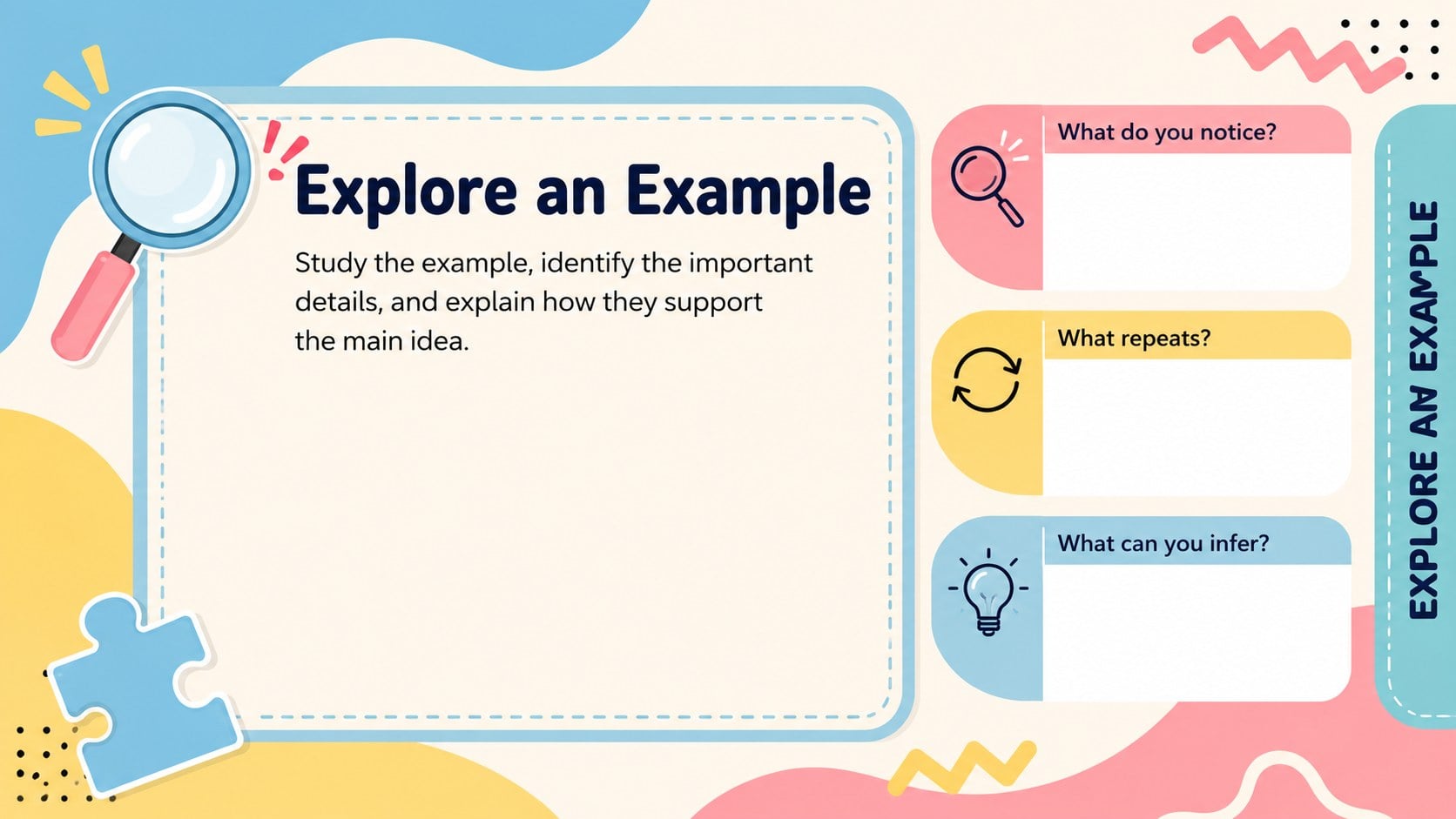
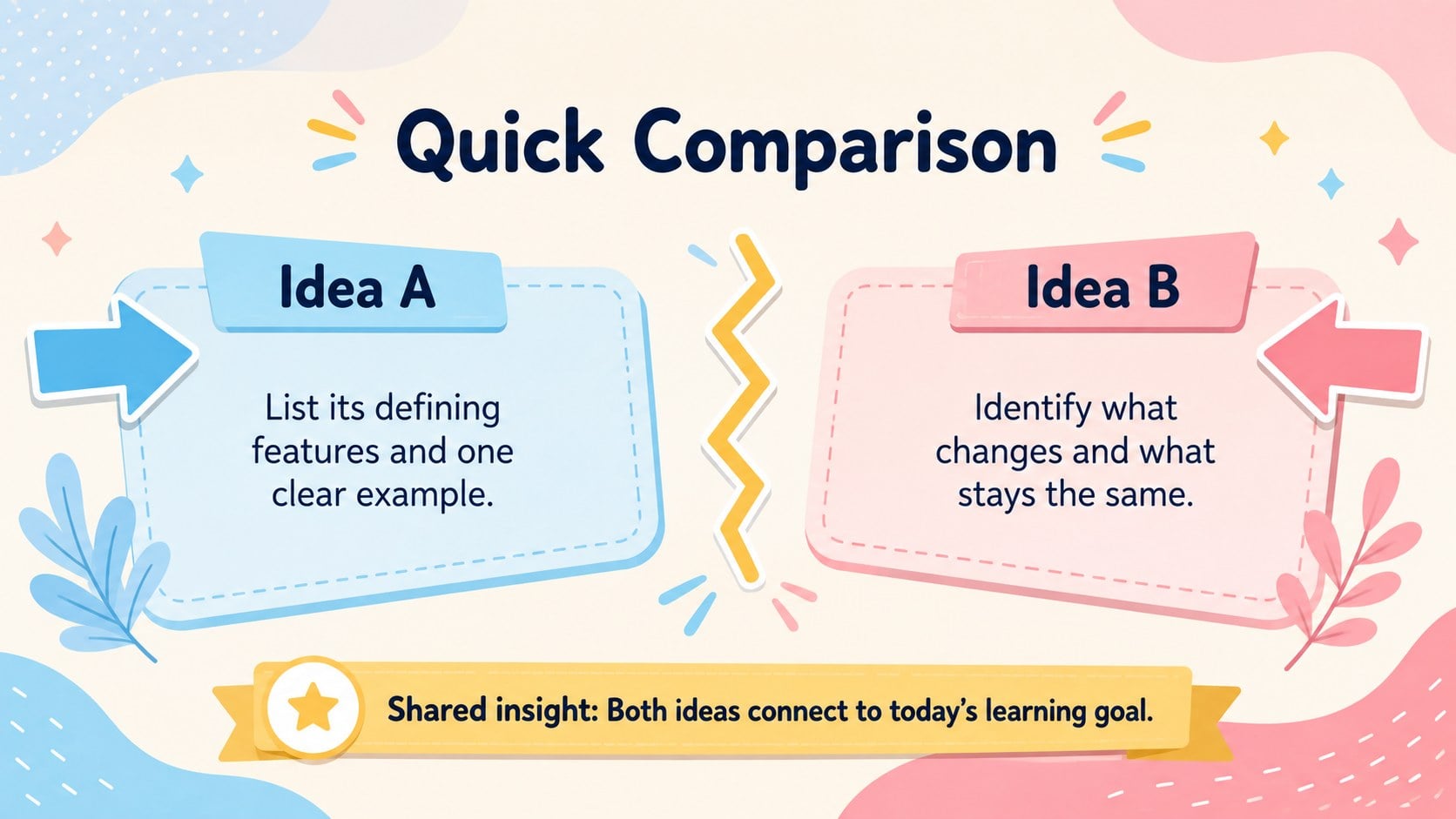
The Playful Memphis Classroom Theme gives teachers a bright, organized way to present lessons without losing students' attention. Pastel blue backgrounds, pink and yellow accents, geometric patterns, and friendly typography create an upbeat learning environment while keeping instructions easy to scan. Edit the deck in PowerPoint or Google Slides to match any subject, grade level, or classroom routine.
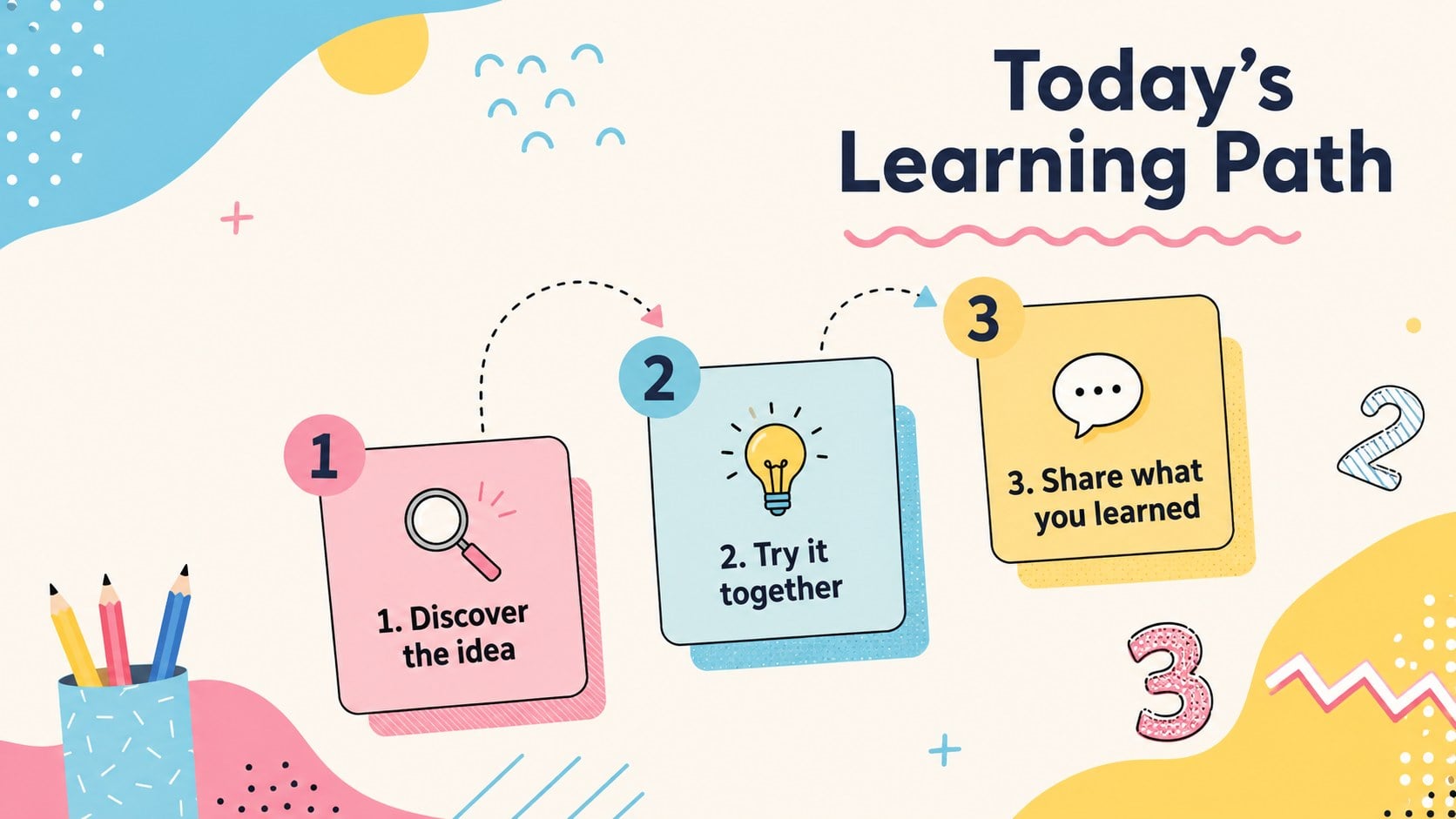
Inside, you will find coordinated layouts for lesson goals, warm-up questions, concept explanations, examples, group tasks, step-by-step activities, knowledge checks, project sharing, and final recaps. These pastel geometric teaching slides balance playful decoration with practical content space, making them suitable for both teacher-led instruction and independent student work. Charts, shapes, image areas, and text sections can all be adapted to your material.
Use this editable Memphis classroom presentation for elementary lessons, creative workshops, student presentations, or review sessions. It also works as a fun lesson activity slide deck for remote learning and interactive classroom displays. The consistent blue, pink, and yellow palette helps each section feel connected, while varied compositions keep the presentation visually fresh from opening activity to closing summary.
Perfect for: elementary lesson introduction; classroom activity instructions; student project presentation; group learning workshop; end-of-unit review; remote teaching session.
Frequently asked questions
Can I edit every part of the classroom theme? Yes. Text, colors, shapes, image areas, and activity instructions can be edited to suit your lesson. You can also duplicate or remove layouts as your presentation changes.
Practical details
Yes. Text, colors, shapes, image areas, and activity instructions can be edited to suit your lesson. You can also duplicate or remove layouts as your presentation changes.
The template is designed for PowerPoint and Google Slides. Minor font or animation differences may appear when moving a file between the two platforms.
Yes. The layouts are subject-neutral and can support language arts, science, mathematics, social studies, art, and general classroom activities. Replace the sample wording and examples with your own curriculum content.
Use the theme or color controls in PowerPoint or Google Slides to adjust the blue, pink, and yellow accents. Keep strong contrast between text and backgrounds so instructions remain readable.
Keep exploring
15Build stronger academic arguments with a college essay thesis builder featuring guided examples, revision prompts, and editable PowerPoint and Google Slides.
 15
15Build an engaging World UFO Day session with this flying saucer history lesson deck, featuring retro green-and-brown slides for PowerPoint and Google Slides.
 14
14Plan a memorable Lunar New Year campaign with the 2036 Dragon Year Celebration Theme, featuring bold red-and-yellow slides for lessons and events.
 15
15Build a thoughtful classroom discussion with this interfaith awareness lesson deck, featuring editable blue-and-white slides for PowerPoint and Google Slides.
 15
15Use this environmental awareness lesson deck to teach climate action through illustrated activities, discussion prompts, and ready-to-edit visuals.
 15
15Build playful lessons and party stories with a kid-friendly zombie celebration theme in purple, green and pastel blue for PowerPoint and Google Slides.
 15
15Build eerie lessons, campaigns, and story pitches with an undead survival scenario theme featuring editable slides for PowerPoint and Google Slides.
 16
16Turn environmental research into a clear story with a Watercolor Ecology Presentation Theme for PowerPoint and Google Slides in calming green and blue.