
 15
15presentation
College Essay Thesis Builder Slides
Build stronger academic arguments with a college essay thesis builder featuring guided examples, revision prompts, and editable PowerPoint and Google Slides.
Google SlidesPowerPoint
presentation · English
Bring lessons, deadlines, and school events into one cheerful view with a Playful Classroom Planning Calendar for PowerPoint and Google Slides.
Design notes
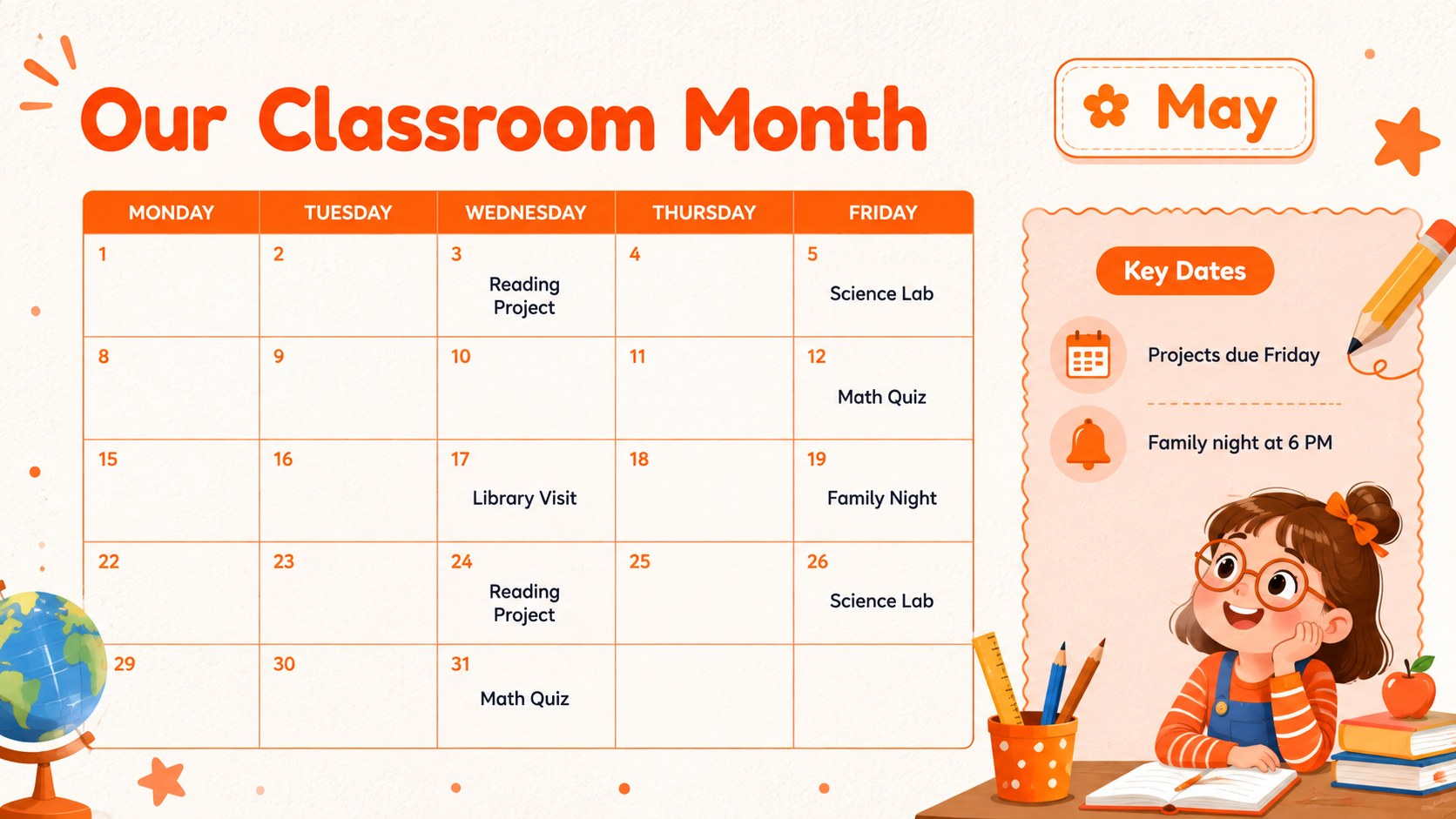
Make each school month easier to manage with a Playful Classroom Planning Calendar designed for busy teachers. Its cheerful orange palette, bold typography, and friendly classroom-inspired details turn important information into a clear visual plan. Use these editable teacher monthly calendar slides to coordinate lessons, homework deadlines, special activities, parent meetings, and school celebrations without creating a schedule from scratch.
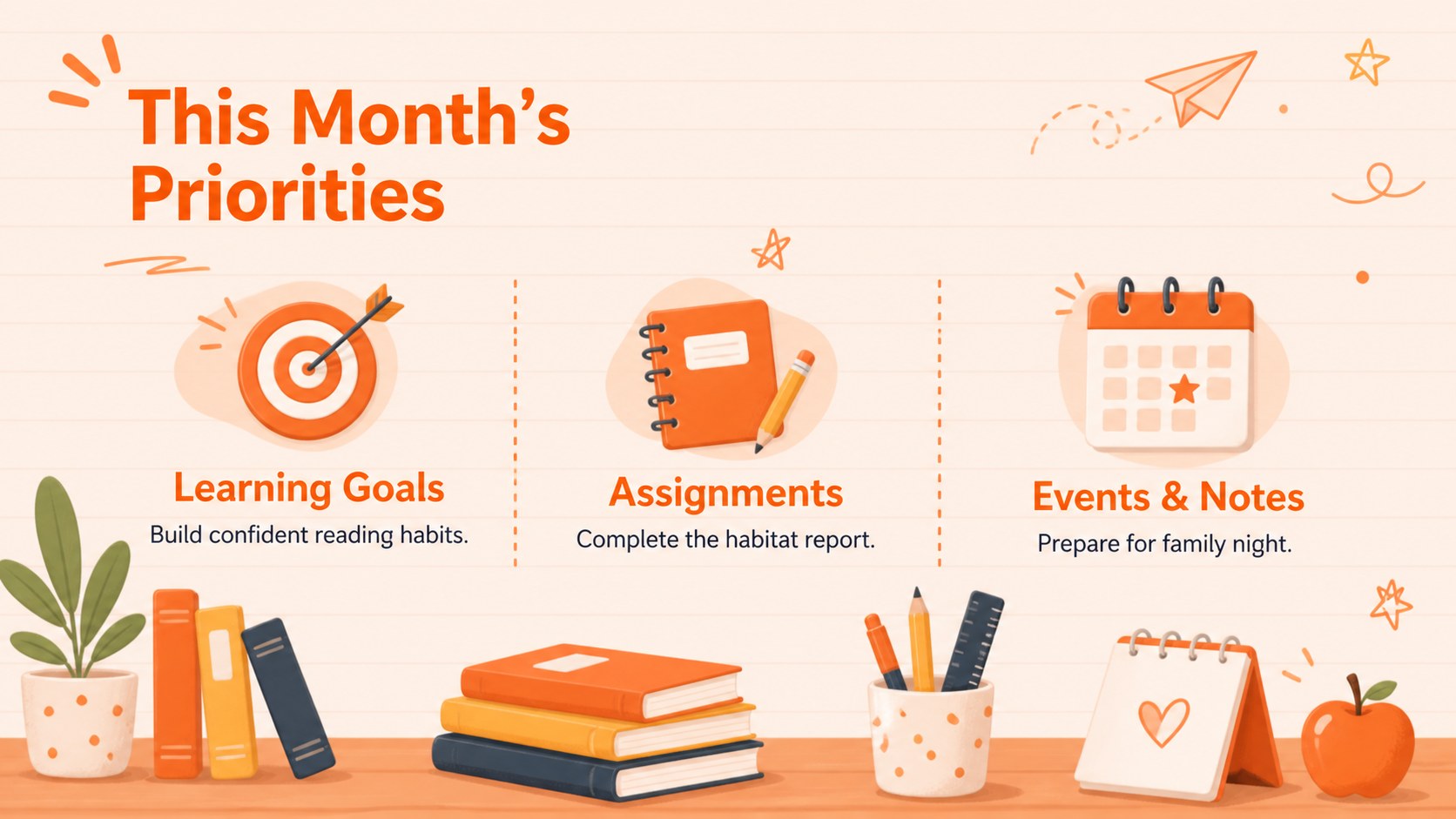
The deck includes three coordinated layouts: a welcoming cover, a spacious monthly calendar, and a focused priorities page for key dates and notes. Calendar cells provide room for concise reminders, while dedicated sections help separate assignments, events, and preparation tasks. Every element can be adjusted in PowerPoint or Google Slides, including colors, type, labels, decorative graphics, and date entries. The layouts can also be printed when you need a practical desk or noticeboard copy.
This school event planning presentation is suitable for elementary educators, homeroom teachers, tutors, school administrators, and families coordinating learning at home. Adapt it as a printable A4 classroom planner, a back-to-school overview, or a recurring schedule shared with students and caregivers. The playful design keeps planning approachable while preserving the structure needed for a productive classroom routine.
Perfect for: monthly lesson scheduling; classroom event planning; assignment deadline tracking; parent communication calendar; back-to-school organization.
Frequently asked questions
Can I edit the calendar dates and labels? Yes. Dates, headings, reminders, and category labels can be replaced with your own classroom information. You can also duplicate calendar elements when additional entries are needed.
Practical details
Yes. Dates, headings, reminders, and category labels can be replaced with your own classroom information. You can also duplicate calendar elements when additional entries are needed.
The template is designed for Microsoft PowerPoint and Google Slides. Upload the presentation to Google Drive to edit it online, or open the downloaded file directly in PowerPoint.
Yes. Adjust the fills, text colors, and decorative accents to match your school colors or classroom theme. For consistent results, update repeated colors across all three layouts.
Yes. The layouts can be exported as PDF files and printed for a teacher binder, desk, or classroom noticeboard. Review your printer settings before printing if you need a specific paper size.
Keep exploring
15Build stronger academic arguments with a college essay thesis builder featuring guided examples, revision prompts, and editable PowerPoint and Google Slides.
 15
15Build an engaging World UFO Day session with this flying saucer history lesson deck, featuring retro green-and-brown slides for PowerPoint and Google Slides.
 14
14Plan a memorable Lunar New Year campaign with the 2036 Dragon Year Celebration Theme, featuring bold red-and-yellow slides for lessons and events.
 15
15Build a thoughtful classroom discussion with this interfaith awareness lesson deck, featuring editable blue-and-white slides for PowerPoint and Google Slides.
 15
15Use this environmental awareness lesson deck to teach climate action through illustrated activities, discussion prompts, and ready-to-edit visuals.
 15
15Build playful lessons and party stories with a kid-friendly zombie celebration theme in purple, green and pastel blue for PowerPoint and Google Slides.
 15
15Build eerie lessons, campaigns, and story pitches with an undead survival scenario theme featuring editable slides for PowerPoint and Google Slides.
 16
16Turn environmental research into a clear story with a Watercolor Ecology Presentation Theme for PowerPoint and Google Slides in calming green and blue.