
 15
15presentation
College Essay Thesis Builder Slides
Build stronger academic arguments with a college essay thesis builder featuring guided examples, revision prompts, and editable PowerPoint and Google Slides.
Google SlidesPowerPoint
presentation · English
Build an engaging math class with the Playful Chalkboard Geometry Lesson Deck, featuring colorful doodles, diagrams, activities, and editable layouts.
Design notes
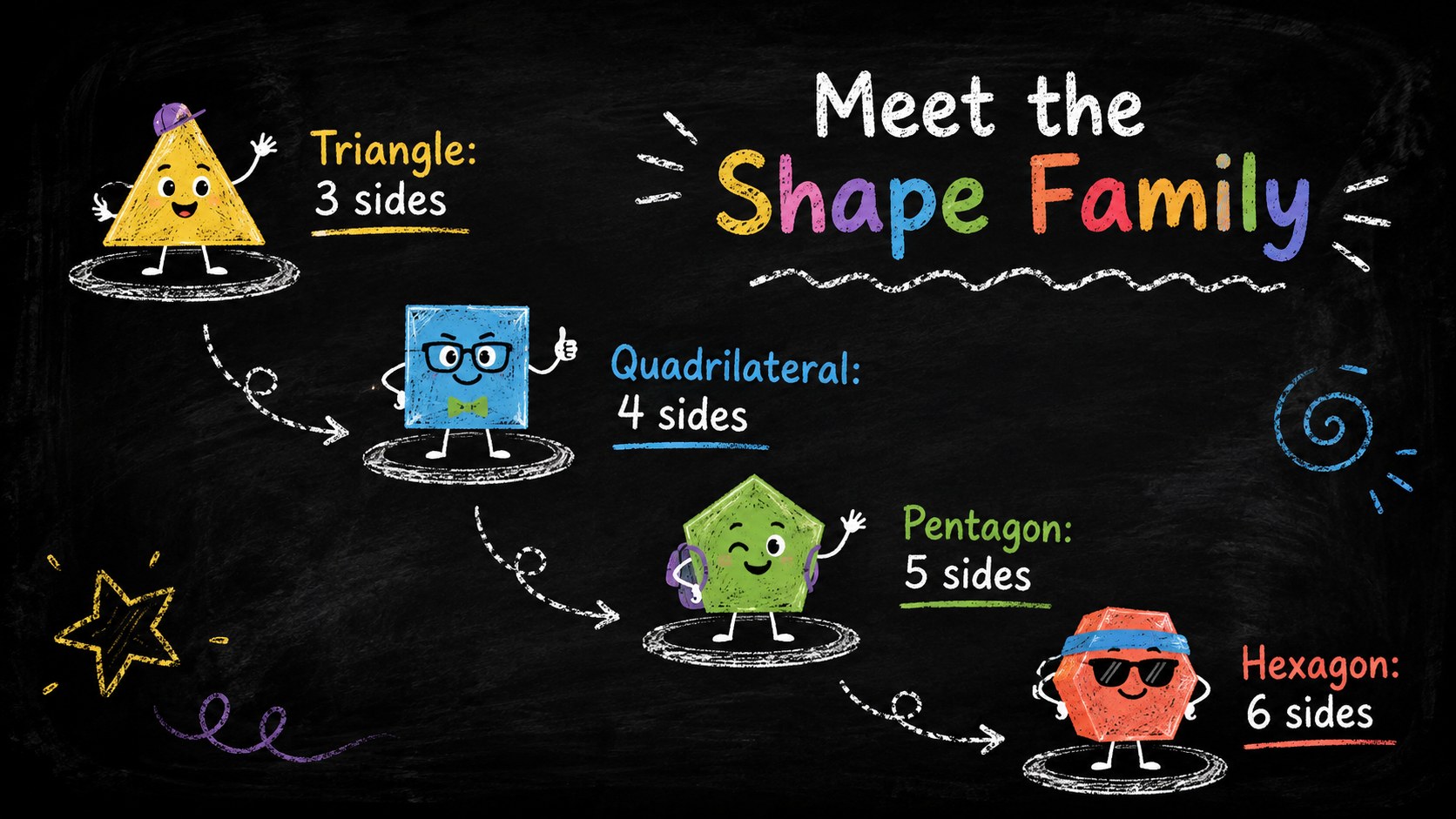
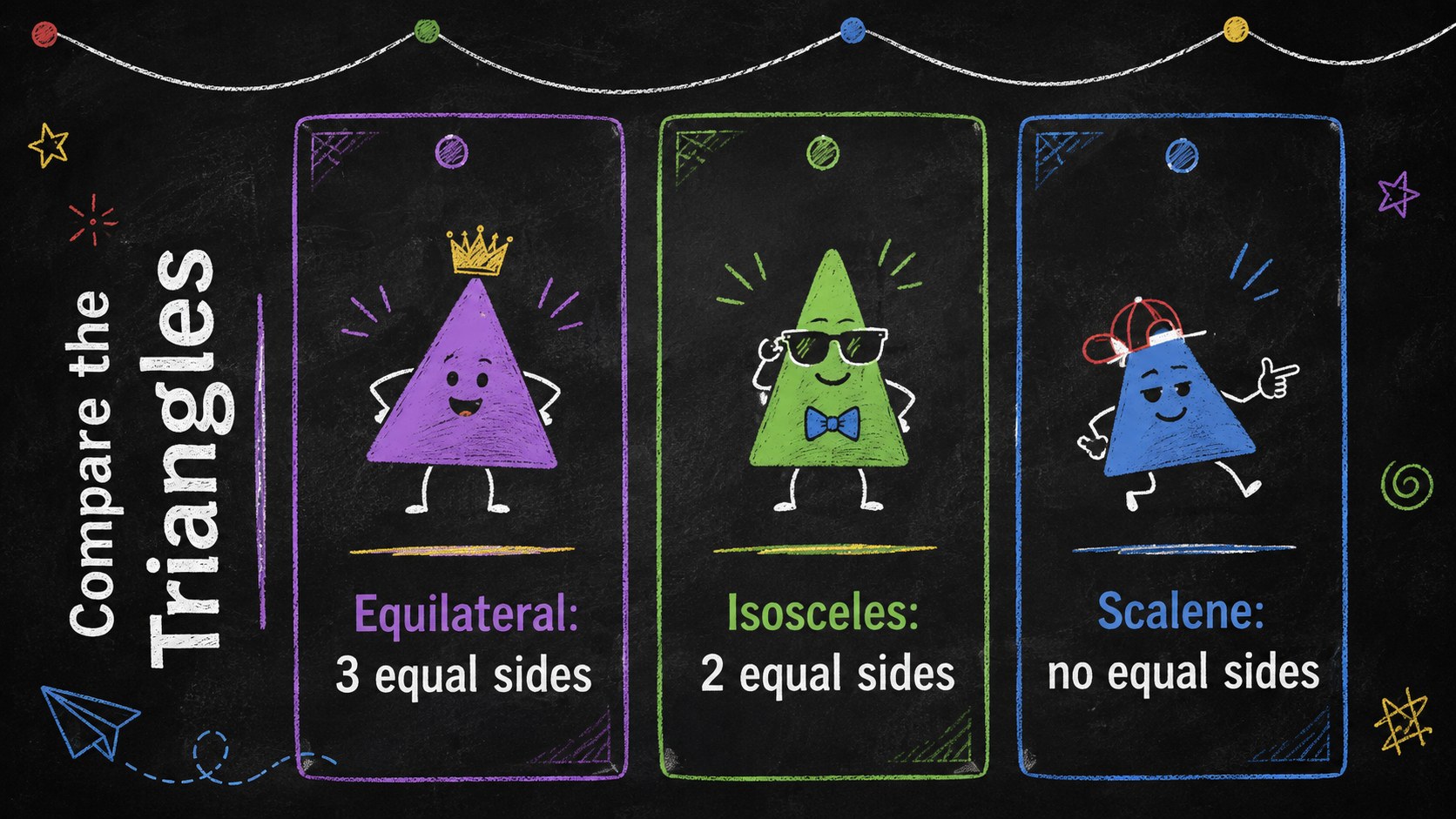
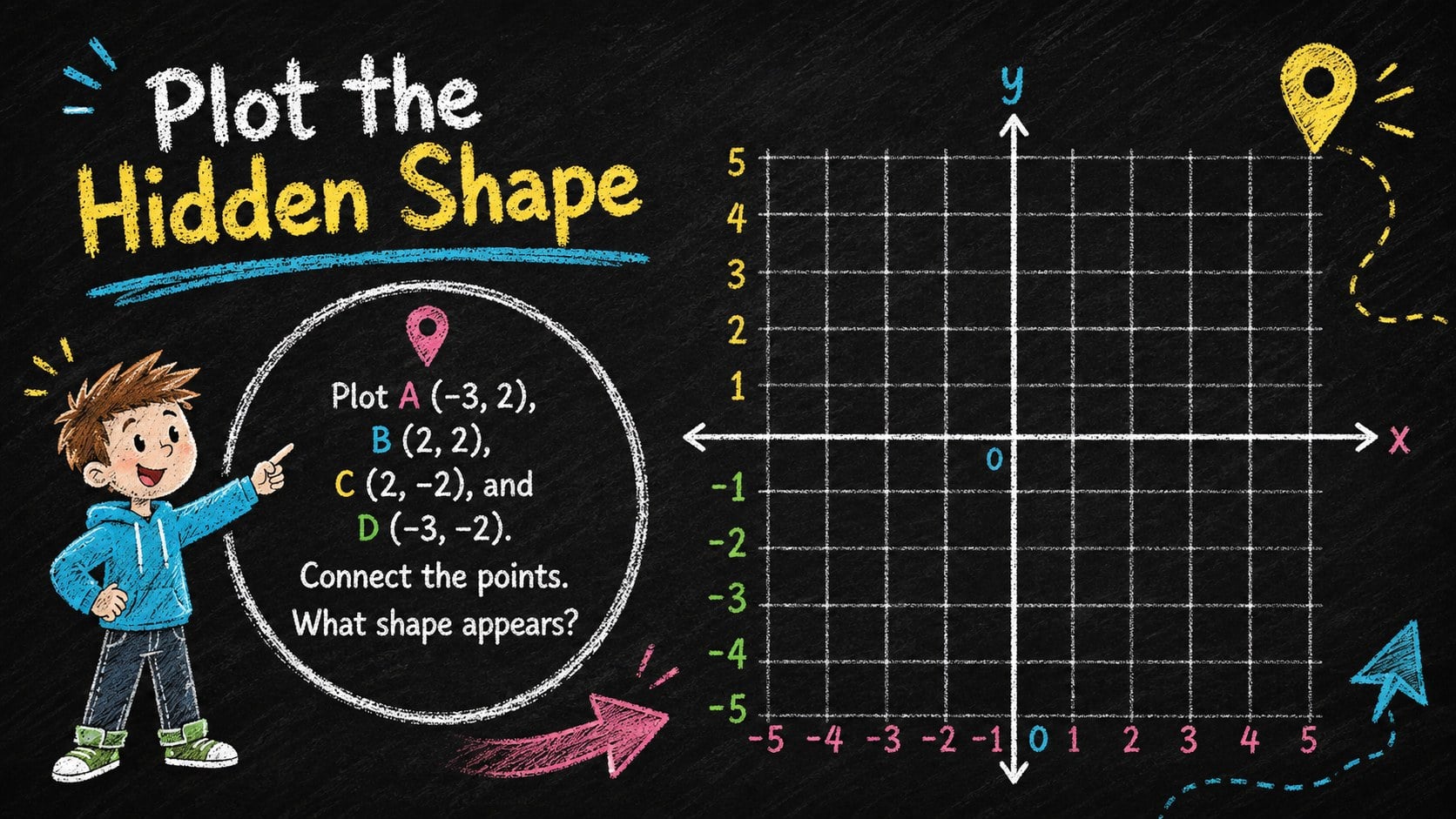
Turn abstract concepts into a bright, student-friendly experience with the Playful Chalkboard Geometry Lesson Deck. Colorful chalk illustrations, expressive shape characters, and a deep blackboard backdrop give every explanation a lively classroom feel without distracting from the mathematics. This chalkboard geometry presentation template is designed to help educators introduce ideas clearly, guide practice, and keep learners involved.
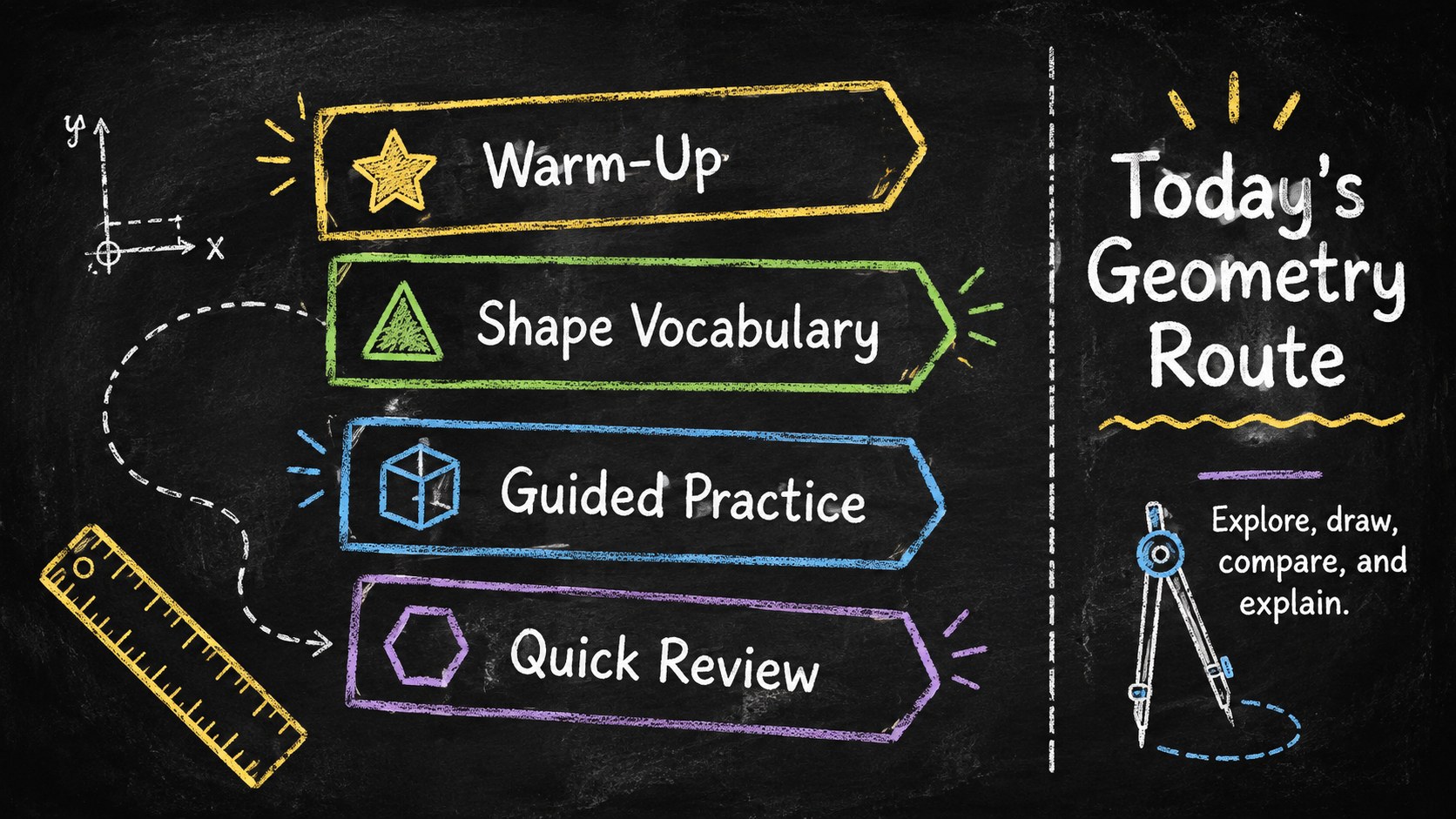
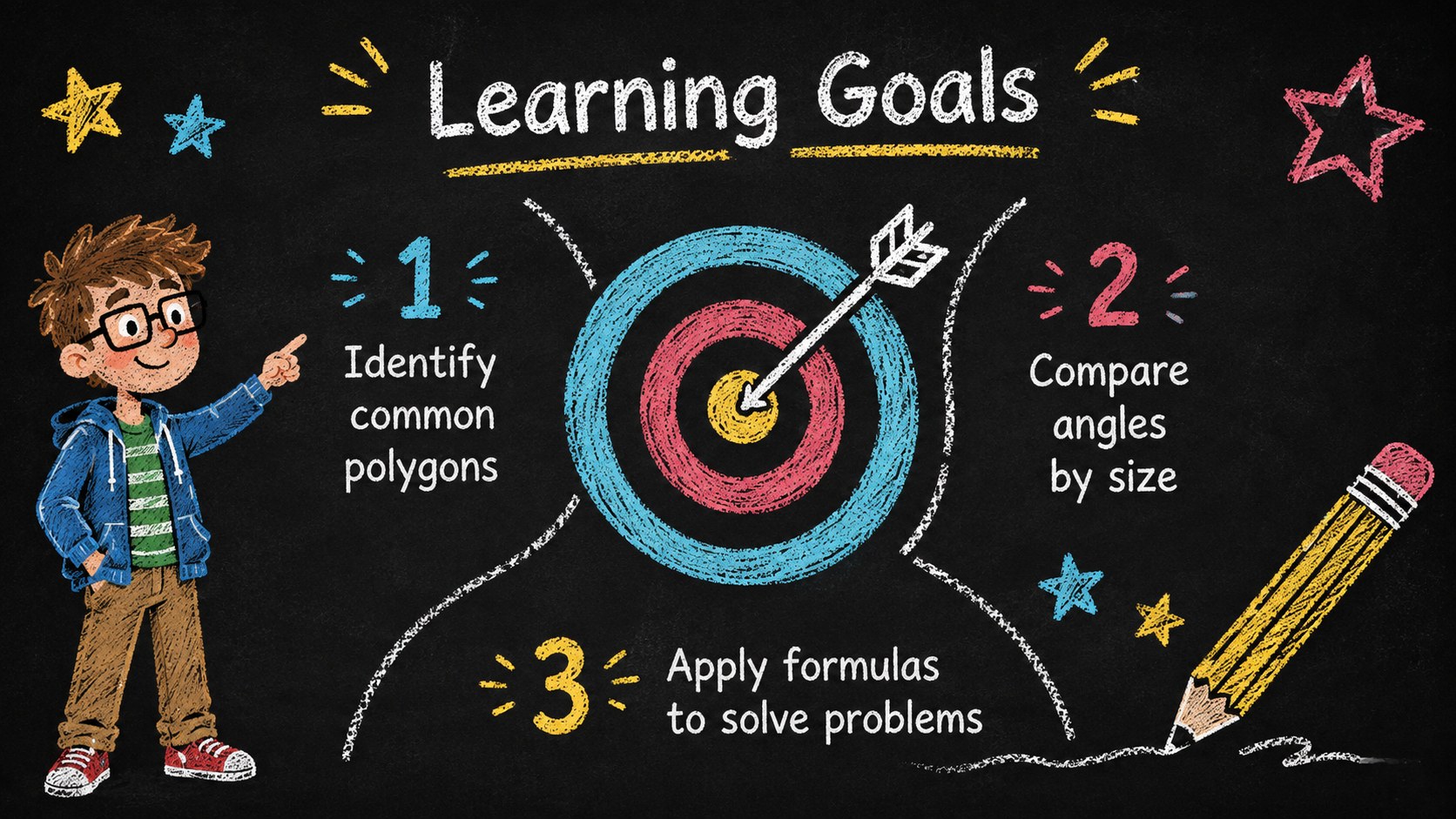
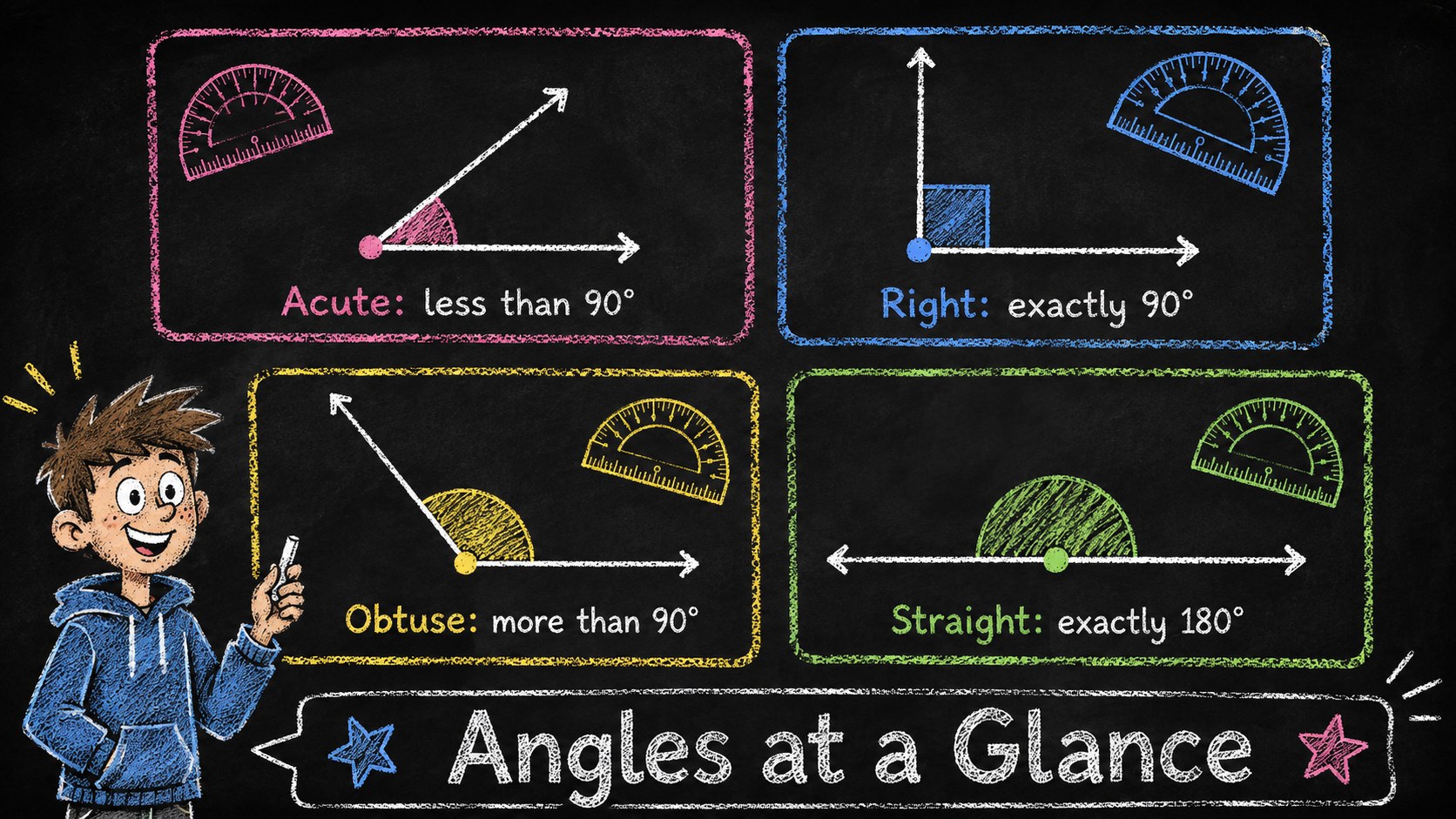
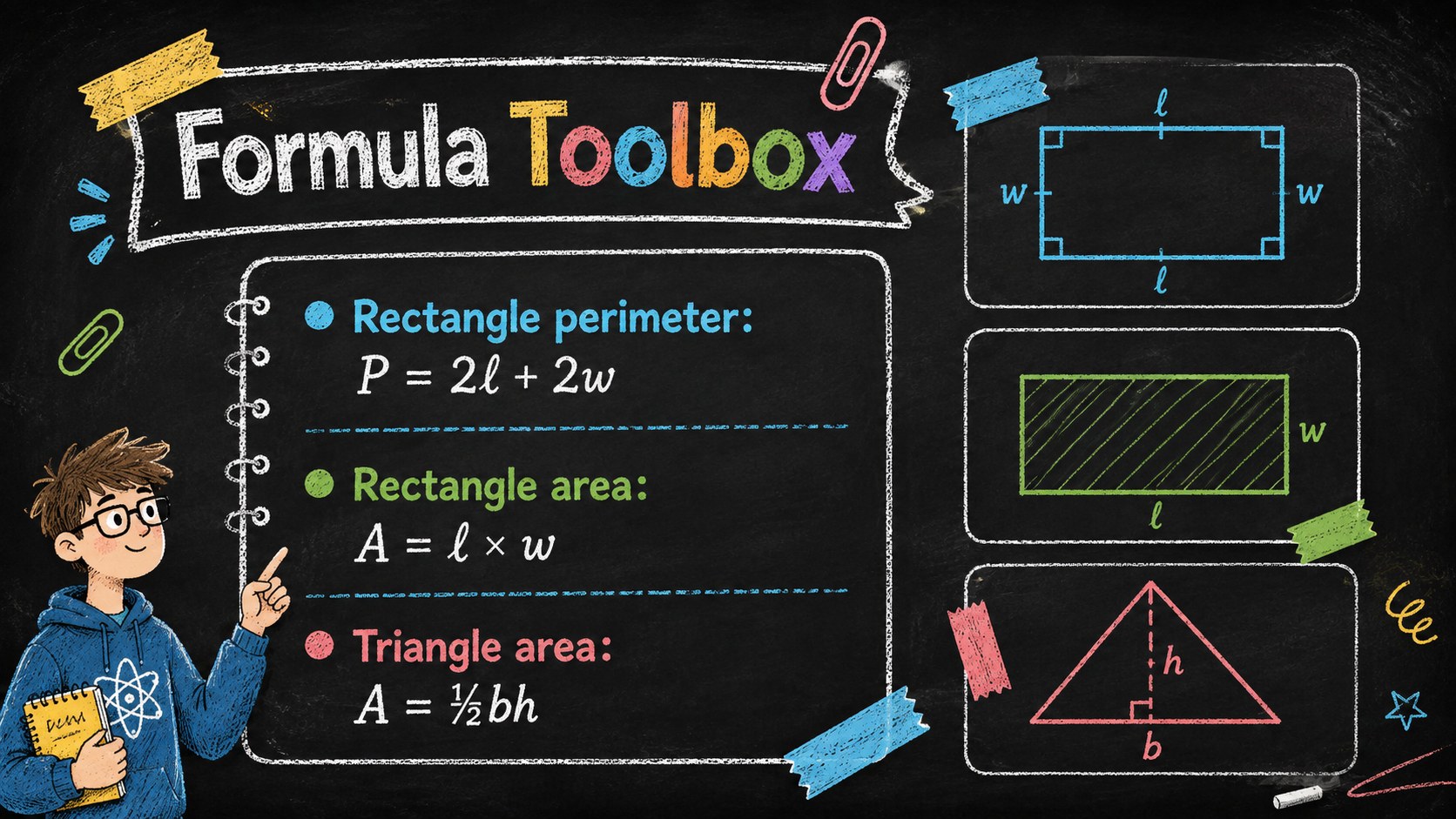
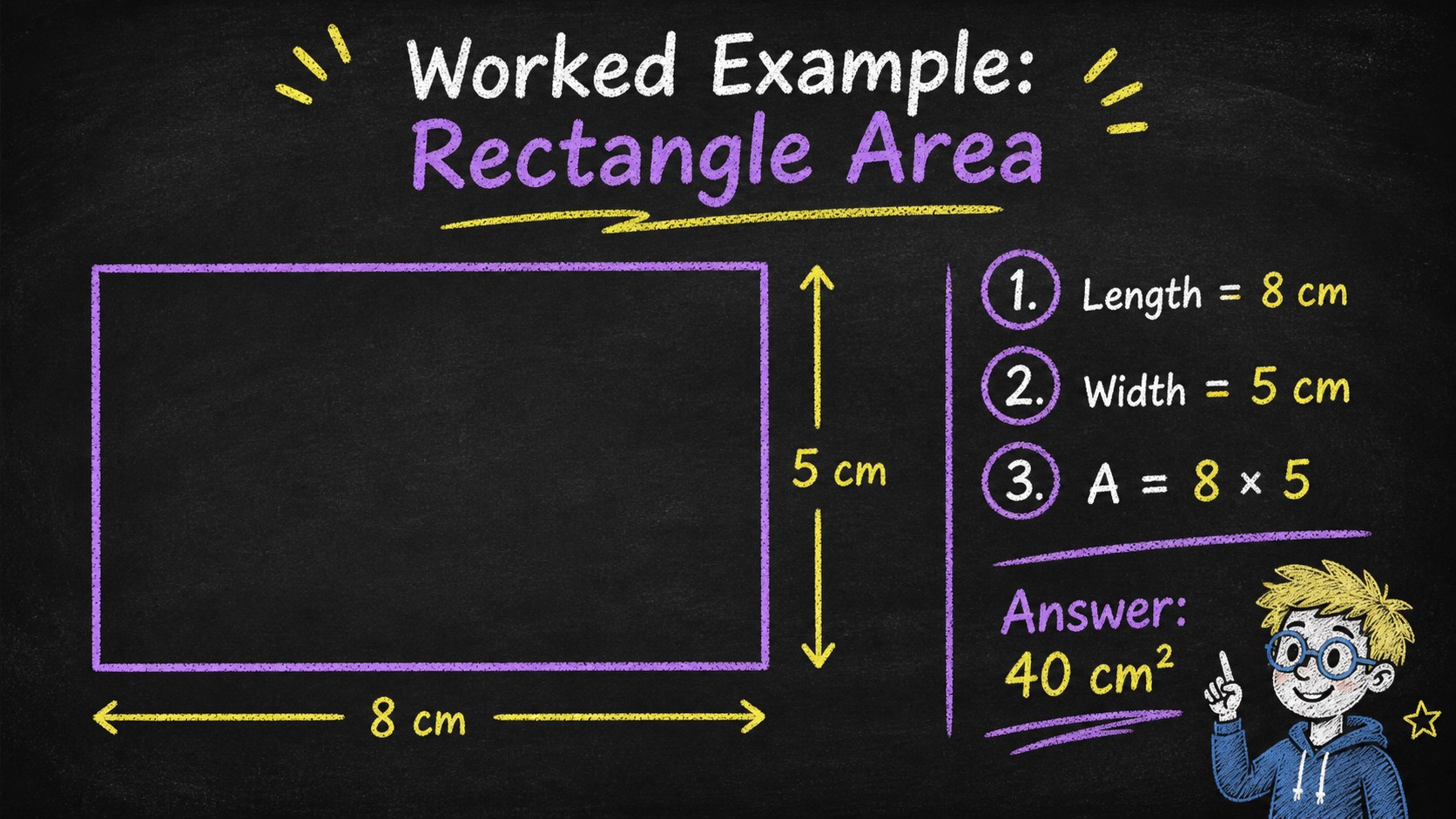
The deck includes 16:9 layouts for lesson objectives, key vocabulary, shape families, angle types, formulas, worked examples, comparison tables, diagrams, timelines, charts, classroom activities, and review questions. Teachers can also build original geometric figures using the editable visual elements. These editable math lesson slides make it simple to change text, recolor accents, rearrange diagrams, or add examples that match a specific curriculum.
Use the Playful Chalkboard Geometry Lesson Deck for elementary or middle school instruction, tutoring sessions, revision workshops, project introductions, and student-led presentations. It is especially useful for geometry activities for middle school, but its flexible layouts also work for broader mathematics, science, or creative classroom topics. The deck is compatible with PowerPoint and Google Slides, uses a widescreen format, and combines friendly Nunito-style text with hand-drawn display lettering for an informal educational look.
Perfect for: middle school geometry lesson; elementary shape introduction; math revision workshop; classroom problem-solving activity; student geometry project; private tutoring session.
Frequently asked questions
Can I edit the diagrams and geometric shapes? Yes. The text, colors, shapes, diagrams, and layout elements can be adjusted to match your lesson. You can also duplicate visual elements to create new examples and classroom exercises.
Practical details
Yes. The text, colors, shapes, diagrams, and layout elements can be adjusted to match your lesson. You can also duplicate visual elements to create new examples and classroom exercises.
The deck is designed for Microsoft PowerPoint and Google Slides. Both platforms support its widescreen layouts and standard editable elements.
Yes. Simplify the terminology for elementary classes or add formulas and multi-step problems for middle school learners. The flexible content layouts also support tutoring and student presentations.
Yes. You can replace the black background and recolor the chalk-style accents while preserving the playful classroom aesthetic. Maintain strong contrast between text and background for readability.
Keep exploring
15Build stronger academic arguments with a college essay thesis builder featuring guided examples, revision prompts, and editable PowerPoint and Google Slides.
 15
15Build an engaging World UFO Day session with this flying saucer history lesson deck, featuring retro green-and-brown slides for PowerPoint and Google Slides.
 14
14Plan a memorable Lunar New Year campaign with the 2036 Dragon Year Celebration Theme, featuring bold red-and-yellow slides for lessons and events.
 15
15Build a thoughtful classroom discussion with this interfaith awareness lesson deck, featuring editable blue-and-white slides for PowerPoint and Google Slides.
 15
15Use this environmental awareness lesson deck to teach climate action through illustrated activities, discussion prompts, and ready-to-edit visuals.
 15
15Build playful lessons and party stories with a kid-friendly zombie celebration theme in purple, green and pastel blue for PowerPoint and Google Slides.
 15
15Build eerie lessons, campaigns, and story pitches with an undead survival scenario theme featuring editable slides for PowerPoint and Google Slides.
 16
16Turn environmental research into a clear story with a Watercolor Ecology Presentation Theme for PowerPoint and Google Slides in calming green and blue.