
 15
15presentation
College Essay Thesis Builder Slides
Build stronger academic arguments with a college essay thesis builder featuring guided examples, revision prompts, and editable PowerPoint and Google Slides.
Google SlidesPowerPoint
presentation · English
Create memorable lessons, pitches, and project updates with this playful 3D character presentation kit for PowerPoint and Google Slides in minutes.

Design notes
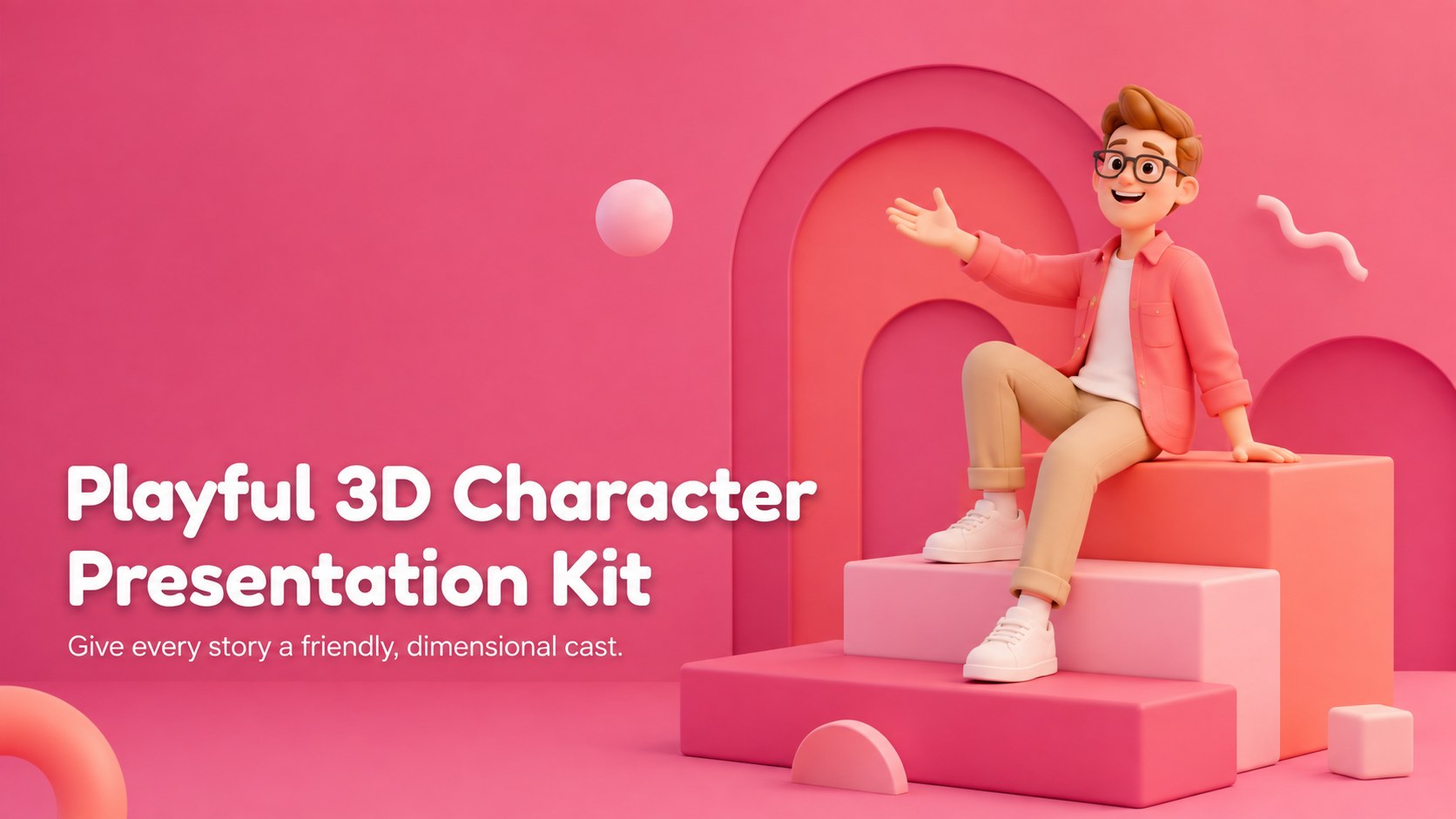
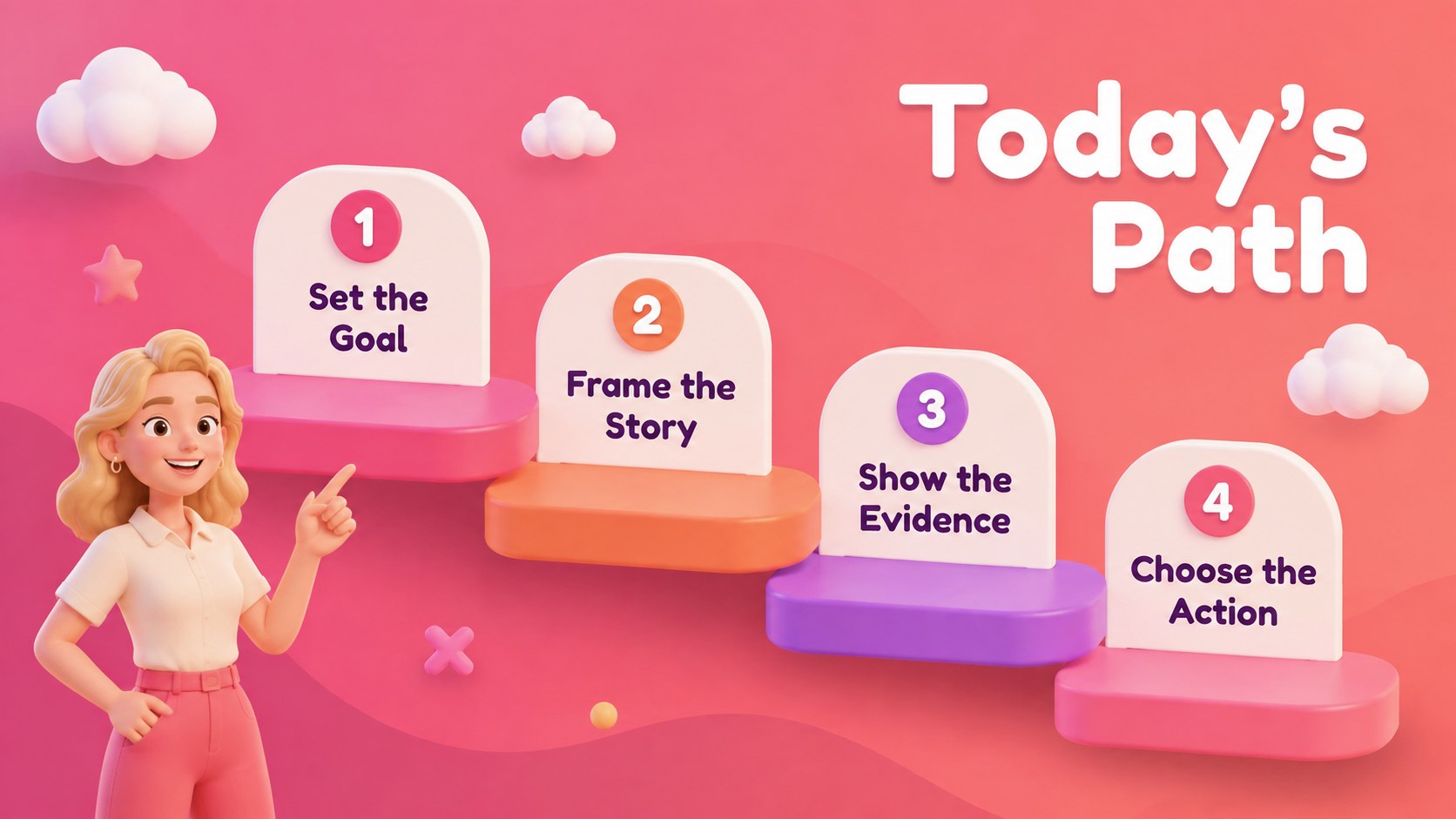
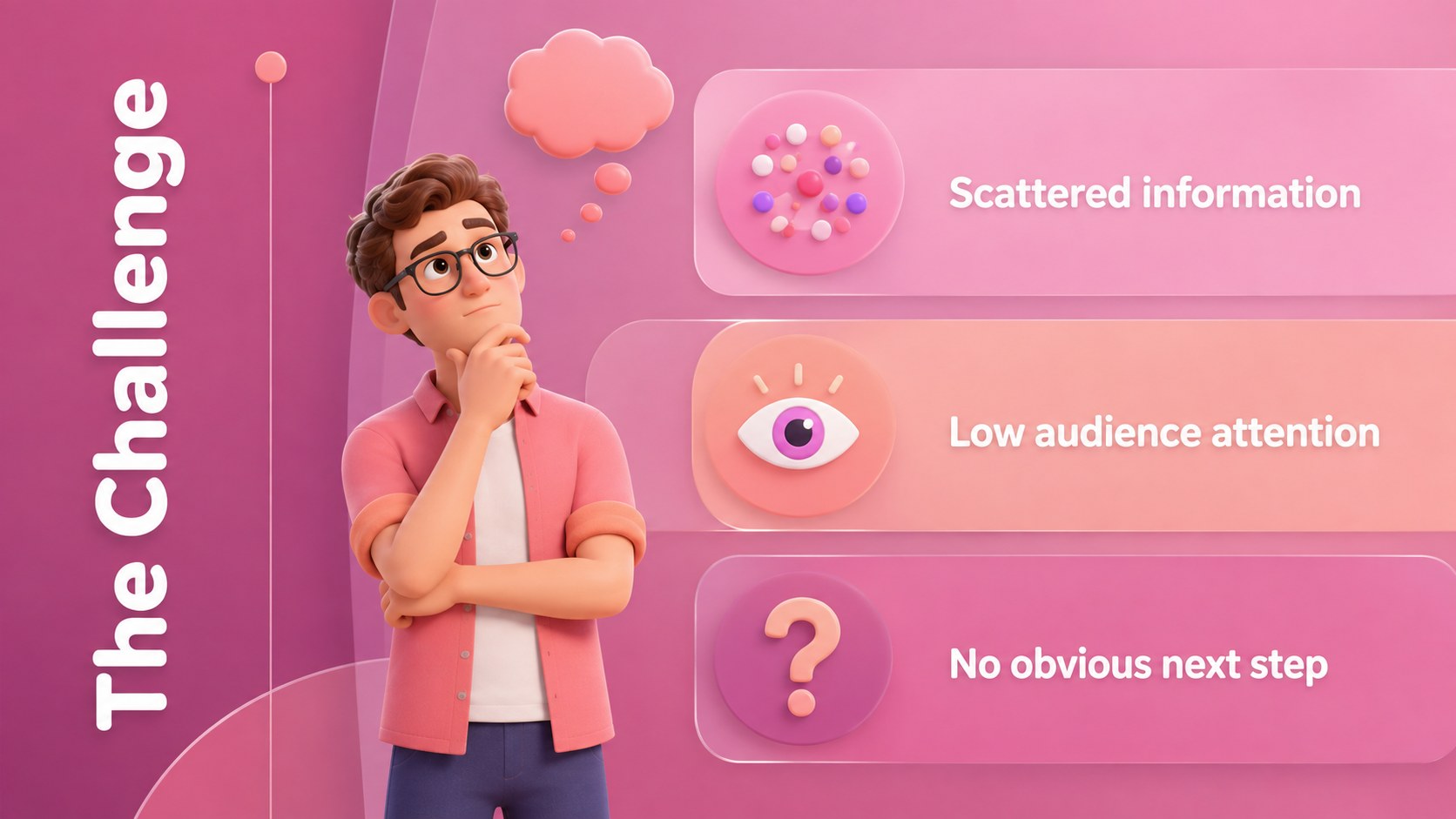
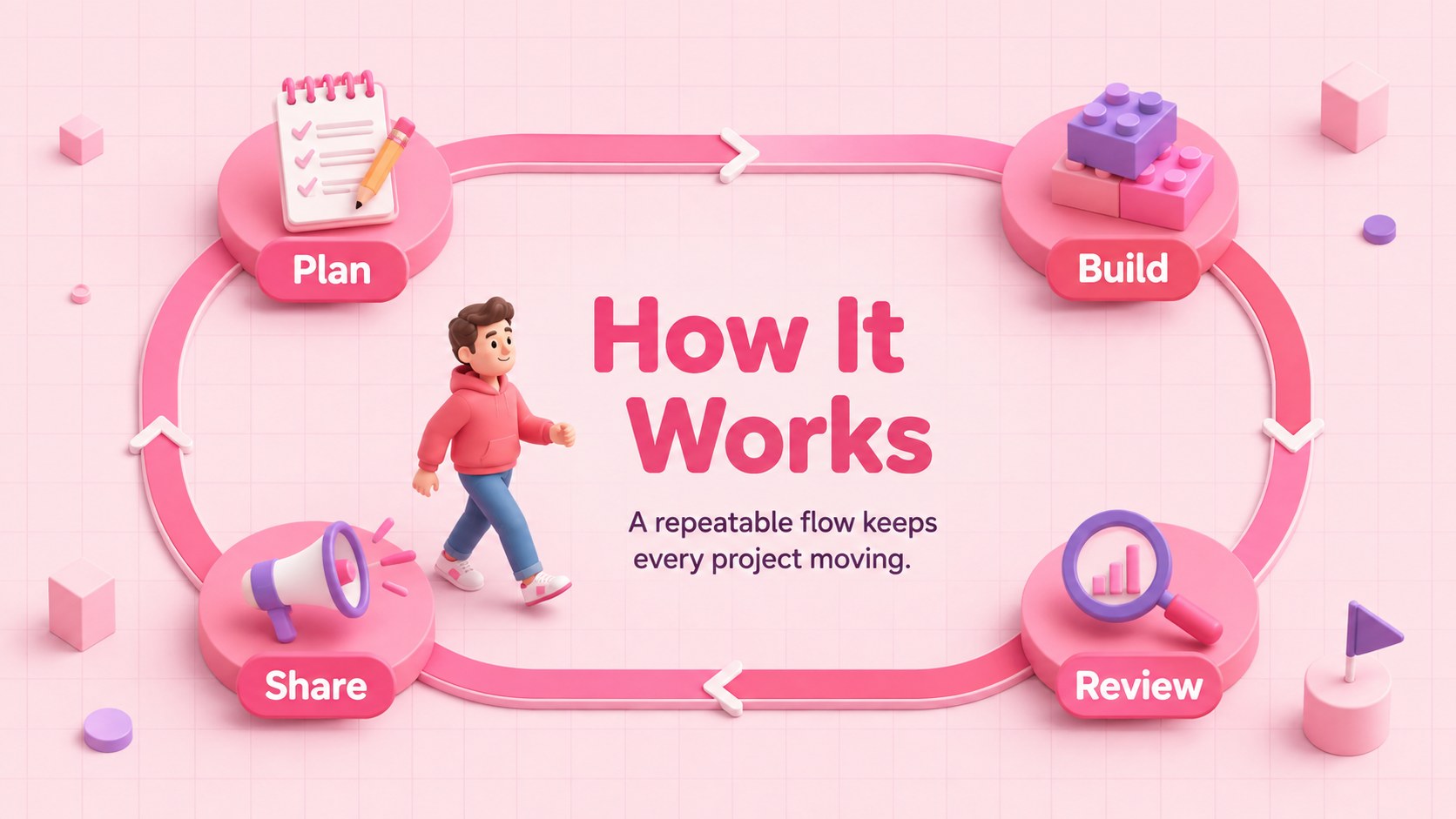
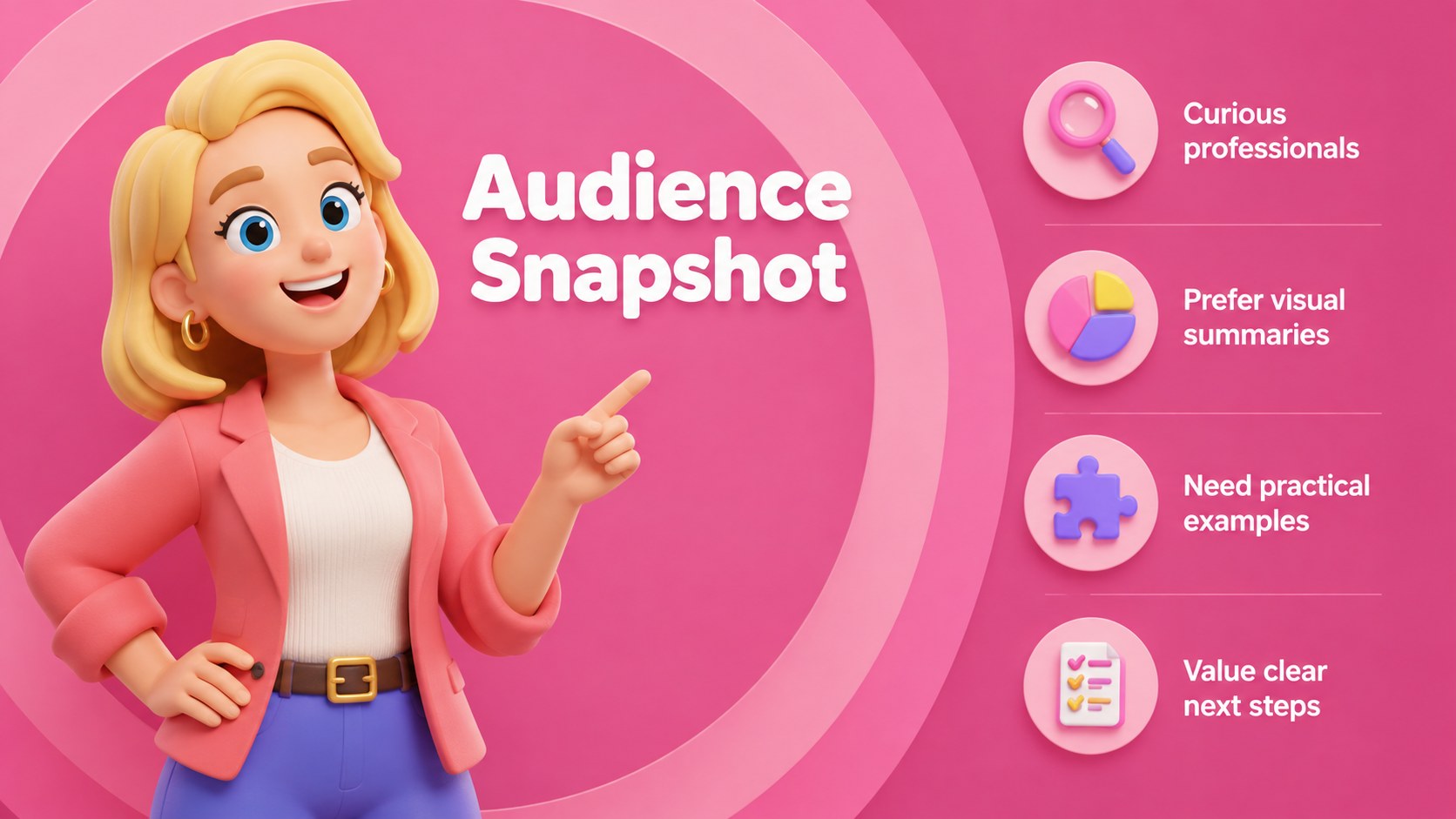
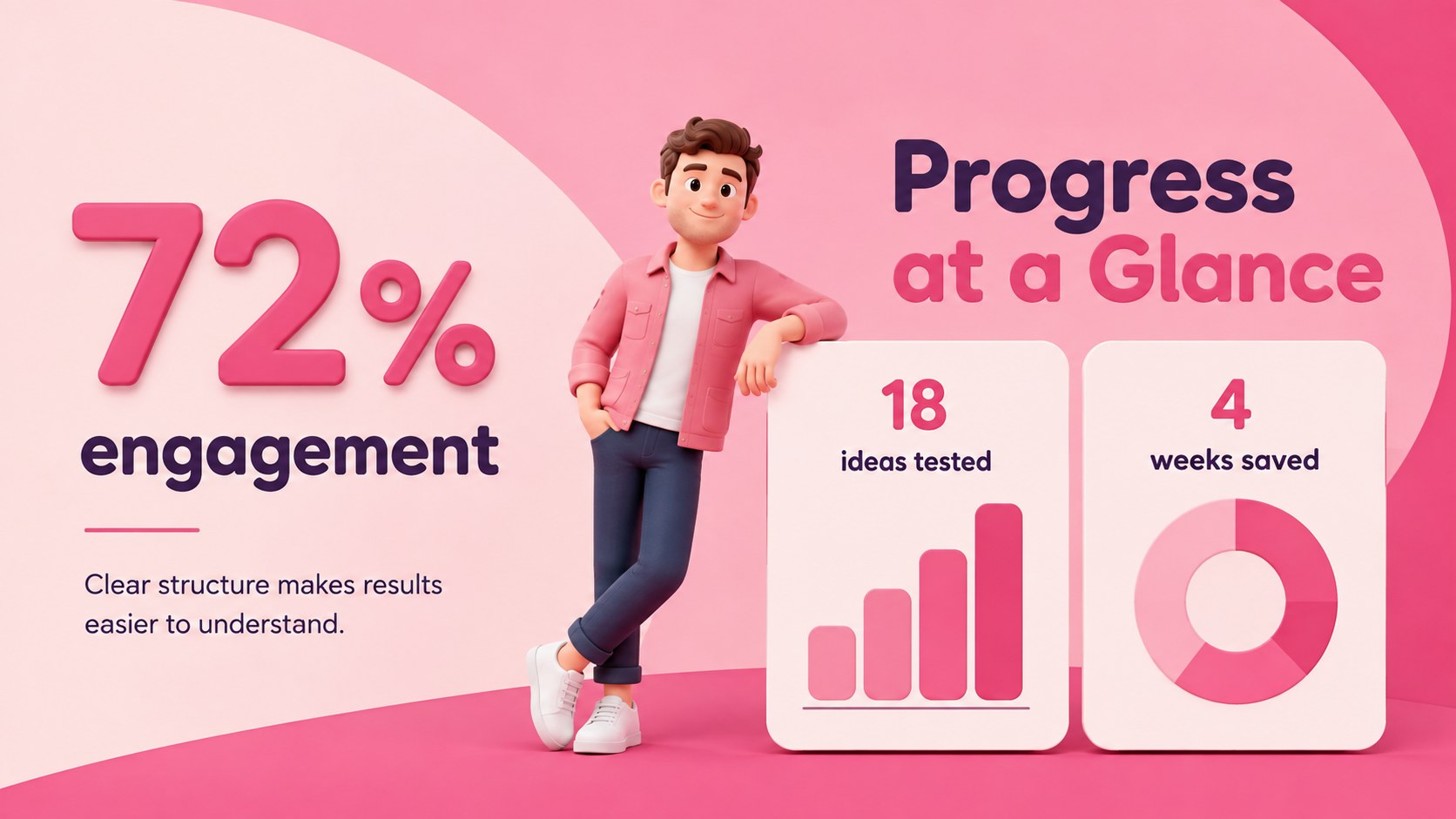
The Playful 3D Character Presentation Kit gives everyday ideas an upbeat visual personality without sacrificing clarity. Bright pink backgrounds, soft gradients, rounded typography, and expressive three-dimensional figures help important messages feel approachable and memorable. The flexible design works equally well for professional updates, creative pitches, and engaging classroom material.
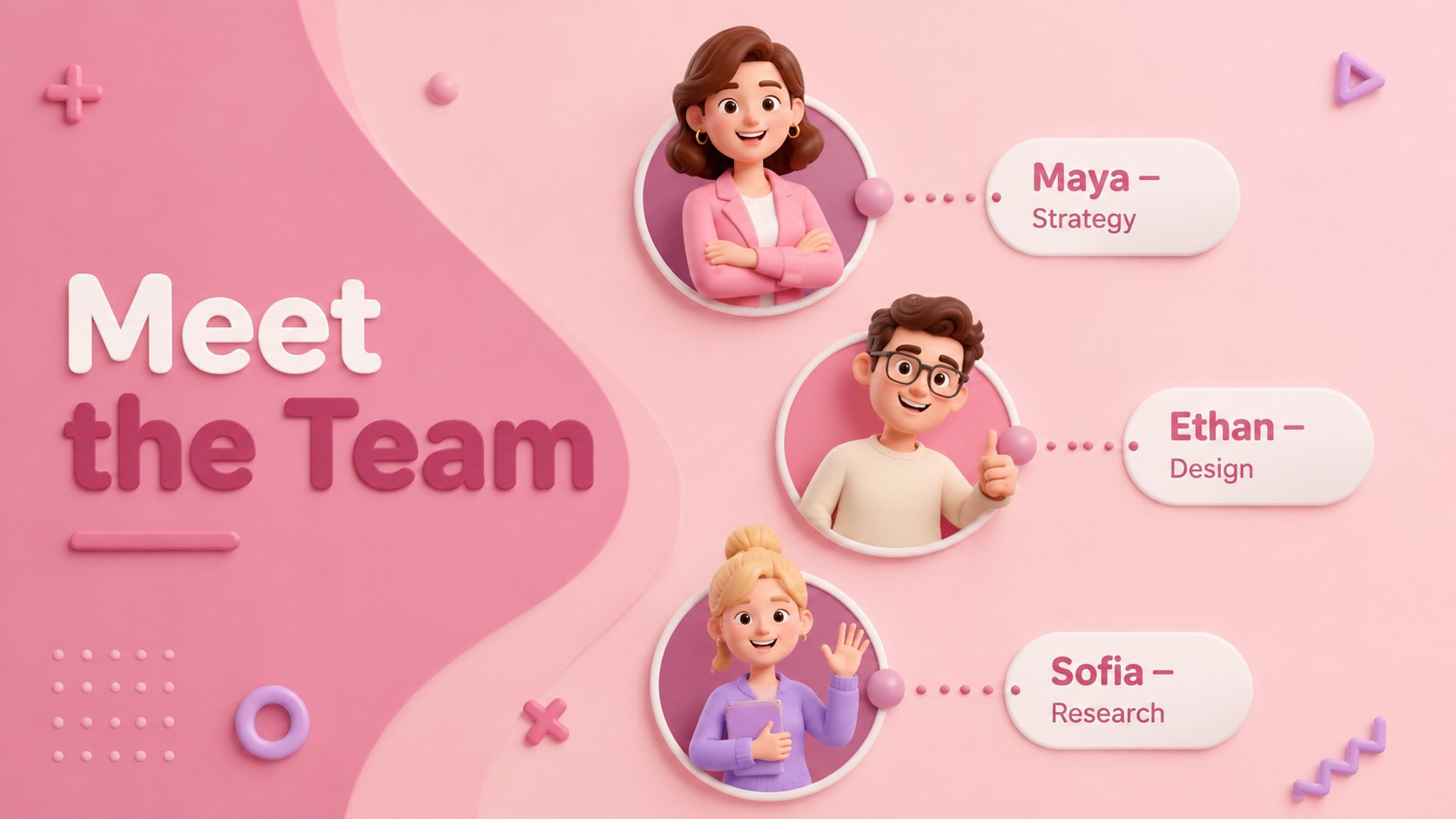
Inside, you will find layouts for agendas, team introductions, challenges, solutions, audience profiles, key metrics, comparisons, timelines, campaign plans, learning activities, and next steps. Charts, tables, diagrams, icons, and map elements can be adapted to support data-driven stories. Character-led compositions alternate with clean content pages, giving the presentation a balanced rhythm while leaving plenty of room for your own text and visuals.
Use it as a cute 3D character PowerPoint template for a startup introduction, a pink 3D presentation theme for a marketing proposal, or an editable 3D avatar slide deck for a workshop. Educators can turn the same layouts into lessons, project briefs, or student presentations. Teams can customize the colors, replace illustrations, resize visual elements, and rearrange sections to match their message. Every slide uses a 16:9 widescreen format and is designed for straightforward editing in Microsoft PowerPoint and Google Slides.
Perfect for: startup introduction pitch; interactive classroom lesson; creative project update; marketing campaign proposal; team onboarding session; student research presentation.
Frequently asked questions
Can I edit the 3D character presentation in PowerPoint? Yes. The text, colors, layout elements, charts, and supporting graphics can be edited in Microsoft PowerPoint. You can also replace the character artwork with visuals better suited to your audience.
Practical details
Yes. The text, colors, layout elements, charts, and supporting graphics can be edited in Microsoft PowerPoint. You can also replace the character artwork with visuals better suited to your audience.
Yes. Upload or open the presentation in Google Slides to edit it online and collaborate with others. Minor font or spacing adjustments may be needed if your device substitutes a typeface.
Change the background fills, accent colors, chart series, and decorative shapes through the standard formatting controls. Keep strong contrast between text and backgrounds so every slide remains readable.
The layouts are suitable for startup pitches, project reports, marketing plans, workshops, onboarding sessions, and classroom lessons. Select the more restrained content slides when presenting formal data or detailed findings.
Keep exploring
15Build stronger academic arguments with a college essay thesis builder featuring guided examples, revision prompts, and editable PowerPoint and Google Slides.
 15
15Build an engaging World UFO Day session with this flying saucer history lesson deck, featuring retro green-and-brown slides for PowerPoint and Google Slides.
 14
14Plan a memorable Lunar New Year campaign with the 2036 Dragon Year Celebration Theme, featuring bold red-and-yellow slides for lessons and events.
 15
15Build a thoughtful classroom discussion with this interfaith awareness lesson deck, featuring editable blue-and-white slides for PowerPoint and Google Slides.
 15
15Use this environmental awareness lesson deck to teach climate action through illustrated activities, discussion prompts, and ready-to-edit visuals.
 15
15Build playful lessons and party stories with a kid-friendly zombie celebration theme in purple, green and pastel blue for PowerPoint and Google Slides.
 15
15Build eerie lessons, campaigns, and story pitches with an undead survival scenario theme featuring editable slides for PowerPoint and Google Slides.
 16
16Turn environmental research into a clear story with a Watercolor Ecology Presentation Theme for PowerPoint and Google Slides in calming green and blue.