
 15
15presentation
College Essay Thesis Builder Slides
Build stronger academic arguments with a college essay thesis builder featuring guided examples, revision prompts, and editable PowerPoint and Google Slides.
Google SlidesPowerPoint
presentation · English
Shape lessons, pitches, or game ideas into a colorful story with pixel farm adventure slides for PowerPoint and Google Slides in a warm yellow palette.
Design notes
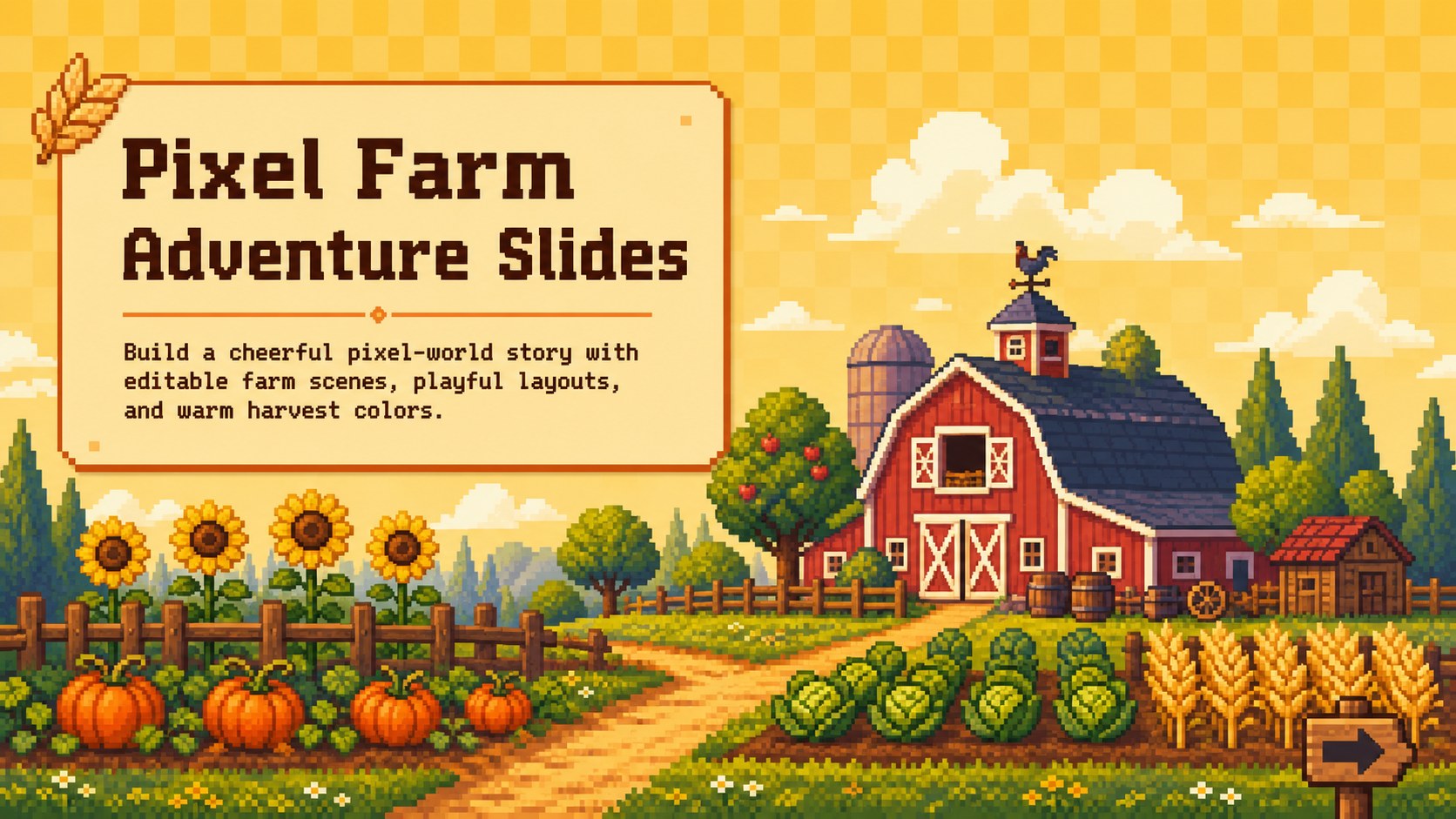
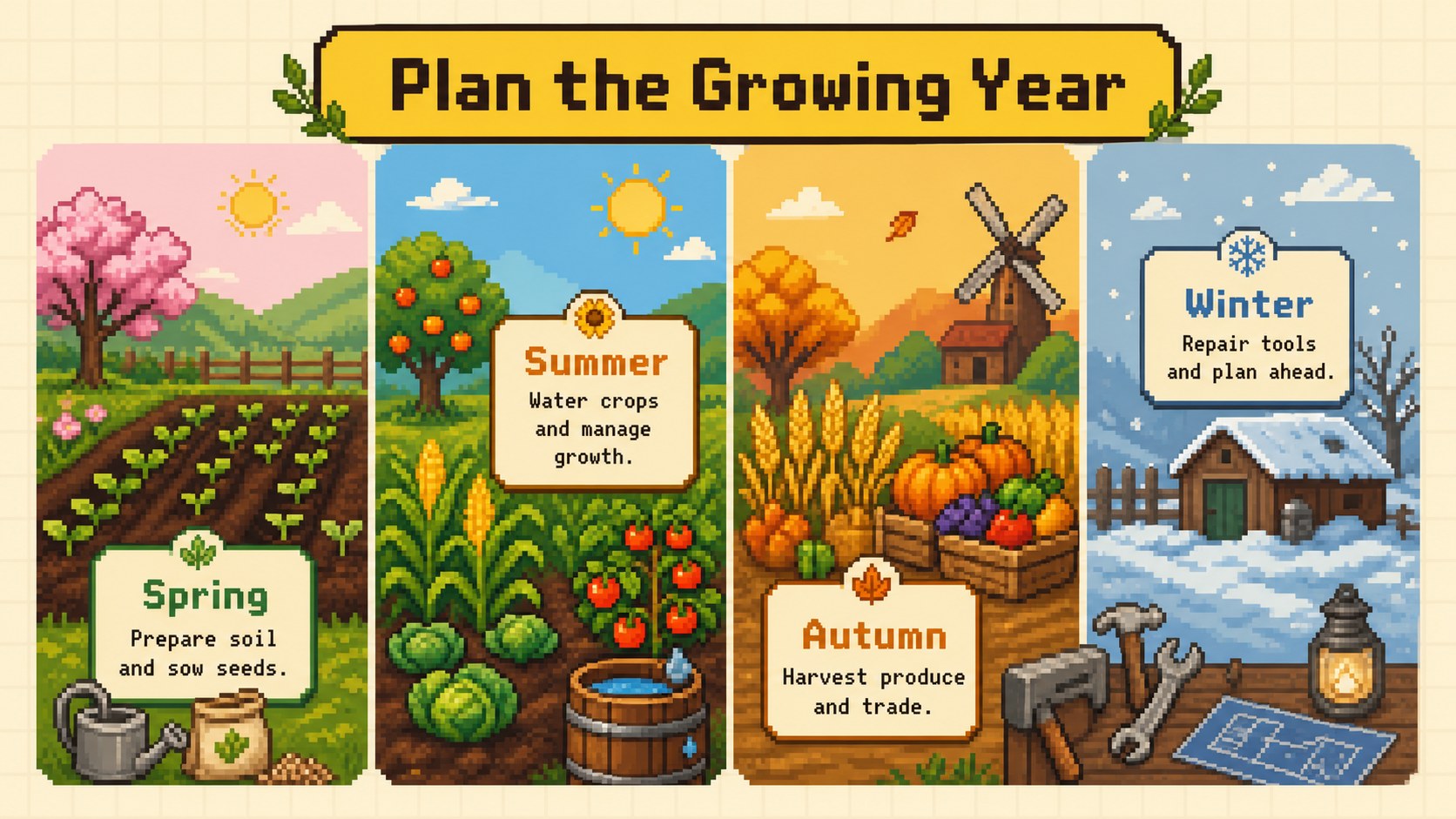
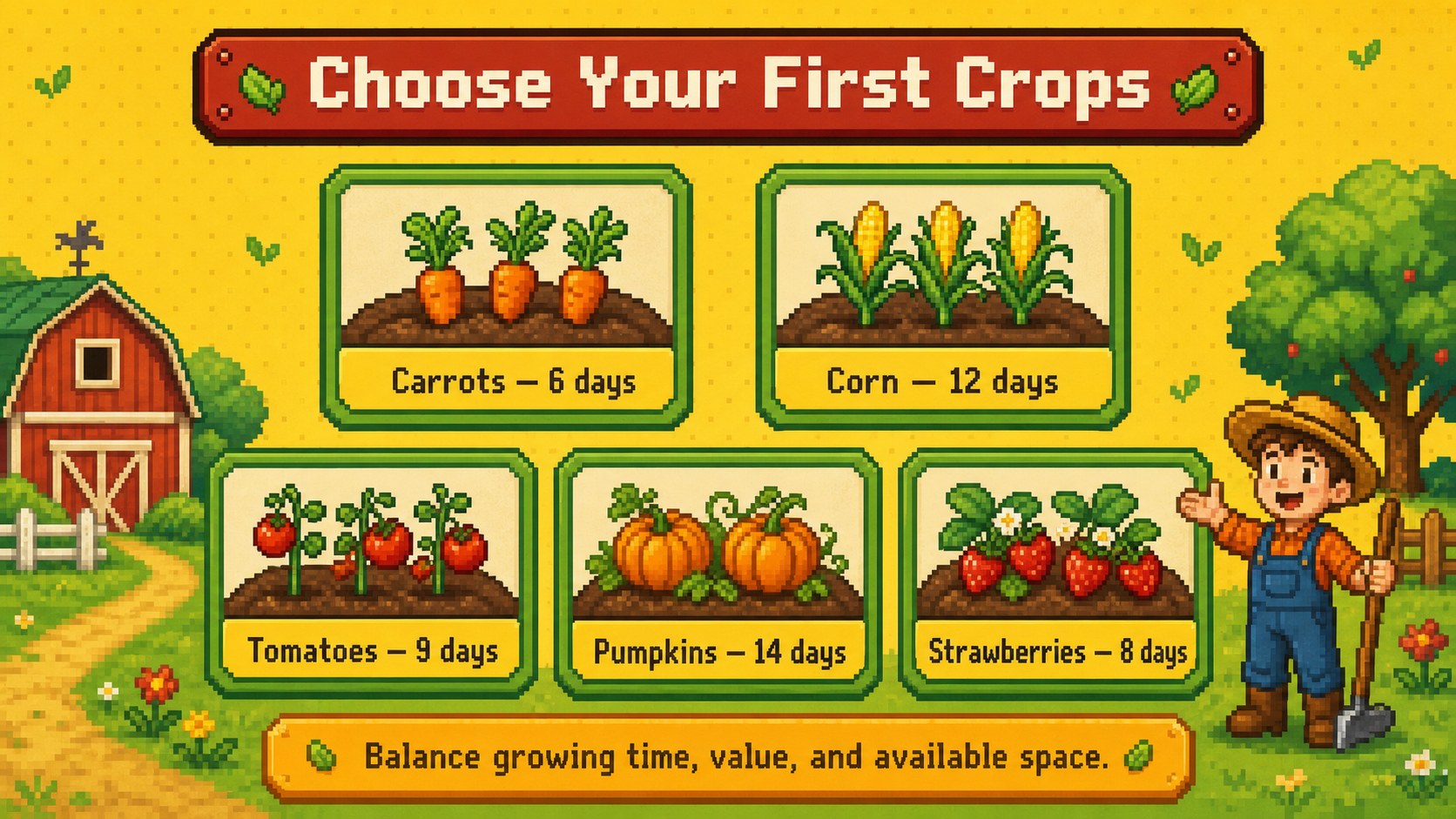
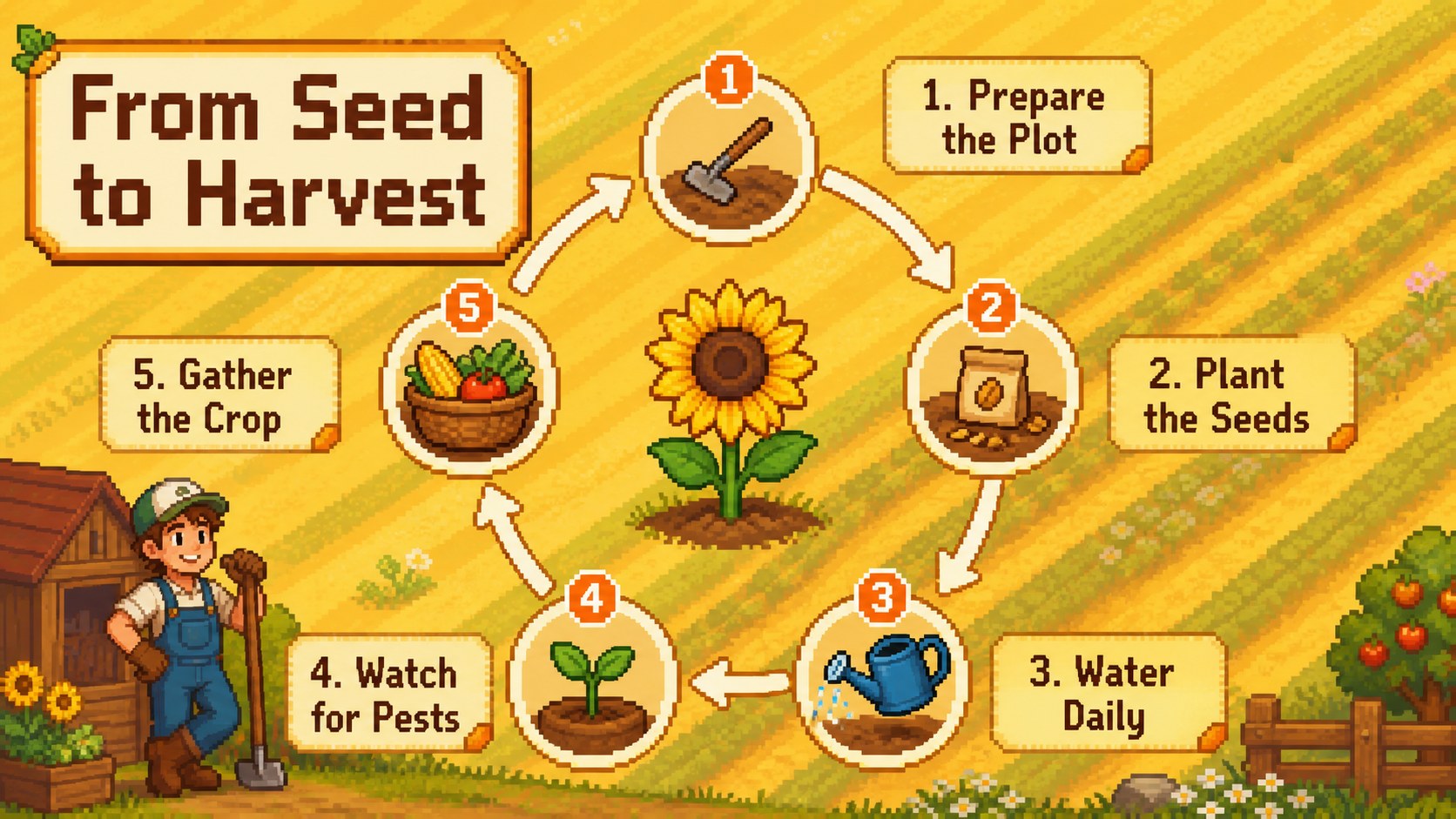
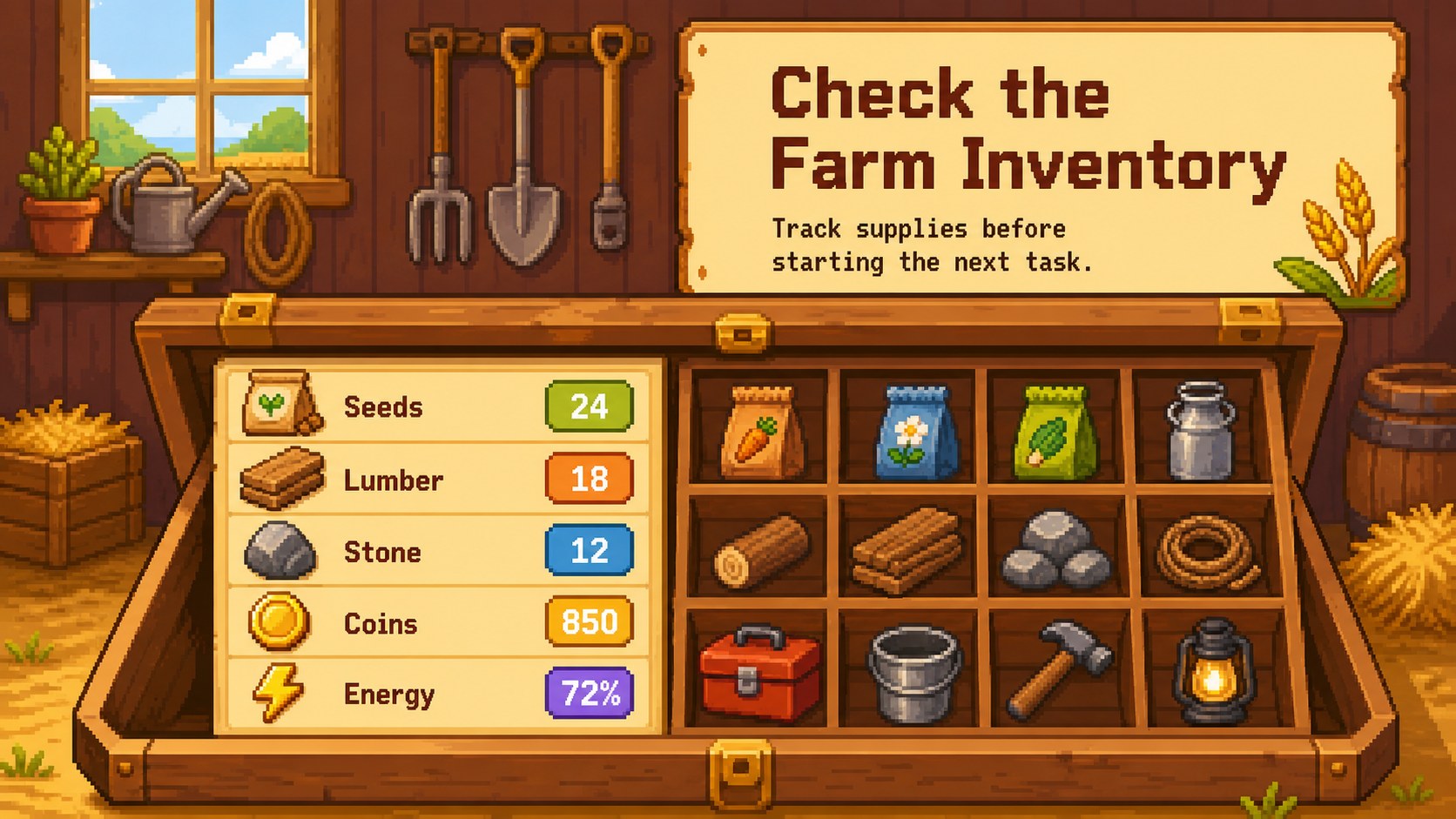
Turn a lesson, project proposal, or game concept into a lively countryside story with these pixel farm adventure slides. The colorful yellow-led design combines retro pixel artwork, cozy rural scenery, crops, animals, tools, and playful interface details. Every layout is editable in PowerPoint and Google Slides, making it easy to adapt the deck to your own topic, audience, and presentation style.
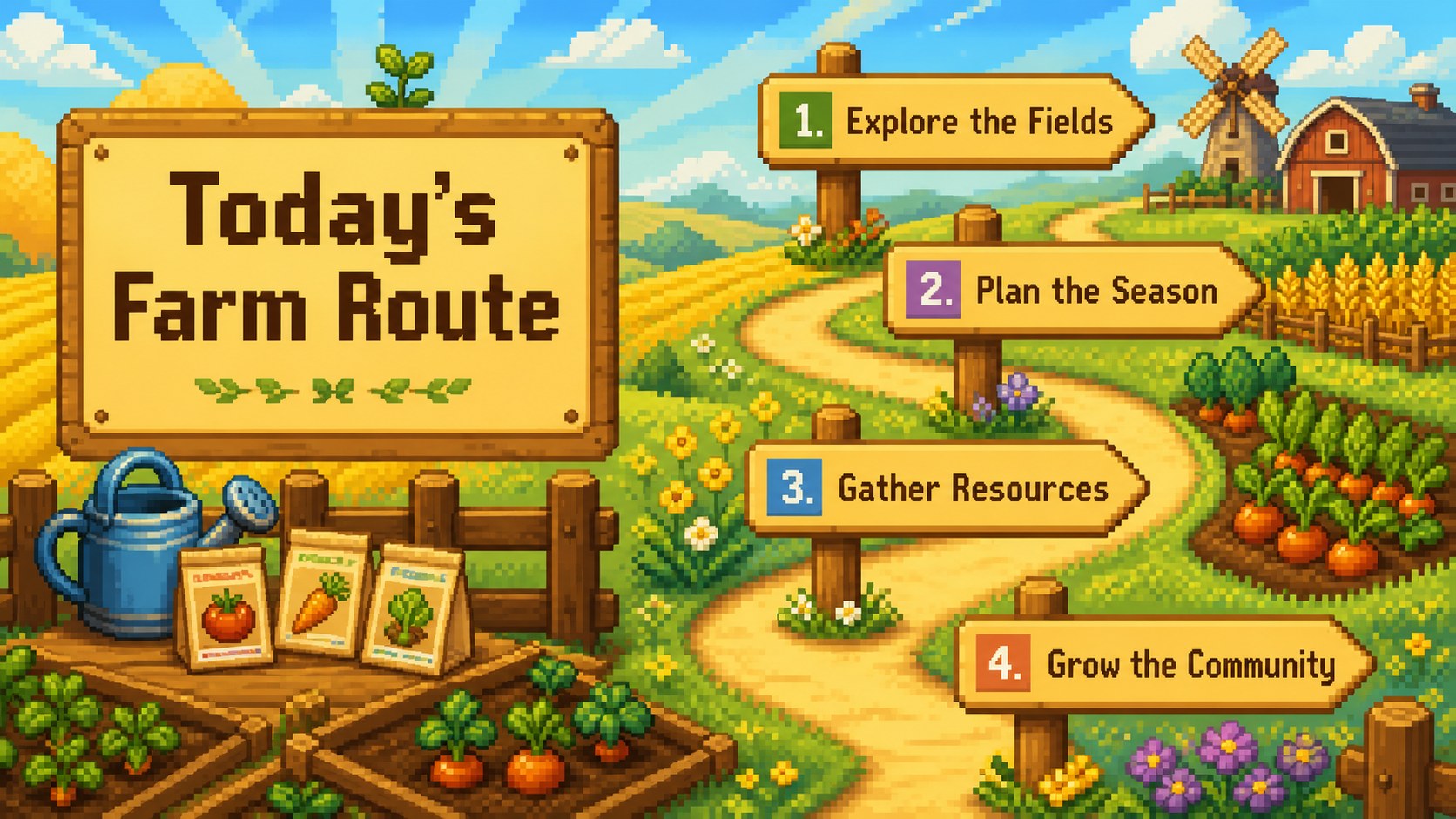
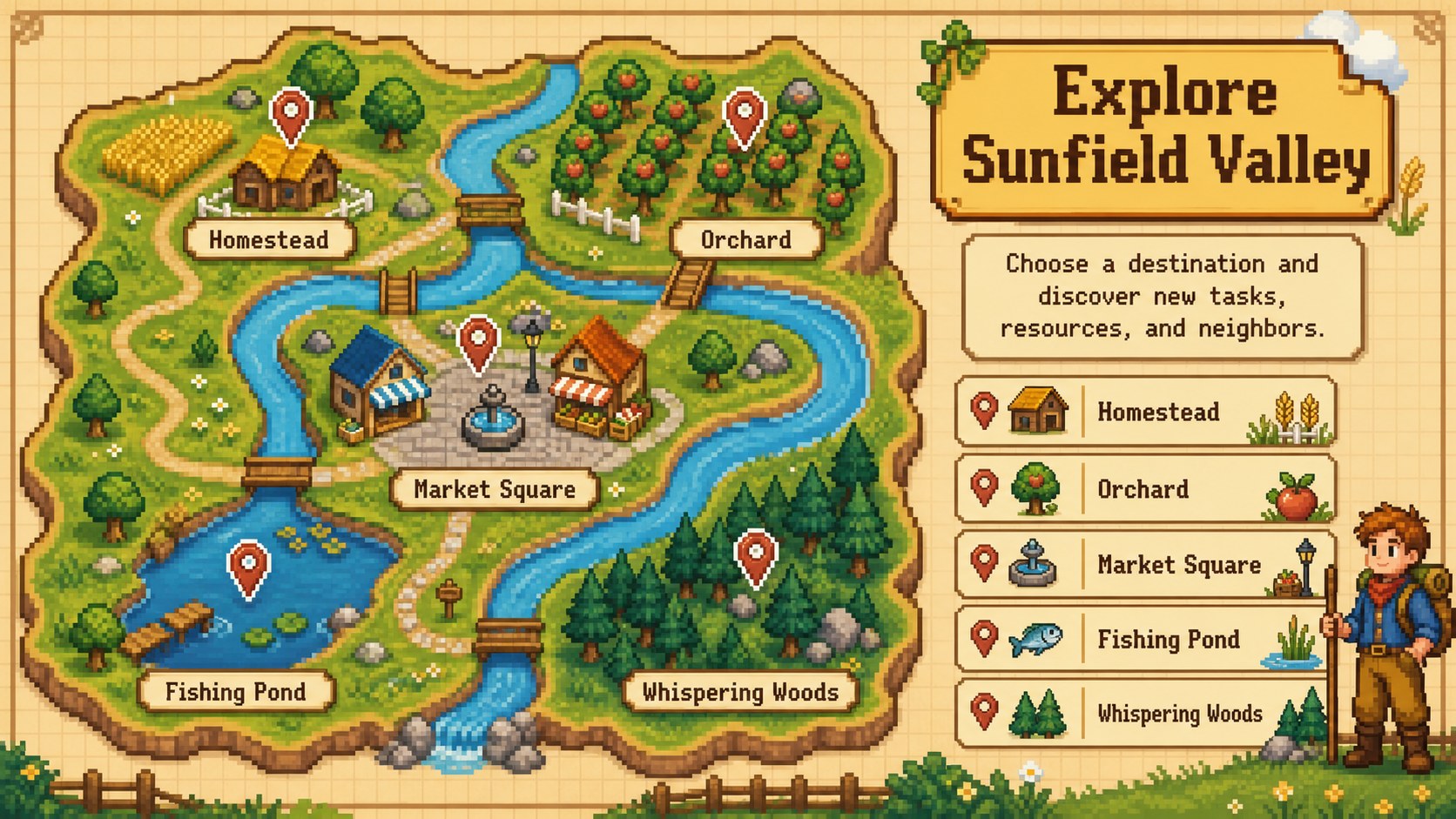
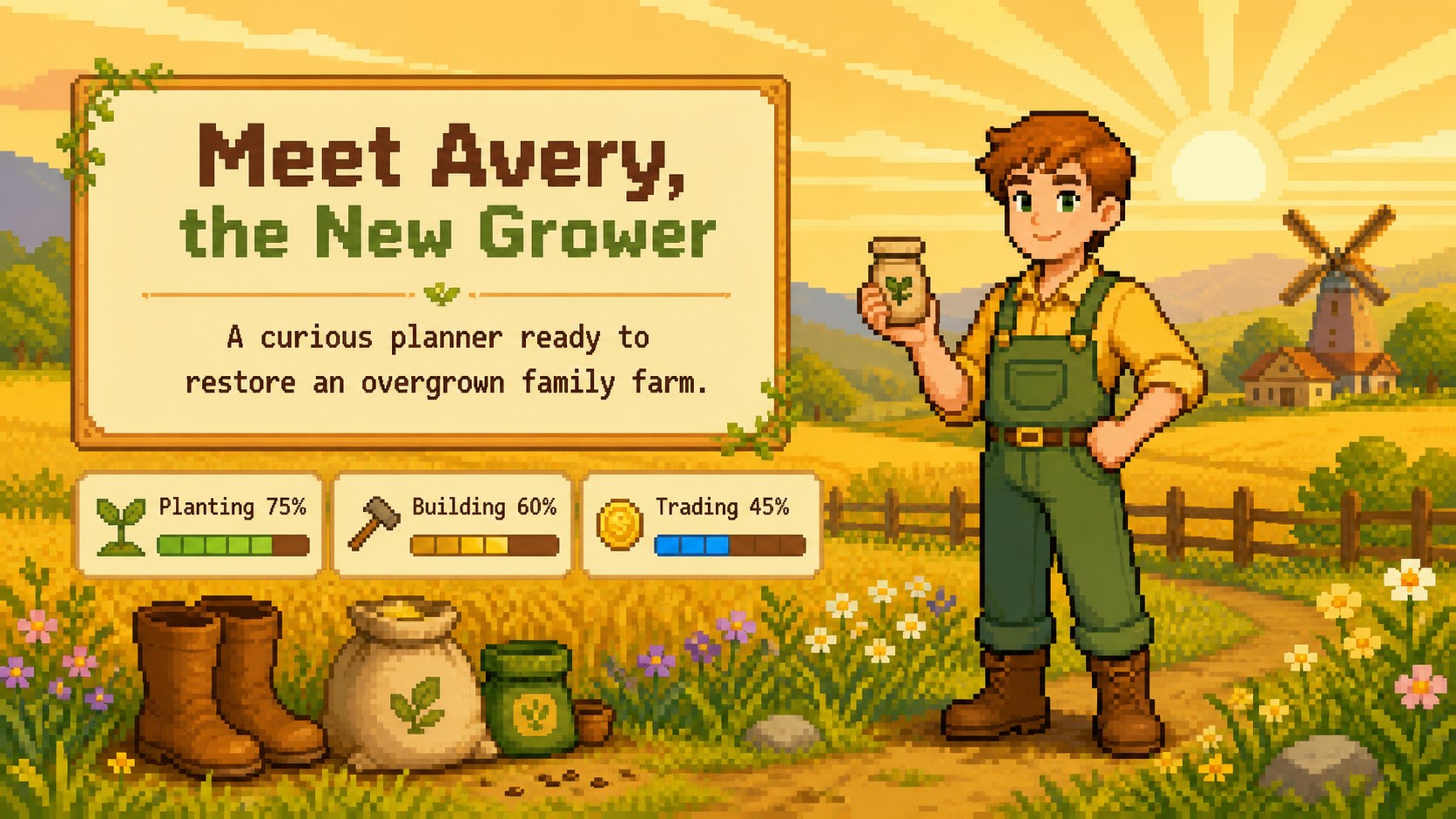
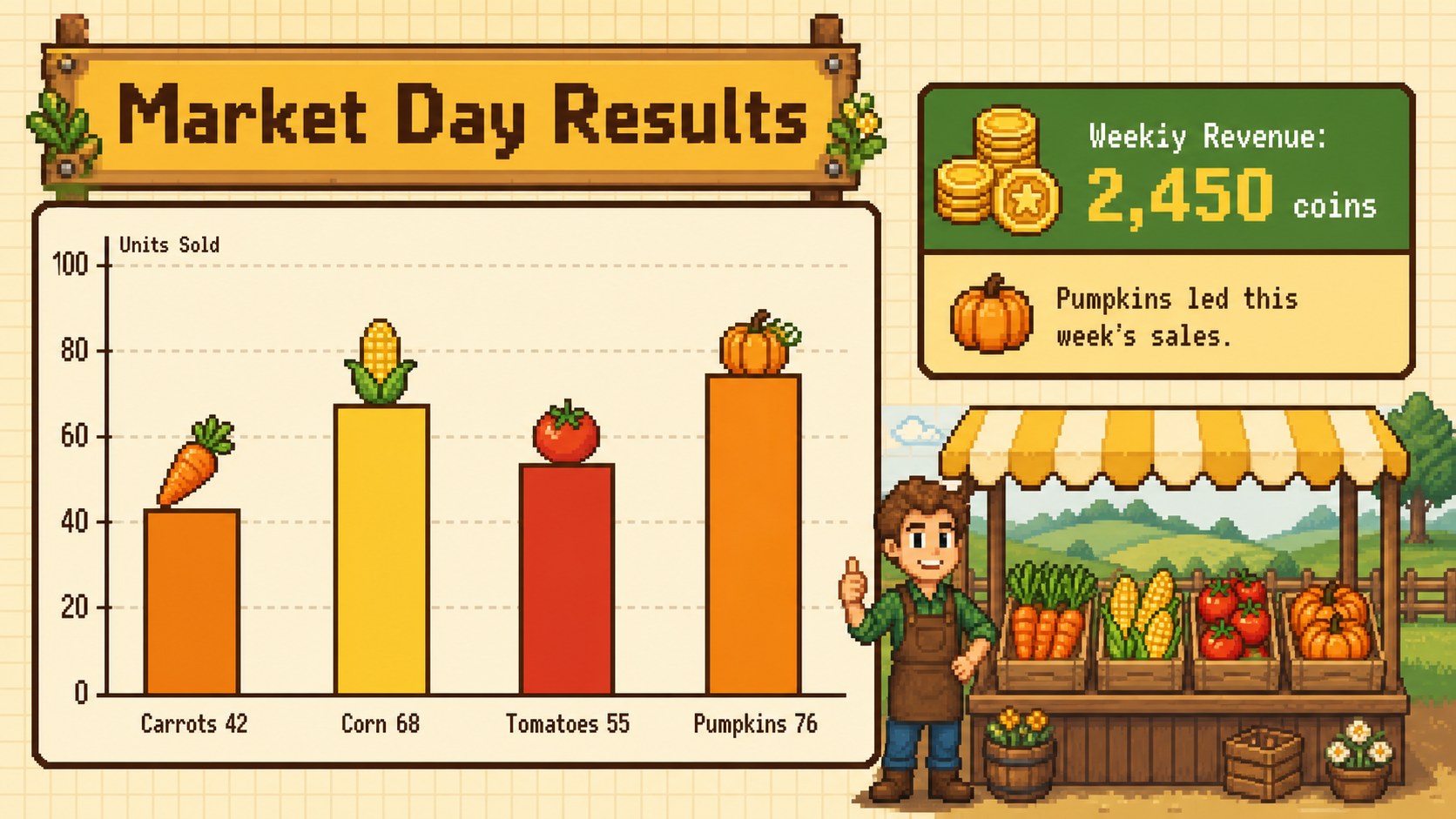
Inside, you will find 15 widescreen layouts covering an opening scene, map, seasonal objectives, character introduction, crop guide, planting cycle, resource inventory, market results, community events, progress milestones, and a closing screen. The mix of structured content pages and illustrated scenes works especially well as a retro farming game presentation or a pixel art agriculture lesson. Replace the sample wording, adjust the warm color accents, add your own data, and reorganize sections without losing the visual rhythm of the theme.
Teachers can introduce agriculture, sustainability, food systems, or seasonal change through an approachable visual narrative. Students can use the deck for classroom projects and game design assignments, while developers and creative teams can shape it into a cozy game concept pitch deck. It also suits community garden updates, harvest festival plans, and imaginative storytelling activities for younger audiences.
Perfect for: agriculture classroom lesson; cozy game concept pitch; student game design project; community garden update; harvest festival plan; seasonal storytelling activity.
Frequently asked questions
Which presentation platforms support this template? The slides are designed for PowerPoint and Google Slides. Import the deck into either platform to edit text, colors, illustrations, and layout elements.
Practical details
The slides are designed for PowerPoint and Google Slides. Import the deck into either platform to edit text, colors, illustrations, and layout elements.
Yes. All sample headings, descriptions, charts, and labels can be changed to match a lesson, game proposal, garden report, or seasonal event.
Keep the blocky shapes and limited-color artwork for a consistent retro look, then swap crops, tools, animals, and scenery to suit your story. You can also adjust the yellow accents while preserving strong contrast.
Yes. The friendly illustrations and clearly organized layouts work well for school audiences. Educators can simplify the text, add questions, or turn the objectives and inventory pages into class activities.
Keep exploring
15Build stronger academic arguments with a college essay thesis builder featuring guided examples, revision prompts, and editable PowerPoint and Google Slides.
 15
15Build an engaging World UFO Day session with this flying saucer history lesson deck, featuring retro green-and-brown slides for PowerPoint and Google Slides.
 14
14Plan a memorable Lunar New Year campaign with the 2036 Dragon Year Celebration Theme, featuring bold red-and-yellow slides for lessons and events.
 15
15Build a thoughtful classroom discussion with this interfaith awareness lesson deck, featuring editable blue-and-white slides for PowerPoint and Google Slides.
 15
15Use this environmental awareness lesson deck to teach climate action through illustrated activities, discussion prompts, and ready-to-edit visuals.
 15
15Build playful lessons and party stories with a kid-friendly zombie celebration theme in purple, green and pastel blue for PowerPoint and Google Slides.
 15
15Build eerie lessons, campaigns, and story pitches with an undead survival scenario theme featuring editable slides for PowerPoint and Google Slides.
 16
16Turn environmental research into a clear story with a Watercolor Ecology Presentation Theme for PowerPoint and Google Slides in calming green and blue.