
 15
15presentation
College Essay Thesis Builder Slides
Build stronger academic arguments with a college essay thesis builder featuring guided examples, revision prompts, and editable PowerPoint and Google Slides.
Google SlidesPowerPoint
presentation · English
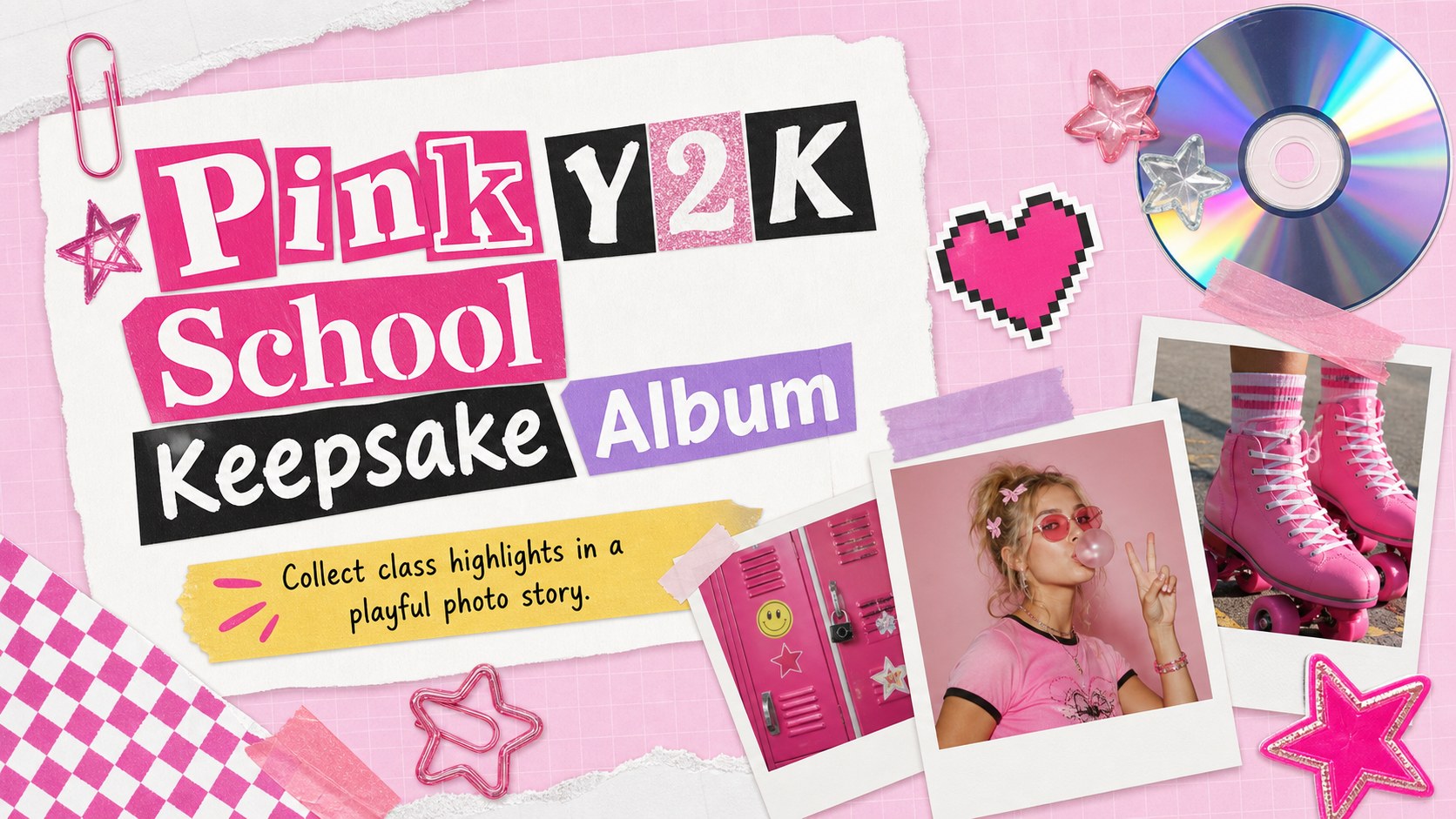
Turn class photos, milestones, and notes into a Pink Y2K School Keepsake Album, editable in PowerPoint or Google Slides for easy sharing.

Design notes
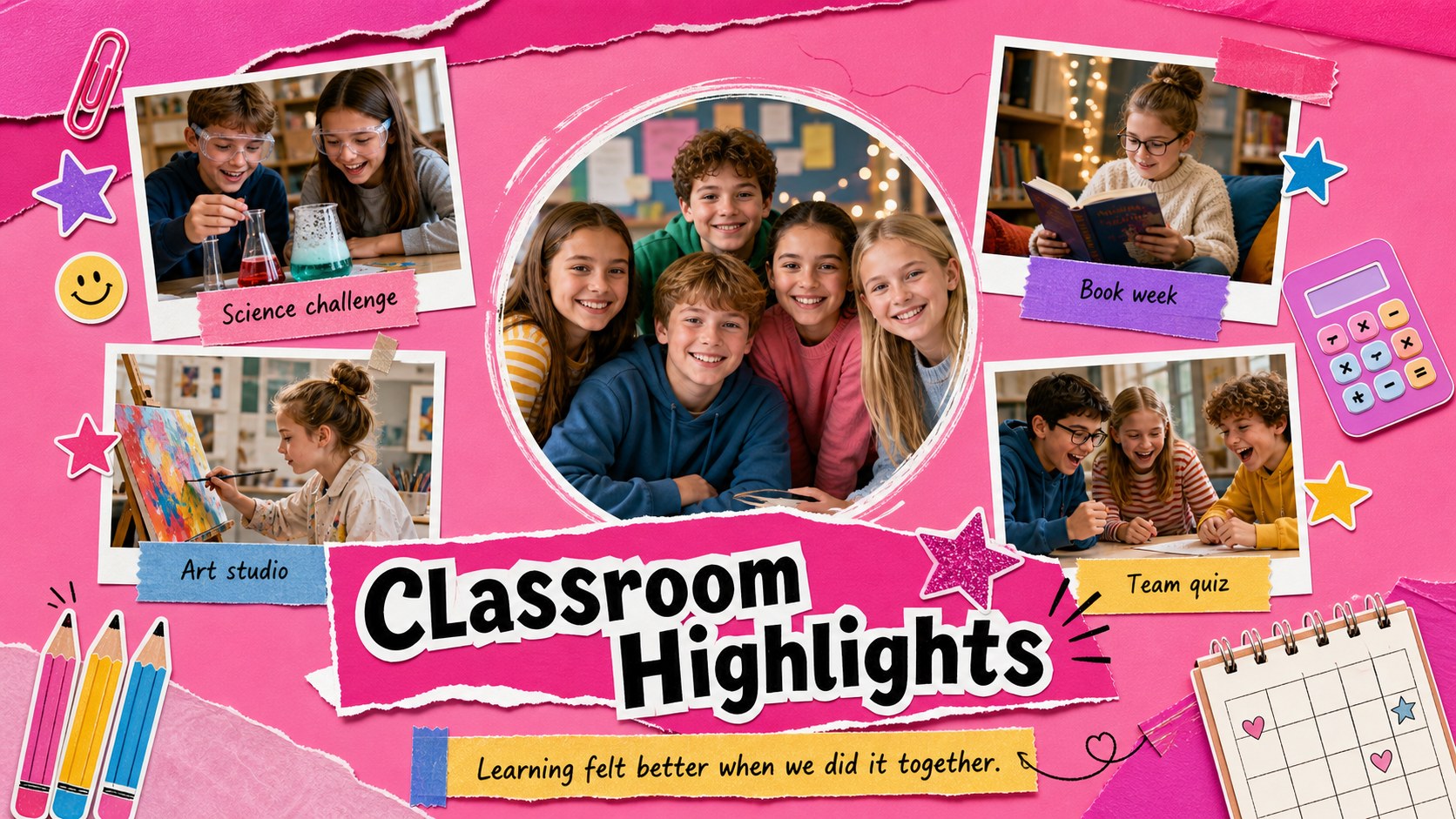
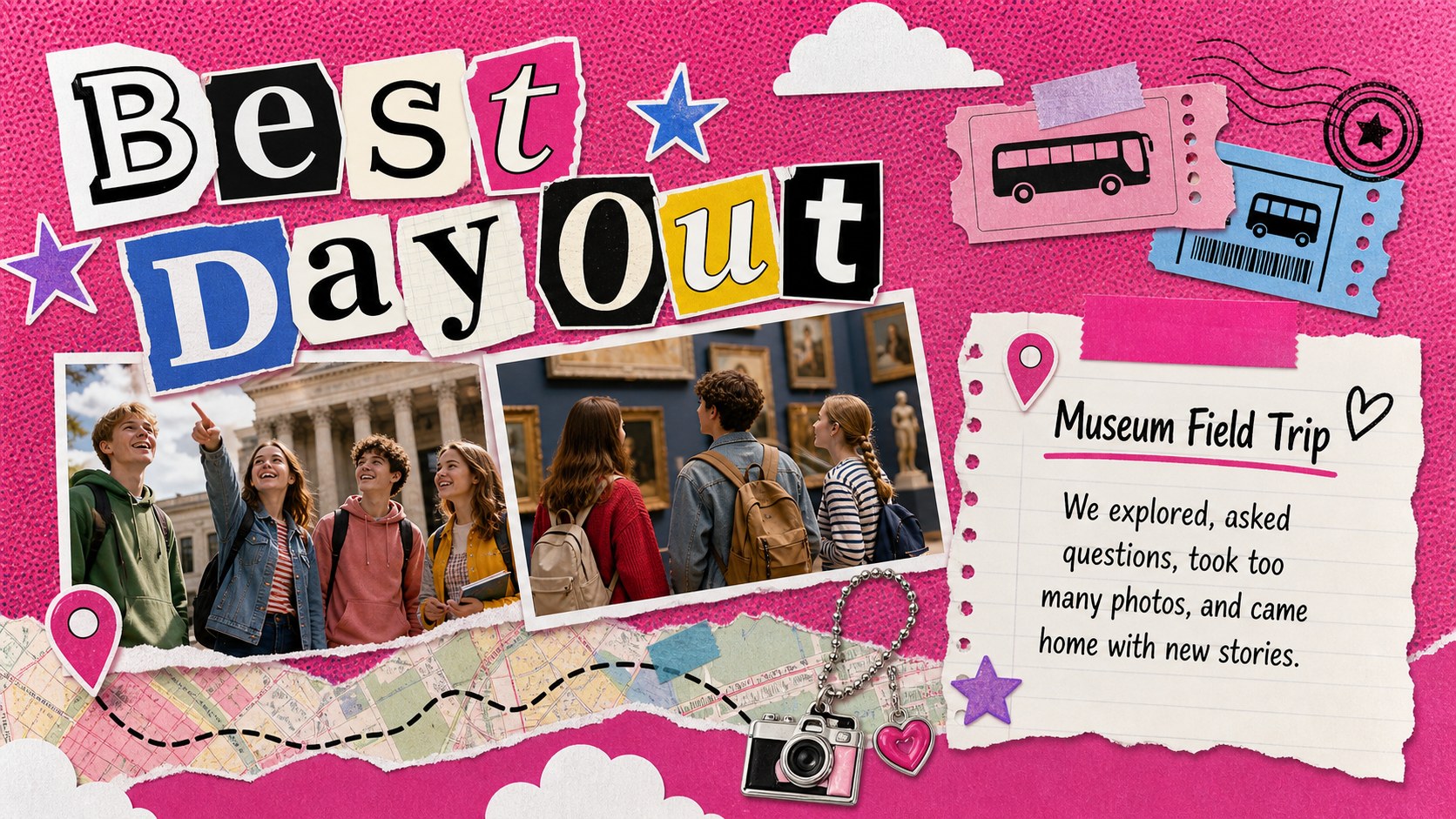
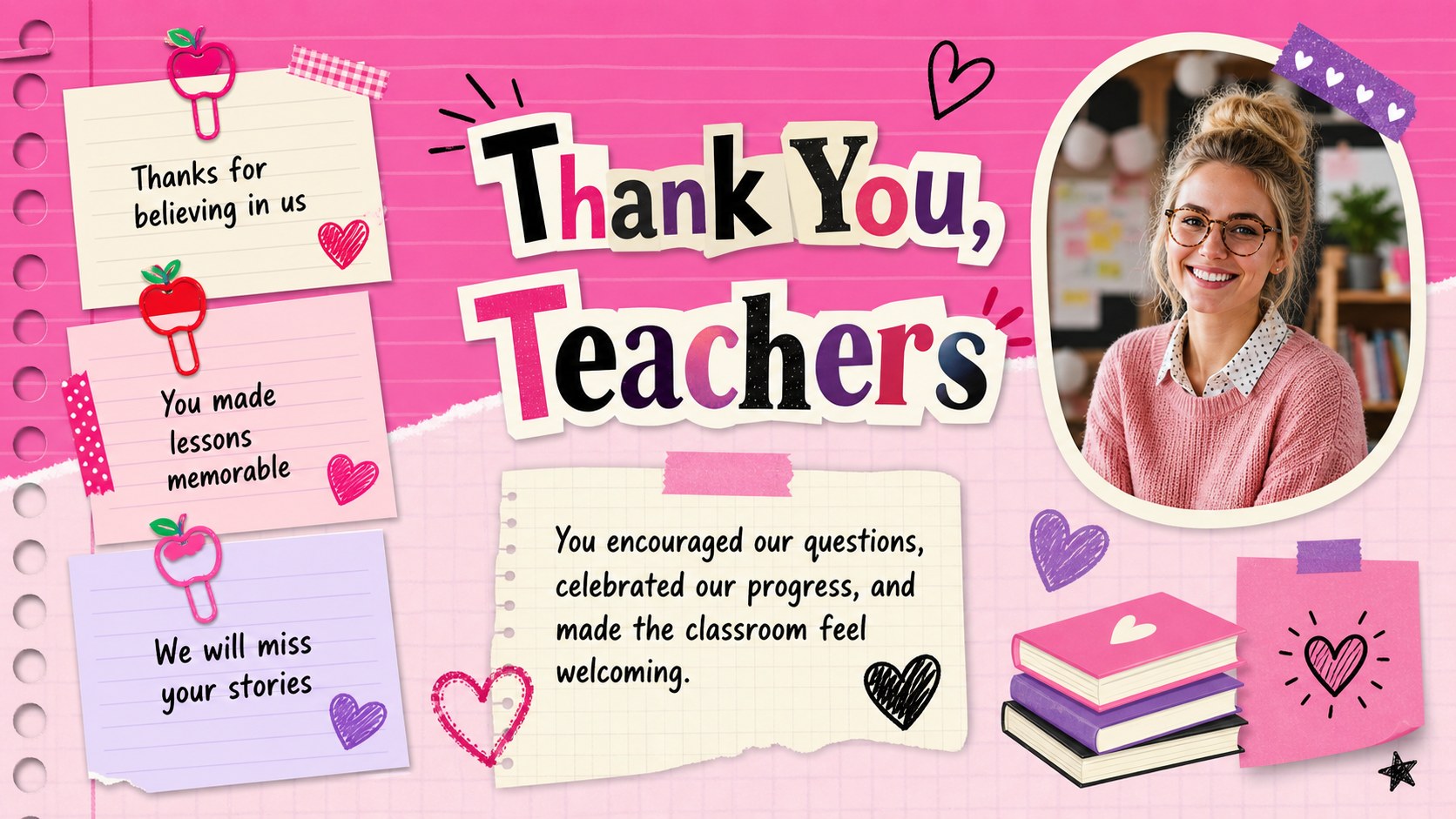
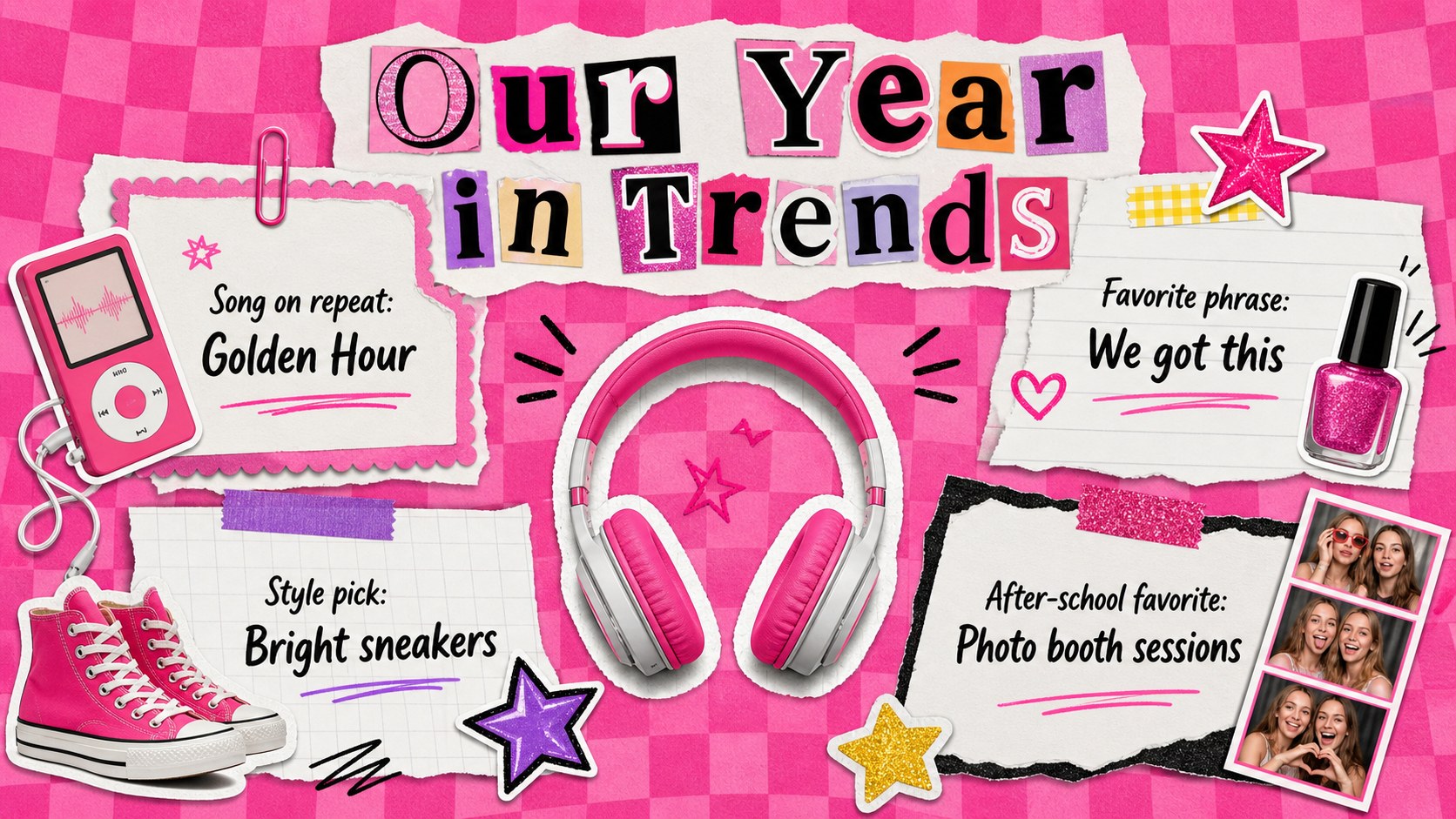
Turn classroom photos and personal reflections into a Pink Y2K School Keepsake Album with a lively scrapbook look. Designed for PowerPoint and Google Slides, this editable school photo album slides template combines bright pink accents, nostalgic digital graphics, layered paper textures, and flexible image spaces. It creates a cheerful record of the people, activities, and milestones that shaped the school year.
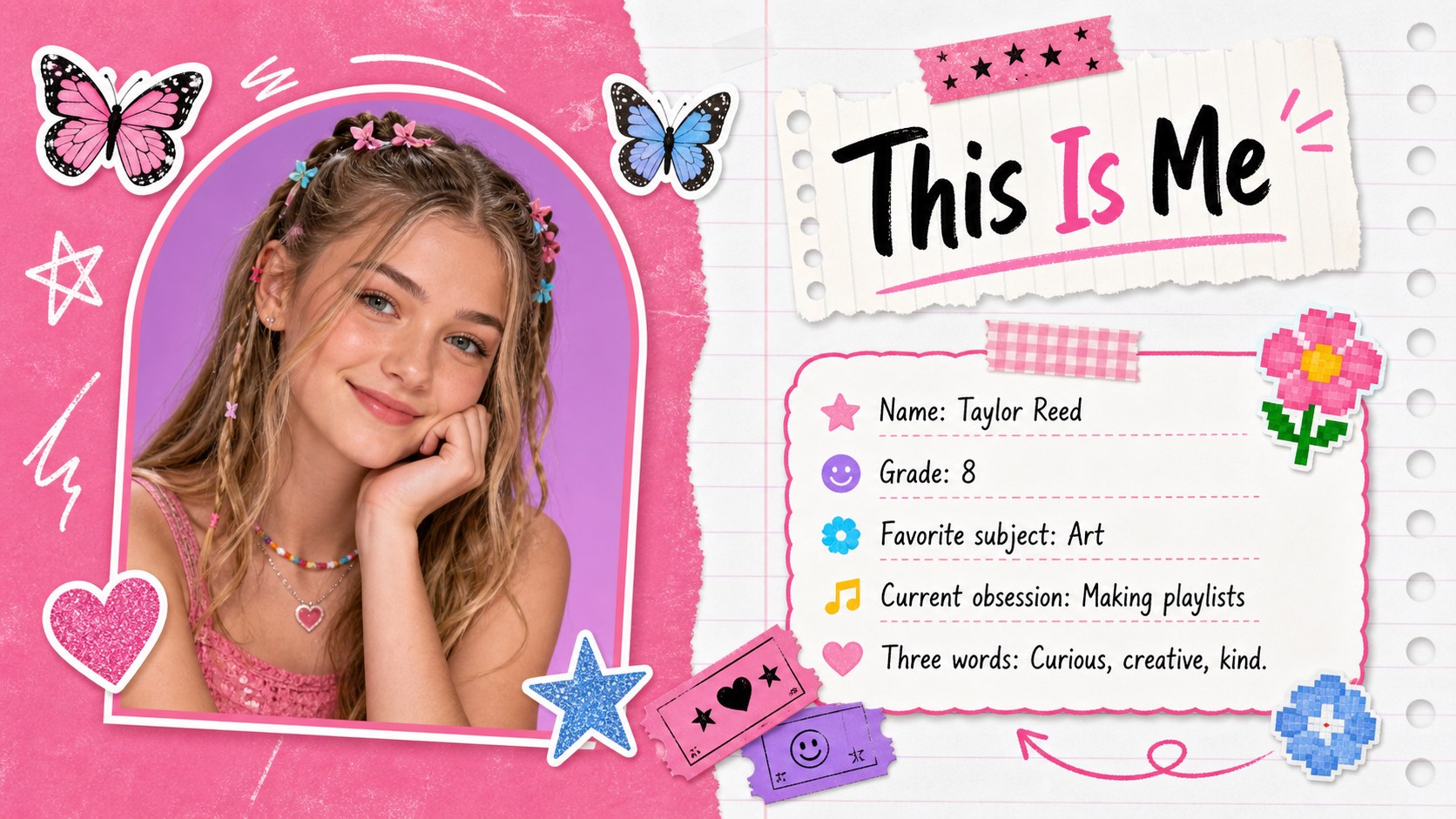
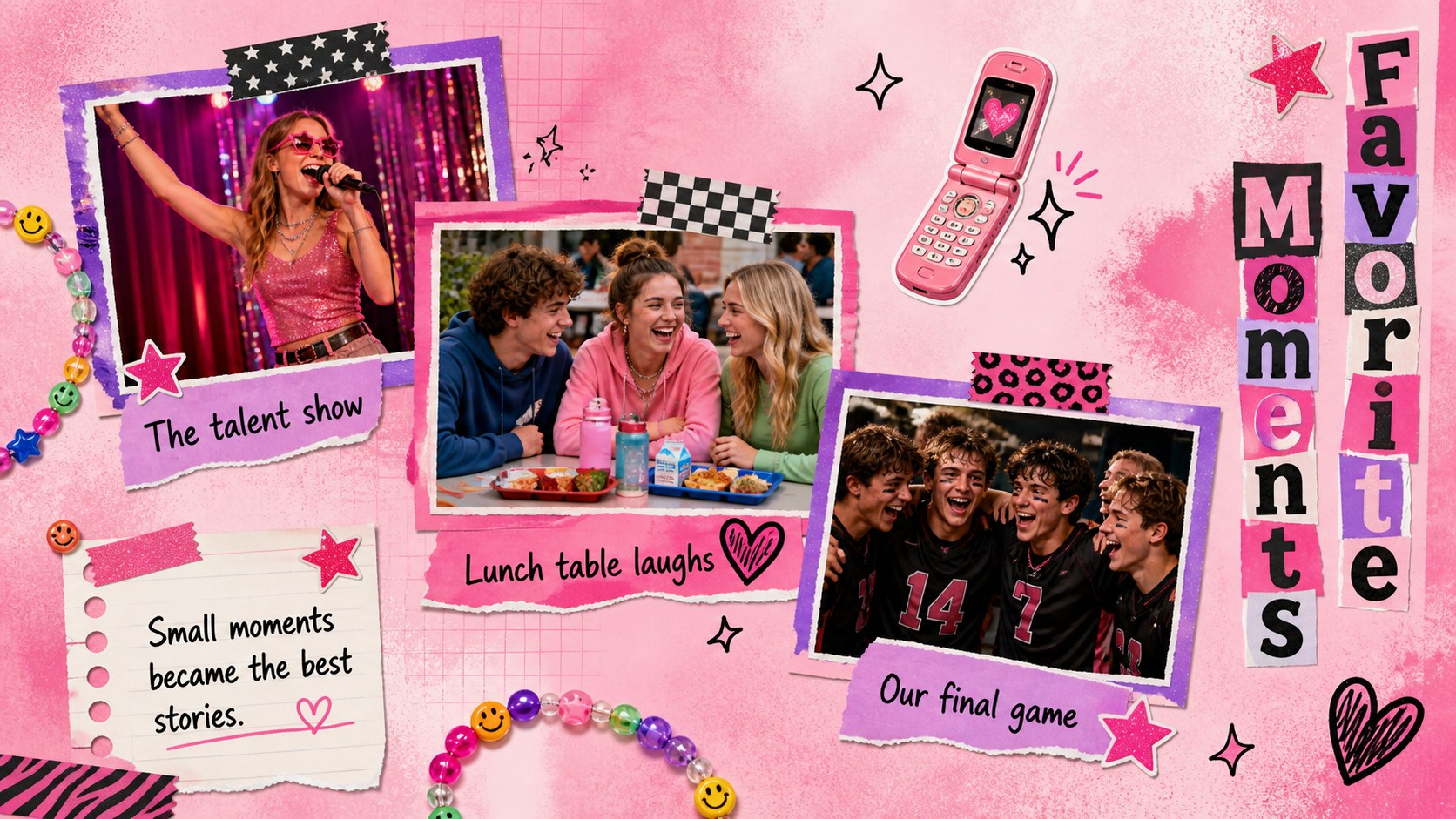
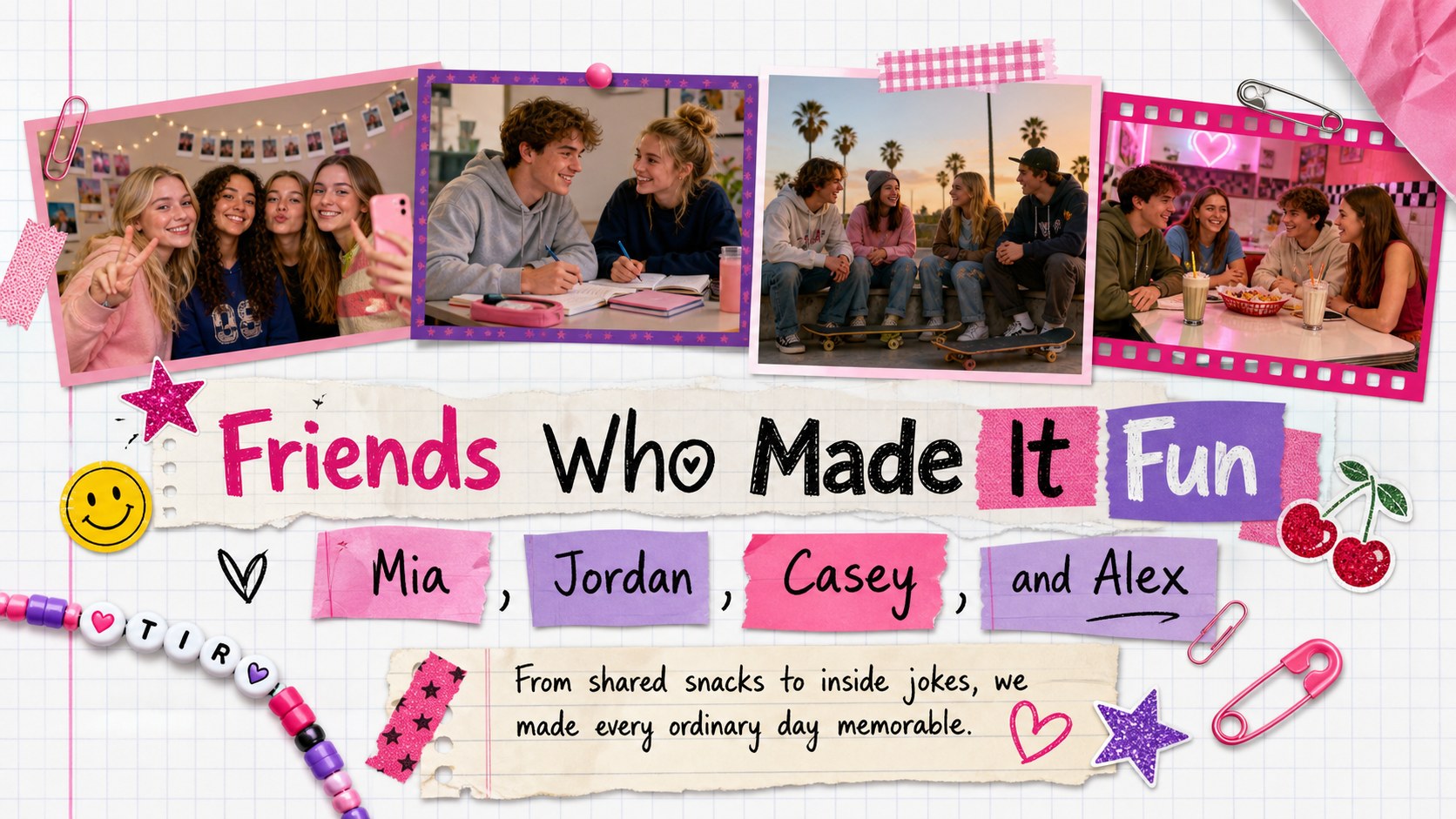
The 11-slide collection includes a cover, student profile, favorite memories, friendship collage, classroom highlights, achievement recap, field trip feature, teacher appreciation page, music and trends spread, future goals prompt, and closing message. Photo frames, short captions, handwritten-style notes, stickers, and playful shapes make it easy to build a cohesive pink Y2K yearbook presentation without starting from an empty page. Replace the sample wording, insert class photos, adjust colors, and rearrange page elements to suit an individual student or an entire group.
Students can use the deck for an end of term class keepsake, while teachers can adapt it for class celebrations, graduation activities, or reflective assignments. Parents may also personalize it as a digital school scrapbook to share with relatives. The energetic design works especially well for elementary, middle, and high school audiences who want a modern keepsake with a nostalgic early-digital mood.
Perfect for: end of term class keepsake; student yearbook project; school photo scrapbook; graduation memory presentation; classroom reflection activity.
Frequently asked questions
Can I edit this keepsake album in PowerPoint? Yes. Open the PPTX version in PowerPoint to replace photos, rewrite captions, move scrapbook elements, and adjust the pink color accents. Use installed or closely matched fonts if a typeface is unavailable.
Practical details
Yes. Open the PPTX version in PowerPoint to replace photos, rewrite captions, move scrapbook elements, and adjust the pink color accents. Use installed or closely matched fonts if a typeface is unavailable.
Yes. Upload the presentation to Google Drive and open it with Google Slides for browser-based editing and collaboration. Review font substitutions and image cropping after import.
Add student photos, class quotes, event dates, awards, and short reflections to the prepared layouts. Duplicate useful pages or remove sections that do not match your school-year story.
Yes. Colors, type, stickers, frames, and background elements can be modified while keeping the page structure intact. You can also simplify the decoration for a quieter album or add school colors for a custom result.
Keep exploring
15Build stronger academic arguments with a college essay thesis builder featuring guided examples, revision prompts, and editable PowerPoint and Google Slides.
 15
15Build an engaging World UFO Day session with this flying saucer history lesson deck, featuring retro green-and-brown slides for PowerPoint and Google Slides.
 14
14Plan a memorable Lunar New Year campaign with the 2036 Dragon Year Celebration Theme, featuring bold red-and-yellow slides for lessons and events.
 15
15Build a thoughtful classroom discussion with this interfaith awareness lesson deck, featuring editable blue-and-white slides for PowerPoint and Google Slides.
 15
15Use this environmental awareness lesson deck to teach climate action through illustrated activities, discussion prompts, and ready-to-edit visuals.
 15
15Build playful lessons and party stories with a kid-friendly zombie celebration theme in purple, green and pastel blue for PowerPoint and Google Slides.
 15
15Build eerie lessons, campaigns, and story pitches with an undead survival scenario theme featuring editable slides for PowerPoint and Google Slides.
 16
16Turn environmental research into a clear story with a Watercolor Ecology Presentation Theme for PowerPoint and Google Slides in calming green and blue.