
 15
15presentation
College Essay Thesis Builder Slides
Build stronger academic arguments with a college essay thesis builder featuring guided examples, revision prompts, and editable PowerPoint and Google Slides.
Google SlidesPowerPoint
presentation · English
Organize classes, meetings, and priorities with a pink sketch day planner featuring editable checklists for PowerPoint and Google Slides.
Design notes
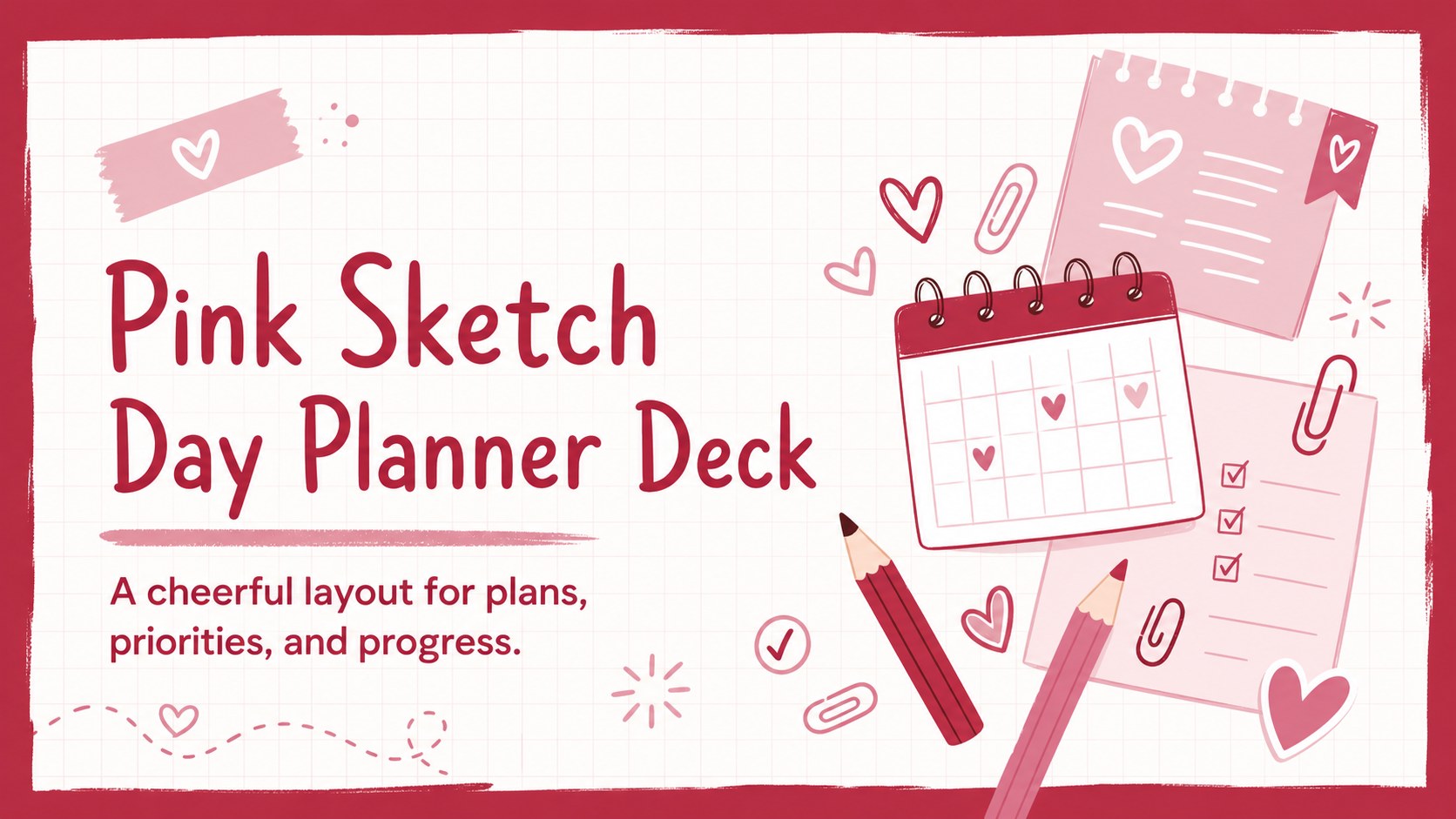
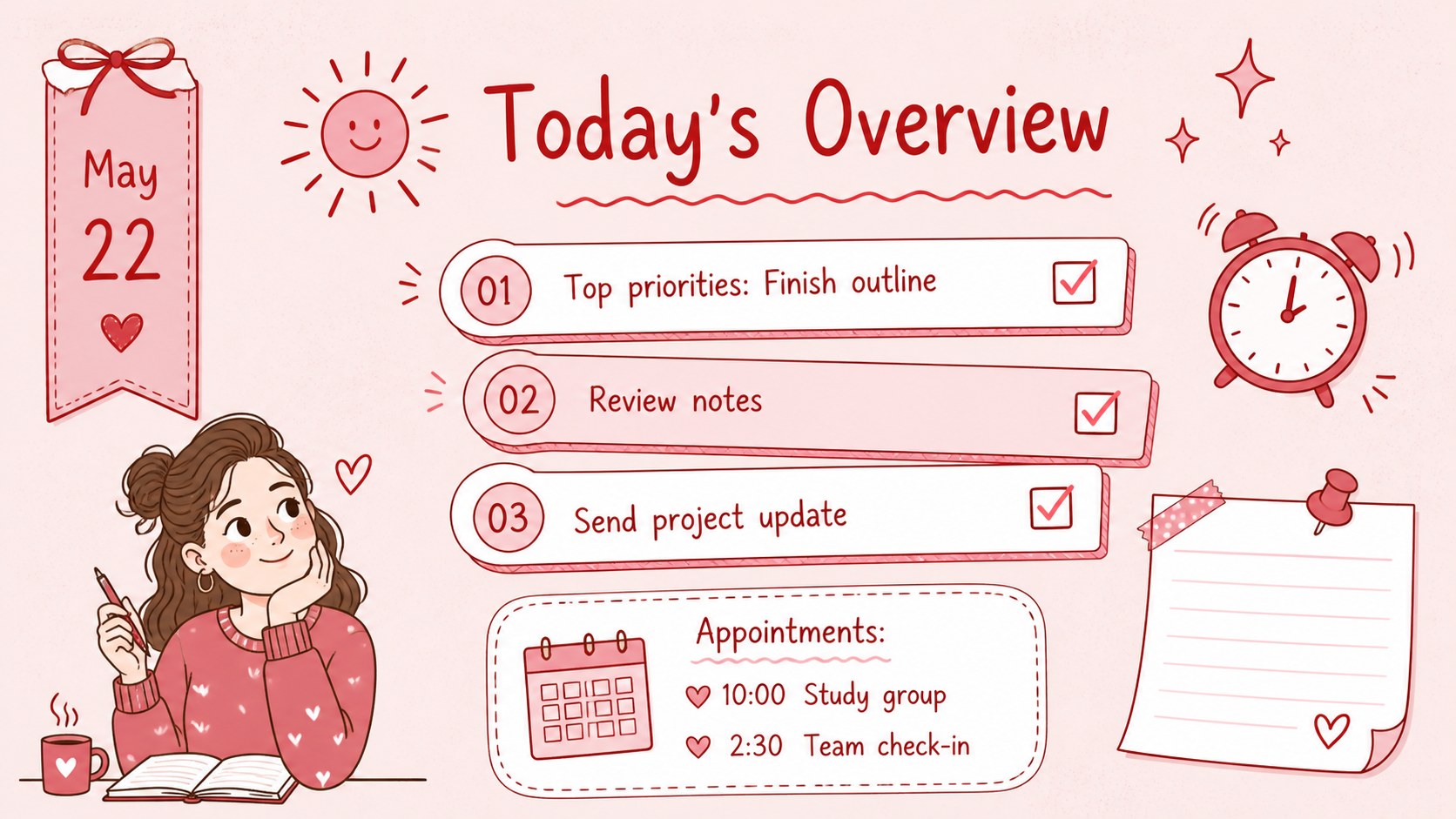
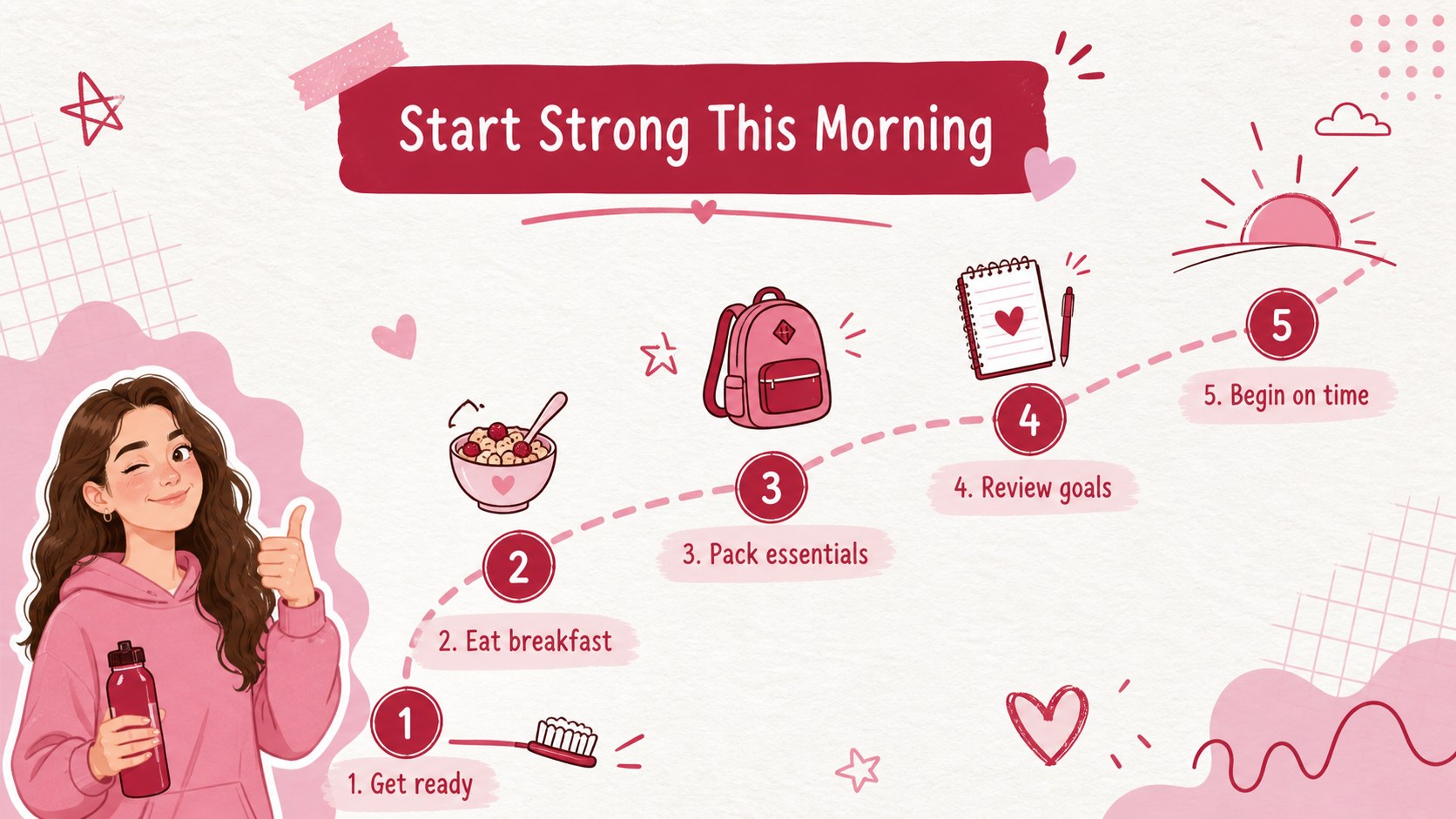
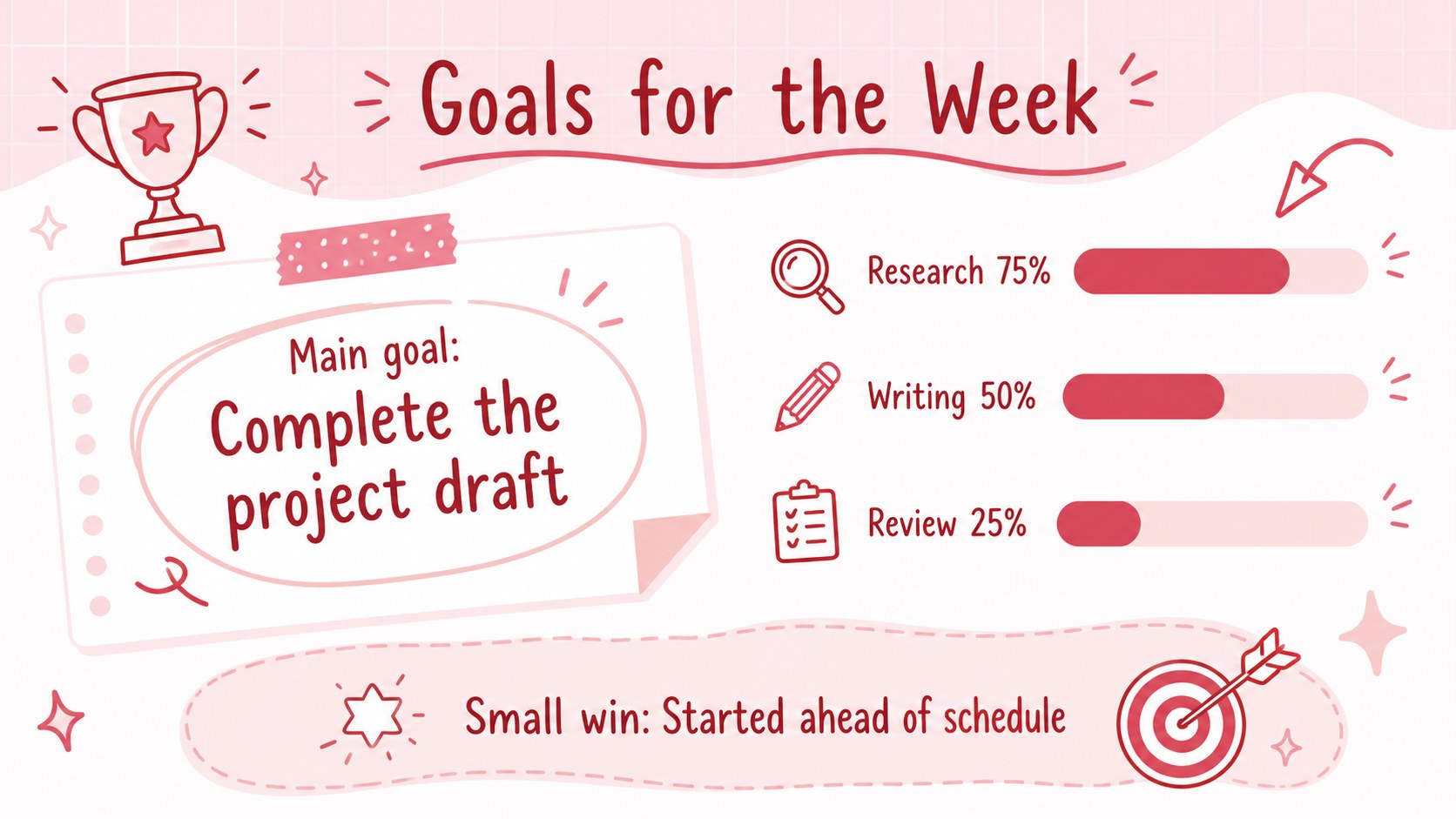
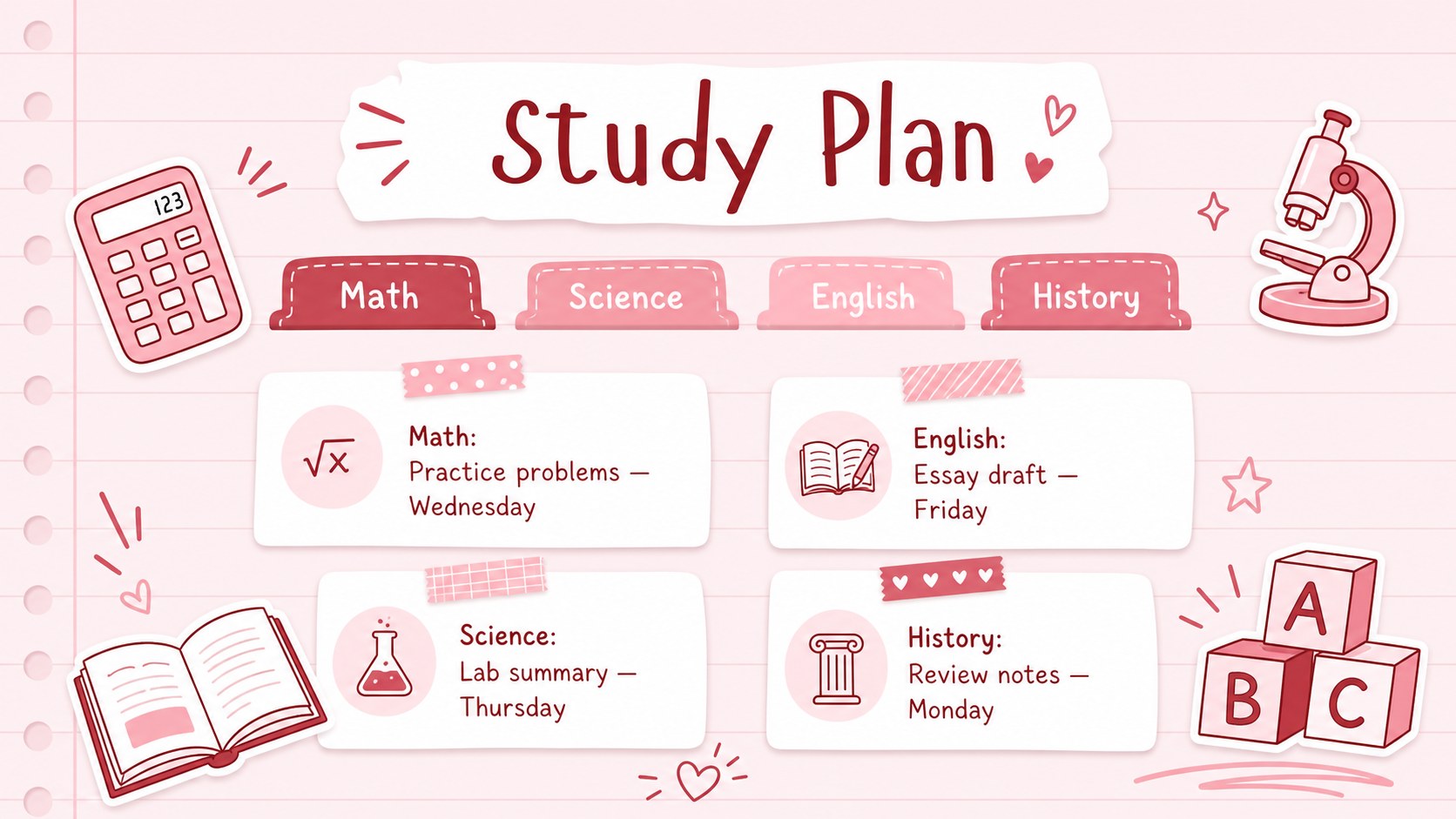
Turn a crowded schedule into a clear, colorful plan with the Pink Sketch Day Planner Deck. Designed in a soft pink, red, and white palette, this editable daily agenda slide deck combines hand-drawn accents with practical layouts for priorities, appointments, reminders, and personal notes. The playful visual style keeps planning friendly without sacrificing readability.
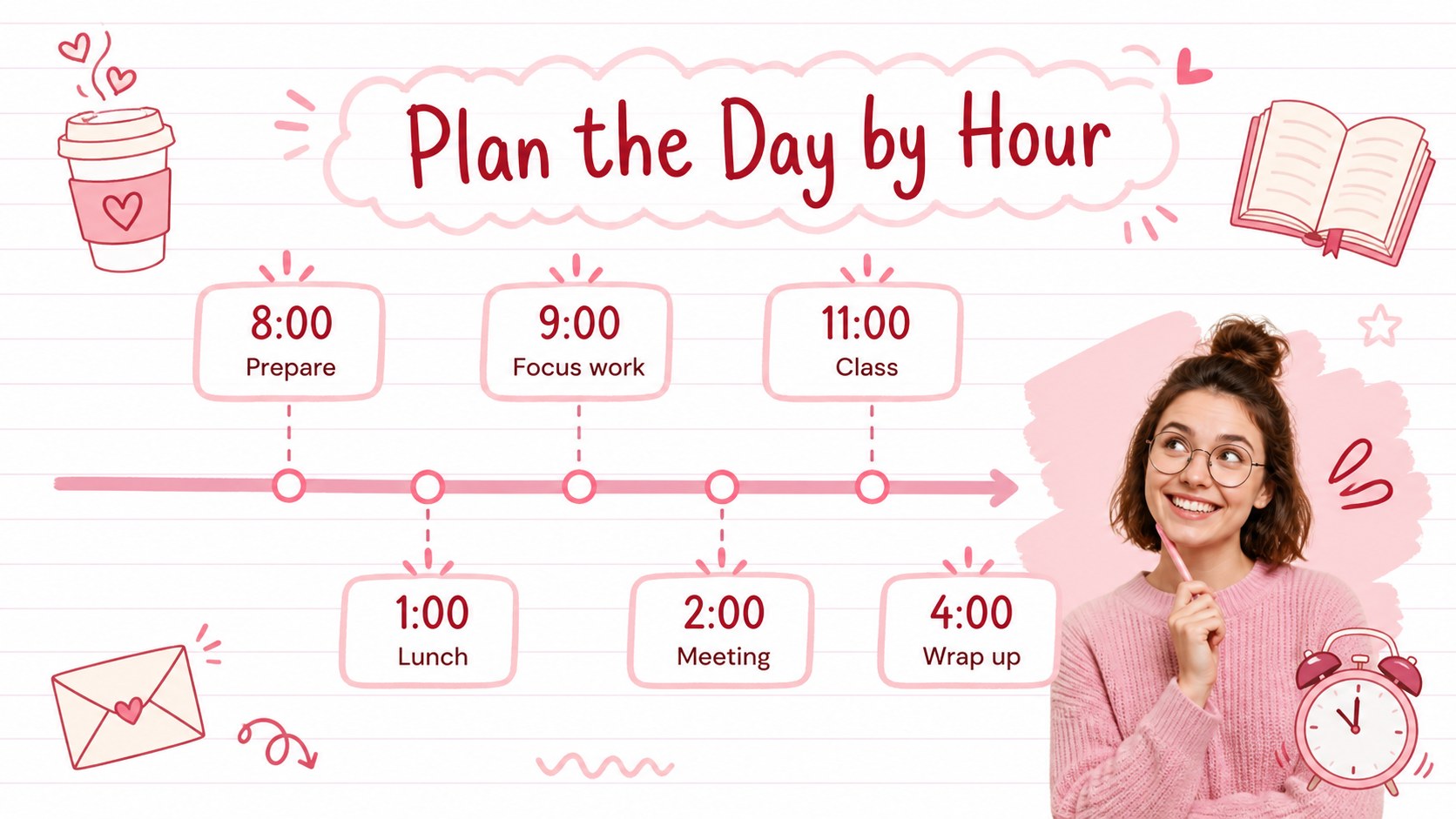
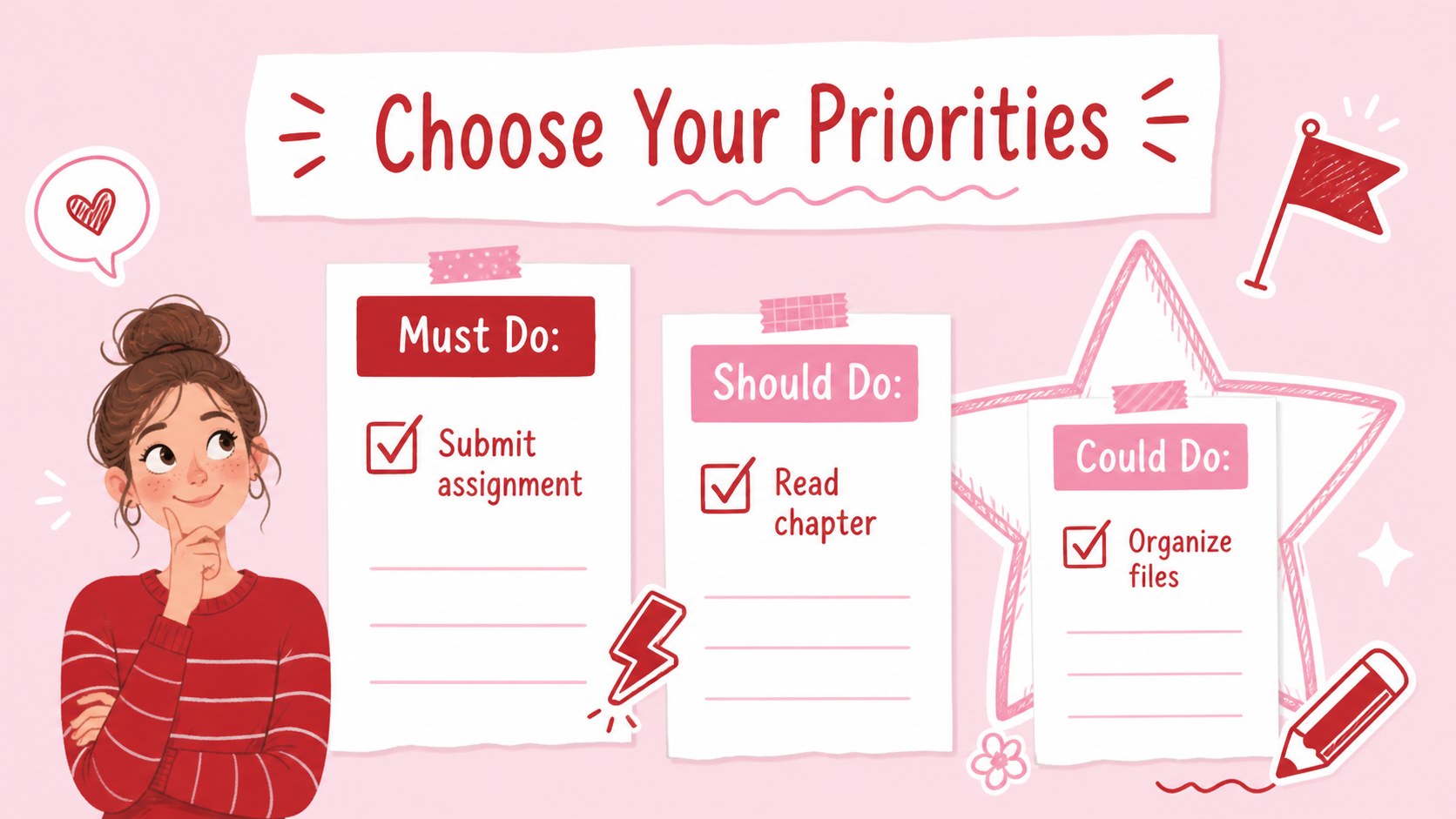
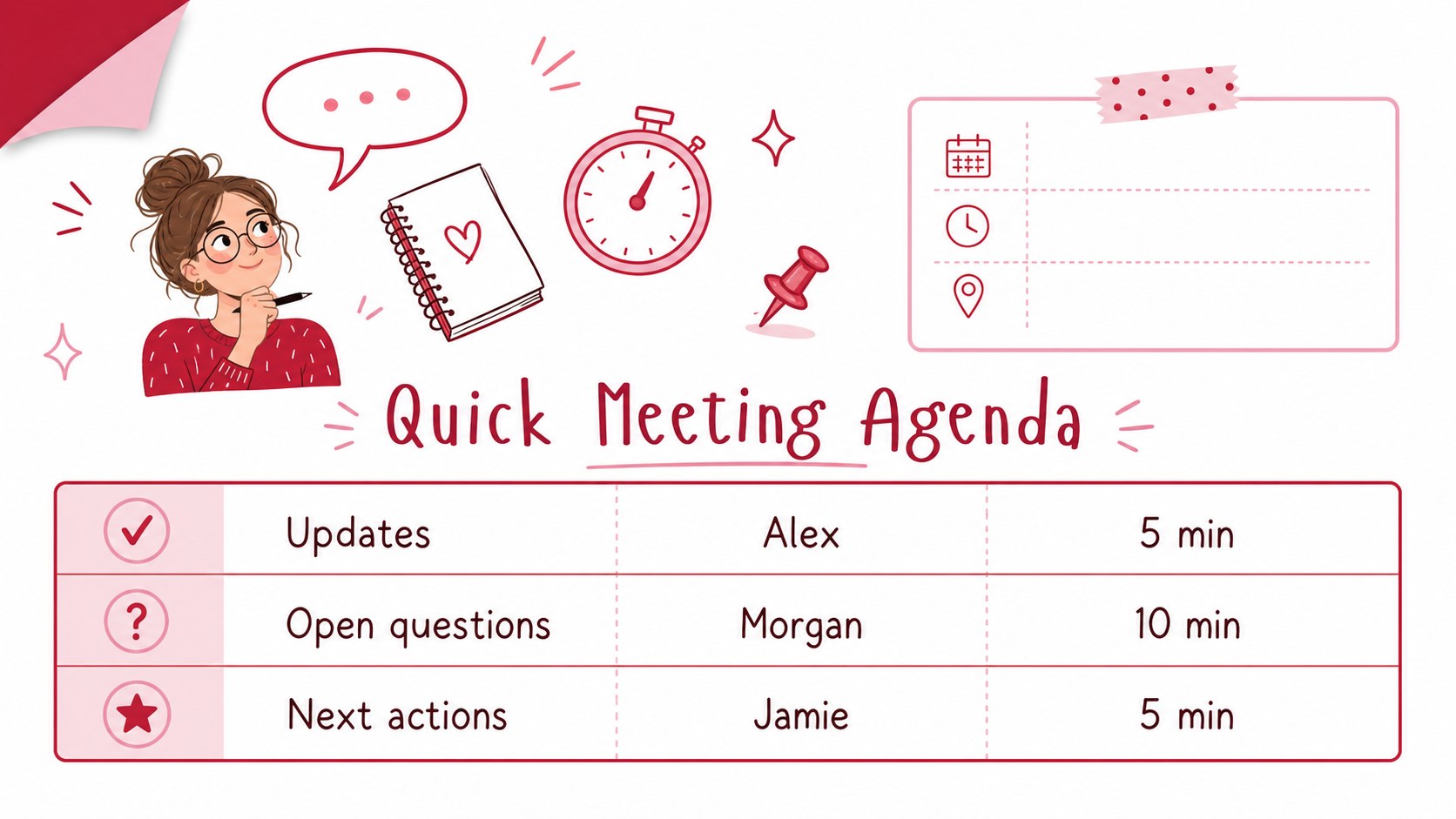
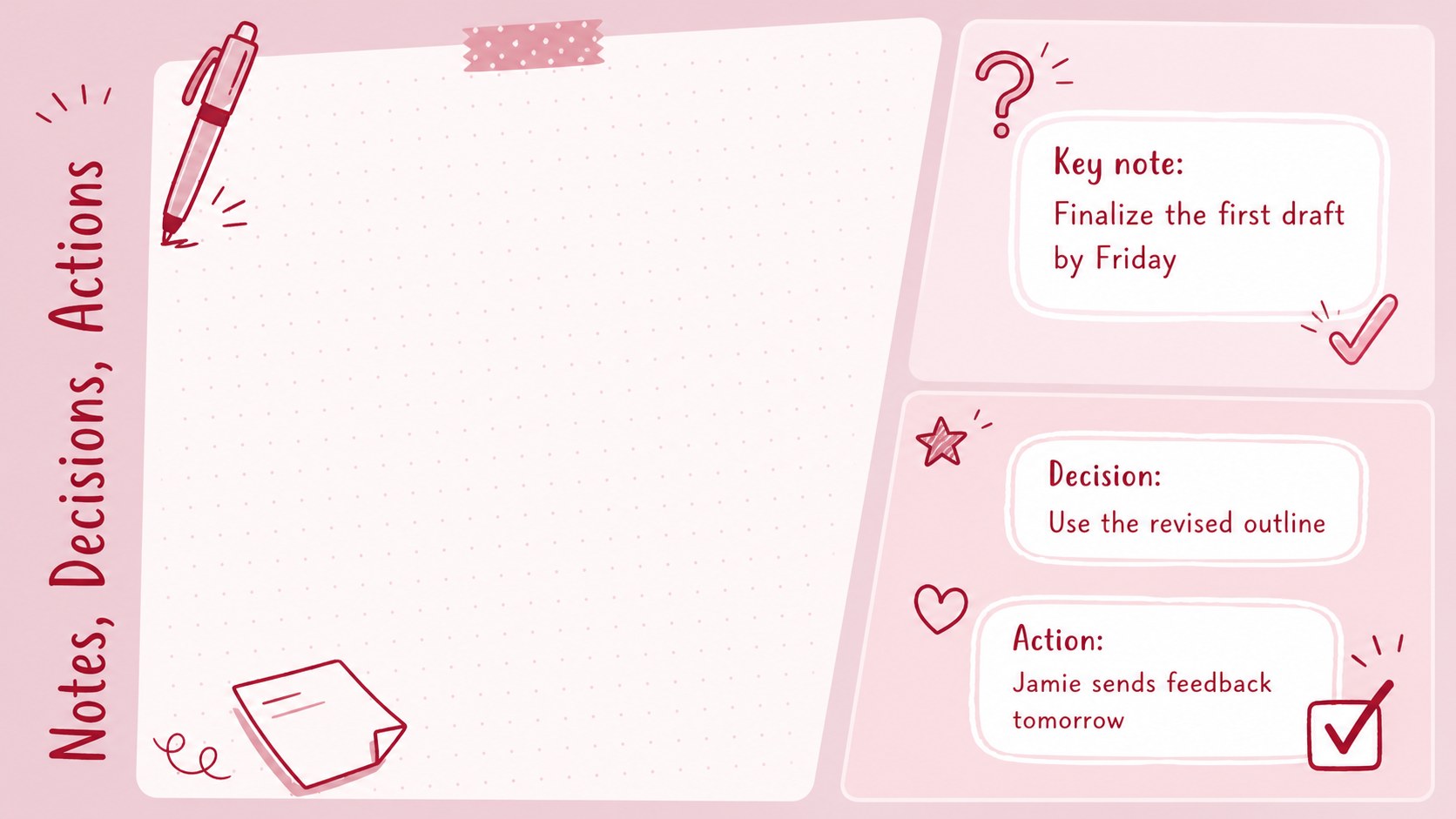
Inside, you will find flexible pages for morning routines, hourly schedules, task checklists, weekly goals, meeting notes, project milestones, habit tracking, and end-of-day reflection. Use the pink doodle schedule presentation as a complete planning system or select individual slides for classroom updates, team check-ins, and study sessions. Charts, timelines, text areas, icons, and decorative elements can be adapted to suit different routines and presentation needs.
This cute student organization template works especially well for middle school, high school, and college learners who want an engaging way to manage assignments. Teachers can prepare morning meeting plans, while coordinators and small teams can build a pastel meeting agenda for recurring discussions. It is also useful for personal goal setting, family schedules, and creative project planning.
Customize the wording, colors, type, and layout in PowerPoint or Google Slides. Add your own dates, subjects, deadlines, and notes, then present the deck digitally or export selected pages for printing.
Perfect for: student assignment planning; classroom morning meetings; weekly team check-ins; personal task management; creative project scheduling; habit and routine tracking.
Frequently asked questions
Practical details
Yes. The layouts, text, colors, and graphic elements can be customized in both PowerPoint and Google Slides. Available editing behavior may vary slightly between the two platforms.
Yes. Replace the theme colors with school, team, or personal brand colors while keeping the original contrast between headings, notes, and backgrounds. You can also recolor individual doodles and icons.
Yes. Add your schedule and tasks, then export selected slides as PDF pages for printing. Review your printer settings first to ensure the 16:9 layout is scaled correctly for the chosen paper size.
You can insert dates, assignments, meeting topics, deadlines, personal goals, and progress notes. Images, charts, icons, and additional text boxes can also be added where needed.
Keep exploring
15Build stronger academic arguments with a college essay thesis builder featuring guided examples, revision prompts, and editable PowerPoint and Google Slides.
 15
15Build an engaging World UFO Day session with this flying saucer history lesson deck, featuring retro green-and-brown slides for PowerPoint and Google Slides.
 14
14Plan a memorable Lunar New Year campaign with the 2036 Dragon Year Celebration Theme, featuring bold red-and-yellow slides for lessons and events.
 15
15Build a thoughtful classroom discussion with this interfaith awareness lesson deck, featuring editable blue-and-white slides for PowerPoint and Google Slides.
 15
15Use this environmental awareness lesson deck to teach climate action through illustrated activities, discussion prompts, and ready-to-edit visuals.
 15
15Build playful lessons and party stories with a kid-friendly zombie celebration theme in purple, green and pastel blue for PowerPoint and Google Slides.
 15
15Build eerie lessons, campaigns, and story pitches with an undead survival scenario theme featuring editable slides for PowerPoint and Google Slides.
 16
16Turn environmental research into a clear story with a Watercolor Ecology Presentation Theme for PowerPoint and Google Slides in calming green and blue.