
 15
15presentation
College Essay Thesis Builder Slides
Build stronger academic arguments with a college essay thesis builder featuring guided examples, revision prompts, and editable PowerPoint and Google Slides.
Google SlidesPowerPoint
presentation · English
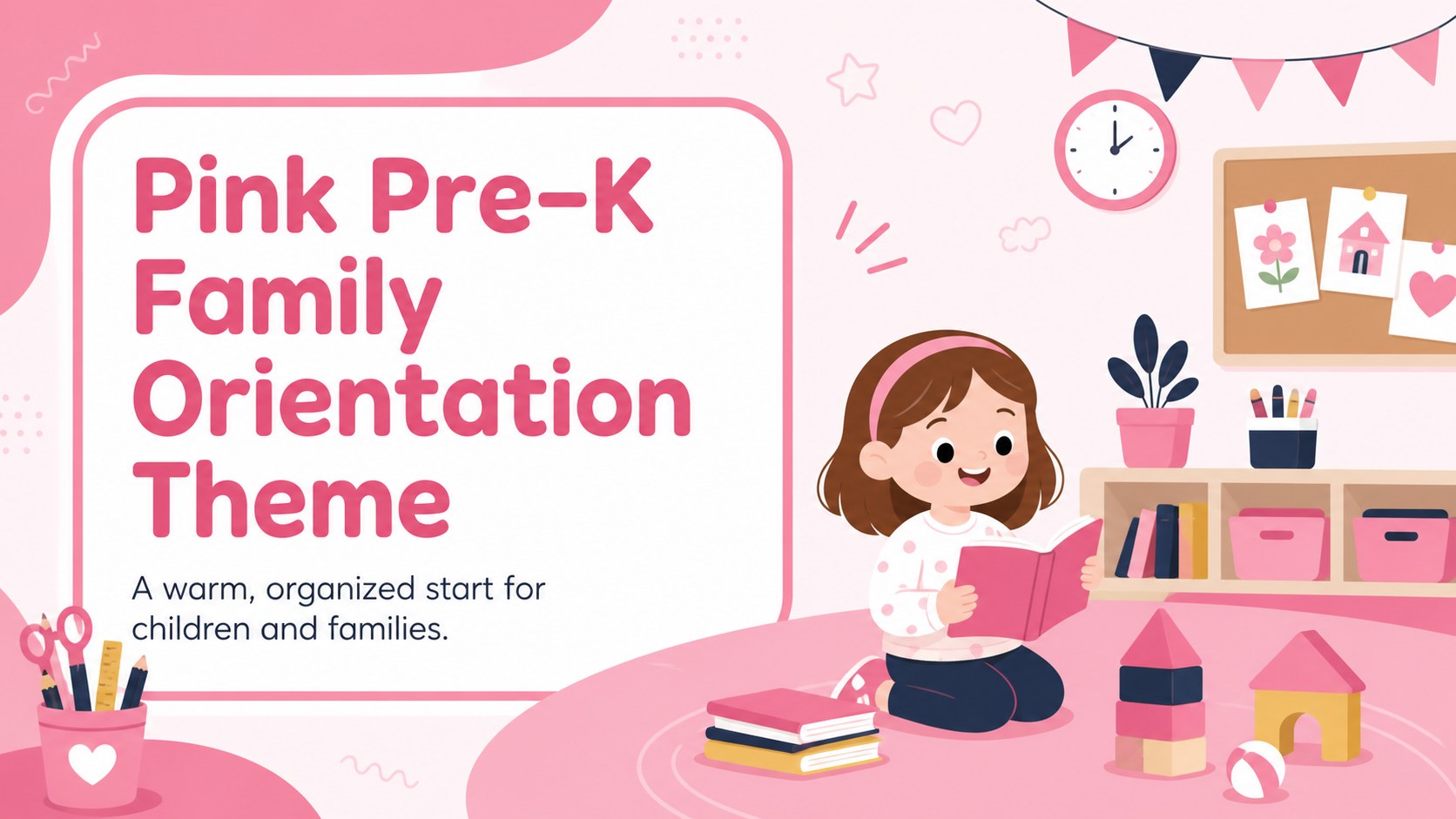
Create a warm first-day experience with this pre-k family orientation theme, featuring editable pink slides for PowerPoint and Google Slides.
Design notes
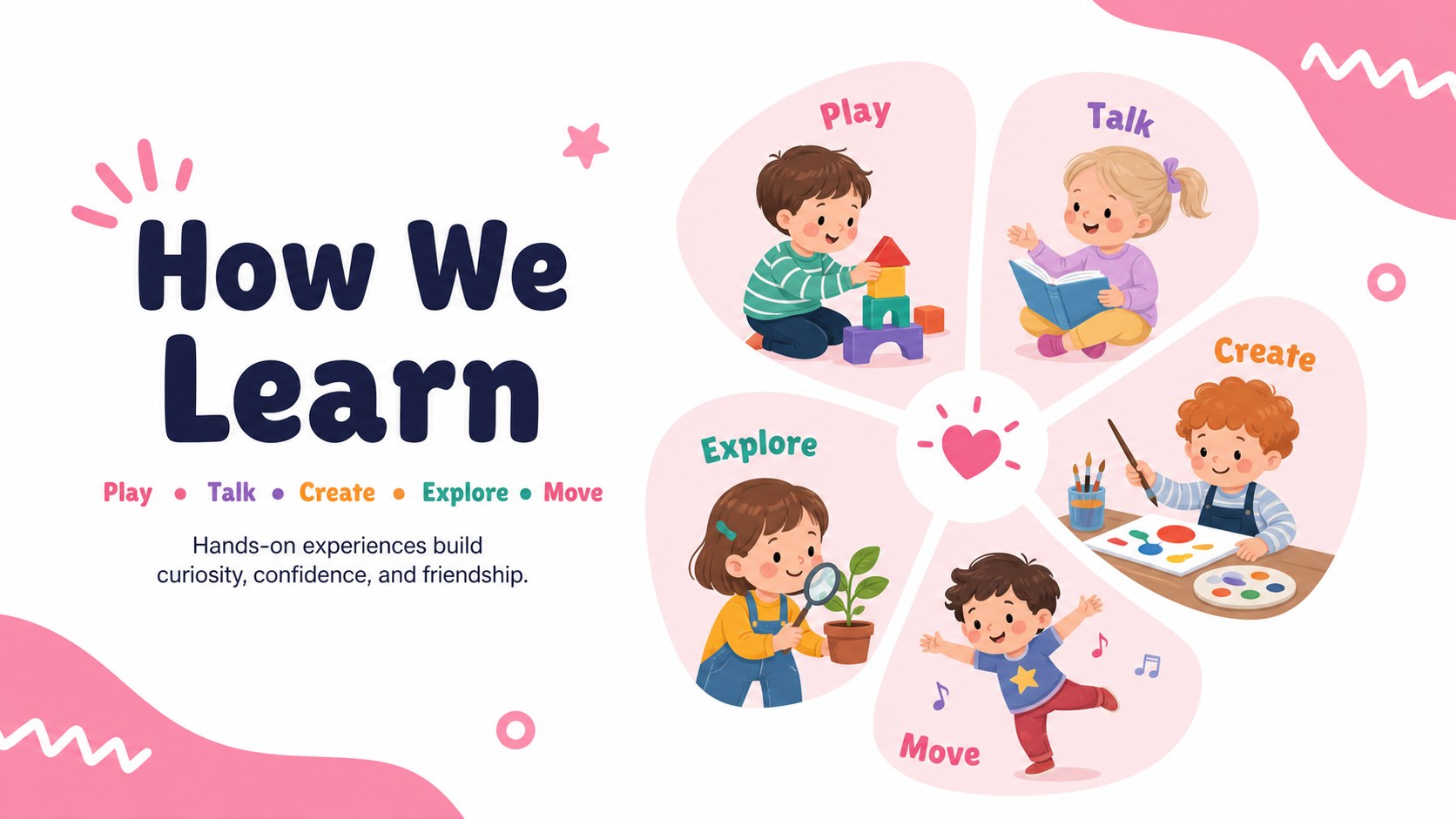
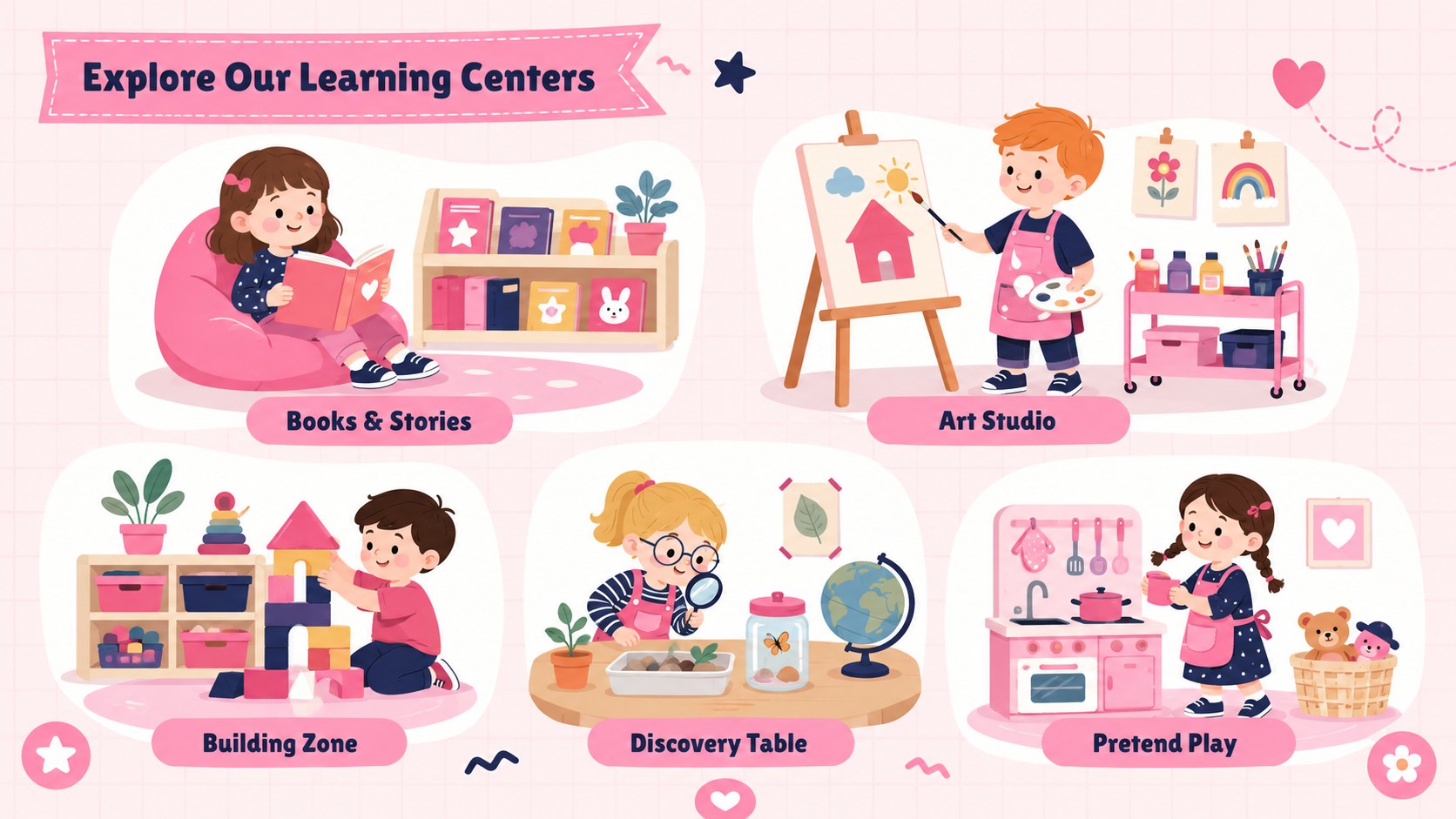
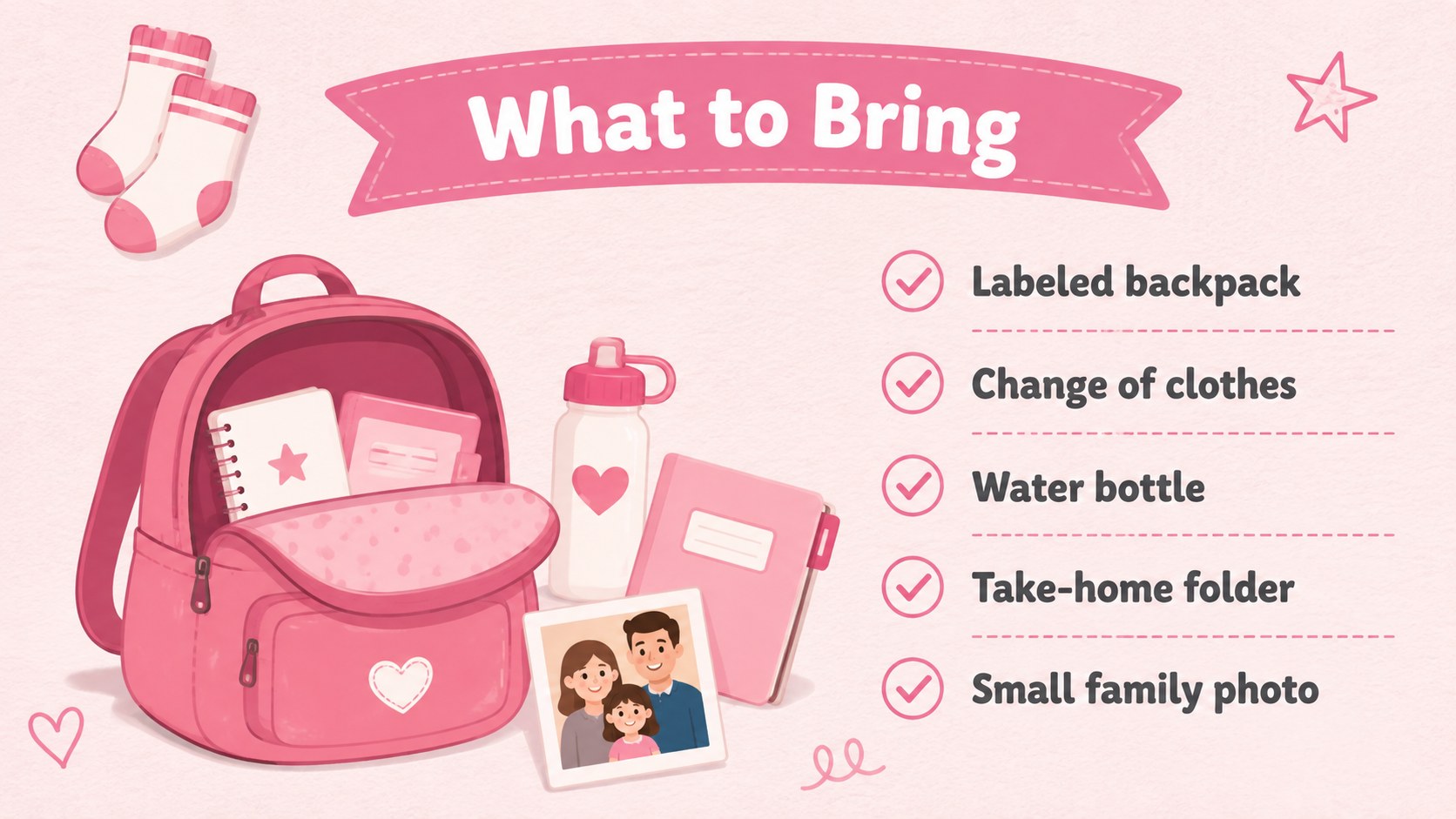
Give young learners and their families a friendly introduction to the school year with this pre-k family orientation theme. Soft pink and white backgrounds, cheerful illustrations, and clear layouts create an inviting atmosphere while keeping important classroom information easy to follow. Every slide can be adapted in PowerPoint or Google Slides to reflect your teaching style, school details, and daily program.
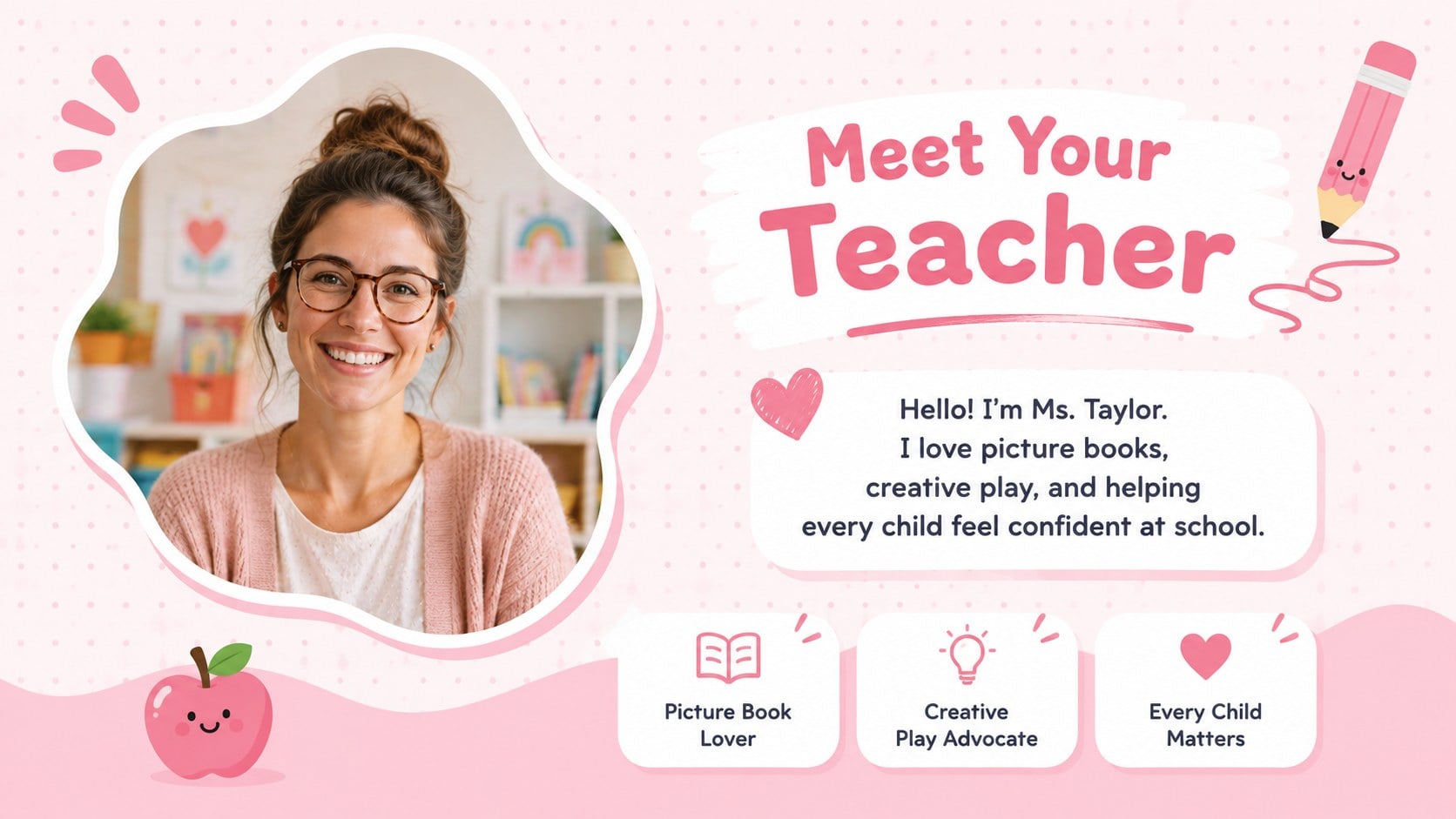
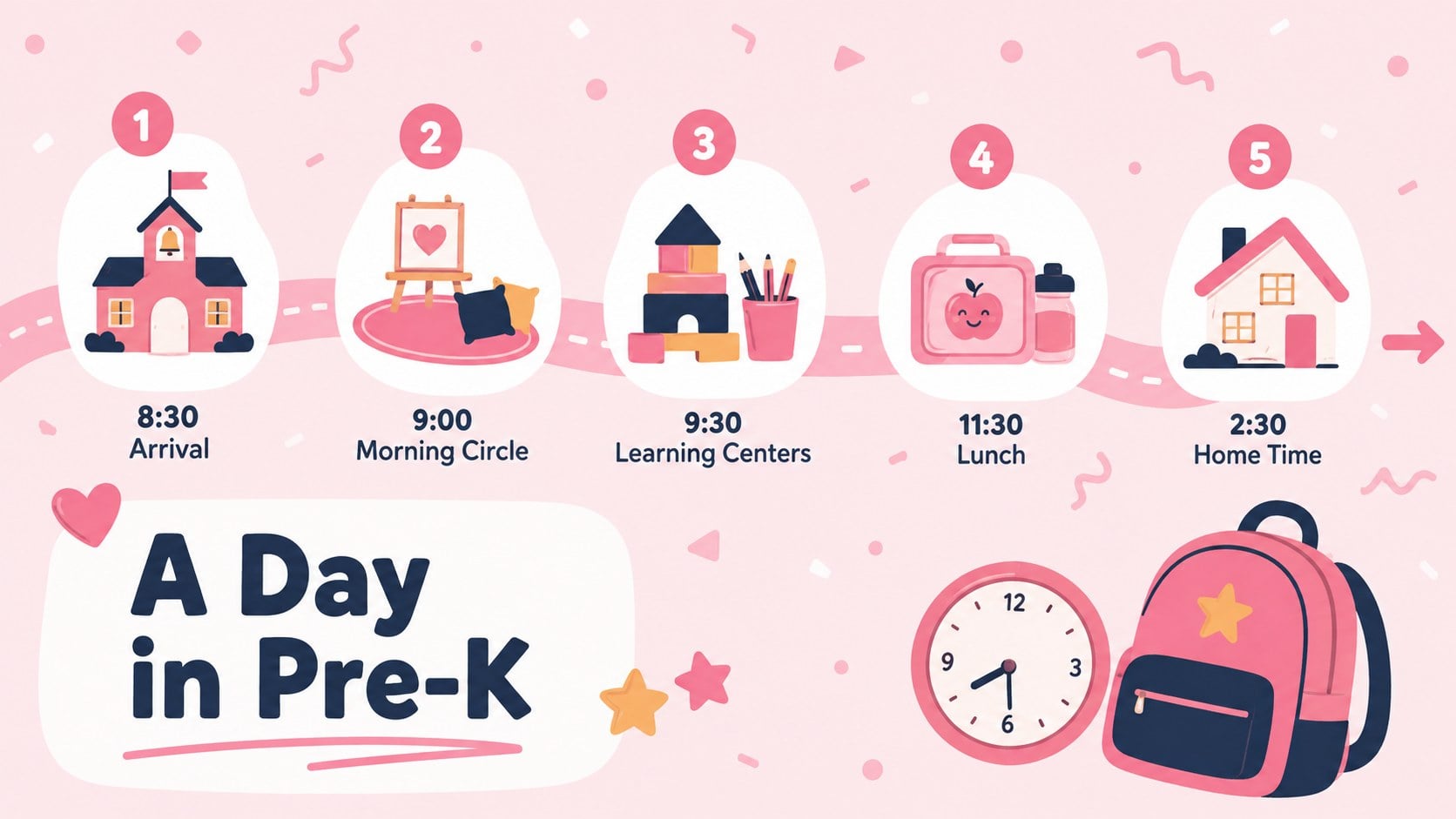
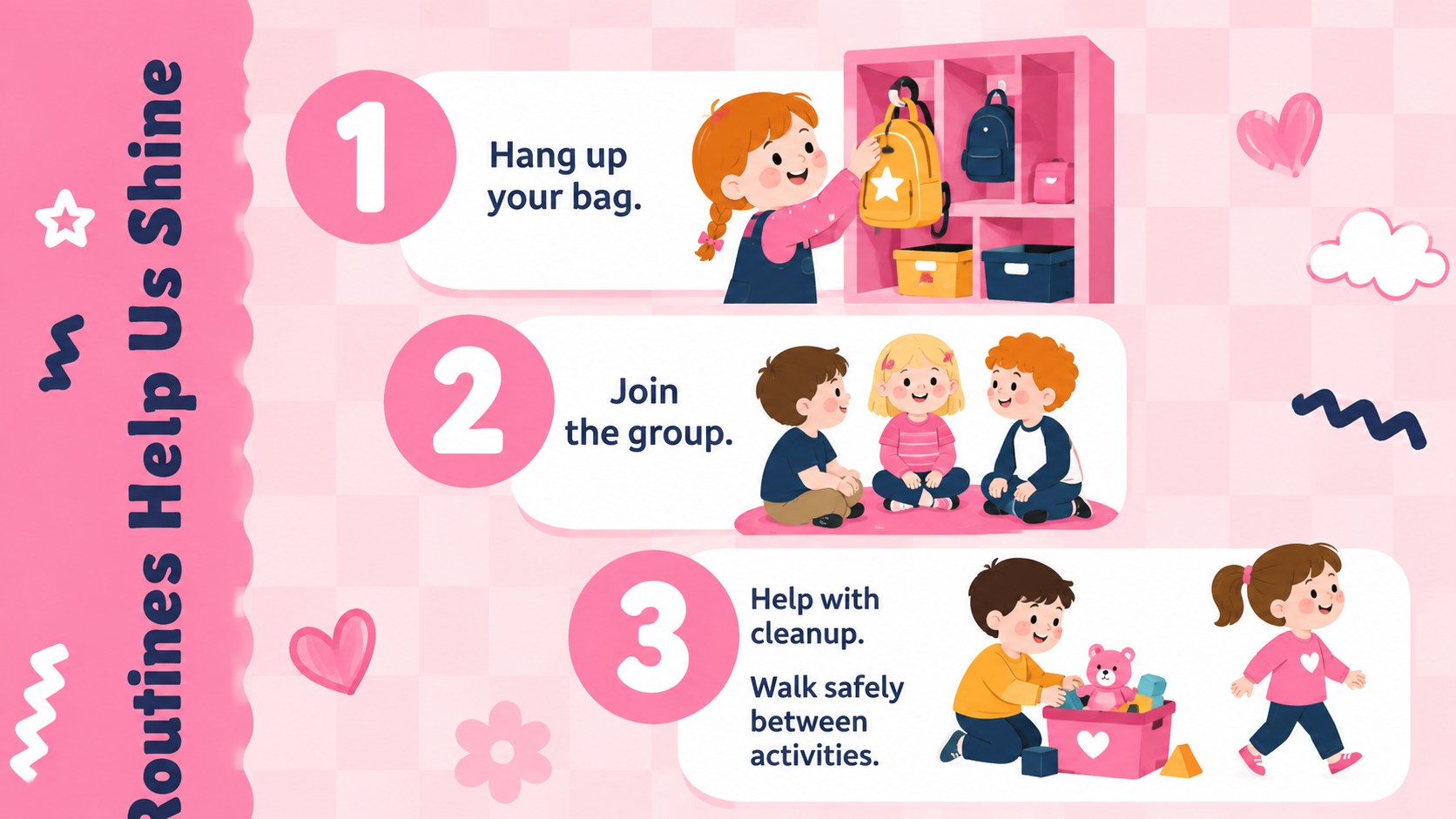
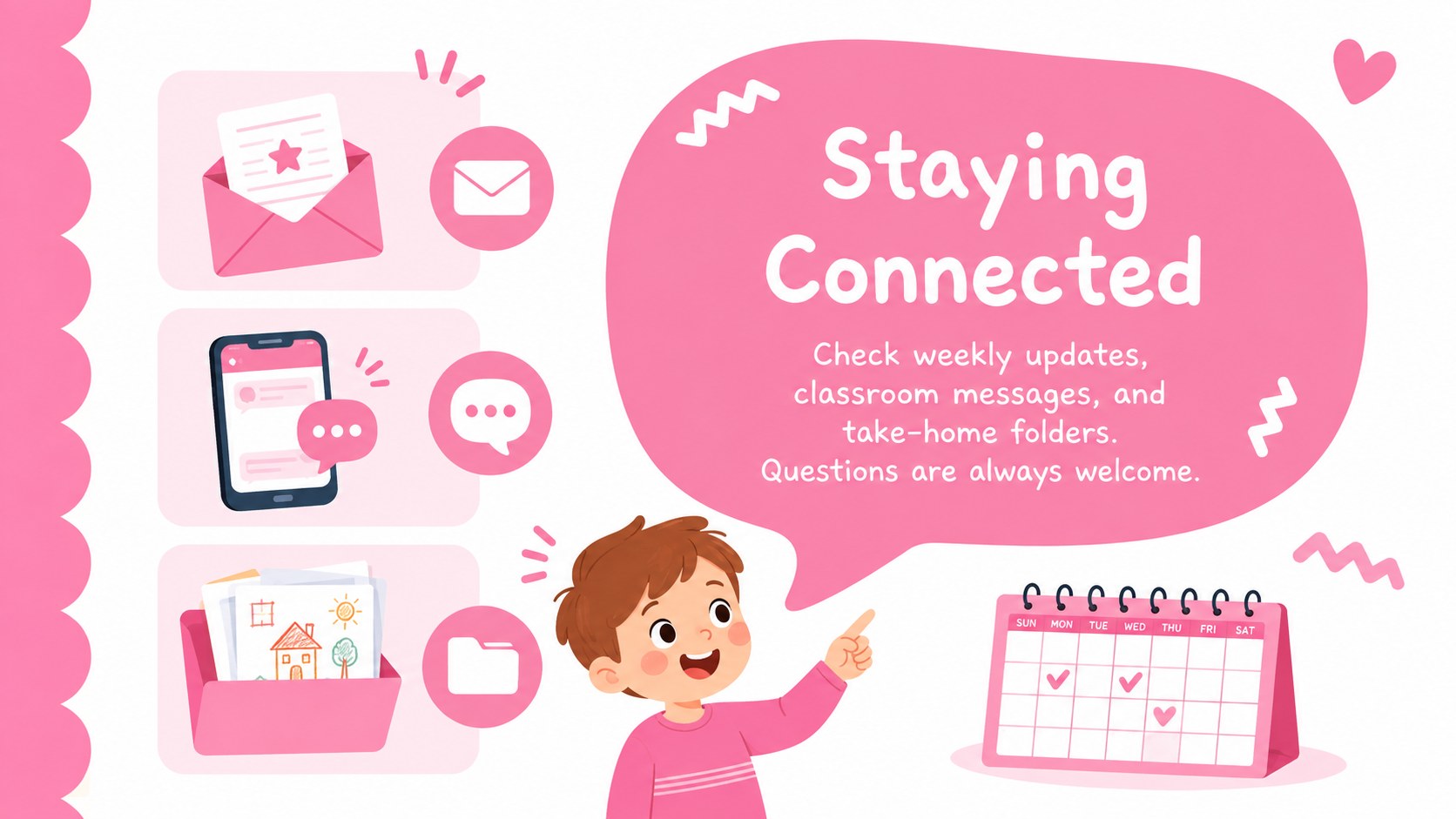
The deck includes layouts for introducing the teacher, presenting classroom routines, outlining the daily schedule, explaining communication methods, sharing supply lists, and setting simple expectations. It also provides space for family contact details, child interests, first-week reminders, learning goals, and upcoming classroom activities. Use the designs together as a complete orientation or select individual pages for shorter announcements and meetings.
Designed for preschool educators, teaching assistants, school administrators, and early learning coordinators, this set works especially well as a meet the teacher presentation for preschool families. It can also become a preschool parent night PowerPoint template or an editable pre-k classroom introduction deck. Replace the sample wording, adjust the fonts, move the illustrations, and add classroom photos while preserving the warm pastel style. The result is a practical, reassuring presentation that helps families understand what children will experience and how everyone can prepare for a positive beginning.
Perfect for: preschool family orientation; meet the teacher night; first-week classroom introduction; parent information evening; early learning open house.
Frequently asked questions
Can I edit the classroom information and schedule? Yes. Replace the sample text with your teacher name, classroom routines, daily times, contact details, and school-specific guidance. You can also move or remove illustrations to suit the amount of information on each slide.
Practical details
Yes. Replace the sample text with your teacher name, classroom routines, daily times, contact details, and school-specific guidance. You can also move or remove illustrations to suit the amount of information on each slide.
The template is designed for Microsoft PowerPoint and Google Slides. Some fonts, transitions, or spacing may vary slightly between the two platforms, so review the deck before presenting.
Yes. Update the background, accent, shape, and text colors using the theme controls in your presentation software. Keep strong contrast between text and backgrounds so information remains readable for families.
Yes. Replace illustration or image placeholders with photos of learning areas, staff members, student work, or classroom materials. Confirm that you have permission before including identifiable children in shared presentations.
Keep exploring
15Build stronger academic arguments with a college essay thesis builder featuring guided examples, revision prompts, and editable PowerPoint and Google Slides.
 15
15Build an engaging World UFO Day session with this flying saucer history lesson deck, featuring retro green-and-brown slides for PowerPoint and Google Slides.
 14
14Plan a memorable Lunar New Year campaign with the 2036 Dragon Year Celebration Theme, featuring bold red-and-yellow slides for lessons and events.
 15
15Build a thoughtful classroom discussion with this interfaith awareness lesson deck, featuring editable blue-and-white slides for PowerPoint and Google Slides.
 15
15Use this environmental awareness lesson deck to teach climate action through illustrated activities, discussion prompts, and ready-to-edit visuals.
 15
15Build playful lessons and party stories with a kid-friendly zombie celebration theme in purple, green and pastel blue for PowerPoint and Google Slides.
 15
15Build eerie lessons, campaigns, and story pitches with an undead survival scenario theme featuring editable slides for PowerPoint and Google Slides.
 16
16Turn environmental research into a clear story with a Watercolor Ecology Presentation Theme for PowerPoint and Google Slides in calming green and blue.