
 15
15presentation
College Essay Thesis Builder Slides
Build stronger academic arguments with a college essay thesis builder featuring guided examples, revision prompts, and editable PowerPoint and Google Slides.
Google SlidesPowerPoint
presentation · English
Build memorable lessons, workshops, and pitches with pink grey brain slides, editable layouts, playful paper textures, and free PPT,, and Google Slides use.
Design notes
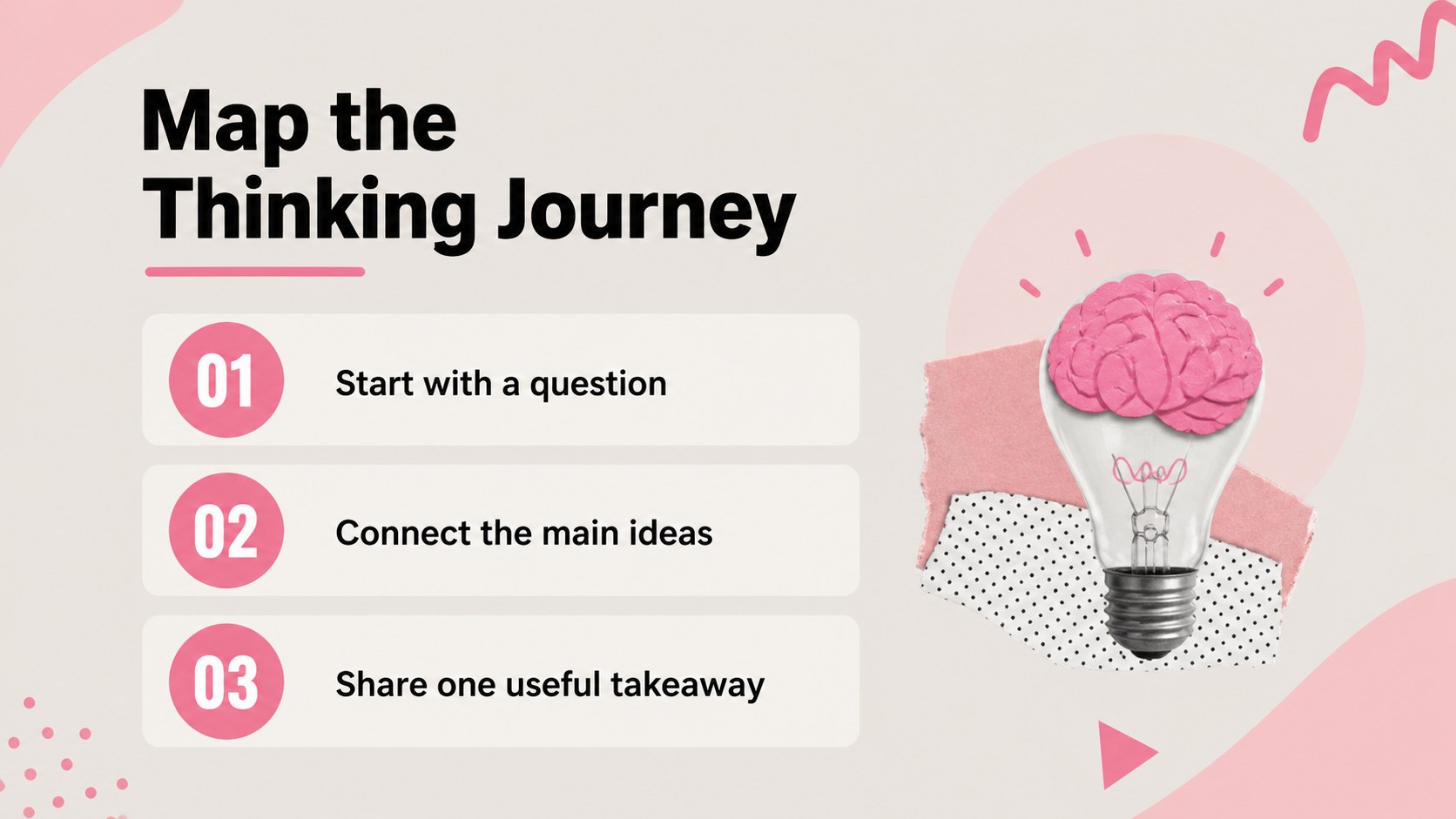
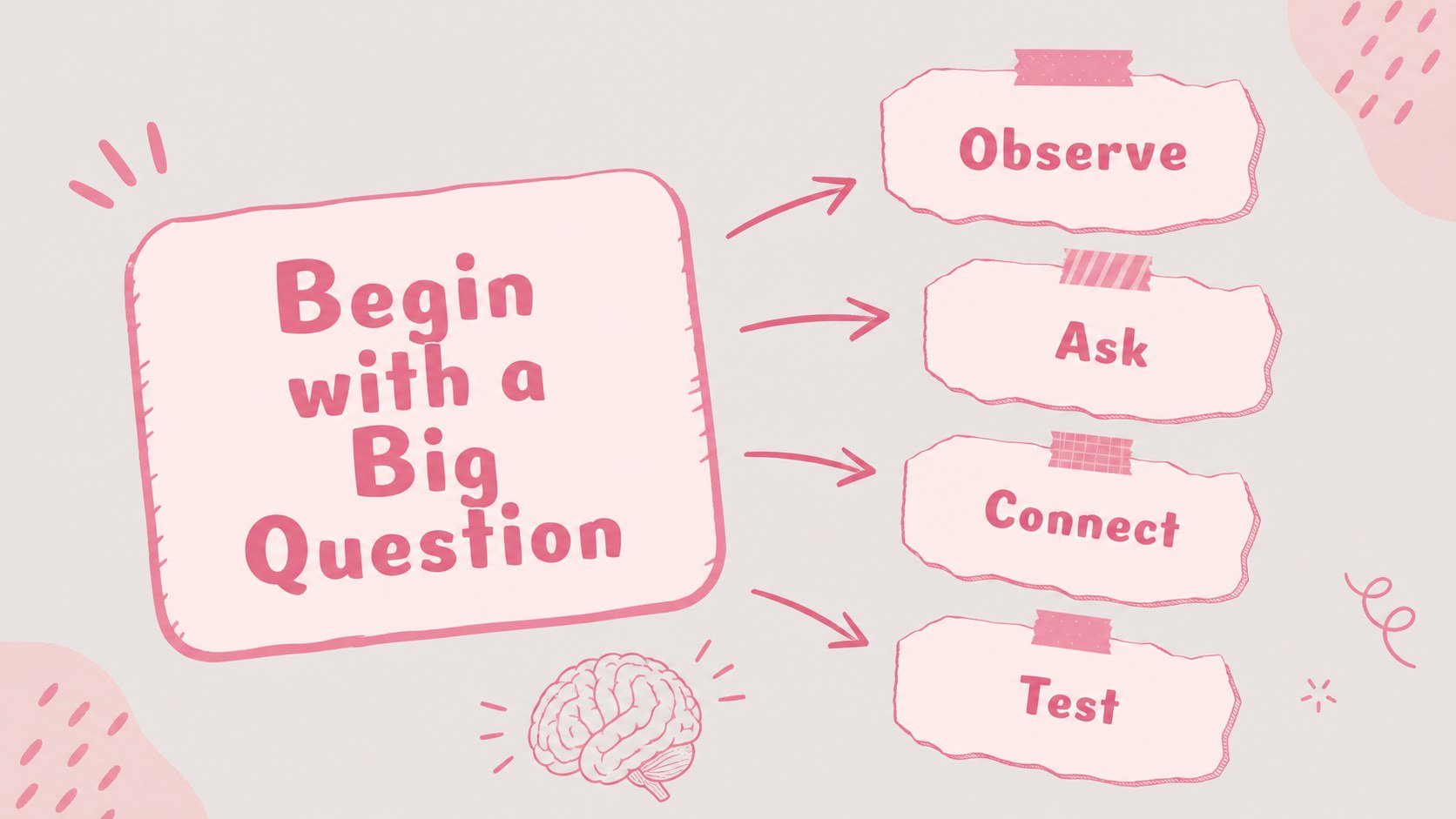
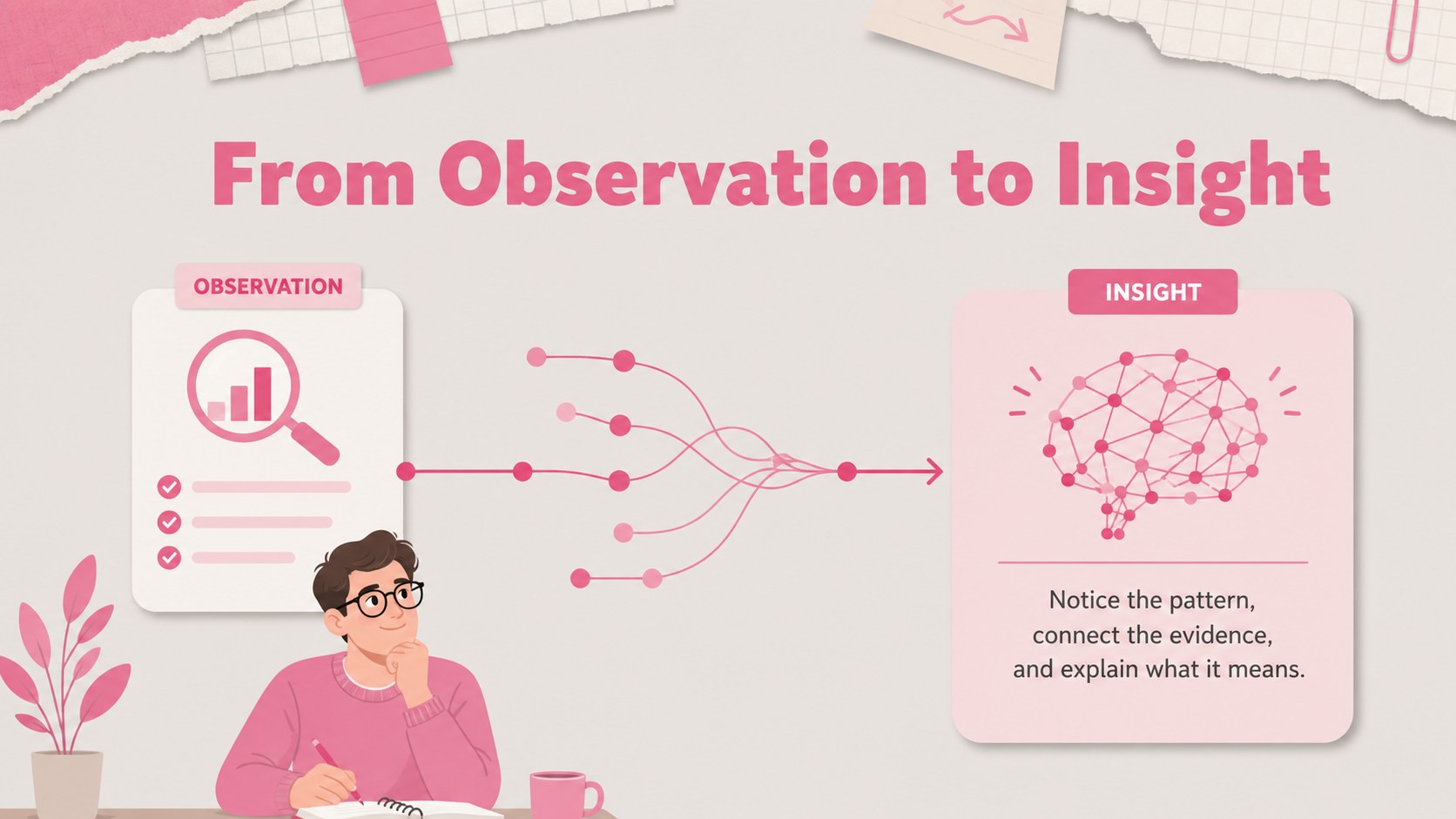
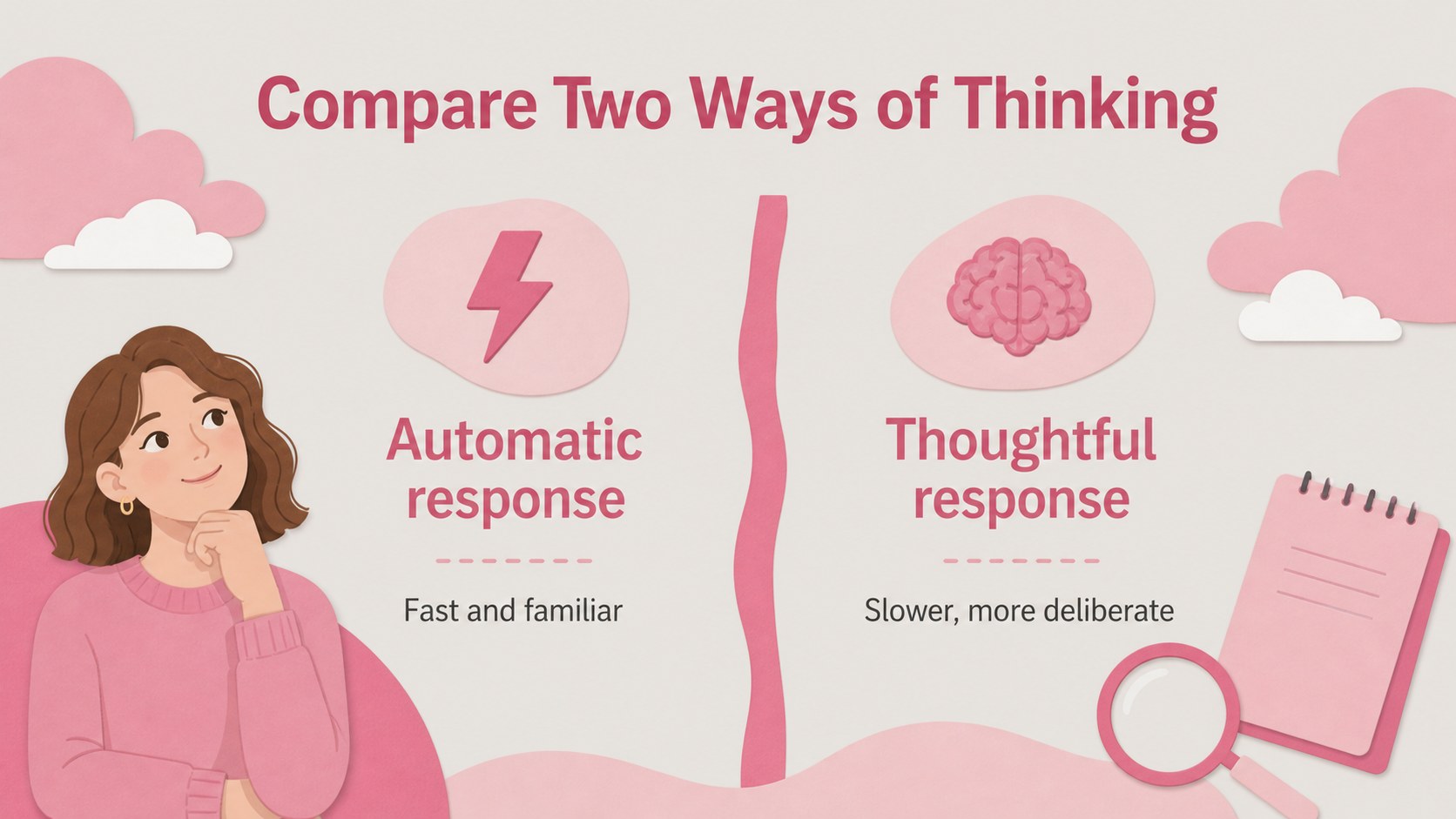
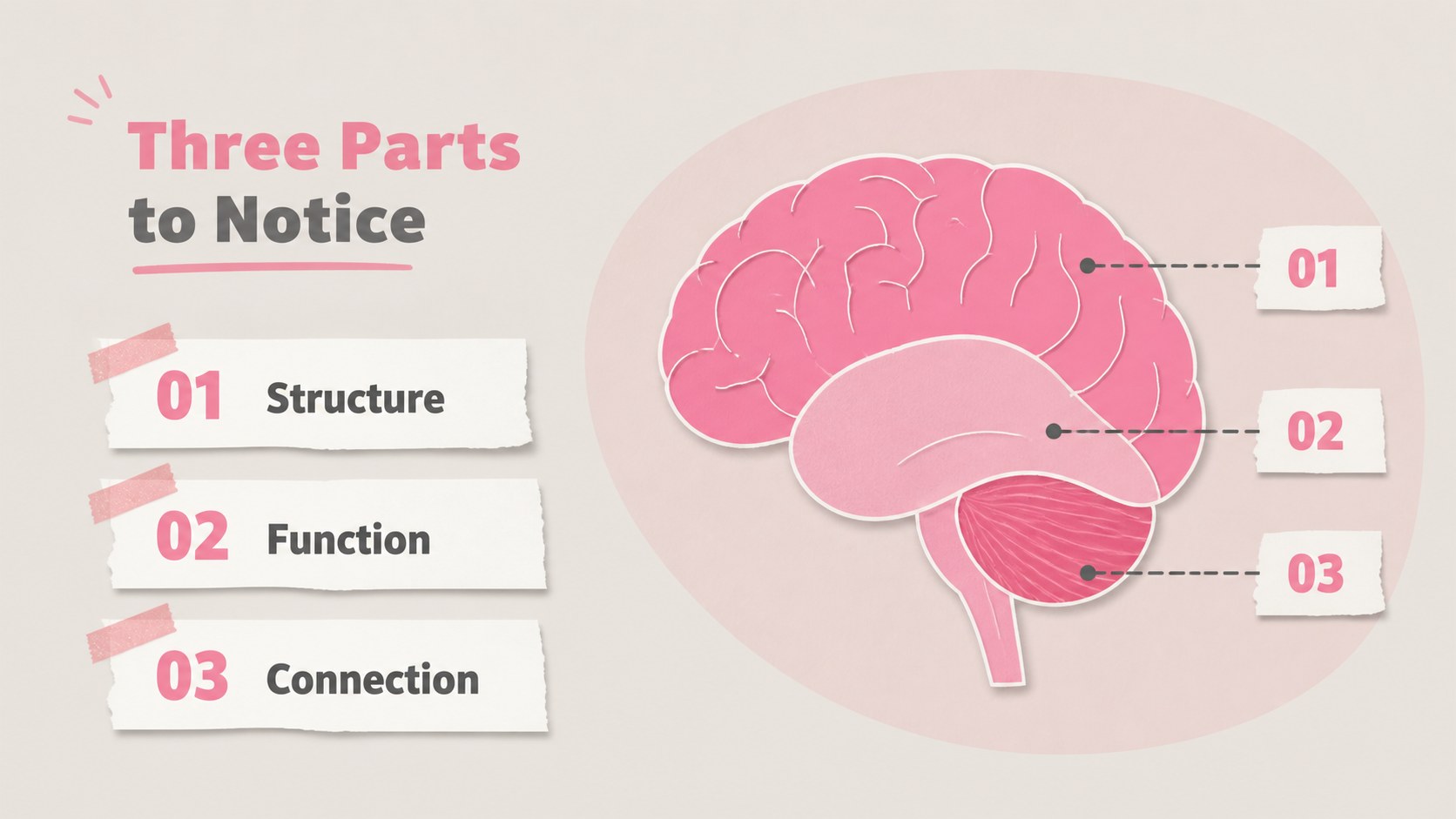
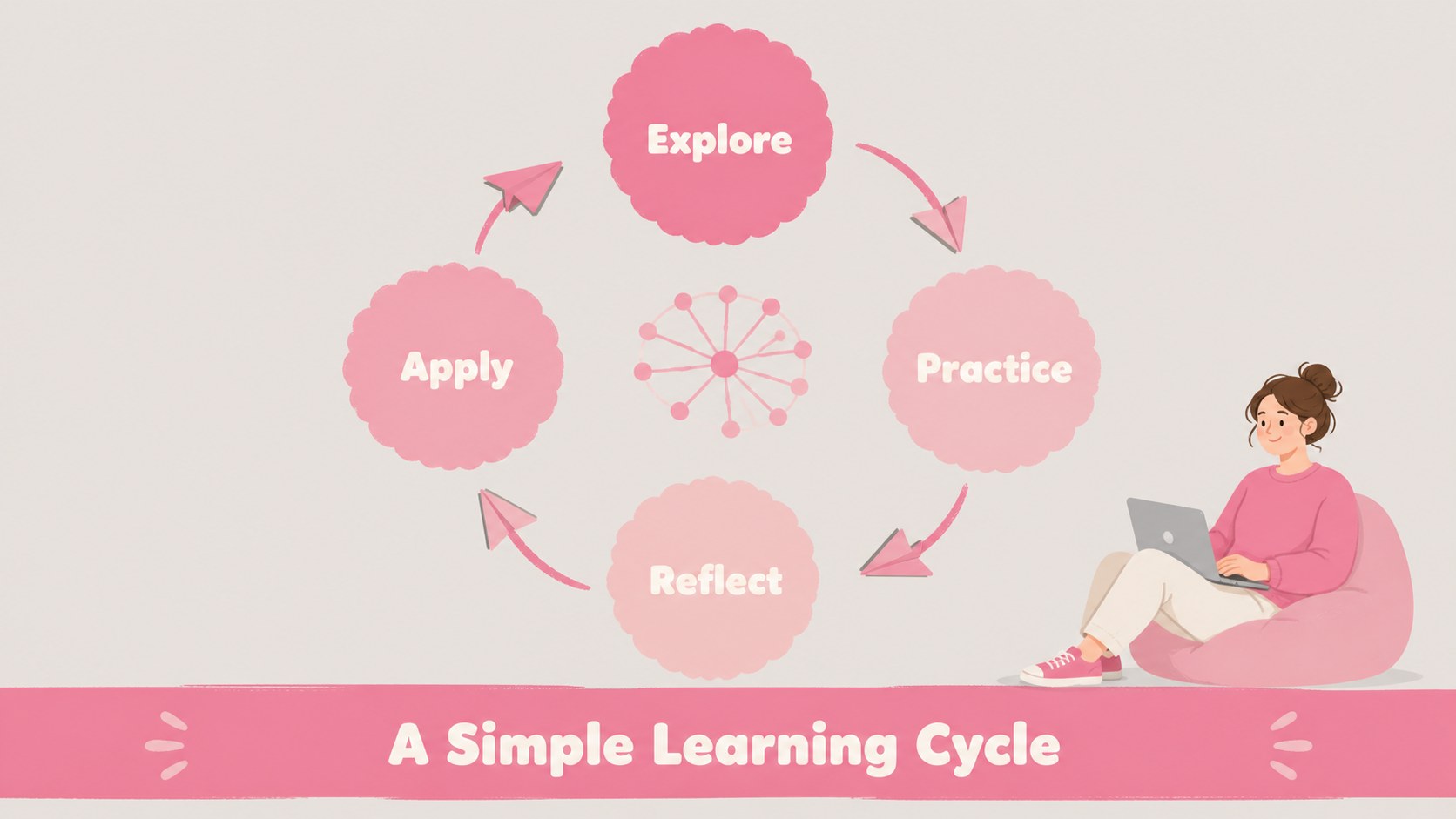
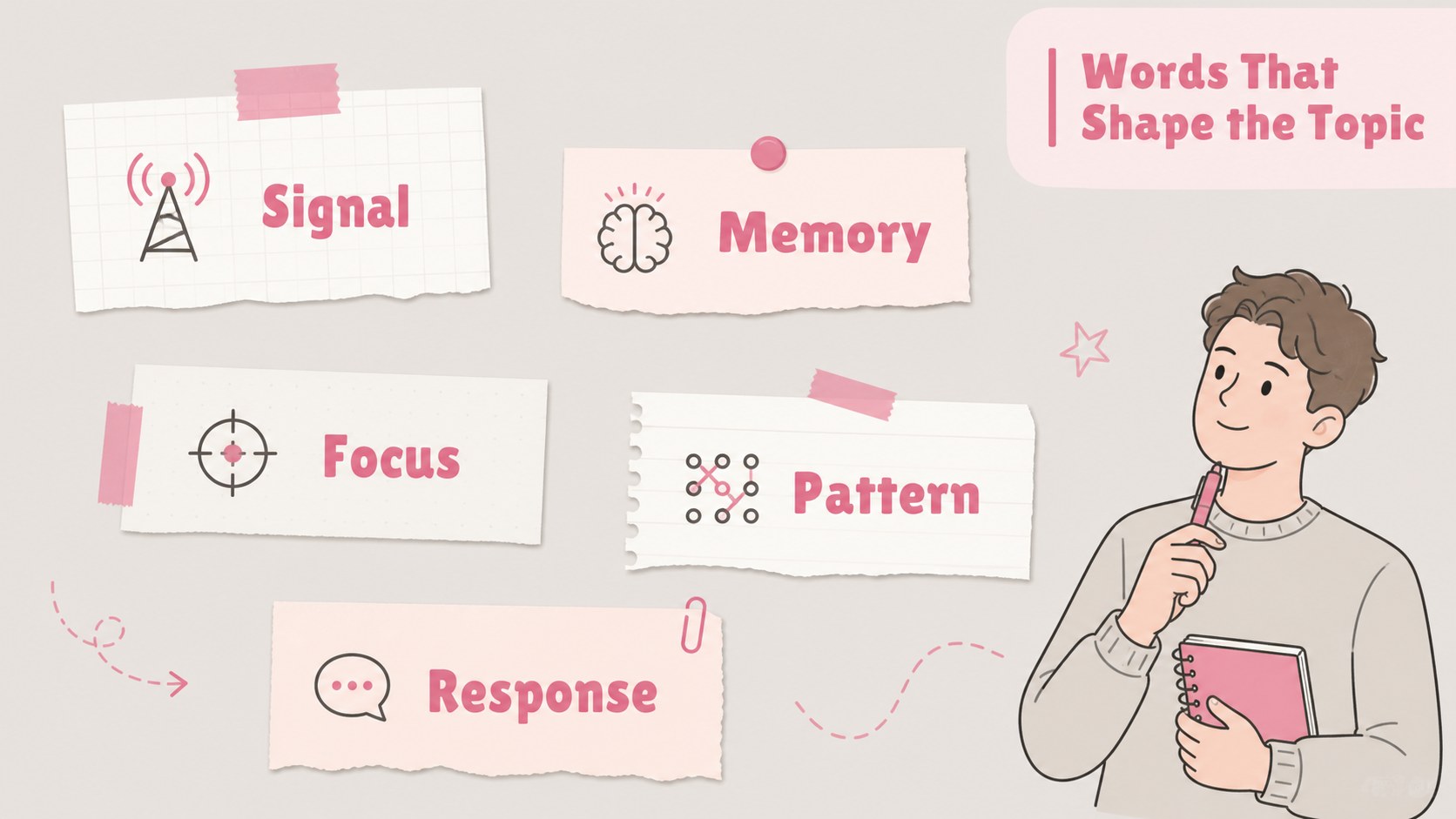
Pink grey brain slides make it easier to present ideas, learning topics, and creative projects with a friendly visual language. The design pairs a soft pink and grey palette with paper textures, playful brain-inspired graphics, and clean spaces for text, diagrams, and images. Use this editable deck to transform a science lesson, brainstorming workshop, project pitch, or team discussion into a presentation that feels approachable and memorable.
Inside, you’ll find 15 widescreen layouts for introducing a topic, organizing key concepts, comparing information, building a process, presenting data, and wrapping up with a clear takeaway. The visual system supports classroom explanations, student projects, psychology presentations, creative strategy sessions, and kid-friendly educational content. Charts, image frames, timelines, quote areas, and section dividers make it simple to adapt the deck to different stories.
Edit the presentation in PowerPoint or Google Slides. Replace the sample copy, adjust the grey and pink palette, add your own visuals, and rearrange elements without rebuilding the design. These brain presentation slides are especially useful when you need a polished starting point for visual learning materials or a playful idea workshop deck.
Perfect for: science class lesson; student psychology project; creative brainstorming workshop; team project pitch; visual learning activity.
Frequently asked questions
Can I edit these slides in Google Slides? Yes. Import the presentation into Google Slides and customize the text, colors, images, charts, and layout elements. The widescreen format is ready for classroom or meeting presentations.
Practical details
Yes. Import the presentation into Google Slides and customize the text, colors, images, charts, and layout elements. The widescreen format is ready for classroom or meeting presentations.
Yes, the deck can be edited as well as PowerPoint and Google Slides. makes it easy to replace visuals, apply brand colors, animate pages, and collaborate with others.
Yes. The layouts work well for brain anatomy, psychology, neuroscience, study skills, and other educational topics. Replace the sample idea prompts with diagrams, notes, or lesson-specific content.
Yes. All major visual elements can be recolored to match your lesson, project, or organization. Keeping the original palette preserves the soft paper-inspired style, while new colors can create a more branded presentation.
Keep exploring
15Build stronger academic arguments with a college essay thesis builder featuring guided examples, revision prompts, and editable PowerPoint and Google Slides.
 15
15Build an engaging World UFO Day session with this flying saucer history lesson deck, featuring retro green-and-brown slides for PowerPoint and Google Slides.
 14
14Plan a memorable Lunar New Year campaign with the 2036 Dragon Year Celebration Theme, featuring bold red-and-yellow slides for lessons and events.
 15
15Build a thoughtful classroom discussion with this interfaith awareness lesson deck, featuring editable blue-and-white slides for PowerPoint and Google Slides.
 15
15Use this environmental awareness lesson deck to teach climate action through illustrated activities, discussion prompts, and ready-to-edit visuals.
 15
15Build playful lessons and party stories with a kid-friendly zombie celebration theme in purple, green and pastel blue for PowerPoint and Google Slides.
 15
15Build eerie lessons, campaigns, and story pitches with an undead survival scenario theme featuring editable slides for PowerPoint and Google Slides.
 16
16Turn environmental research into a clear story with a Watercolor Ecology Presentation Theme for PowerPoint and Google Slides in calming green and blue.