
 15
15presentation
College Essay Thesis Builder Slides
Build stronger academic arguments with a college essay thesis builder featuring guided examples, revision prompts, and editable PowerPoint and Google Slides.
Google SlidesPowerPoint
presentation · English
Build engaging lessons with pink green classroom slides for Google Slides and PowerPoint. Edit playful layouts, charts, notes, and activities.

Design notes
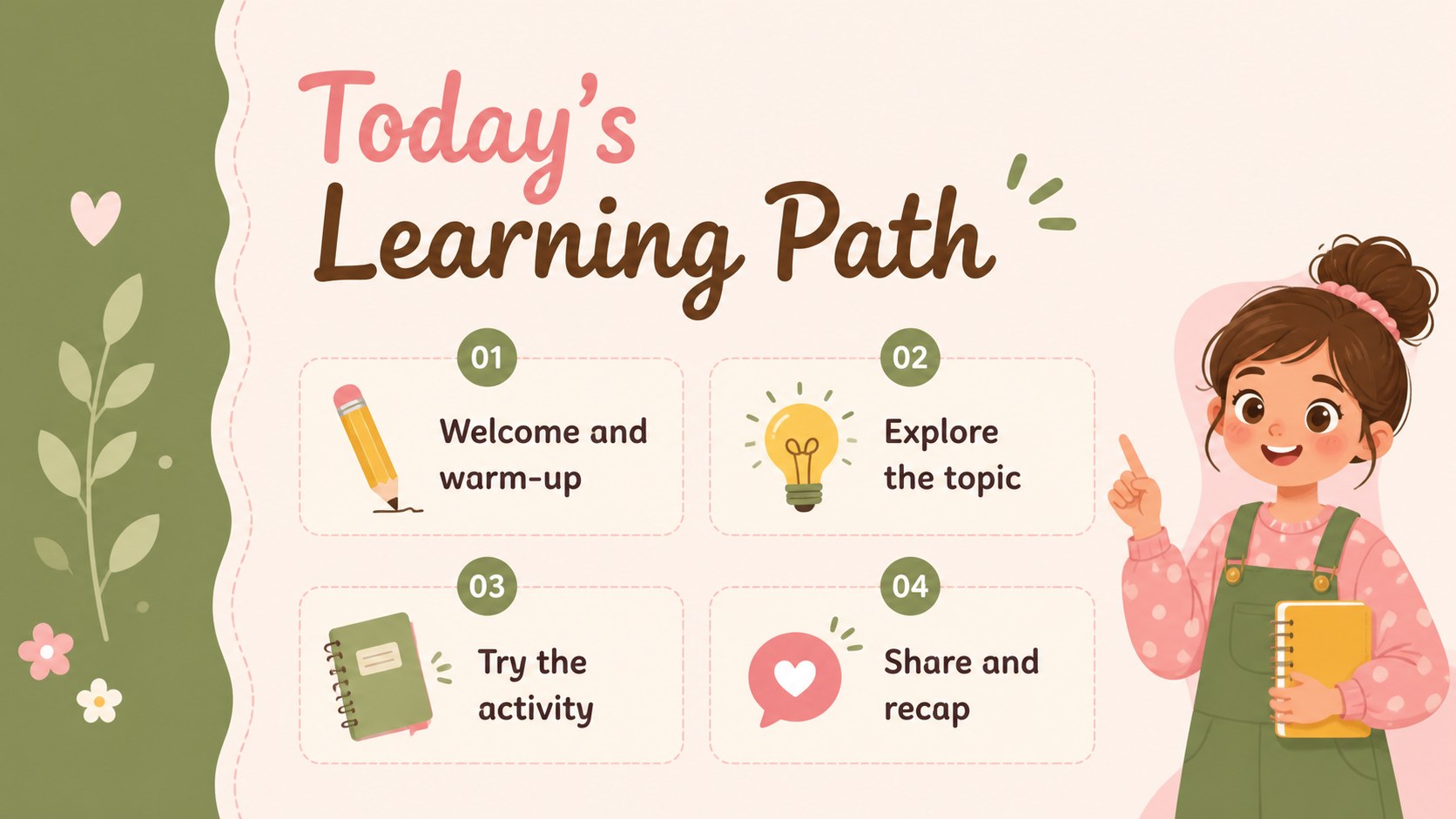
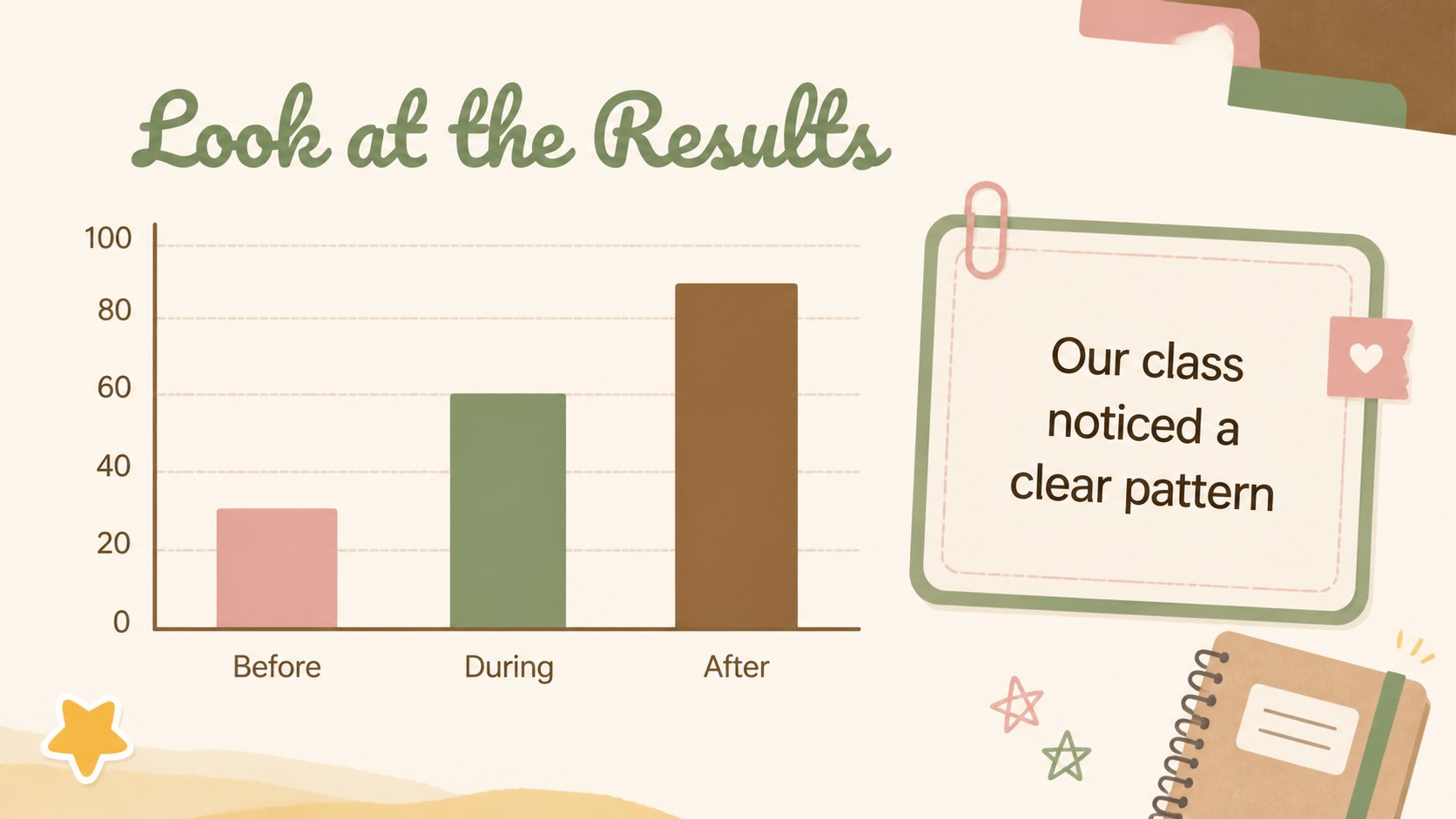
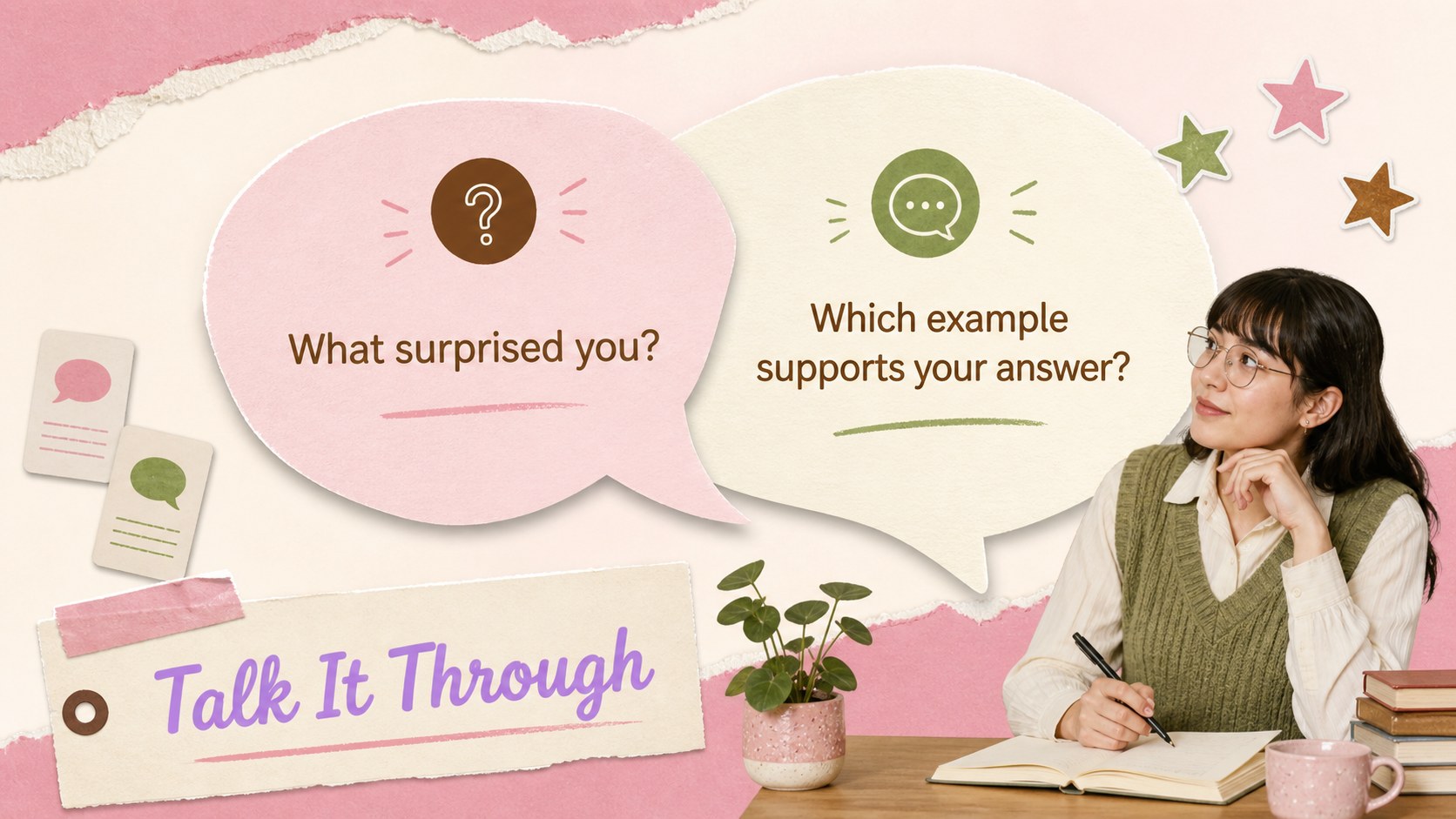
Make everyday teaching more inviting with pink green classroom slides designed for clear explanations, lively activities, and memorable recaps. The soft pink, fresh green, and warm brown palette creates an upbeat school atmosphere while keeping text and visuals easy to follow. Use the layouts for lesson introductions, subject presentations, project instructions, or classroom planning.
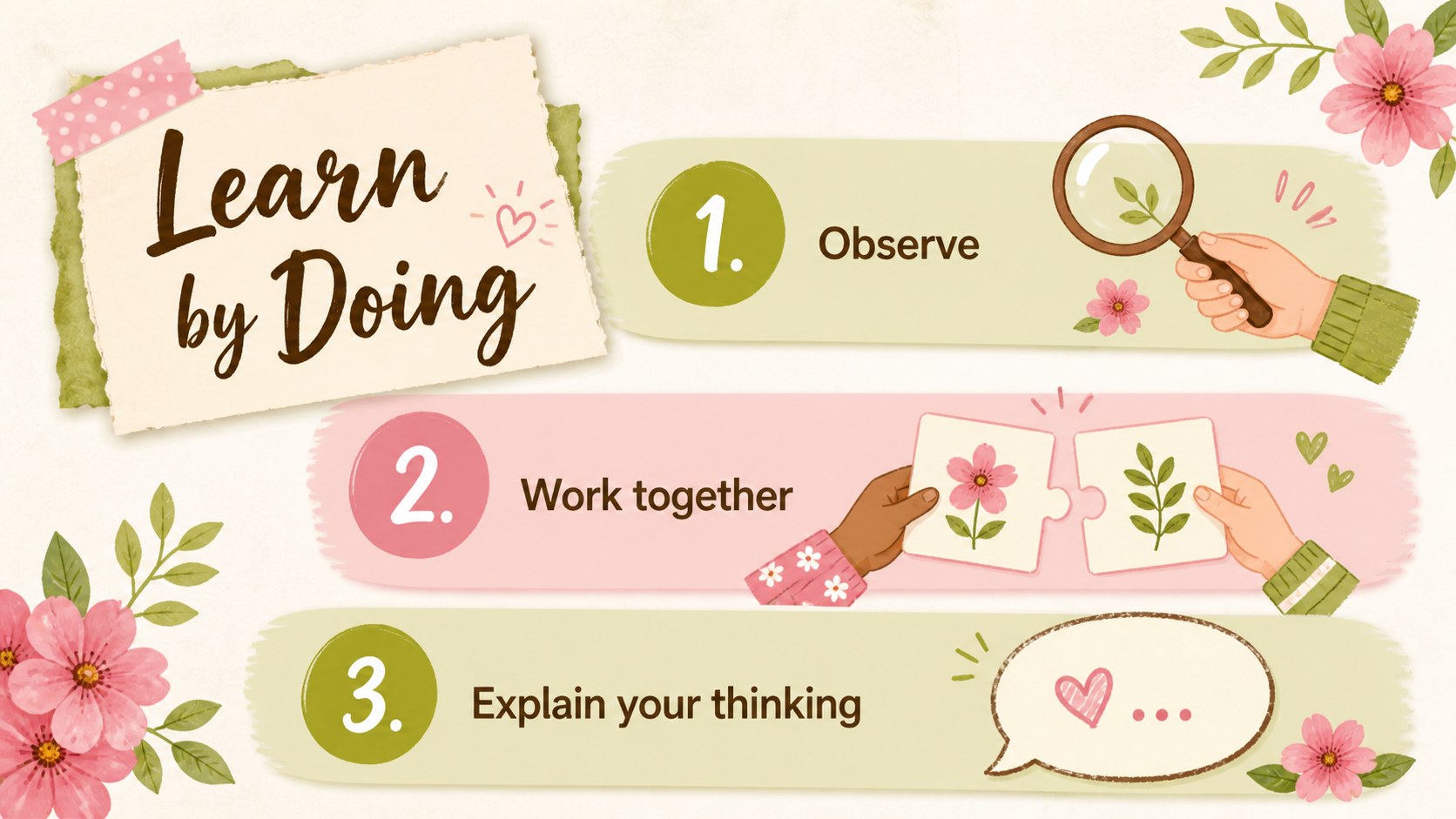
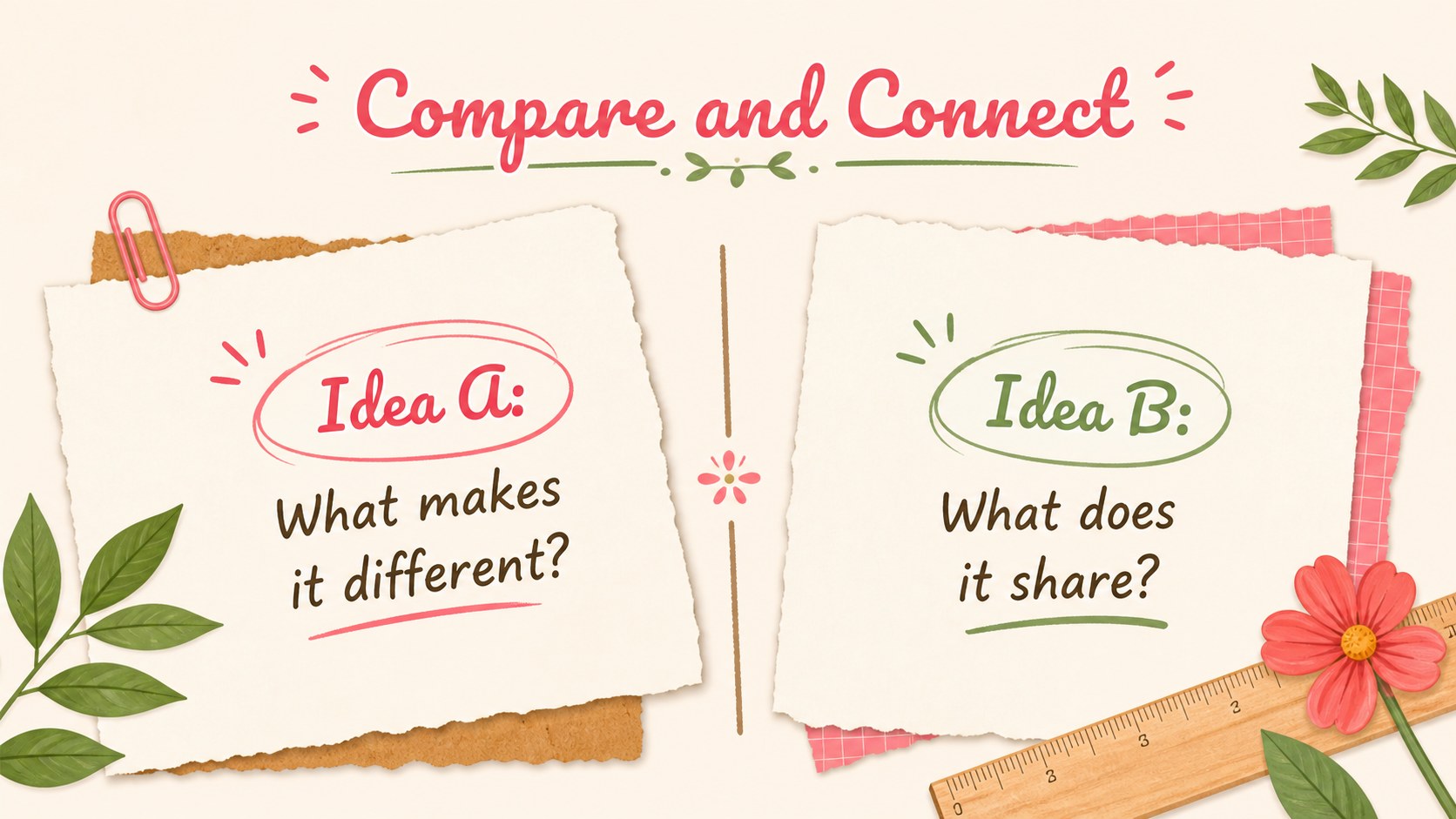
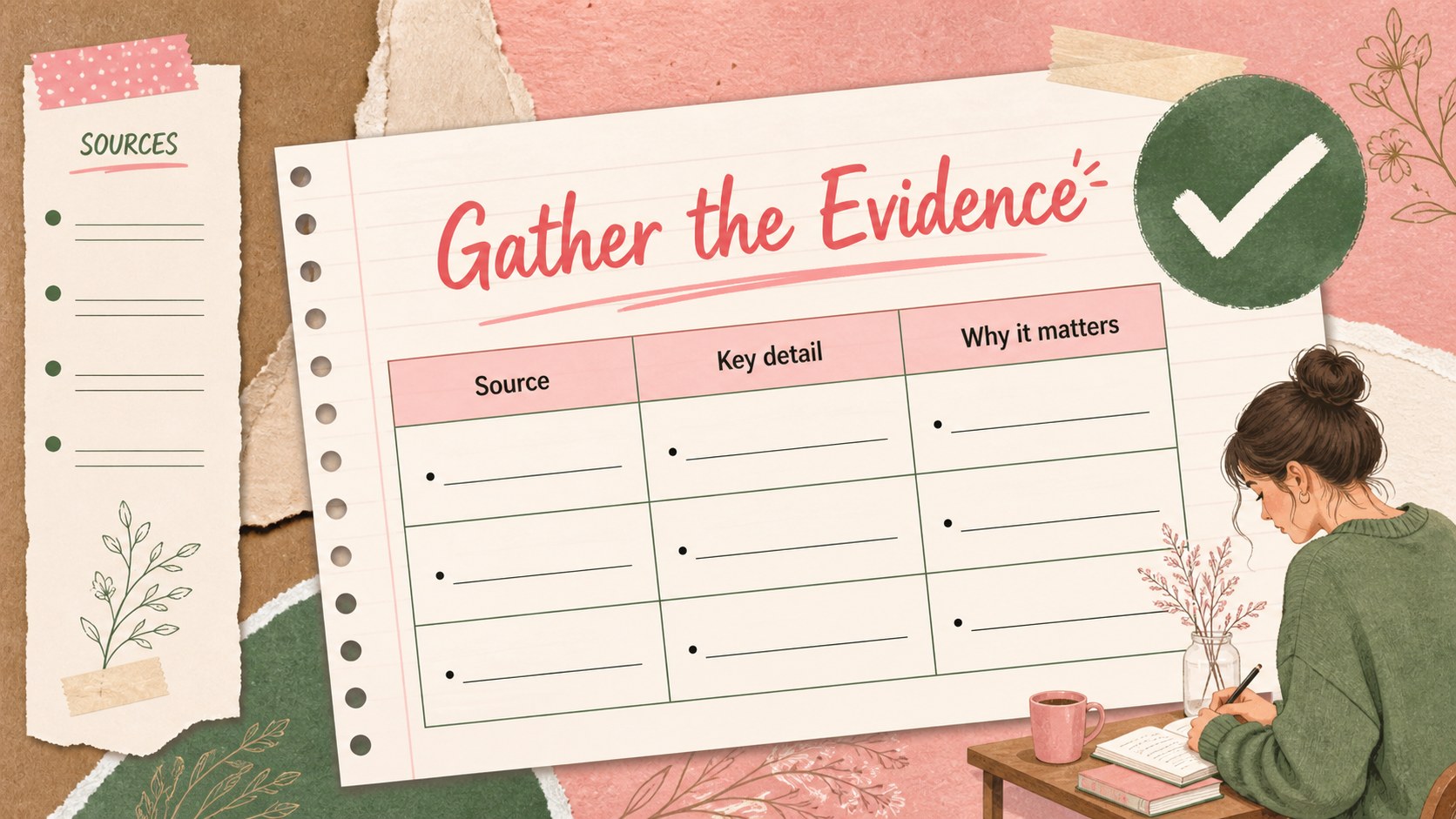
Inside, you’ll find more than 25 editable slide layouts, including agenda pages, section dividers, image-led examples, comparison layouts, charts, activity prompts, research pages, and closing summaries. Decorative notebook, floral, paper, watercolor, and scrapbook-inspired details add personality without overwhelming the lesson. The deck uses Arimo and Pacifico, and every element can be adjusted to match your class or subject.
These slides work well for elementary teachers, tutors, education students, workshop leaders, and anyone preparing a school project. Create interactive classroom lesson slides for daily instruction, use an editable school presentation theme for a parent meeting, or build a colorful student project presentation with, Google Slides, or PowerPoint. Swap in your own images, icons, examples, colors, and fonts, then share or present in the format that suits your classroom.
Perfect for: elementary classroom lesson; student research project; parent information meeting; teacher workshop; tutoring session.
Frequently asked questions
Can I edit these slides in Google Slides? Yes. Import the presentation into Google Slides and edit the text, images, colors, shapes, and layouts. The same deck can also be customized in PowerPoint.
Practical details
Yes. Import the presentation into Google Slides and edit the text, images, colors, shapes, and layouts. The same deck can also be customized in PowerPoint.
Yes. The layouts can support language arts, science, history, art, project instructions, and research topics. Replace the decorative elements or adjust the typography to suit older learners and more formal lessons.
You can replace the pink, green, and brown accents with your own classroom colors. Fonts, illustrations, photos, icons, and background details are also editable.
The deck includes agenda, divider, content, comparison, chart, image, activity, research, and closing layouts. These flexible pages can be rearranged to create a complete lesson or school project presentation.
Keep exploring
15Build stronger academic arguments with a college essay thesis builder featuring guided examples, revision prompts, and editable PowerPoint and Google Slides.
 15
15Build an engaging World UFO Day session with this flying saucer history lesson deck, featuring retro green-and-brown slides for PowerPoint and Google Slides.
 14
14Plan a memorable Lunar New Year campaign with the 2036 Dragon Year Celebration Theme, featuring bold red-and-yellow slides for lessons and events.
 15
15Build a thoughtful classroom discussion with this interfaith awareness lesson deck, featuring editable blue-and-white slides for PowerPoint and Google Slides.
 15
15Use this environmental awareness lesson deck to teach climate action through illustrated activities, discussion prompts, and ready-to-edit visuals.
 15
15Build playful lessons and party stories with a kid-friendly zombie celebration theme in purple, green and pastel blue for PowerPoint and Google Slides.
 15
15Build eerie lessons, campaigns, and story pitches with an undead survival scenario theme featuring editable slides for PowerPoint and Google Slides.
 16
16Turn environmental research into a clear story with a Watercolor Ecology Presentation Theme for PowerPoint and Google Slides in calming green and blue.