
 15
15presentation
College Essay Thesis Builder Slides
Build stronger academic arguments with a college essay thesis builder featuring guided examples, revision prompts, and editable PowerPoint and Google Slides.
Google SlidesPowerPoint
presentation · English
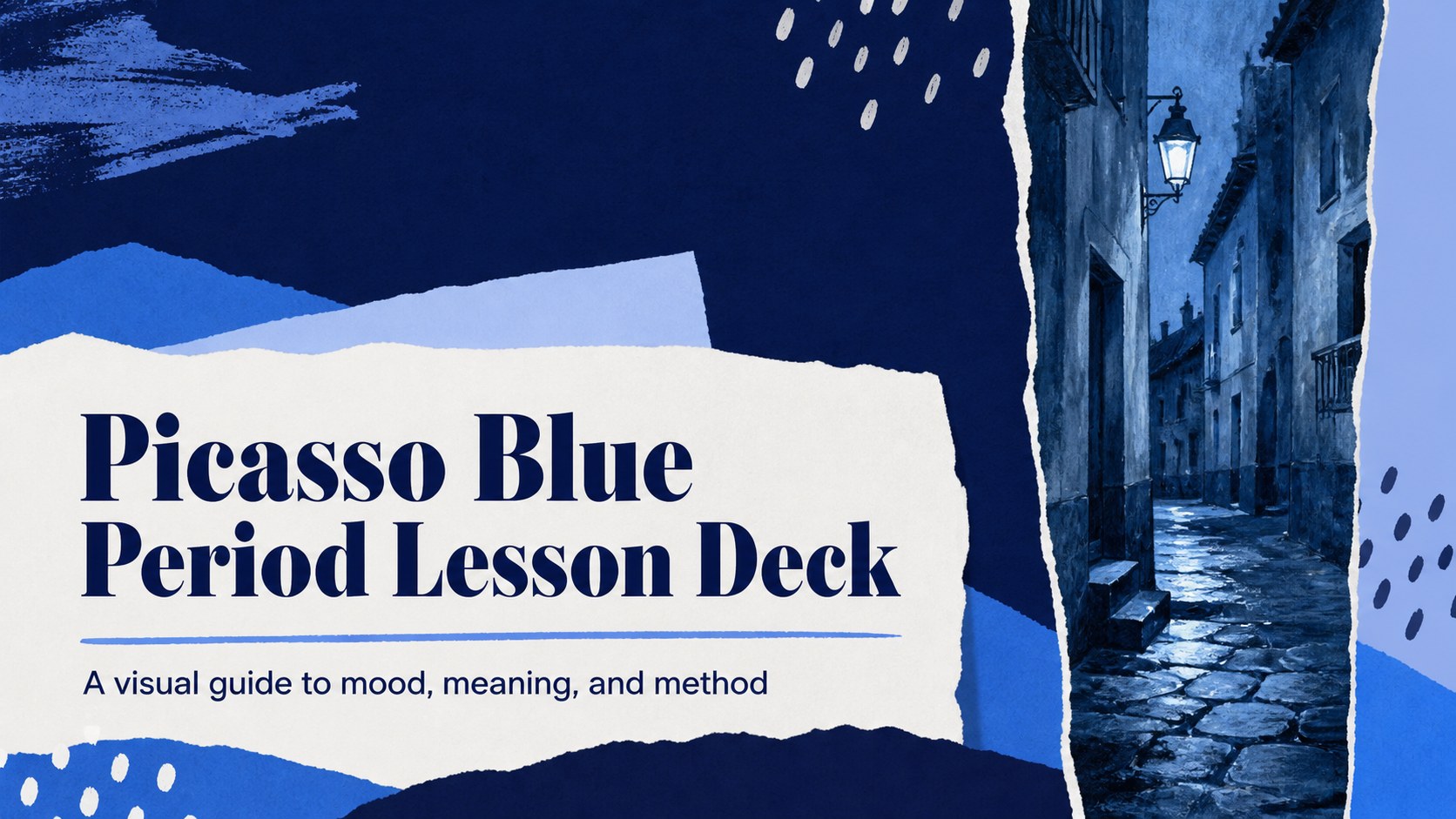
Build a thoughtful picasso blue period lesson deck for art classes with blue mixed-media layouts, artwork analysis pages, timelines, and discussion prompts.
Design notes
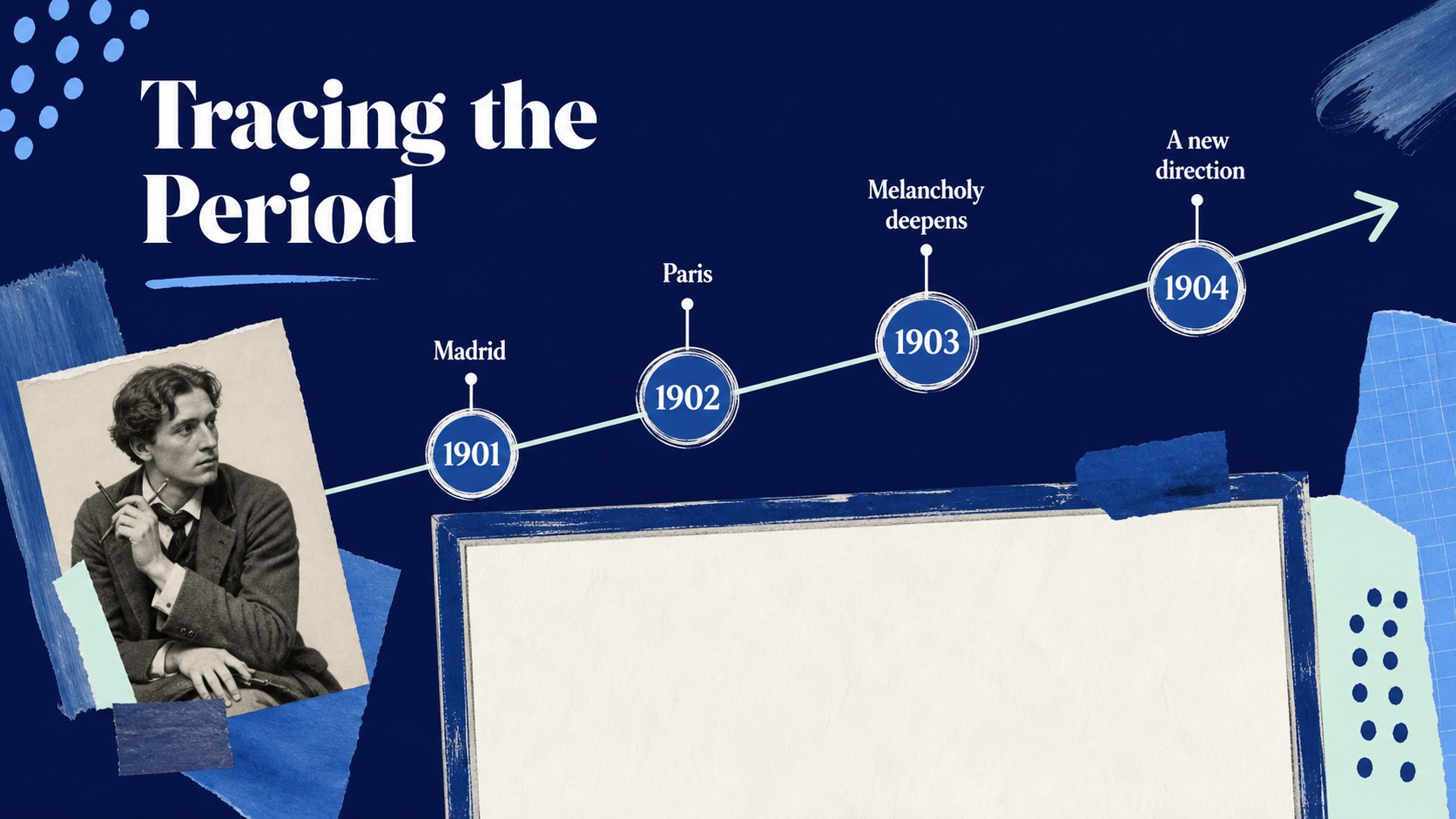
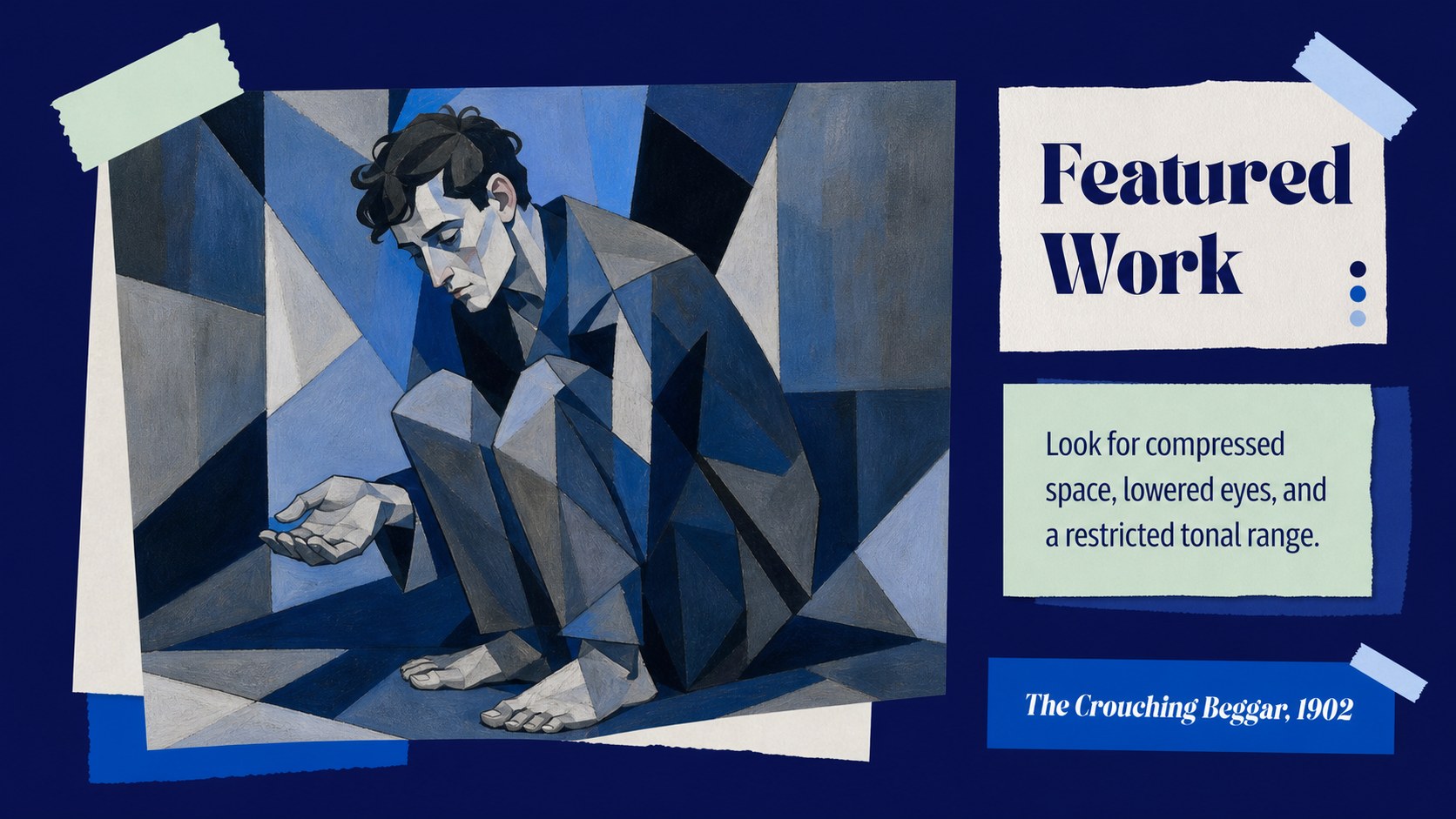
Create a focused picasso blue period lesson deck for classroom teaching, museum education, student research, or an art history presentation. Its layered blue mixed-media style gives the subject a reflective atmosphere while leaving room for paintings, dates, quotations, and close visual reading. The structure helps an audience understand how Picasso's circumstances, subjects, and artistic decisions shaped this important period.
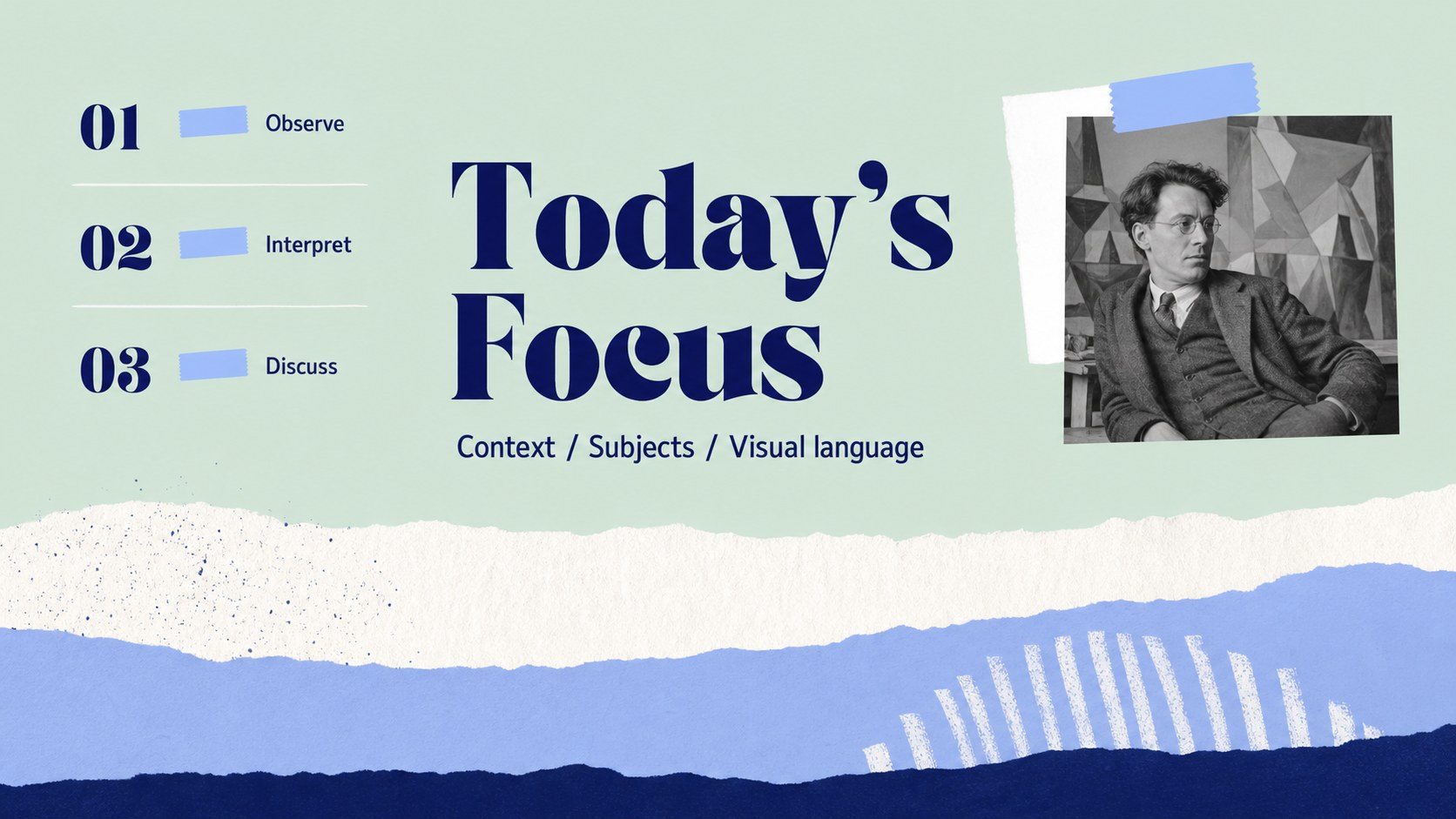
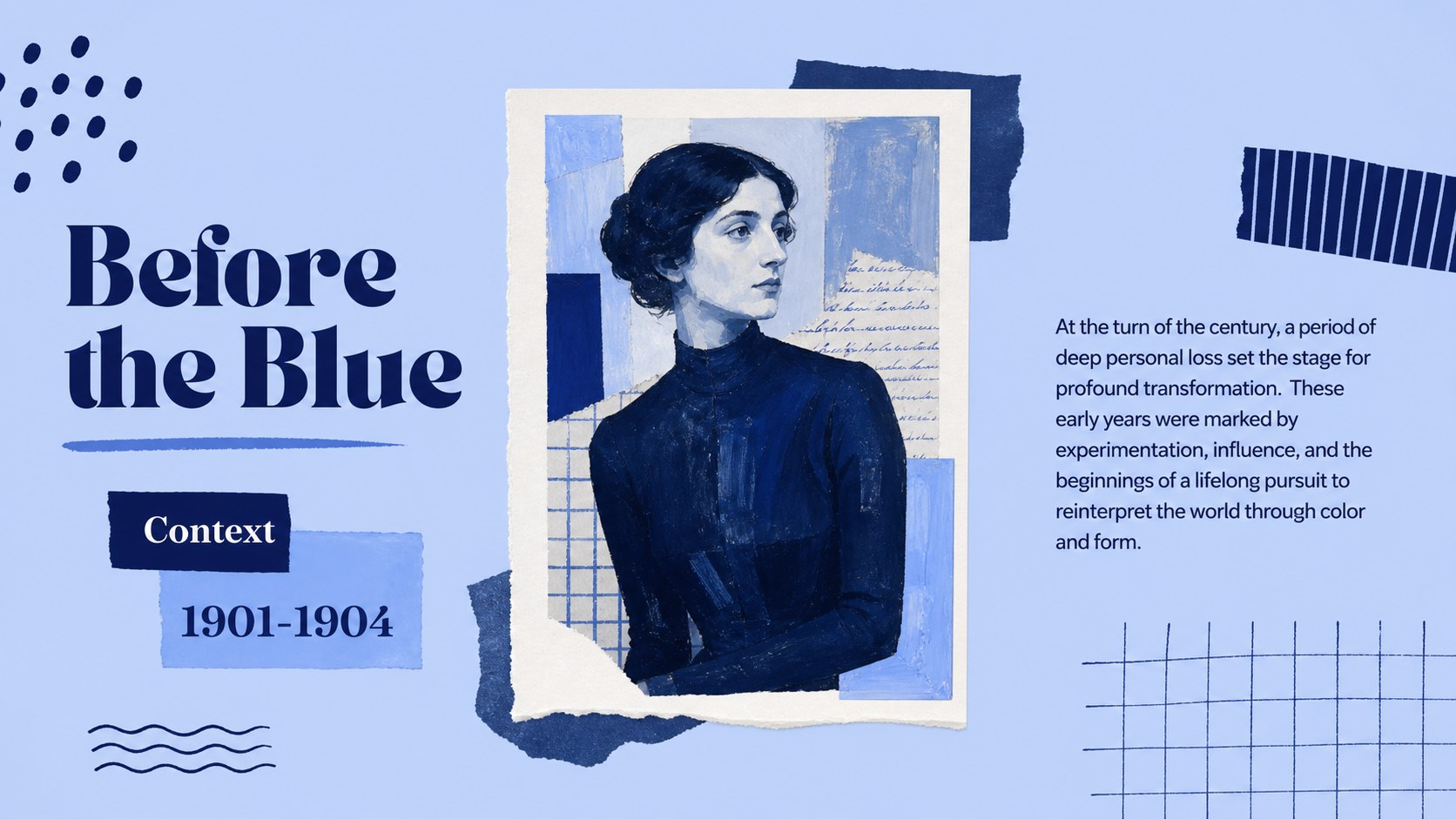
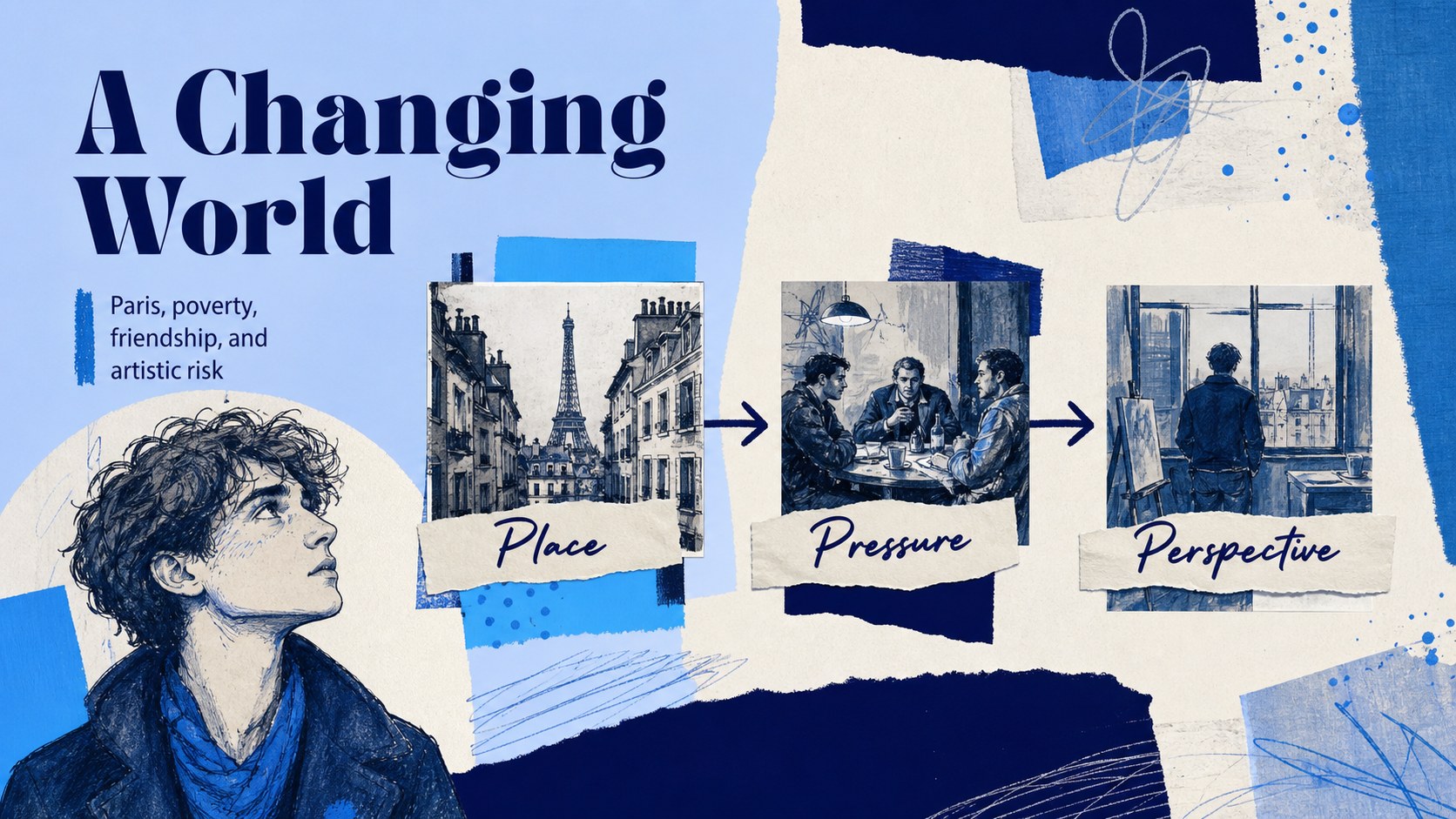
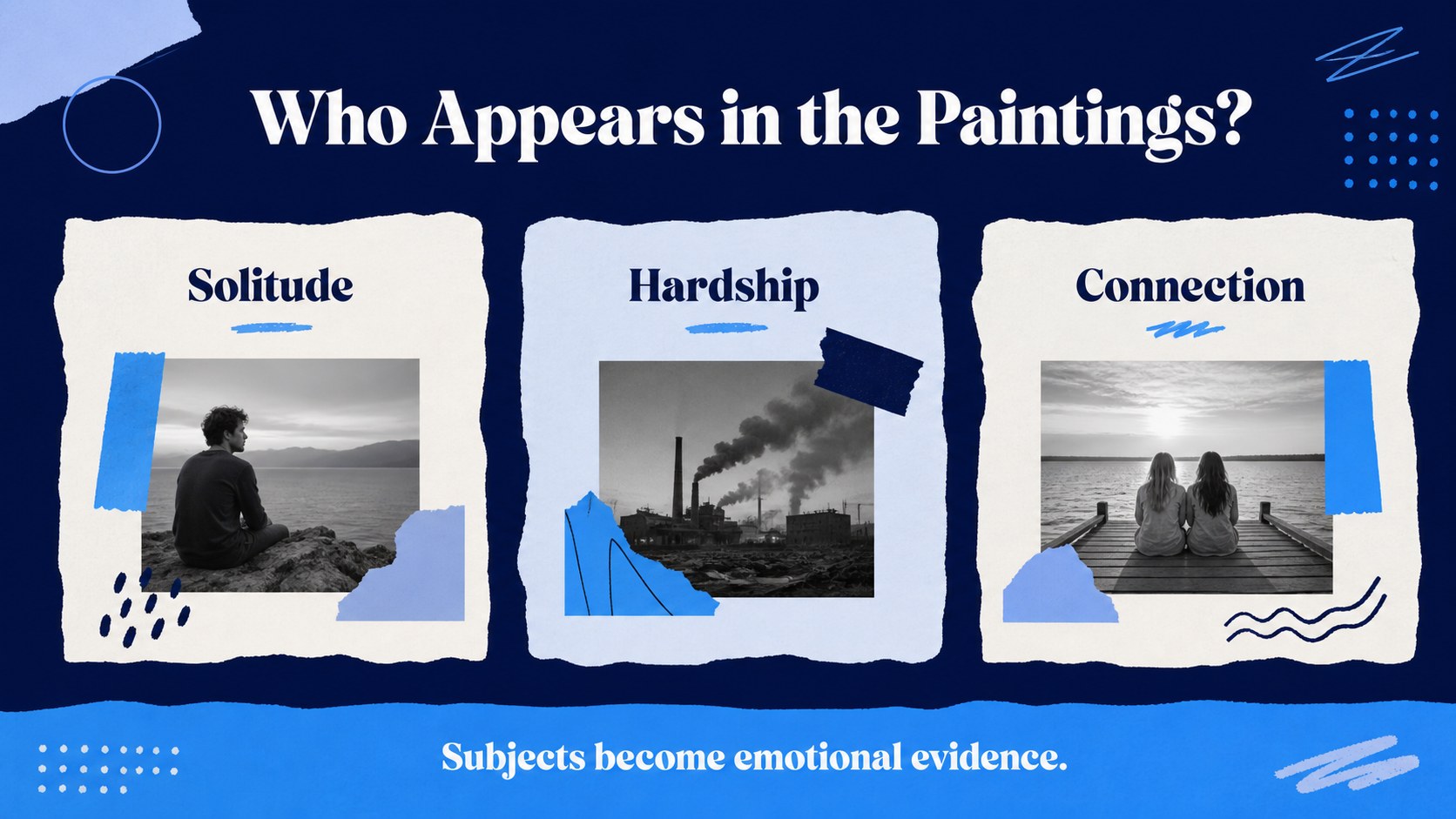
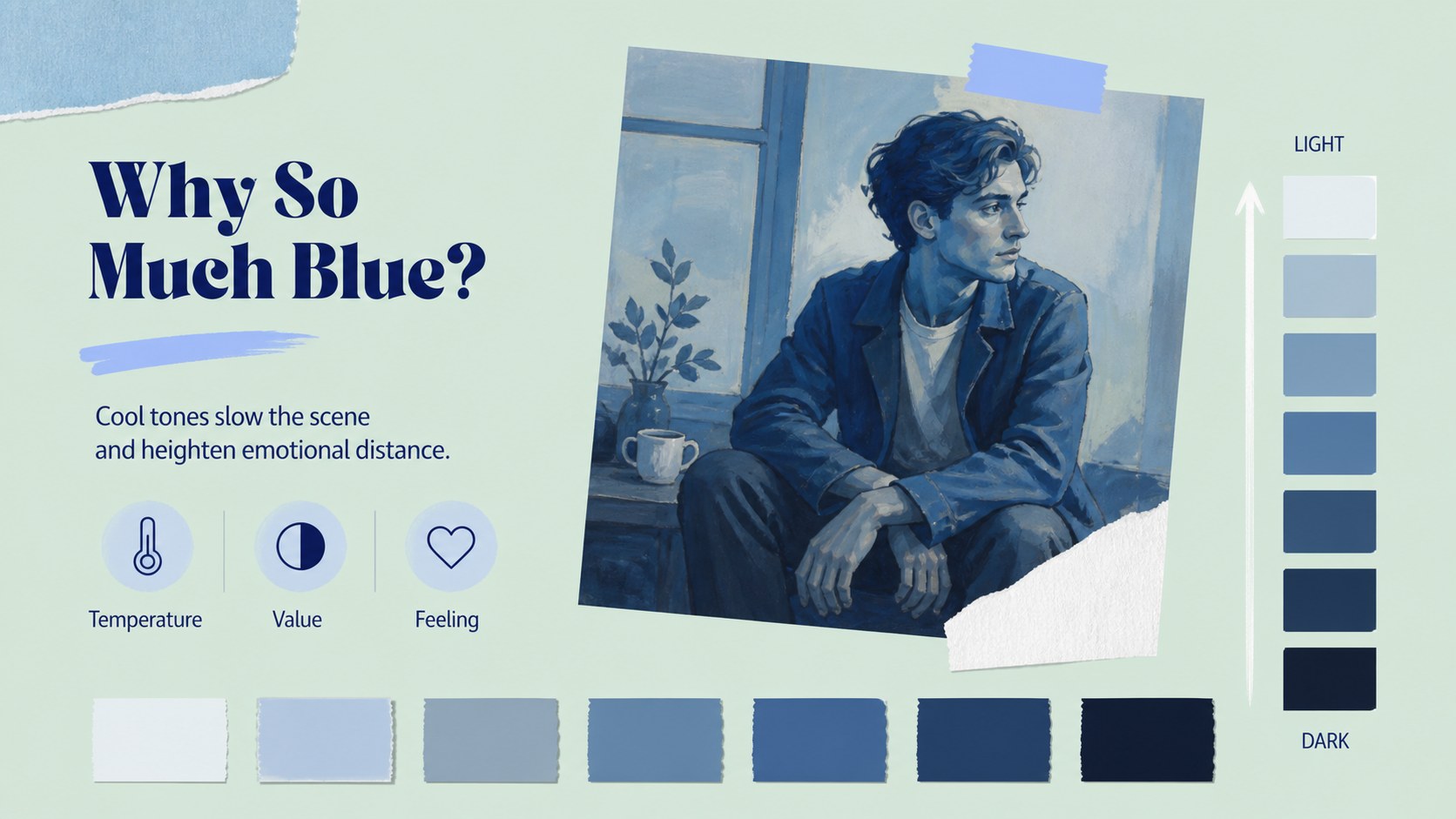
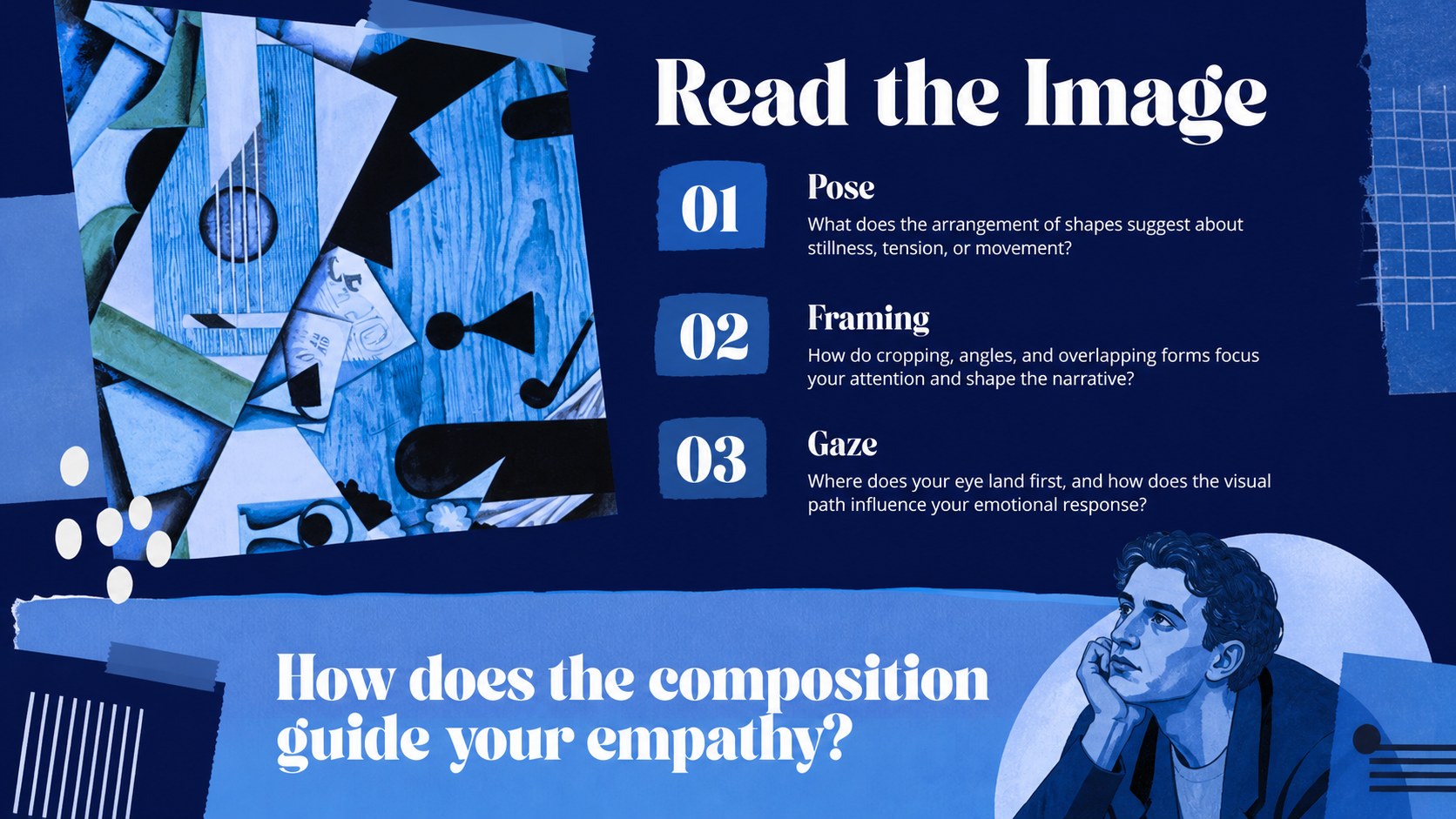
Inside, you will find 15 editable 16:9 slides for an opening title, lesson objectives, biographical context, a period timeline, featured works, recurring subjects, color analysis, composition notes, technique breakdowns, and a comparison layout. Additional slides support discussion questions, class activities, key takeaways, and a closing reflection. The blue collage presentation theme combines cool tonal blocks, cut-paper accents, image frames, and clean editorial typography.
This template is designed for art teachers, university lecturers, museum guides, students, and creative presenters who need an organized way to explain Picasso's Blue Period. Adapt the layout with your own artwork images, citations, speaker notes, and curriculum goals. It also works well as a picasso artwork analysis presentation or a visual arts lecture deck, and can be customized before export to PowerPoint or Google Slides.
Perfect for: secondary school art lesson; university art history lecture; museum education workshop; student artwork analysis; gallery discussion guide.
Frequently asked questions
Can I edit the artwork and text placeholders? Yes. Replace the sample copy, images, dates, captions, and discussion prompts with your own lesson material. The layouts are designed for quick drag-and-drop editing.
Practical details
Yes. Replace the sample copy, images, dates, captions, and discussion prompts with your own lesson material. The layouts are designed for quick drag-and-drop editing.
You can customize the deck and export it as a PowerPoint file or save it to Google Slides. Check the export result after downloading because fonts and animations may vary between platforms.
Yes. Students can use the timeline, artwork analysis, and comparison layouts to organize a research-based presentation. Add source notes and image credits in the available text areas.
Keep the blue palette for a consistent Blue Period mood, then adjust the intensity of the backgrounds and collage accents to suit your audience. You can also change fonts, image crops, and section labels without rebuilding the layout.
Keep exploring
15Build stronger academic arguments with a college essay thesis builder featuring guided examples, revision prompts, and editable PowerPoint and Google Slides.
 15
15Build an engaging World UFO Day session with this flying saucer history lesson deck, featuring retro green-and-brown slides for PowerPoint and Google Slides.
 14
14Plan a memorable Lunar New Year campaign with the 2036 Dragon Year Celebration Theme, featuring bold red-and-yellow slides for lessons and events.
 15
15Build a thoughtful classroom discussion with this interfaith awareness lesson deck, featuring editable blue-and-white slides for PowerPoint and Google Slides.
 15
15Use this environmental awareness lesson deck to teach climate action through illustrated activities, discussion prompts, and ready-to-edit visuals.
 15
15Build playful lessons and party stories with a kid-friendly zombie celebration theme in purple, green and pastel blue for PowerPoint and Google Slides.
 15
15Build eerie lessons, campaigns, and story pitches with an undead survival scenario theme featuring editable slides for PowerPoint and Google Slides.
 16
16Turn environmental research into a clear story with a Watercolor Ecology Presentation Theme for PowerPoint and Google Slides in calming green and blue.