
 15
15presentation
College Essay Thesis Builder Slides
Build stronger academic arguments with a college essay thesis builder featuring guided examples, revision prompts, and editable PowerPoint and Google Slides.
Google SlidesPowerPoint
presentation · English
Make island regions and cultural context easier to teach with Philippines geography classroom slides in a bright yellow format for PowerPoint and Google…
Design notes
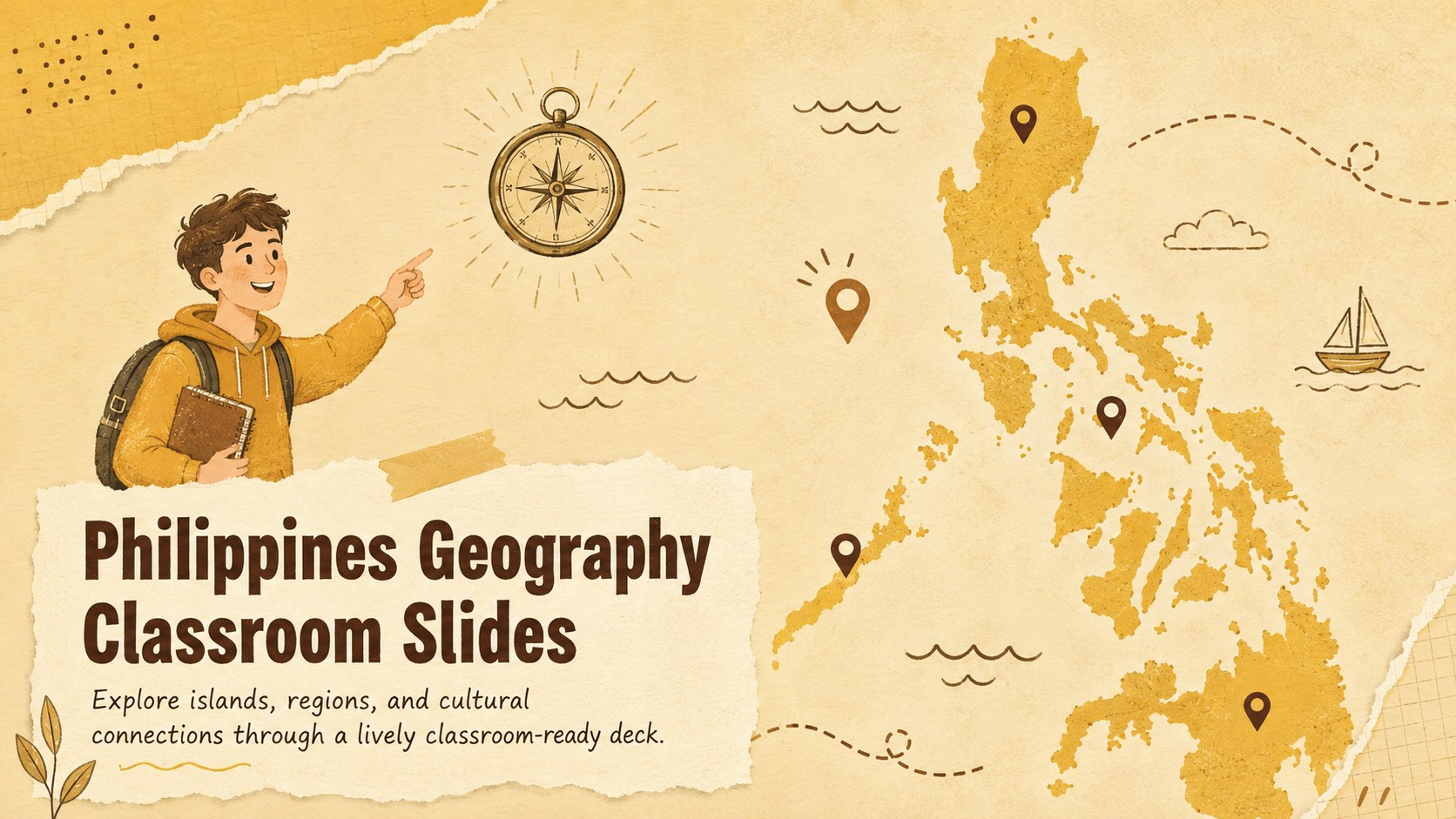
Bring the country's geography into focus with Philippines geography classroom slides designed for clear, energetic instruction. The sunny yellow palette, hand-drawn accents, and approachable map graphics give teachers a friendly visual framework for introducing the archipelago without overwhelming students. Every layout can be adapted in PowerPoint or Google Slides for different ages, lesson lengths, and learning goals.
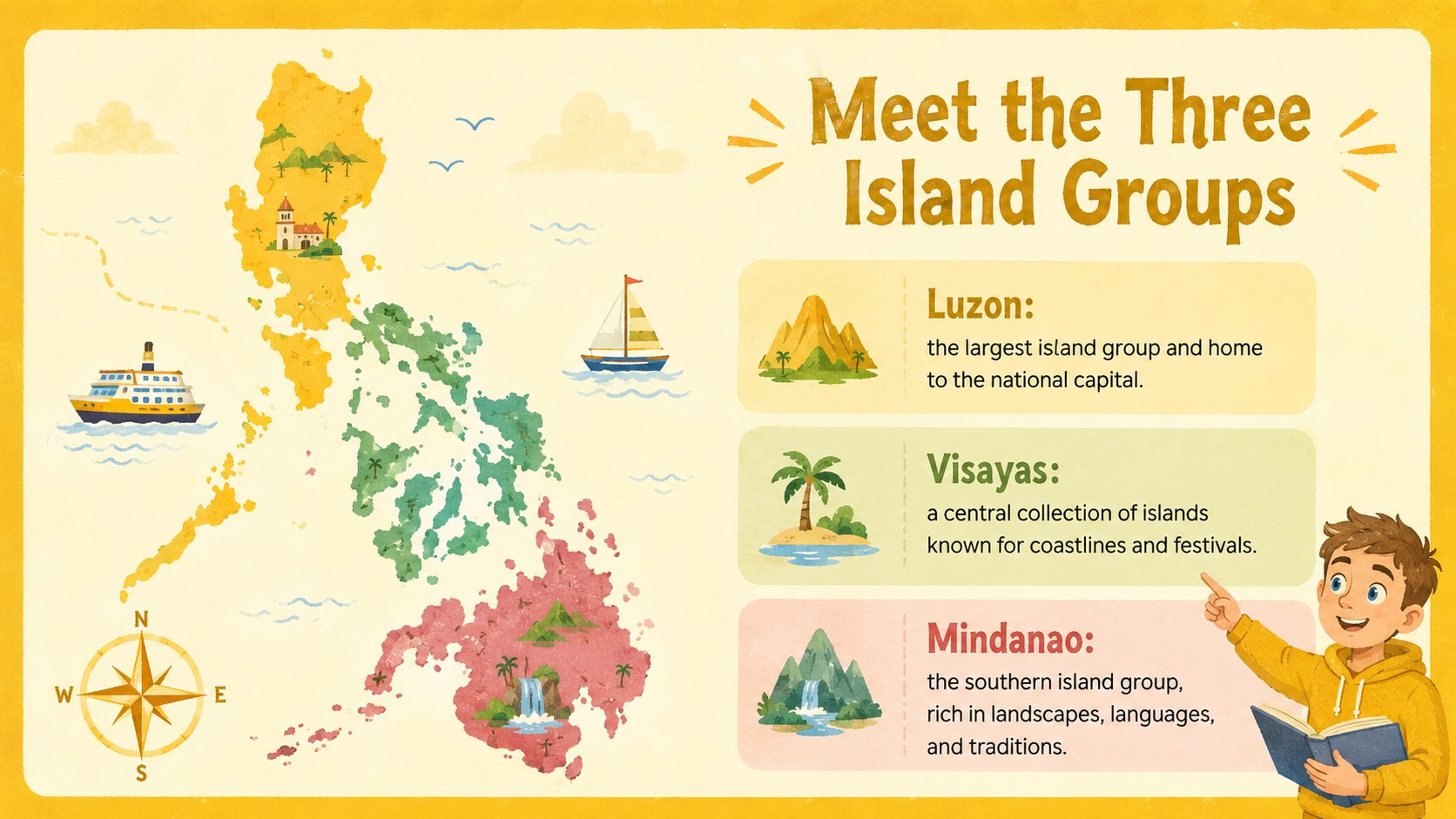
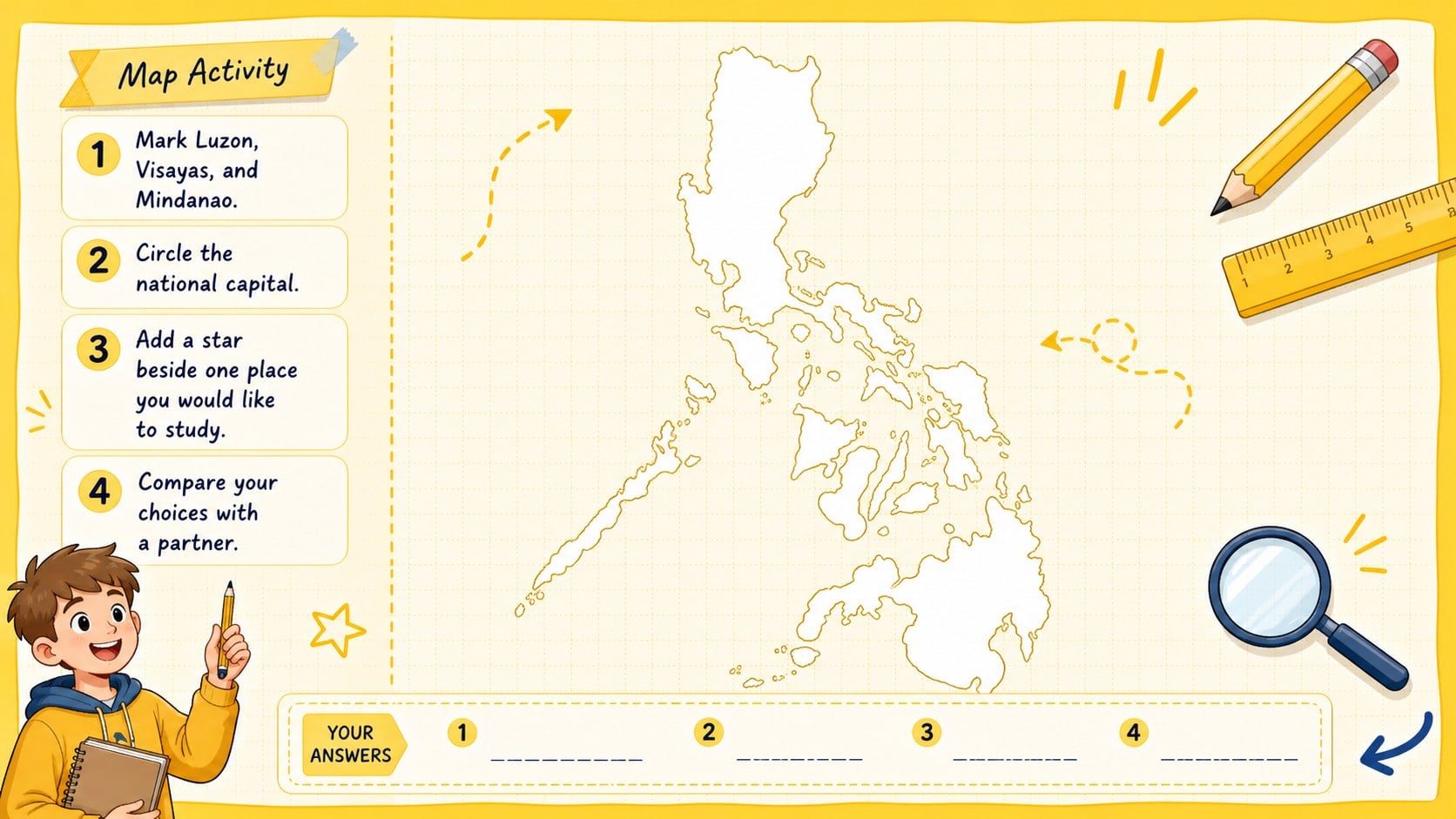
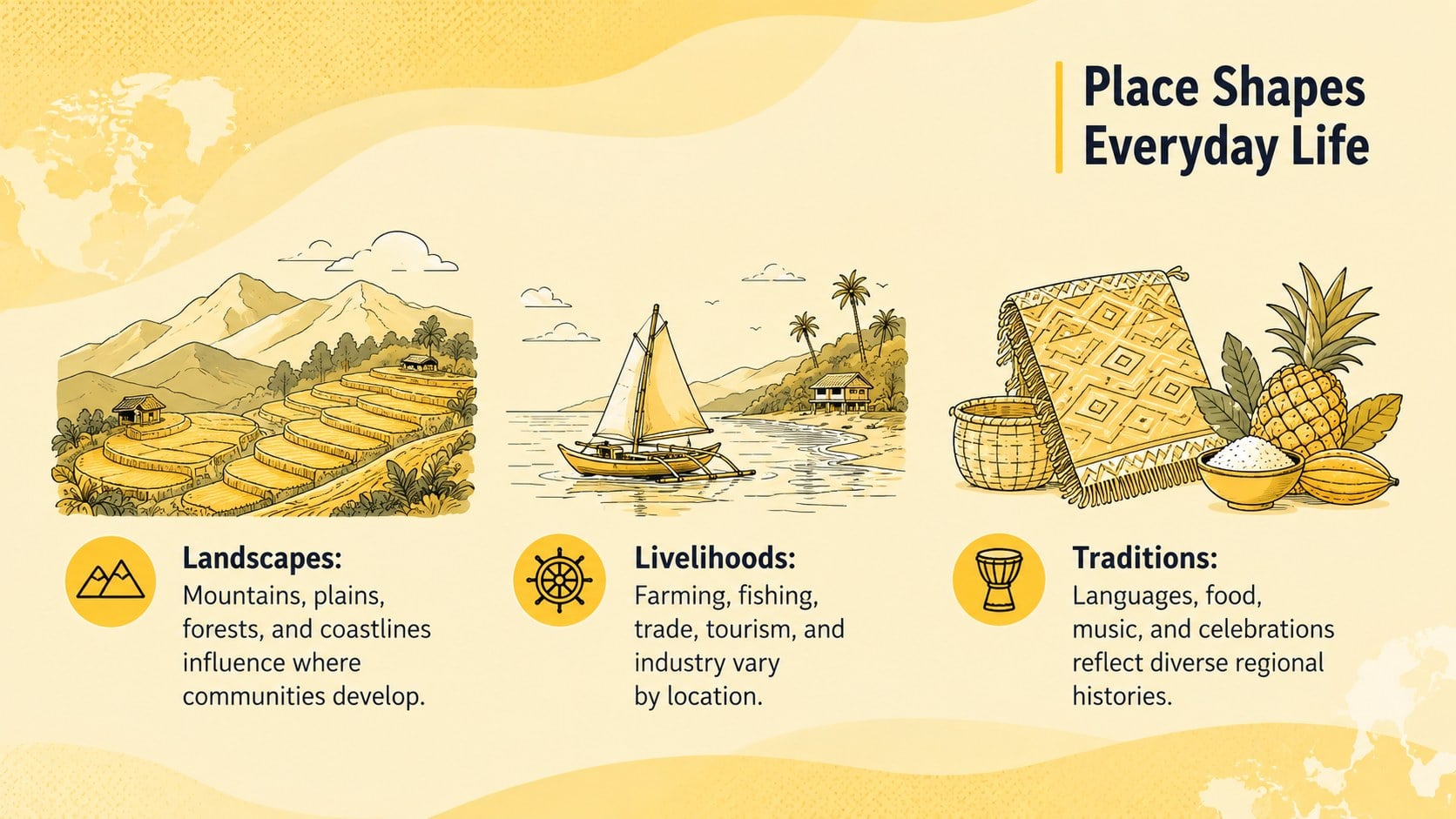
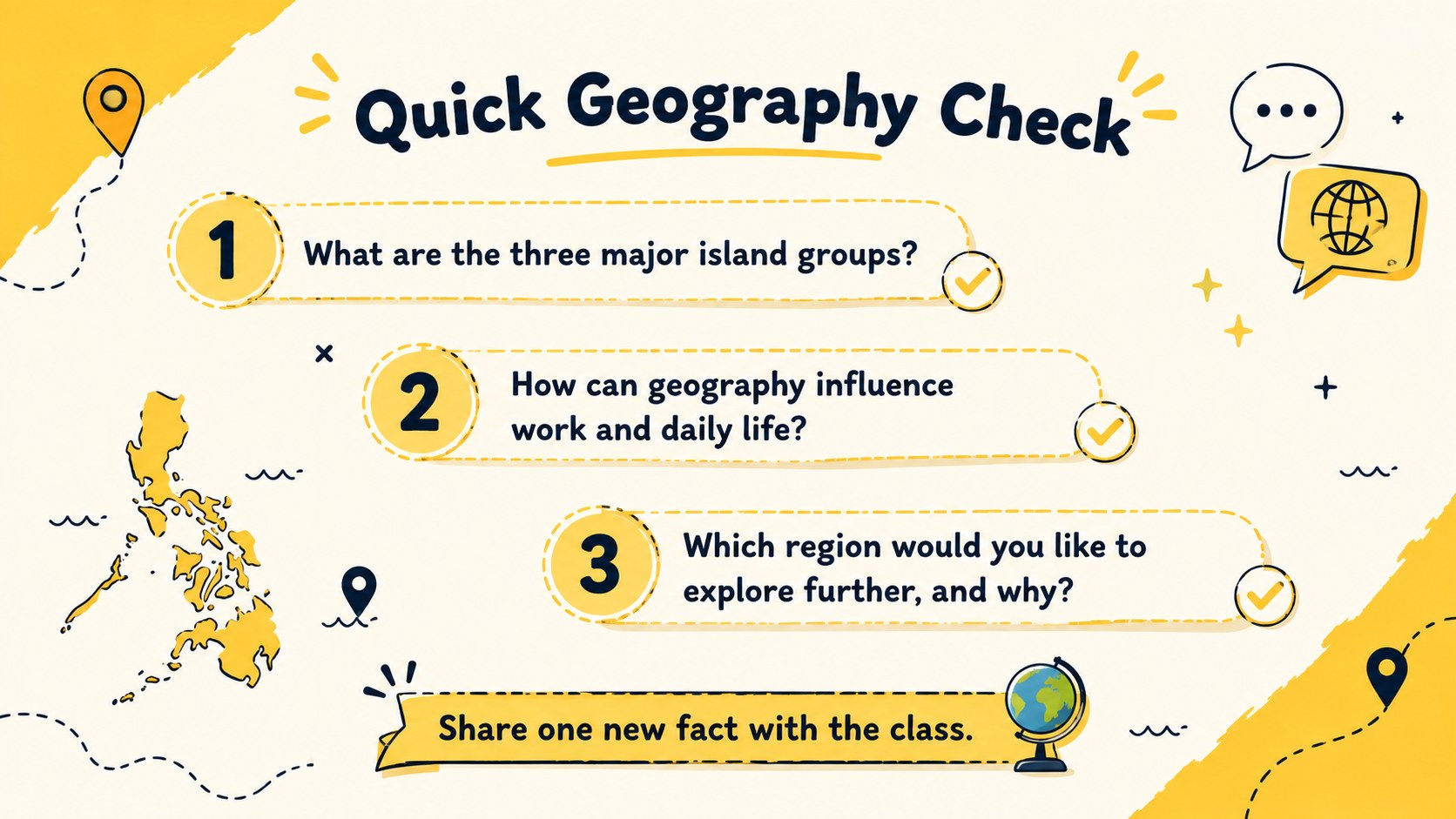
The five-slide deck provides a cover, an overview of the three major island groups, a regional map activity, a culture-and-place comparison, and a quick knowledge check. Use it as an editable Philippines map PowerPoint resource, build a Luzon Visayas Mindanao lesson deck, or add local landmarks and provincial facts to match your curriculum. Spacious text areas support concise explanations, while visual labels and prompts help students connect locations with climate, heritage, and daily life.
These slides are suited to elementary and middle school geography classes, social studies units, cultural studies, homeschool sessions, and international learning projects. Teachers can replace examples, recolor map areas, insert their own questions, or turn the layouts into a Philippine islands classroom activity. The illustrated design remains playful and accessible while giving each topic enough structure for guided discussion, independent work, or group review.
Perfect for: Philippine island groups lesson; Elementary geography class; Social studies map activity; Cultural regions discussion; Homeschool geography unit.
Frequently asked questions
Can I edit the maps and labels in this deck? Yes. You can change region labels, lesson text, colors, questions, and supporting graphics to fit your curriculum. Map elements may also be duplicated or simplified for different grade levels.
Practical details
Yes. You can change region labels, lesson text, colors, questions, and supporting graphics to fit your curriculum. Map elements may also be duplicated or simplified for different grade levels.
The deck is designed for PowerPoint and Google Slides. After opening it in either platform, review font availability and adjust any substituted typefaces before presenting.
Yes. Replace the overview content with information about a selected island, province, city, or cultural area. You can also add photographs, local landmarks, climate facts, and regional vocabulary.
Yes. The layouts can support map labeling, matching tasks, short research reports, group discussions, and end-of-lesson review questions. Duplicate the activity slides when you need additional topics or student groups.
Keep exploring
15Build stronger academic arguments with a college essay thesis builder featuring guided examples, revision prompts, and editable PowerPoint and Google Slides.
 15
15Build an engaging World UFO Day session with this flying saucer history lesson deck, featuring retro green-and-brown slides for PowerPoint and Google Slides.
 14
14Plan a memorable Lunar New Year campaign with the 2036 Dragon Year Celebration Theme, featuring bold red-and-yellow slides for lessons and events.
 15
15Build a thoughtful classroom discussion with this interfaith awareness lesson deck, featuring editable blue-and-white slides for PowerPoint and Google Slides.
 15
15Use this environmental awareness lesson deck to teach climate action through illustrated activities, discussion prompts, and ready-to-edit visuals.
 15
15Build playful lessons and party stories with a kid-friendly zombie celebration theme in purple, green and pastel blue for PowerPoint and Google Slides.
 15
15Build eerie lessons, campaigns, and story pitches with an undead survival scenario theme featuring editable slides for PowerPoint and Google Slides.
 16
16Turn environmental research into a clear story with a Watercolor Ecology Presentation Theme for PowerPoint and Google Slides in calming green and blue.