
 15
15presentation
College Essay Thesis Builder Slides
Build stronger academic arguments with a college essay thesis builder featuring guided examples, revision prompts, and editable PowerPoint and Google Slides.
Google SlidesPowerPoint
presentation · English
Teach landmark lives and legacies with a Philippine heroes history lesson in vintage green slides for PowerPoint and Google Slides.
Design notes
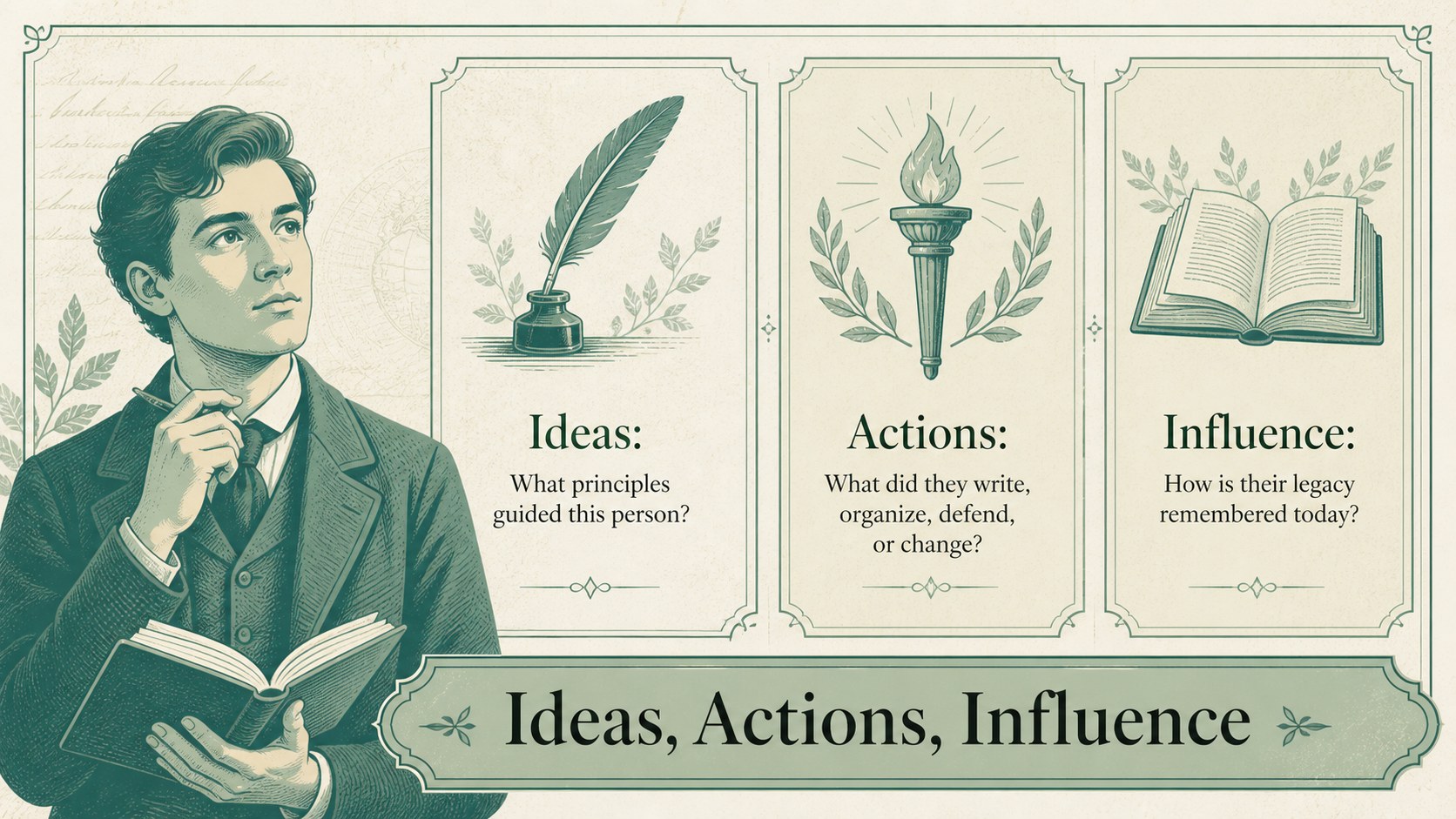
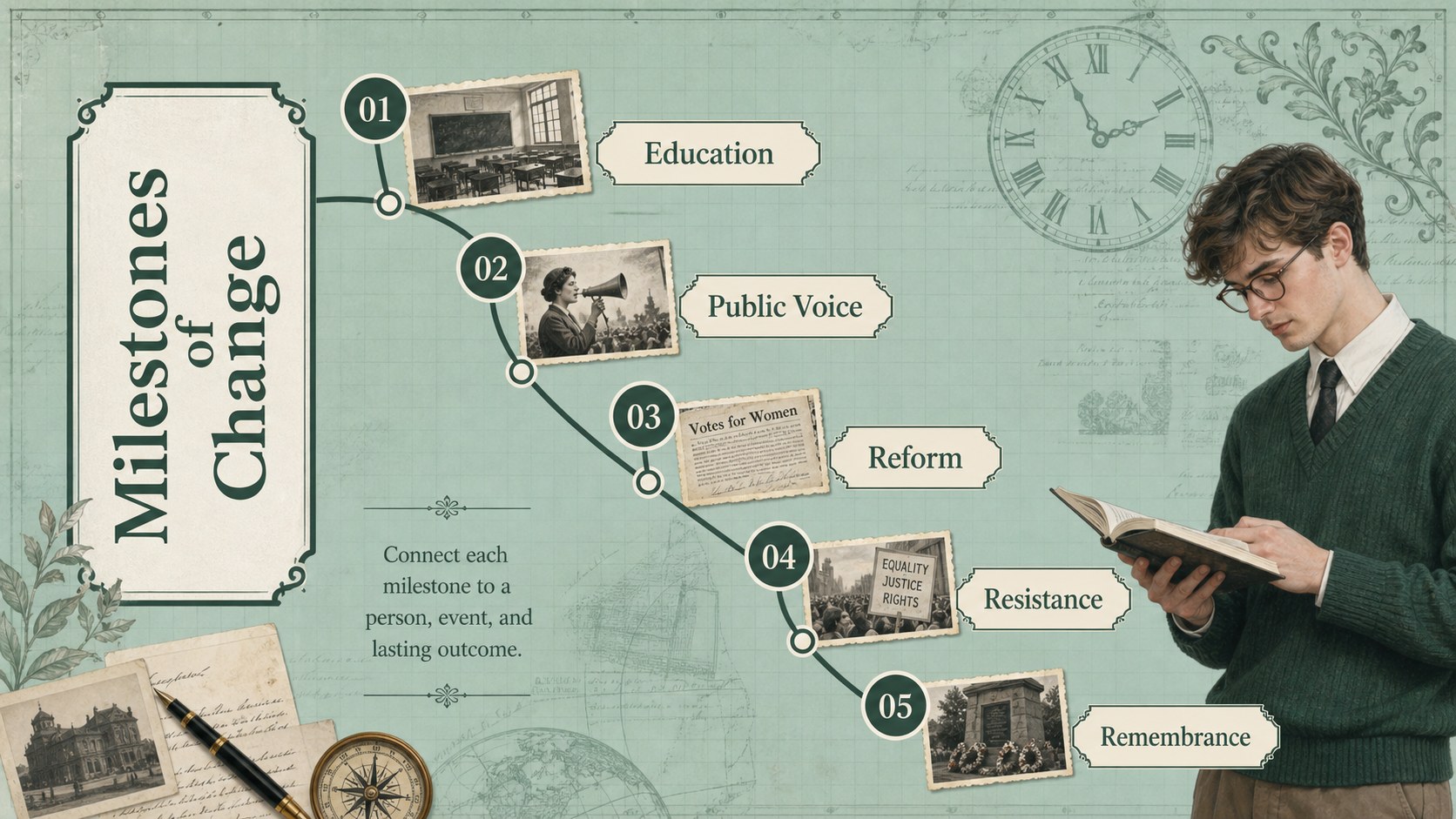
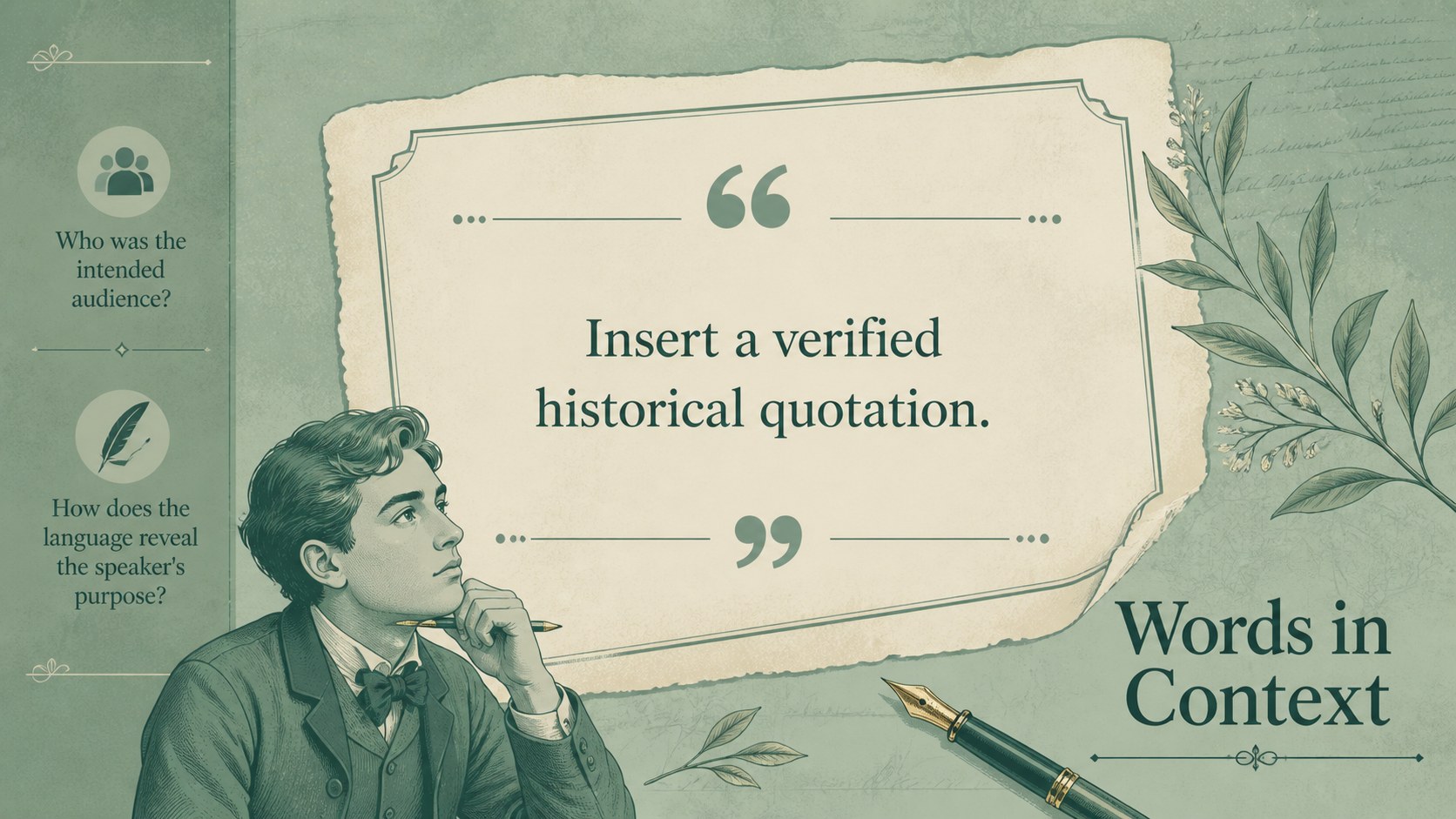
Bring important stories of courage, reform, and national identity into the classroom with these Philippine Heroes History Lesson Slides. The vintage green design combines aged-paper textures, ornamental details, and illustrated accents to create a thoughtful historical atmosphere without sacrificing readability. Every layout can be adapted in PowerPoint or Google Slides for different grade levels and teaching goals.
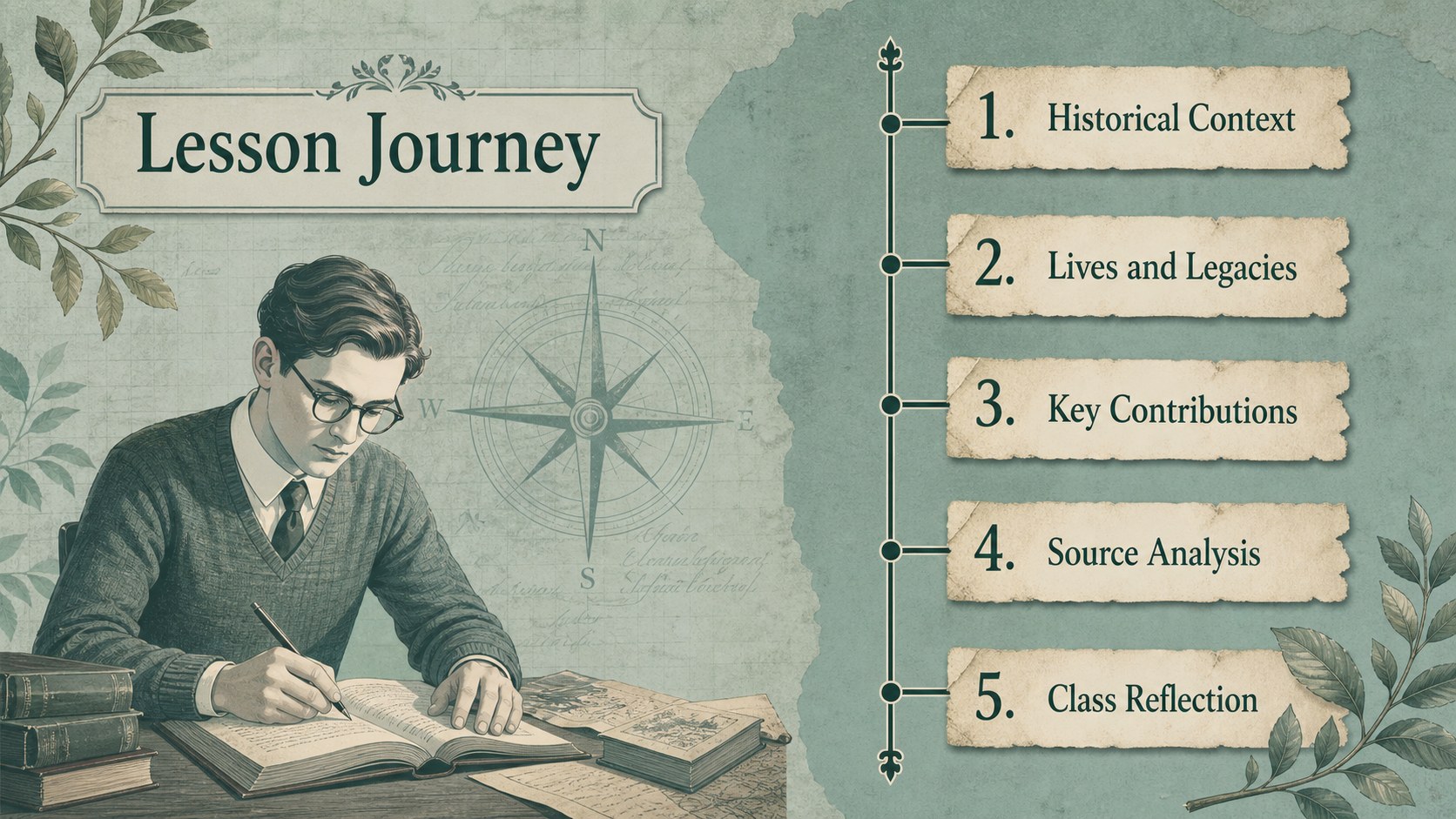
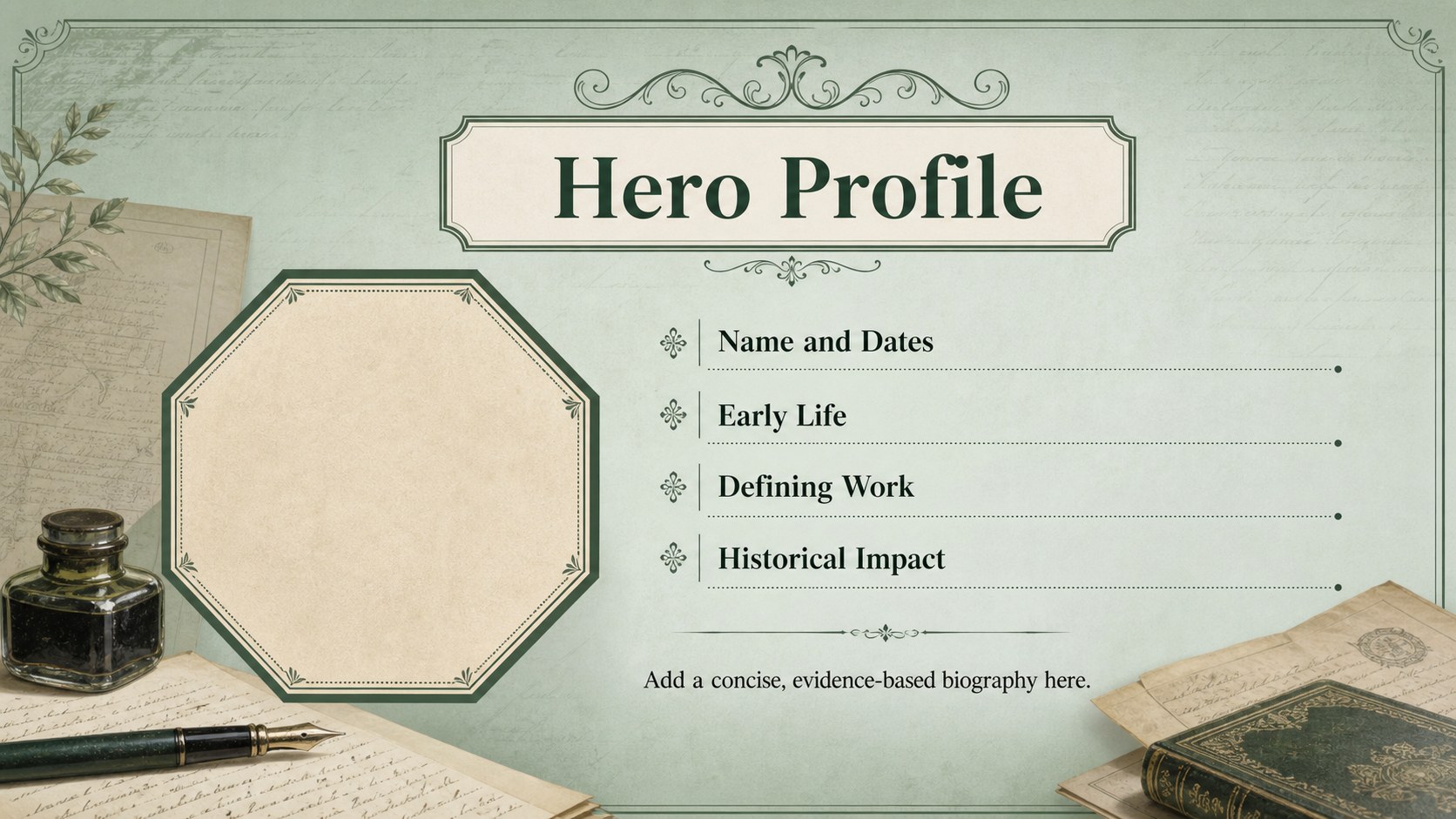
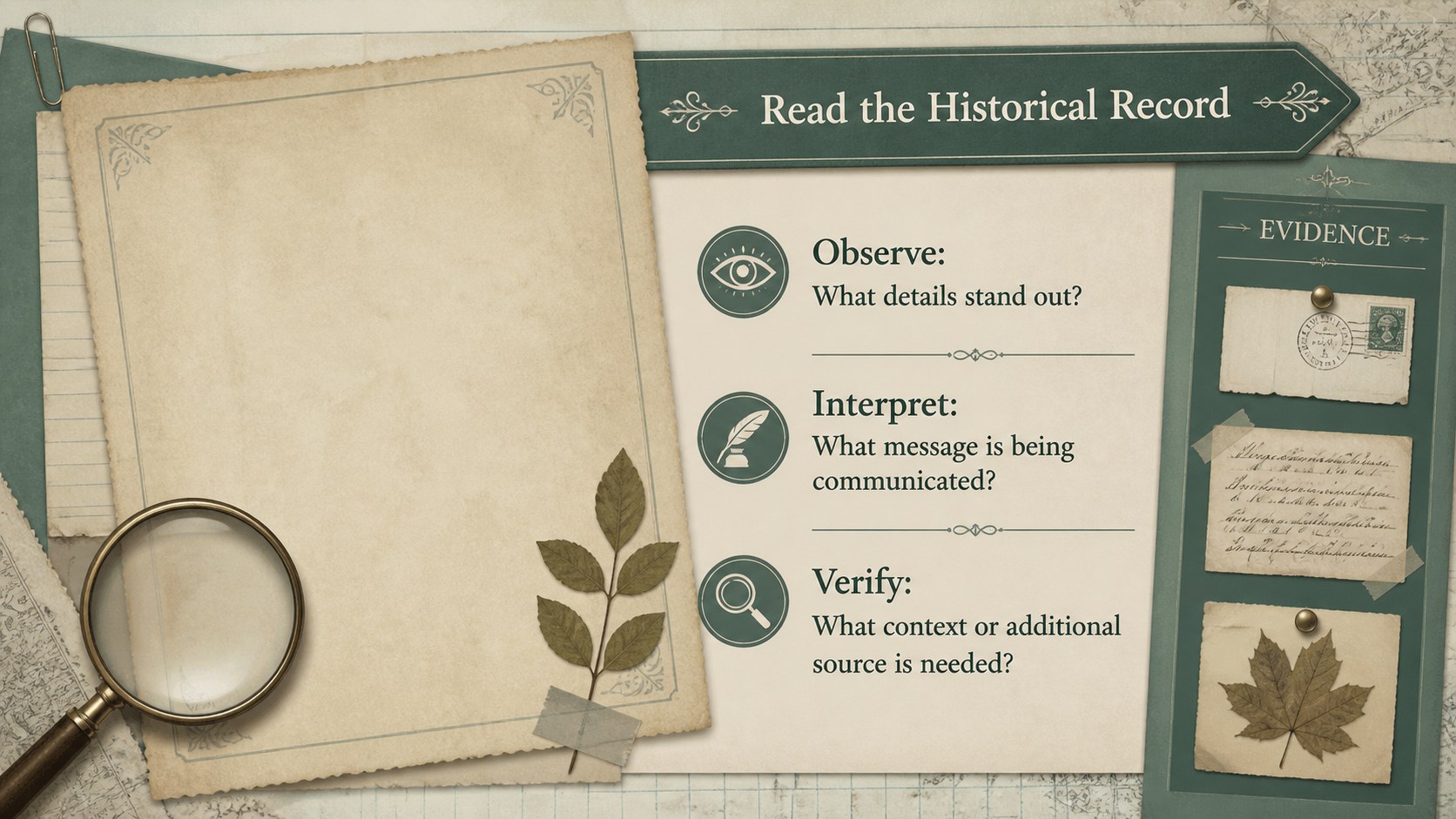
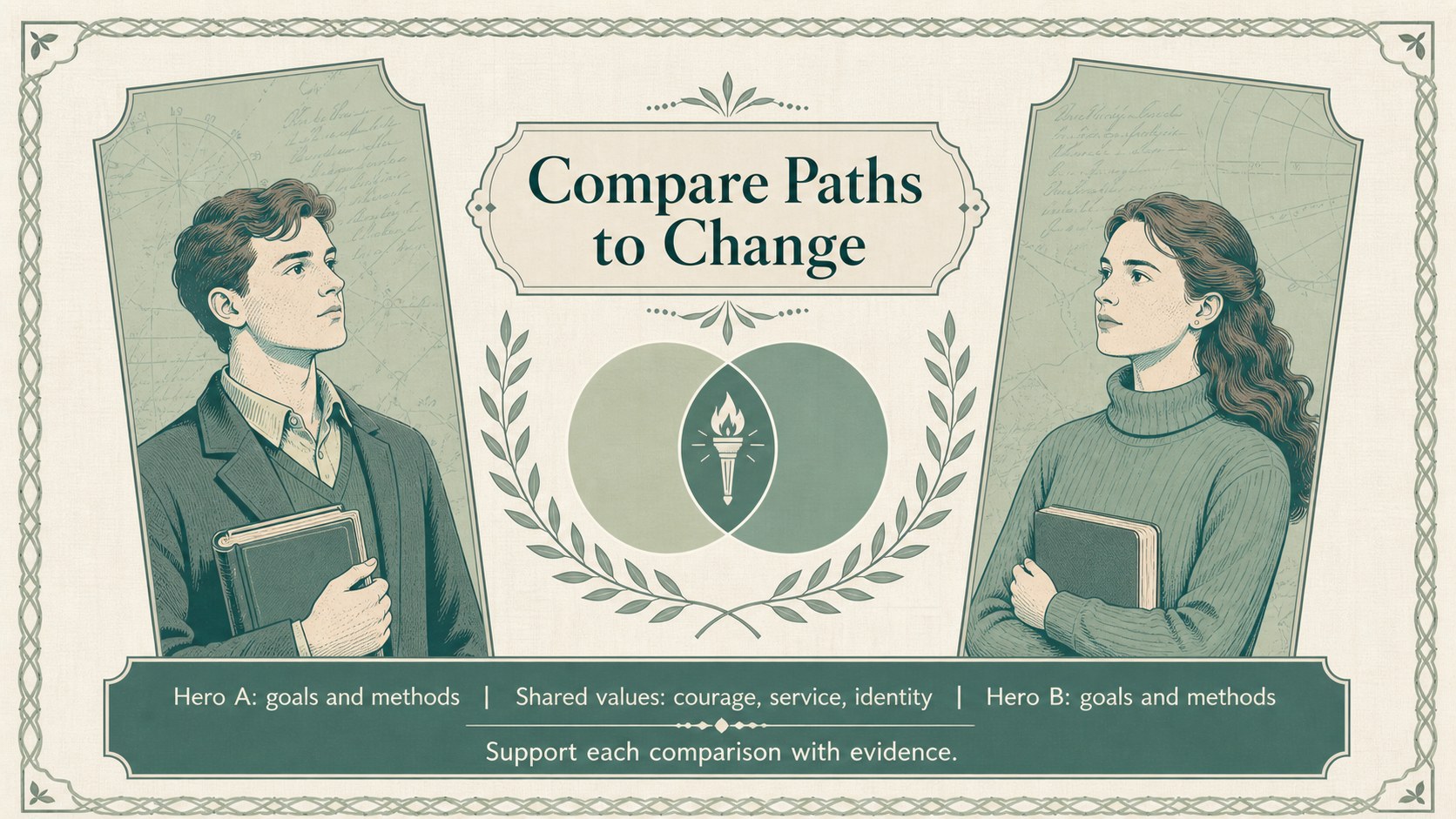
The deck includes space for a lesson roadmap, historical context, hero profiles, major contributions, primary-source analysis, timelines, comparison activities, discussion questions, and a closing reflection. Teachers can build a complete Philippine history lesson PowerPoint or use individual layouts as Philippine national heroes classroom slides. Charts, image frames, quotations, and structured text areas help students connect personal achievements with wider social and political change.
Designed for history teachers, social studies educators, tutors, and student presenters, this vintage Filipino history presentation supports lectures, group research, heritage programs, and review sessions. Replace the sample wording, add approved historical images, adjust the green palette, and reorganize sections to match your curriculum. The 16:9 format works well on classroom screens and shared online presentations, while the consistent visual system keeps longer lessons clear and cohesive.
Perfect for: Philippine history classroom lesson; national hero biography report; Filipino heritage month program; social studies group research; historical timeline activity.
Frequently asked questions
Can I edit these slides in PowerPoint and Google Slides? Yes. All text, images, colors, and layout elements can be edited in PowerPoint or Google Slides. Font availability may vary slightly between the two platforms.
Practical details
Yes. All text, images, colors, and layout elements can be edited in PowerPoint or Google Slides. Font availability may vary slightly between the two platforms.
Yes. Duplicate the profile layouts and replace the sample headings, dates, quotations, and images with curriculum-approved material. The design can support individual biographies or a comparative class project.
Adjust the theme colors, typography, textures, and decorative accents using the editing tools in PowerPoint or Google Slides. Keep strong contrast between text and background so the lesson remains readable on classroom displays.
Yes. Students can use the timeline, profile, source-analysis, and reflection layouts for individual or group reports. Teachers may simplify text prompts or add research requirements based on the grade level.
Keep exploring
15Build stronger academic arguments with a college essay thesis builder featuring guided examples, revision prompts, and editable PowerPoint and Google Slides.
 15
15Build an engaging World UFO Day session with this flying saucer history lesson deck, featuring retro green-and-brown slides for PowerPoint and Google Slides.
 14
14Plan a memorable Lunar New Year campaign with the 2036 Dragon Year Celebration Theme, featuring bold red-and-yellow slides for lessons and events.
 15
15Build a thoughtful classroom discussion with this interfaith awareness lesson deck, featuring editable blue-and-white slides for PowerPoint and Google Slides.
 15
15Use this environmental awareness lesson deck to teach climate action through illustrated activities, discussion prompts, and ready-to-edit visuals.
 15
15Build playful lessons and party stories with a kid-friendly zombie celebration theme in purple, green and pastel blue for PowerPoint and Google Slides.
 15
15Build eerie lessons, campaigns, and story pitches with an undead survival scenario theme featuring editable slides for PowerPoint and Google Slides.
 16
16Turn environmental research into a clear story with a Watercolor Ecology Presentation Theme for PowerPoint and Google Slides in calming green and blue.