
 15
15presentation
College Essay Thesis Builder Slides
Build stronger academic arguments with a college essay thesis builder featuring guided examples, revision prompts, and editable PowerPoint and Google Slides.
Google SlidesPowerPoint
presentation · English
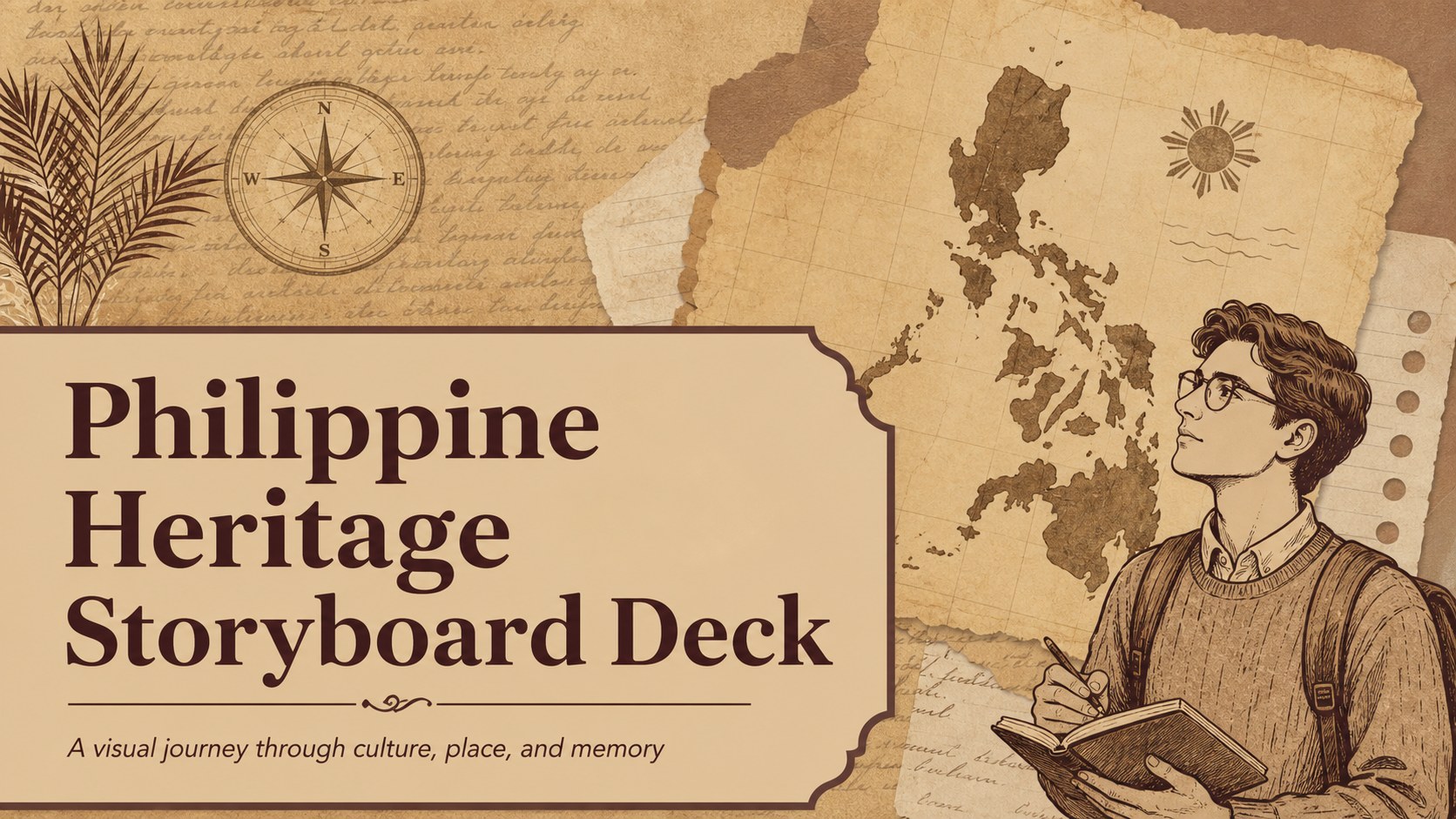
Build a Philippine heritage classroom deck with warm vintage visuals, clear timelines, and adaptable layouts for PowerPoint and Google Slides lessons.
Design notes
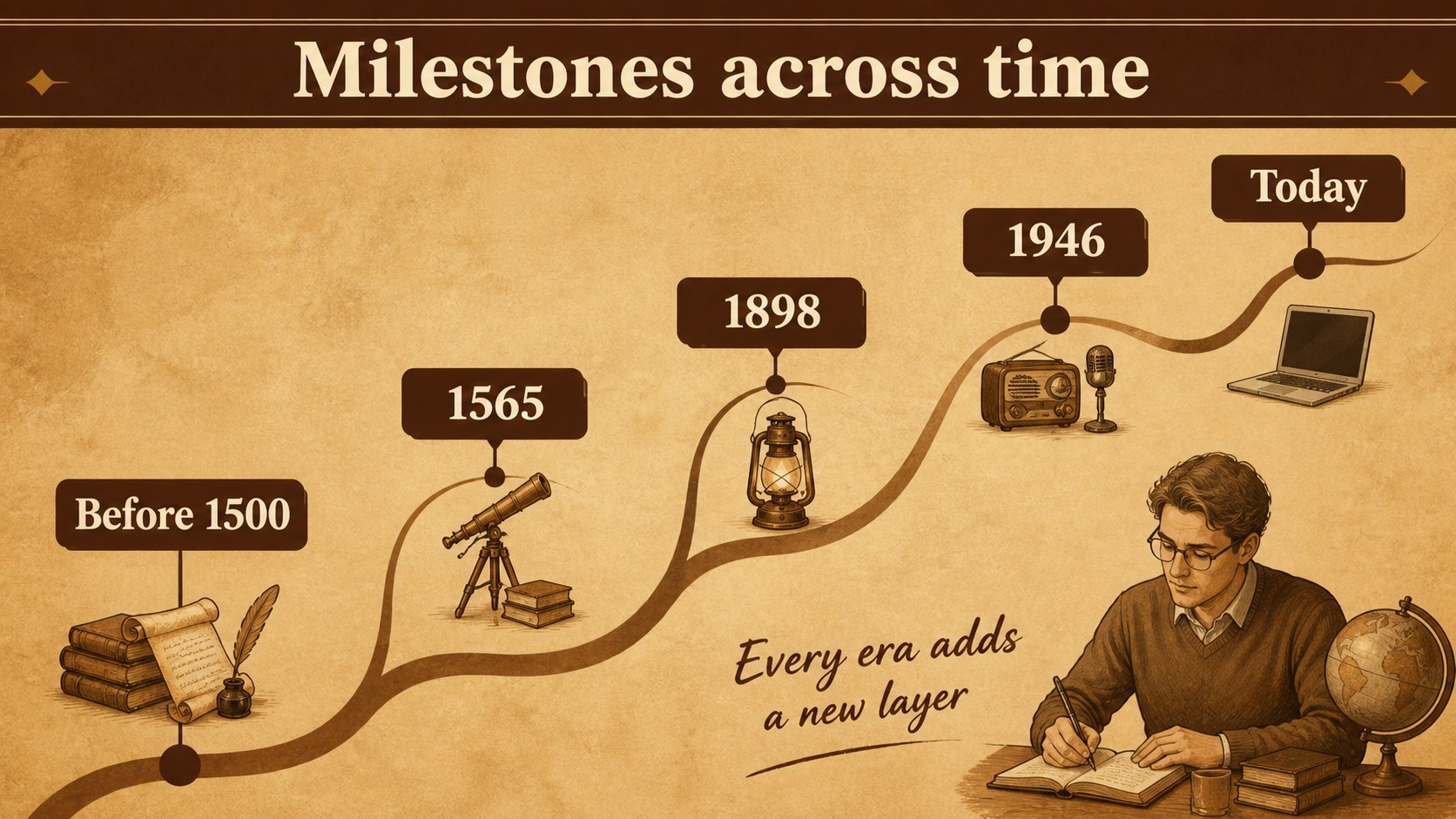
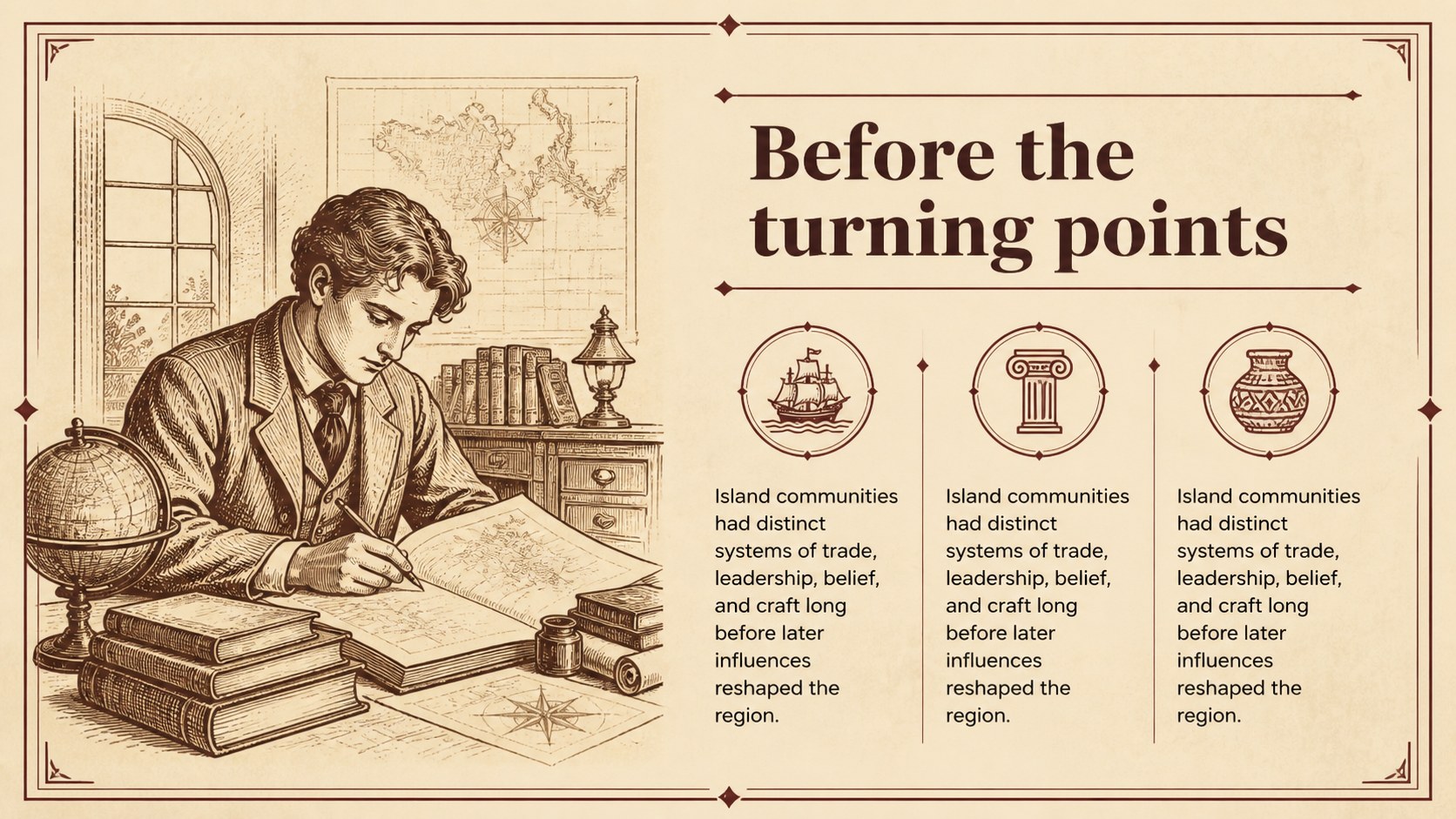
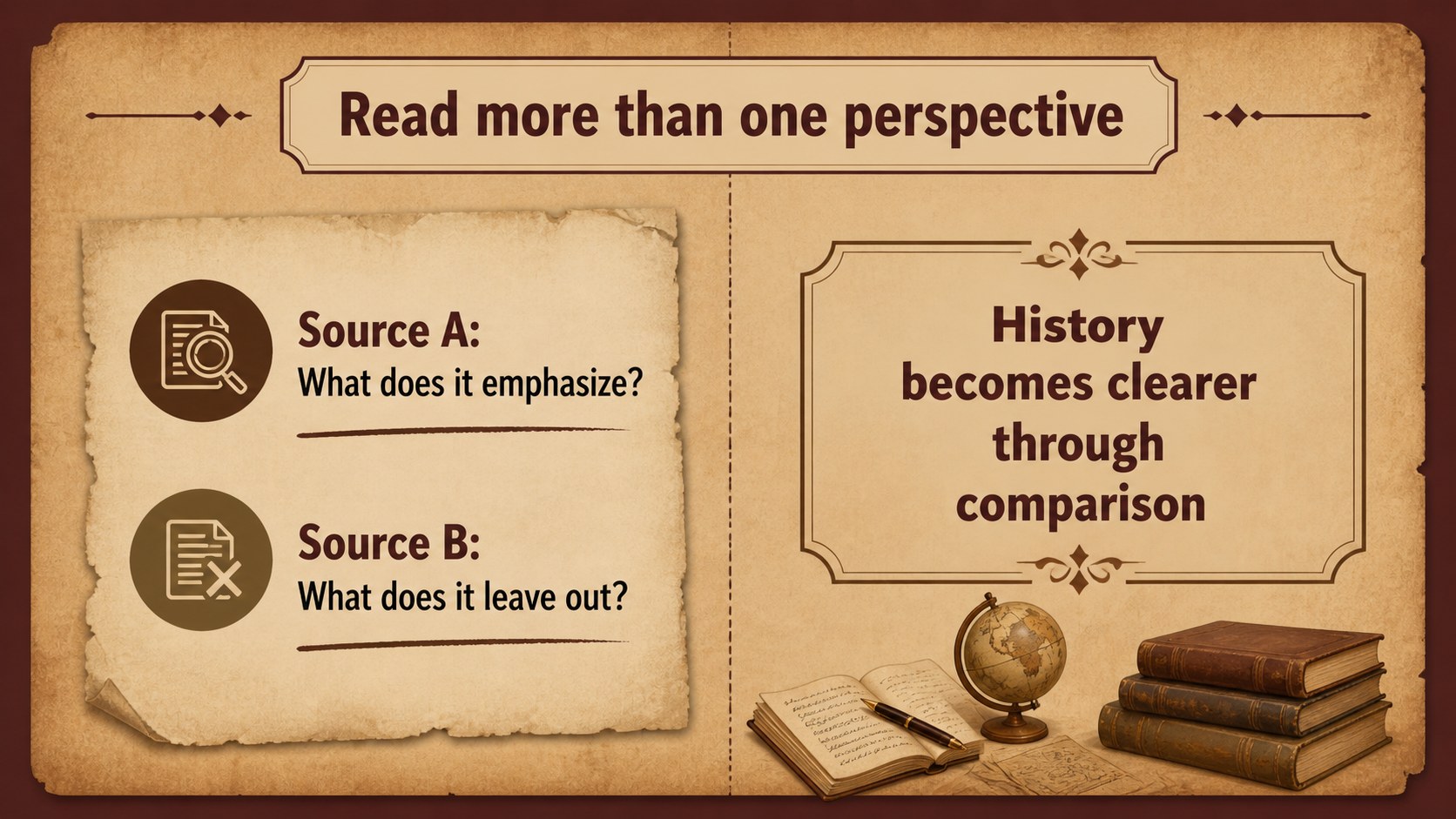
Build a Philippine heritage classroom deck that helps students connect people, places, and pivotal moments through a warm, story-driven visual system. Sepia brown tones, archival-inspired details, and friendly illustrated elements create an approachable setting for social studies, cultural education, and history projects. The layouts are designed to make complex information easier to sequence and discuss without losing the character of the subject.
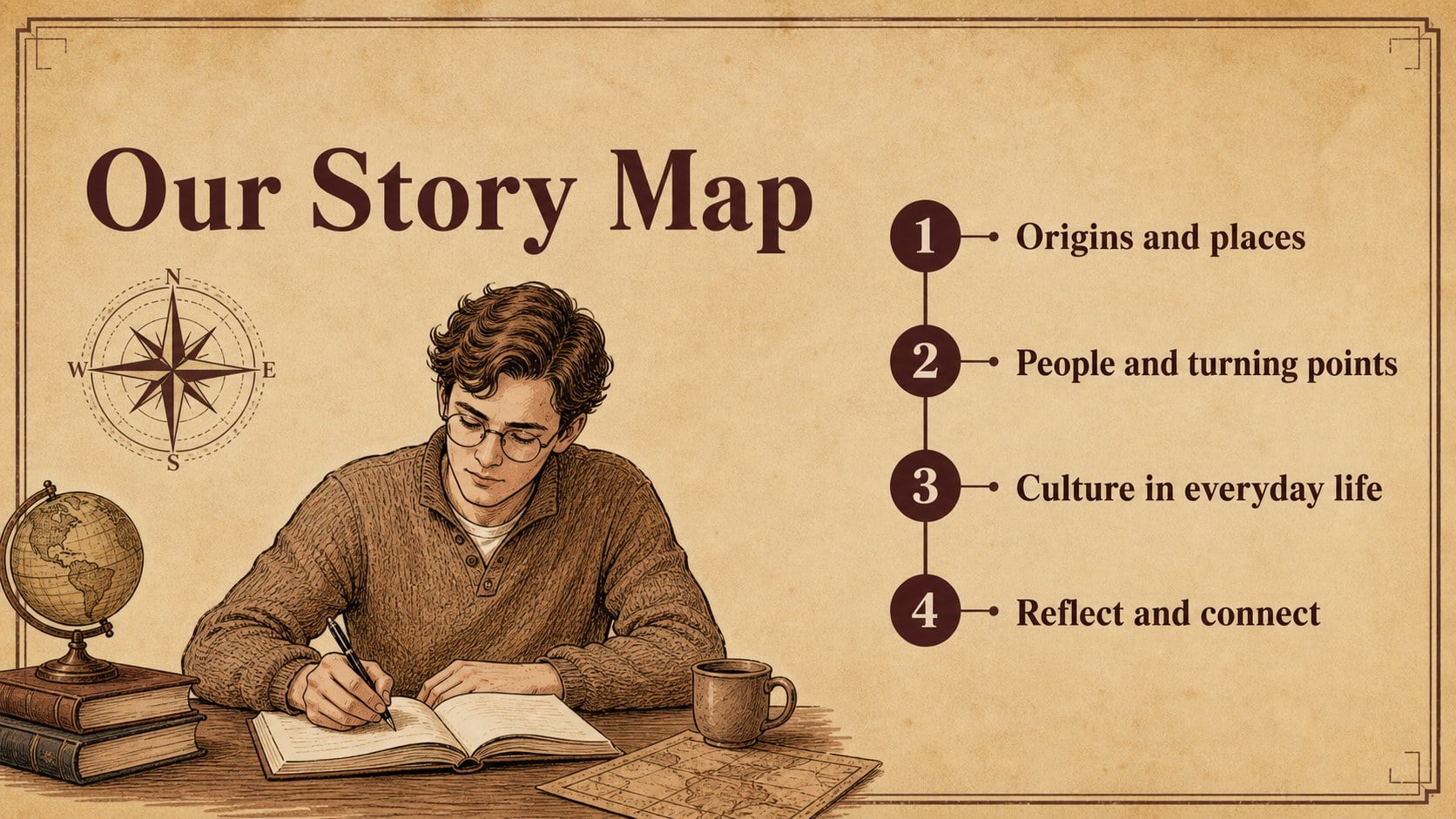
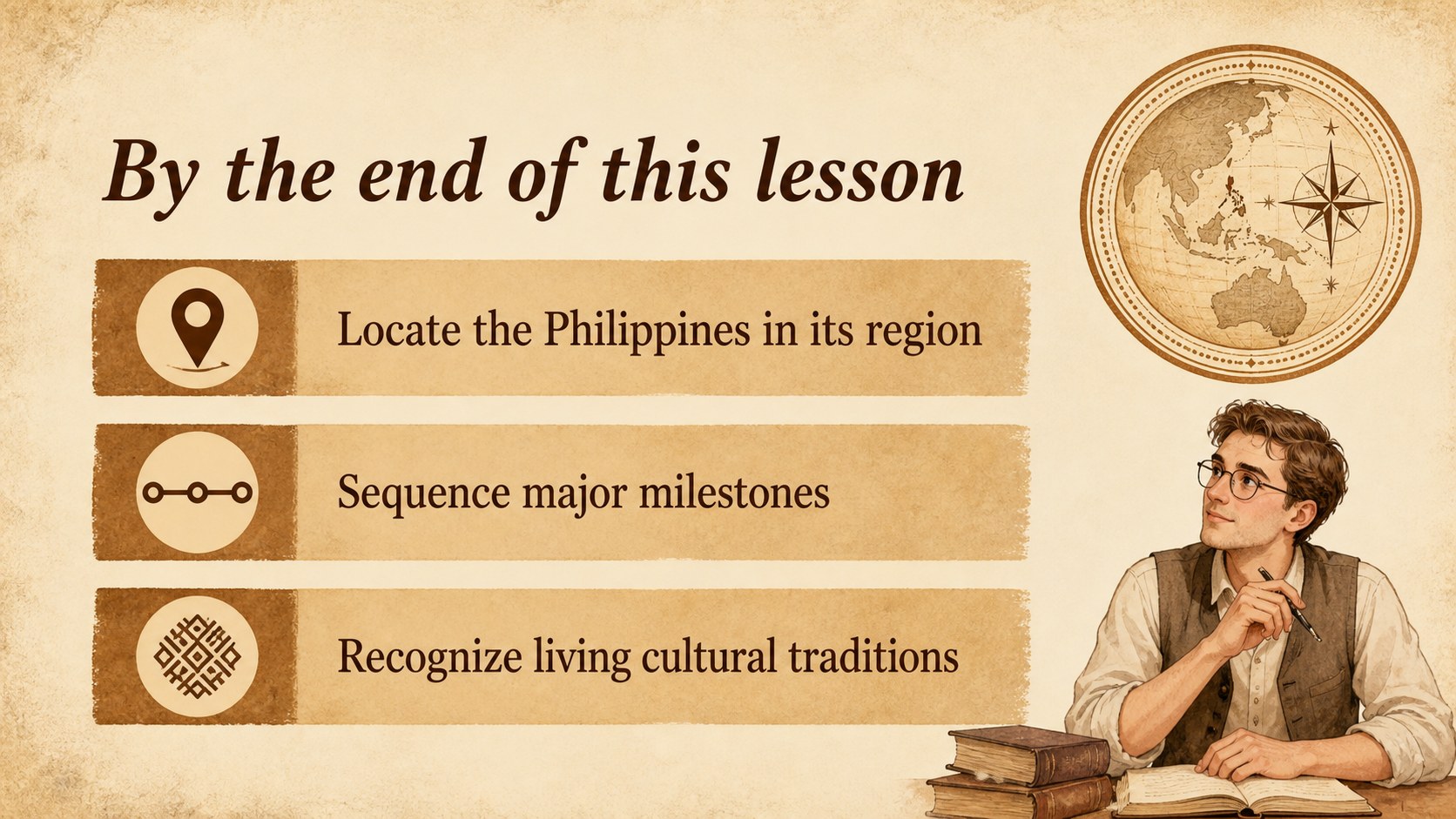
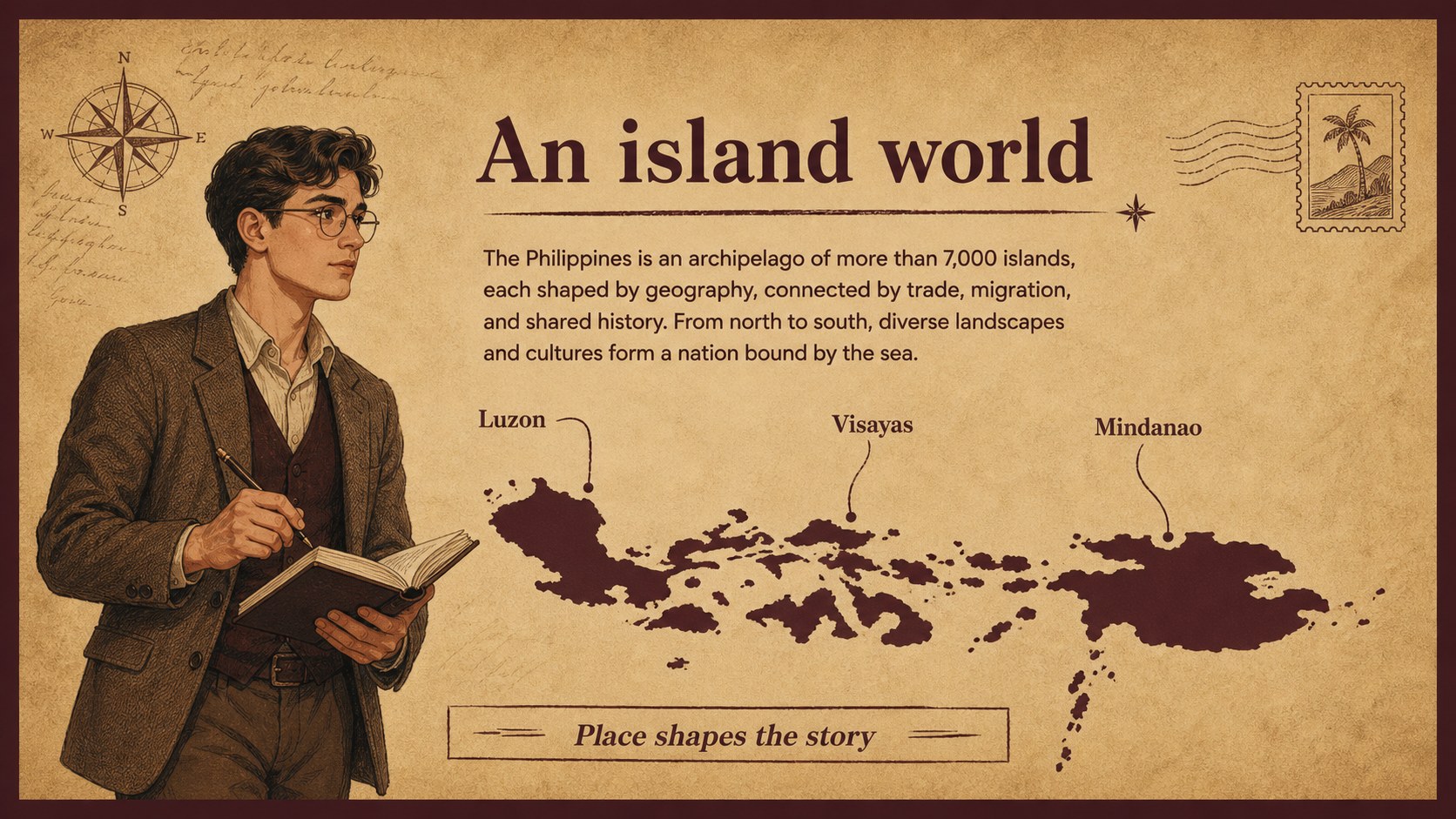
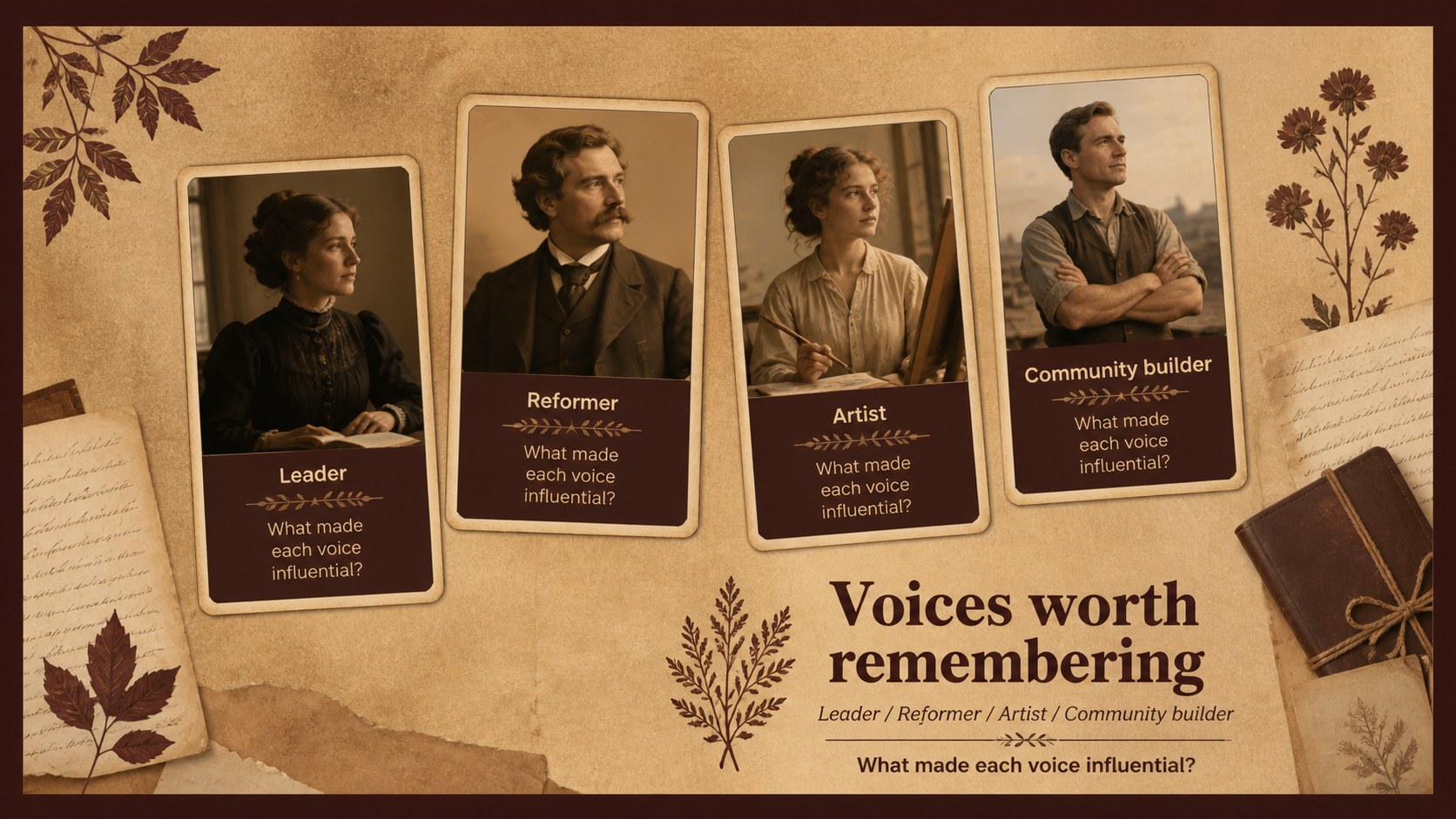
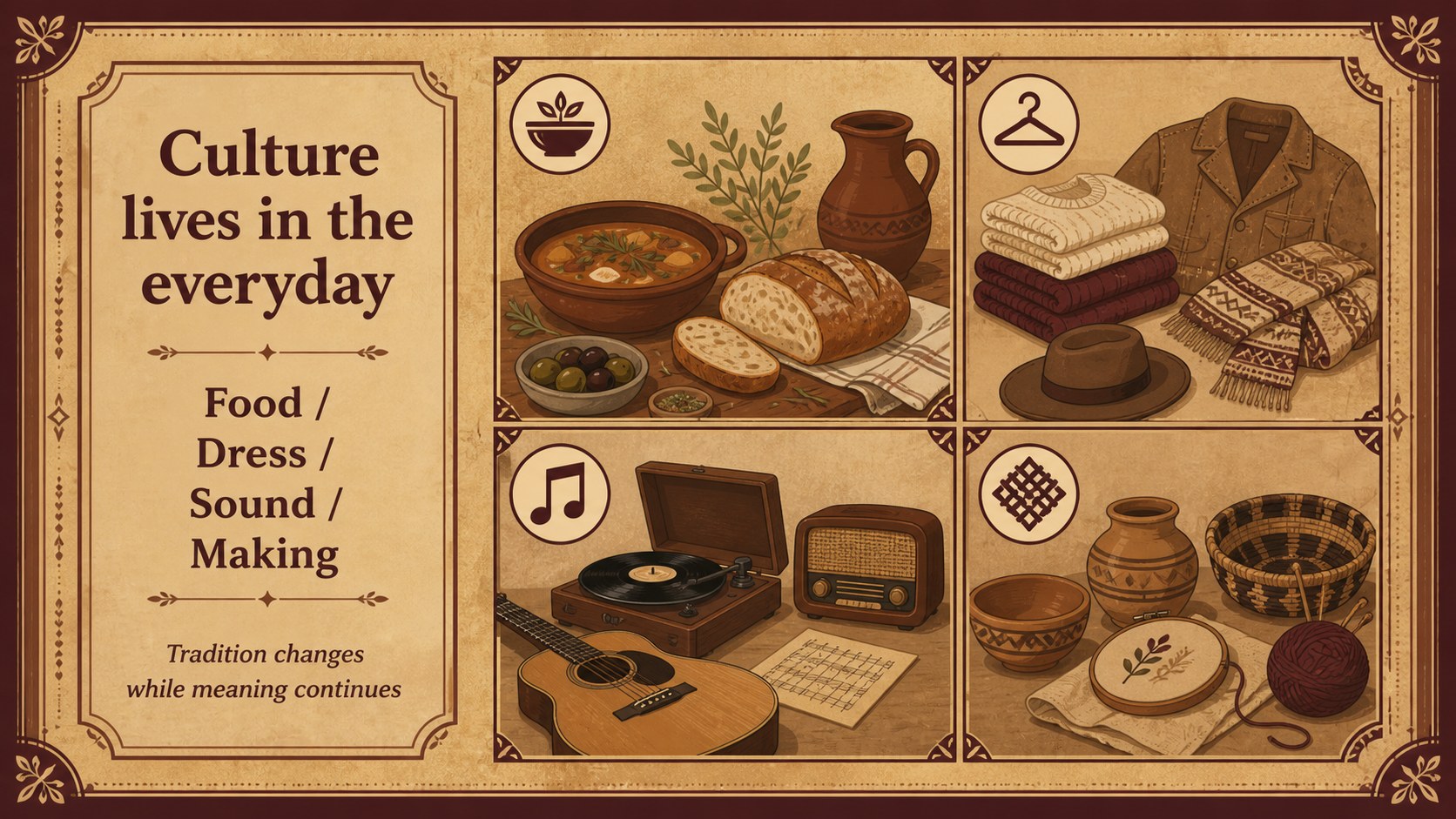
Inside, you’ll find more than 25 editable slides for a visual Philippine history lesson, including a cover, learning objectives, agenda, timeline, location overview, key figures, cultural traditions, comparison layouts, image-led fact pages, quiz prompts, reflection activities, and a closing summary. Charts, frames, maps, labels, and text blocks can be rearranged to suit different grade levels and teaching styles. Use the timeline for chronological storytelling, the question slides for class participation, and the profile layouts for focused research.
This template is suitable for elementary and secondary educators, homeschool instructors, museum educators, and students preparing a cultural studies presentation. It works in PowerPoint and Google Slides, and the Archivo and Poppins font pairing keeps headings clear while preserving the vintage classroom mood. Customize the text, images, colors, and pacing to create a thoughtful, memorable lesson about the Philippines.
Perfect for: elementary social studies lesson; secondary cultural studies presentation; museum education workshop; homeschool history unit; student heritage research project.
Frequently asked questions
Can I edit this deck in PowerPoint? Yes. The presentation is designed for PowerPoint and includes editable text, shapes, colors, and layouts. Replace the sample copy with your own lesson material and update the visuals to match your curriculum.
Practical details
Yes. The presentation is designed for PowerPoint and includes editable text, shapes, colors, and layouts. Replace the sample copy with your own lesson material and update the visuals to match your curriculum.
Yes, you can use the deck in Google Slides after importing the presentation file. Review fonts and image placement after import, then adjust any elements needed for your classroom workflow.
The layouts support timelines, regional context, cultural traditions, notable people, historical events, and student reflection. You can combine the sections for a broad overview or build a focused presentation around one period or theme.
Yes. The palette, typography, illustrations, and decorative elements can be customized to fit your school or project. Keeping the warm brown accents will preserve the original archival-inspired character.
Keep exploring
15Build stronger academic arguments with a college essay thesis builder featuring guided examples, revision prompts, and editable PowerPoint and Google Slides.
 15
15Build an engaging World UFO Day session with this flying saucer history lesson deck, featuring retro green-and-brown slides for PowerPoint and Google Slides.
 14
14Plan a memorable Lunar New Year campaign with the 2036 Dragon Year Celebration Theme, featuring bold red-and-yellow slides for lessons and events.
 15
15Build a thoughtful classroom discussion with this interfaith awareness lesson deck, featuring editable blue-and-white slides for PowerPoint and Google Slides.
 15
15Use this environmental awareness lesson deck to teach climate action through illustrated activities, discussion prompts, and ready-to-edit visuals.
 15
15Build playful lessons and party stories with a kid-friendly zombie celebration theme in purple, green and pastel blue for PowerPoint and Google Slides.
 15
15Build eerie lessons, campaigns, and story pitches with an undead survival scenario theme featuring editable slides for PowerPoint and Google Slides.
 16
16Turn environmental research into a clear story with a Watercolor Ecology Presentation Theme for PowerPoint and Google Slides in calming green and blue.