
 15
15presentation
College Essay Thesis Builder Slides
Build stronger academic arguments with a college essay thesis builder featuring guided examples, revision prompts, and editable PowerPoint and Google Slides.
Google SlidesPowerPoint
presentation · English
Teach civic institutions, elections, and public leadership with Philippine government civics slides in a modern beige-and-red deck for secondary classes.
Design notes
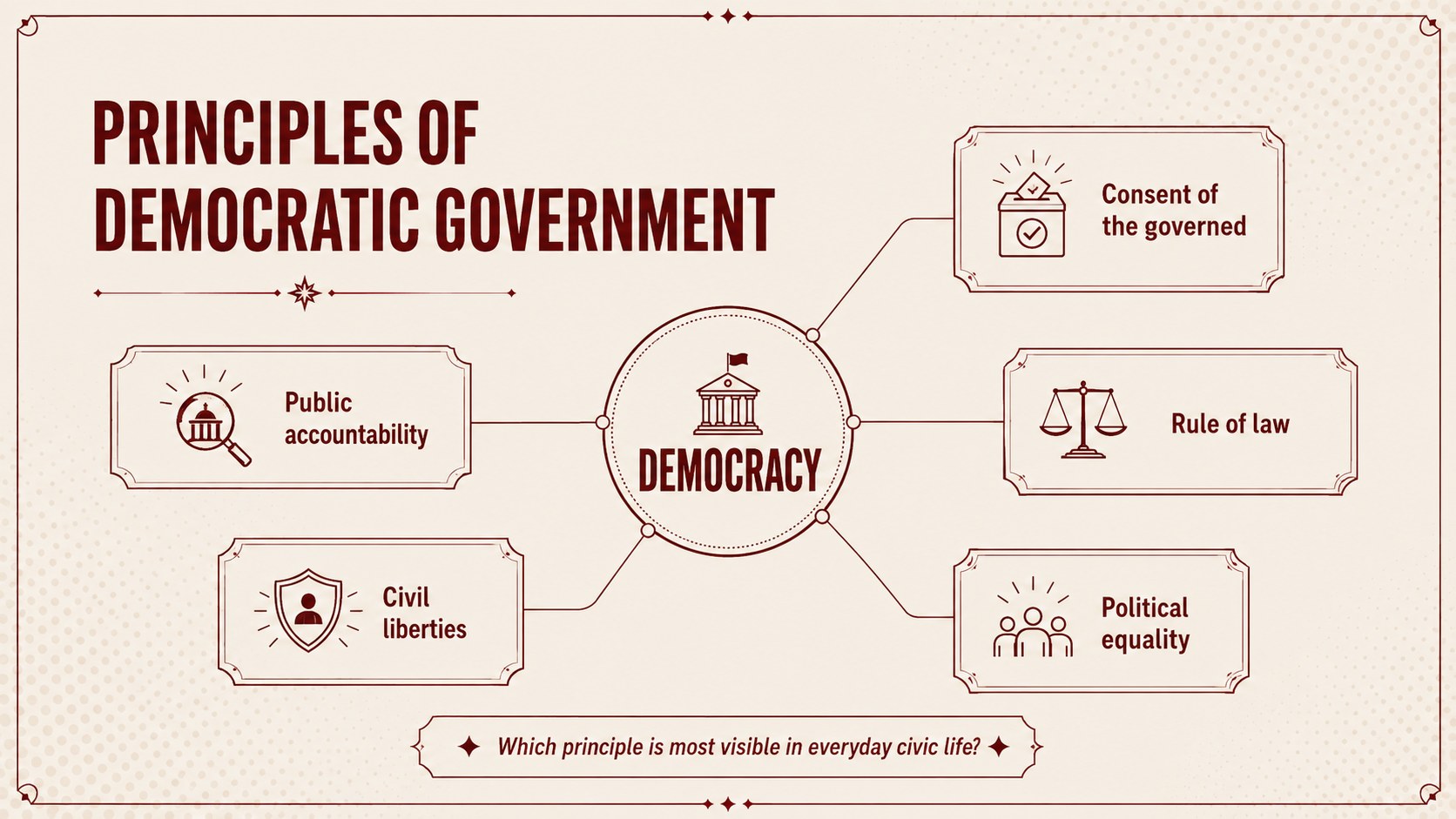
Philippine government civics slides give secondary educators a clear framework for introducing institutions, democratic processes, and active citizenship. The modern beige-and-red design combines bold headings, organized diagrams, and concise prompts to make complex political concepts easier to discuss in class.
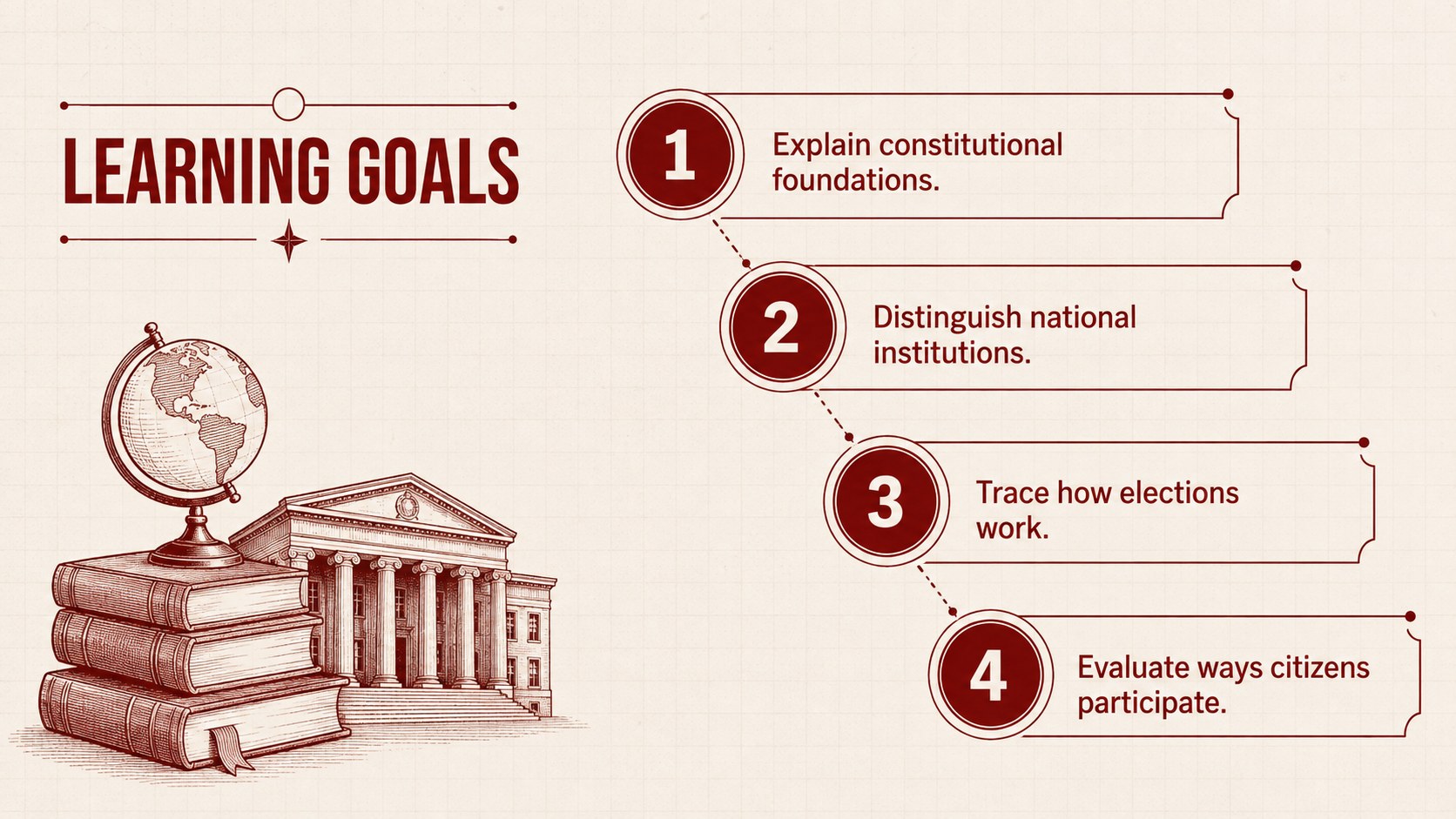
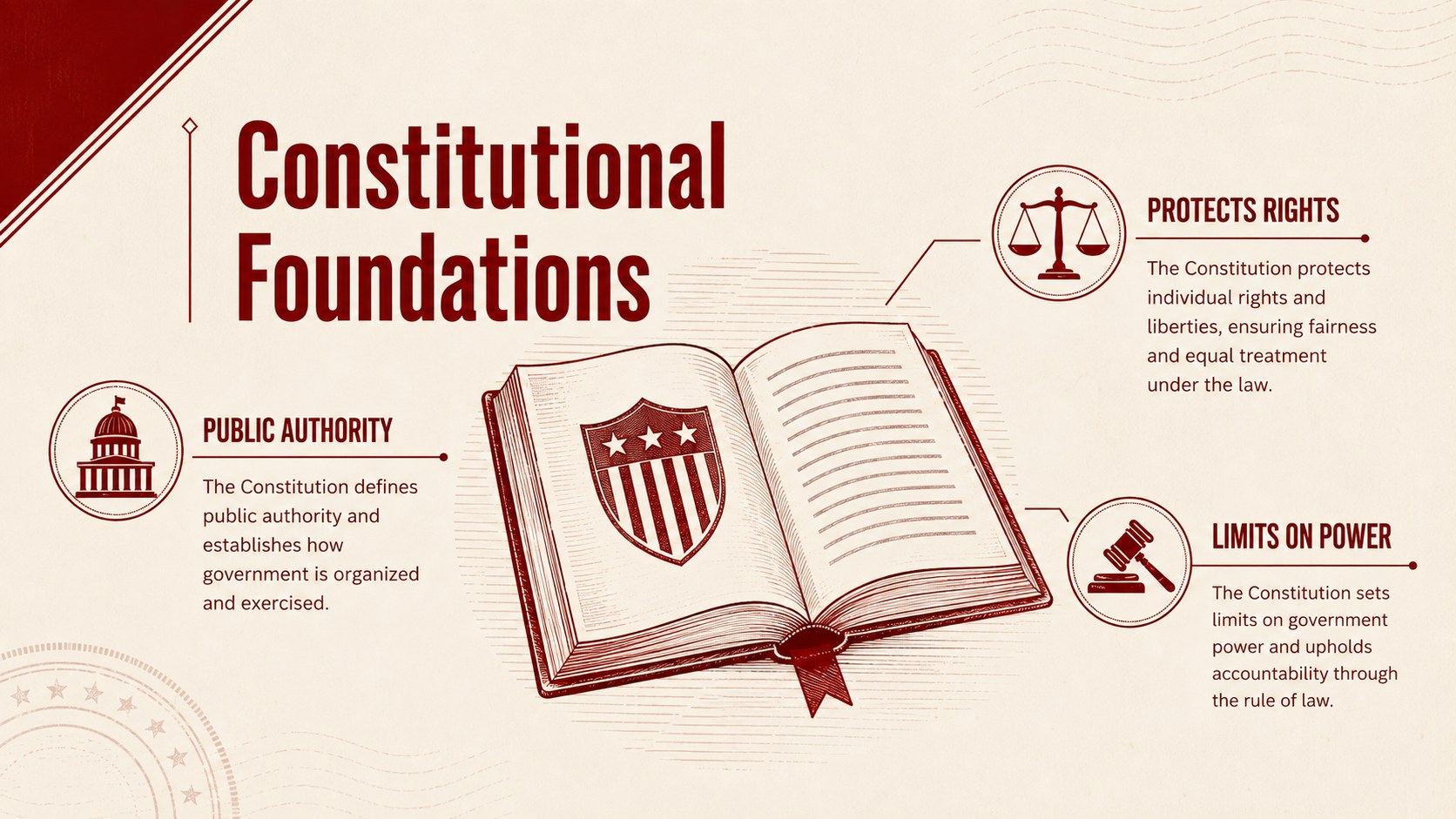
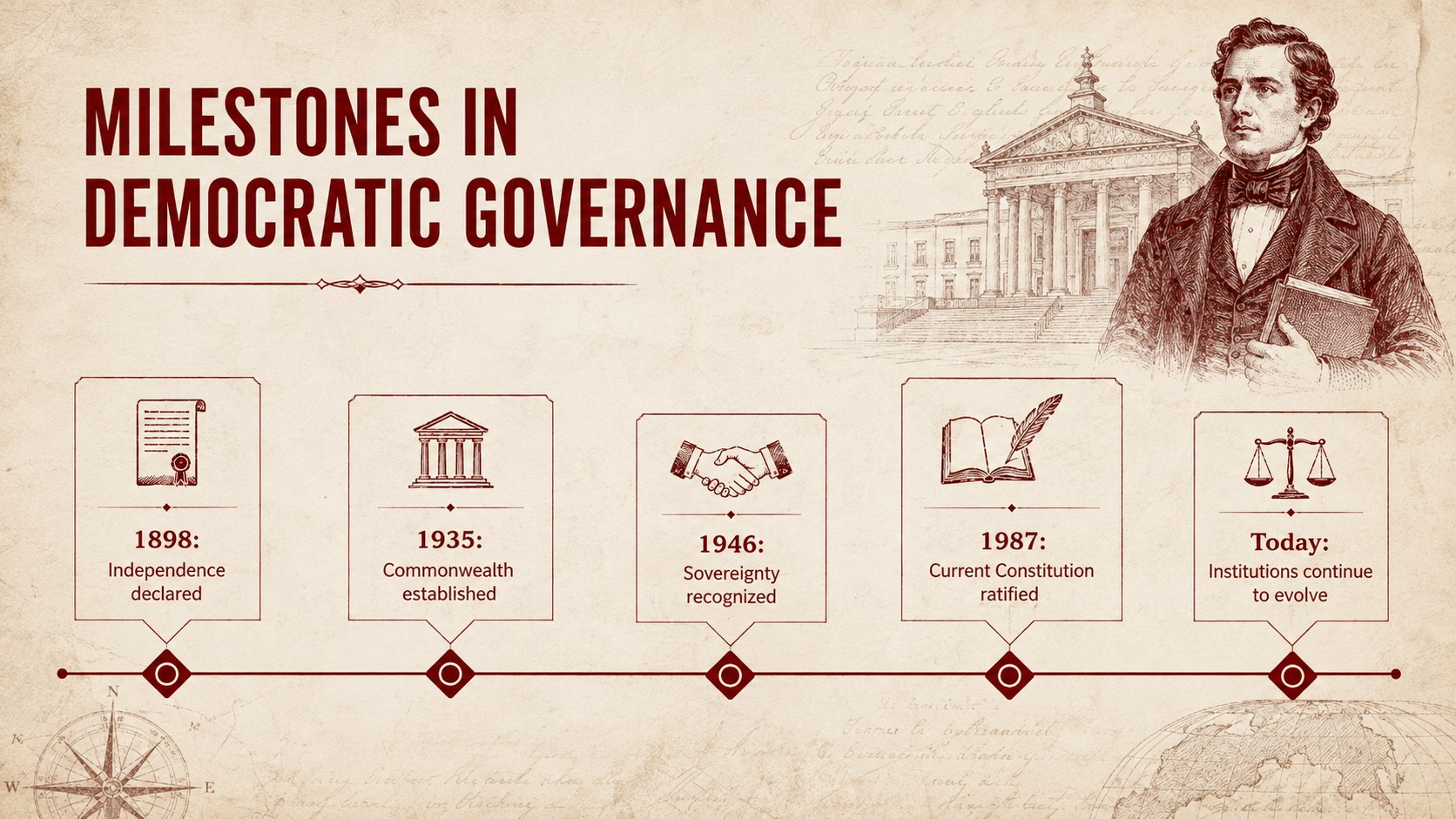
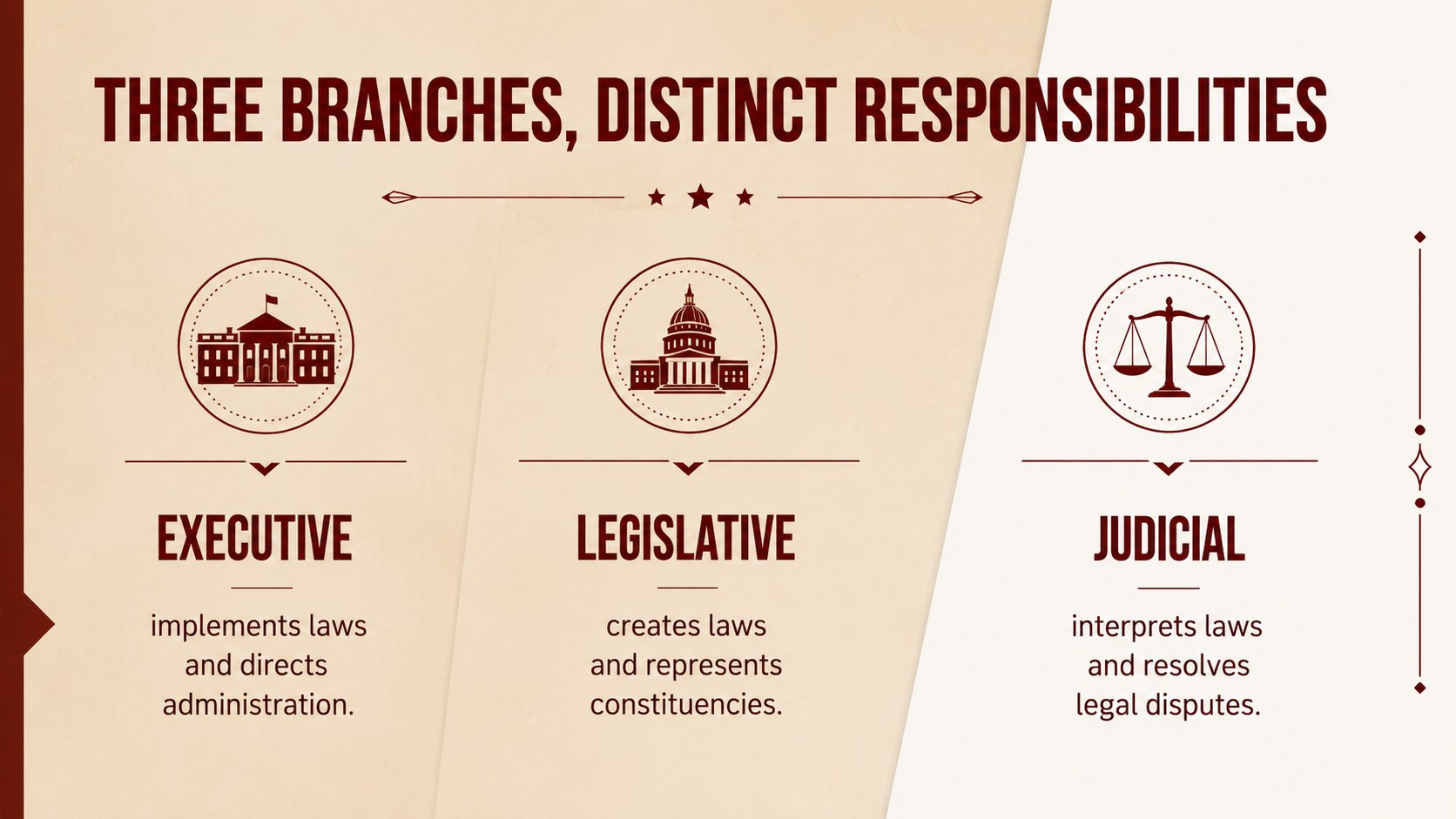
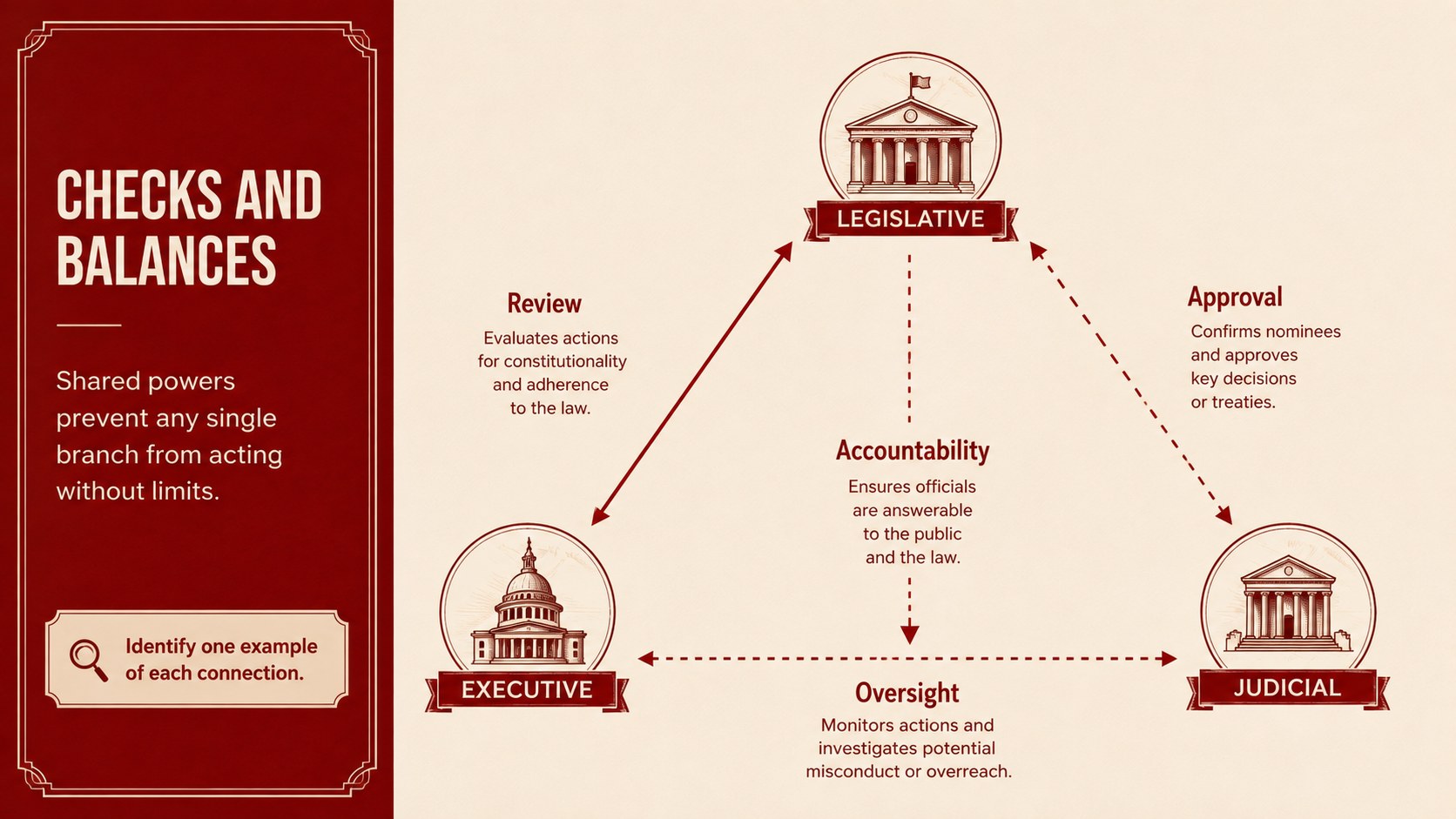
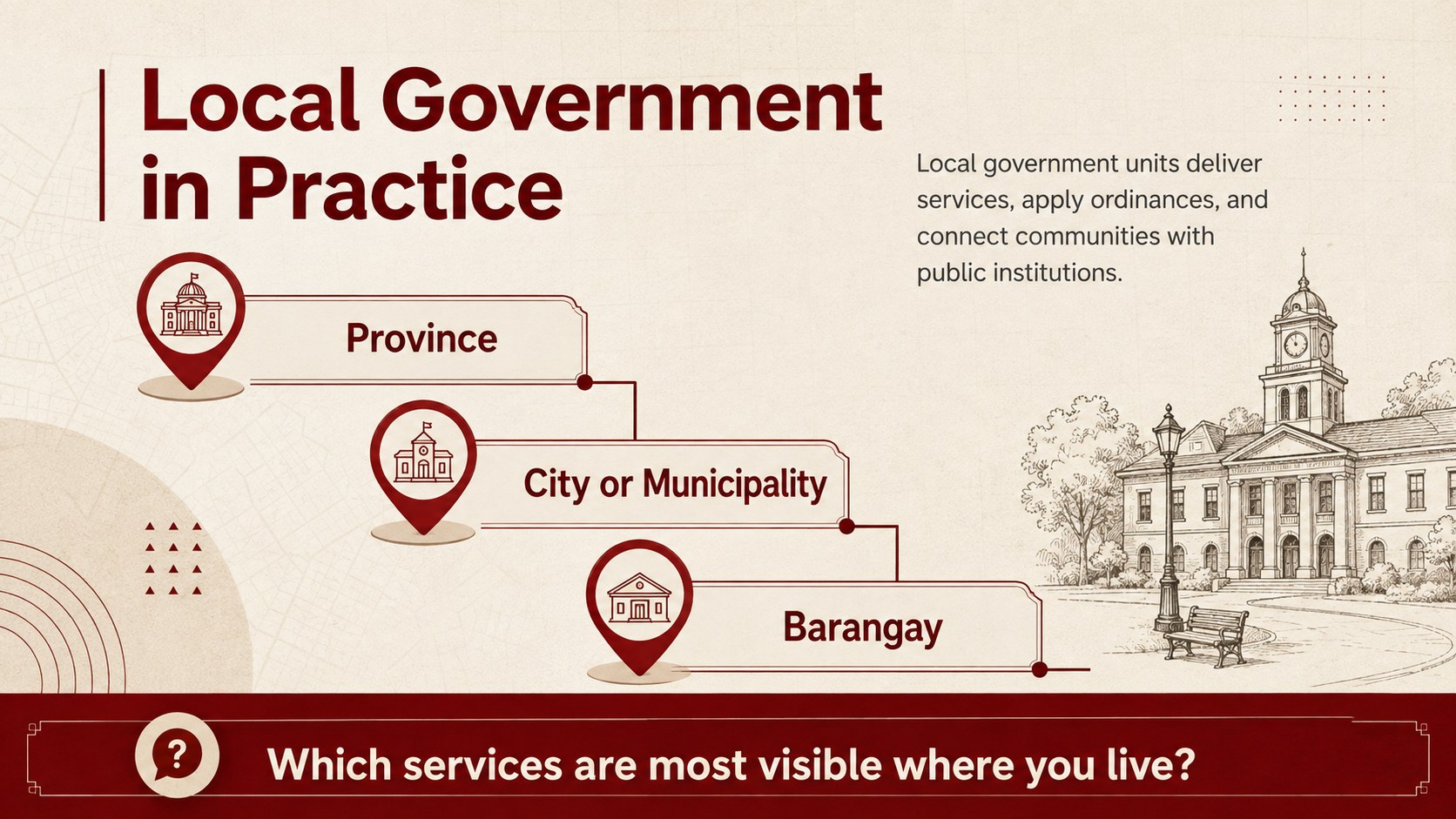
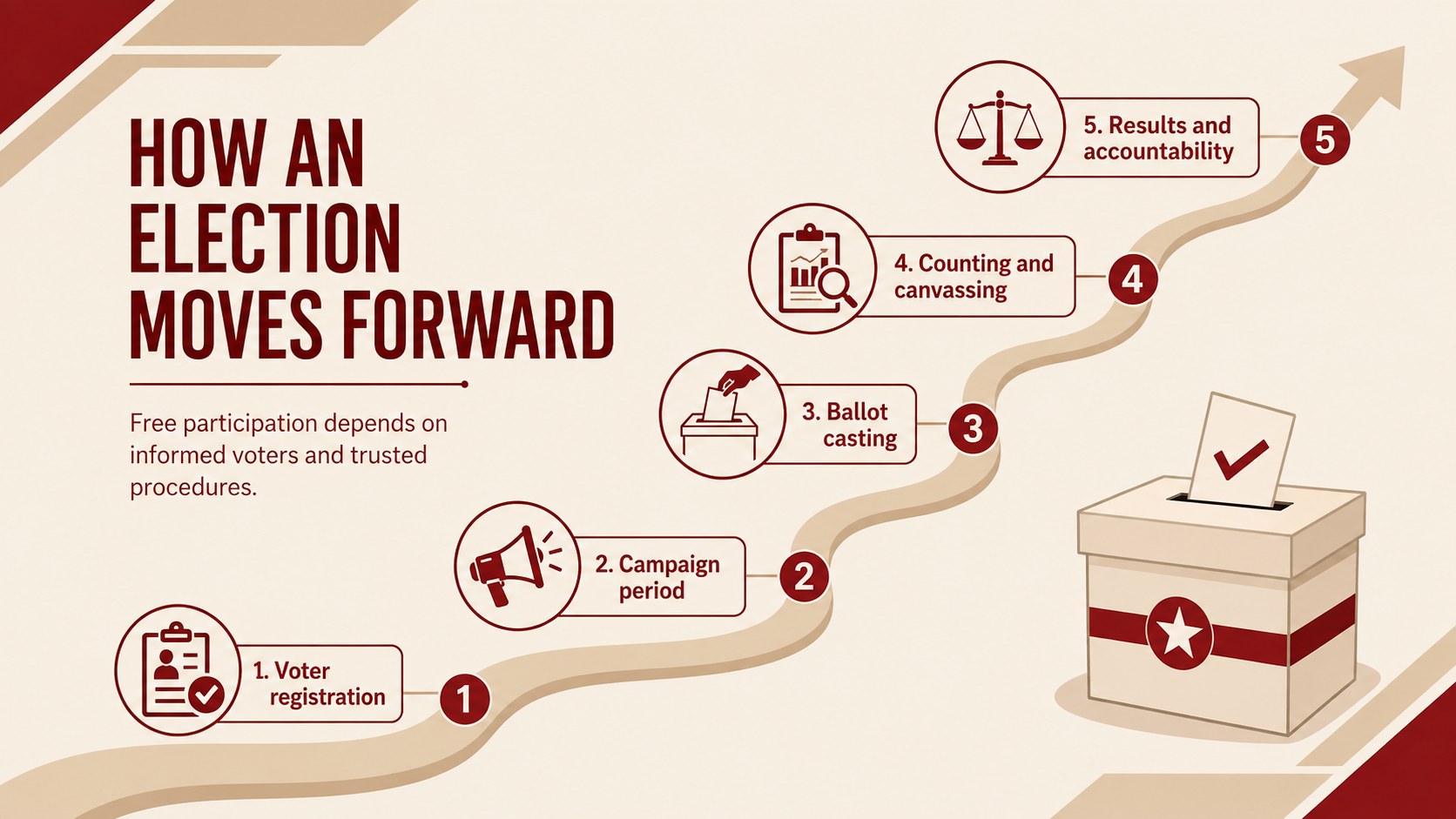
The 15-slide deck moves from constitutional foundations and historical milestones to the three branches of government, checks and balances, local government units, elections, public policy, and citizen responsibilities. Use it as a Philippine constitution lesson presentation, a branches of Philippine government classroom deck, or a visual guide to the Philippine election process. Timelines, comparison layouts, discussion questions, and an exit ticket help students connect formal structures with practical civic life.
Created for high school social studies teachers, civics instructors, homeschool educators, and student presenters, every 16:9 layout can be adapted in PowerPoint or Google Slides. Replace examples, adjust the sequence, add regional case studies, or simplify terminology to suit different grade levels. Bebas Neue and Public Sans typography supports a confident editorial look, while the restrained beige background and red accents keep the material serious, readable, and classroom appropriate.
Perfect for: senior high school civics lesson; Philippine constitution class; government branches review; election process discussion; local governance workshop; student public policy report.
Frequently asked questions
Can I edit these slides for a specific grade level? Yes. You can shorten the explanations for introductory classes or add policy examples, source citations, and discussion prompts for advanced students.
Practical details
Yes. You can shorten the explanations for introductory classes or add policy examples, source citations, and discussion prompts for advanced students.
The deck is designed for PowerPoint and Google Slides. Text, colors, diagrams, and lesson sections remain editable in both platforms.
Yes. Replace the sample local government content with examples from a province, city, municipality, or barangay relevant to your class.
Yes. The layouts include discussion questions, a governance case study, a comparison exercise, and a short exit ticket that can be adapted to your lesson objectives.
Keep exploring
15Build stronger academic arguments with a college essay thesis builder featuring guided examples, revision prompts, and editable PowerPoint and Google Slides.
 15
15Build an engaging World UFO Day session with this flying saucer history lesson deck, featuring retro green-and-brown slides for PowerPoint and Google Slides.
 14
14Plan a memorable Lunar New Year campaign with the 2036 Dragon Year Celebration Theme, featuring bold red-and-yellow slides for lessons and events.
 15
15Build a thoughtful classroom discussion with this interfaith awareness lesson deck, featuring editable blue-and-white slides for PowerPoint and Google Slides.
 15
15Use this environmental awareness lesson deck to teach climate action through illustrated activities, discussion prompts, and ready-to-edit visuals.
 15
15Build playful lessons and party stories with a kid-friendly zombie celebration theme in purple, green and pastel blue for PowerPoint and Google Slides.
 15
15Build eerie lessons, campaigns, and story pitches with an undead survival scenario theme featuring editable slides for PowerPoint and Google Slides.
 16
16Turn environmental research into a clear story with a Watercolor Ecology Presentation Theme for PowerPoint and Google Slides in calming green and blue.