
 15
15presentation
College Essay Thesis Builder Slides
Build stronger academic arguments with a college essay thesis builder featuring guided examples, revision prompts, and editable PowerPoint and Google Slides.
Google SlidesPowerPoint
presentation · English
Use this Philippine Freedom Day Classroom Deck to lead a vivid June 12 history lesson with editable timelines, discussion prompts, and activities.
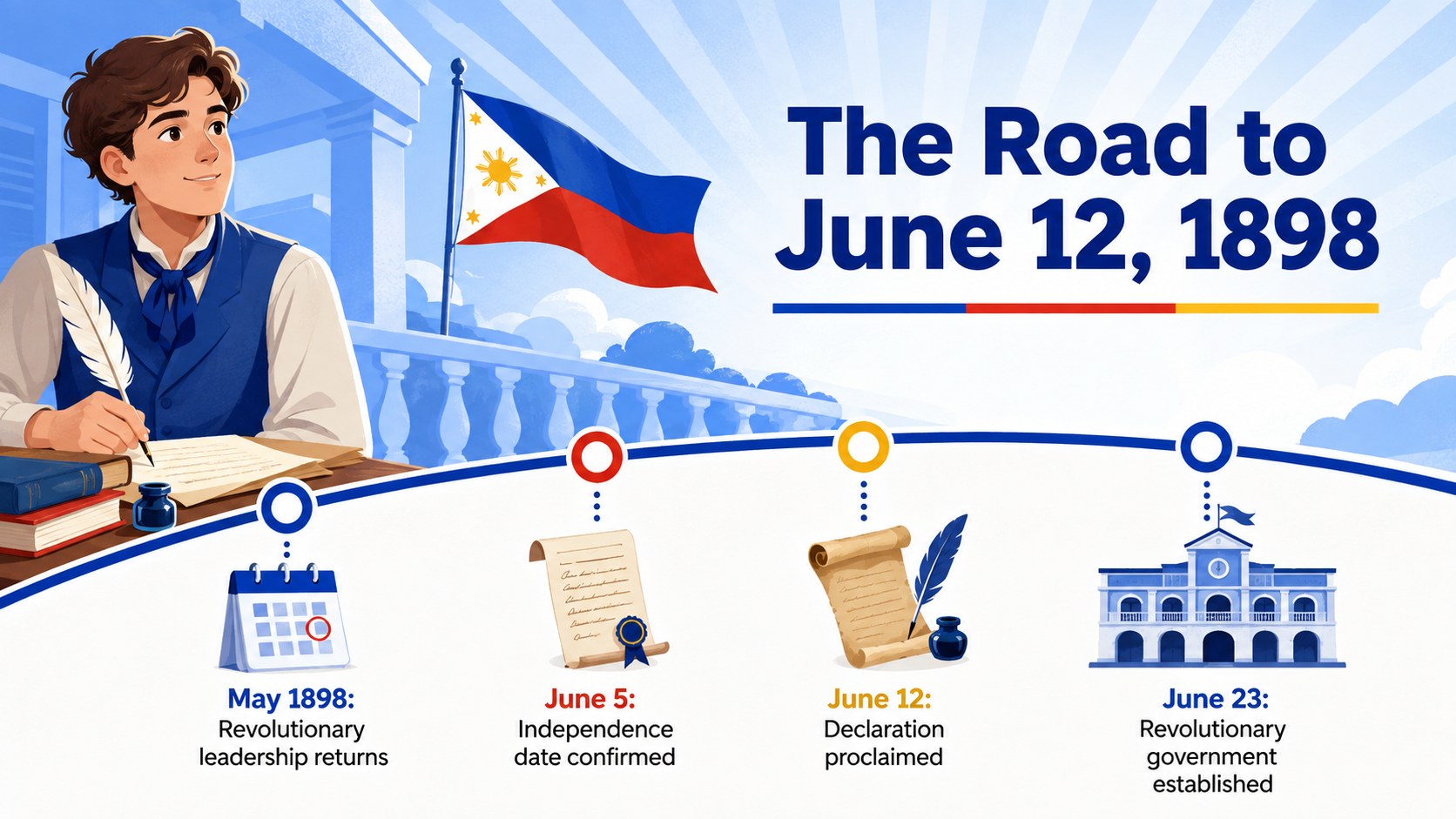
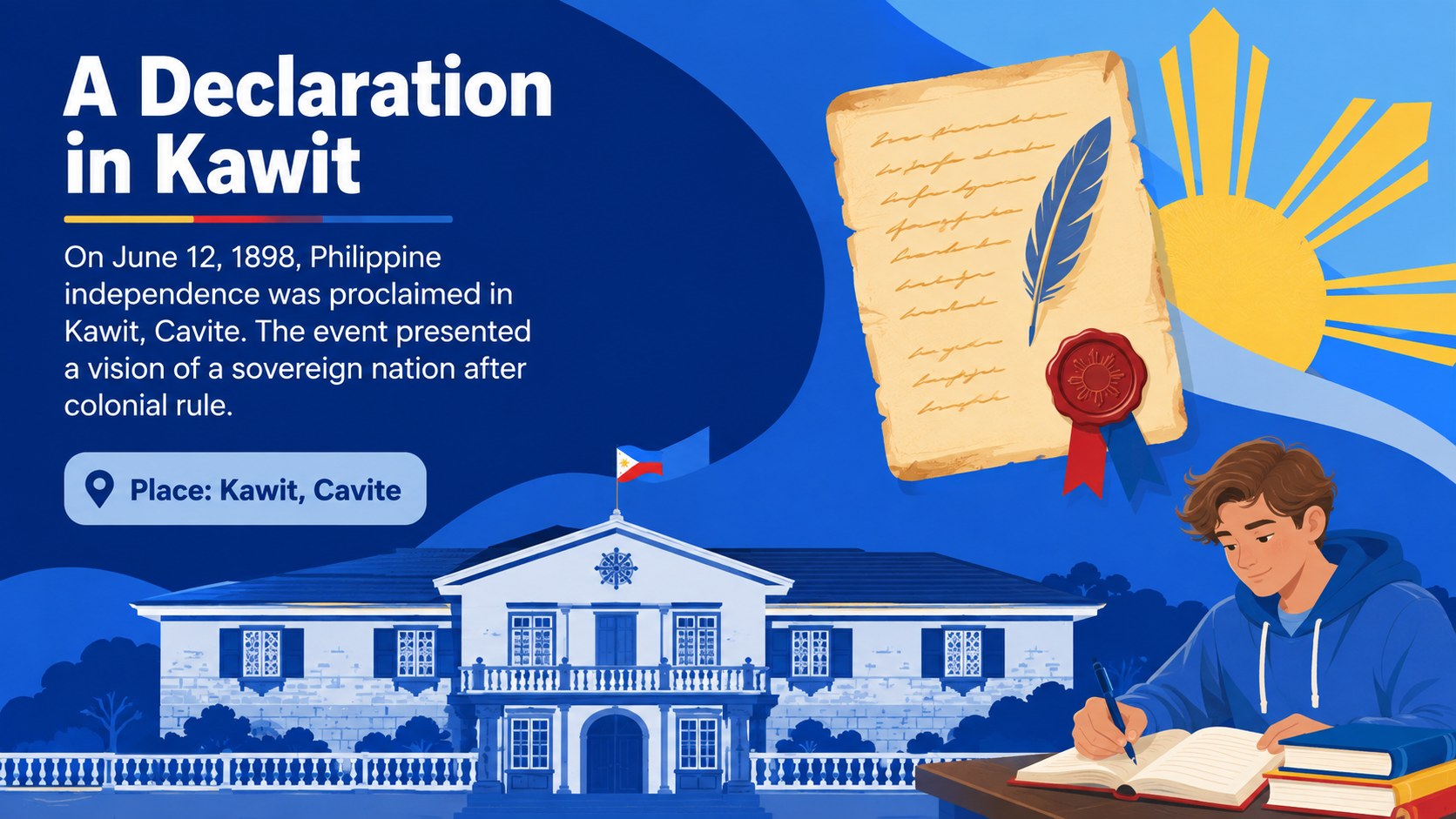
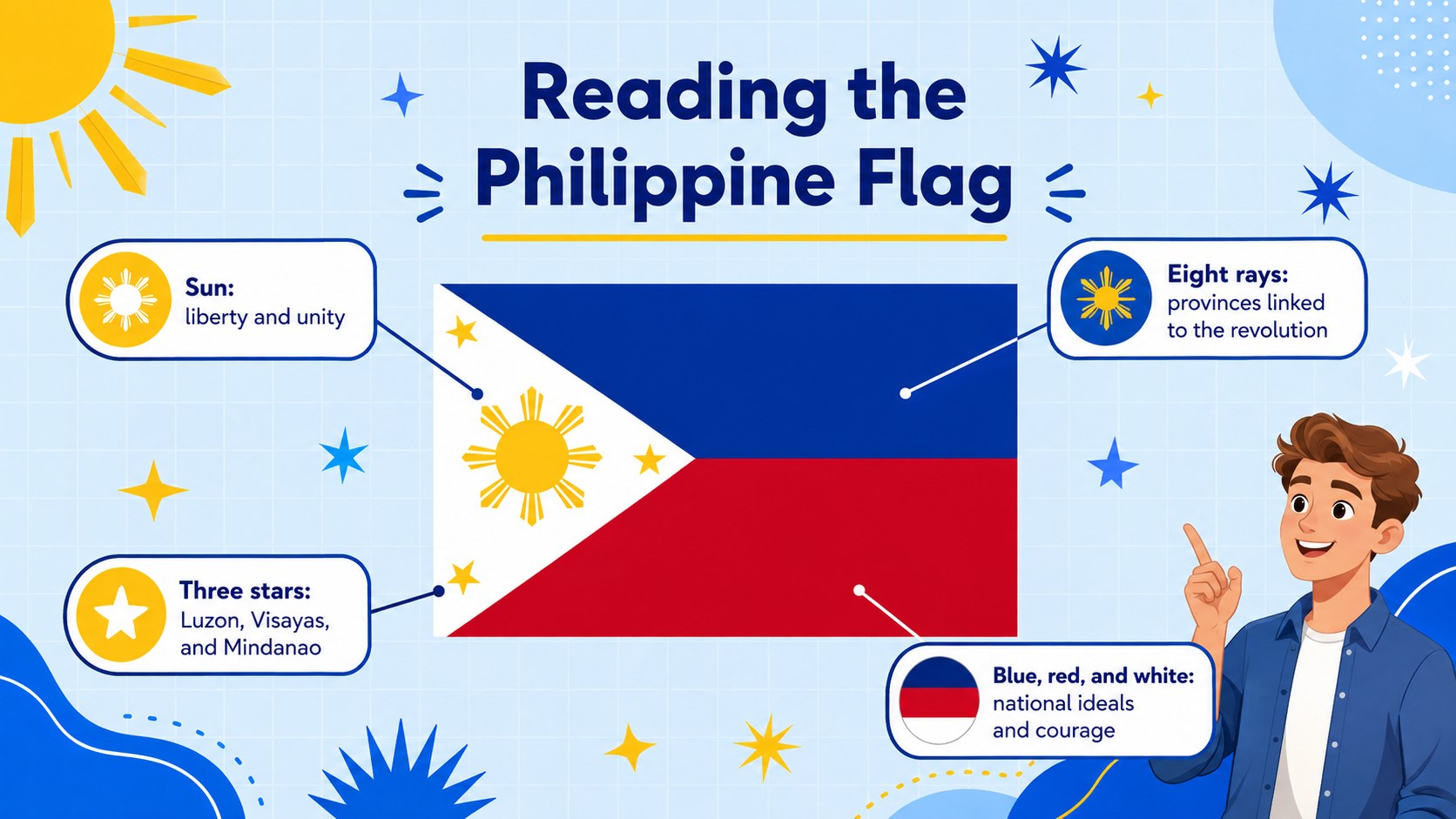
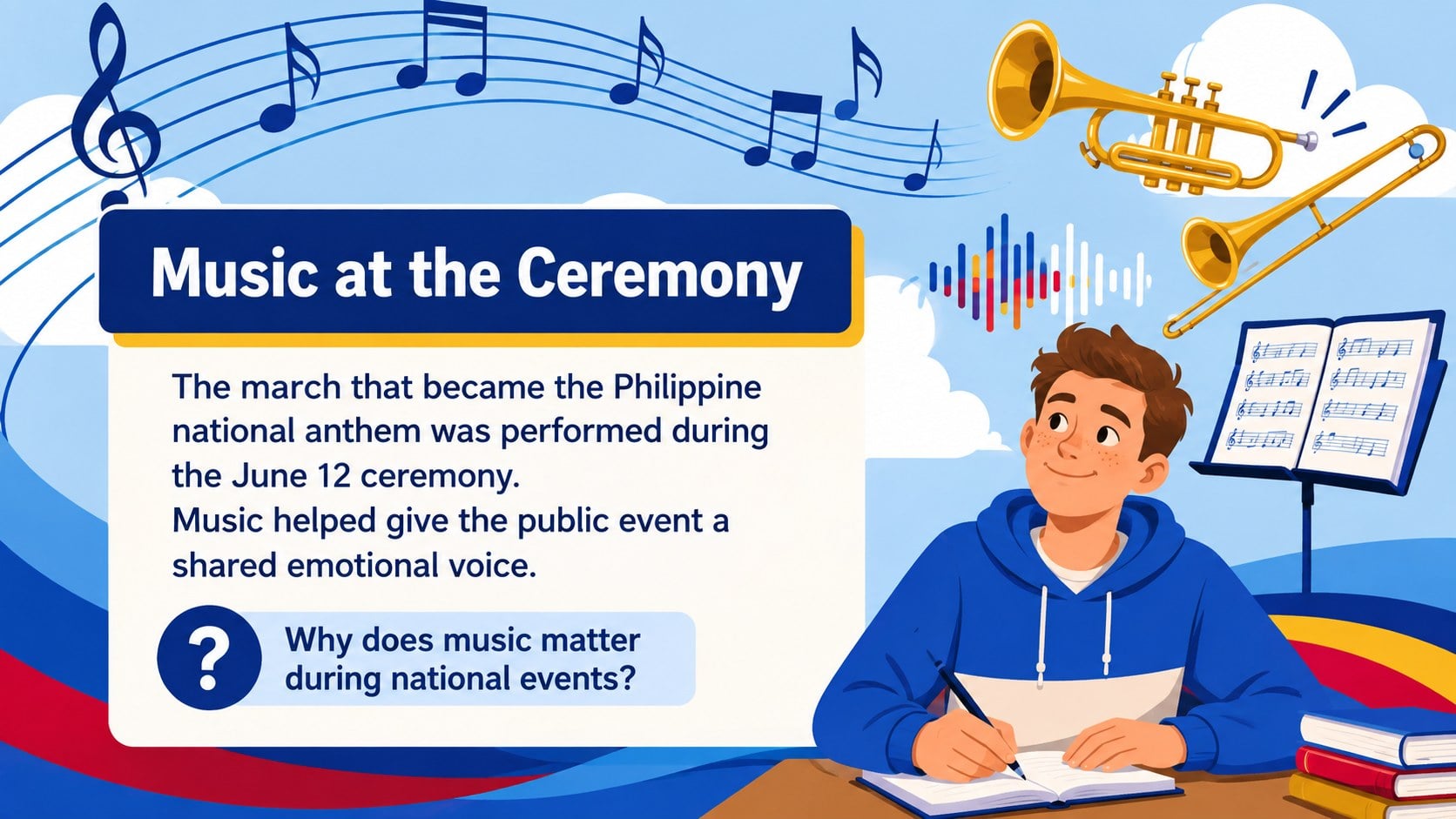
Design notes
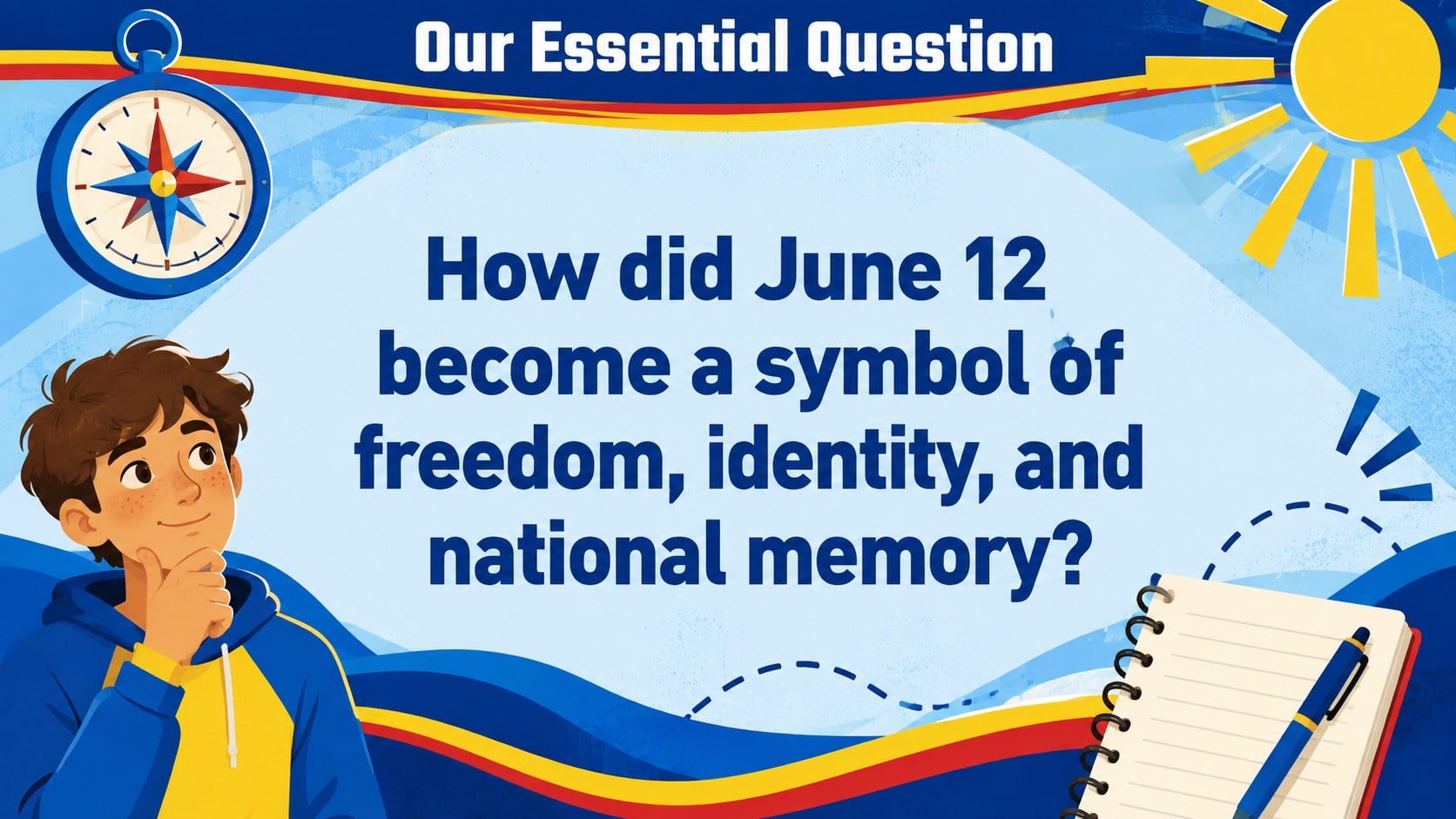
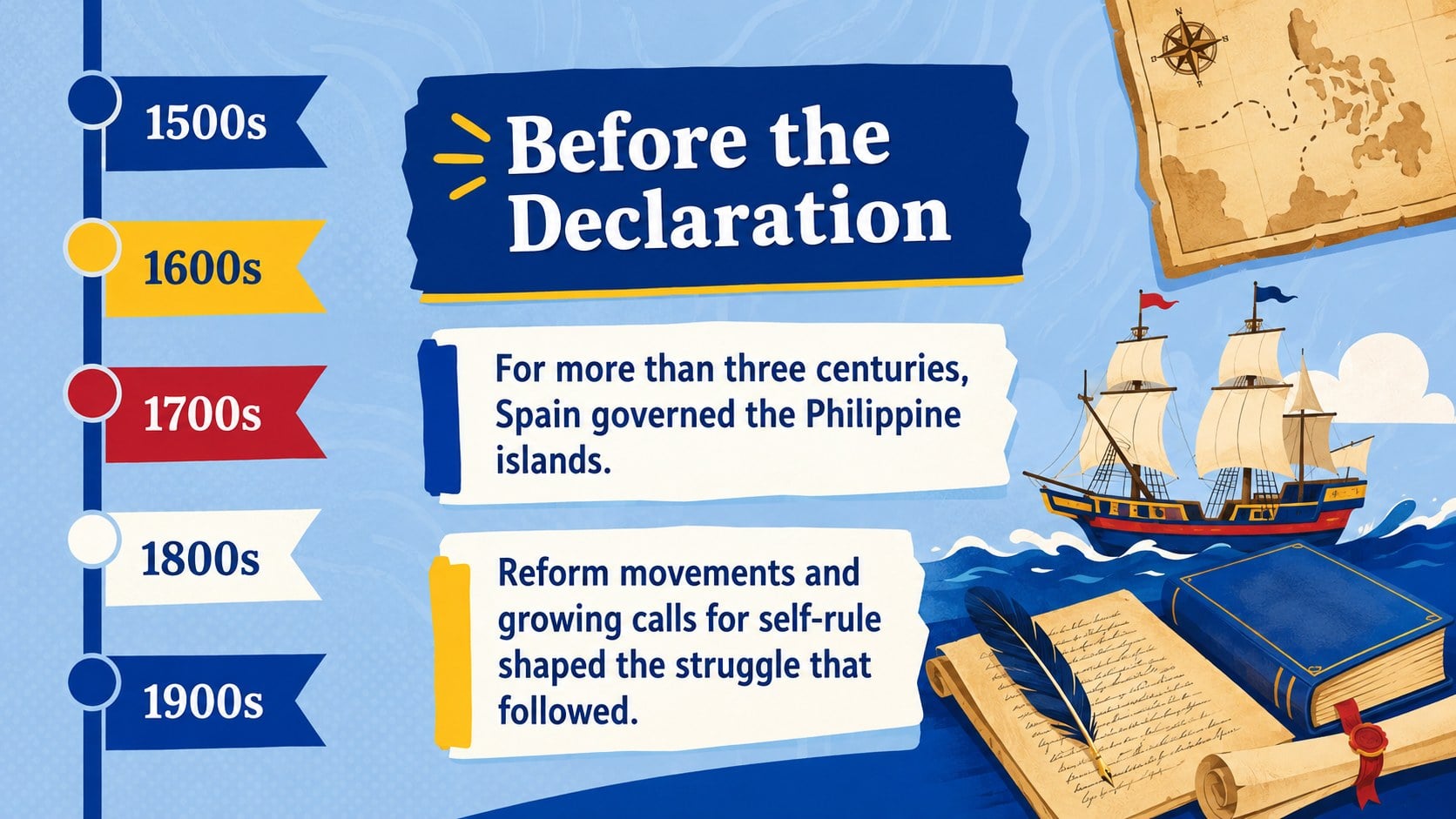
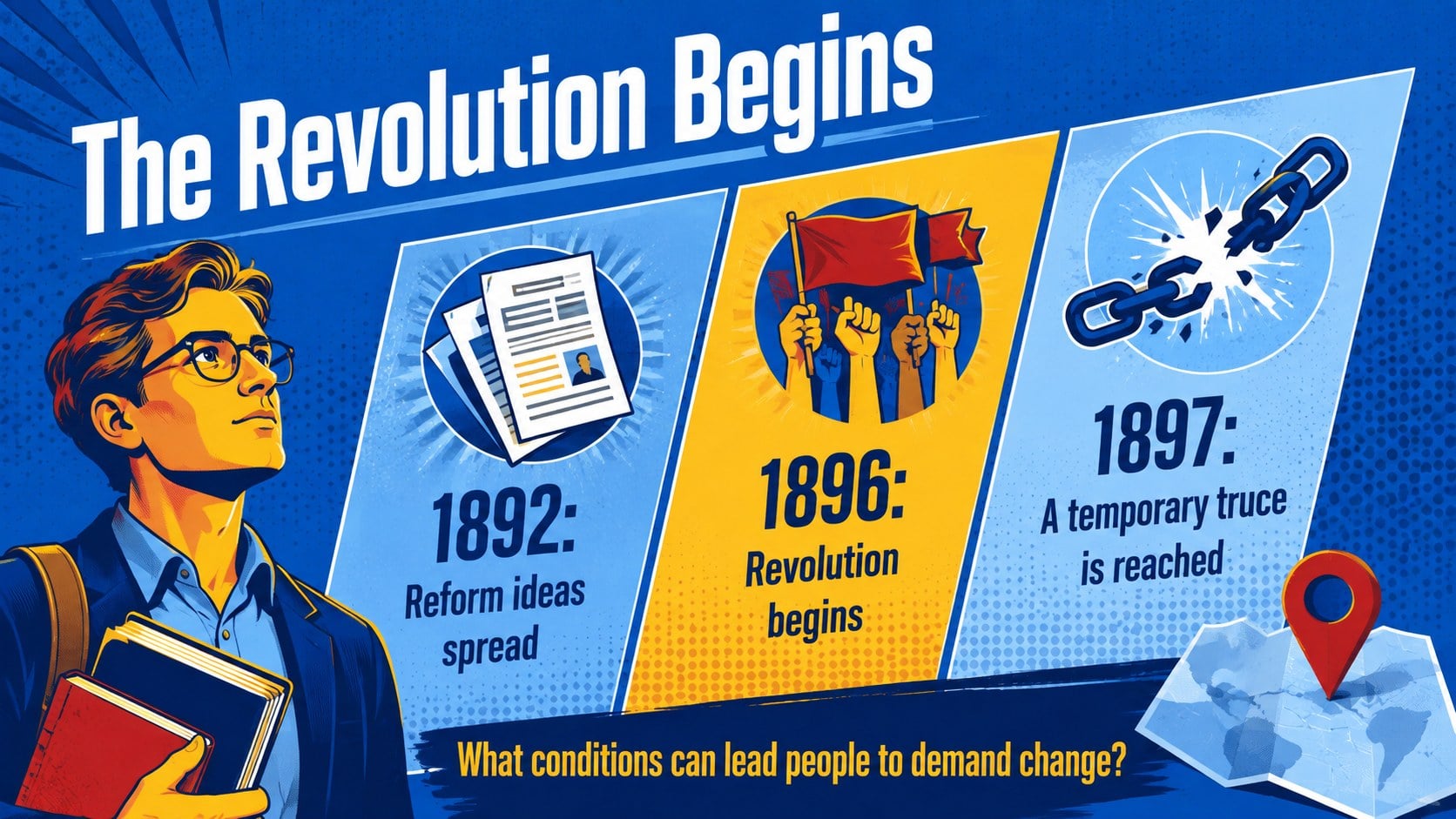
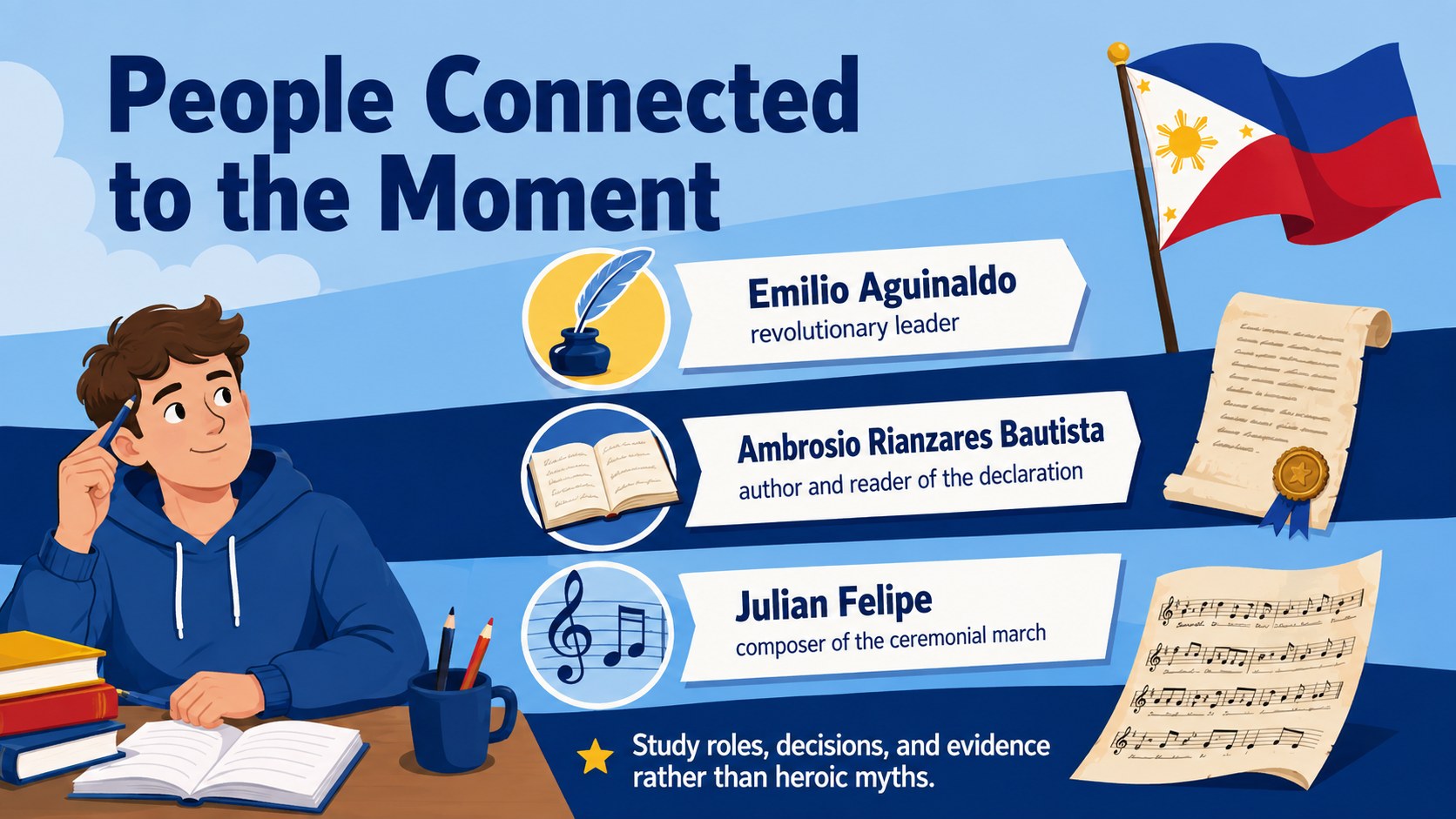
The Philippine Freedom Day Classroom Deck gives educators a visually engaging way to explore the events, people, and national symbols connected to June 12. Colorful illustrations and a lively blue palette make this resource approachable for younger learners while keeping the historical material organized and easy to follow. Use it as a complete Philippine independence history lesson or select individual slides for a shorter classroom discussion.
Inside, you will find more than 25 editable layouts for introducing historical context, tracing key events, examining the 1898 declaration, and discussing the meaning of independence. Timeline pages, comparison layouts, vocabulary prompts, maps, symbol explainers, and reflection questions help students connect facts with broader themes of identity, sovereignty, and remembrance. A dedicated June 12 classroom presentation sequence supports direct instruction, group work, or independent review.
This deck is designed for history teachers, social studies educators, homeschool instructors, and school event coordinators. It works especially well for middle school and secondary lessons, heritage month programming, and cultural studies units. Customize the text, colors, diagrams, and images in PowerPoint or Google Slides, then present in class, share online, or export selected pages as student handouts. The flexible structure also makes it useful as a declaration of Philippine independence slides resource for assemblies, reports, and student-led presentations.
Perfect for: June 12 history lesson; social studies classroom discussion; Philippine heritage school assembly; student independence research report; national symbols review activity.
Frequently asked questions
Can I edit this deck in PowerPoint and Google Slides? Yes. The layouts, text, colors, and graphic elements can be customized in both PowerPoint and Google Slides. Font substitutions may occur if a typeface is not installed on your device.
Practical details
Yes. The layouts, text, colors, and graphic elements can be customized in both PowerPoint and Google Slides. Font substitutions may occur if a typeface is not installed on your device.
The content is best suited to middle school and secondary students. Teachers can simplify the vocabulary for younger classes or add primary-source analysis for advanced learners.
Yes. You can swap illustrations, add archival photographs, revise dates, and adapt discussion questions to match your curriculum. Keep image permissions and source requirements in mind when adding external material.
Yes. Individual timelines, symbol guides, and reflection pages can be exported or printed as handouts. Review the print preview first because some blue backgrounds may use additional ink.
Keep exploring
15Build stronger academic arguments with a college essay thesis builder featuring guided examples, revision prompts, and editable PowerPoint and Google Slides.
 15
15Build an engaging World UFO Day session with this flying saucer history lesson deck, featuring retro green-and-brown slides for PowerPoint and Google Slides.
 14
14Plan a memorable Lunar New Year campaign with the 2036 Dragon Year Celebration Theme, featuring bold red-and-yellow slides for lessons and events.
 15
15Build a thoughtful classroom discussion with this interfaith awareness lesson deck, featuring editable blue-and-white slides for PowerPoint and Google Slides.
 15
15Use this environmental awareness lesson deck to teach climate action through illustrated activities, discussion prompts, and ready-to-edit visuals.
 15
15Build playful lessons and party stories with a kid-friendly zombie celebration theme in purple, green and pastel blue for PowerPoint and Google Slides.
 15
15Build eerie lessons, campaigns, and story pitches with an undead survival scenario theme featuring editable slides for PowerPoint and Google Slides.
 16
16Turn environmental research into a clear story with a Watercolor Ecology Presentation Theme for PowerPoint and Google Slides in calming green and blue.