
 15
15presentation
College Essay Thesis Builder Slides
Build stronger academic arguments with a college essay thesis builder featuring guided examples, revision prompts, and editable PowerPoint and Google Slides.
Google SlidesPowerPoint
presentation · English
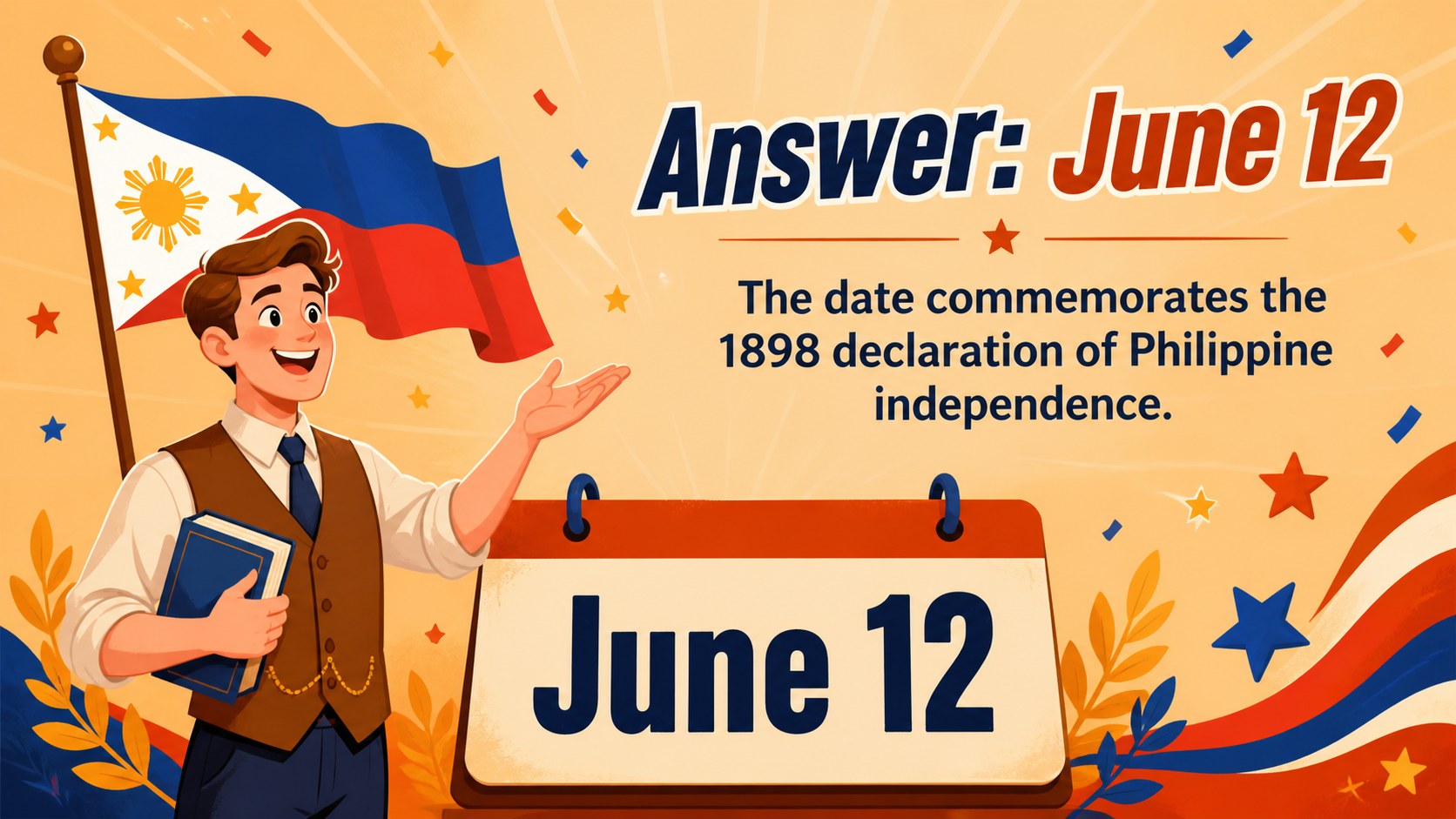
Make review sessions more energetic with Philippine culture quiz game slides for PowerPoint and Google Slides, featuring bright orange illustrated layouts.
Design notes
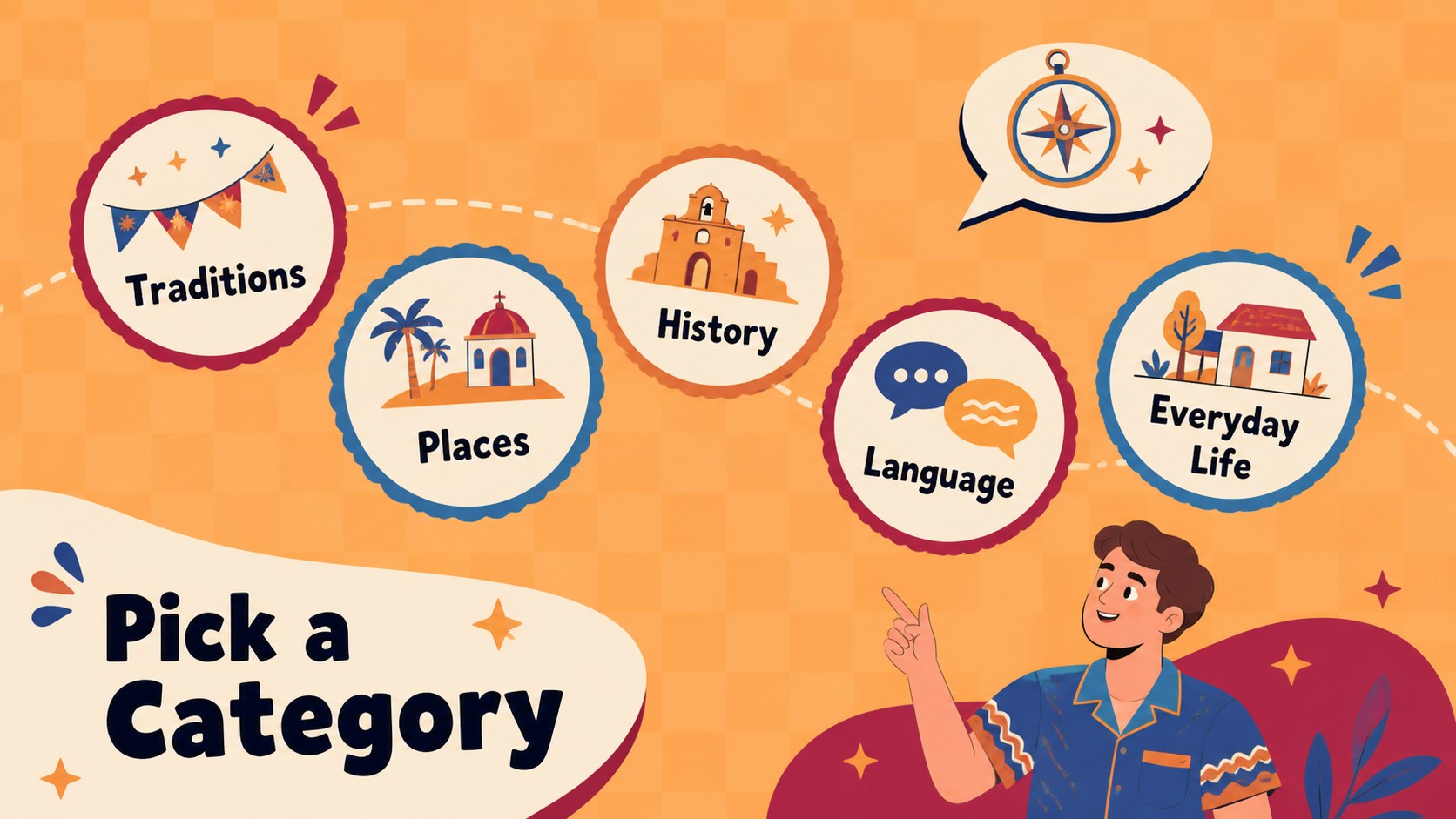
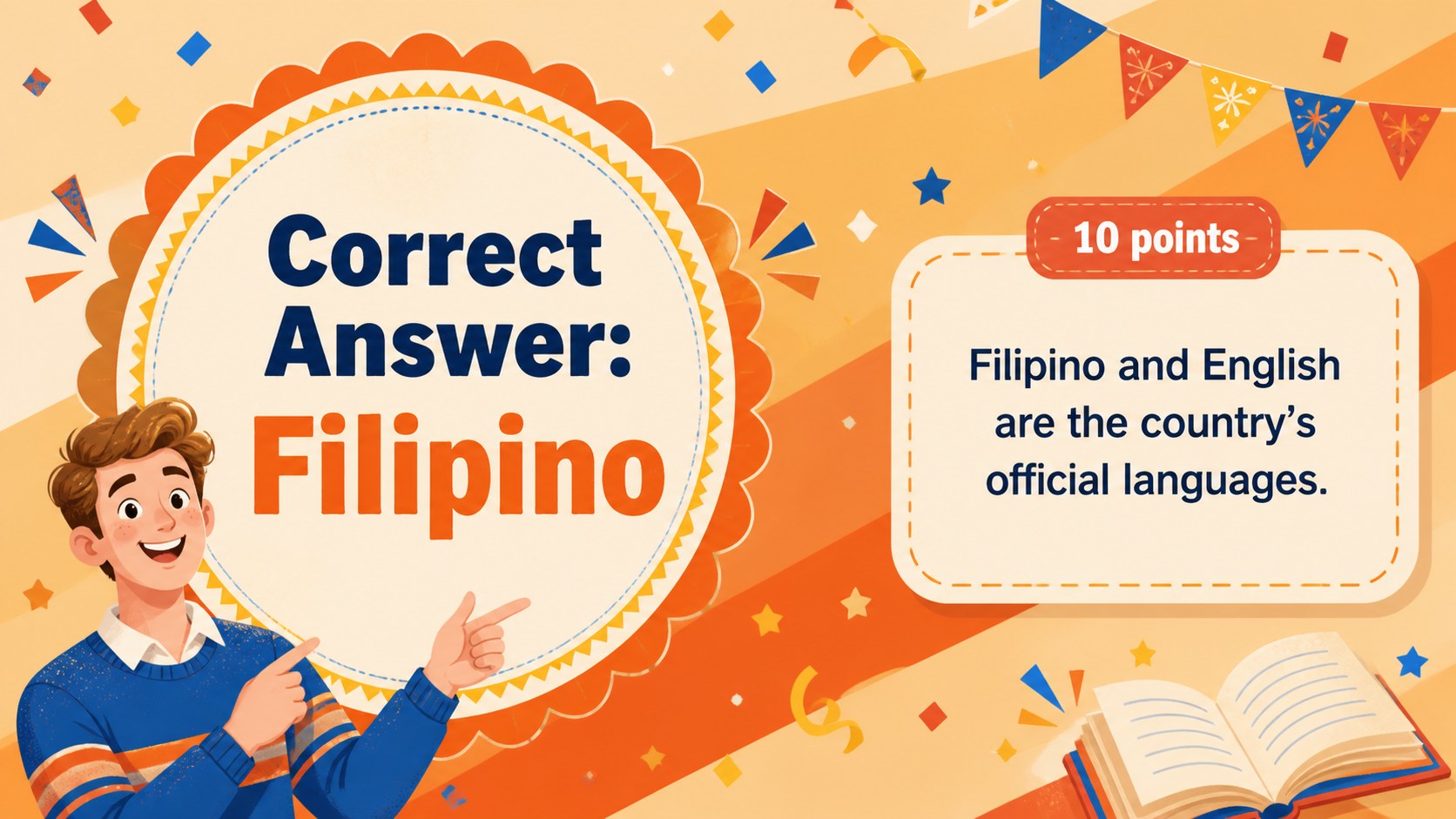
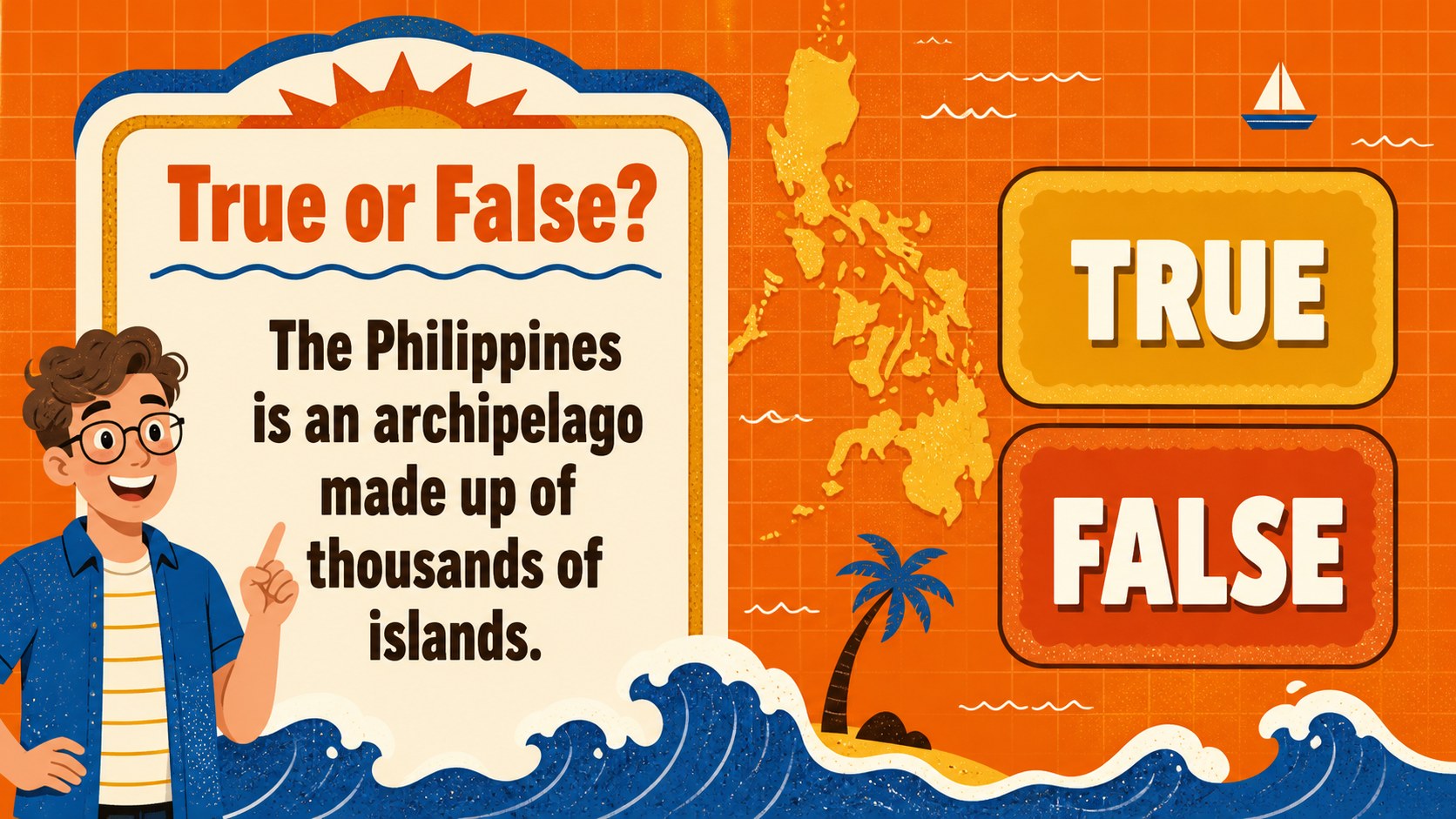
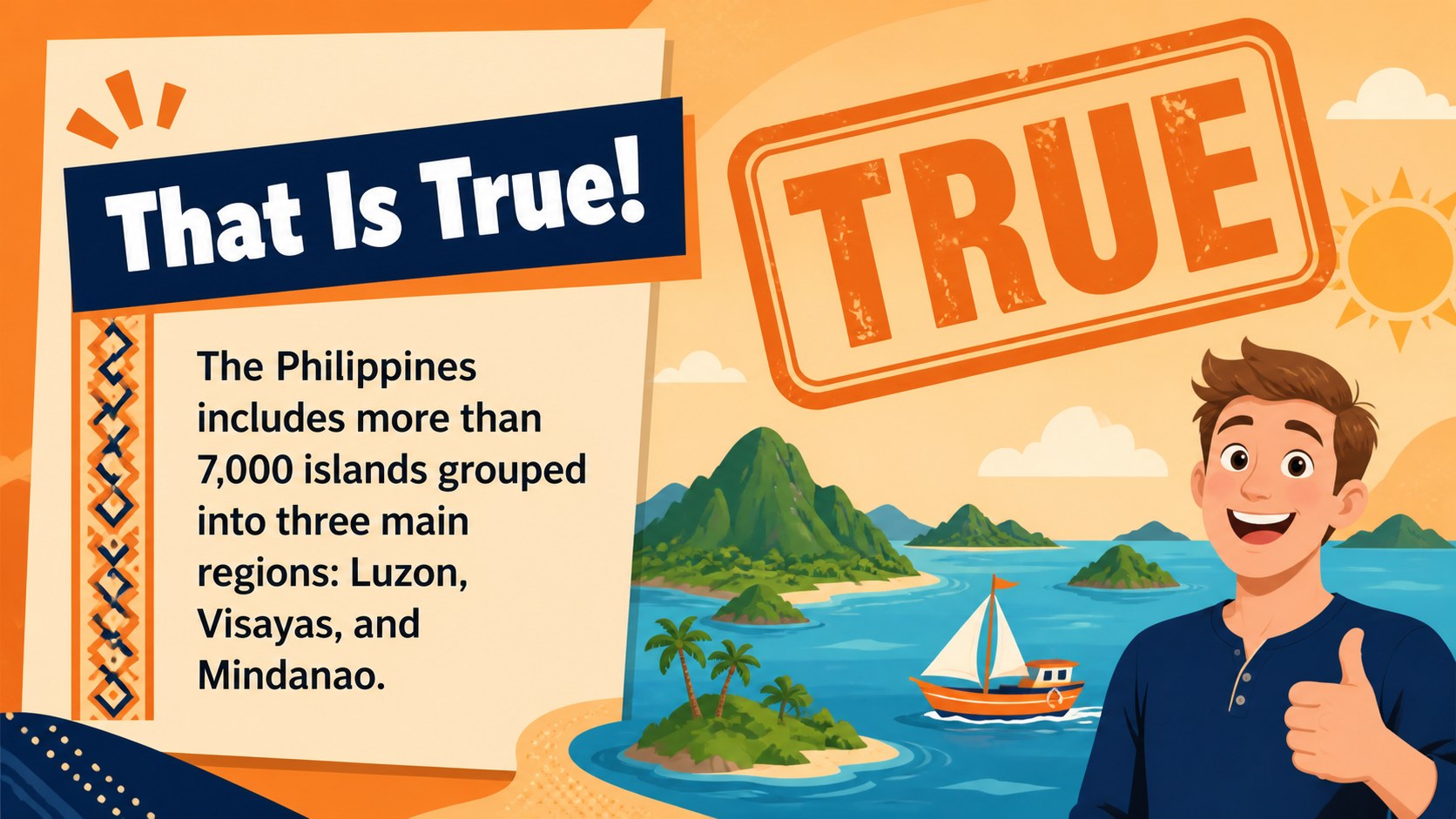
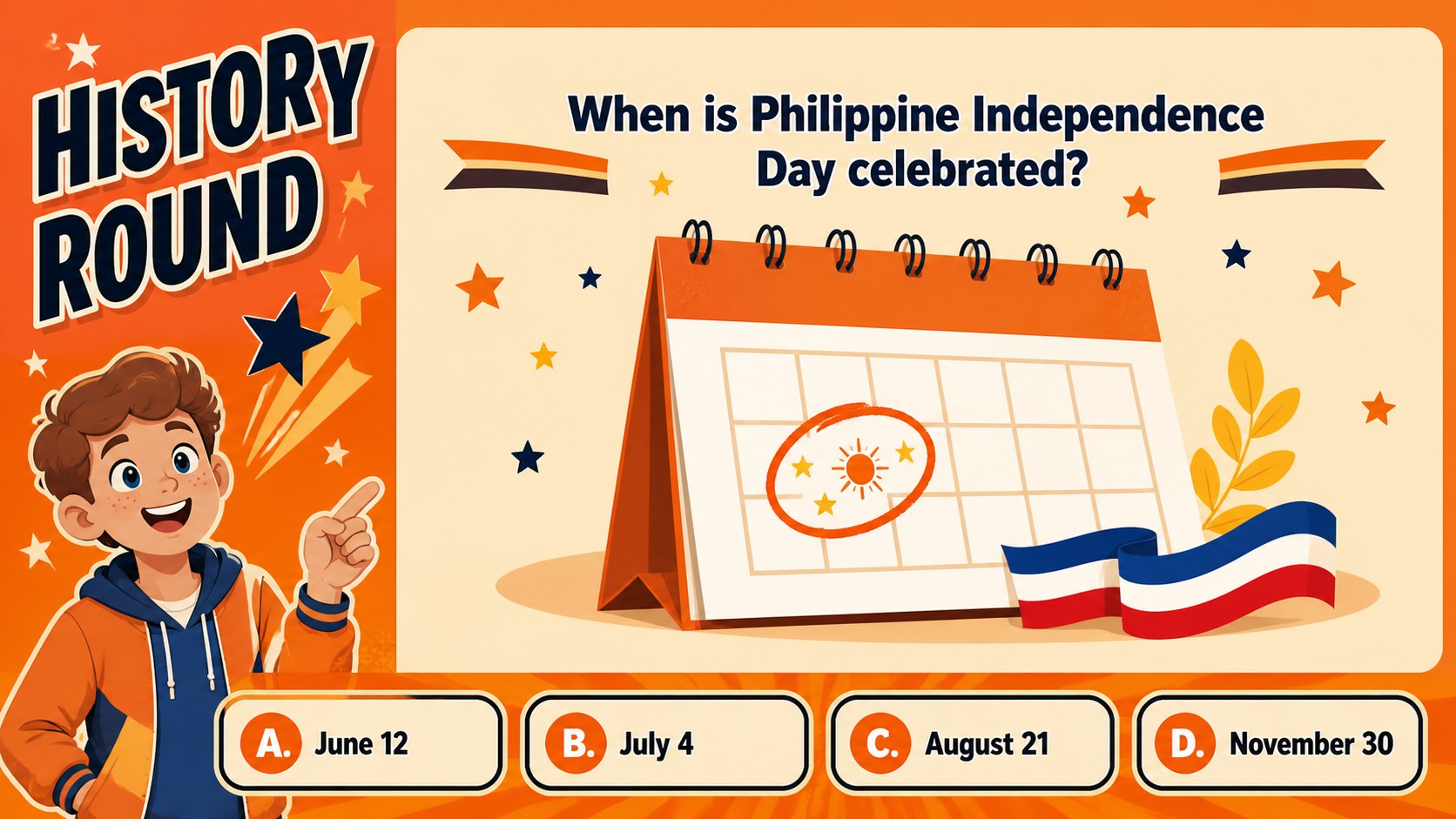
Bring energy and friendly competition to lesson reviews with Philippine culture quiz game slides designed for PowerPoint and Google Slides. The bright orange palette, playful illustrations, and animated transitions help students stay focused while moving through questions about Philippine traditions, geography, history, language, and everyday life. Clear prompts and bold answer choices make the deck easy to follow from anywhere in the classroom.
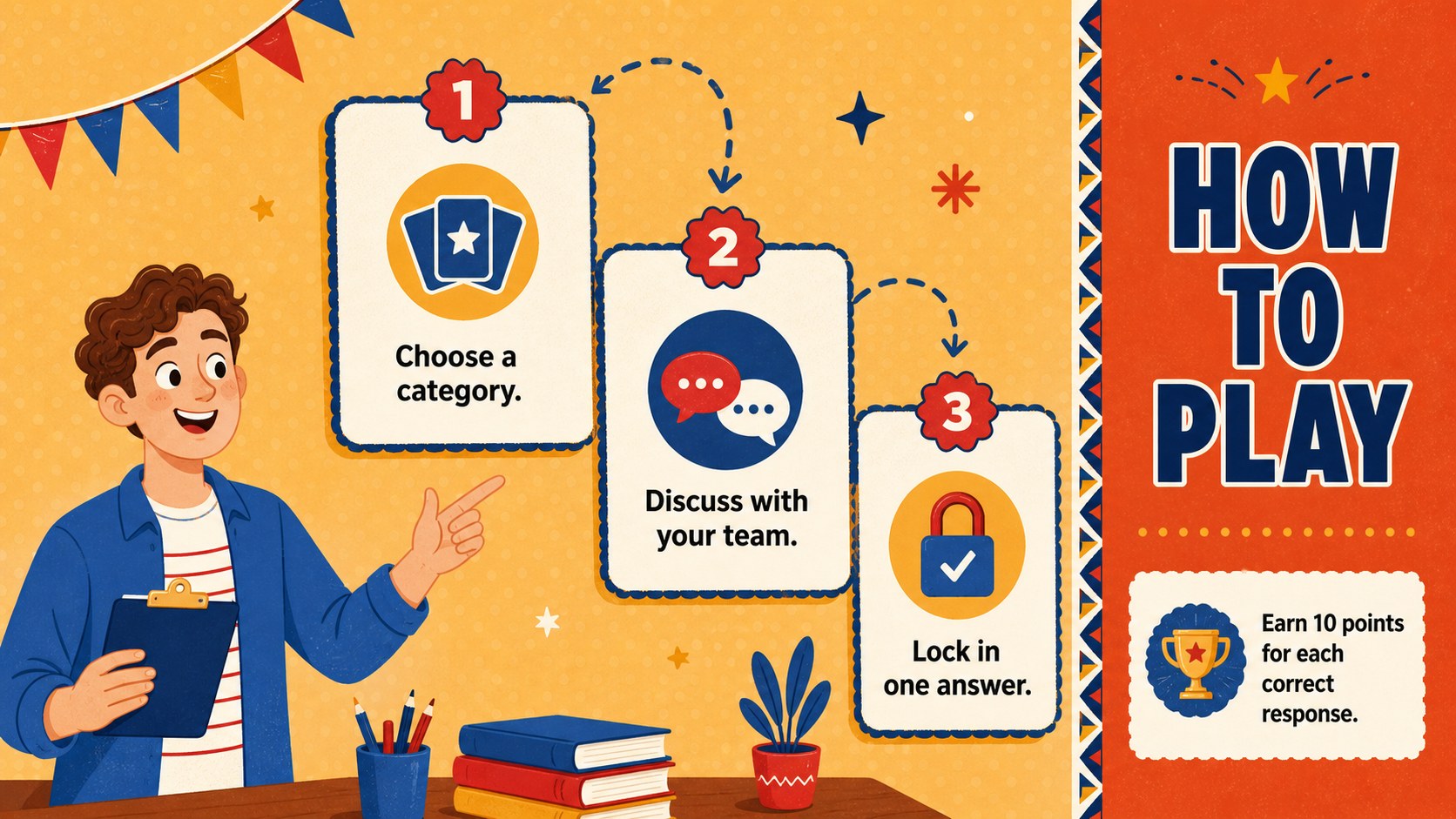
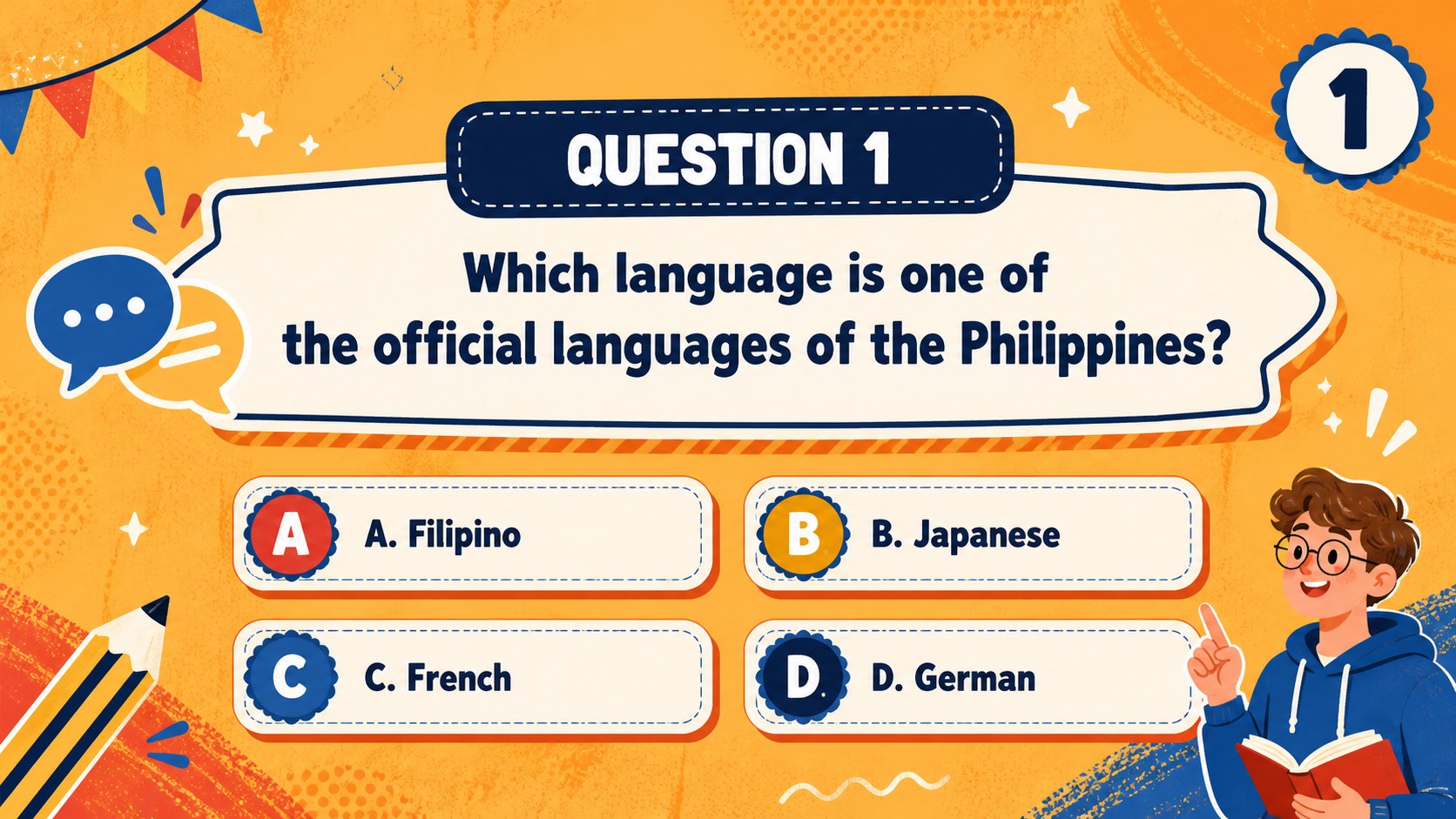
The presentation includes a welcoming cover, game instructions, category selection, multiple-choice questions, true-or-false rounds, answer reveals, bonus challenges, score updates, a tie-breaker, and a closing celebration. Teachers can replace the sample wording, adjust difficulty levels, reorder rounds, or add their own images. These layouts also work well as a Filipino classroom trivia presentation or an interactive Filipino culture review game for remote and in-person learning.
Use the deck for social studies review, heritage celebrations, language practice, team competitions, or an after-school quiz event. It suits teachers, tutors, cultural program organizers, and student leaders who need a cheerful social studies quiz bee template without building every screen from scratch. All slides use a consistent illustrated style and accessible typography, with editable colors, text, shapes, and scoring details. Present directly in PowerPoint or Google Slides and tailor the questions to your learners, curriculum, and available class time.
Perfect for: Philippine history lesson review; Filipino language practice; Cultural heritage classroom event; Team-based social studies quiz; After-school trivia competition.
Frequently asked questions
Can I edit the questions and answers? Yes. Every question, answer choice, category label, and score field can be replaced with your own material. You can also duplicate question layouts or remove rounds to match the length of your session.
Practical details
Yes. Every question, answer choice, category label, and score field can be replaced with your own material. You can also duplicate question layouts or remove rounds to match the length of your session.
The template is designed for Microsoft PowerPoint and Google Slides. Basic text, shape, and layout editing works in both, although some transitions may appear slightly different between platforms.
Yes. Recolor the backgrounds, illustrations, answer buttons, and accent shapes using the theme tools in PowerPoint or Google Slides. Keep strong contrast between text and backgrounds so questions remain easy to read.
Yes. It provides editable score updates, answer reveal screens, a bonus round, and a tie-breaker layout. Scores are entered manually, giving the presenter control over team names and points.
Keep exploring
15Build stronger academic arguments with a college essay thesis builder featuring guided examples, revision prompts, and editable PowerPoint and Google Slides.
 15
15Build an engaging World UFO Day session with this flying saucer history lesson deck, featuring retro green-and-brown slides for PowerPoint and Google Slides.
 14
14Plan a memorable Lunar New Year campaign with the 2036 Dragon Year Celebration Theme, featuring bold red-and-yellow slides for lessons and events.
 15
15Build a thoughtful classroom discussion with this interfaith awareness lesson deck, featuring editable blue-and-white slides for PowerPoint and Google Slides.
 15
15Use this environmental awareness lesson deck to teach climate action through illustrated activities, discussion prompts, and ready-to-edit visuals.
 15
15Build playful lessons and party stories with a kid-friendly zombie celebration theme in purple, green and pastel blue for PowerPoint and Google Slides.
 15
15Build eerie lessons, campaigns, and story pitches with an undead survival scenario theme featuring editable slides for PowerPoint and Google Slides.
 16
16Turn environmental research into a clear story with a Watercolor Ecology Presentation Theme for PowerPoint and Google Slides in calming green and blue.