
 15
15presentation
College Essay Thesis Builder Slides
Build stronger academic arguments with a college essay thesis builder featuring guided examples, revision prompts, and editable PowerPoint and Google Slides.
Google SlidesPowerPoint
presentation · English
Build a personal story collage activity slides deck for school introductions, identity projects, and creative reflection with editable layouts for every…
Design notes
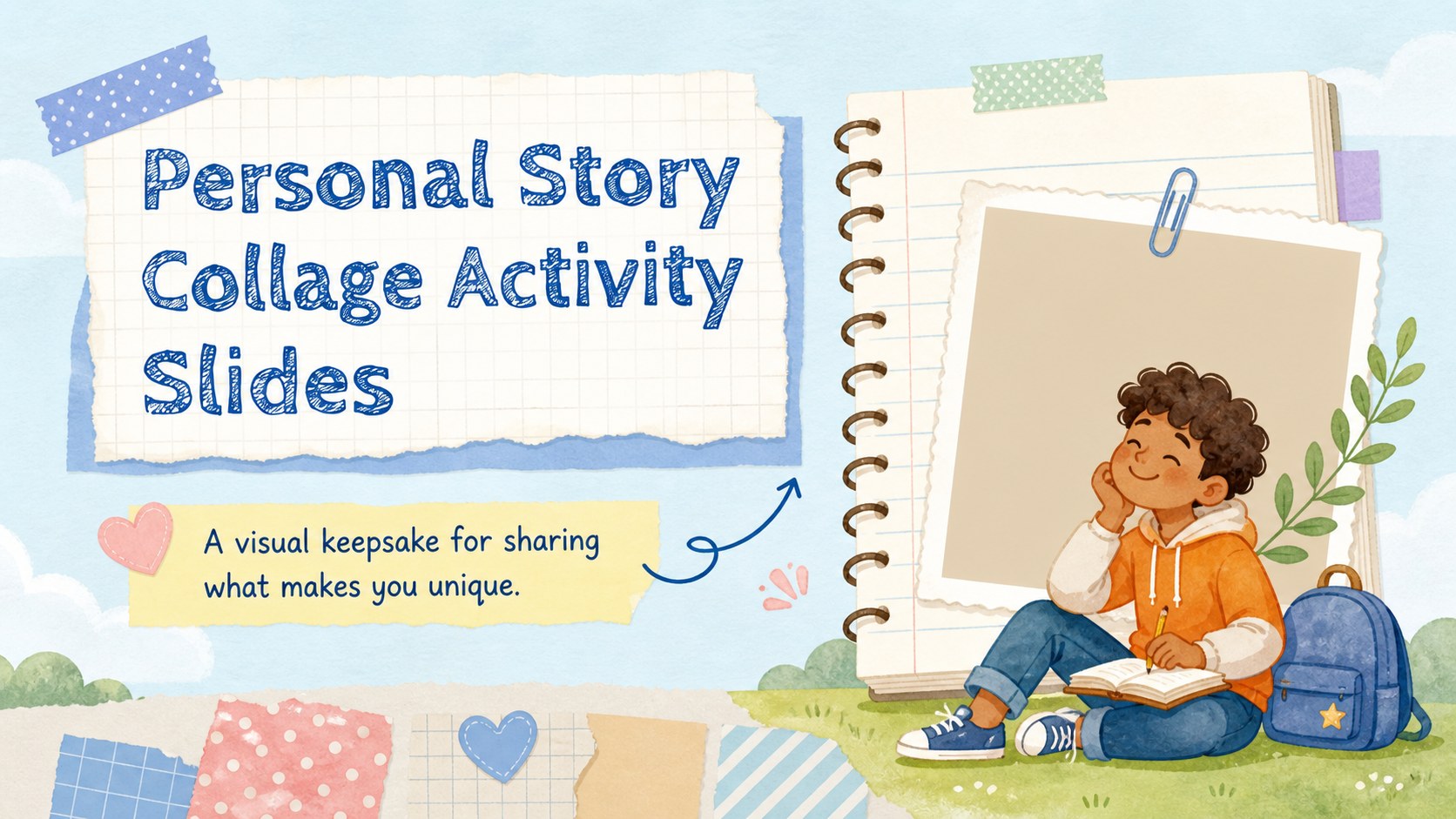
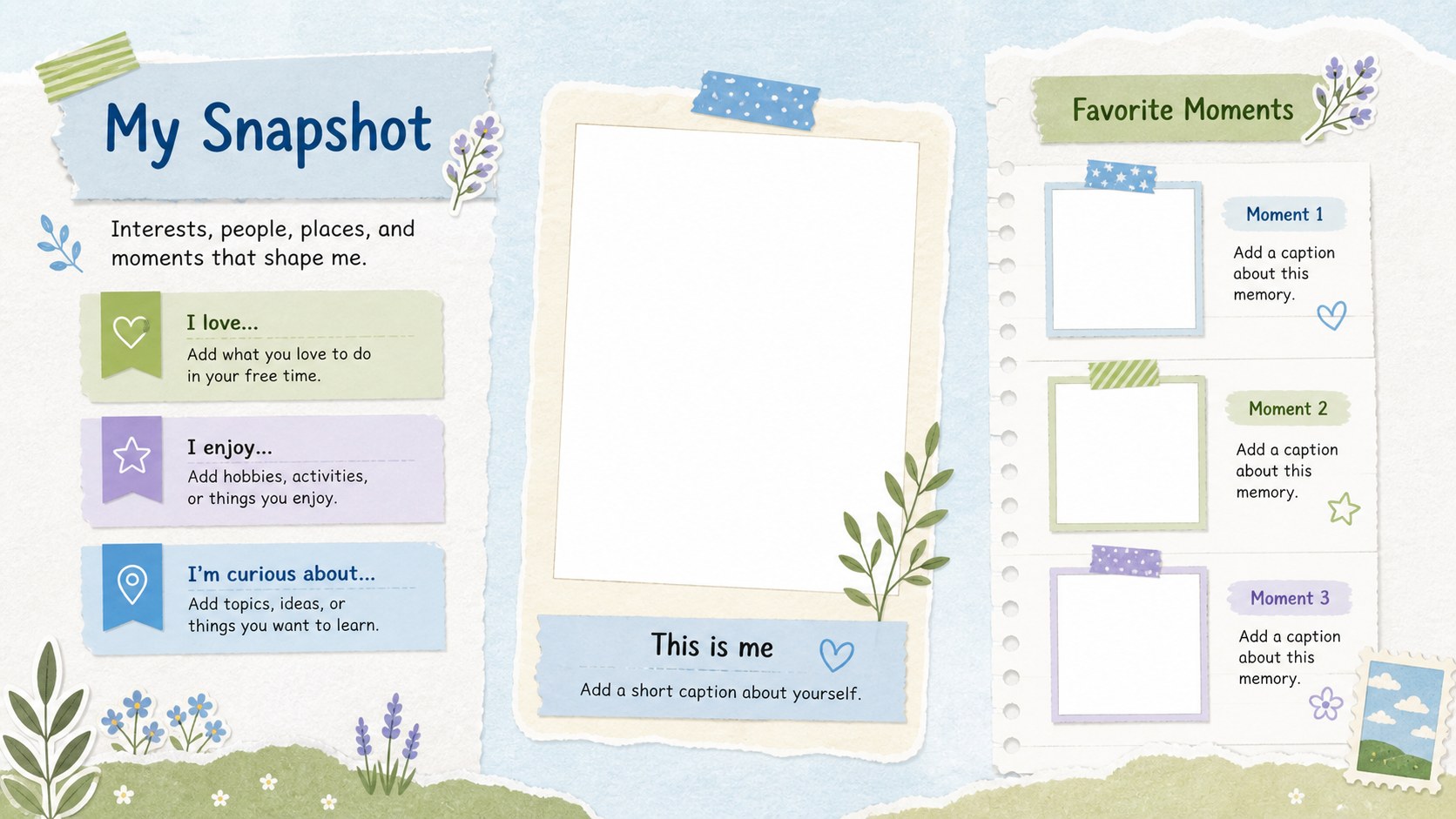
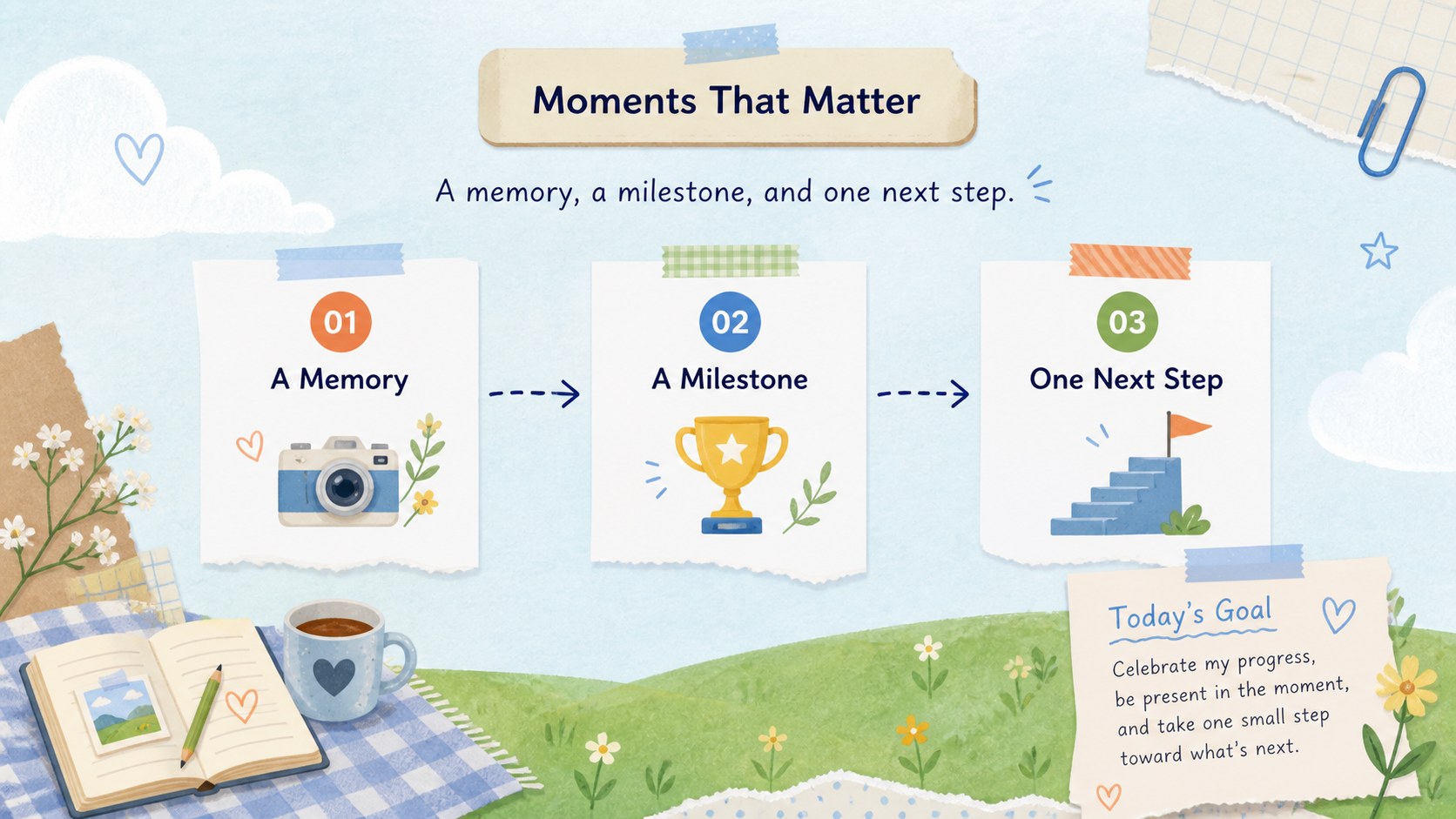
Personal story collage activity slides make it easy to introduce yourself through snapshots, interests, memories, and personal goals. Designed with a bright scrapbook-inspired look, this editable presentation works as a student identity collage activity, a first-week classroom project, or a creative reflection assignment. Layer photos, drawings, labels, and short captions to create a visual profile that feels personal without requiring advanced design skills.
What’s inside: three A4-style layouts adapted for a 16:9 presentation, with customizable frames, paper-inspired shapes, handwritten accents, lines, and image areas. Rearrange the elements, update the colors, and add animations or transitions in PowerPoint or Google Slides. users can also use drag-and-drop editing, image libraries, audio, stickers, page animation, and collaboration tools. The structure supports a personal introduction slideshow for school, a back-to-school sharing activity, a biography project, or a portfolio warm-up. Students, teachers, families, and workshop leaders can tailor each page for different ages and learning goals while keeping the cheerful illustrated scrapbook style consistent.
Perfect for: first-week student introductions; back-to-school identity project; personal reflection activity; biography presentation; creative portfolio warm-up.
Frequently asked questions
Can I edit these personal story collage activity slides? Yes. You can change the text, images, colors, fonts, shapes, and layout elements. The pages are structured so teachers and students can adapt them to different assignments.
Which platforms support this template? The template is suitable for Google Slides and PowerPoint. Choose the platform that best fits your classroom workflow and collaboration needs.
Practical details
Yes. You can change the text, images, colors, fonts, shapes, and layout elements. The pages are structured so teachers and students can adapt them to different assignments.
The template is suitable for Google Slides and PowerPoint. Choose the platform that best fits your classroom workflow and collaboration needs.
Yes. Image frames and open layout areas can be replaced with photos, scans of drawings, icons, or other personal artwork. Add captions and labels to explain each choice.
The playful scrapbook style works especially well for elementary and middle school activities, but the editable text and graphics can be simplified or made more polished for older learners. Adjust the prompts to match the class level.
Keep exploring
15Build stronger academic arguments with a college essay thesis builder featuring guided examples, revision prompts, and editable PowerPoint and Google Slides.
 15
15Build an engaging World UFO Day session with this flying saucer history lesson deck, featuring retro green-and-brown slides for PowerPoint and Google Slides.
 14
14Plan a memorable Lunar New Year campaign with the 2036 Dragon Year Celebration Theme, featuring bold red-and-yellow slides for lessons and events.
 15
15Build a thoughtful classroom discussion with this interfaith awareness lesson deck, featuring editable blue-and-white slides for PowerPoint and Google Slides.
 15
15Use this environmental awareness lesson deck to teach climate action through illustrated activities, discussion prompts, and ready-to-edit visuals.
 15
15Build playful lessons and party stories with a kid-friendly zombie celebration theme in purple, green and pastel blue for PowerPoint and Google Slides.
 15
15Build eerie lessons, campaigns, and story pitches with an undead survival scenario theme featuring editable slides for PowerPoint and Google Slides.
 16
16Turn environmental research into a clear story with a Watercolor Ecology Presentation Theme for PowerPoint and Google Slides in calming green and blue.