
 15
15presentation
College Essay Thesis Builder Slides
Build stronger academic arguments with a college essay thesis builder featuring guided examples, revision prompts, and editable PowerPoint and Google Slides.
Google SlidesPowerPoint
presentation · English
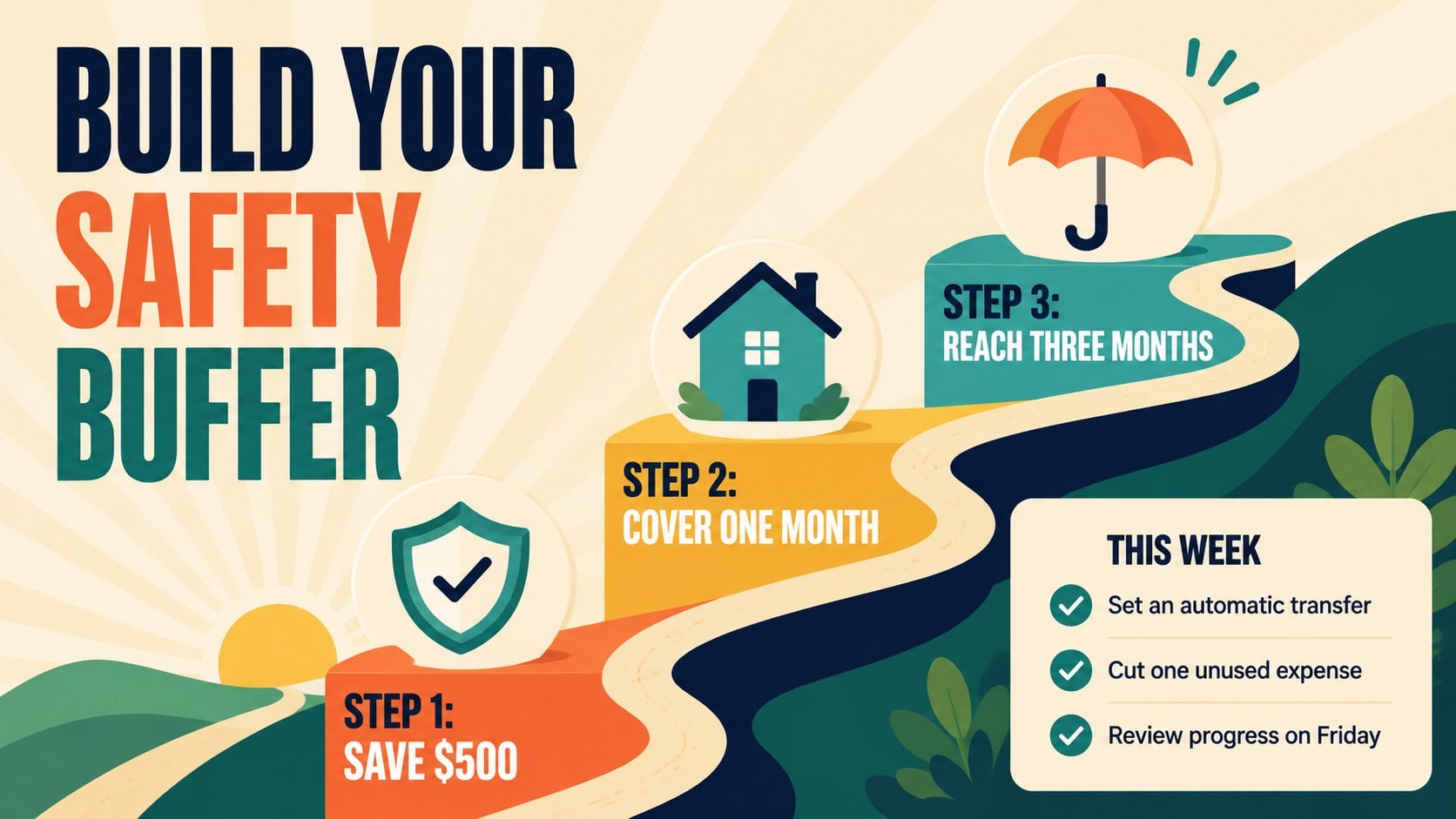
Map goals, compare spending, and build better habits with a Personal Savings Visual Planner for PowerPoint and Google Slides, featuring six colorful layouts.

Design notes
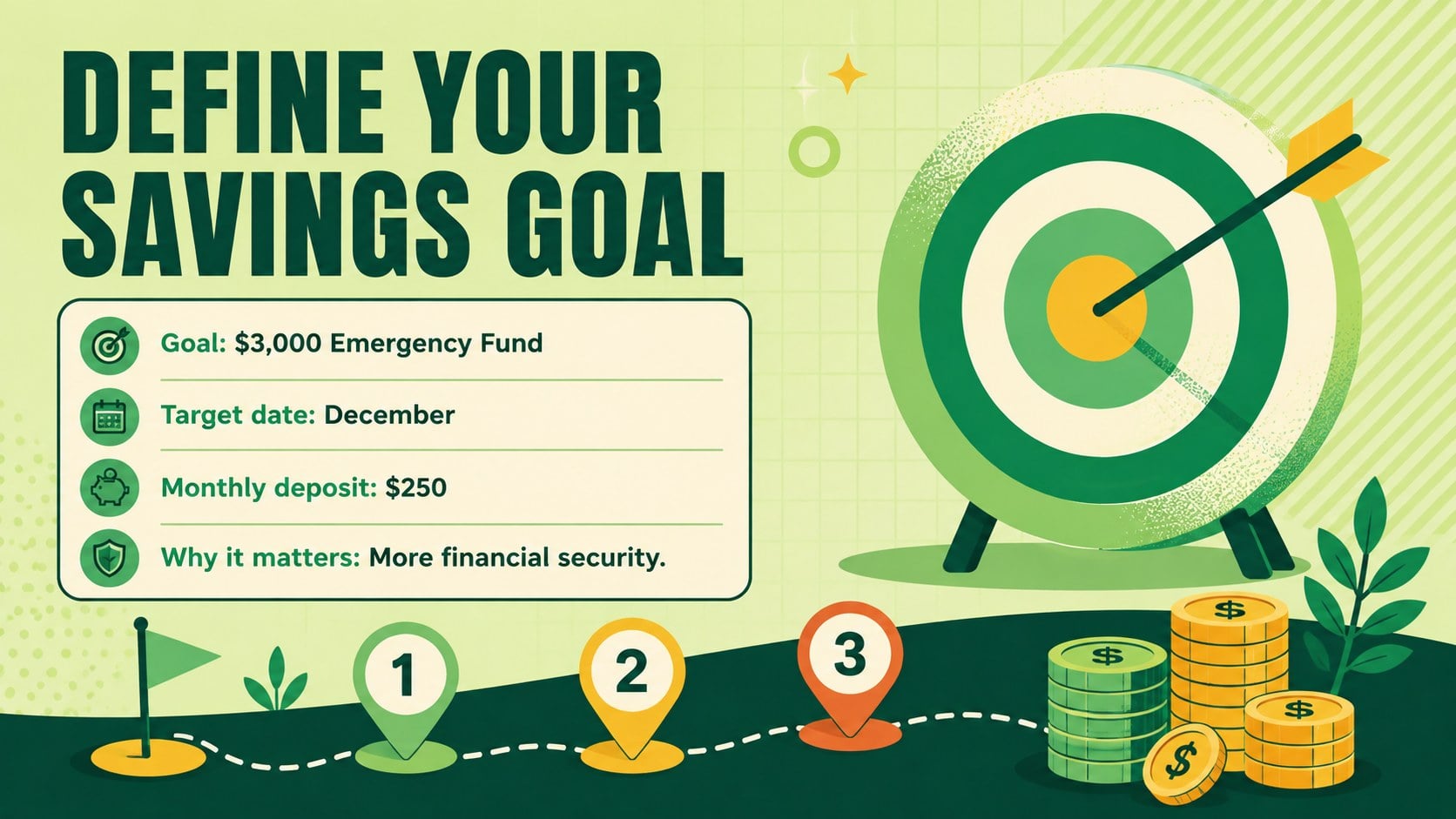
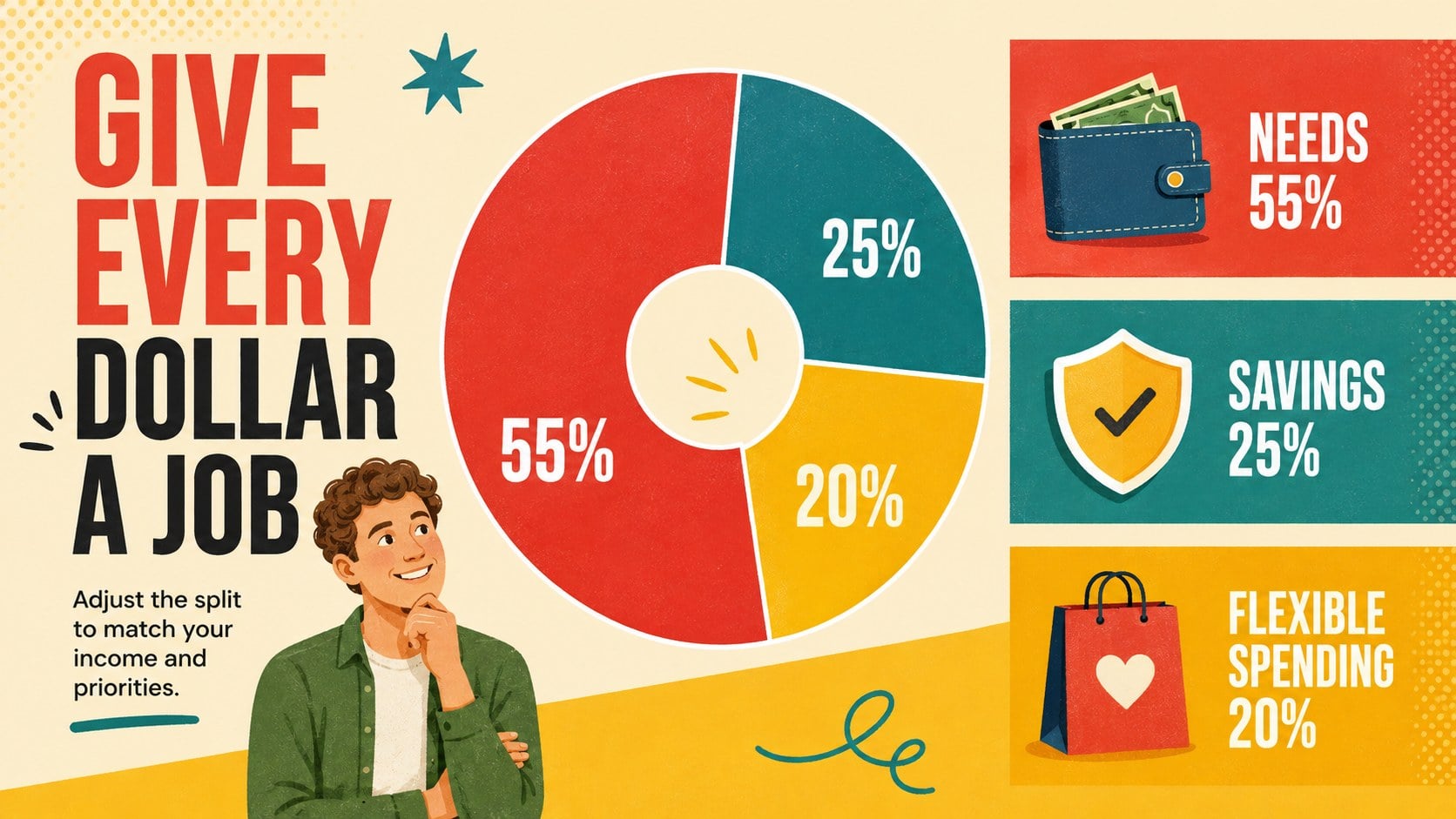
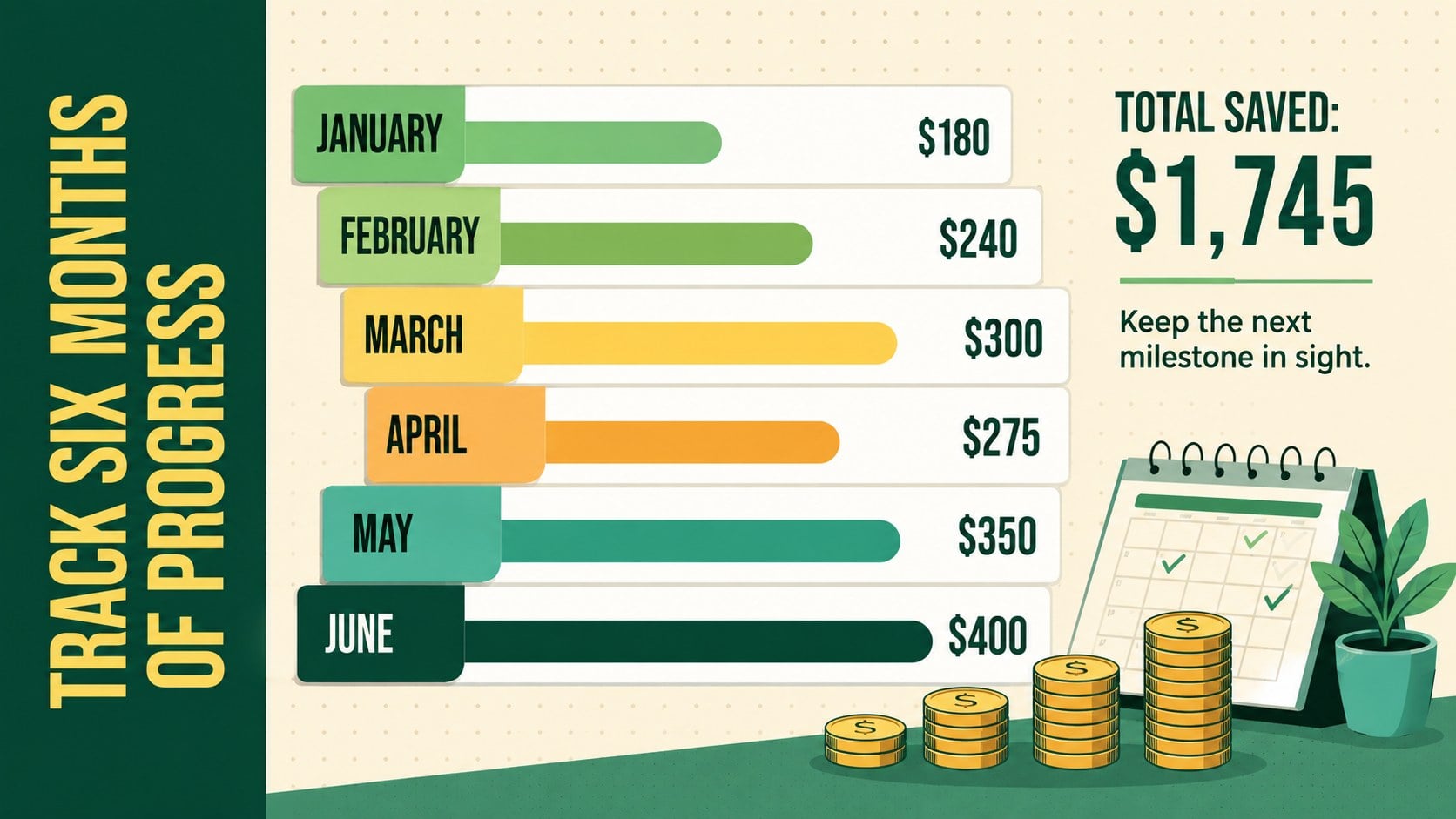
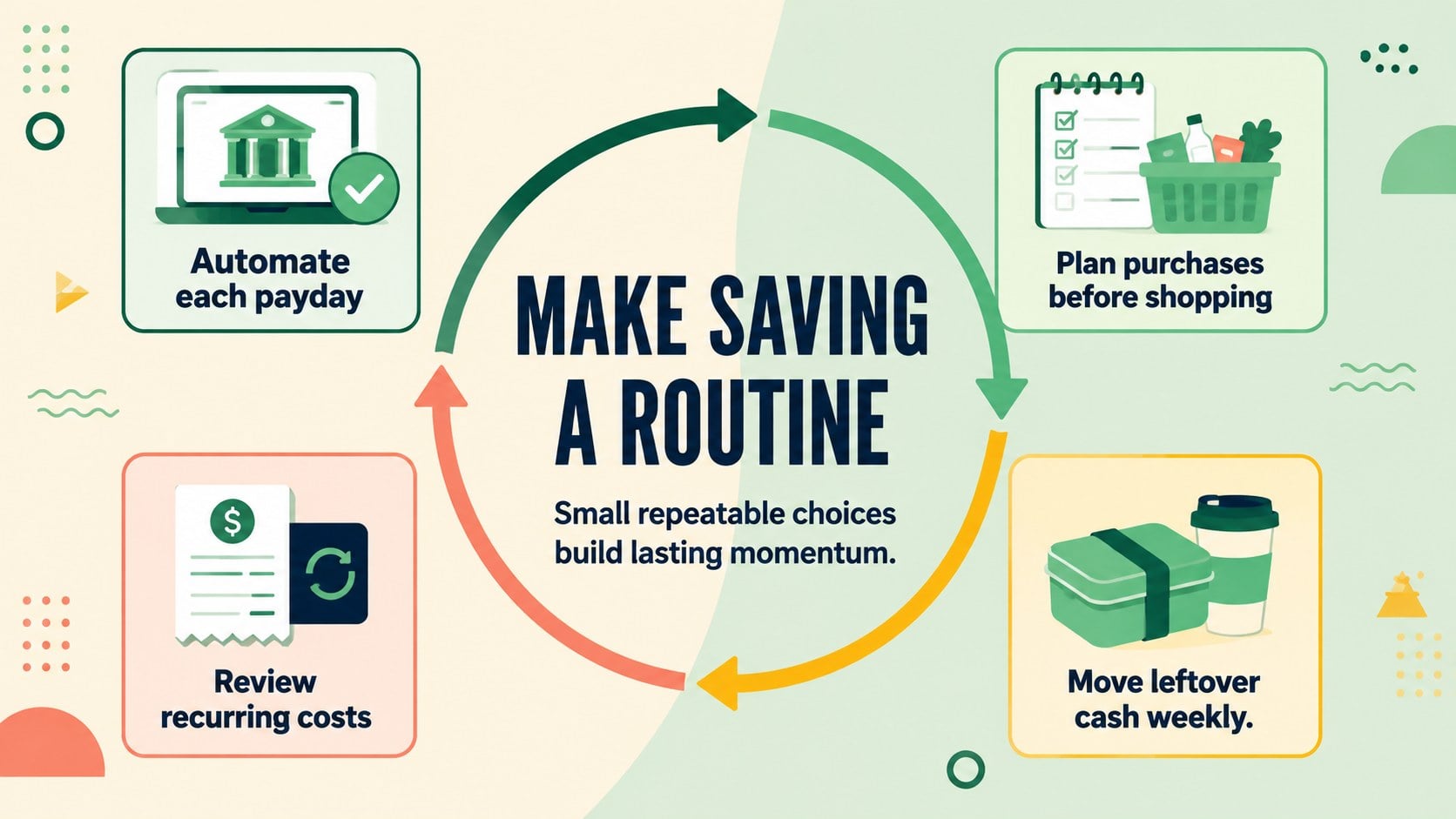
The Personal Savings Visual Planner helps turn financial intentions into practical, trackable steps. Its lively multicolored palette, bold condensed typography, and simple illustrations make personal finance feel approachable without sacrificing clarity. Use the layouts to define a target, organize monthly contributions, compare spending choices, and show how small deposits can add up over time.
Inside are six coordinated infographic slides covering savings goals, budget allocation, monthly progress, everyday money habits, emergency fund milestones, and a final action plan. Together, they can function as a monthly savings tracker presentation or as individual visuals for reports, lessons, workshops, and personal planning sessions. Every slide can be edited in PowerPoint or Google Slides, including the text, colors, charts, icons, and numerical examples.
This deck works well for students learning basic budgeting, educators preparing a financial literacy visual aid, families discussing shared goals, and individuals building a more consistent savings routine. Coaches and community organizations can also adapt the emergency fund planning slides for practical financial wellness sessions. Replace the sample figures with real targets, select the layouts that suit your audience, and create a focused plan that makes progress visible.
Perfect for: personal savings goal review; student budgeting lesson; financial wellness workshop; family money planning session; emergency fund progress update.
Frequently asked questions
Can I edit the figures and savings targets? Yes. Replace the example amounts, percentages, labels, and milestones with your own financial data. Charts, icons, shapes, and color accents can also be adjusted.
Practical details
Yes. Replace the example amounts, percentages, labels, and milestones with your own financial data. Charts, icons, shapes, and color accents can also be adjusted.
The template is designed for PowerPoint and Google Slides. Both versions support editing, presenting, and exporting, although some fonts or transitions may vary slightly by platform.
Yes. Apply your preferred colors to the backgrounds, charts, icons, and decorative shapes. Keeping a consistent set of high-contrast colors will preserve the clear infographic style.
Yes. The visual structure works well for classroom lessons, community workshops, and introductory budgeting sessions. Educators can simplify the examples or add more detailed calculations to match the audience.
Keep exploring
15Build stronger academic arguments with a college essay thesis builder featuring guided examples, revision prompts, and editable PowerPoint and Google Slides.
 15
15Build an engaging World UFO Day session with this flying saucer history lesson deck, featuring retro green-and-brown slides for PowerPoint and Google Slides.
 14
14Plan a memorable Lunar New Year campaign with the 2036 Dragon Year Celebration Theme, featuring bold red-and-yellow slides for lessons and events.
 15
15Build a thoughtful classroom discussion with this interfaith awareness lesson deck, featuring editable blue-and-white slides for PowerPoint and Google Slides.
 15
15Use this environmental awareness lesson deck to teach climate action through illustrated activities, discussion prompts, and ready-to-edit visuals.
 15
15Build playful lessons and party stories with a kid-friendly zombie celebration theme in purple, green and pastel blue for PowerPoint and Google Slides.
 15
15Build eerie lessons, campaigns, and story pitches with an undead survival scenario theme featuring editable slides for PowerPoint and Google Slides.
 16
16Turn environmental research into a clear story with a Watercolor Ecology Presentation Theme for PowerPoint and Google Slides in calming green and blue.