
 15
15presentation
College Essay Thesis Builder Slides
Build stronger academic arguments with a college essay thesis builder featuring guided examples, revision prompts, and editable PowerPoint and Google Slides.
Google SlidesPowerPoint
presentation · English
Help students question assumptions and interpret visual evidence with this Perception and Critical Reasoning Lesson Deck for PowerPoint and Google Slides.
Design notes
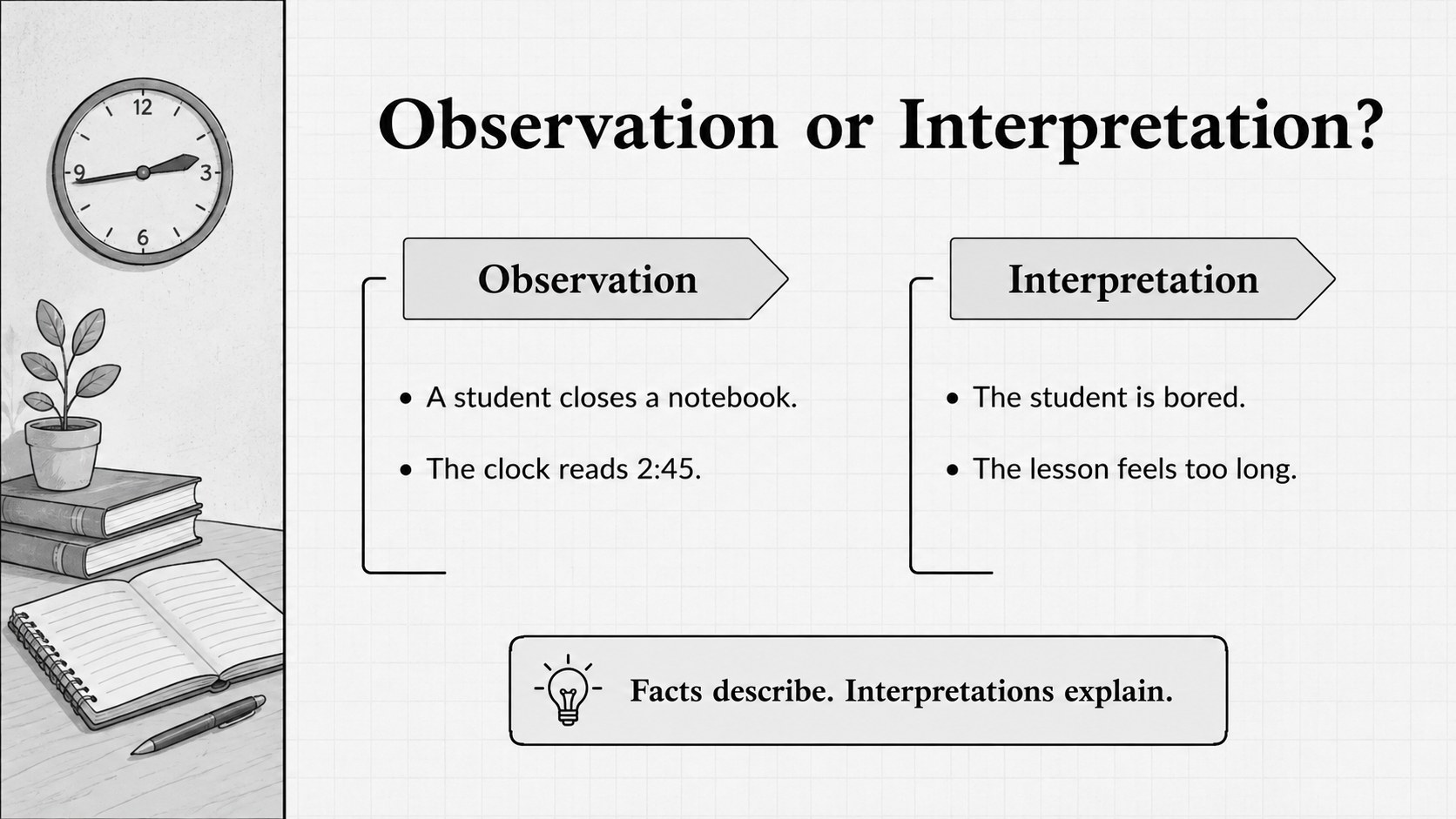
Turn abstract questions about seeing and judging into a structured classroom conversation with the Perception and Critical Reasoning Lesson Deck. Built for educators, trainers, and discussion leaders, its restrained black-and-grey palette, editorial typography, and simple illustrations keep attention on evidence, interpretation, and thoughtful dialogue. Use it as a visual bias classroom presentation or as the foundation for a broader reasoning unit.
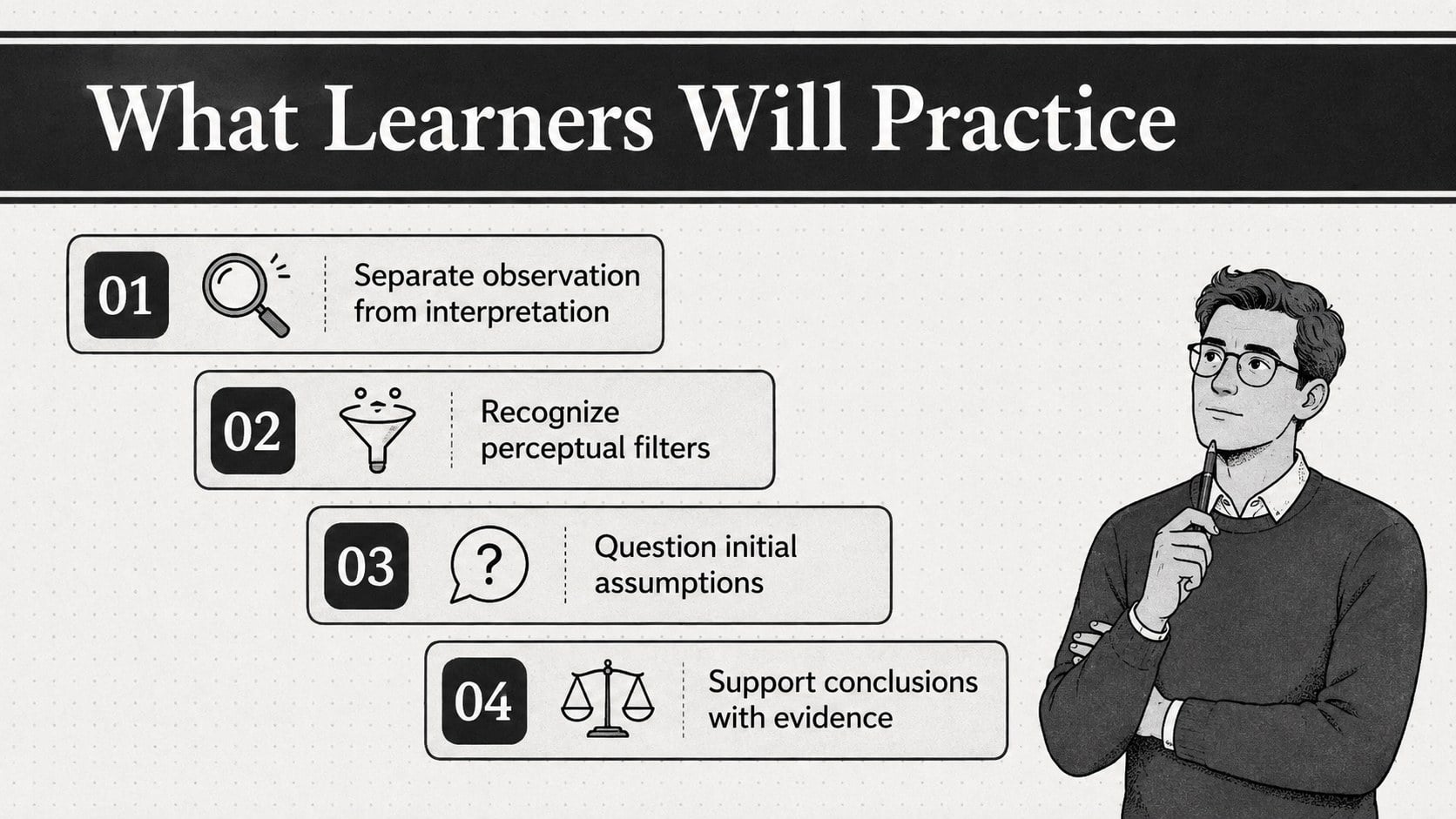
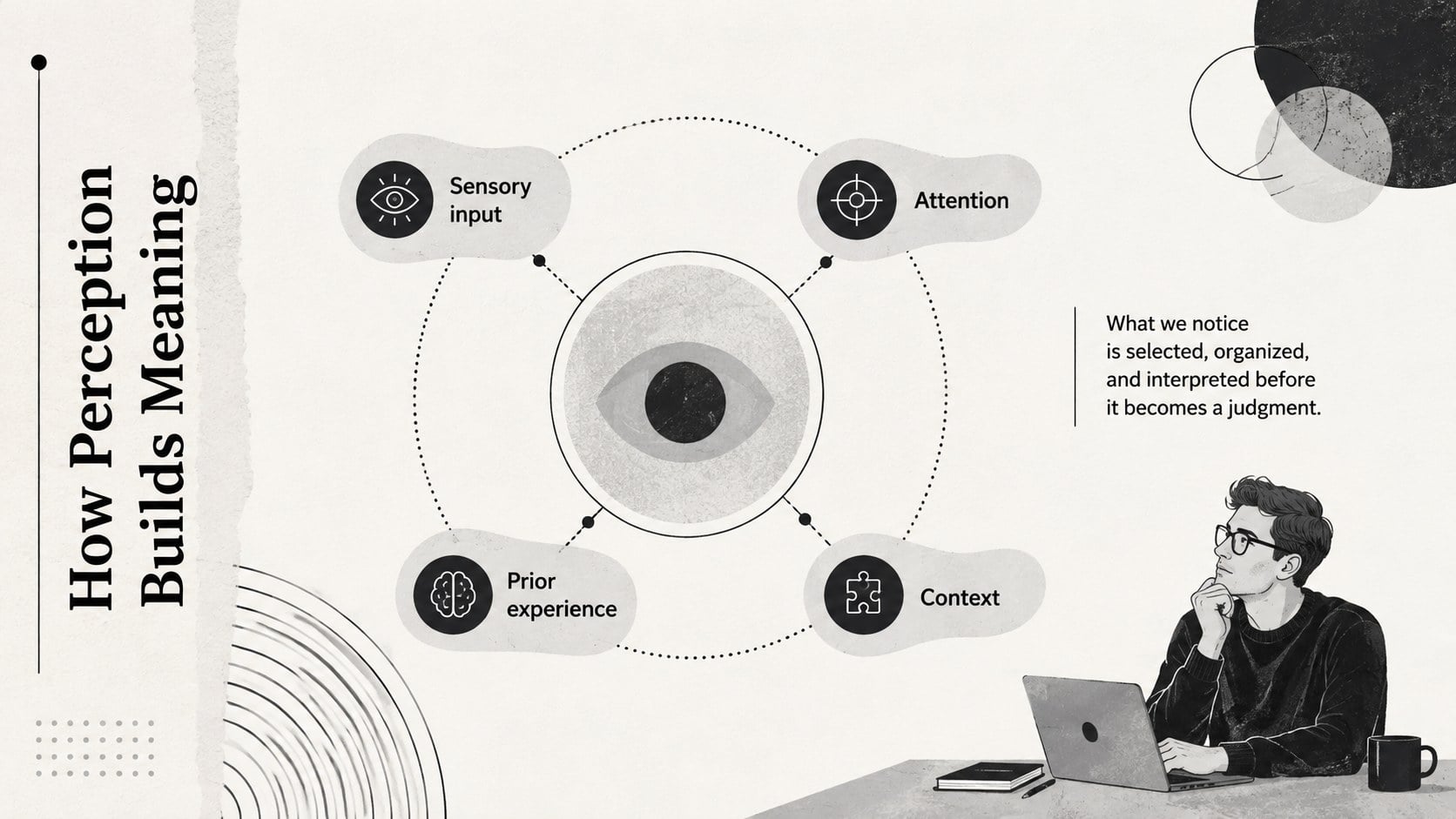
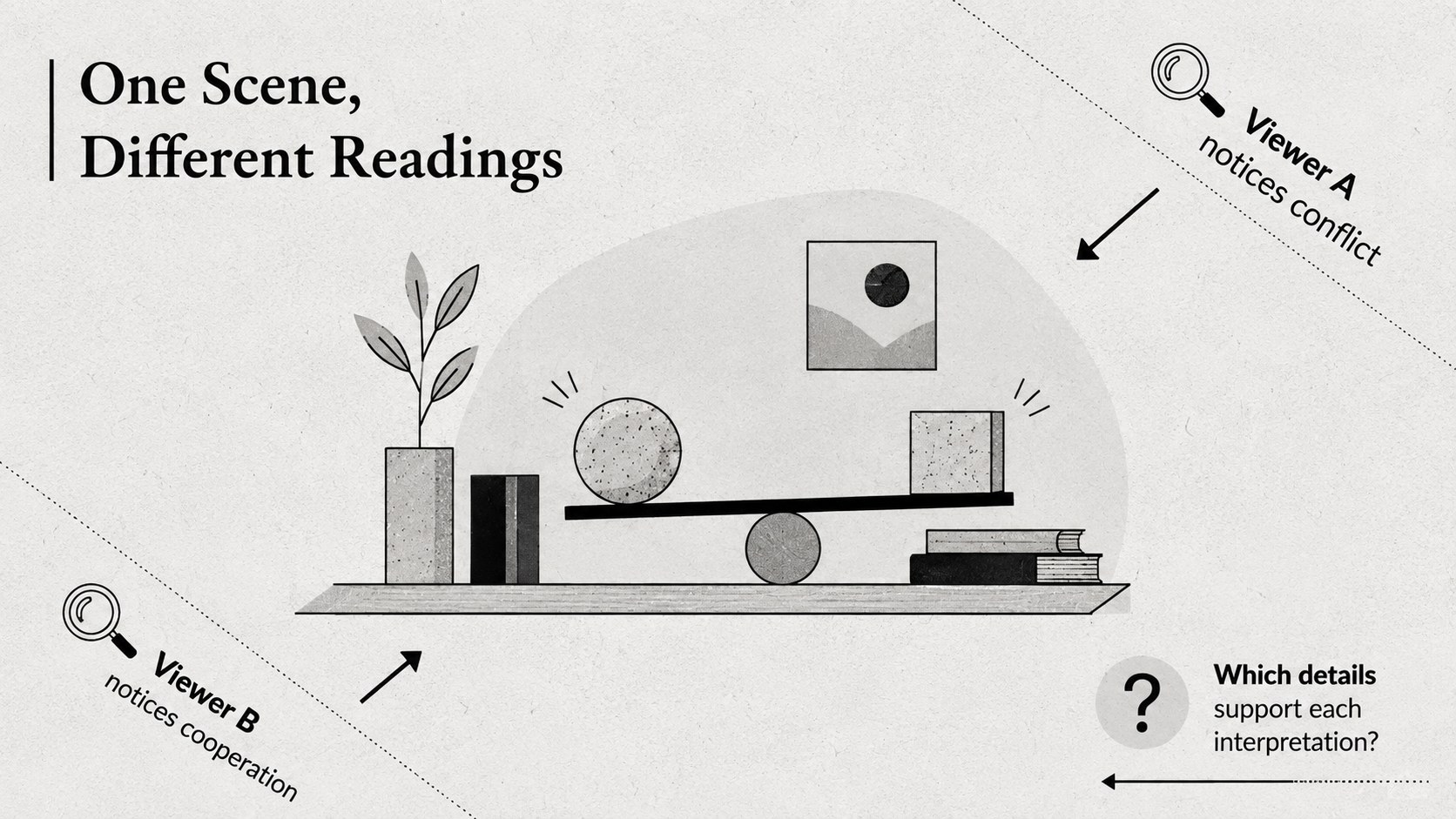
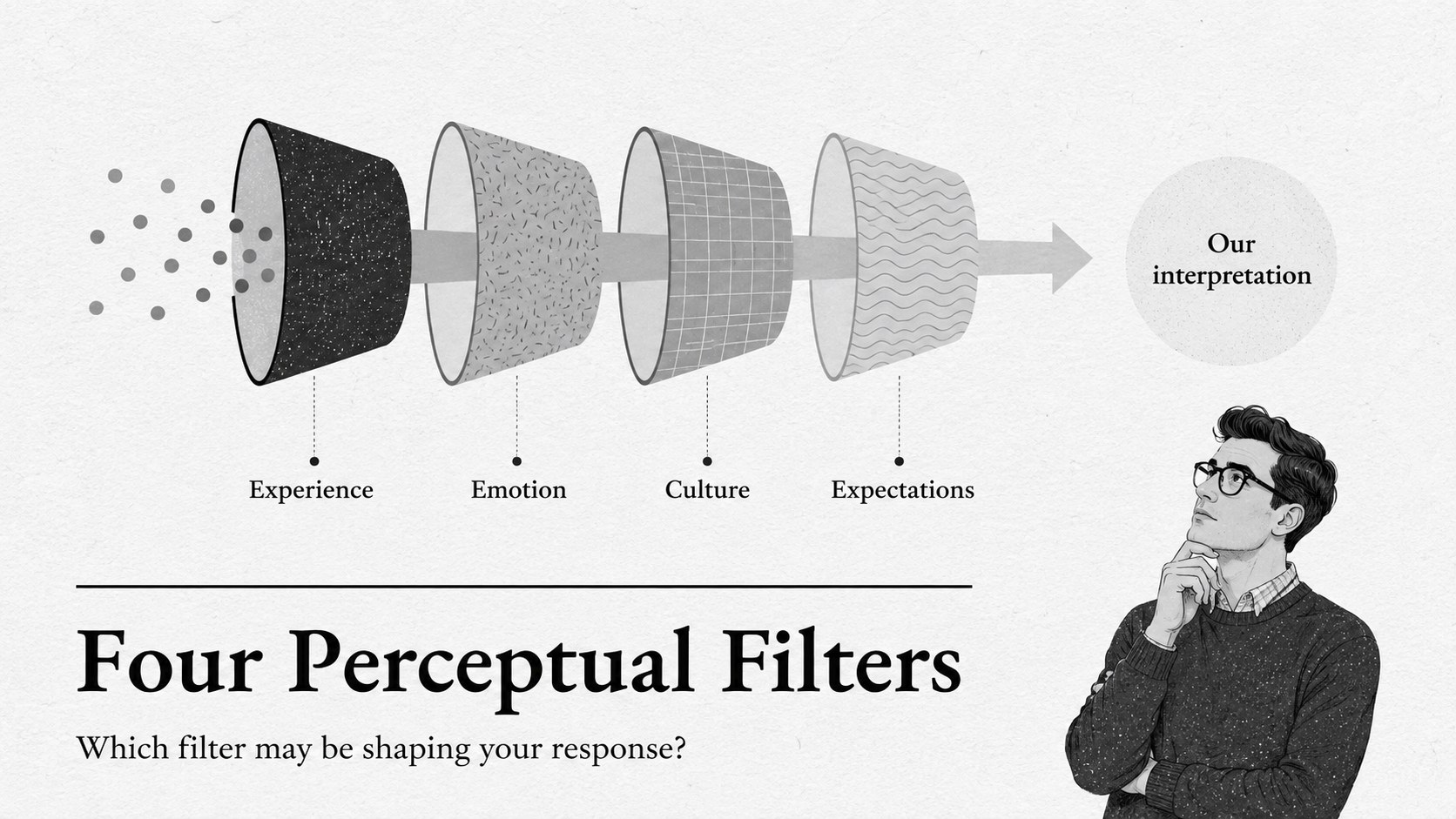
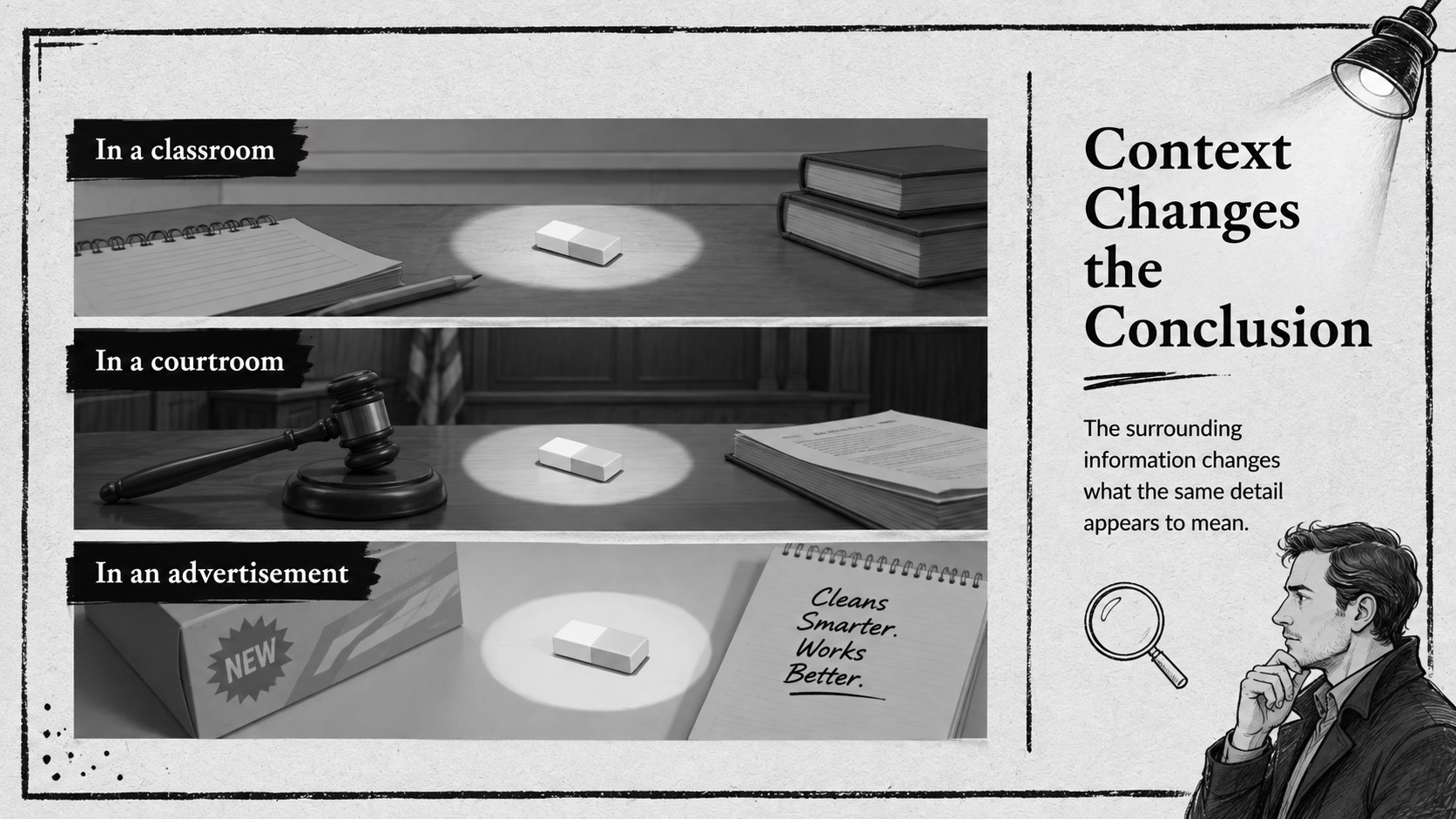
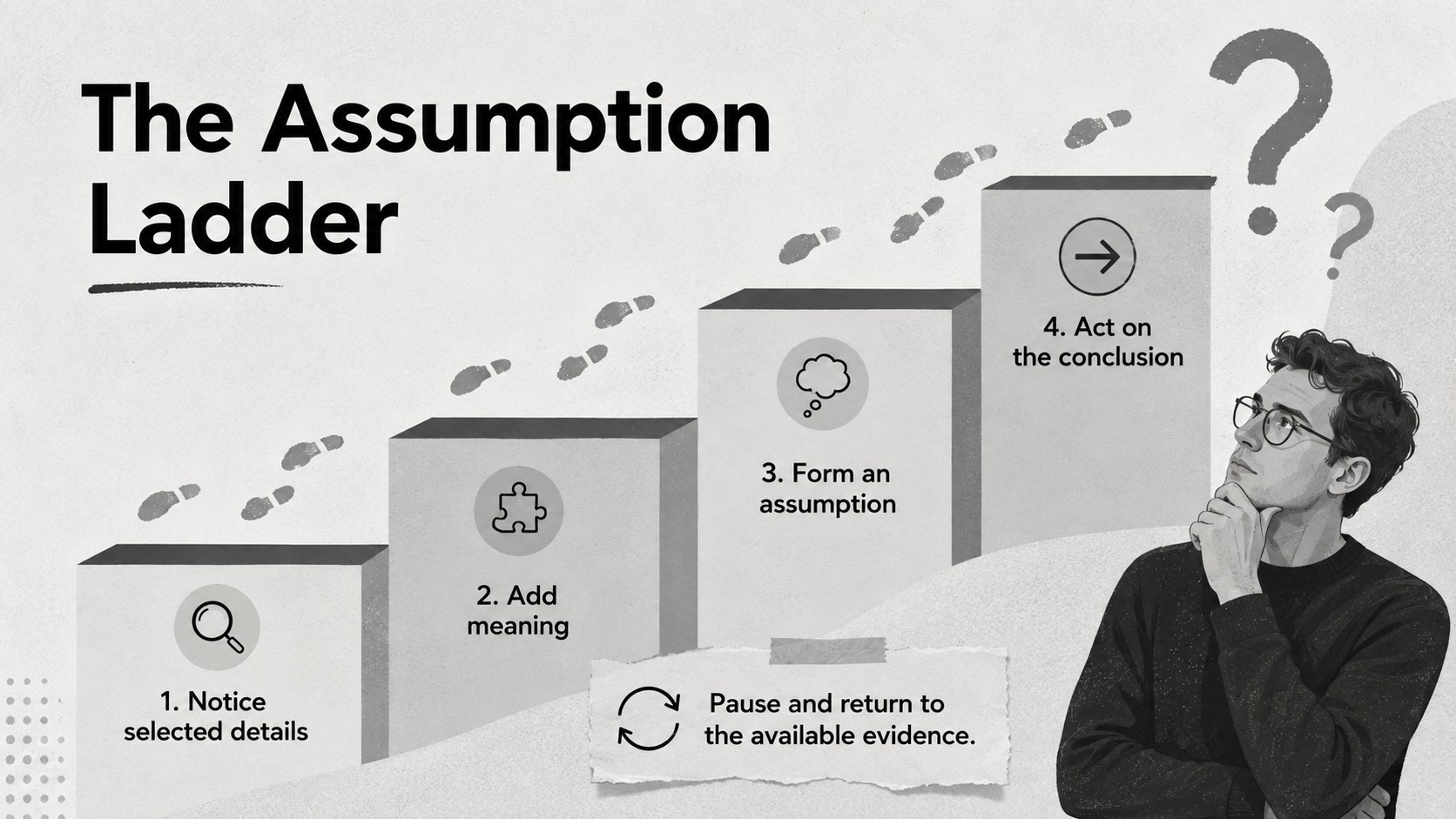
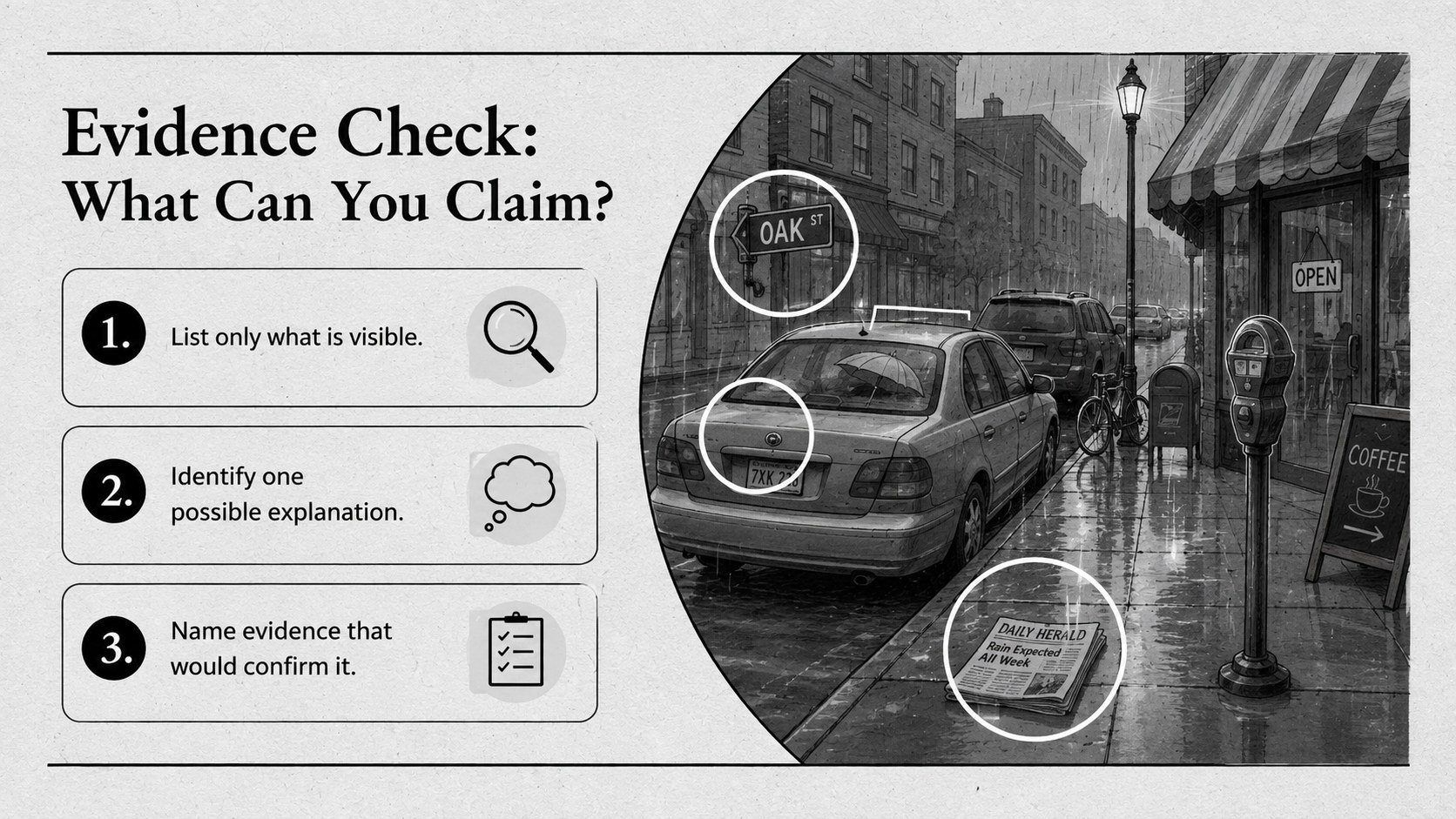
The editable layouts cover observation versus interpretation, perceptual filters, context effects, assumptions, cognitive bias, and evidence checks. Learners can compare viewpoints, annotate ambiguous scenes, evaluate claims, and reflect on how prior experience affects judgment. An interpreting visual evidence lesson, a case study, discussion prompts, and a practical reasoning checklist help turn theory into active participation. Charts, text layouts, timelines, and reflection pages provide enough variety for a complete class session or a short workshop.
This deck suits secondary school, college, adult education, teacher development, and workplace learning. It can support psychology, philosophy, media literacy, communication, or study-skills courses, including a media literacy and perception activity. Customize the text, examples, fonts, and illustrations in PowerPoint or Google Slides while retaining the minimal black-and-grey visual system. EB Garamond and Lato pairings give the slides an academic yet approachable finish.
Perfect for: secondary school reasoning lesson; college psychology seminar; media literacy workshop; teacher development session; workplace decision-making training.
Frequently asked questions
Can I edit every part of the lesson deck? Yes. The headings, examples, illustrations, colors, and activity instructions can be adjusted to fit your learners and subject area.
Practical details
Yes. The headings, examples, illustrations, colors, and activity instructions can be adjusted to fit your learners and subject area.
The template is designed for PowerPoint and Google Slides. Layouts use standard presentation elements for straightforward editing on either platform.
Yes. The activities also fit philosophy, media literacy, communication, social studies, study skills, and professional decision-making sessions.
Replace the sample scenes with photographs, headlines, diagrams, or scenarios relevant to your course. Keep the observation and interpretation prompts beside each example so the reasoning exercise remains clear.
Keep exploring
15Build stronger academic arguments with a college essay thesis builder featuring guided examples, revision prompts, and editable PowerPoint and Google Slides.
 15
15Build an engaging World UFO Day session with this flying saucer history lesson deck, featuring retro green-and-brown slides for PowerPoint and Google Slides.
 14
14Plan a memorable Lunar New Year campaign with the 2036 Dragon Year Celebration Theme, featuring bold red-and-yellow slides for lessons and events.
 15
15Build a thoughtful classroom discussion with this interfaith awareness lesson deck, featuring editable blue-and-white slides for PowerPoint and Google Slides.
 15
15Use this environmental awareness lesson deck to teach climate action through illustrated activities, discussion prompts, and ready-to-edit visuals.
 15
15Build playful lessons and party stories with a kid-friendly zombie celebration theme in purple, green and pastel blue for PowerPoint and Google Slides.
 15
15Build eerie lessons, campaigns, and story pitches with an undead survival scenario theme featuring editable slides for PowerPoint and Google Slides.
 16
16Turn environmental research into a clear story with a Watercolor Ecology Presentation Theme for PowerPoint and Google Slides in calming green and blue.