
 15
15presentation
College Essay Thesis Builder Slides
Build stronger academic arguments with a college essay thesis builder featuring guided examples, revision prompts, and editable PowerPoint and Google Slides.
Google SlidesPowerPoint
presentation · English
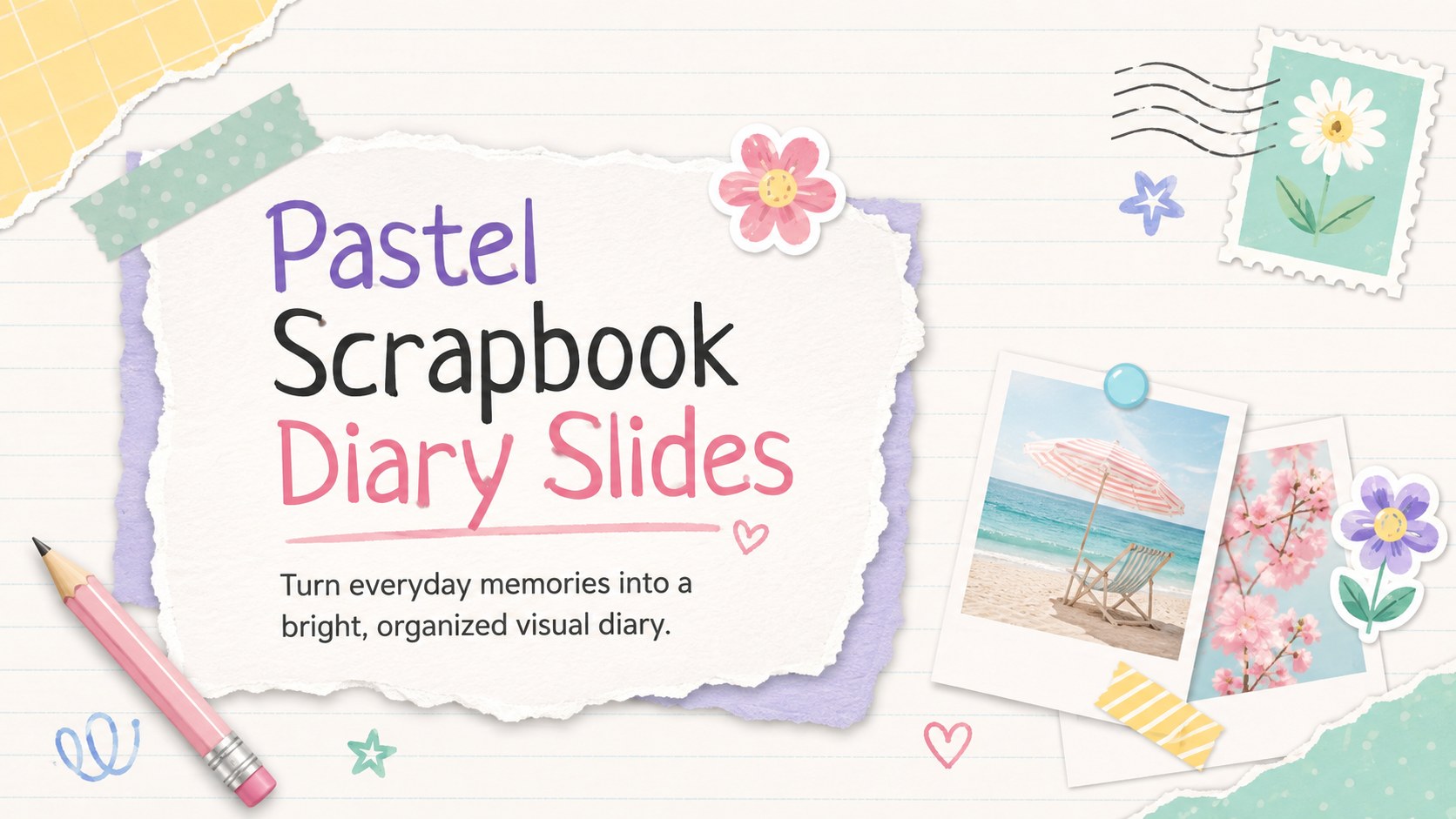
Turn memories, plans, and reflections into Pastel Scrapbook Diary Slides with editable paper textures, playful stickers, and storytelling layouts.

Design notes
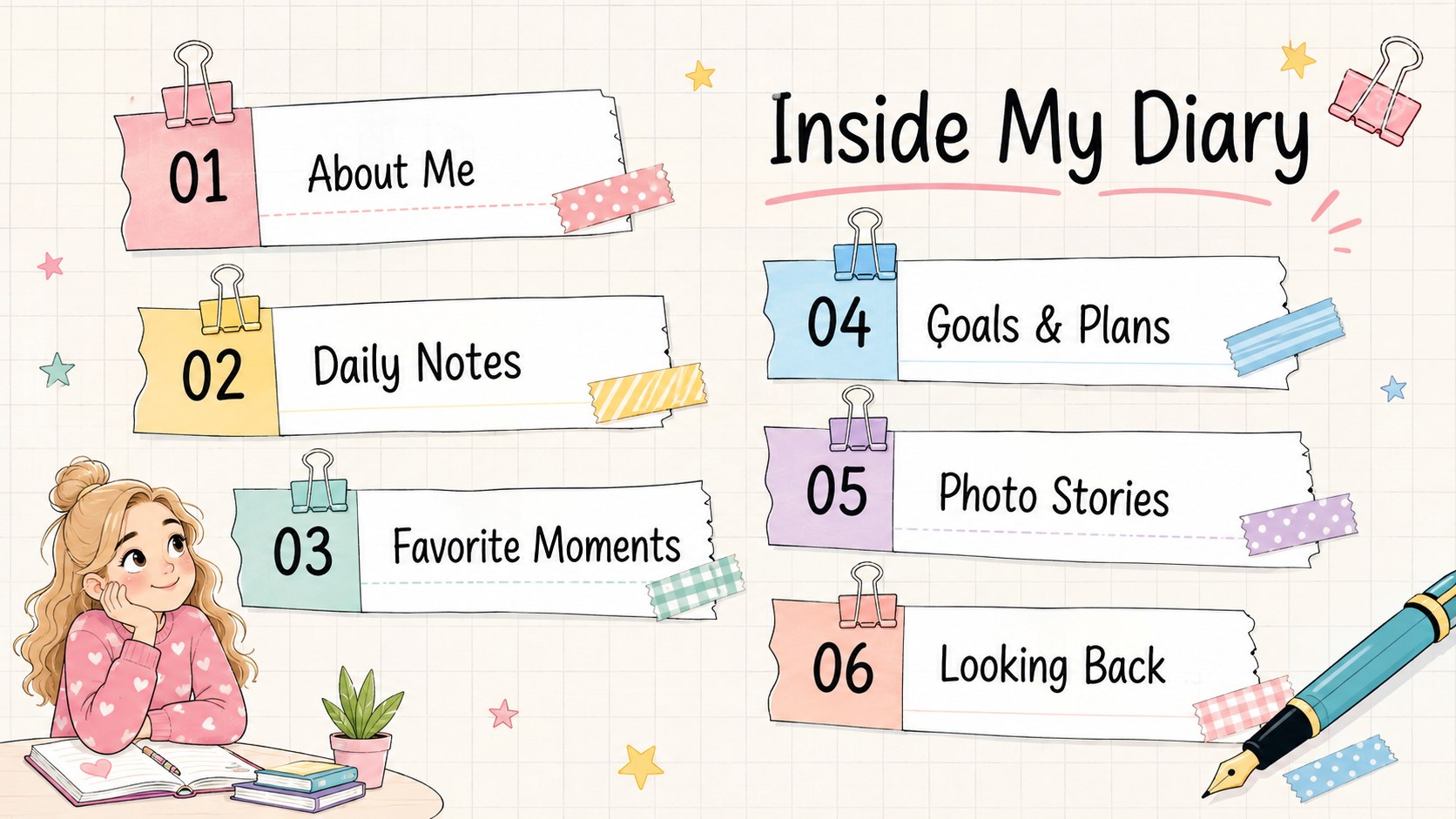
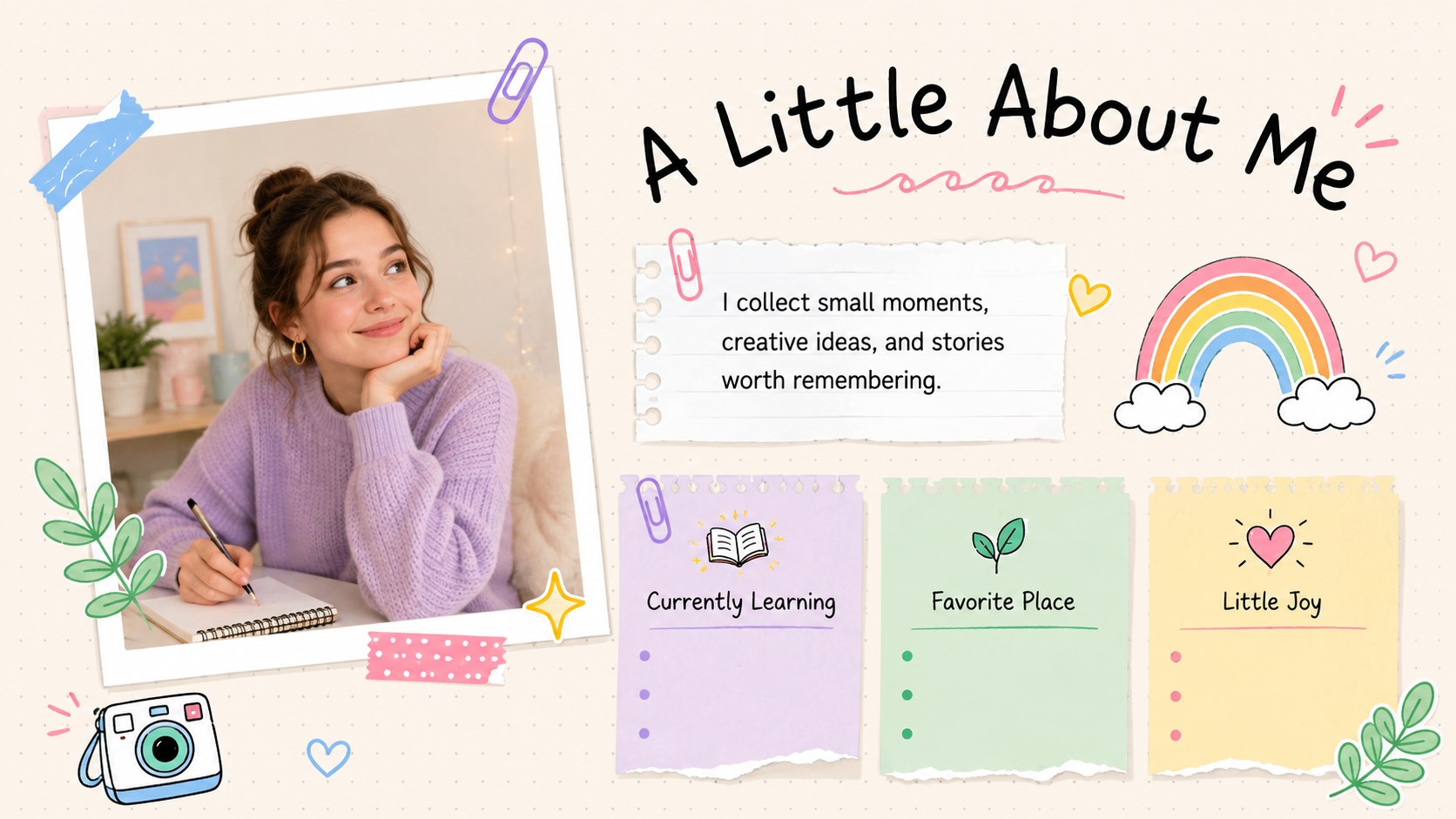
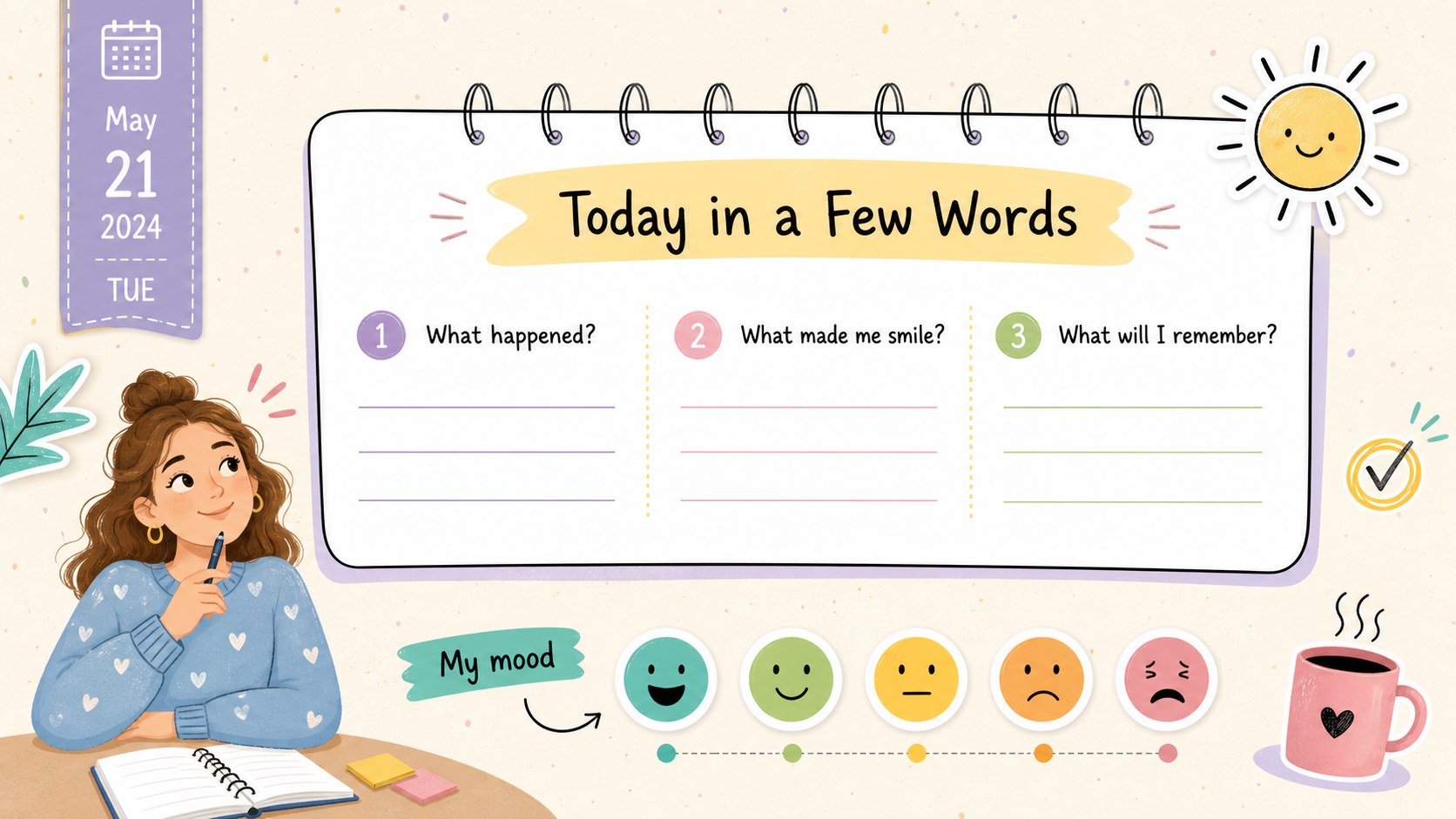
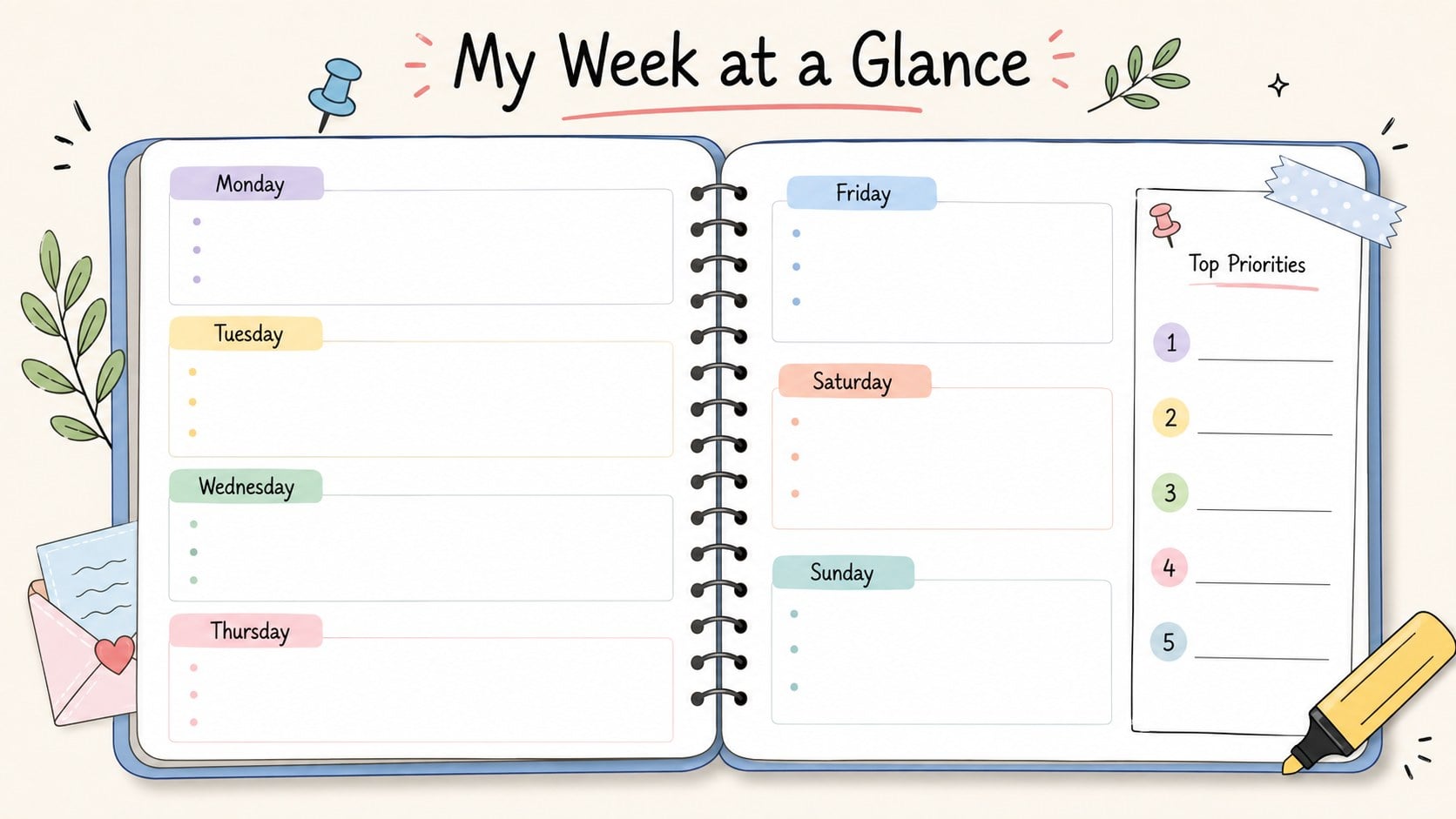
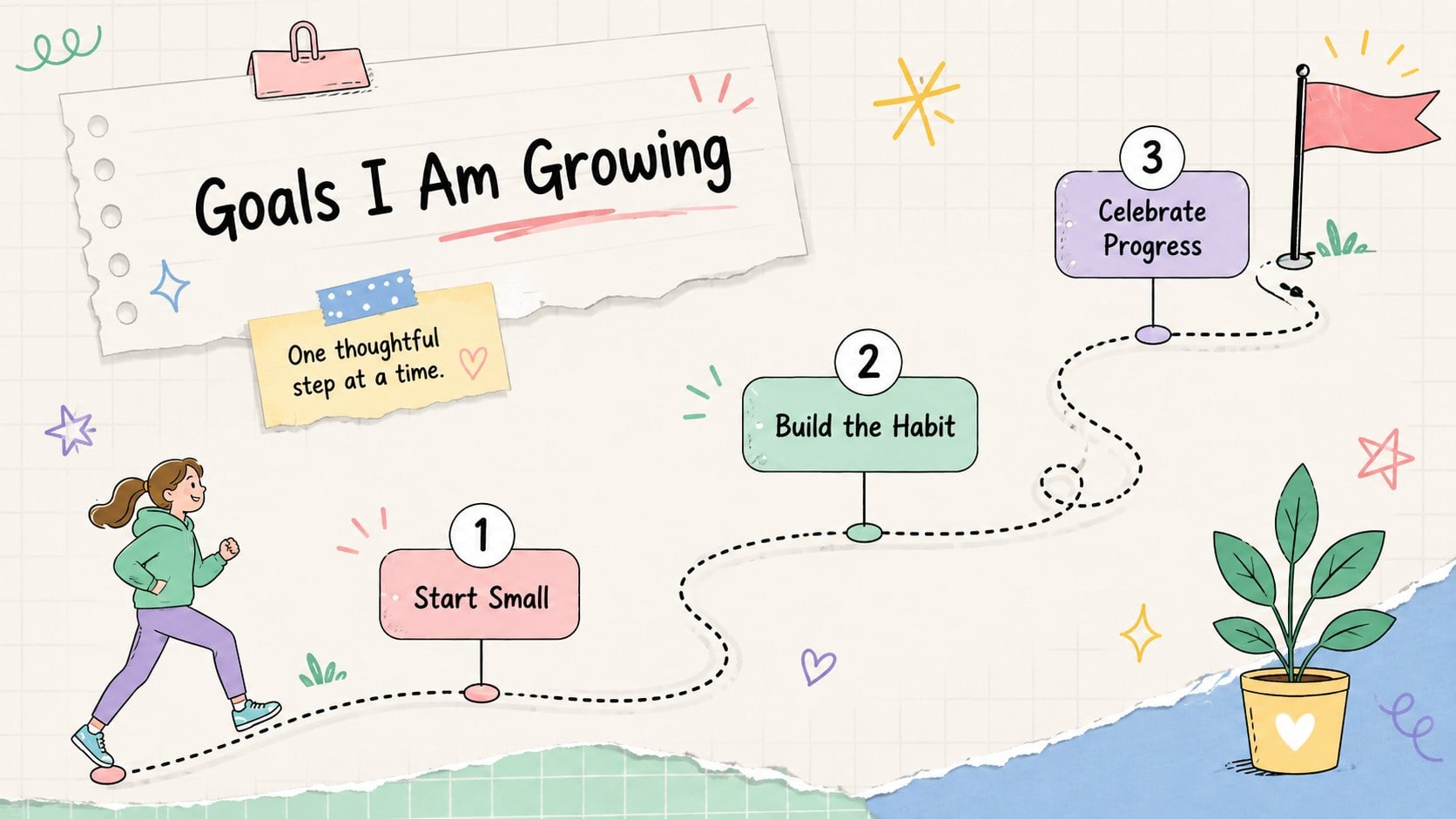
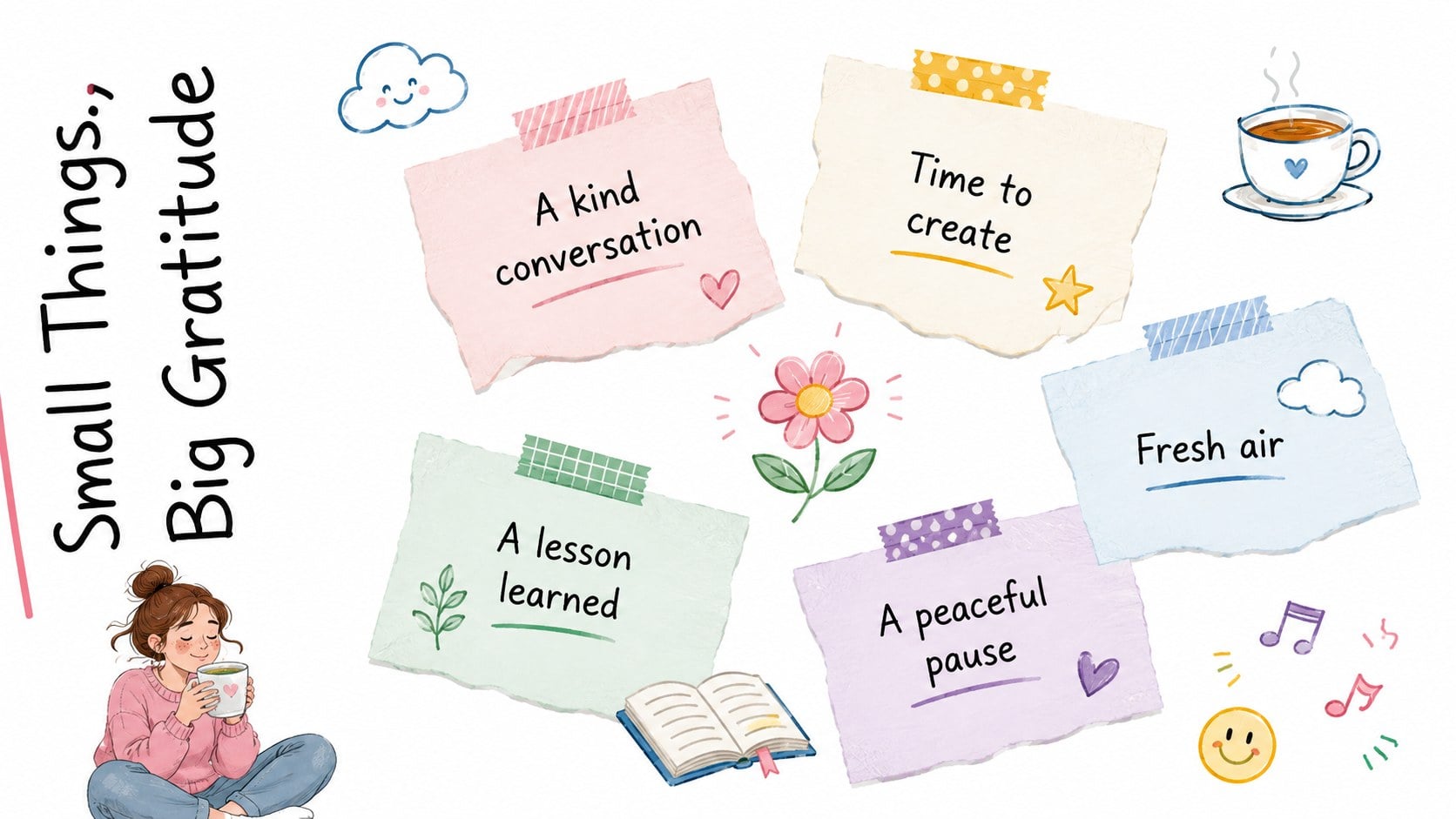
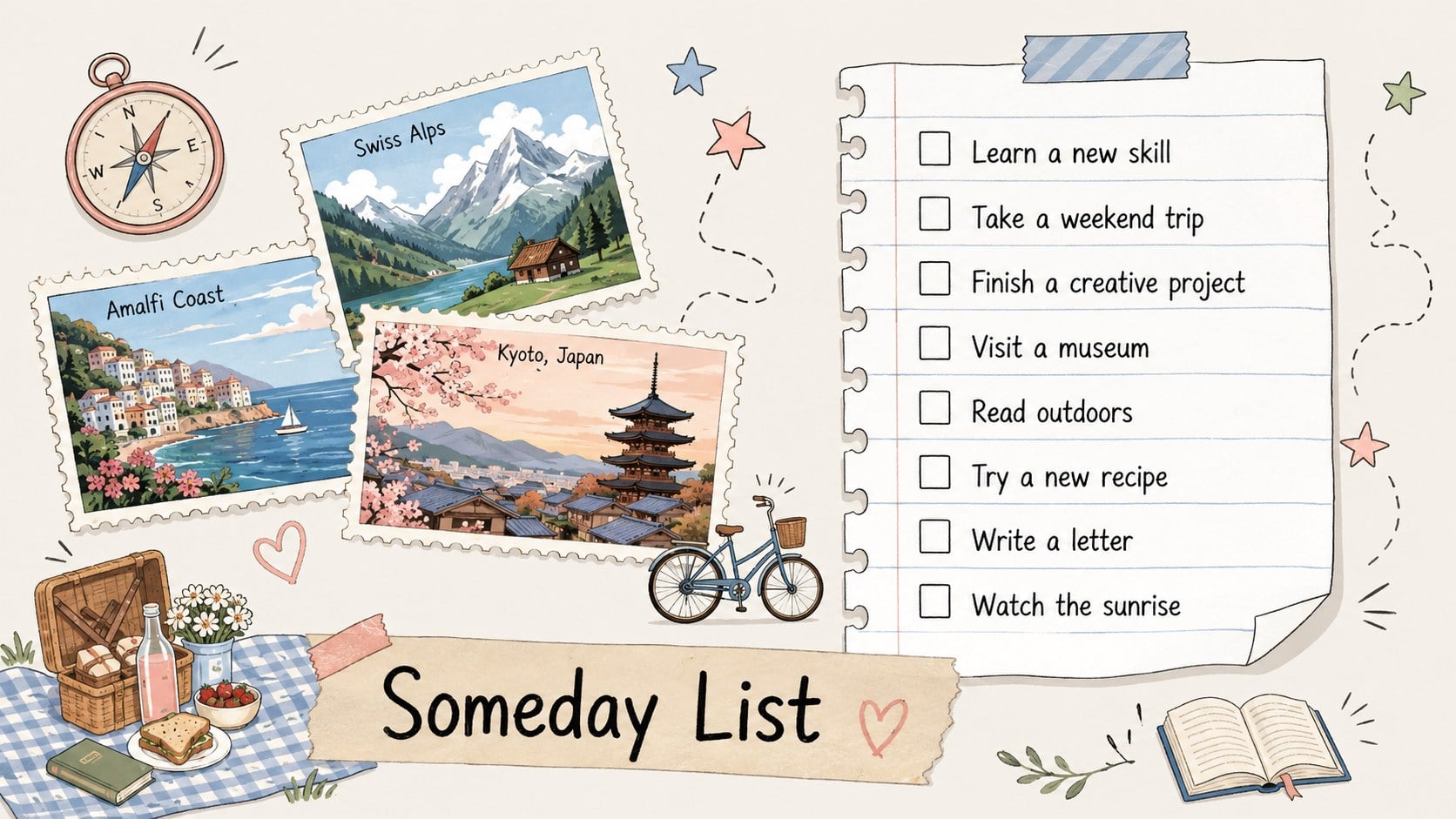
Pastel Scrapbook Diary Slides turn personal stories, daily reflections, and favorite moments into a polished visual journal. Designed for PowerPoint and Google Slides, this editable deck combines white paper backgrounds with soft pastel accents, hand-drawn pen details, tape, labels, and cheerful stickers. The relaxed scrapbook style feels creative without making notes or photographs difficult to follow.
The collection includes more than 25 customizable layouts for introductions, journal entries, photo collections, goals, routines, lists, timelines, mood tracking, and memorable highlights. Use the structured pages to create an editable memory journal presentation, or mix layouts to assemble a personal reflection slide deck. Clear text areas, image frames, simple diagrams, and coordinated decorative elements help every entry look consistent. Colors, fonts, illustrations, and page arrangements can all be adapted to suit a personal theme or school project.
These slides work well for students, teachers, journal keepers, families, and anyone who enjoys documenting experiences visually. Build classroom memory book slides, record a trip, present a reading journal, collect monthly milestones, or organize creative ideas in one welcoming deck. The pastel scrapbook diary slides balance playful character with practical organization, giving stories, plans, and reflections an engaging home that remains easy to edit, present, download, and share.
Perfect for: personal memory journal; classroom reflection project; travel photo diary; monthly milestone recap; student reading journal; family memory book.
Frequently asked questions
Can I edit the diary pages in PowerPoint and Google Slides? Yes. Text, colors, image frames, decorative elements, and page layouts can be edited in both PowerPoint and Google Slides. You can duplicate or remove pages to match the length of your journal.
Practical details
Yes. Text, colors, image frames, decorative elements, and page layouts can be edited in both PowerPoint and Google Slides. You can duplicate or remove pages to match the length of your journal.
Replace the sample wording and photos, then adjust the pastel colors, fonts, stickers, and labels to fit your story. Keeping a small set of repeated colors and type styles will help the finished diary remain cohesive.
Yes. The layouts support student reflections, classroom photographs, project highlights, reading notes, and end-of-term memories. Teachers can simplify the prompts or duplicate individual pages for each student.
No. The presentation can be customized using standard editing tools in PowerPoint or Google Slides. Add your own images, update the text, and export the completed diary in your preferred presentation or PDF format.
Keep exploring
15Build stronger academic arguments with a college essay thesis builder featuring guided examples, revision prompts, and editable PowerPoint and Google Slides.
 15
15Build an engaging World UFO Day session with this flying saucer history lesson deck, featuring retro green-and-brown slides for PowerPoint and Google Slides.
 14
14Plan a memorable Lunar New Year campaign with the 2036 Dragon Year Celebration Theme, featuring bold red-and-yellow slides for lessons and events.
 15
15Build a thoughtful classroom discussion with this interfaith awareness lesson deck, featuring editable blue-and-white slides for PowerPoint and Google Slides.
 15
15Use this environmental awareness lesson deck to teach climate action through illustrated activities, discussion prompts, and ready-to-edit visuals.
 15
15Build playful lessons and party stories with a kid-friendly zombie celebration theme in purple, green and pastel blue for PowerPoint and Google Slides.
 15
15Build eerie lessons, campaigns, and story pitches with an undead survival scenario theme featuring editable slides for PowerPoint and Google Slides.
 16
16Turn environmental research into a clear story with a Watercolor Ecology Presentation Theme for PowerPoint and Google Slides in calming green and blue.