
 15
15presentation
College Essay Thesis Builder Slides
Build stronger academic arguments with a college essay thesis builder featuring guided examples, revision prompts, and editable PowerPoint and Google Slides.
Google SlidesPowerPoint
presentation · English
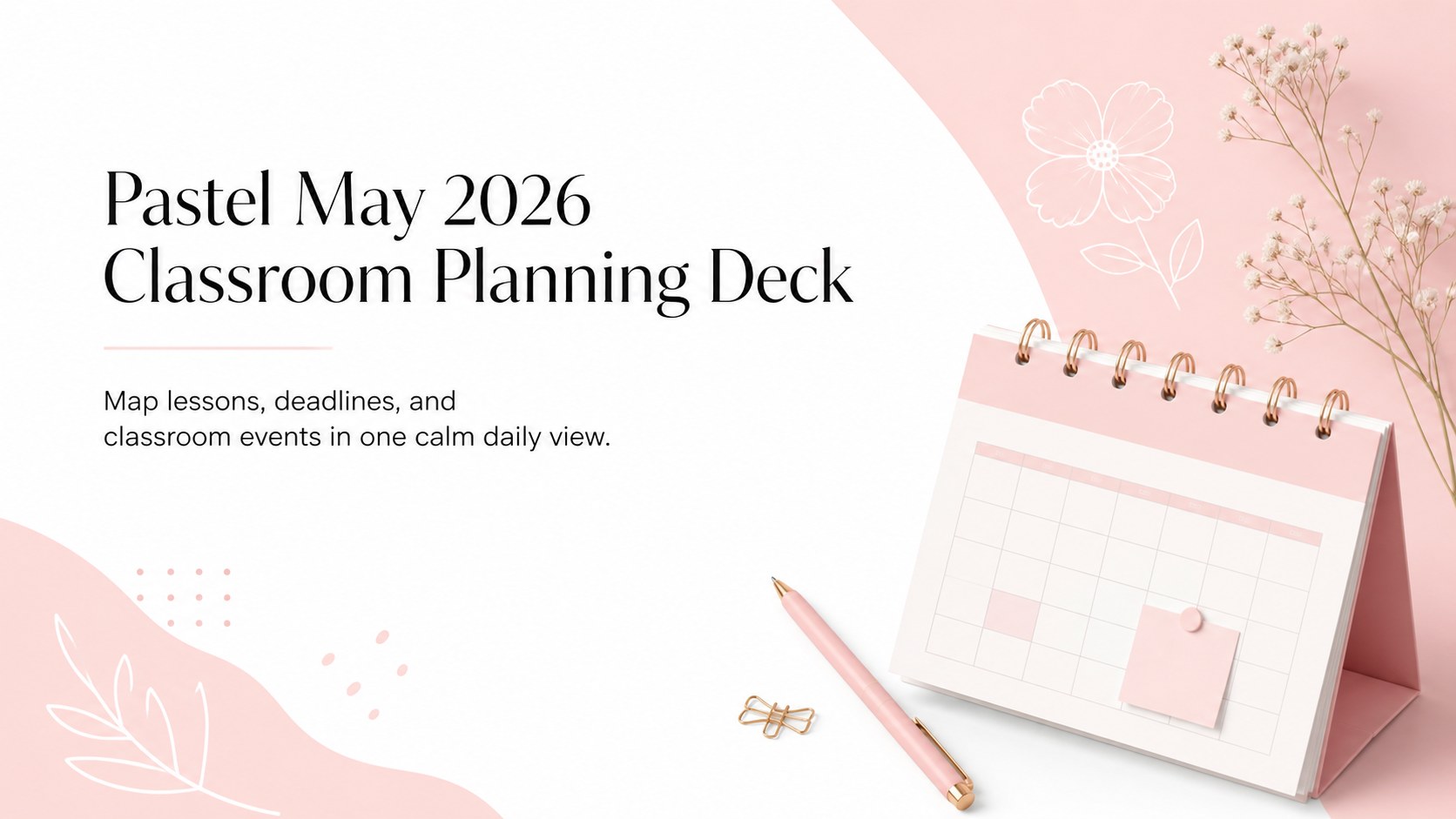
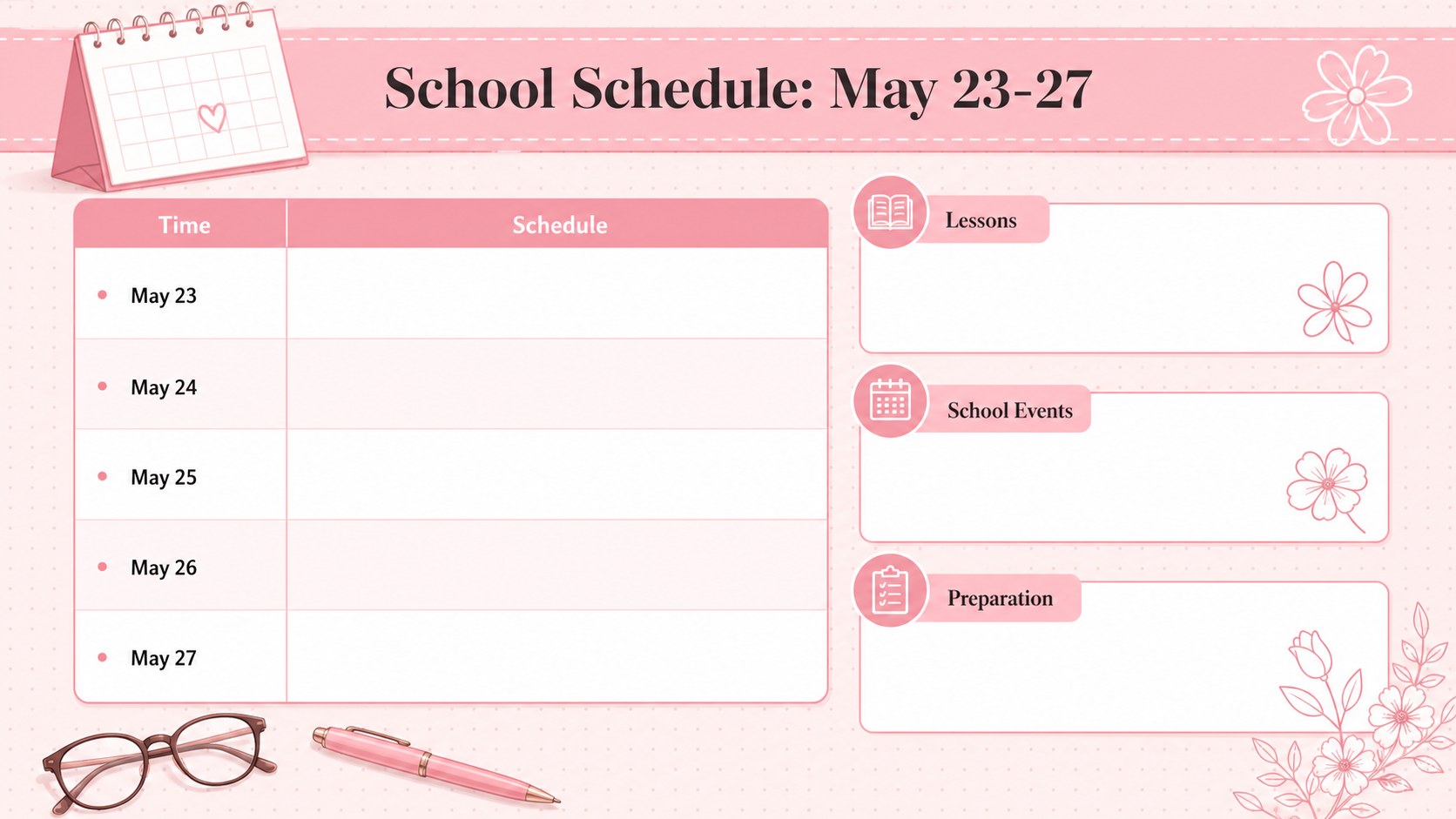
Organize lessons, deadlines, and school events with this May 2026 classroom planning deck in soft pink for PowerPoint and Google Slides.
Design notes
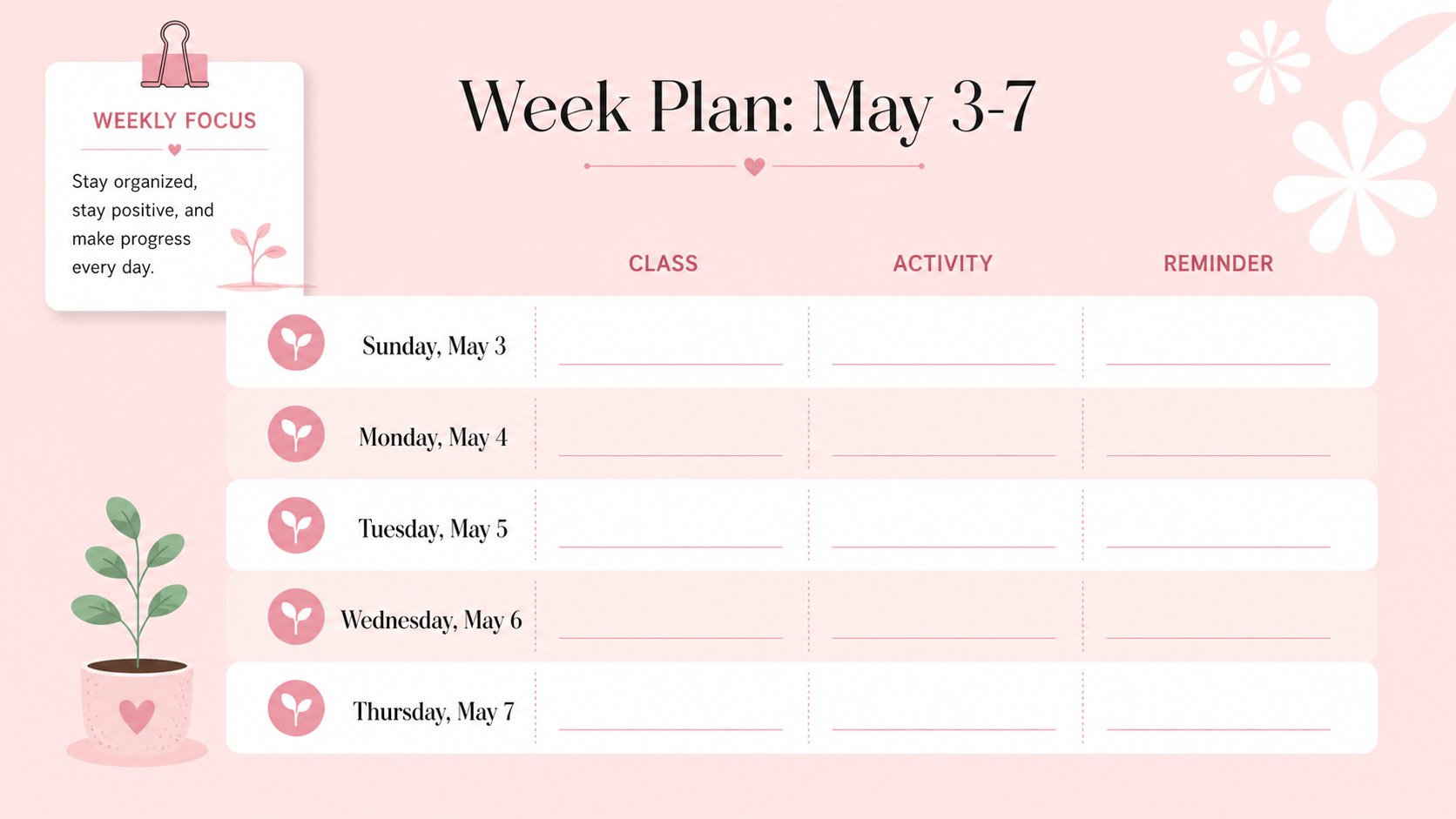
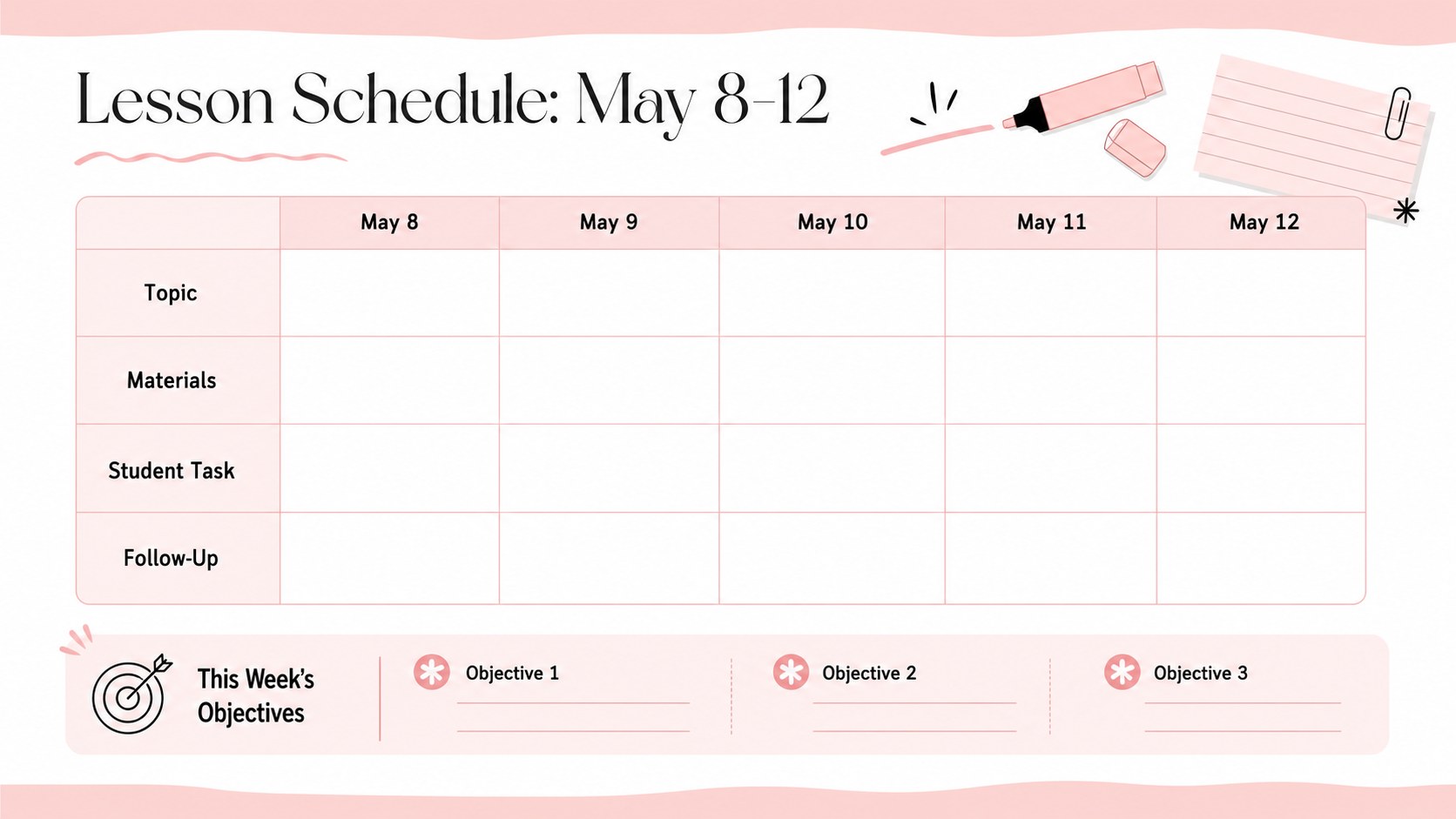
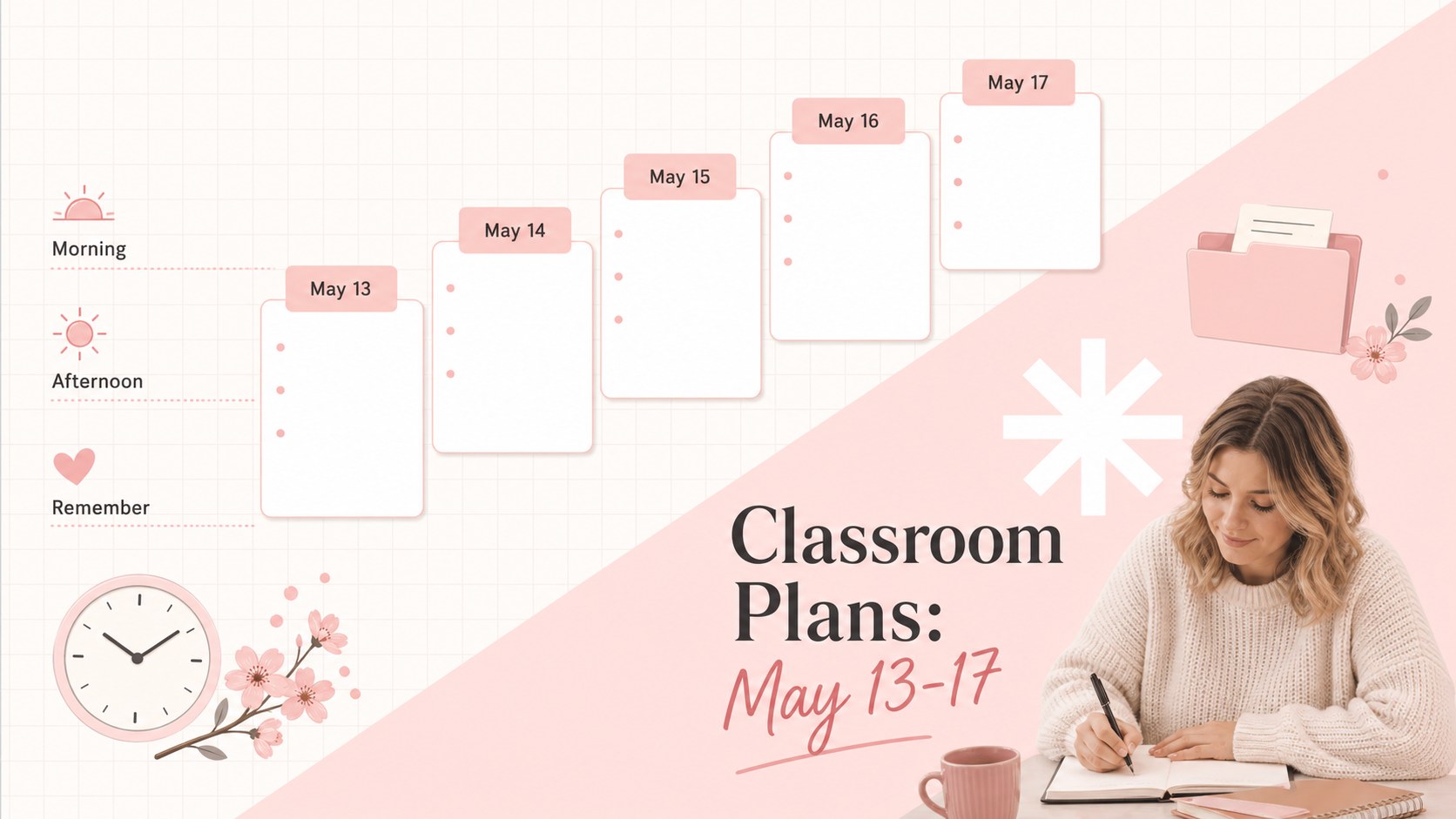
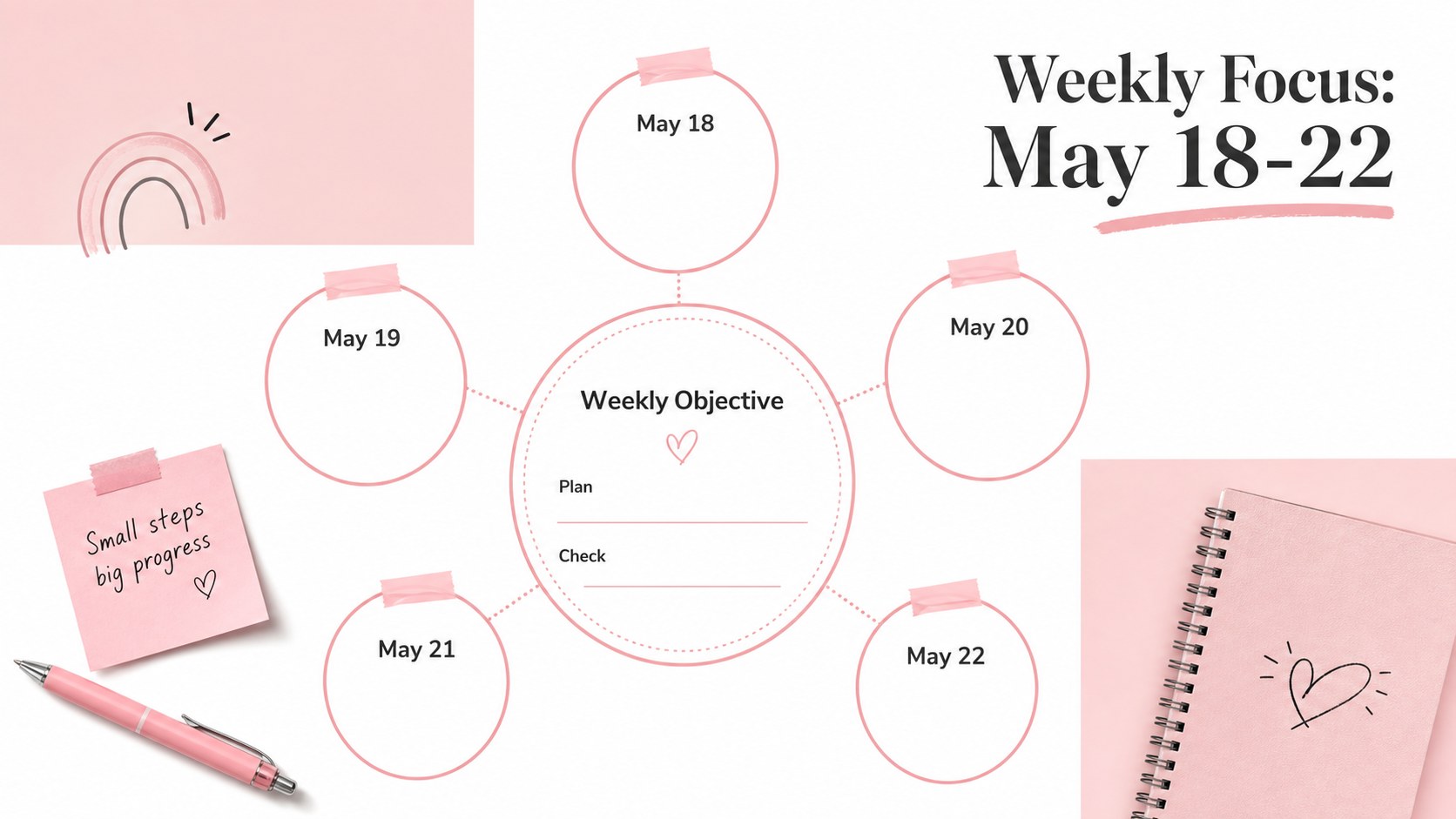
Bring structure to a busy school month with this May 2026 classroom planning deck. Designed in a minimalist pastel pink and white style, the presentation gives educators a calm, readable place to coordinate lessons, assignments, events, and personal reminders. Each layout balances generous writing space with subtle shapes and polished typography.
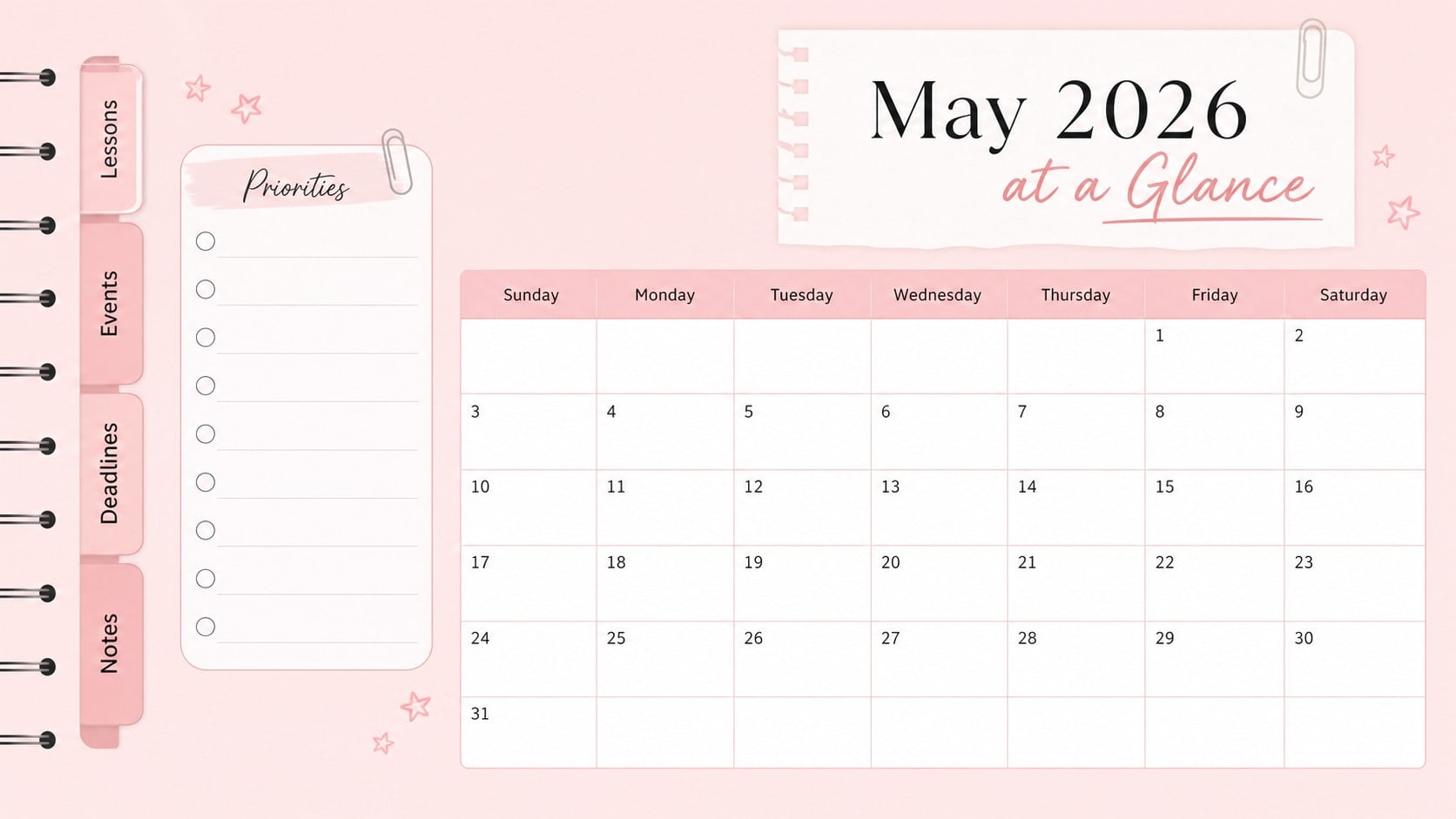
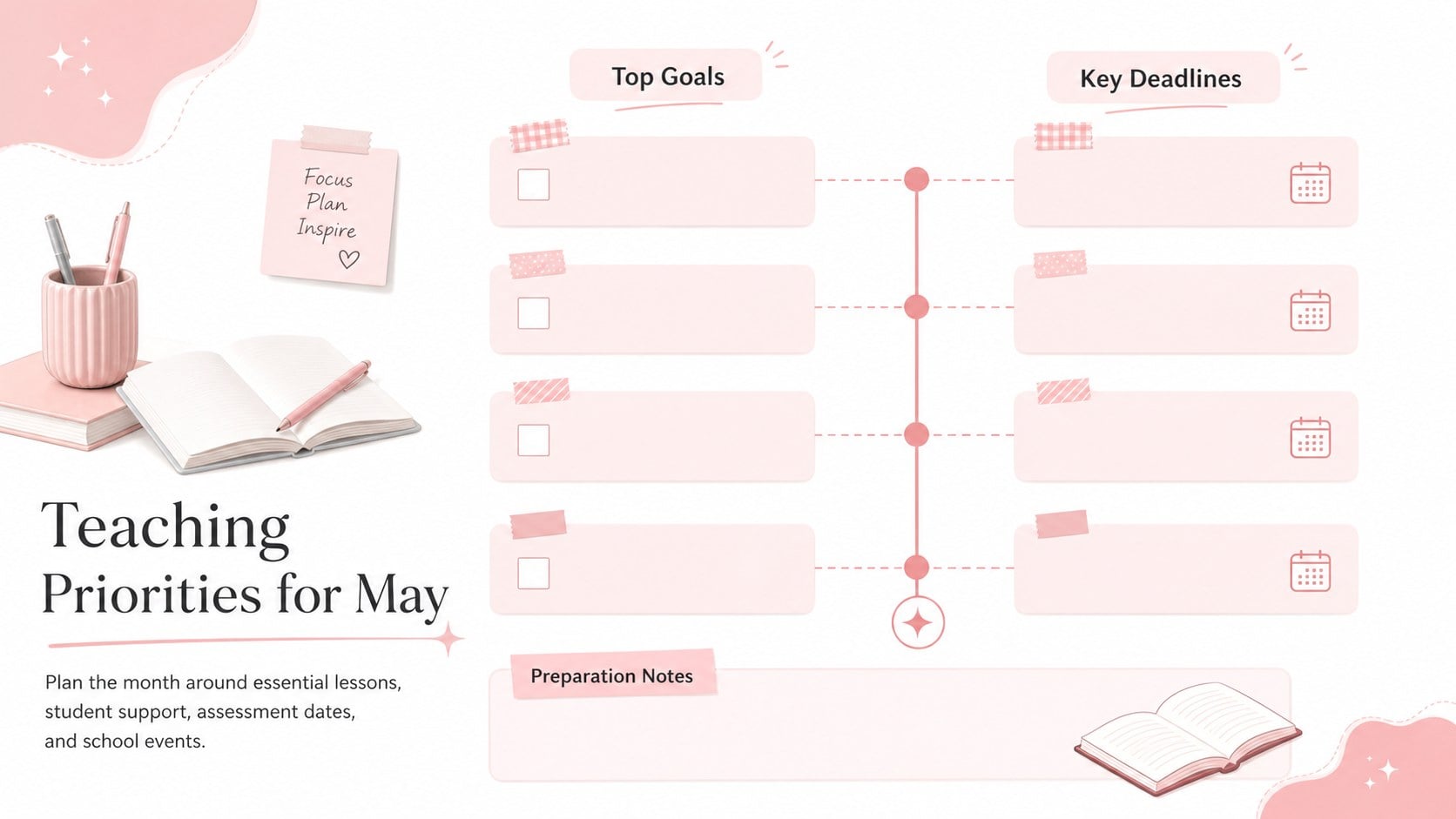
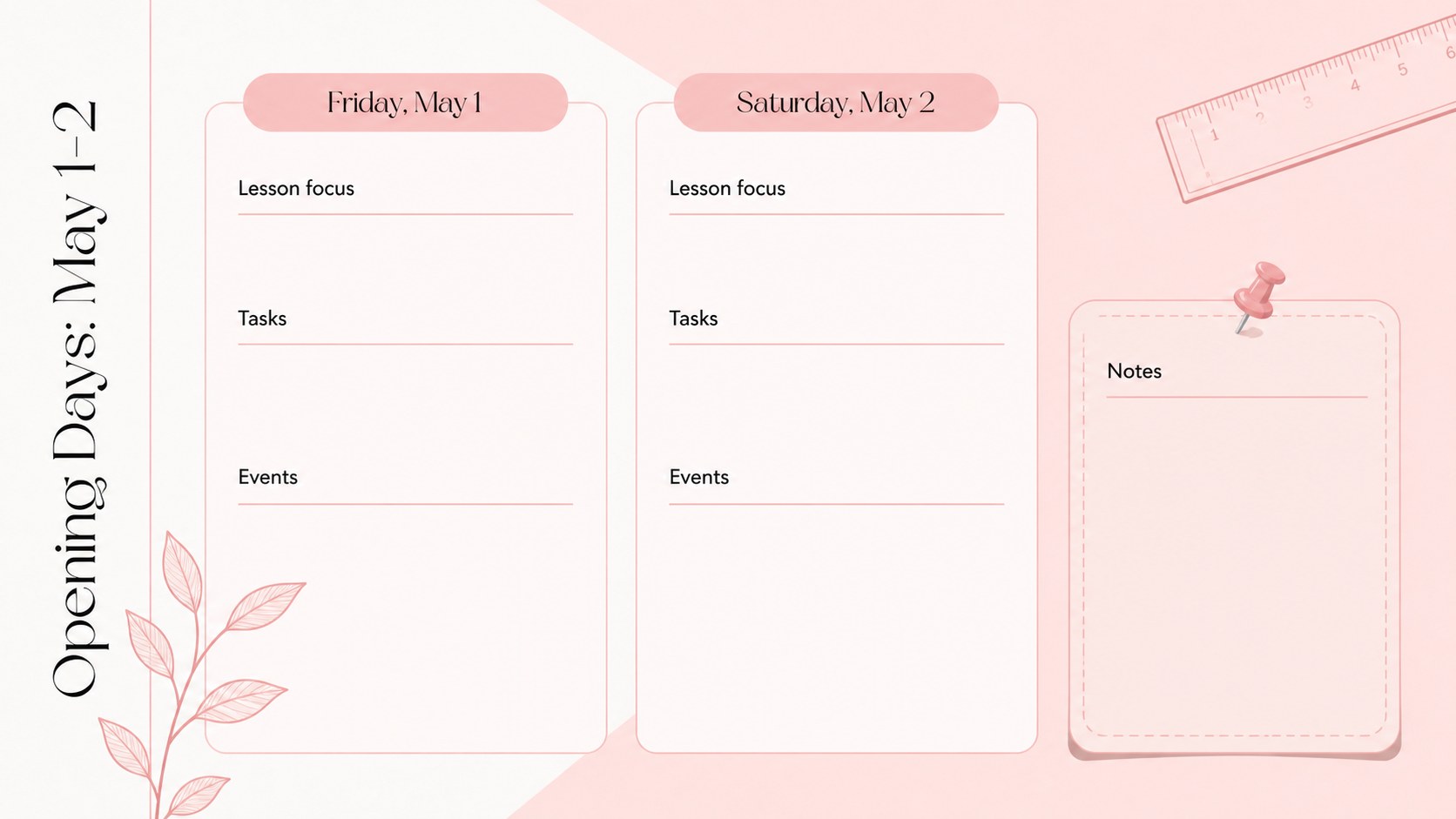
Inside, you will find a month-at-a-glance calendar, weekly planning pages, daily schedule sections, lesson preparation layouts, event and deadline trackers, notes pages, and an end-of-month reflection. The deck works as a set of May 2026 teacher planner slides or as a pastel pink classroom calendar for display during staff meetings and planning sessions. Dates and headings are easy to adjust, while reusable text areas help keep recurring tasks consistent.
This editable May lesson planning presentation is suited to classroom teachers, tutors, department coordinators, school administrators, and education students managing practical placements. Use it to prepare teaching blocks, coordinate assessments, outline classroom activities, or share upcoming dates with colleagues. Every slide can be customized in PowerPoint or Google Slides, including the text, fonts, colors, shapes, and schedule details. Duplicate planning pages when additional space is needed, remove layouts that do not fit your workflow, and adapt the deck for remote, hybrid, or in-person teaching.
Perfect for: monthly lesson scheduling; classroom event tracking; teacher workload planning; assignment deadline overview; department planning meeting.
Frequently asked questions
Can I edit every date and planning section? Yes. Dates, headings, notes, schedule entries, colors, and shapes can all be changed to match your classroom routine or school calendar.
Practical details
Yes. Dates, headings, notes, schedule entries, colors, and shapes can all be changed to match your classroom routine or school calendar.
The deck is designed for Microsoft PowerPoint and Google Slides. Upload or open the presentation in your preferred platform, then edit the layouts using its standard tools.
Yes. Replace the month and date labels, then duplicate or remove daily and weekly layouts as needed. The minimalist structure can be adapted for other teaching periods.
Select the pink accents, backgrounds, and text elements and apply your preferred palette. Keep strong contrast between text and backgrounds to preserve readability.
Keep exploring
15Build stronger academic arguments with a college essay thesis builder featuring guided examples, revision prompts, and editable PowerPoint and Google Slides.
 15
15Build an engaging World UFO Day session with this flying saucer history lesson deck, featuring retro green-and-brown slides for PowerPoint and Google Slides.
 14
14Plan a memorable Lunar New Year campaign with the 2036 Dragon Year Celebration Theme, featuring bold red-and-yellow slides for lessons and events.
 15
15Build a thoughtful classroom discussion with this interfaith awareness lesson deck, featuring editable blue-and-white slides for PowerPoint and Google Slides.
 15
15Use this environmental awareness lesson deck to teach climate action through illustrated activities, discussion prompts, and ready-to-edit visuals.
 15
15Build playful lessons and party stories with a kid-friendly zombie celebration theme in purple, green and pastel blue for PowerPoint and Google Slides.
 15
15Build eerie lessons, campaigns, and story pitches with an undead survival scenario theme featuring editable slides for PowerPoint and Google Slides.
 16
16Turn environmental research into a clear story with a Watercolor Ecology Presentation Theme for PowerPoint and Google Slides in calming green and blue.