
 15
15presentation
College Essay Thesis Builder Slides
Build stronger academic arguments with a college essay thesis builder featuring guided examples, revision prompts, and editable PowerPoint and Google Slides.
Google SlidesPowerPoint
presentation · English
Run a lively classroom or family challenge with Pastel Easter Quiz Game Show Slides, editable in PowerPoint and Google Slides for quick setup and play.
Design notes
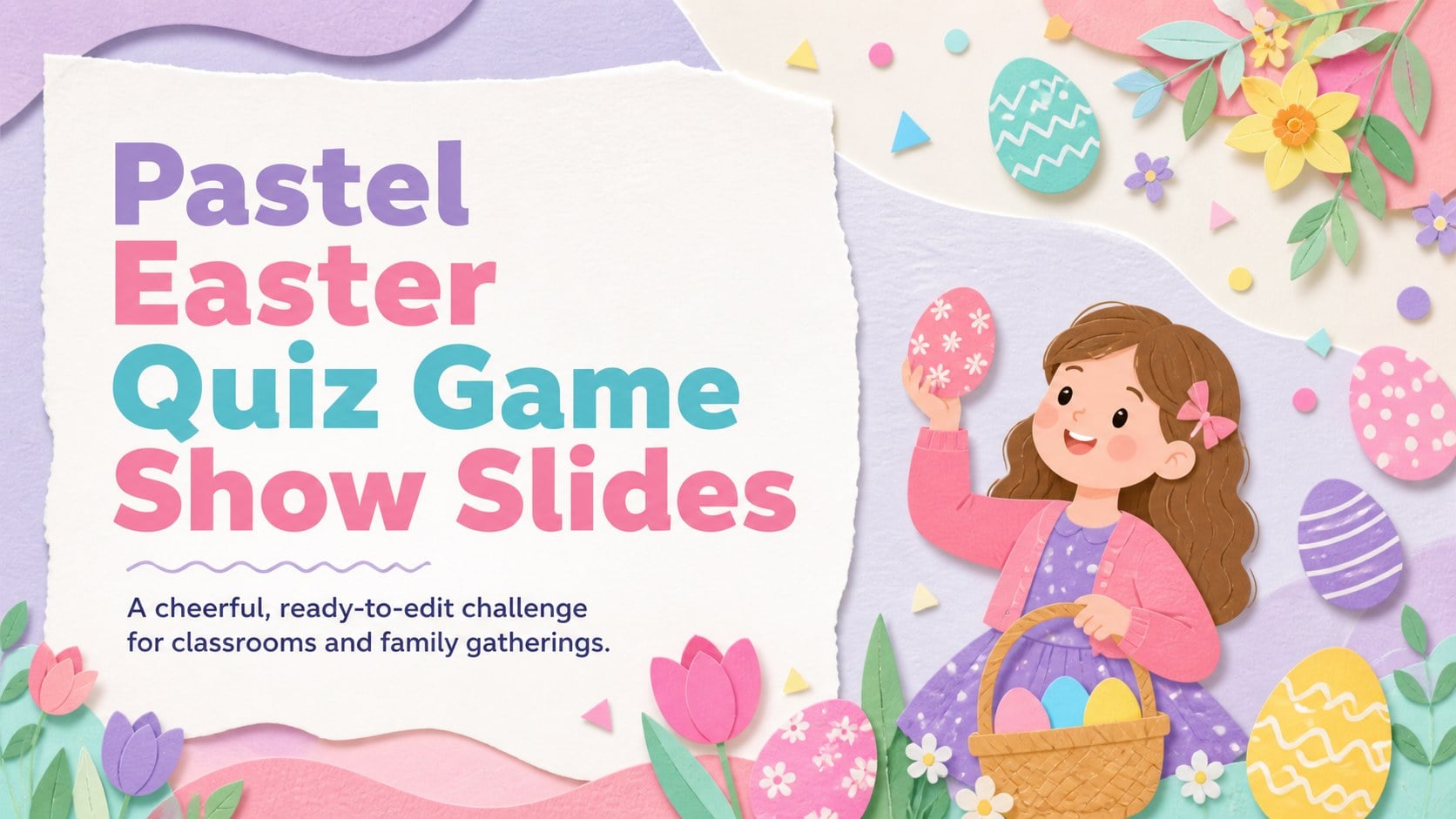
Turn seasonal learning or family time into a friendly competition with Pastel Easter Quiz Game Show Slides. Designed for PowerPoint and Google Slides, this colorful deck gives hosts an organized way to present trivia, review lessons, and keep score. Soft spring colors and playful Easter illustrations create an upbeat atmosphere while leaving questions and answers easy to read.
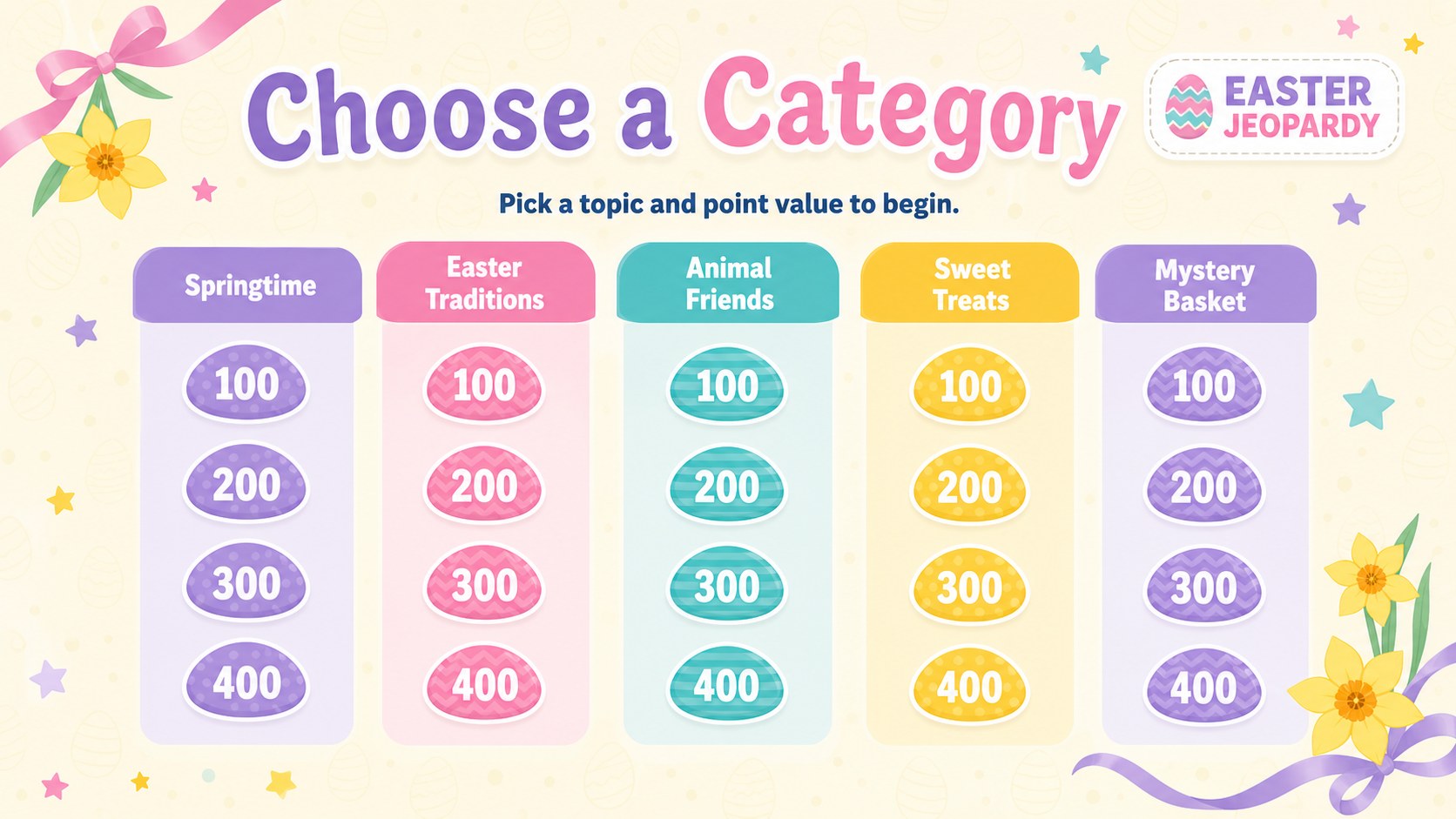
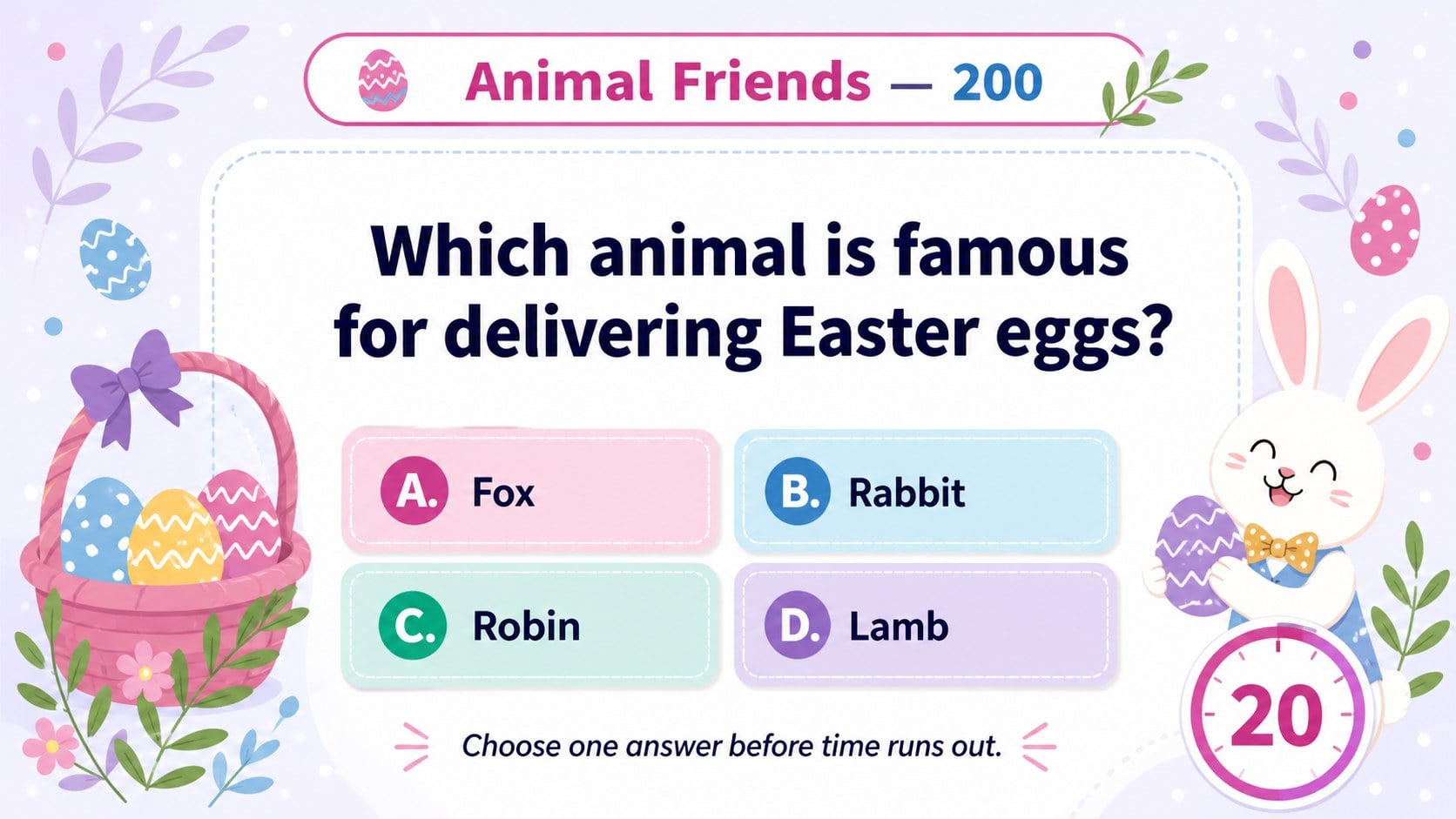
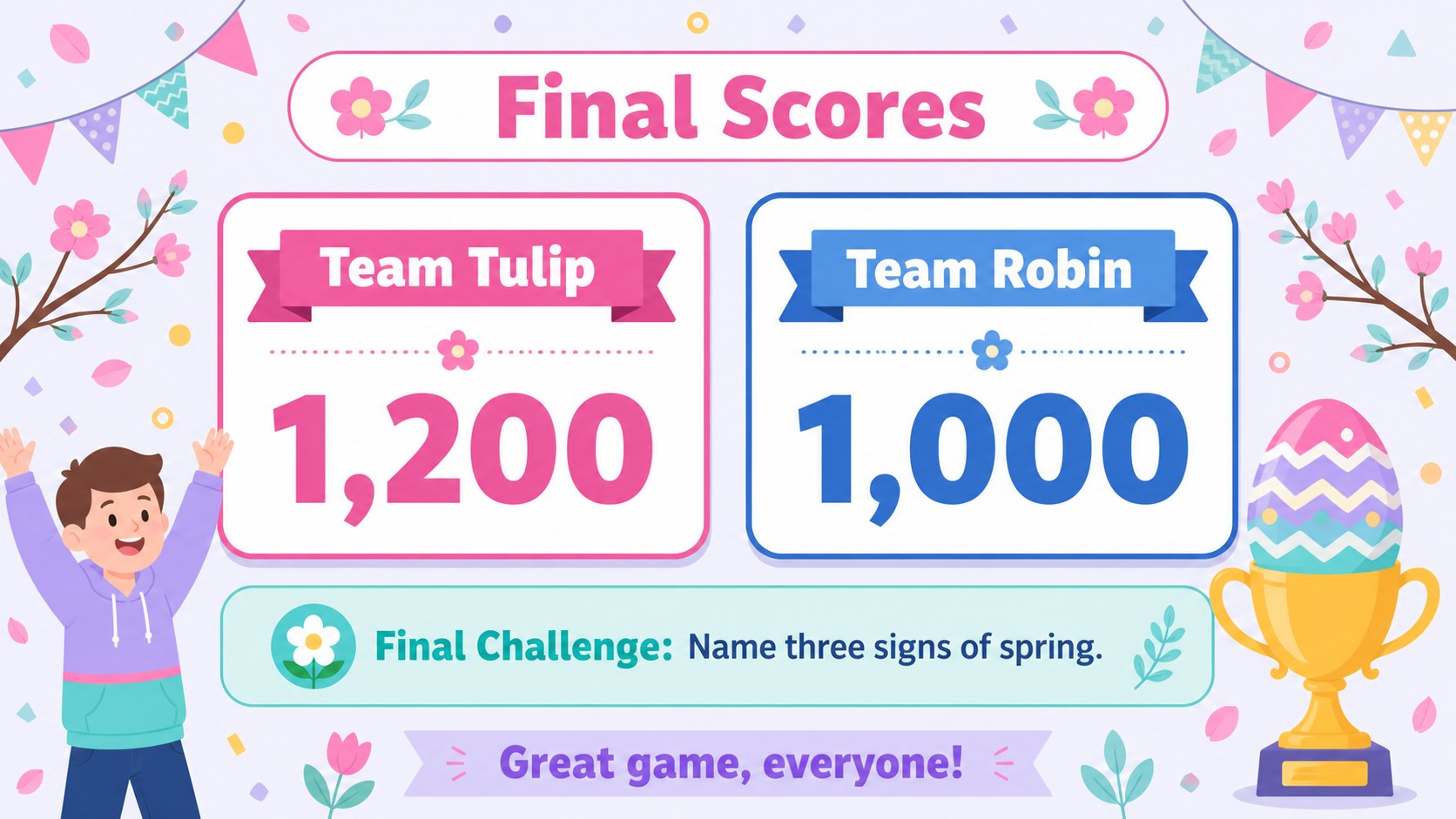
The deck includes 25 editable 16:9 slides with a cover, category board, question screens, answer reveals, score updates, game instructions, and a final challenge. Change the category names, point values, prompts, and difficulty level to build an editable Easter trivia PowerPoint for children, teens, or mixed-age teams. Add timers, sound cues, bonus rounds, or small prizes to make each session more energetic.
Teachers can use this Easter classroom review game for vocabulary practice, subject recaps, or a festive activity before the holiday break. Parents and event organizers can adapt it into family Easter game night slides, a community gathering challenge, or an icebreaker for a spring celebration. Every layout is customizable, so you can replace illustrations, adjust the pastel palette, and add your own rules without rebuilding the game structure. The result is a warm, practical quiz experience that works for in-person teams or virtual play.
Perfect for: classroom holiday review; family Easter game night; children's spring party; community Easter gathering; team icebreaker challenge.
Frequently asked questions
Can I replace every question and category? Yes. Edit the category labels, point values, questions, answers, and instructions directly in PowerPoint or Google Slides.
Practical details
Yes. Edit the category labels, point values, questions, answers, and instructions directly in PowerPoint or Google Slides.
The deck is designed for Microsoft PowerPoint and Google Slides. Animations or transitions may vary slightly between the two platforms, so preview the game before presenting.
Yes. Simplify the prompts for younger children or add more challenging trivia and bonus rounds for teens and adults.
Change the pastel colors, fonts, decorative illustrations, and background elements using the standard editing tools in your chosen platform. Keep strong contrast between text and backgrounds for clear projection.
Keep exploring
15Build stronger academic arguments with a college essay thesis builder featuring guided examples, revision prompts, and editable PowerPoint and Google Slides.
 15
15Build an engaging World UFO Day session with this flying saucer history lesson deck, featuring retro green-and-brown slides for PowerPoint and Google Slides.
 14
14Plan a memorable Lunar New Year campaign with the 2036 Dragon Year Celebration Theme, featuring bold red-and-yellow slides for lessons and events.
 15
15Build a thoughtful classroom discussion with this interfaith awareness lesson deck, featuring editable blue-and-white slides for PowerPoint and Google Slides.
 15
15Use this environmental awareness lesson deck to teach climate action through illustrated activities, discussion prompts, and ready-to-edit visuals.
 15
15Build playful lessons and party stories with a kid-friendly zombie celebration theme in purple, green and pastel blue for PowerPoint and Google Slides.
 15
15Build eerie lessons, campaigns, and story pitches with an undead survival scenario theme featuring editable slides for PowerPoint and Google Slides.
 16
16Turn environmental research into a clear story with a Watercolor Ecology Presentation Theme for PowerPoint and Google Slides in calming green and blue.