
 15
15presentation
College Essay Thesis Builder Slides
Build stronger academic arguments with a college essay thesis builder featuring guided examples, revision prompts, and editable PowerPoint and Google Slides.
Google SlidesPowerPoint
presentation · English
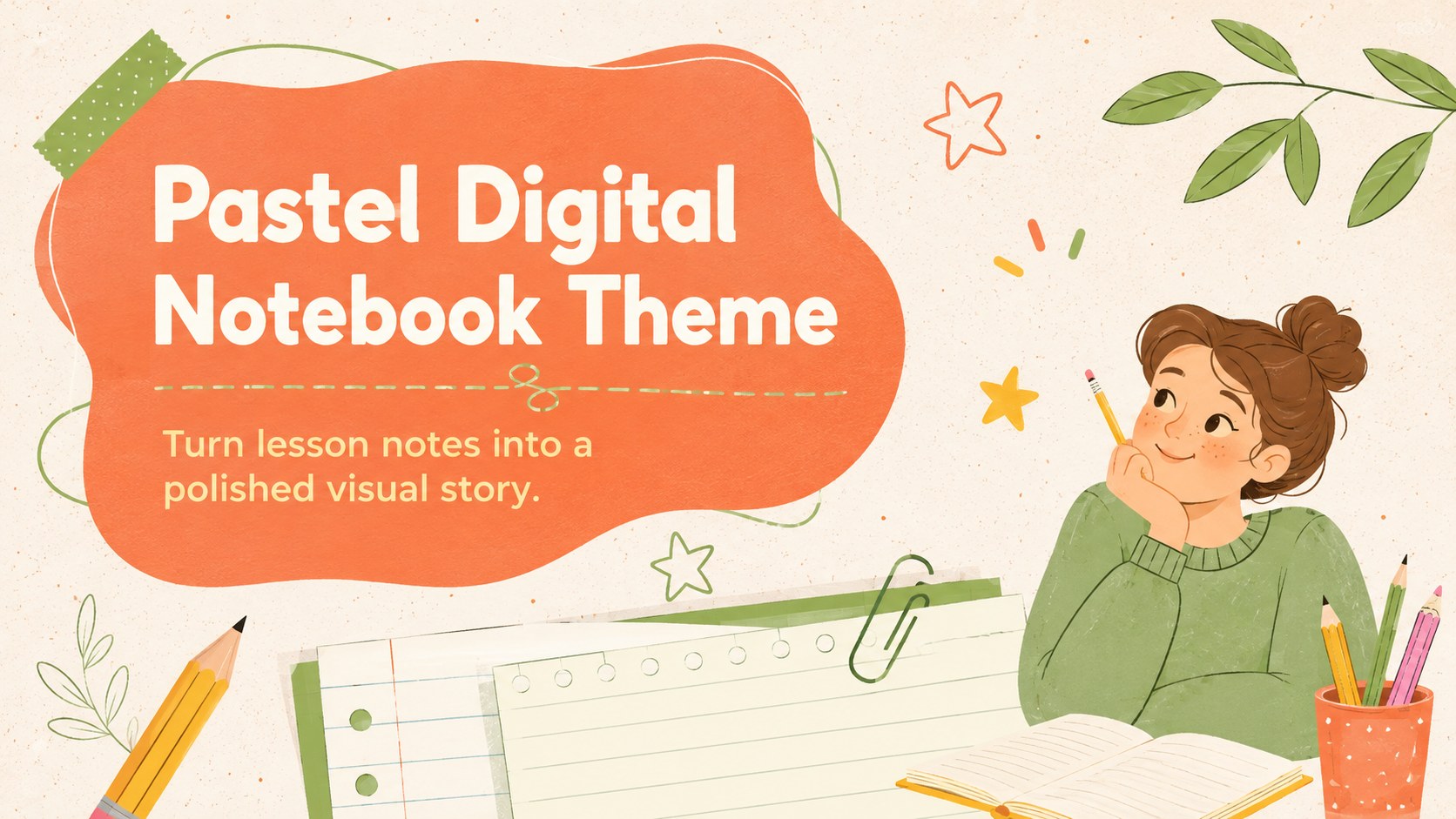
Build polished class notes with a pastel digital notebook theme featuring ruled pages, fresh doodles, and editable layouts for lessons and projects.
Design notes
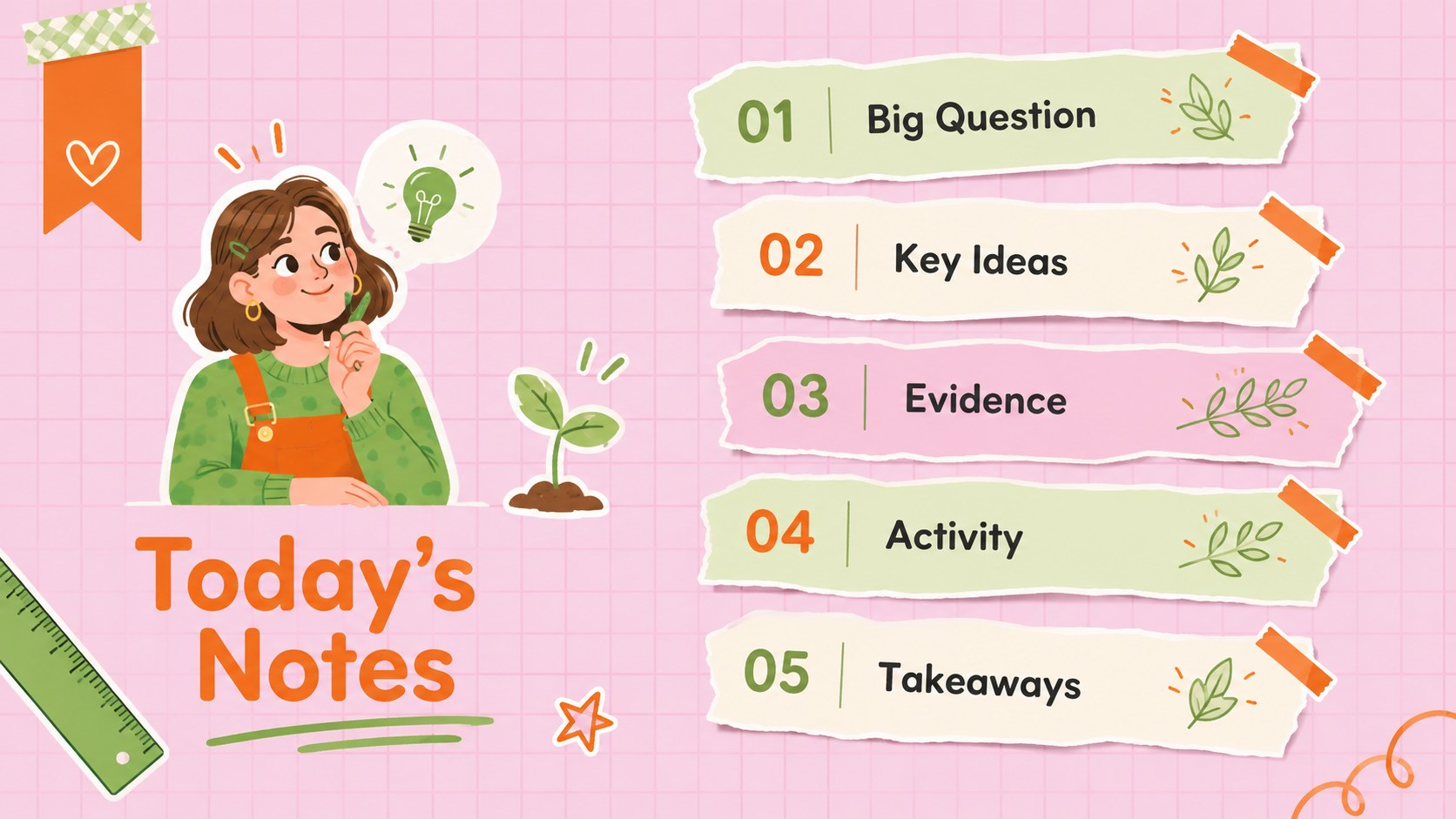
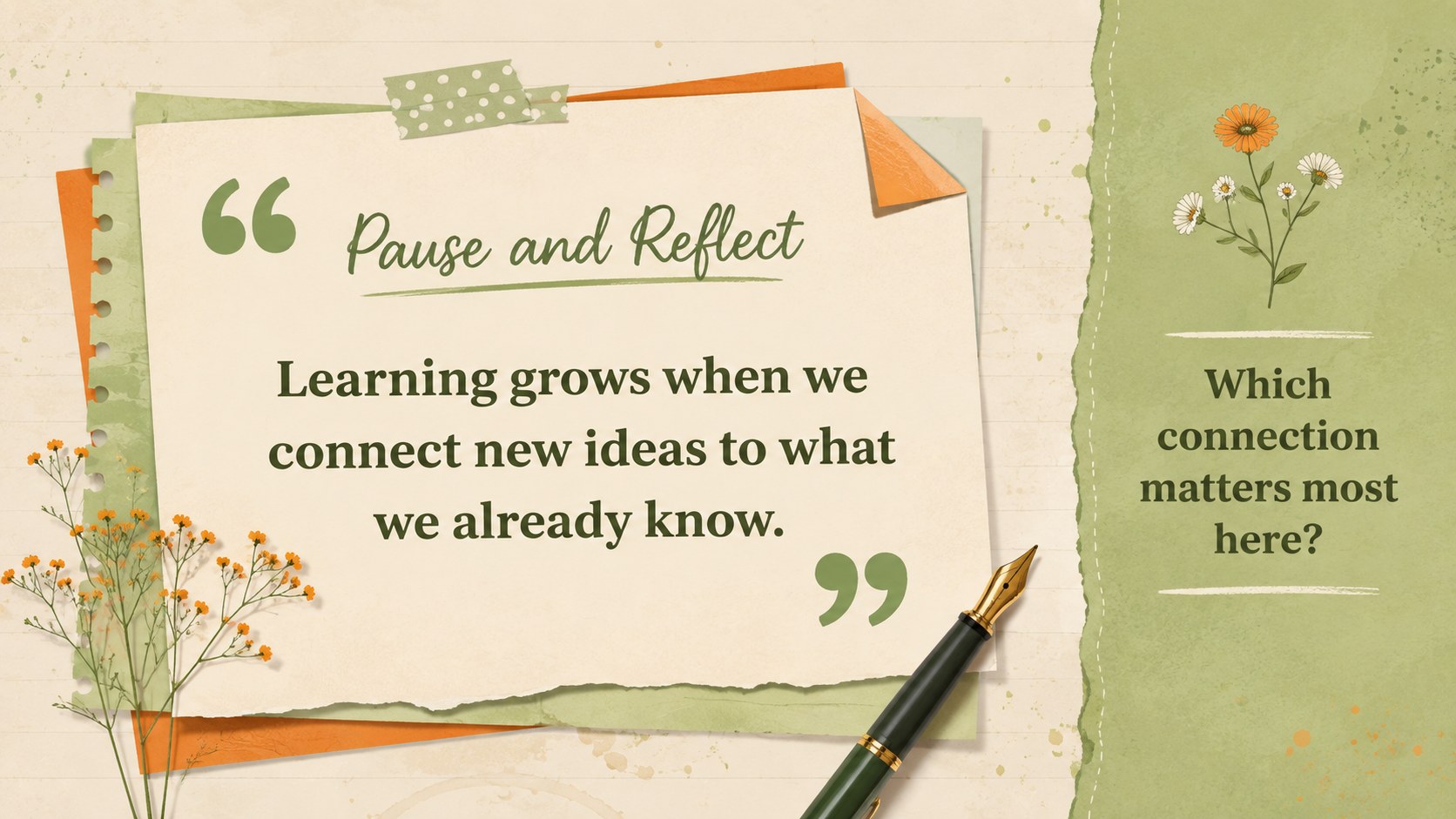
Turn everyday ideas into an organized visual narrative with this pastel digital notebook theme. Inspired by ruled paper, highlighted passages, and handwritten study pages, its orange, green, and soft pastel palette gives presentations a friendly academic character without sacrificing clarity. Use it to shape lessons, explain research, summarize reading, or present a student project.
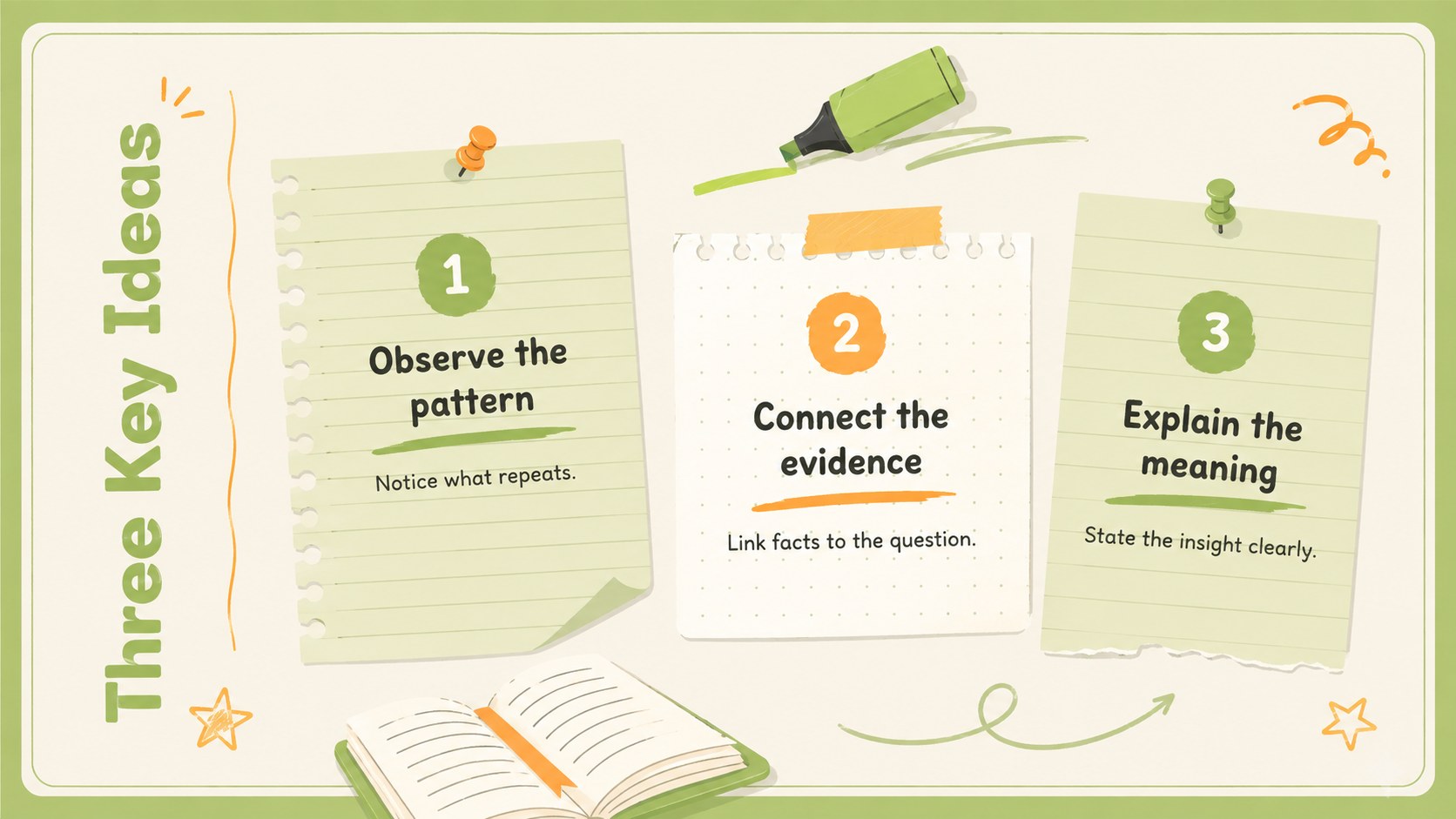
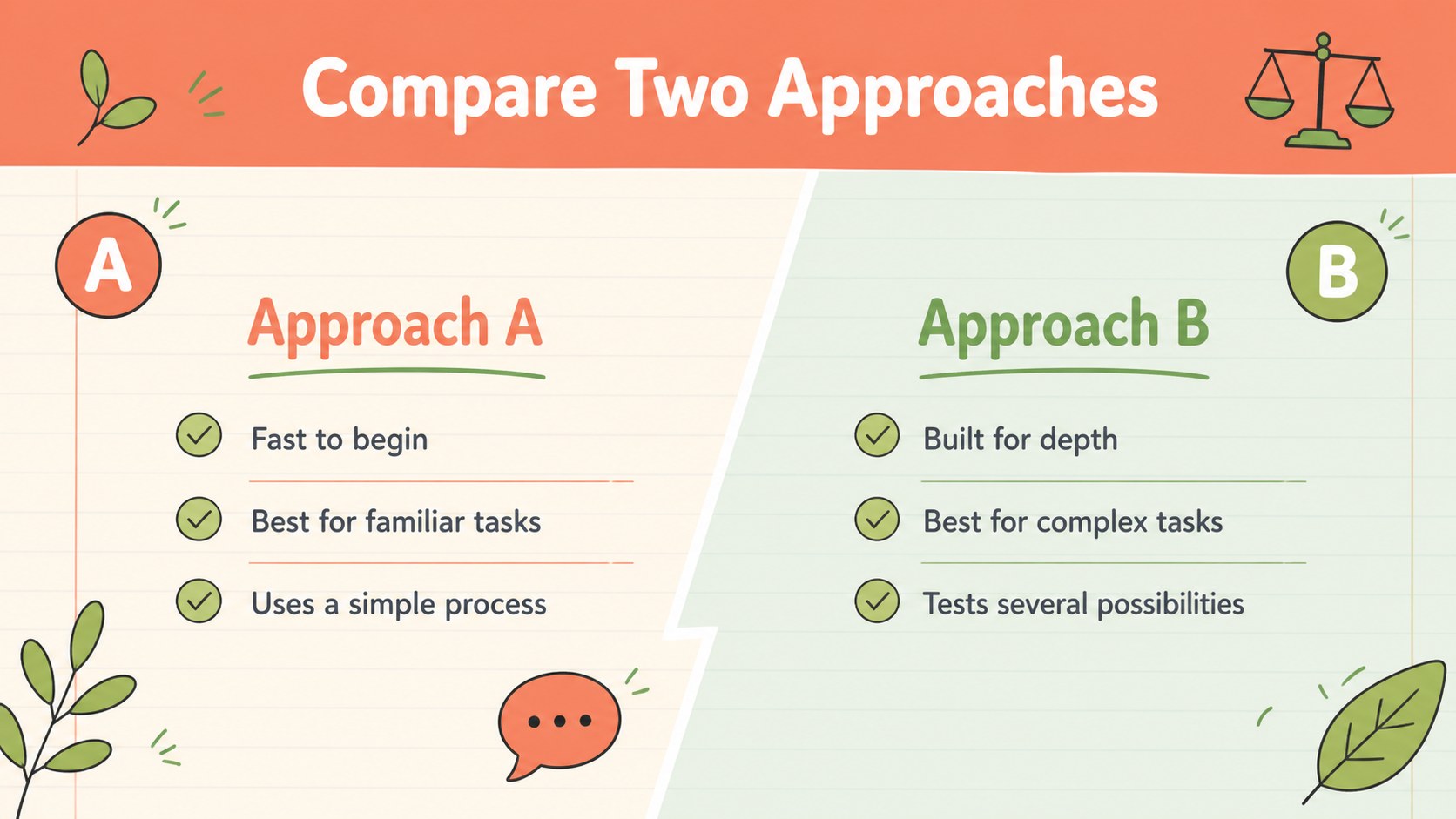
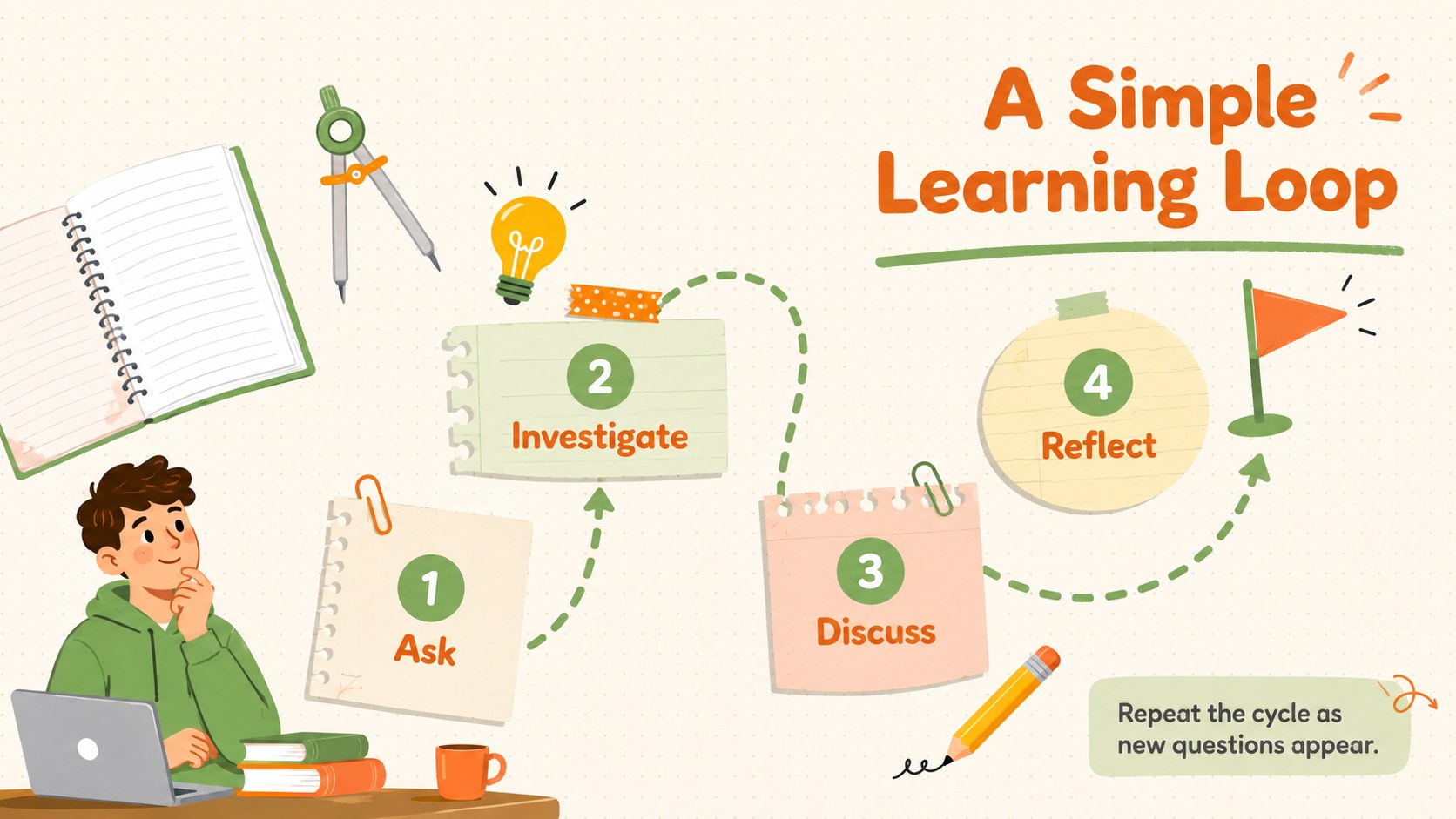
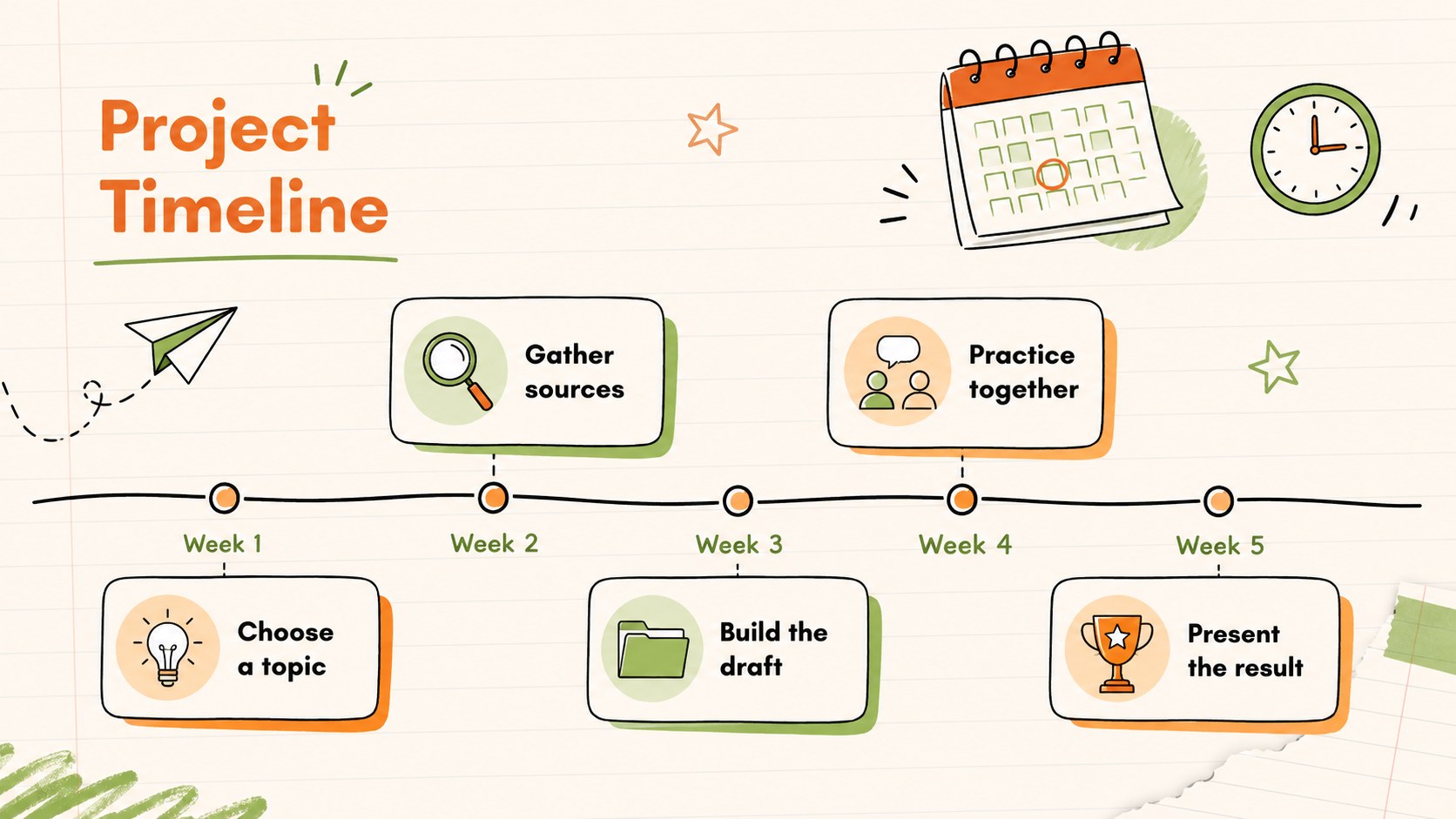
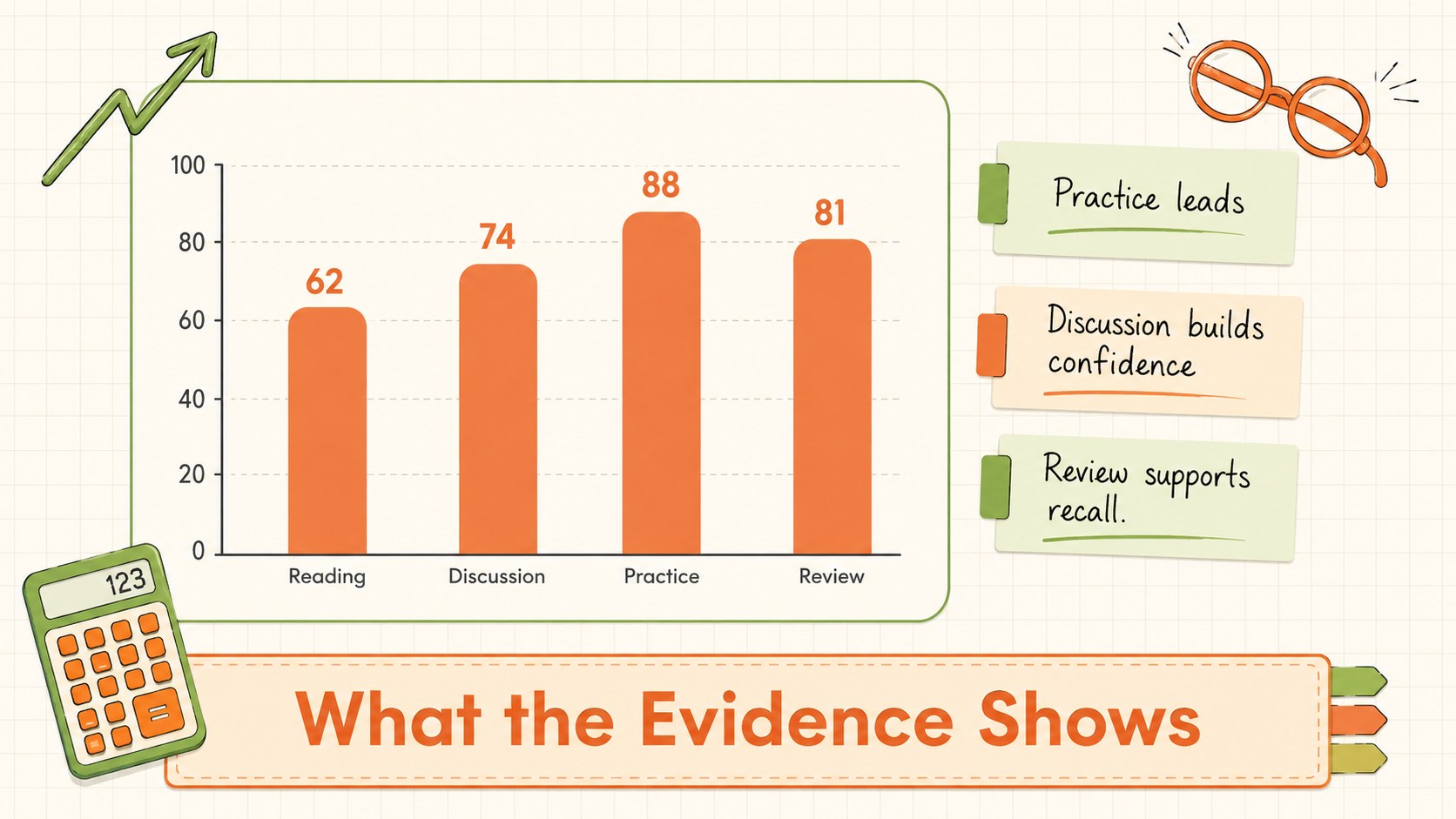
The collection includes flexible title pages, section dividers, comparison layouts, timelines, checklists, diagrams, data displays, quote pages, and closing slides. Writing lines, fresh botanical sketches, tape accents, underlines, and original doodles create the feel of a college ruled presentation design. The layouts also work as an orange and green school slides set for audiences who prefer colorful, approachable visuals.
Teachers can adapt the theme for lectures, activity instructions, and review sessions, while students can build book reports, group assignments, portfolios, and digital study notes. Each layout is editable in PowerPoint and Google Slides, allowing you to change text, move illustrations, adjust colors, and replace charts or images. The clean structure supports both short classroom updates and longer presentations, making this handwritten classroom presentation useful across secondary school, college, tutoring, workshops, and informal learning environments.
Perfect for: student research presentation; teacher lesson overview; book report; group project update; study guide review; classroom workshop.
Frequently asked questions
Which presentation programs support this theme? The layouts are designed for PowerPoint and Google Slides. Open the appropriate version in your preferred platform, then edit the text, colors, illustrations, and content blocks.
Practical details
The layouts are designed for PowerPoint and Google Slides. Open the appropriate version in your preferred platform, then edit the text, colors, illustrations, and content blocks.
Yes. Replace the accent colors through the theme or master-slide settings to update the presentation consistently, and check text contrast after making changes.
Most decorative shapes, lines, labels, and doodle elements can be moved, resized, recolored, or removed. Grouped elements may need to be ungrouped before individual parts can be adjusted.
Yes. The neutral notebook structure suits science, literature, history, language, and project-based learning. Replace the sample wording and duplicate any layouts needed for longer lessons or assignments.
Keep exploring
15Build stronger academic arguments with a college essay thesis builder featuring guided examples, revision prompts, and editable PowerPoint and Google Slides.
 15
15Build an engaging World UFO Day session with this flying saucer history lesson deck, featuring retro green-and-brown slides for PowerPoint and Google Slides.
 14
14Plan a memorable Lunar New Year campaign with the 2036 Dragon Year Celebration Theme, featuring bold red-and-yellow slides for lessons and events.
 15
15Build a thoughtful classroom discussion with this interfaith awareness lesson deck, featuring editable blue-and-white slides for PowerPoint and Google Slides.
 15
15Use this environmental awareness lesson deck to teach climate action through illustrated activities, discussion prompts, and ready-to-edit visuals.
 15
15Build playful lessons and party stories with a kid-friendly zombie celebration theme in purple, green and pastel blue for PowerPoint and Google Slides.
 15
15Build eerie lessons, campaigns, and story pitches with an undead survival scenario theme featuring editable slides for PowerPoint and Google Slides.
 16
16Turn environmental research into a clear story with a Watercolor Ecology Presentation Theme for PowerPoint and Google Slides in calming green and blue.