
 15
15presentation
College Essay Thesis Builder Slides
Build stronger academic arguments with a college essay thesis builder featuring guided examples, revision prompts, and editable PowerPoint and Google Slides.
Google SlidesPowerPoint
presentation · English
Build cheerful lessons, party recaps, and family updates with this Pastel Confetti Celebration Deck for PowerPoint and Google Slides.

Design notes
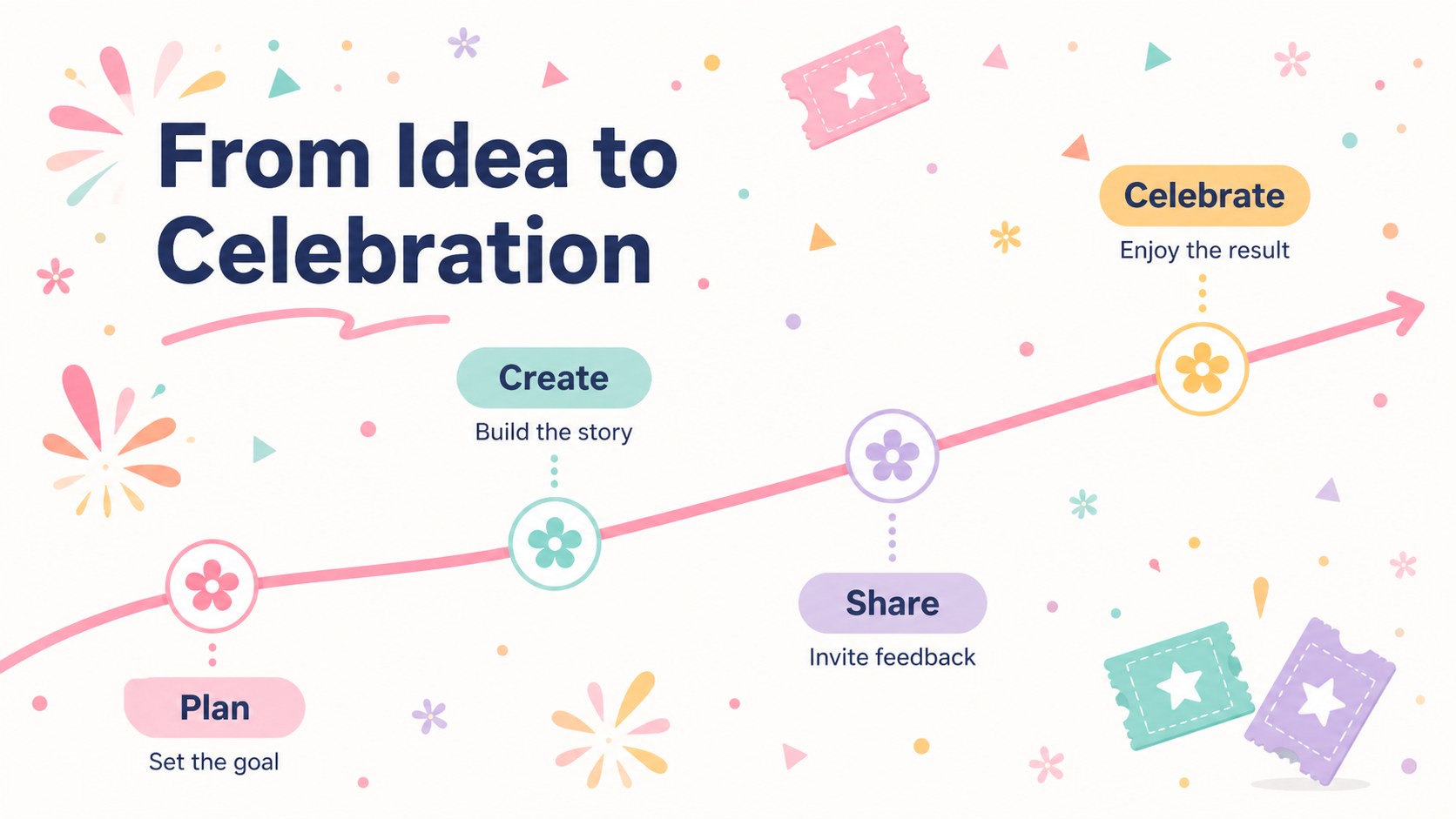
Bring a lighthearted finish to lessons, celebrations, announcements, and personal stories with the Pastel Confetti Celebration Deck. Its soft pink palette, colorful paper-like accents, and friendly typography create an upbeat atmosphere without distracting from your message. This adaptable design works equally well as a cute pastel presentation deck for children, families, educators, and event hosts.
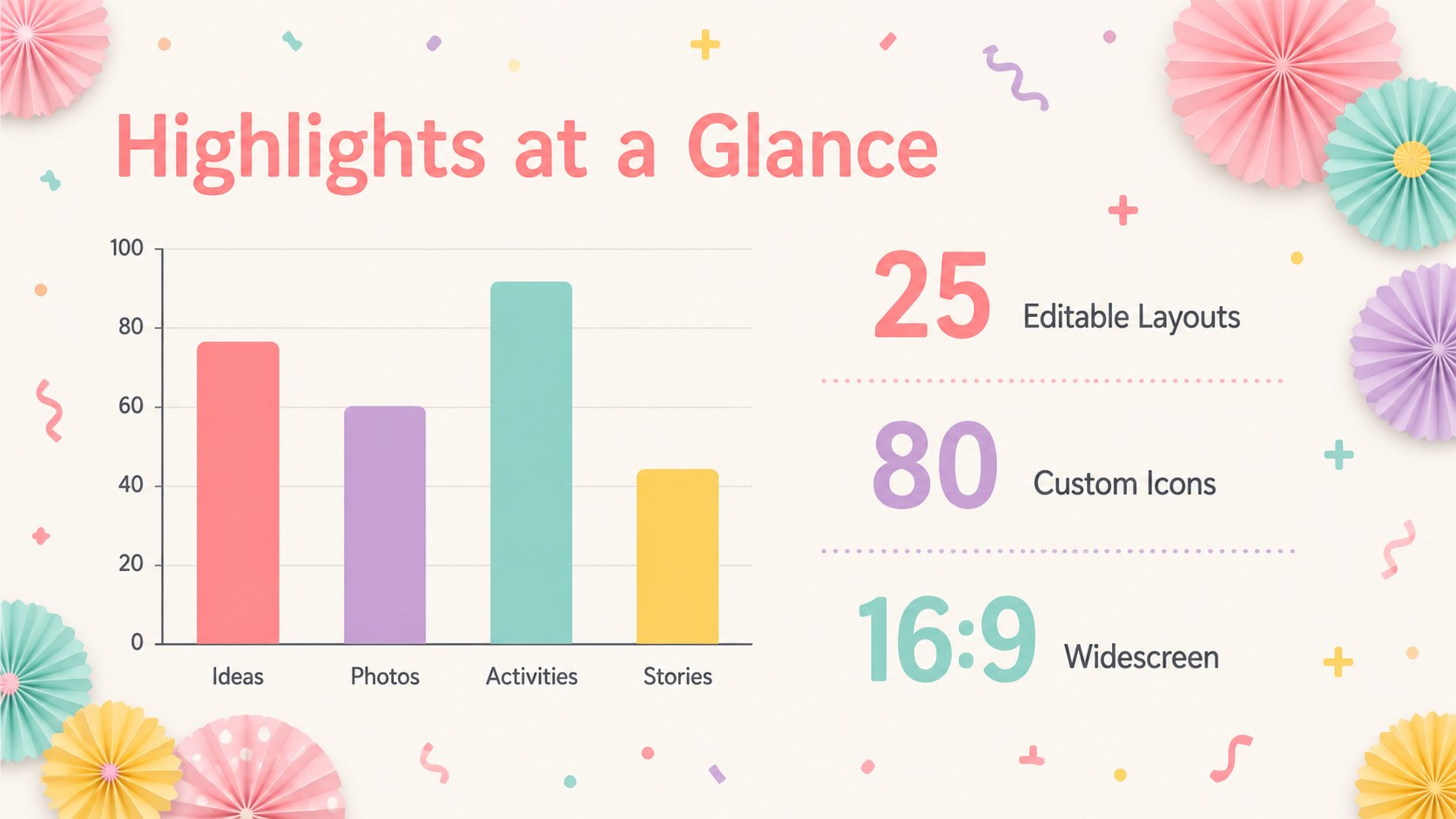
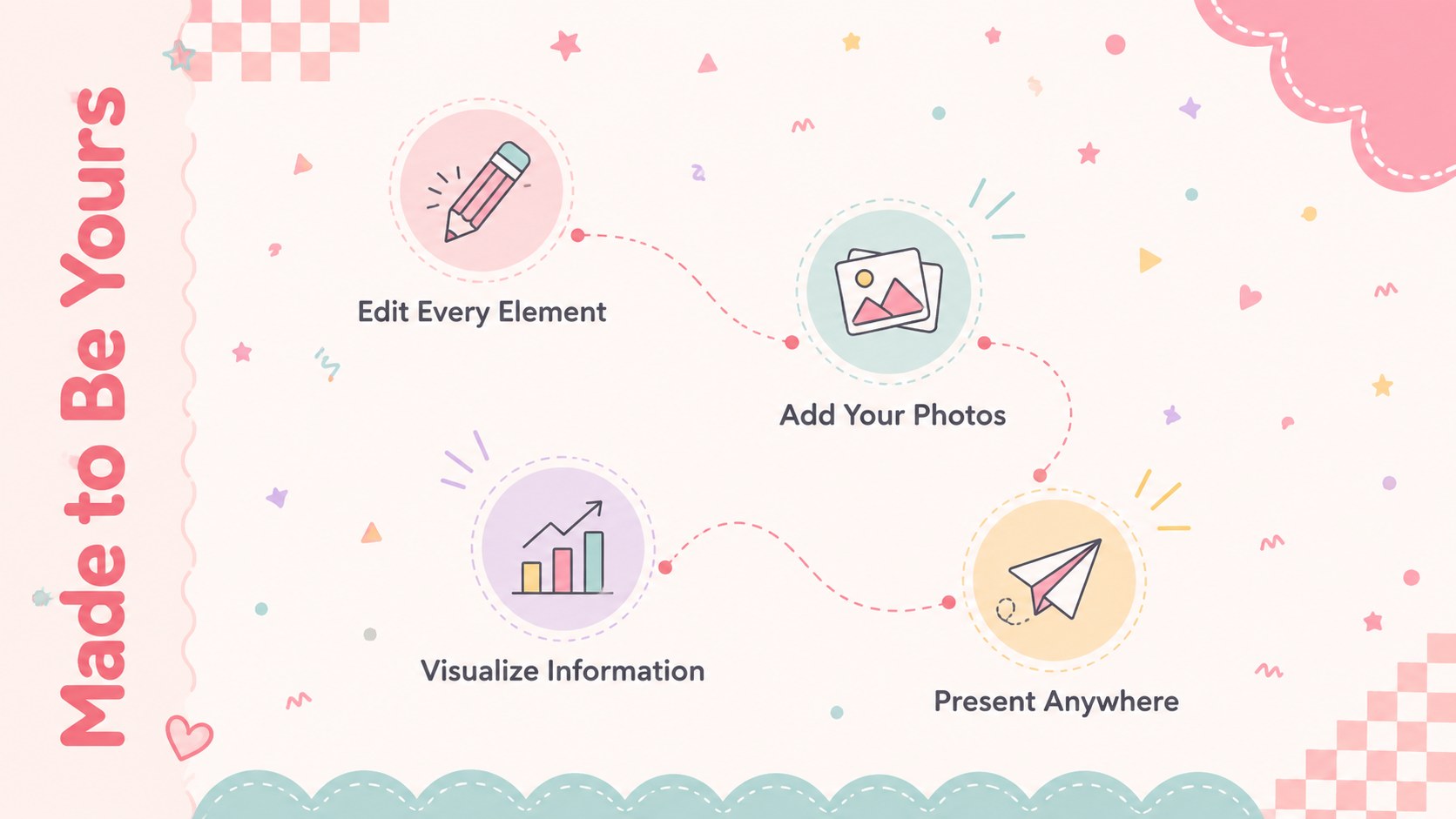
Inside, you will find 25 editable layouts for introductions, agendas, photo collections, timelines, comparisons, statistics, maps, quotes, and closing messages. Charts, tables, diagrams, and customizable icons make it easy to organize detailed information while maintaining a consistent visual style. Adjust the colors, replace images, move decorative pieces, and update every text area directly in PowerPoint or Google Slides. The widescreen 16:9 format is ready for classroom displays, online meetings, and large-screen presentations.
Use this playful classroom presentation theme to introduce a project, celebrate student achievements, or explain a creative topic. It can also become a baby shower photo slideshow template, a birthday recap, or a colorful family update. The mix of practical content layouts and festive details gives you enough flexibility for both structured information and joyful storytelling.
Perfect for: classroom project introduction; baby shower photo slideshow; birthday party recap; student achievement showcase; family news presentation; creative workshop agenda.
Frequently asked questions
Can I change the pastel colors and confetti graphics? Yes. The colors, text, images, and decorative elements are editable, so you can adapt the deck to a school, event, or personal color scheme.
Practical details
Yes. The colors, text, images, and decorative elements are editable, so you can adapt the deck to a school, event, or personal color scheme.
The deck is designed for Microsoft PowerPoint and Google Slides. Its 16:9 layout works well on laptops, projectors, meeting displays, and shared screens.
Yes. The friendly visuals and structured layouts suit project introductions, activity instructions, student showcases, and age-appropriate lessons.
Yes. It includes photo arrangements, charts, tables, timelines, comparisons, maps, diagrams, and icon-based layouts that can be customized with your own content.
Keep exploring
15Build stronger academic arguments with a college essay thesis builder featuring guided examples, revision prompts, and editable PowerPoint and Google Slides.
 15
15Build an engaging World UFO Day session with this flying saucer history lesson deck, featuring retro green-and-brown slides for PowerPoint and Google Slides.
 14
14Plan a memorable Lunar New Year campaign with the 2036 Dragon Year Celebration Theme, featuring bold red-and-yellow slides for lessons and events.
 15
15Build a thoughtful classroom discussion with this interfaith awareness lesson deck, featuring editable blue-and-white slides for PowerPoint and Google Slides.
 15
15Use this environmental awareness lesson deck to teach climate action through illustrated activities, discussion prompts, and ready-to-edit visuals.
 15
15Build playful lessons and party stories with a kid-friendly zombie celebration theme in purple, green and pastel blue for PowerPoint and Google Slides.
 15
15Build eerie lessons, campaigns, and story pitches with an undead survival scenario theme featuring editable slides for PowerPoint and Google Slides.
 16
16Turn environmental research into a clear story with a Watercolor Ecology Presentation Theme for PowerPoint and Google Slides in calming green and blue.