
 15
15presentation
College Essay Thesis Builder Slides
Build stronger academic arguments with a college essay thesis builder featuring guided examples, revision prompts, and editable PowerPoint and Google Slides.
Google SlidesPowerPoint
presentation · English
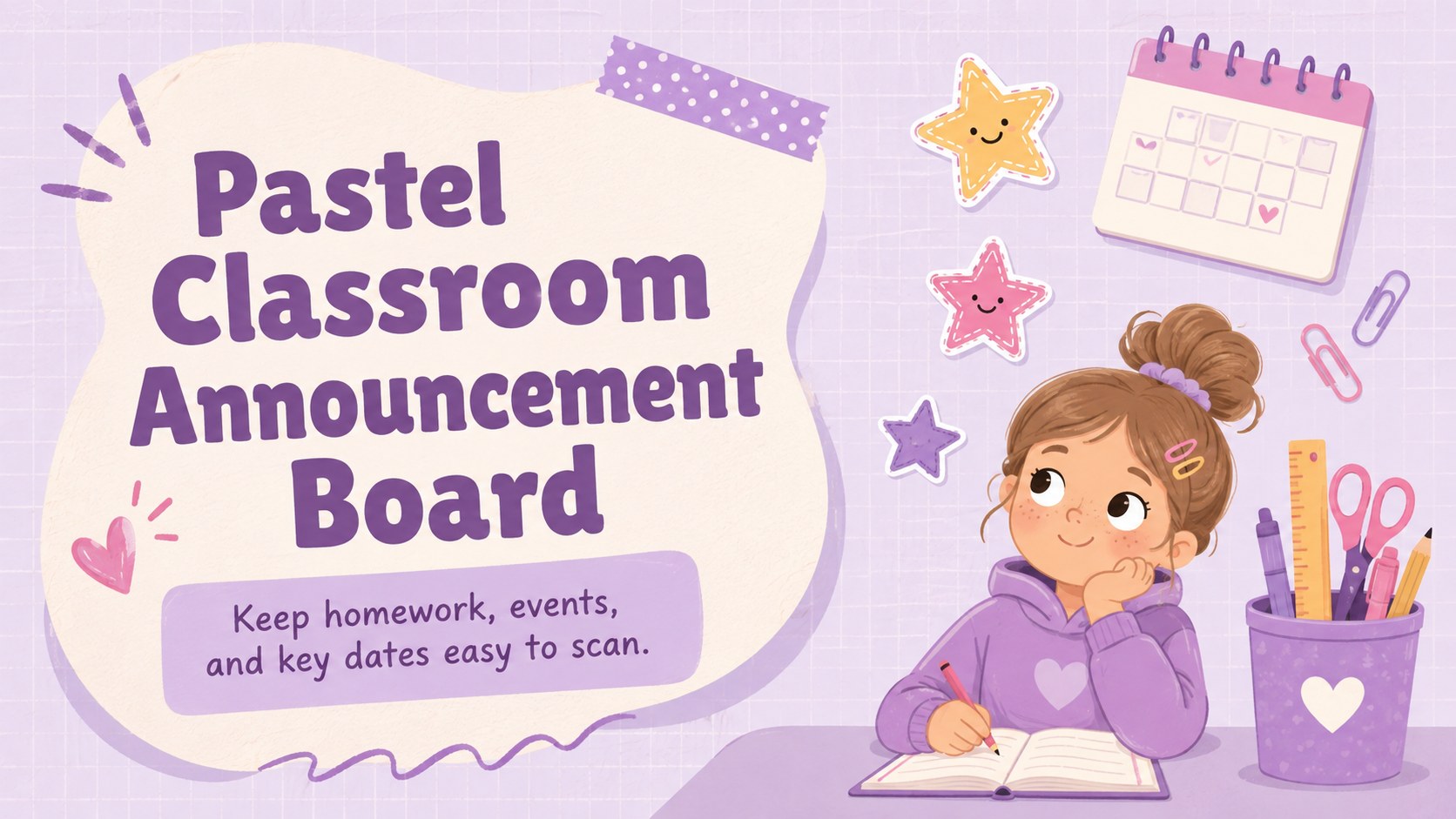
Organize homework, events, and key dates with a pastel classroom announcement board made for fast weekly updates in PowerPoint and Google Slides.
Design notes
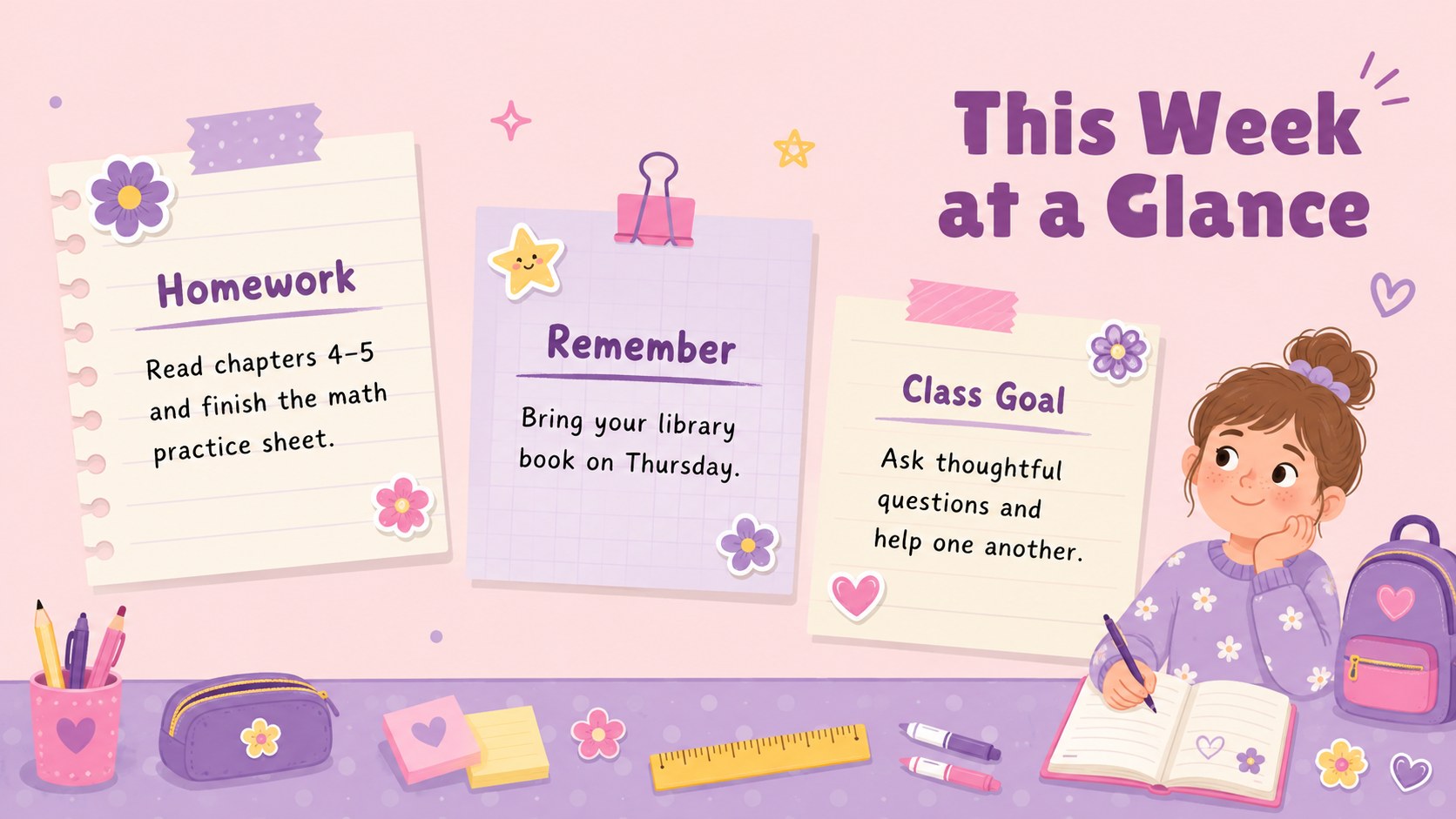
Turn the start of each week into a clear, welcoming check-in with the Pastel Classroom Announcement Board. This editable weekly classroom announcements resource gives teachers one consistent place to share assignments, deadlines, celebrations, and schedule changes. Soft purple tones and playful illustrated details keep the page friendly, while organized text areas make essential information easy to find at a glance.
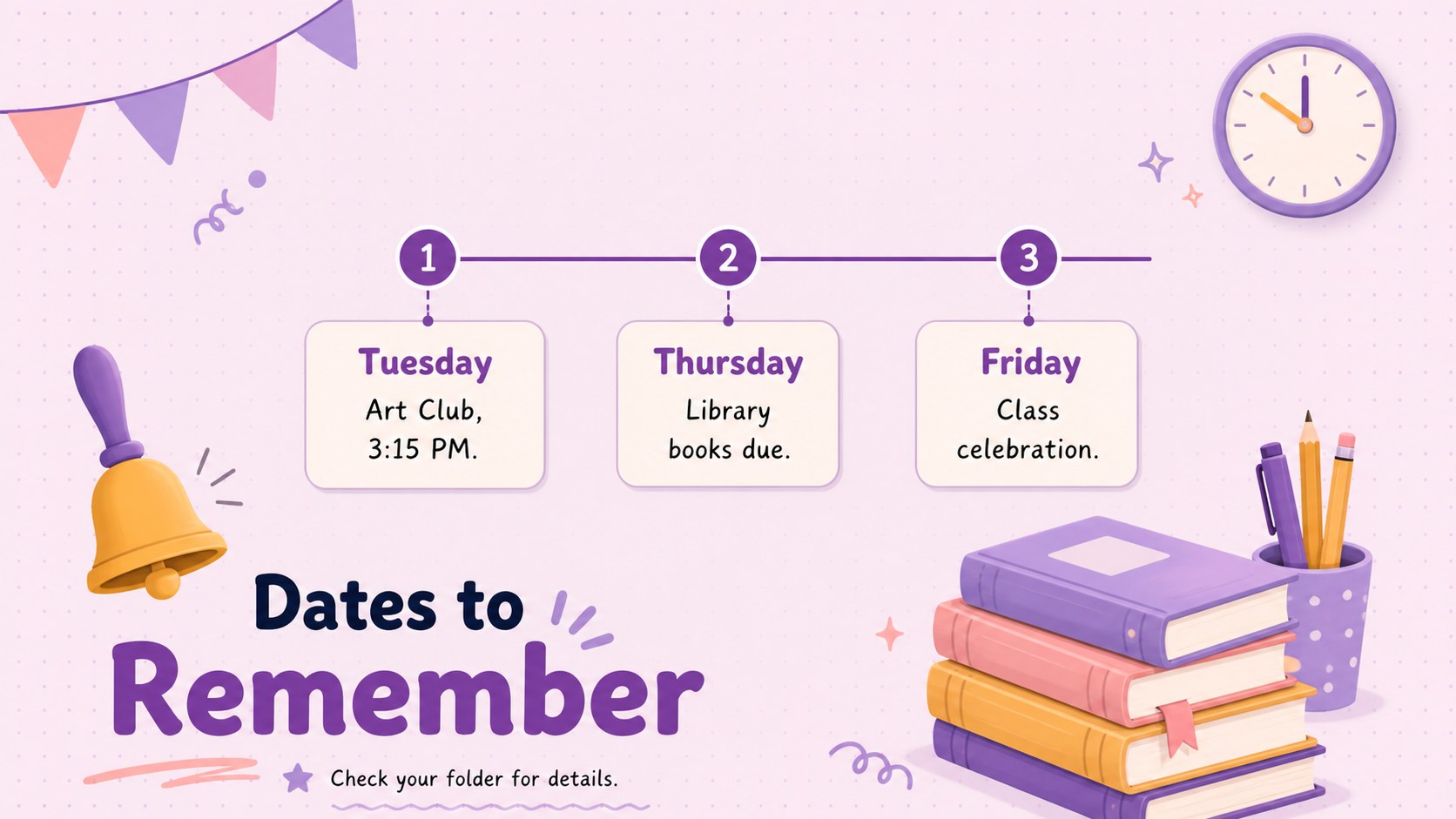
The three-slide set includes a cover-style weekly overview, a practical reminders layout, and an upcoming-events page. Use the sections for homework, materials to bring, important dates, class goals, birthdays, or family notes. Each layout can work on screen as pastel school reminder slides or be adapted into a printable classroom notice. Change the wording, type, colors, and decorative elements in PowerPoint or Google Slides to match a class theme or age group.
Created for elementary teachers, homeroom leaders, tutors, and school activity coordinators, this purple classroom notice board template supports recurring updates without requiring a new design every Monday. It is useful for morning meetings, digital classroom uploads, hallway displays, and take-home communication. Duplicate the pages for additional subjects or groups, then keep headings brief so students can scan the week's priorities quickly. The result is a cheerful, dependable communication tool that makes routines easier for educators, learners, and families.
Perfect for: Monday morning classroom briefing; Weekly homework roundup; School event reminders; Family communication update; Digital classroom bulletin; Homeroom schedule overview.
Frequently asked questions
Can I edit every notice and reminder? Yes. Replace the sample wording with assignments, dates, events, or messages for your class, and adjust the fonts, colors, and decorative elements as needed.
Practical details
Yes. Replace the sample wording with assignments, dates, events, or messages for your class, and adjust the fonts, colors, and decorative elements as needed.
The template is designed for PowerPoint and Google Slides. Both platforms allow you to update the text, rearrange sections, duplicate pages, and present the notices on screen.
Yes. Duplicate the slides for future weeks, retain the headings that suit your routine, and replace only the changing details to create a consistent classroom communication system.
Remove a few playful illustrations, use shorter headings, and introduce a more restrained accent color. The organized notice-board structure will remain useful for middle school, high school, tutoring, or club updates.
Keep exploring
15Build stronger academic arguments with a college essay thesis builder featuring guided examples, revision prompts, and editable PowerPoint and Google Slides.
 15
15Build an engaging World UFO Day session with this flying saucer history lesson deck, featuring retro green-and-brown slides for PowerPoint and Google Slides.
 14
14Plan a memorable Lunar New Year campaign with the 2036 Dragon Year Celebration Theme, featuring bold red-and-yellow slides for lessons and events.
 15
15Build a thoughtful classroom discussion with this interfaith awareness lesson deck, featuring editable blue-and-white slides for PowerPoint and Google Slides.
 15
15Use this environmental awareness lesson deck to teach climate action through illustrated activities, discussion prompts, and ready-to-edit visuals.
 15
15Build playful lessons and party stories with a kid-friendly zombie celebration theme in purple, green and pastel blue for PowerPoint and Google Slides.
 15
15Build eerie lessons, campaigns, and story pitches with an undead survival scenario theme featuring editable slides for PowerPoint and Google Slides.
 16
16Turn environmental research into a clear story with a Watercolor Ecology Presentation Theme for PowerPoint and Google Slides in calming green and blue.