
 15
15presentation
College Essay Thesis Builder Slides
Build stronger academic arguments with a college essay thesis builder featuring guided examples, revision prompts, and editable PowerPoint and Google Slides.
Google SlidesPowerPoint
presentation · English
Build a brighter school year with a Pastel Academic Planning Calendar for lessons, deadlines, goals, and routines in PowerPoint or Google Slides.
Design notes
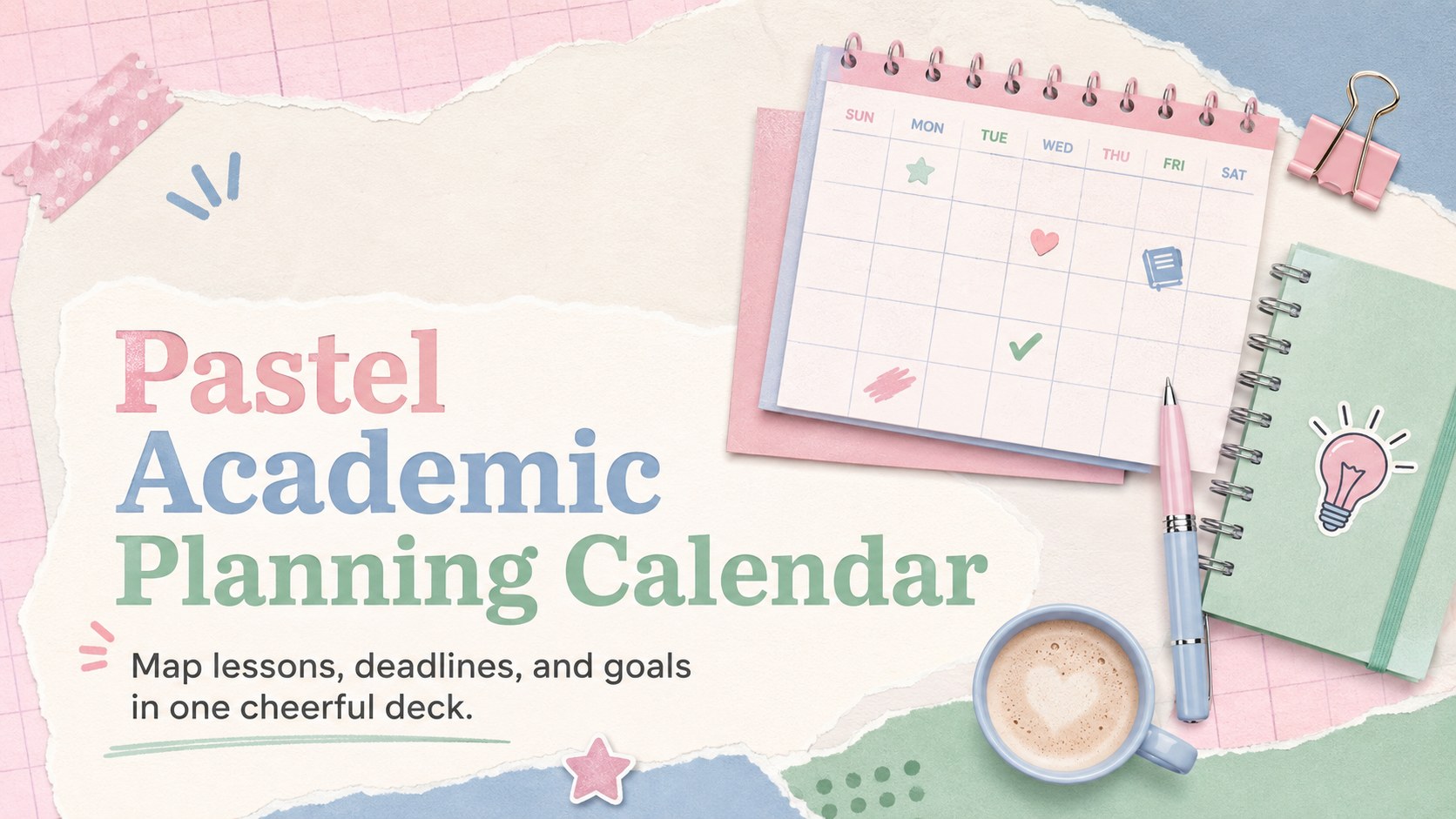
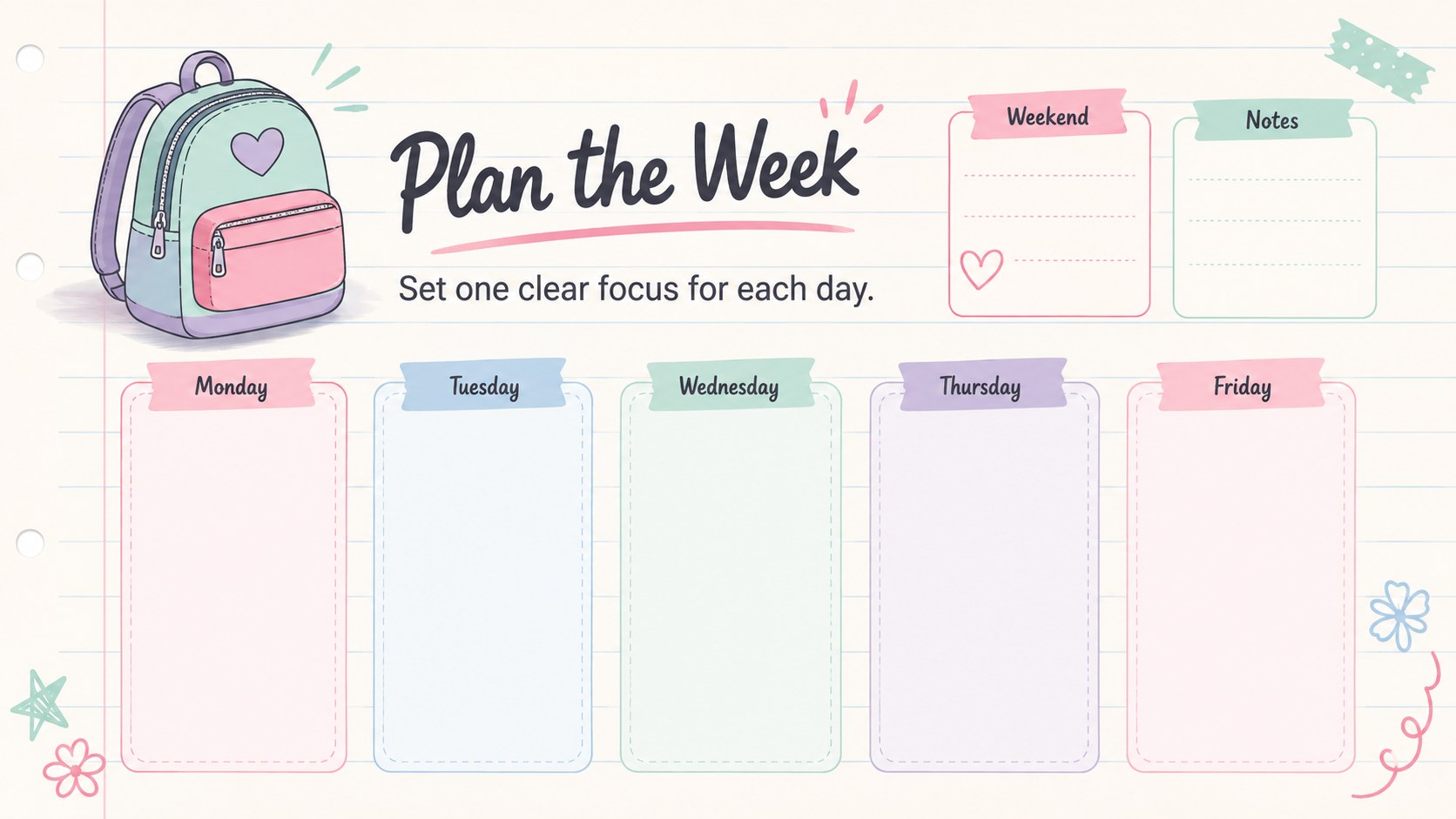
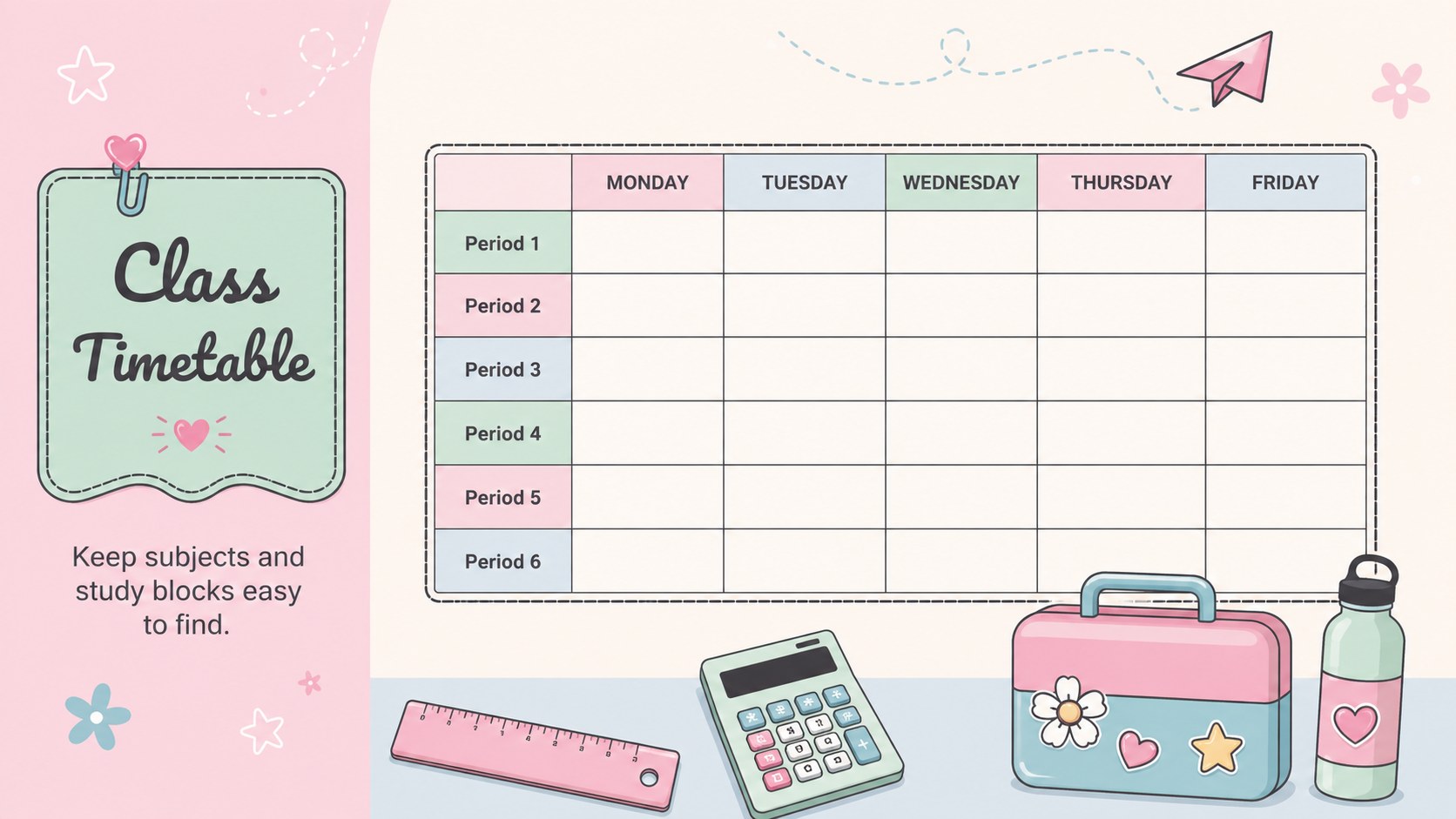
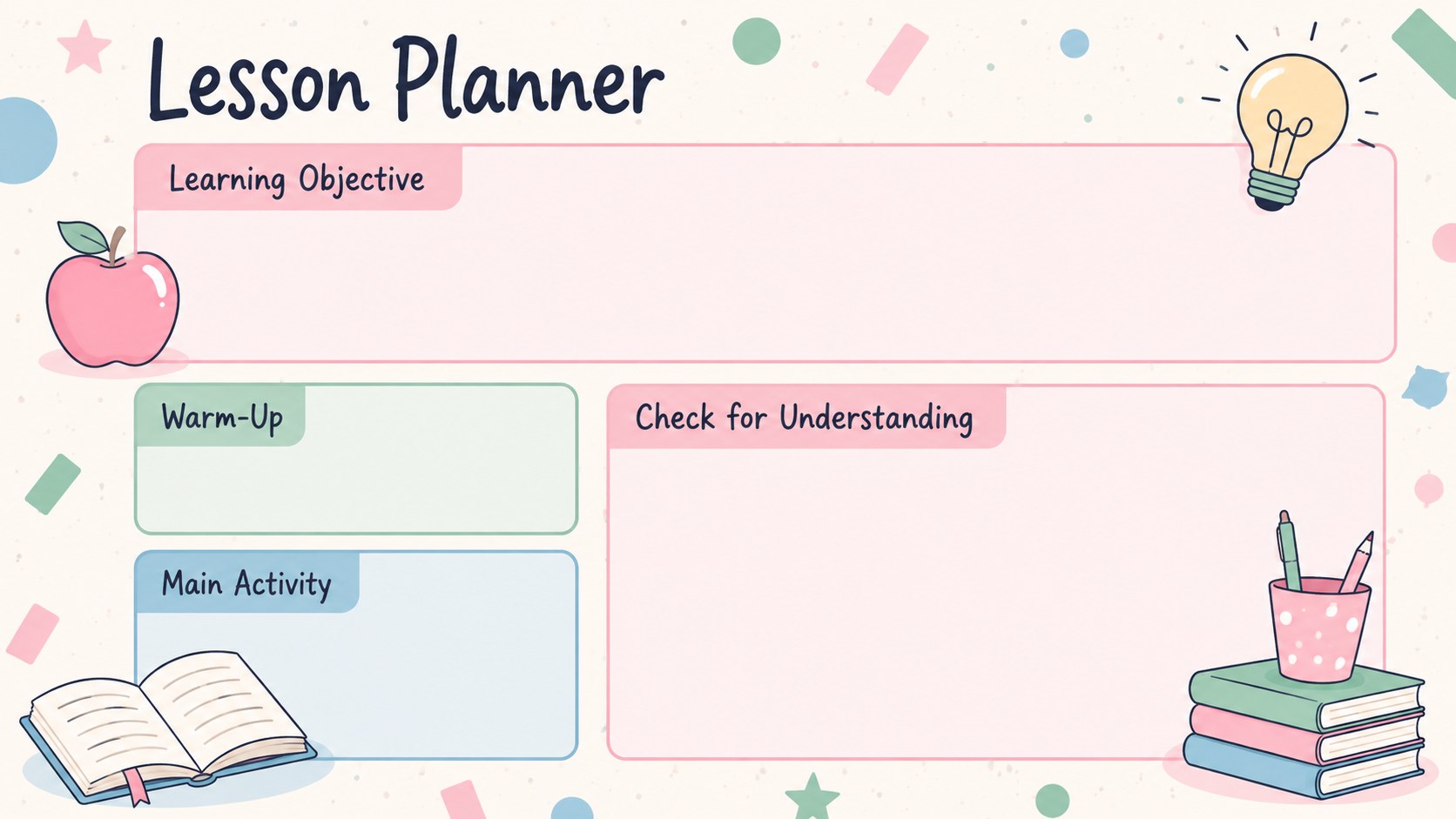
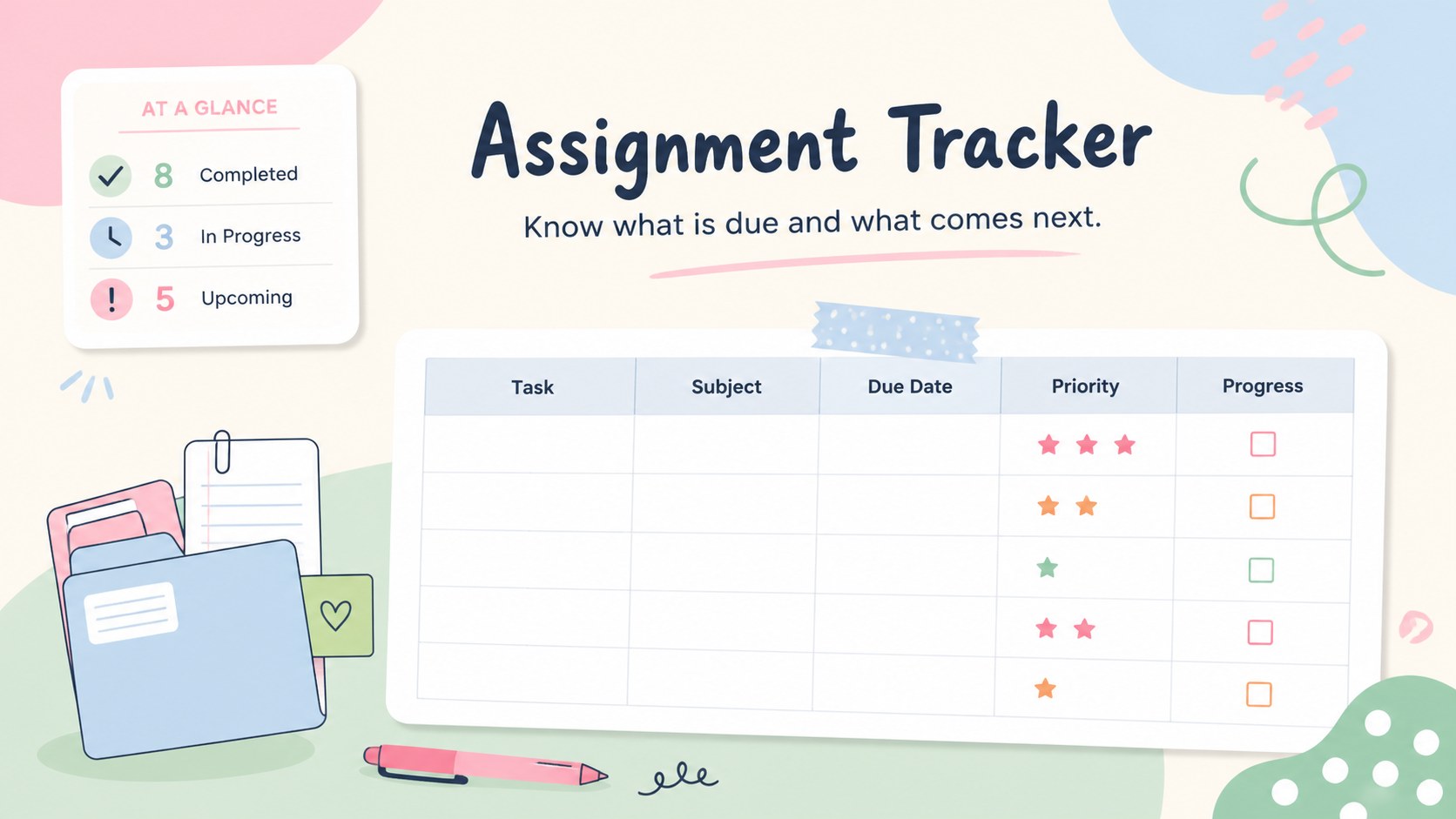
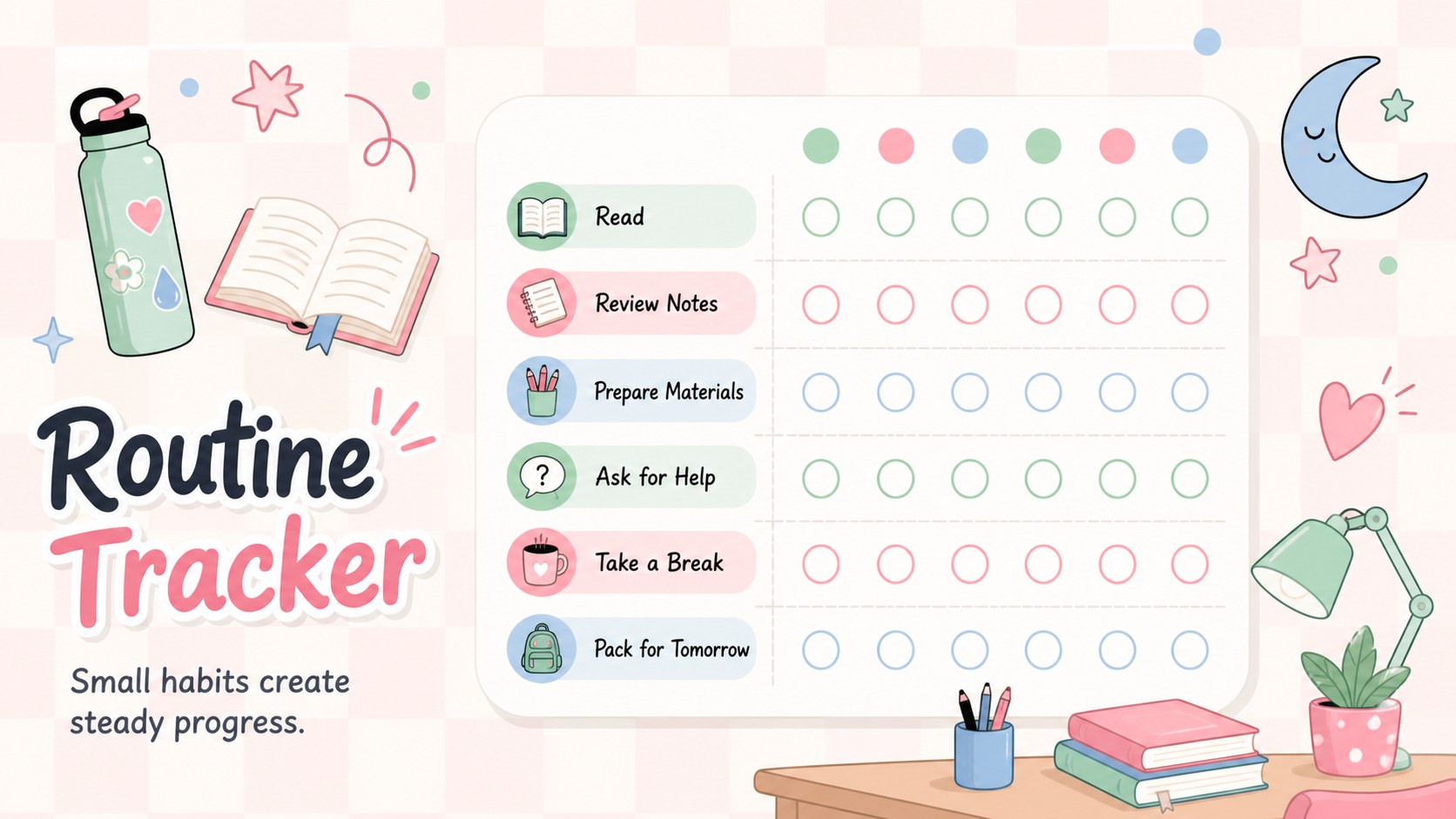
Bring lessons, deadlines, activities, and personal goals together with this Pastel Academic Planning Calendar. Designed in a cheerful mix of soft pink, blue, and green, the deck gives teachers and students a clear structure for organizing the months ahead without losing the playful feel of a classroom planner. Illustrated accents and friendly typography keep every schedule approachable and easy to scan.
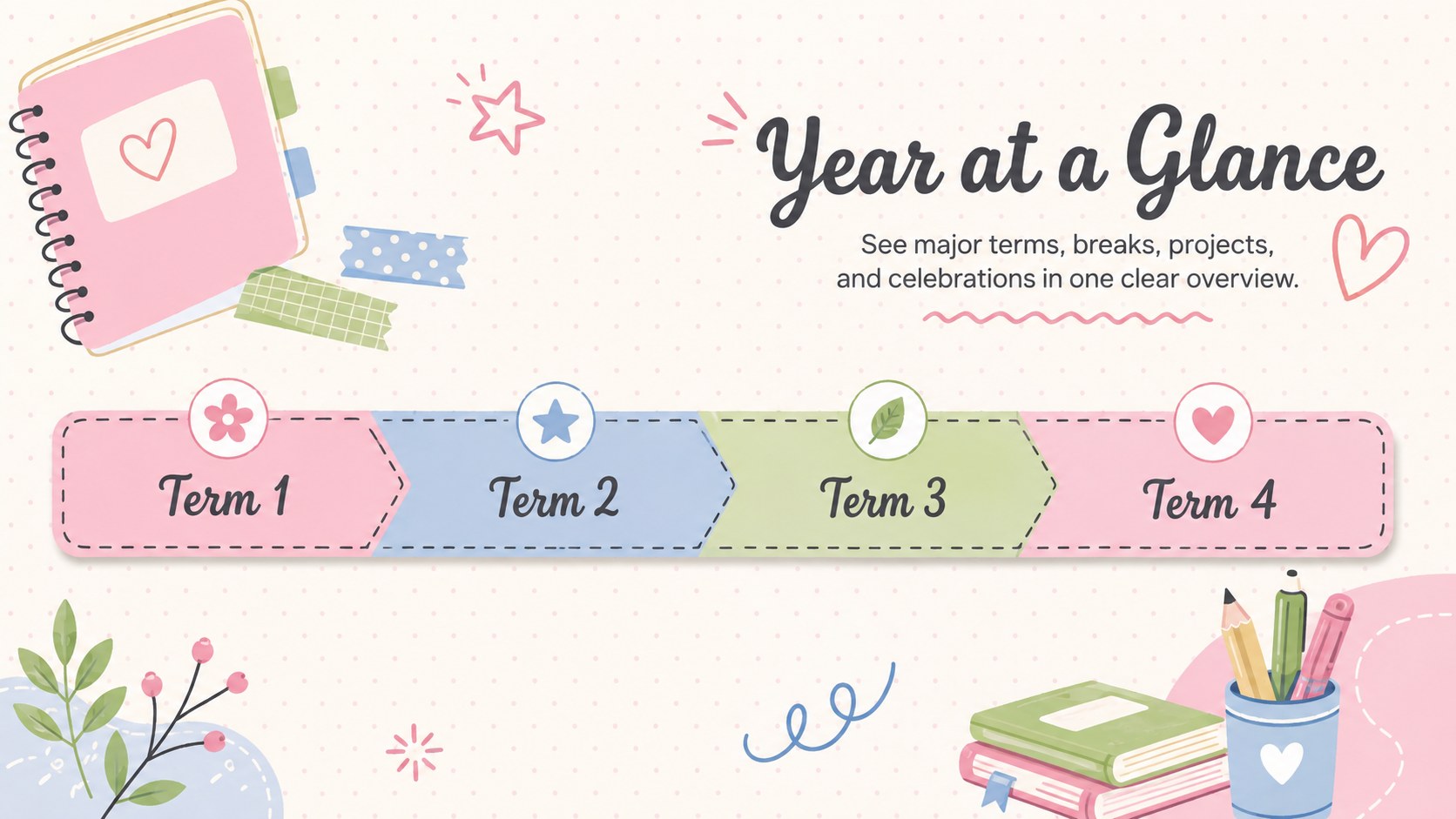
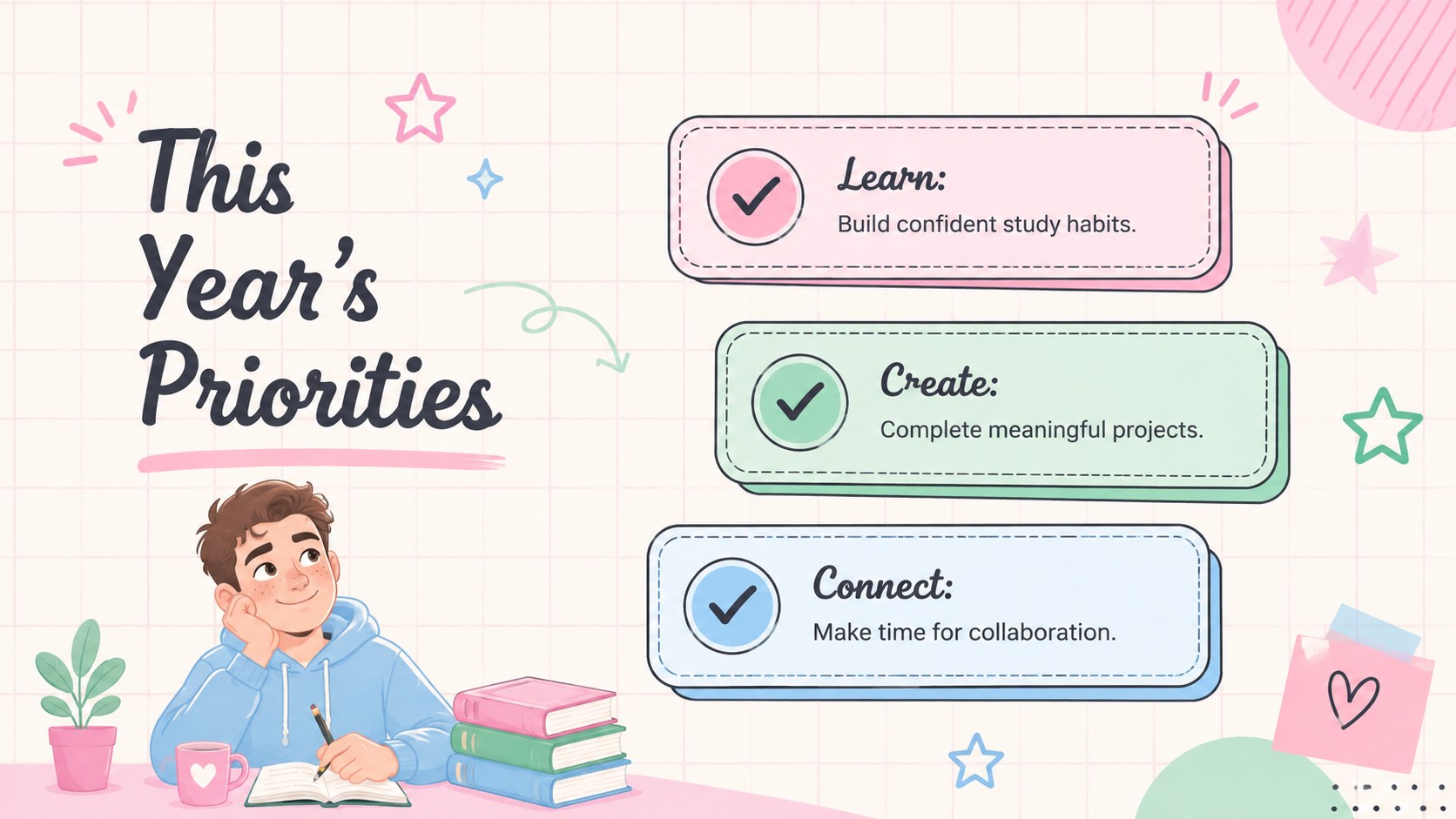
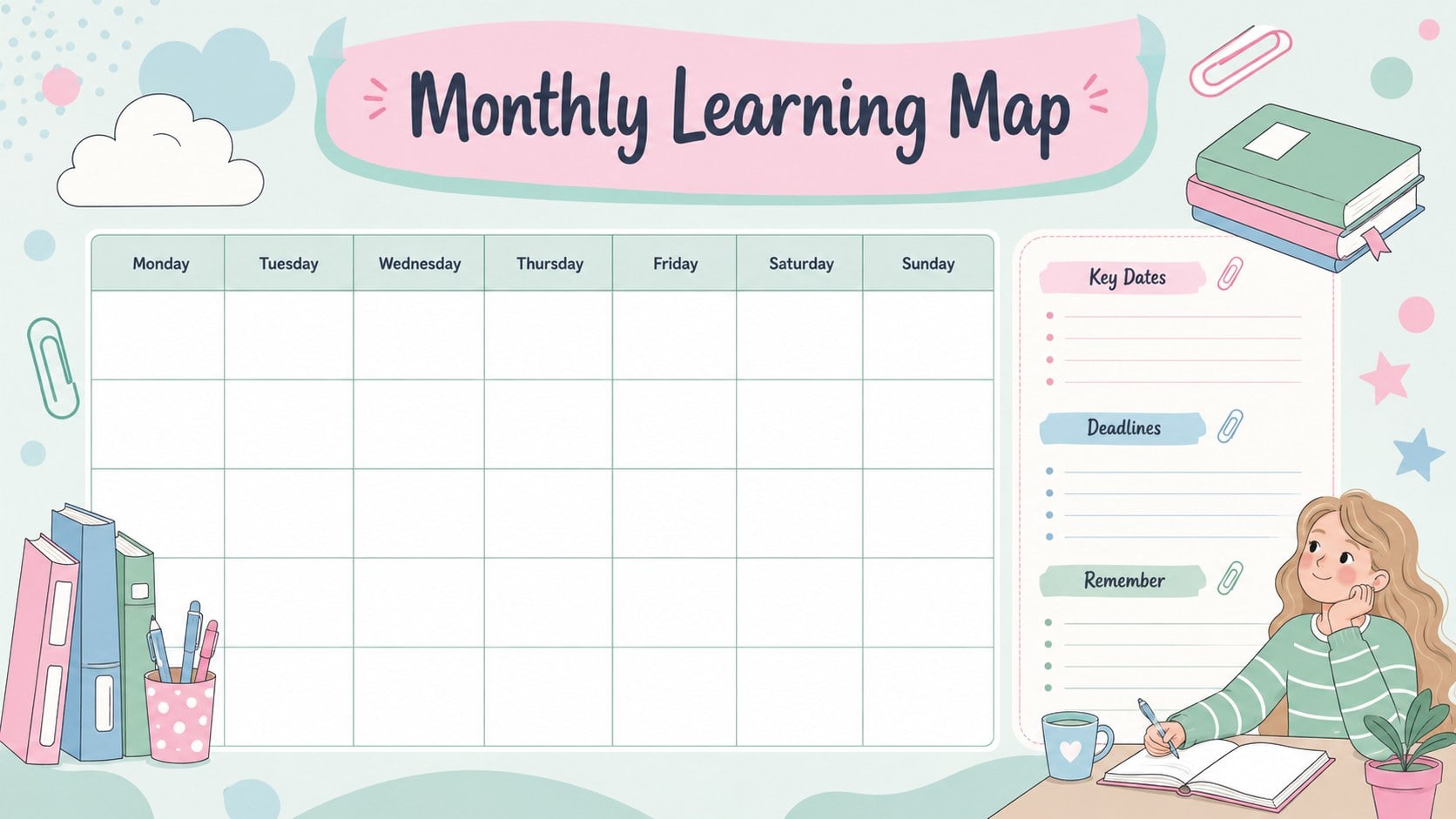
Inside, you will find adaptable layouts for a year-at-a-glance overview, monthly plans, weekly schedules, class timetables, assignment tracking, priority lists, project milestones, important dates, routines, reflections, and academic goals. Use the teacher monthly calendar template to coordinate units and events, or turn the student assignment tracker slides into a practical overview of upcoming work. A dedicated progress layout also helps transform the deck into an academic goals presentation deck for check-ins and mentoring conversations.
This presentation is suited to elementary and secondary educators, college students, tutors, homeschool families, and academic support teams. Every page can be edited in PowerPoint or Google Slides, including colors, type, labels, illustrations, and schedule entries. Duplicate layouts for additional months or subjects, remove pages you do not need, and rearrange the sequence to match a semester, full school year, or personal study routine.
Perfect for: school year planning; monthly lesson scheduling; student assignment tracking; semester goal reviews; class timetable organization.
Frequently asked questions
Can I edit this planner in PowerPoint and Google Slides? Yes. The layouts, text, colors, and graphic elements can be customized in either PowerPoint or Google Slides. Font availability and animation behavior may vary slightly between the two platforms.
Practical details
Yes. The layouts, text, colors, and graphic elements can be customized in either PowerPoint or Google Slides. Font availability and animation behavior may vary slightly between the two platforms.
Yes. Duplicate, rename, remove, or reorder the monthly and weekly pages to match your academic calendar. Date labels and timetable entries are editable, so the deck can support semesters, quarters, or shorter teaching units.
Select the relevant shapes, backgrounds, and text elements, then replace their fill or font colors with your preferred palette. Keeping a small set of coordinated light colors will preserve the friendly illustrated style.
Yes. Teachers can use it for lessons, classroom routines, and key dates, while students can manage assignments, study plans, and goals. Unneeded sections can be removed to create a more focused personal planner.
Keep exploring
15Build stronger academic arguments with a college essay thesis builder featuring guided examples, revision prompts, and editable PowerPoint and Google Slides.
 15
15Build an engaging World UFO Day session with this flying saucer history lesson deck, featuring retro green-and-brown slides for PowerPoint and Google Slides.
 14
14Plan a memorable Lunar New Year campaign with the 2036 Dragon Year Celebration Theme, featuring bold red-and-yellow slides for lessons and events.
 15
15Build a thoughtful classroom discussion with this interfaith awareness lesson deck, featuring editable blue-and-white slides for PowerPoint and Google Slides.
 15
15Use this environmental awareness lesson deck to teach climate action through illustrated activities, discussion prompts, and ready-to-edit visuals.
 15
15Build playful lessons and party stories with a kid-friendly zombie celebration theme in purple, green and pastel blue for PowerPoint and Google Slides.
 15
15Build eerie lessons, campaigns, and story pitches with an undead survival scenario theme featuring editable slides for PowerPoint and Google Slides.
 16
16Turn environmental research into a clear story with a Watercolor Ecology Presentation Theme for PowerPoint and Google Slides in calming green and blue.