
 15
15presentation
College Essay Thesis Builder Slides
Build stronger academic arguments with a college essay thesis builder featuring guided examples, revision prompts, and editable PowerPoint and Google Slides.
Google SlidesPowerPoint
presentation · English
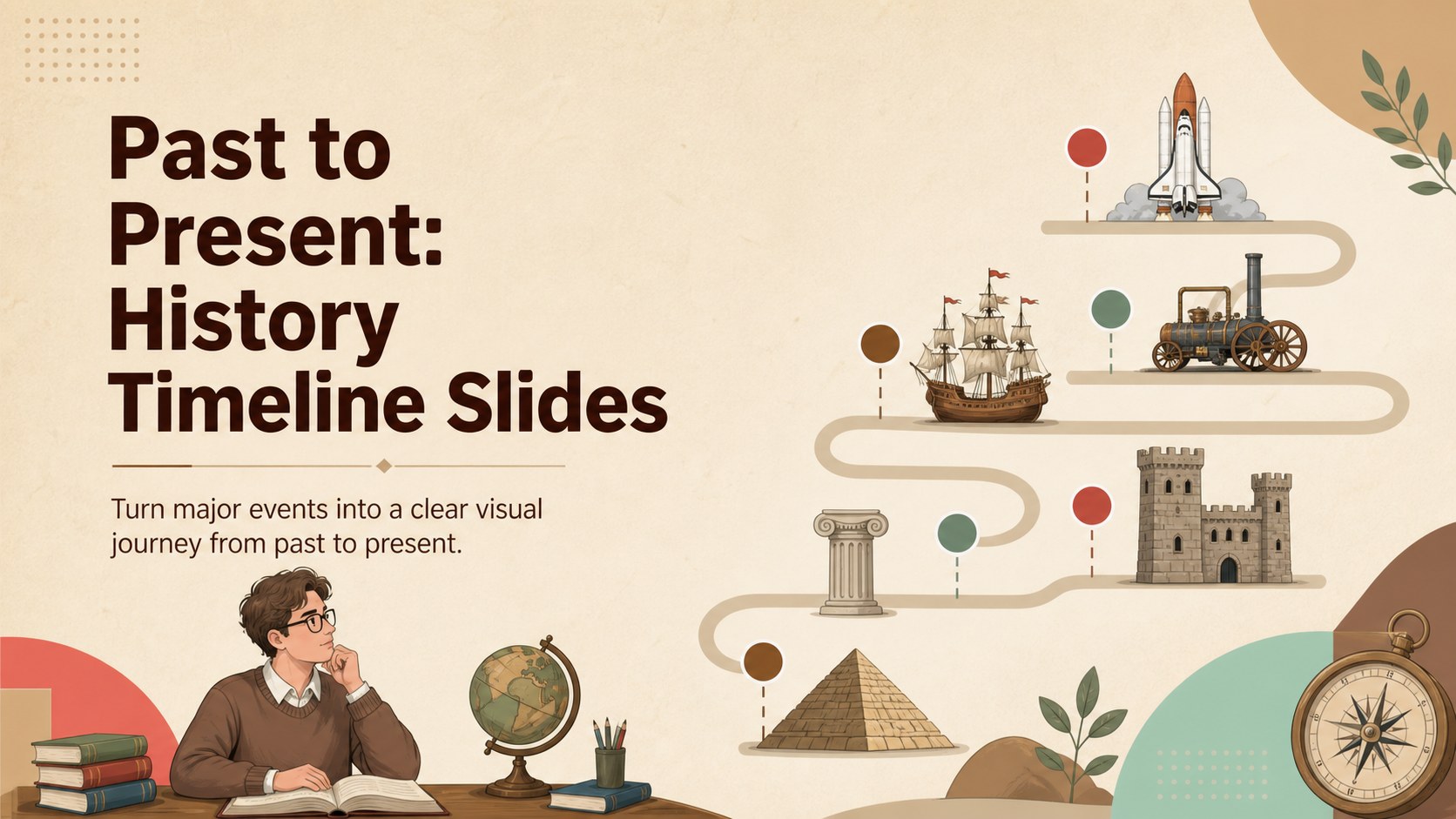
Build a memorable history timeline infographic deck for lessons, exhibits, and reports with colorful brown layouts that work in PowerPoint and Google Slides.
Design notes
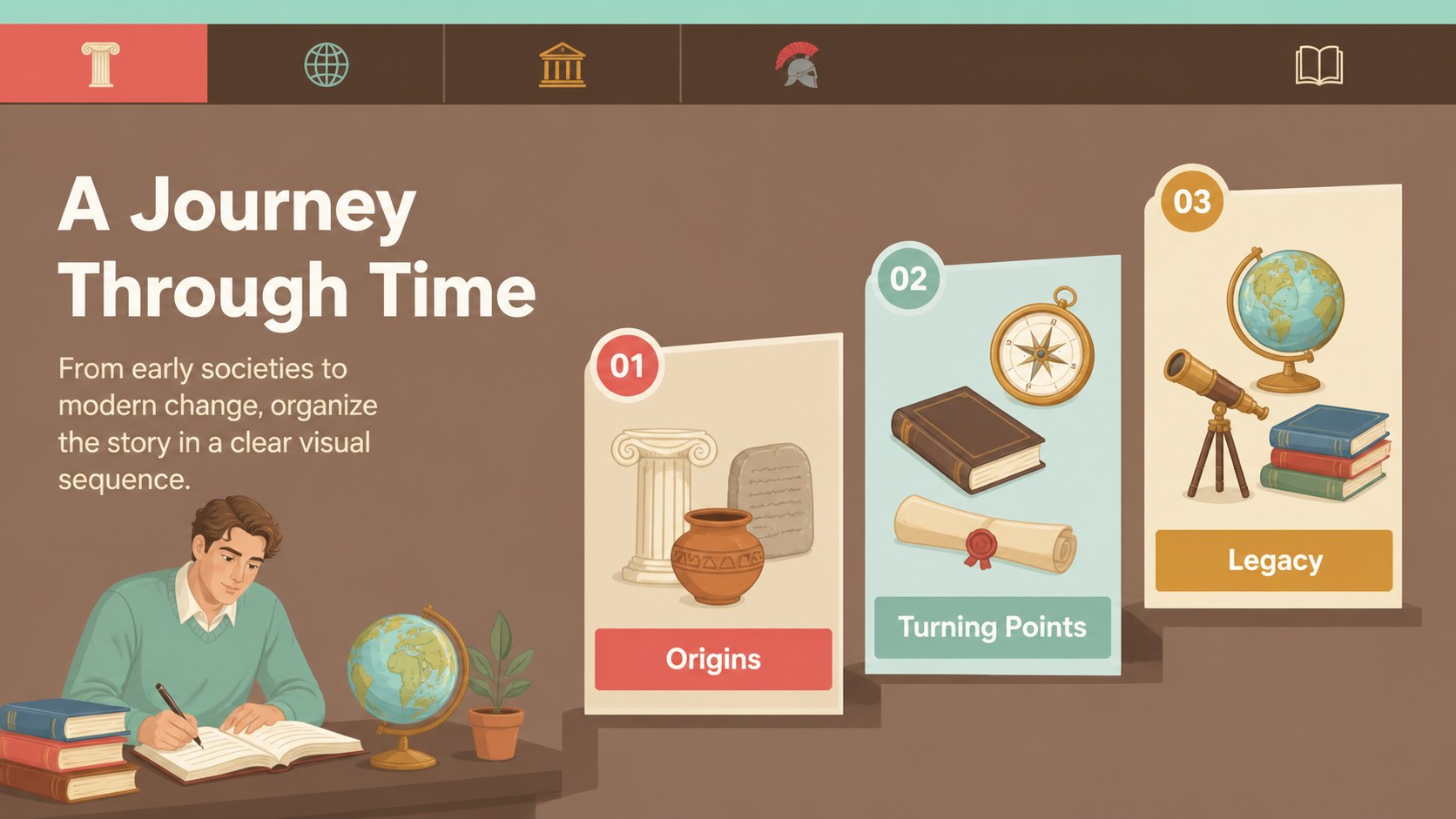
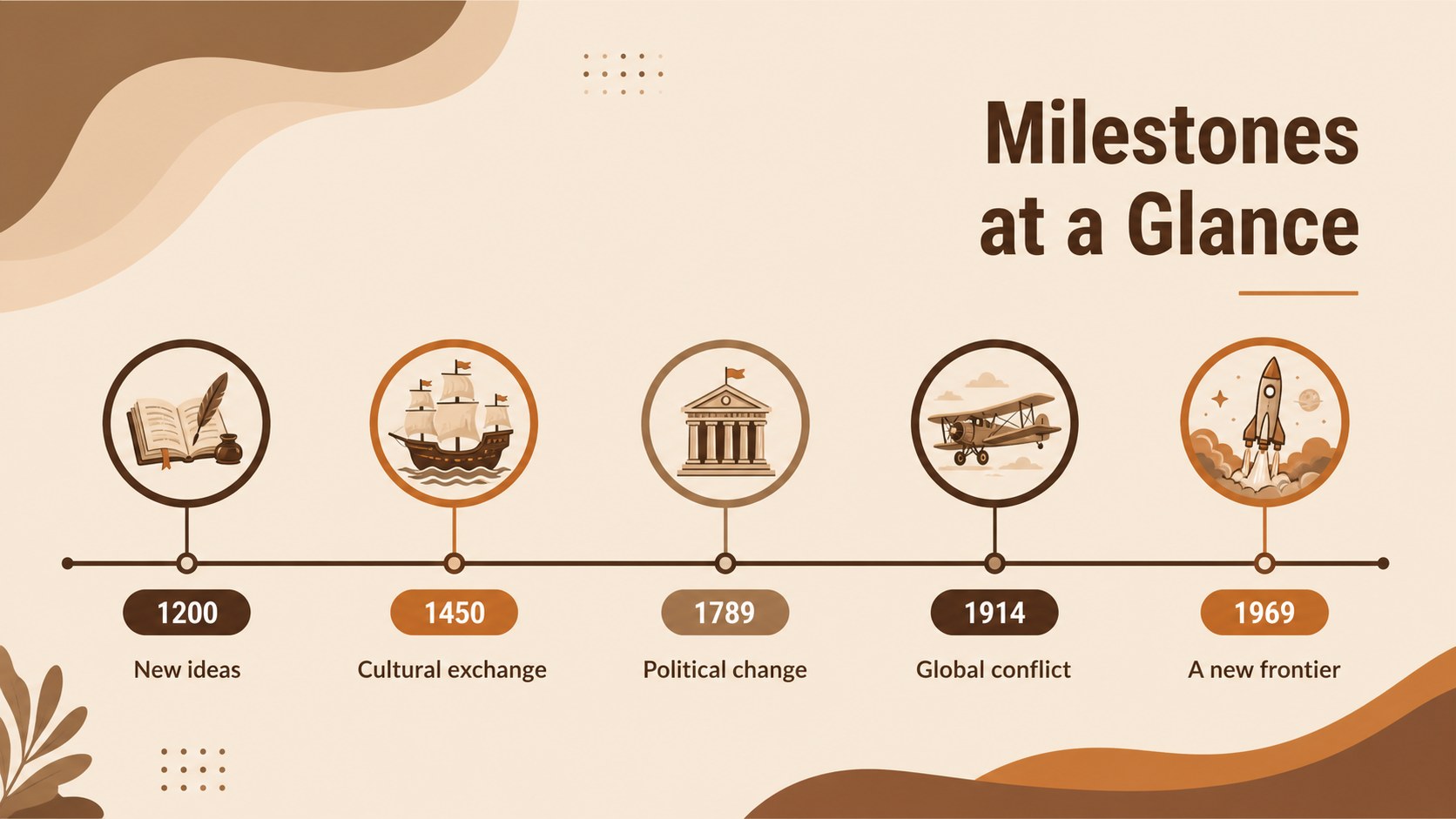
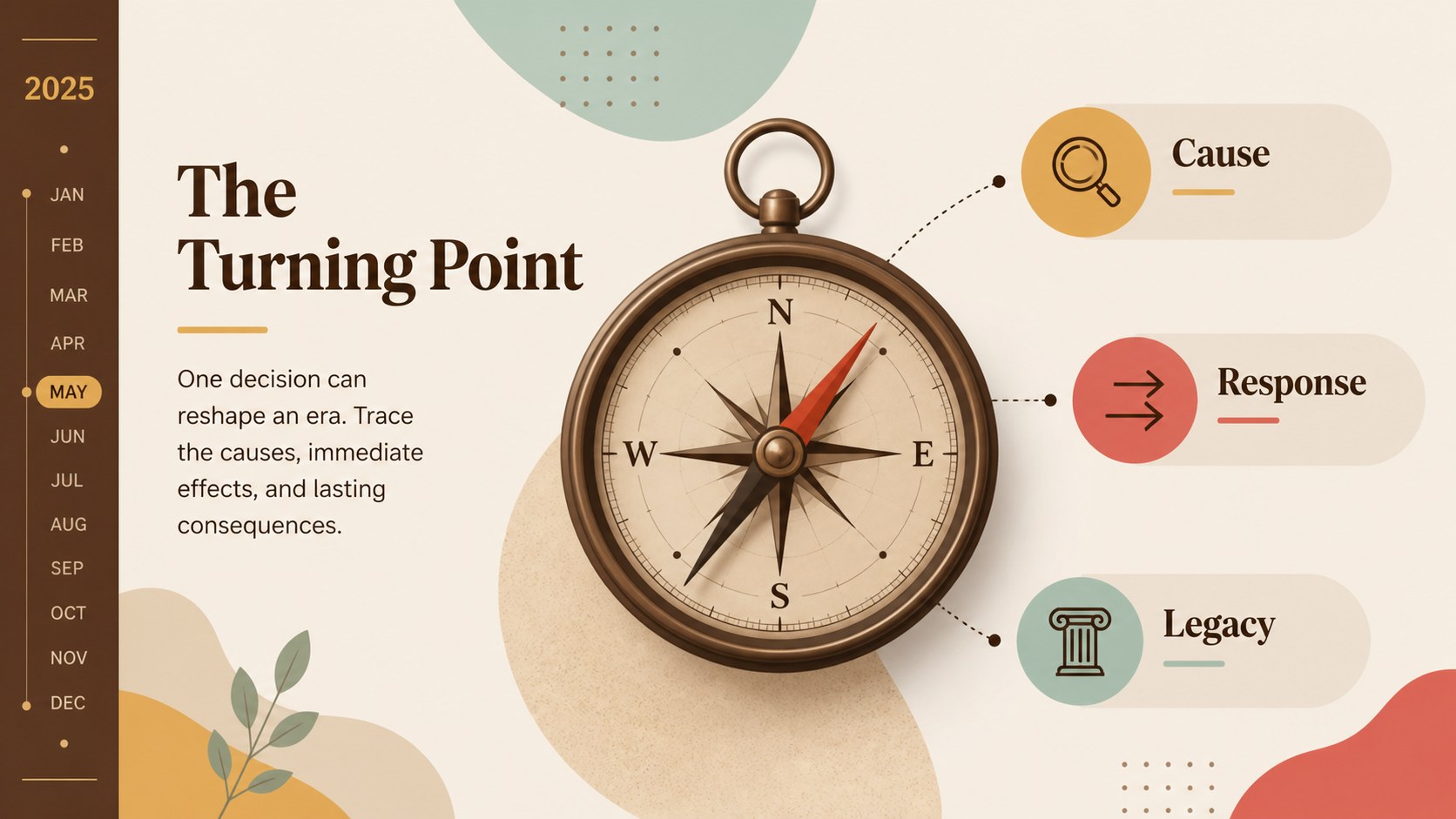
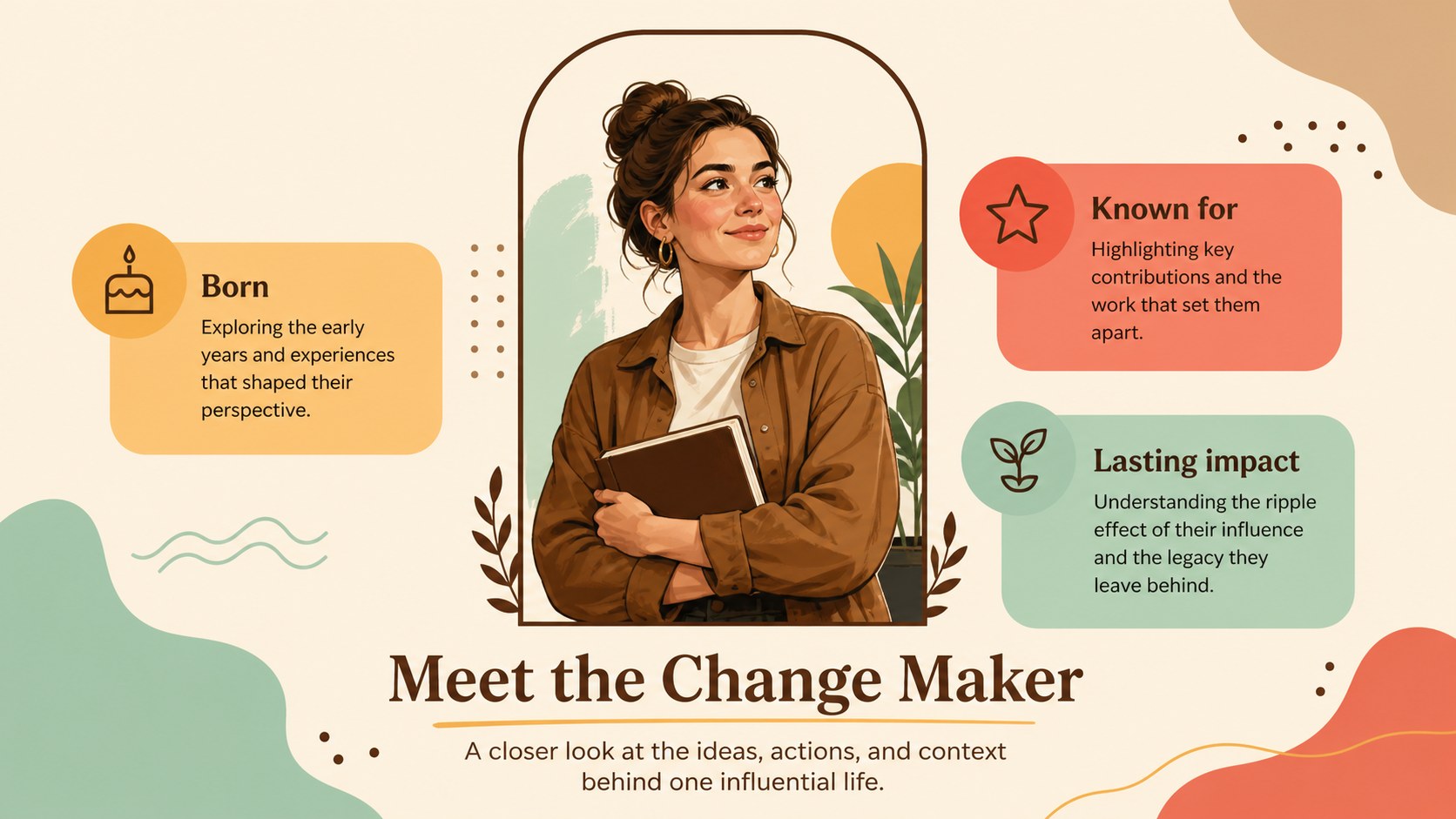
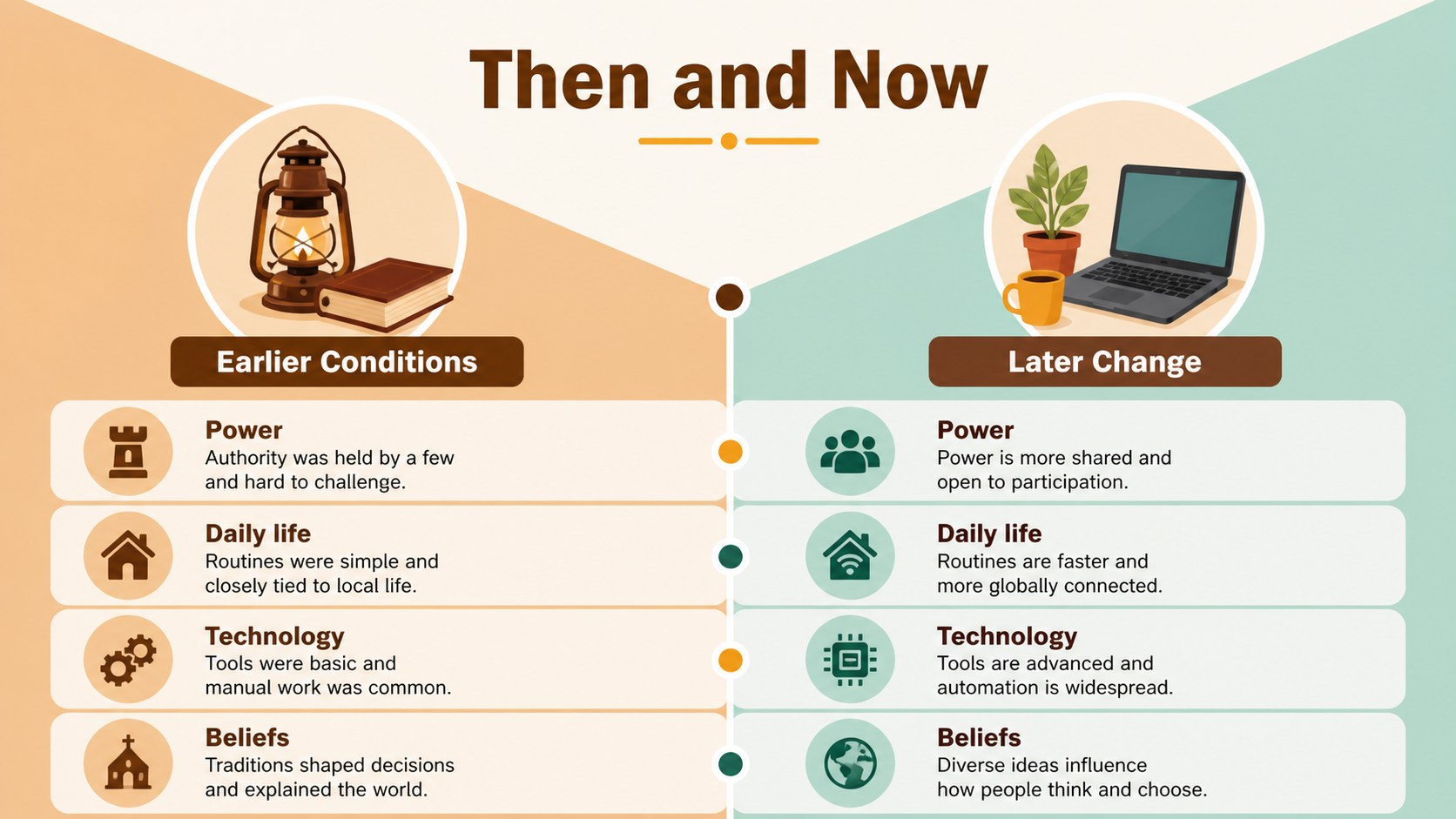
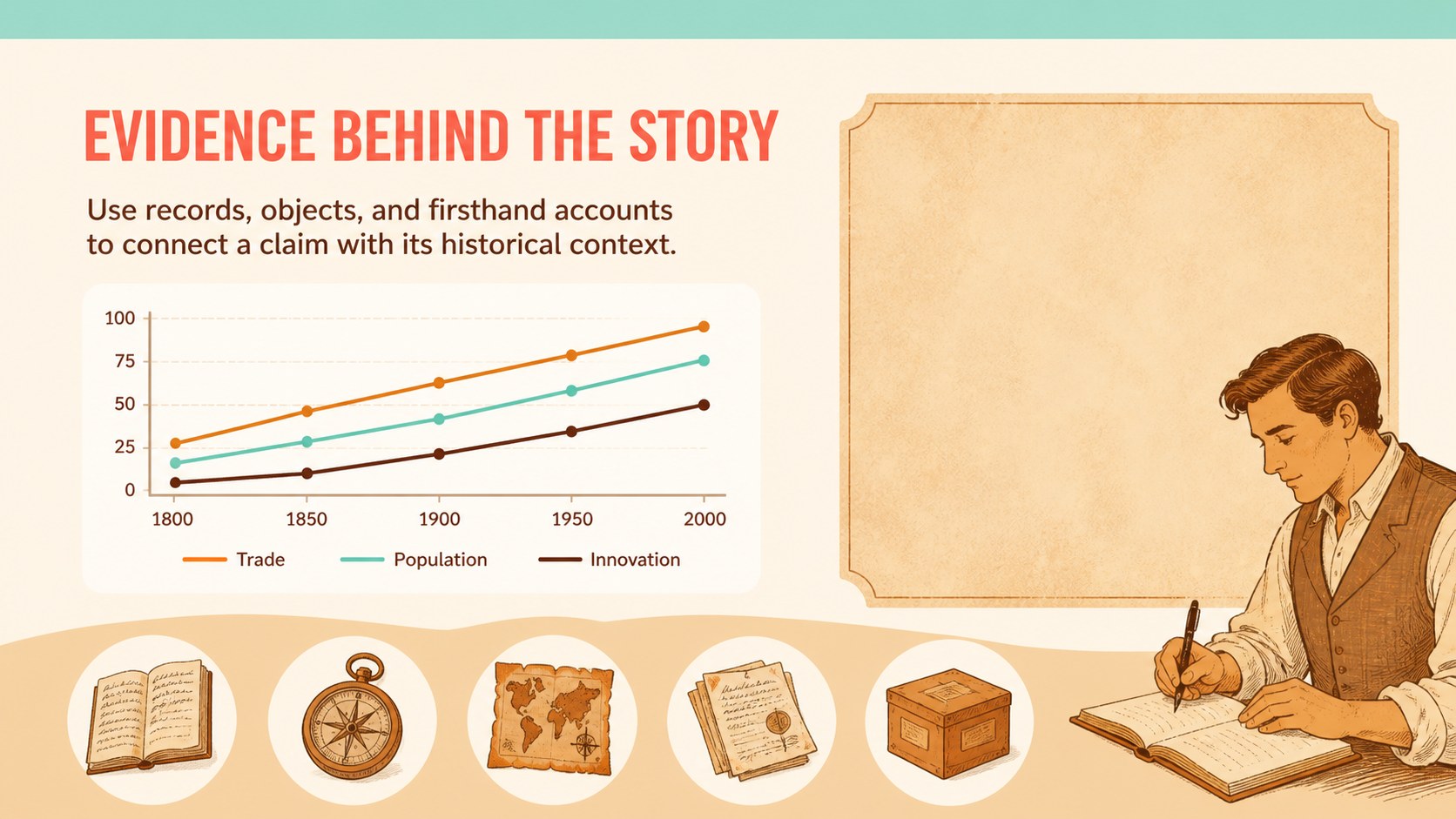
Turn major events, influential figures, and cultural shifts into a clear visual journey with this history timeline infographic deck. Its warm brown palette, colorful accents, and illustrated editorial style give historical material an approachable look while keeping dates, facts, and comparisons easy to scan.
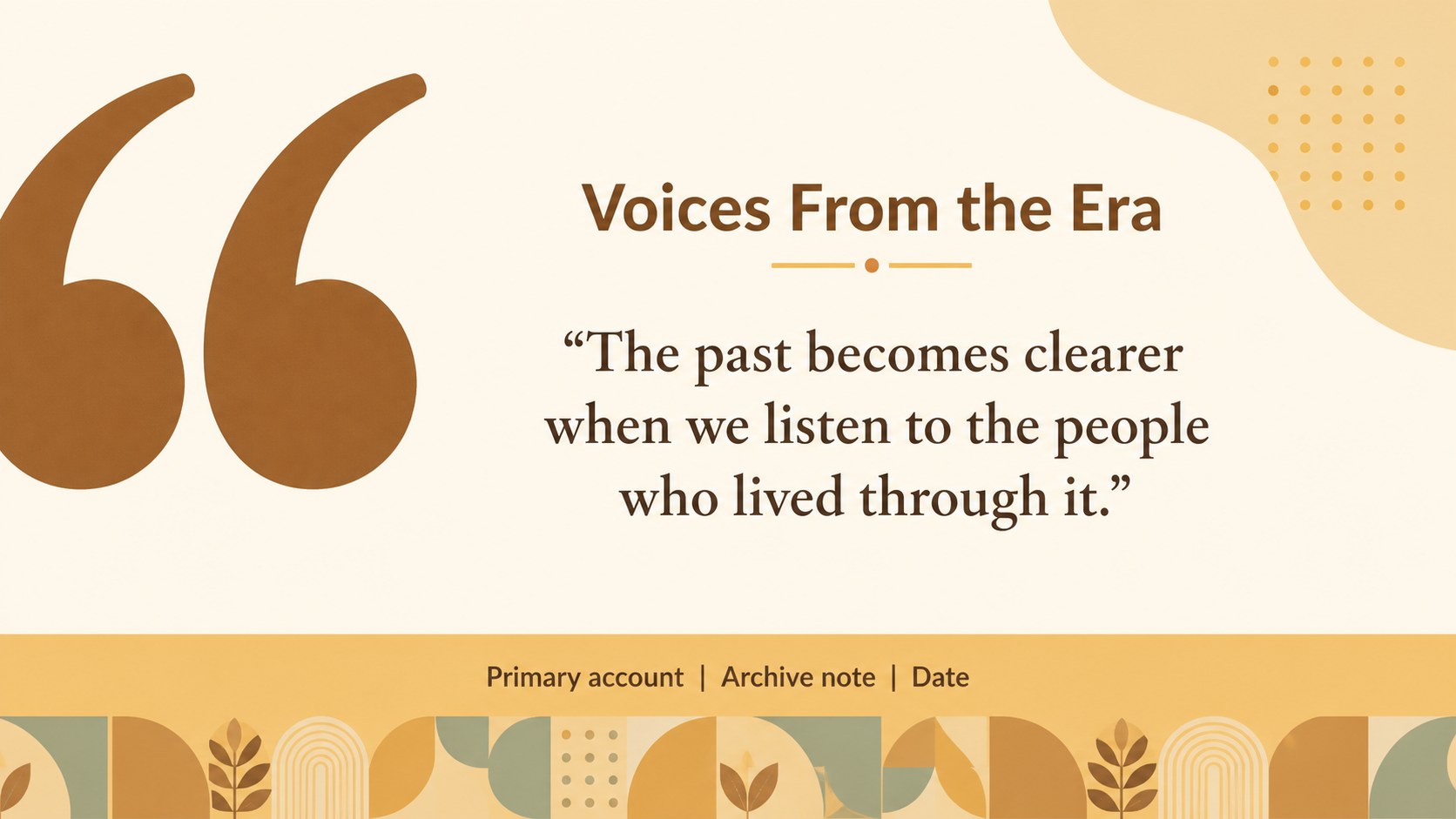
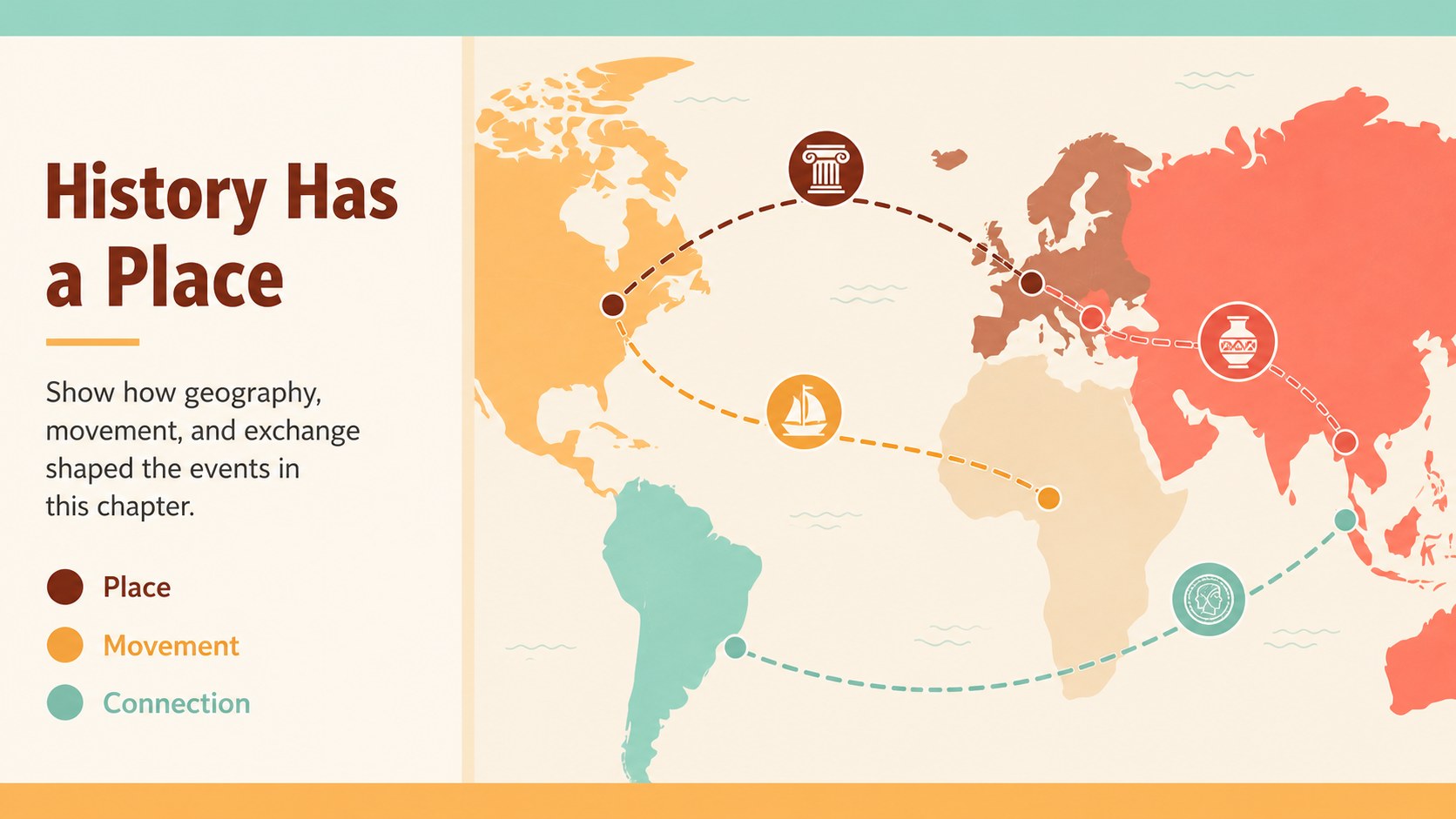
Inside, you’ll find a cover, overview, chronological timeline, event profile, key figure layout, comparison slide, data-driven history page, quote or source page, regional context map, milestone recap, and closing summary. The layouts are flexible enough for a historical timeline presentation, a classroom unit, a museum exhibit proposal, or a research report. Replace the sample text, adjust the chronology, and rearrange visual elements to match your subject.
The deck is designed for teachers, students, museum educators, cultural organizations, and anyone who needs polished history classroom slides without building every page from scratch. Edit it in PowerPoint or Google Slides, then export the finished presentation as a PDF or image set for sharing and display. Lato, Roboto Condensed, and Roboto Mono support a readable mix of headings, labels, captions, and source notes. Use the included visual system to create a chronological events infographic that feels informative, memorable, and easy to present.
Perfect for: history classroom lesson; museum exhibit proposal; student research presentation; cultural heritage report; historical documentary briefing.
Frequently asked questions
Can I edit this template in PowerPoint? Yes. The layouts, text, colors, and illustrations can be customized in PowerPoint. Replace the sample chronology with your own dates, events, and sources.
Practical details
Yes. The layouts, text, colors, and illustrations can be customized in PowerPoint. Replace the sample chronology with your own dates, events, and sources.
Yes, the presentation can be opened and edited in Google Slides. Check fonts and spacing after importing, then update any text or visual elements needed for your presentation.
Yes. You can adjust the background tones, accent colors, and illustration colors to suit a period, institution, or school brand. Keep strong contrast between dates, labels, and body copy for readability.
The layouts support chronological lessons, historical figure profiles, museum proposals, cultural heritage reports, and research summaries. They can also organize regional comparisons or a sequence of major events.
Keep exploring
15Build stronger academic arguments with a college essay thesis builder featuring guided examples, revision prompts, and editable PowerPoint and Google Slides.
 15
15Build an engaging World UFO Day session with this flying saucer history lesson deck, featuring retro green-and-brown slides for PowerPoint and Google Slides.
 14
14Plan a memorable Lunar New Year campaign with the 2036 Dragon Year Celebration Theme, featuring bold red-and-yellow slides for lessons and events.
 15
15Build a thoughtful classroom discussion with this interfaith awareness lesson deck, featuring editable blue-and-white slides for PowerPoint and Google Slides.
 15
15Use this environmental awareness lesson deck to teach climate action through illustrated activities, discussion prompts, and ready-to-edit visuals.
 15
15Build playful lessons and party stories with a kid-friendly zombie celebration theme in purple, green and pastel blue for PowerPoint and Google Slides.
 15
15Build eerie lessons, campaigns, and story pitches with an undead survival scenario theme featuring editable slides for PowerPoint and Google Slides.
 16
16Turn environmental research into a clear story with a Watercolor Ecology Presentation Theme for PowerPoint and Google Slides in calming green and blue.